Rig Doctor
 Mergim Sahiti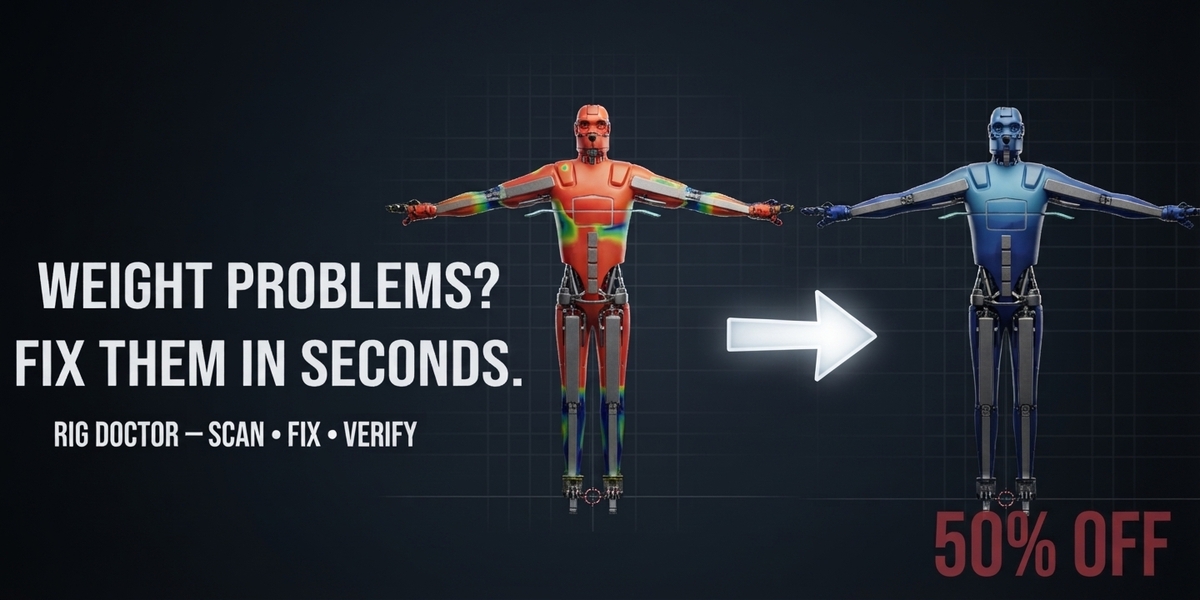


Rig Doctor
Rig Doctor is a Blender addon for detecting and repairing common character rigging and weight problems.
Requirements
- Blender 5.0 or newer
- A rigged character
- An armature with deform bones
- A mesh using the armature for deformation
1. Installation
-
Download the Rig Doctor
.zipfile from your Superhive purchase. - Open Blender.
- Go to Edit → Preferences → Add-ons.
- Click Install...
-
Select the downloaded Rig Doctor
.zipfile. - Enable the Rig Doctor checkbox.
- Rig Doctor is now installed.
You do not need to extract the ZIP before installing it.
2. Opening Rig Doctor
After installation:
- Open the 3D Viewport.
- Press N to open the Sidebar.
- Find the Rig Doctor tab.
Select the character mesh you want to check.
3. Scan Your Character
Select your character mesh and click:
SCAN CHARACTER
Rig Doctor will analyze the mesh and check for common rigging and weight problems.
The scan can detect:
- Zero Weight Vertices — vertices with no usable weight
- Over 4 Influences — vertices influenced by more than four bones
- Unnormalized Weights — weights that do not add up correctly
- Empty Vertex Groups
- Unused Vertex Groups
- Missing Bone Groups
- Rotation Problems
- Scale Problems
- Negative Scale
- Mesh / Armature Transform Problems
The scan results are displayed directly in the Rig Doctor panel.
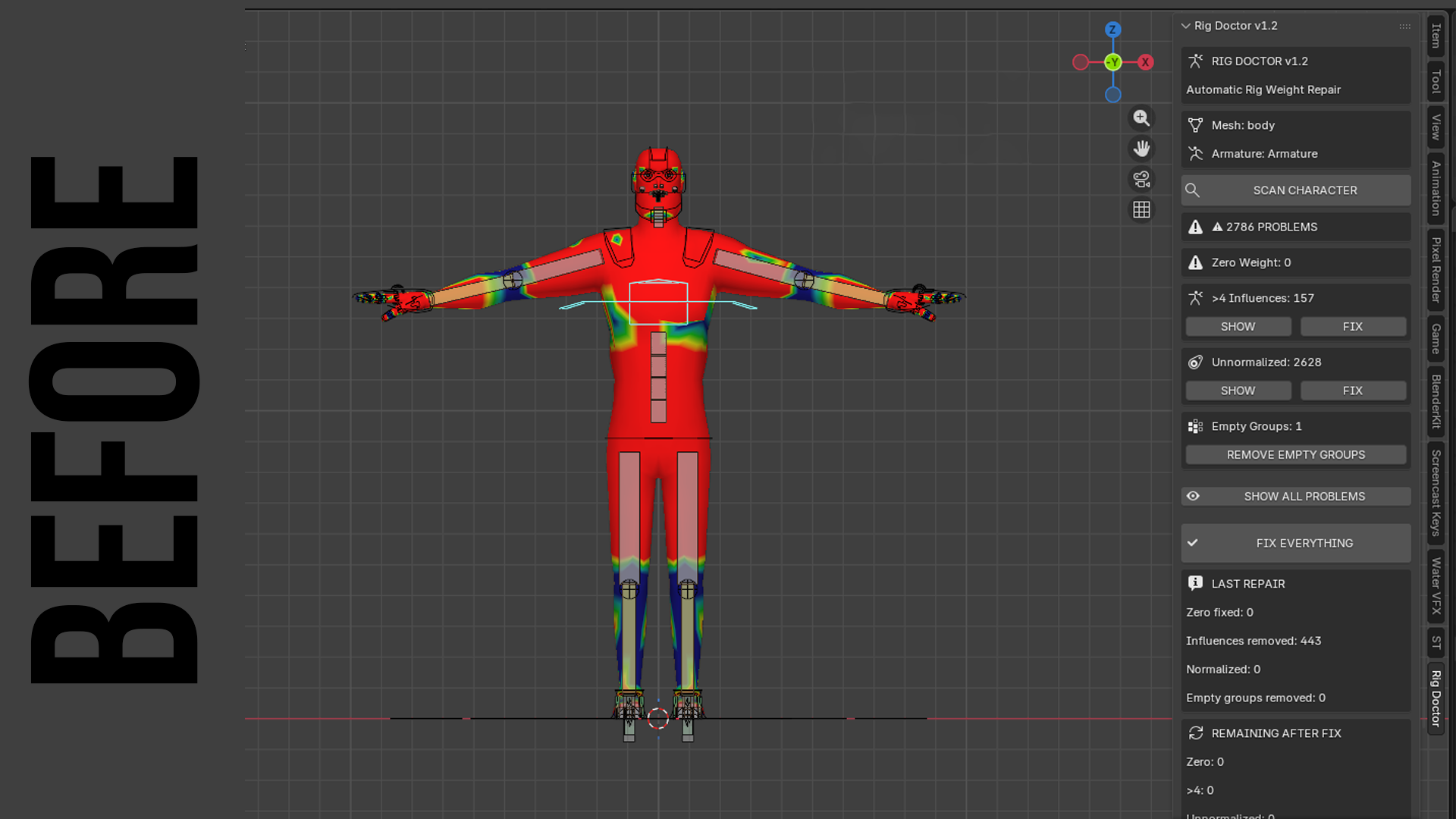
4. Understanding the Results
Zero Weight
These are vertices that have no effective bone influence.
Zero-weight vertices may cause parts of a character to behave incorrectly during posing or animation.
Over 4 Influences
Some game engines and animation workflows limit vertices to four bone influences.
Rig Doctor can detect vertices that exceed this limit.
Unnormalized Weights
A properly weighted vertex normally has its weights normalized.
Rig Doctor identifies vertices whose total weight is outside the expected range.
Empty Vertex Groups
Vertex groups that contain no vertices can accumulate during the rigging process.
Rig Doctor can identify these groups so they can be cleaned up.
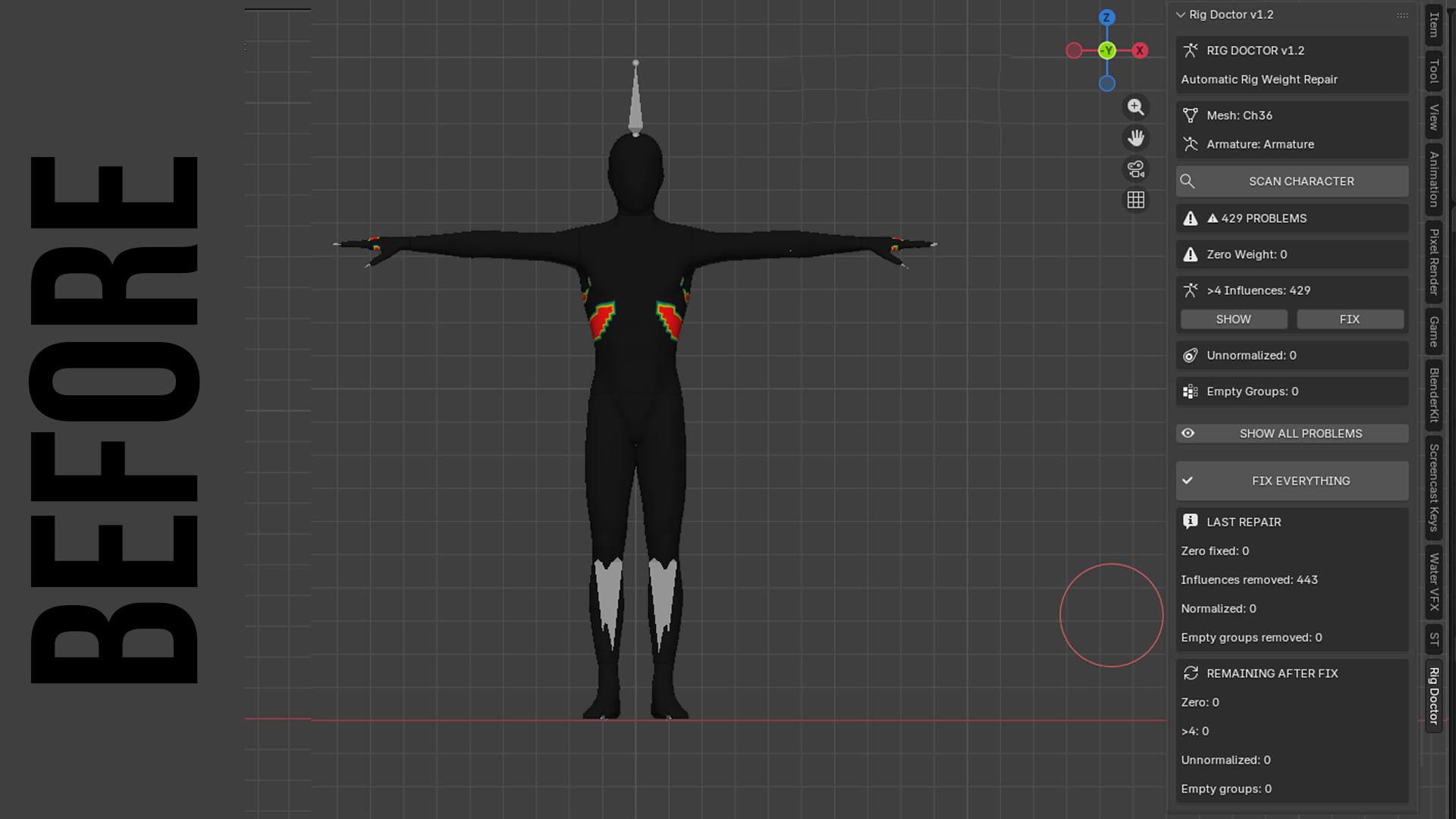
Rotation and Scale
Unapplied or problematic transforms can cause unexpected behavior when rigging, exporting, or animating a character.
Rig Doctor reports these issues so you can review them before continuing.
5. Fix Everything
After scanning your character, click:
FIX EVERYTHING
Rig Doctor will attempt to automatically repair problems that can be safely corrected.
Depending on the problem, Rig Doctor can:
- Repair zero-weight vertices
- Limit excessive bone influences
- Normalize vertex weights
- Remove empty vertex groups
- Clean up common weight problems
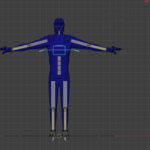
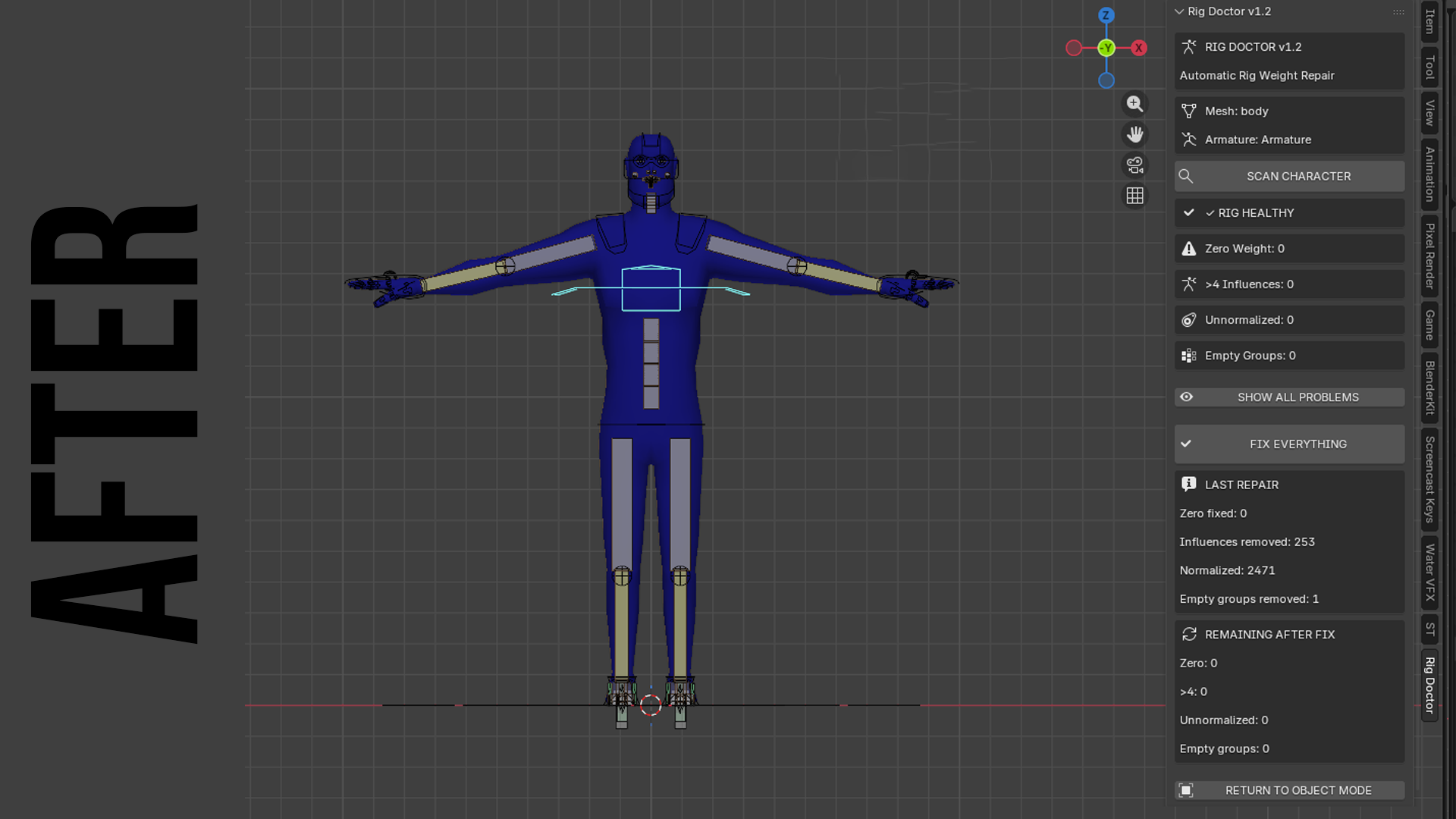
After the repair process, Rig Doctor performs another scan.
This is important because Rig Doctor does not simply assume that a repair succeeded.
The character is checked again to verify the result.
6. Verify Your Character
After using FIX EVERYTHING, check the new scan results.
For example:
Before
Zero Weight:        342
Over 4 Influences:   87
Unnormalized:       126
After
Zero Weight:          0
Over 4 Influences:    0
Unnormalized:         0
A problem that cannot be safely repaired automatically may remain in the scan results and require manual adjustment.
7. Show Problem Vertices
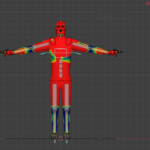
Rig Doctor can highlight problematic vertices so you can visually identify where the problem is located on your character.
Use the SHOW option next to the corresponding problem.
This is useful when a character has a large number of vertices and you need to quickly locate the affected area.
8. Recommended Workflow
For the best results, use this workflow:
1. Select Character
↓
2. Scan Character
↓
3. Review Problems
↓
4. Fix Everything
↓
5. Automatic Rescan
↓
6. Review Remaining Problems
↓
7. Test Your Character in Pose Mode
This allows you to identify problems before they cause issues later in your animation or game-engine workflow.
9. Important Notes
Rig Doctor is designed to automatically repair common rigging and weight problems, but not every rigging problem should be changed automatically.
Always test your character after an automatic repair, especially if the character has a complex or custom rig.
Rig Doctor does not replace proper rigging practices. It is designed to help you find problems faster, repair common issues, and verify the result.
Have questions about this product?
Login to message
| Published | about 2 months ago |
| Blender Version | |
| Extension Type | N/A |
| Render Engine Used | Blender-Internal, Cycles, Eevee, Freestyle |
| License | GPL |
