 Anvil Interactive Solutions
Rig Export Preflight 1.0 · Blender 4.2 – 5.2 LTS
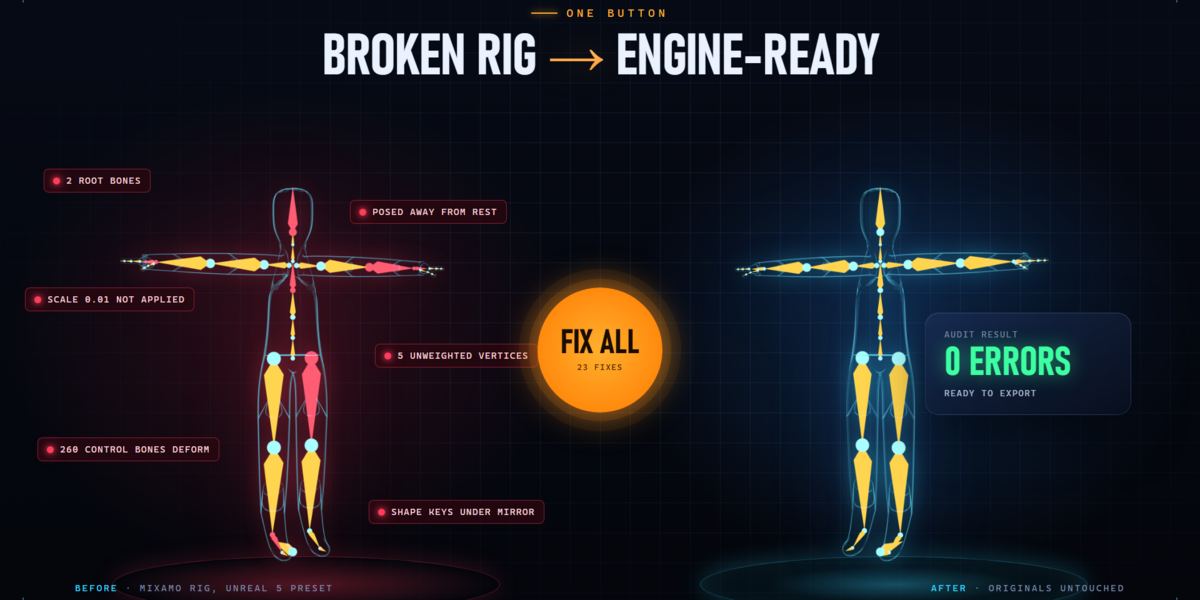
Broken rig in.
Engine-ready rig out.
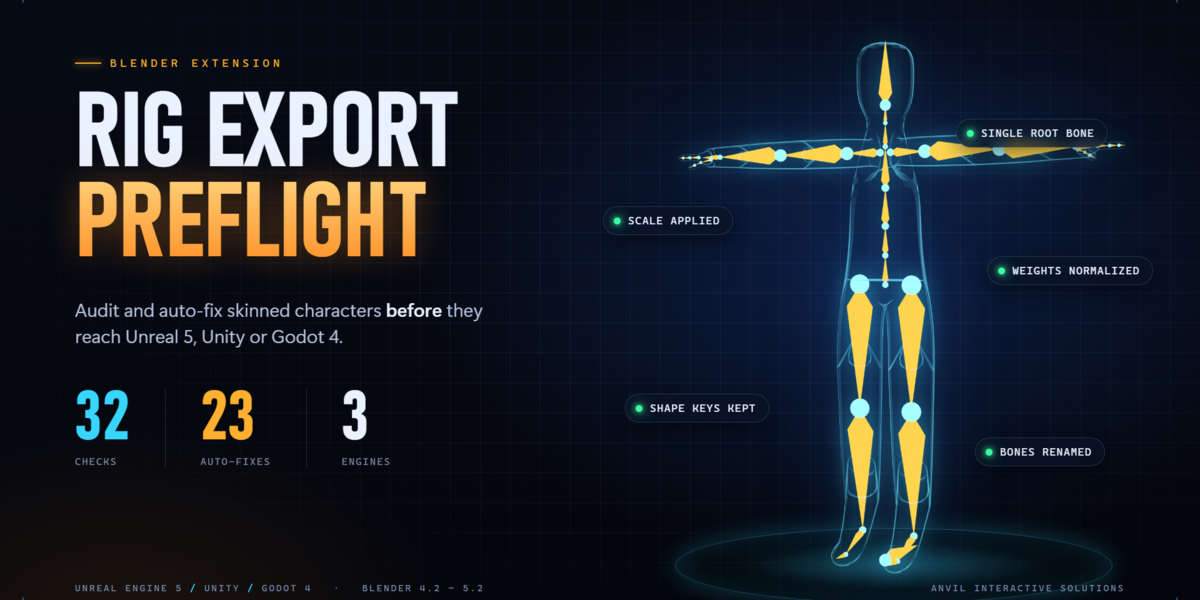
Audit and auto-fix skinned characters before they reach Unreal Engine 5, Unity or Godot 4. Rig Export Preflight runs 32 checks, applies 23 one-click fixes, and exports a clean FBX or glTF. Your original objects are never touched.
RIGIFY AUTO-RIG PRO MIXAMO CHARACTER CREATOR 4 HUMAN GENERATOR HAND-MADE RIGS
✓ No other add-ons required · ✓ No internet connection · ✓ Originals never modified
WATCH IT WORK · 1 MINUTE
The export loop
Stop finding rig problems
after the import.
Export, import, find a problem, go back to Blender, repeat. An extra root bone in Unreal. A character a hundred times too small. Vertices that stay behind when the arm moves. Shape keys that vanished. Two hundred control bones the engine thinks are skin.
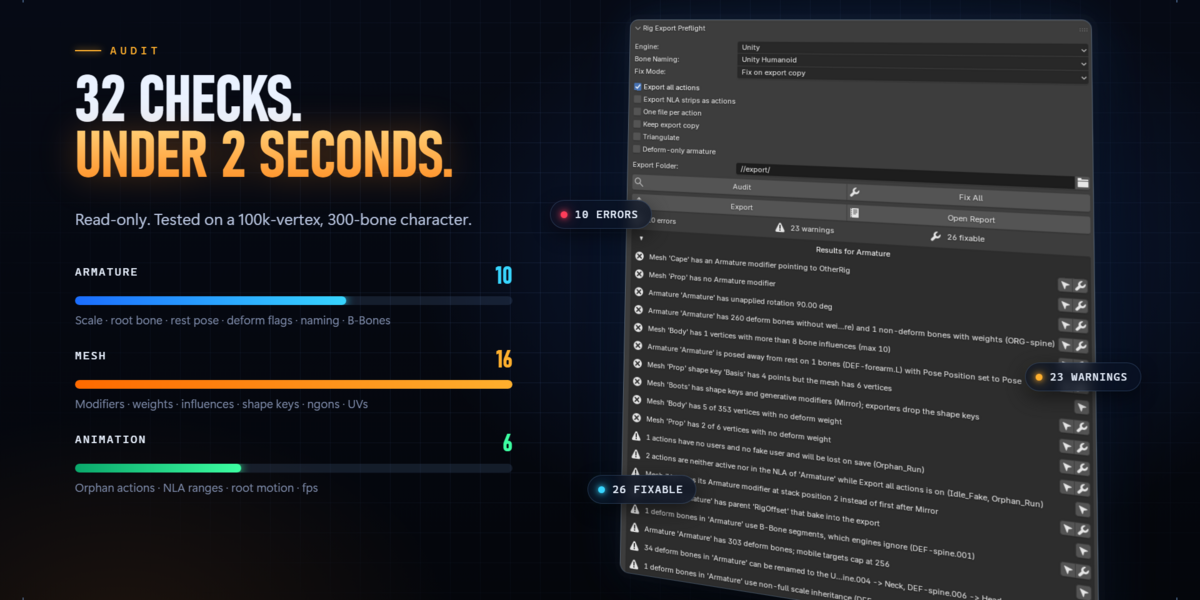
Rig Export Preflight catches all of it before you export. Select the armature, press Audit, and every problem is listed with its severity, the objects affected and whether it can be fixed.
Audit · 32 checks
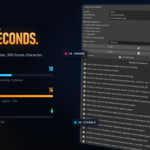
32 checks.
Under 2 seconds.
Read-only, and fast even on heavy characters: under 2 seconds on a 100,000-vertex, 300-bone rig.
|
10 ARMATURE Unapplied scale and rotation, root bone, rest pose, control bones set to deform, bone count, naming, B-Bones, bone scale, constraints. |
16 MESH Armature modifiers, unweighted vertices, weight sums, influence limits, vertex groups, shape keys under modifiers, driven shape keys, ngons, loose geometry, UVs, material slots. |
6 ANIMATION Actions lost on save, unassigned actions, NLA strip ranges, root motion, scale keys on deform bones, frame rate. |
● ERROR the export will break ● WARN works but breaks the engine preset ● INFO advisory
Fix All · 23 fixes
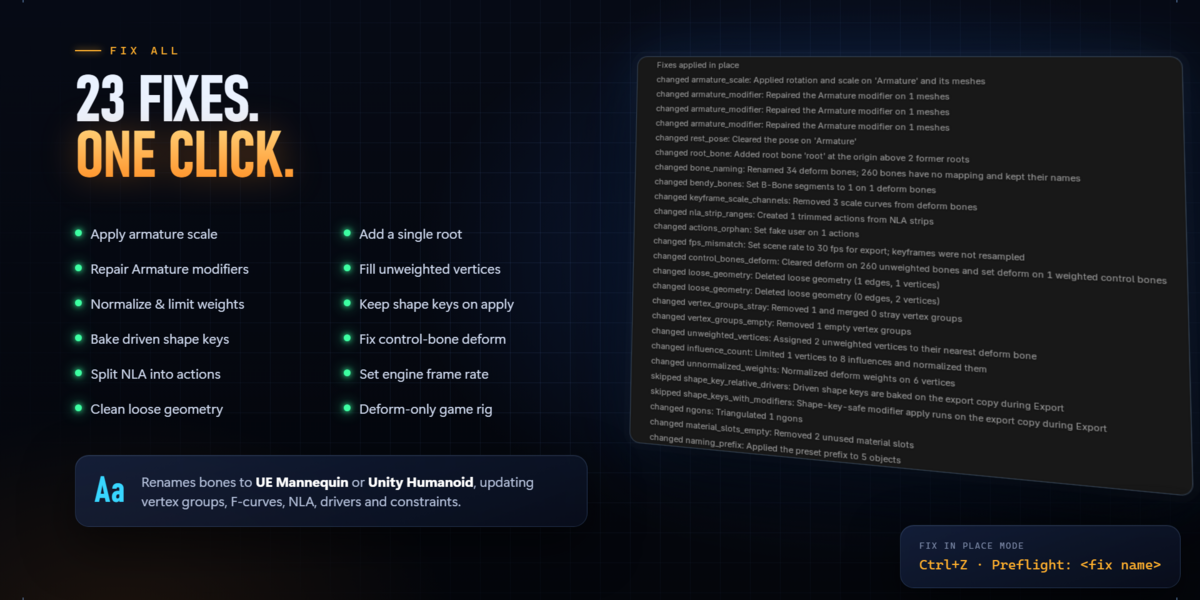
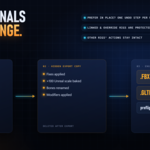
23 fixes.
One click.
|
Transforms & root Applies armature scale and rotation and bakes it into the meshes and every action's keys. Adds or adopts a single root bone at the origin. |
Weights Assigns unweighted vertices to the nearest deform bone, normalizes weights, and limits influences per vertex to the engine's maximum. |
|
Shape keys that survive Applies Mirror, Subdivision and other modifiers without losing shape keys, and bakes driven shape keys so facial shapes still move in the engine. |
Animation Splits NLA strips into trimmed actions, removes scale keys on deform bones, protects orphan actions, and sets the engine frame rate (with optional resampling). |
|
Bone renaming Renames to UE Mannequin or Unity Humanoid. Vertex groups, F-curves, NLA, drivers and constraints are updated, and other rigs' actions are left alone. |
Deform-only game rig For Rigify and Auto-Rig Pro: builds a clean skeleton with only the bones that deform, and bakes every action onto it. |
Fix on export copy
Your originals
never change.
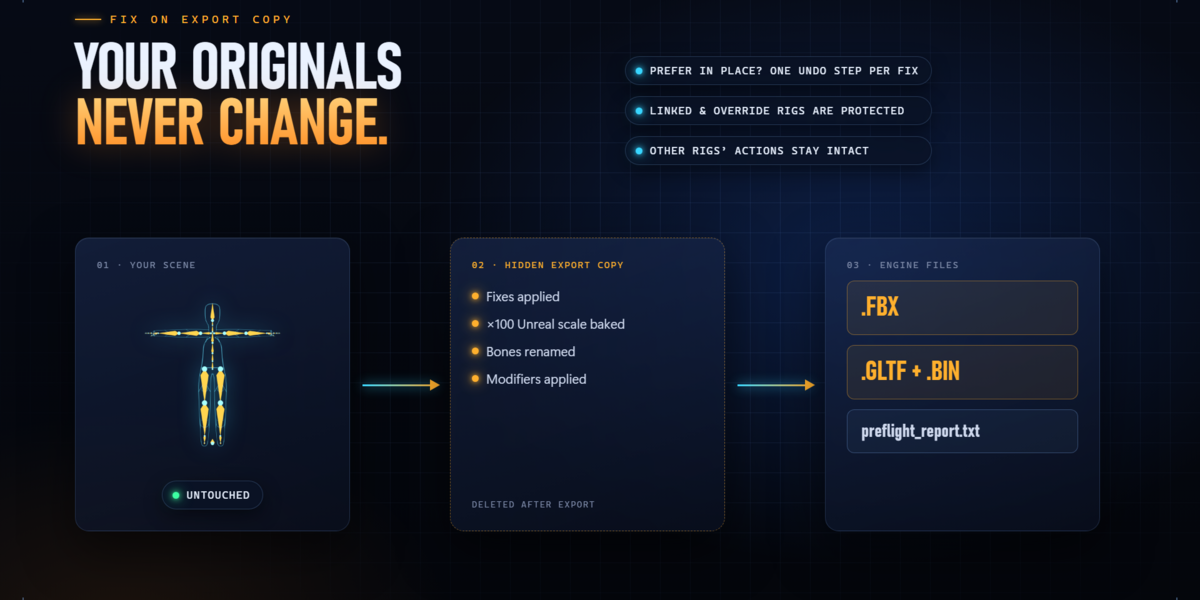
By default every fix runs on a duplicate in a hidden collection. The duplicate is exported, then deleted. Unreal's ×100 scale bake, bone renames and modifier applies never reach your scene, so your control rig keeps working exactly as it did.
| Prefer to clean the file itself? Fix in place: each fix is its own undo step, "Preflight: [fix name]" | ✓ |
| Linked and library-override rigs are protected: Fix in place refuses them | ✓ |
| Other rigs in the scene keep their actions intact after bone renames | ✓ |
| Keep export copy option to inspect exactly what was exported | ✓ |
Engine presets
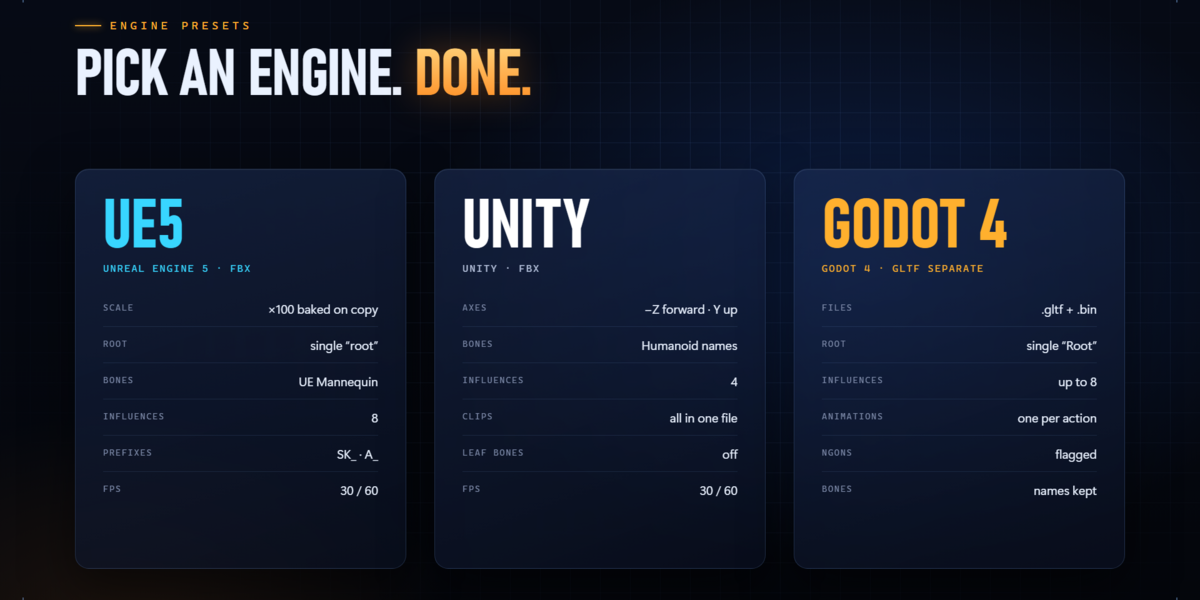
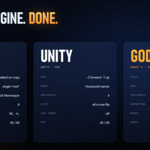
Pick an engine.
Done.
|
UE5 UNREAL ENGINE 5 · FBX ×100 scale baked on the copy |
UNITY UNITY · FBX Forward −Z, up Y |
GODOT 4 GODOT 4 · GLTF SEPARATE .gltf + .bin with skins, morph targets and animations |
Report
Every finding.
Every object.
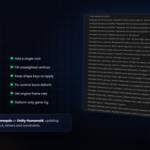
Each audit produces a plain-text report listing every finding, the objects affected and the fixes applied. You can see it in Blender, and it is saved next to your exported files, ready to attach to a ticket or send to a teammate.
Your existing pipeline
Works with the rig
you already have.
Rig Export Preflight reads only standard Blender data: armatures, vertex groups, shape keys, modifiers, actions and NLA. It recognizes Rigify, Auto-Rig Pro, Mixamo, Character Creator 4 and Human Generator naming without those add-ons installed, and it uses Blender's built-in FBX and glTF exporters.
Good to know
Compatibility
Blender: 4.2 LTS to 5.2 LTS. Tested on 4.2 LTS, 4.4 and 5.2 LTS.
Install: Blender extension (.zip). Edit → Preferences → Get Extensions → Install from Disk.
Where: 3D Viewport sidebar (N) → Preflight tab, with an armature or rigged mesh selected.
Platform: pure Python with no dependencies and no network access. Tested on Windows.
Included: the extension zip and a full user guide covering every option, all 32 checks, the engine presets, workflows for each rig type, and troubleshooting.
FAQ
Questions
Will it change my file?
Not unless you choose Fix in place. The default mode fixes and exports a temporary copy.
Do I need Auto-Rig Pro, Rigify or the CC4 tools installed?
No. It reads the rig data directly and recognizes their bone naming.
Does it retarget animation?
No. It renames bones so Unreal's IK Retargeter or Unity's Humanoid Avatar maps them automatically. It doesn't change your hierarchy.
Can I undo fixes?
Yes. In Fix in place mode each fix is its own undo step.
Does it work with linked characters?
Yes. Audit and the export-copy workflow work. Fix in place is refused on linked and library-override armatures, to protect the library.
Can I still use Blender's own exporter?
Yes. Fix in place, then export however you like.
Several characters in one scene?
Supported. It works on the selected armature, and other rigs and their actions are left alone.
RIG EXPORT PREFLIGHT
Audit. Fix All. Export.
Ship characters that import right the first time.
Anvil Interactive Solutions