Rig Panel
 espinosa746


Overview
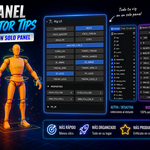
Rig Panel is a Blender add-on that lets you build a professional, animator-friendly control panel for any character rig — directly inside Blender's sidebar. No scripting required. Simply install the add-on, point it at your armature, and start building your UI in minutes.
Requirements
Blender 4.2 or higher
Any armature with bone collections and/or custom properties
Installation
Download the .zip file
In Blender, go to Edit → Preferences → Add-ons → Install from Disk
Select the downloaded .zip and click Install
Enable the add-on by checking the box next to "Rig Panel"
Open the N-Panel in the 3D Viewport (press N) and go to the Rig Panel tab
Tabs
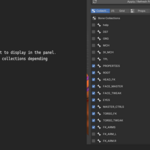
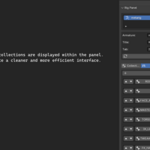
Collections — Check which bone collections to make available in your panel. Press the refresh icon to reload them from the armature.
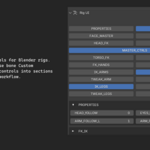
Grid — Build a button grid by adding rows and columns. Assign a bone collection to each cell. The grid previews live at the bottom.
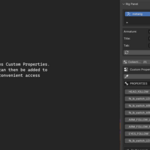
Props — Pick a bone, browse its custom properties, and add them to the panel with one click. Label each property and assign it to a section.
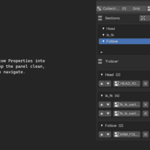
Sections — Create collapsible sections to group your properties. Use "Auto-group by Bone" to generate sections automatically, or build them manually. Assign multiple props at once with the bulk-assign dialog.
Script — Export your entire rig UI as a standalone Python script. The exported script works without the Rig Panel add-on installed — perfect for sharing rigs with other animators.
Have questions about this product?
Login to message
| Blender Extension Compatible | Yes |
| Published | 4 months ago |
| Blender Version | 4.2 - 5.1 |
| Extension Type | Add-on |
| Render Engine Used | Cycles |
| License | GPL |

Discover more products like this
rigging animation blender addon Rig-UI armature sidebar panel Character rigging Animator Tools bone collections custom properties