 Creative Collections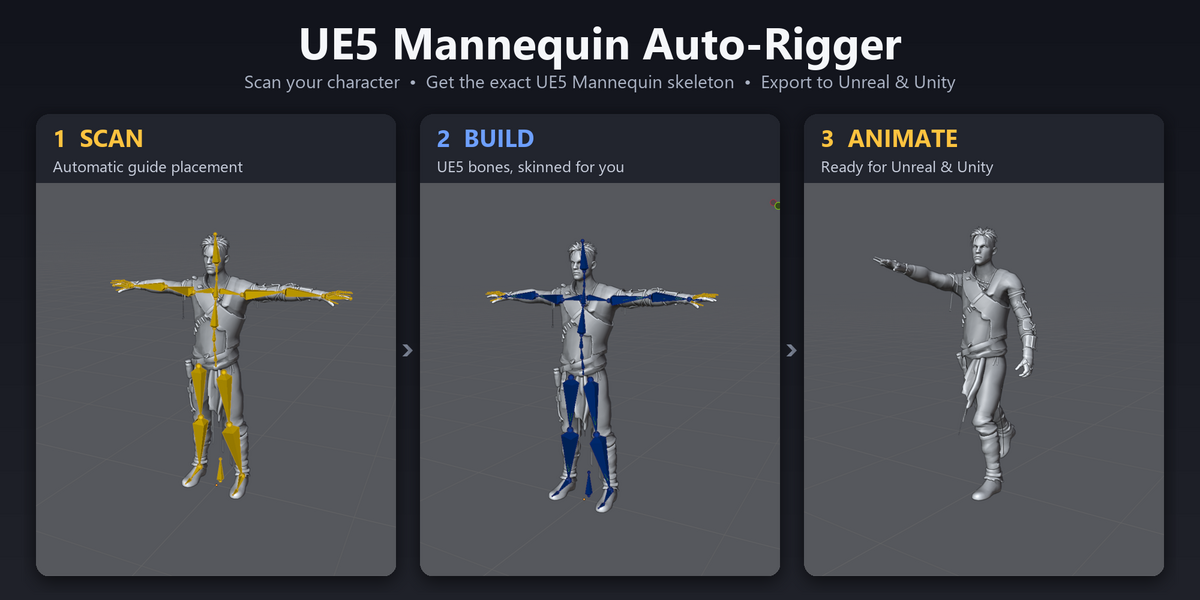
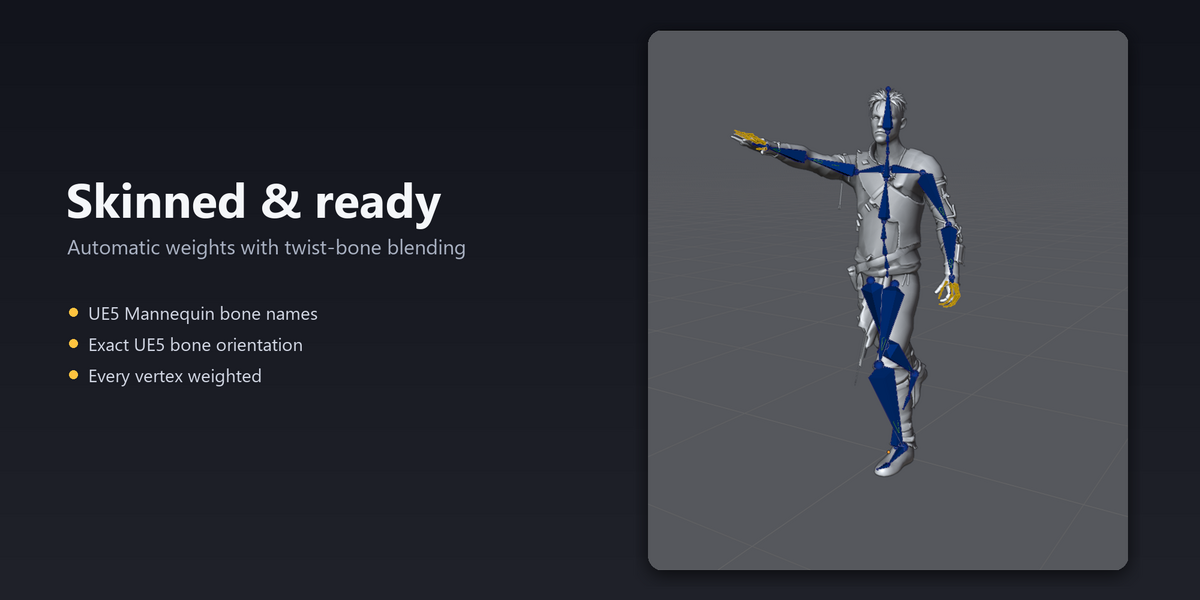
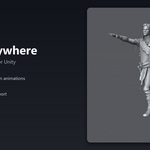
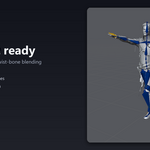
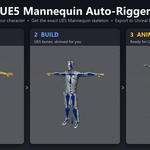
Wanting a quick easy way to get your character into unreal? Now you can! Just Scan, Rig & Export to Unreal Engine 5 and Unity in a breeze.
Scan your character, answer a few questions, get the exact skeleton shape needed, skinned and ready. One-click and export to Unreal Engine 5 and Unity.
Auto-rig any humanoid with the exact measurements to ensure accuracy for your desired engine.
From finished model to game-ready character in minutes.
Getting a custom character into Unreal Engine usually means rigging by hand, renaming bones, fixing scale, and wondering why the animations twist. Unreal Rigging Pro does all of it for you. It scans your mesh, builds the exact skeleton using pre determined measurements, with the same bone names, hierarchy and bone orientation, skins it, and exports a file Unreal accepts first time.
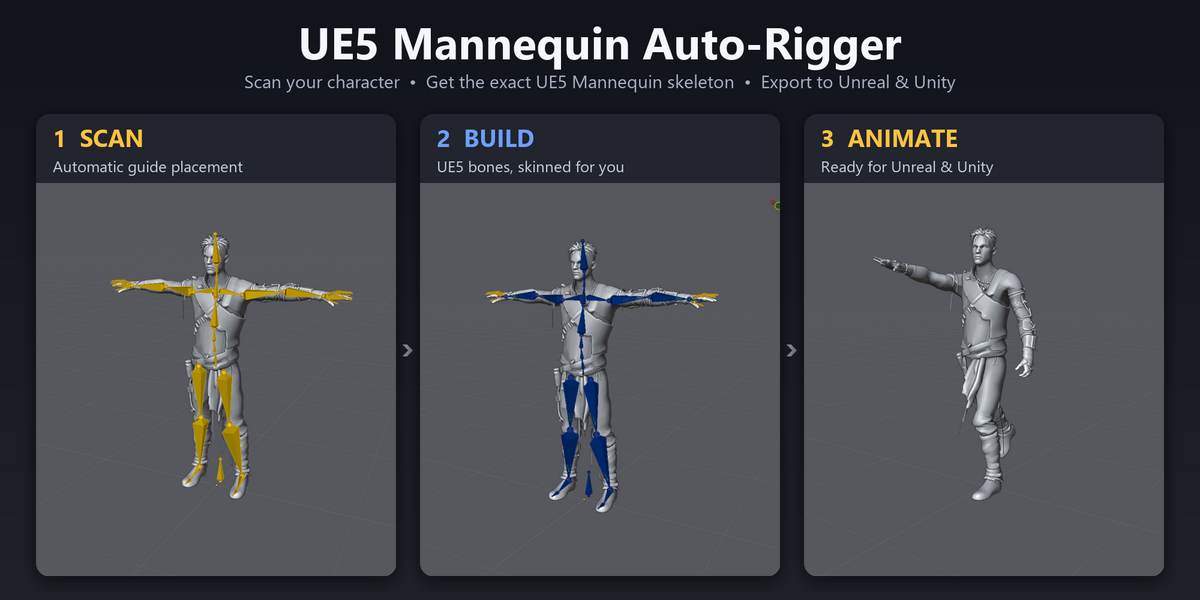
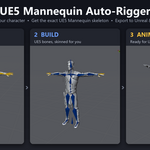
Scan → Answer → Build → Export.
🔍 Automatic body scan
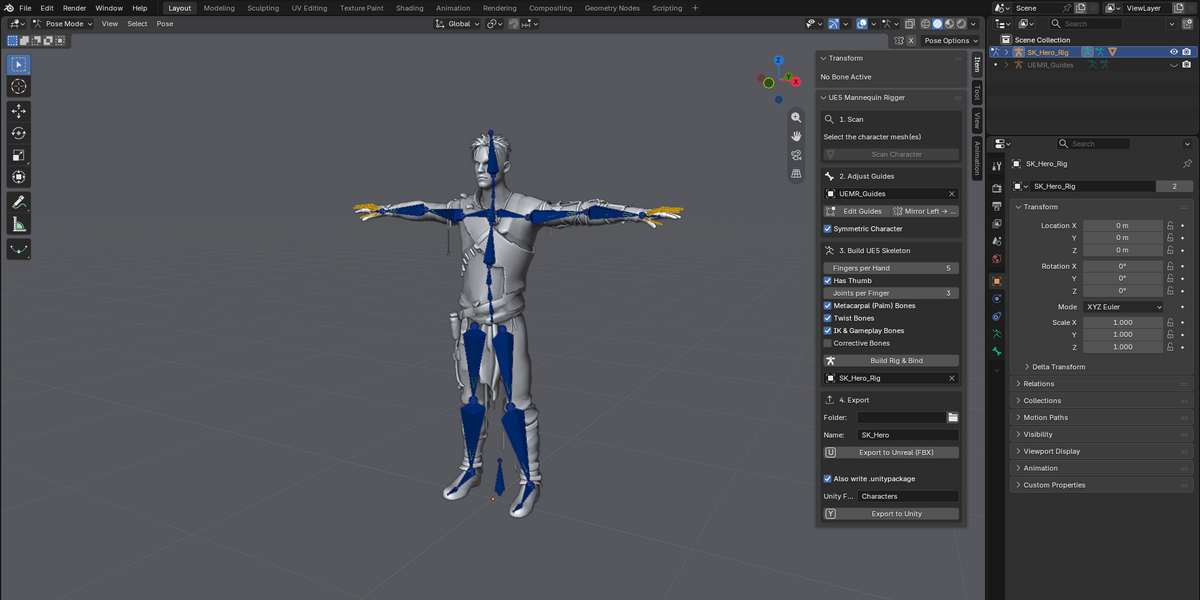
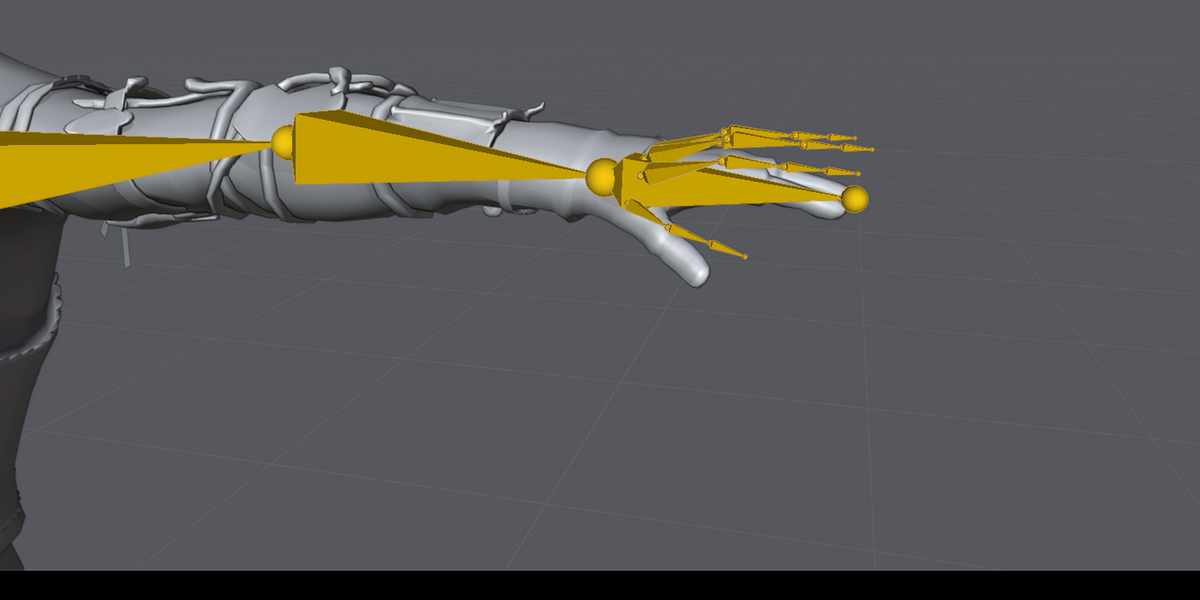
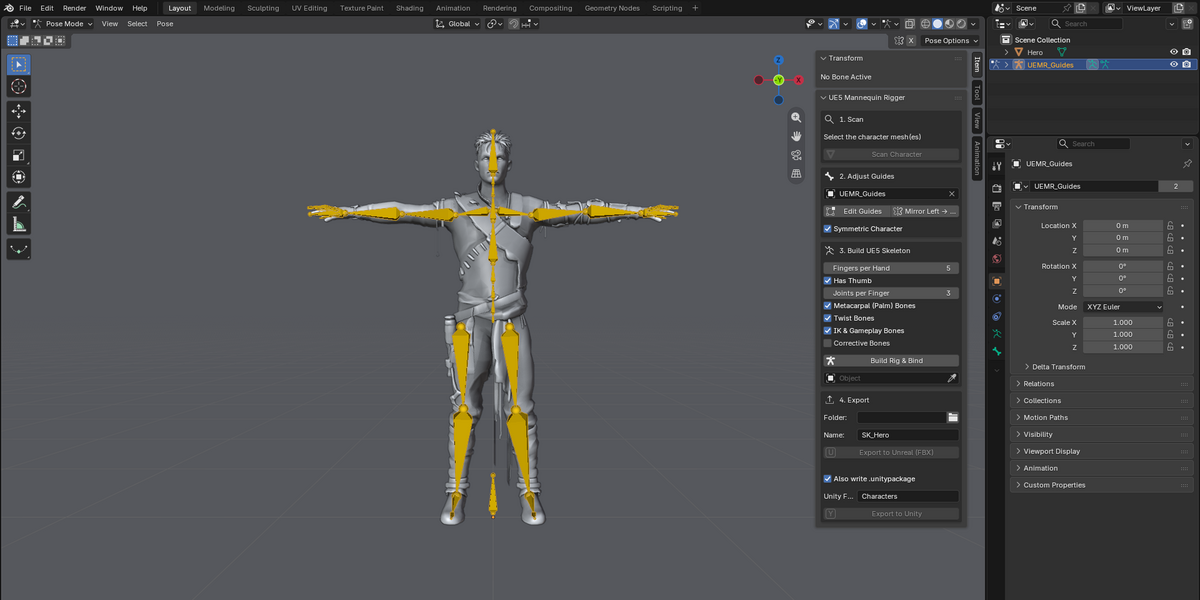
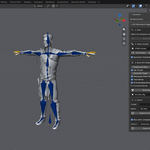
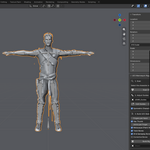
Select your mesh and click Scan. The add-on finds the hips, knees, ankles, toes, neck, head, shoulders, elbows, wrists and palm direction by itself, and places editable guide bones. Works with T-pose and A-pose characters, including low-poly and stylised models.
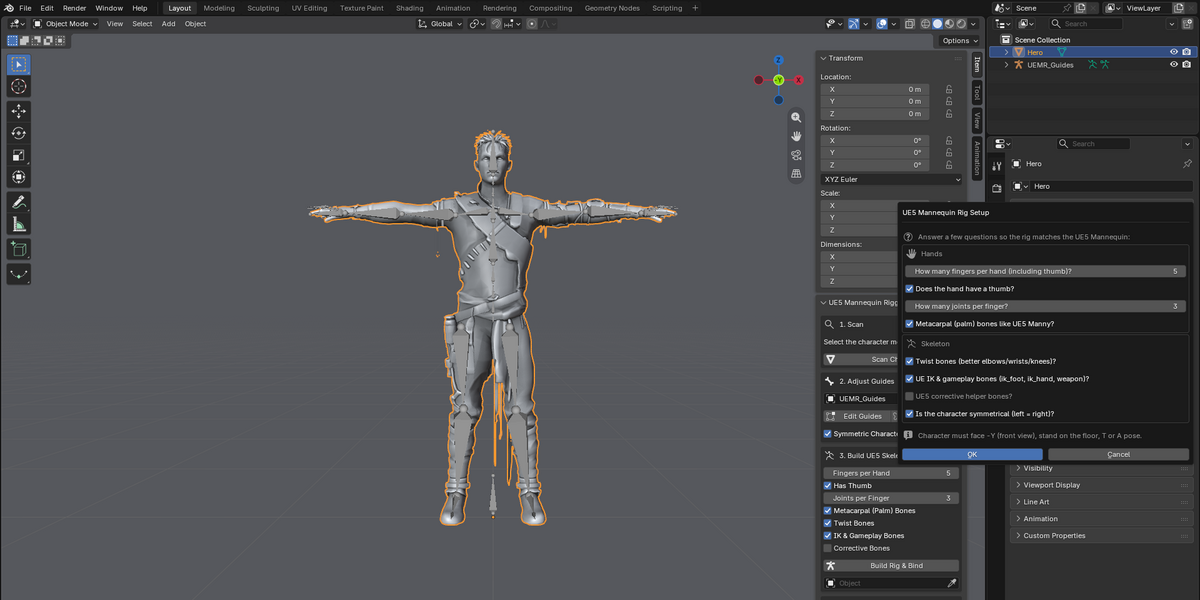
❓ Asks what your character needs
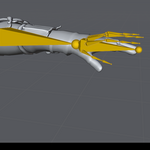
How many fingers per hand (1–5, with or without a thumb)?
How many joints per finger?
Palm (metacarpal) bones, twist bones, UE IK & gameplay bones, corrective bones?
Is the character symmetrical?
Three-fingered cartoon hands, mittens and clawed creatures are mapped onto the right mannequin fingers automatically.
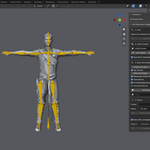
🦴 all 161 bone names and parent relationships match your favorite engines setup!
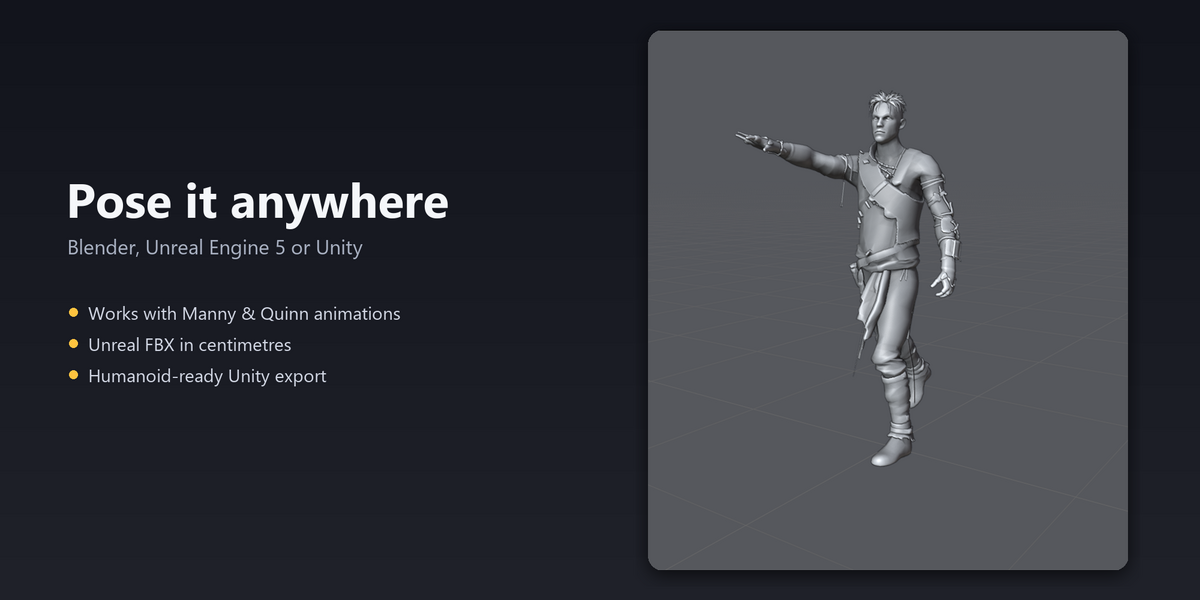
Each bone uses the same axis as every unreal model! That means we just re-aimed to your character's proportions, so Manny and Quinn animations rotate your bones the way they rotate Manny's.
Includes root, ik_foot_*, ik_hand_*, weapon_l/r, interaction and center_of_mass, so gameplay setups that expect them work.
Optional twist and corrective bones, placed where Epic places them.
🎨 Skinned for you
Automatic weights, with limb weights smoothly shared across the twist bones for better elbows, wrists and knees.
Any vertices Blender's automatic weighting misses are filled in automatically by bone proximity, so no vertex is left behind.
🚀 One-click export
Unreal Engine 5: a clean FBX in centimetres. No 100× scale, no extra "Armature" bone and no axis fixes needed. You can even use their testers!, or give it its own skeleton and use Unreal's IK Retargeter.
Unity: a Humanoid-ready FBX, plus an optional .unitypackage that imports already set to Humanoid.
✅ Safe and simple
Your original mesh is never modified by the export. A temporary copy is exported and removed.
Adjust any joint with the guide bones before building, and mirror left to right with one click.
Everything happens in one sidebar panel with four numbered steps.
Who it's for
Indie game developers who want their own characters using the UE5 animation library.
Artists selling or sharing characters that need to work with the UE5 Mannequin.
Creature designers who want a working game skeleton without learning to rig.
Unity developers who need a clean Humanoid rig fast.
Compatibility
Blender 4.2 and newer (developed and tested on Blender 5.2 LTS)
Unreal Engine 5.x, using the UE5 Mannequin Exact measurements, Than seperately created based on bone count.
Unity: Humanoid FBX import
Humanoid characters facing −Y, in T-pose or A-pose, standing on the floor
What you get
The add-on (drag and drop the ZIP into Blender to install)
A step-by-step guide covering Blender, Unreal and Unity
Stop rigging by hand. Make the game.
