Unreal Rigging Pro
 Creative Collections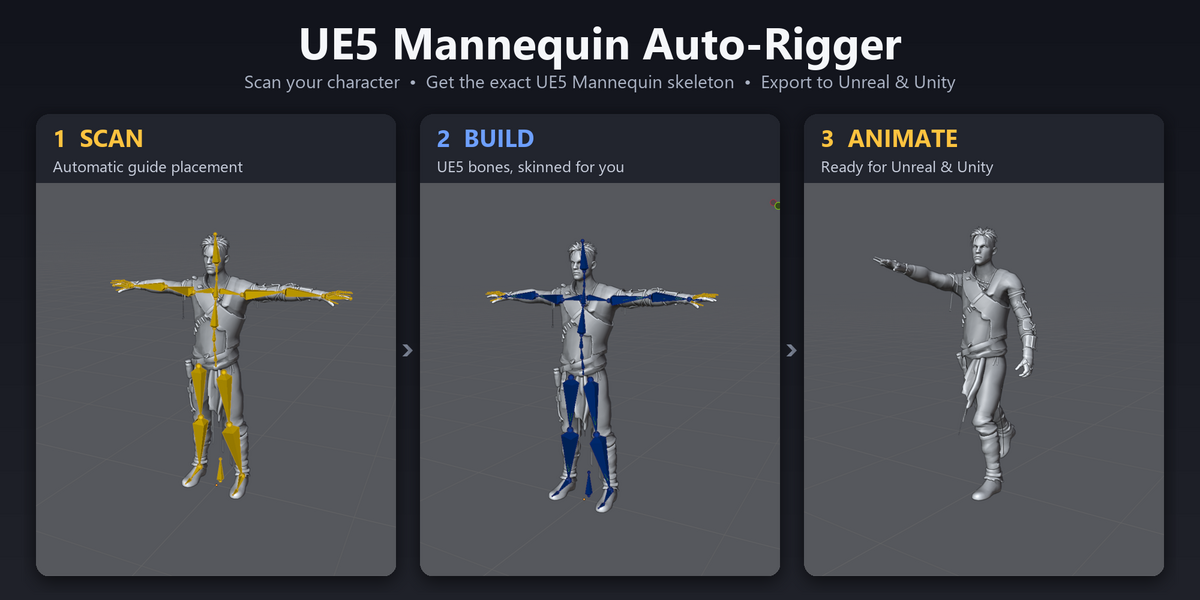
1. Installation
Drag and drop: drag ue5_mannequin_rigger.zip into any Blender window and confirm. Don't unzip it.
From Preferences: Edit → Preferences → Get Extensions → ⌄ (top right) → Install from Disk… → select the ZIP.
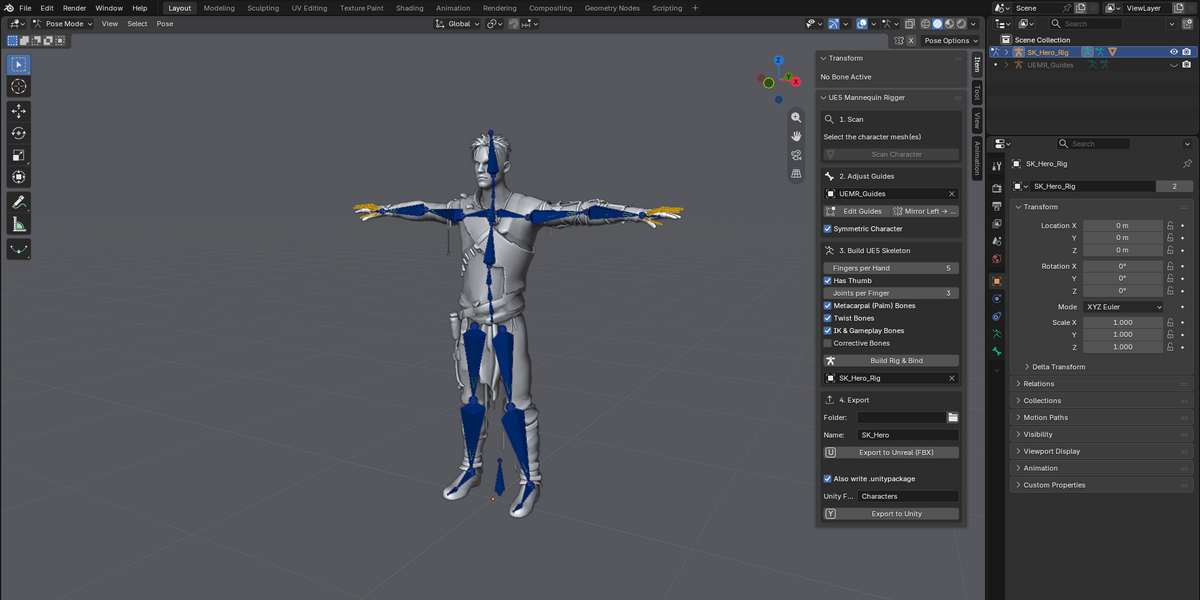
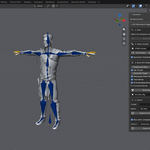
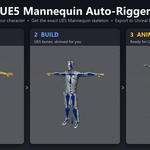
Open the panel: in the 3D Viewport press N and click the UE5 Rig tab. The panel has four numbered steps: Scan → Adjust Guides → Build → Export.
2. Preparing your character
Check these before scanning. They make the biggest difference to the result.
Requirement How
Faces −Y Press Numpad 1 (Front view); you should see the face.
Stands on the floor Feet at Z = 0, centred on X = 0.
T-pose or A-pose Arms clearly away from the body. Arms hanging straight down can't be scanned.
Transforms applied Select the mesh → Ctrl+A → All Transforms.
Real size 1 Blender metre = 1 Unreal metre. Check Dimensions in the N-panel.
Clean mesh Edit Mode → select all → Mesh → Clean Up → Merge by Distance. This helps automatic weighting a lot.
A character made of several parts (body, clothes, eyes) is fine: select all the parts before scanning.
3. Step 1: Scan
Select the character mesh(es) in Object Mode.
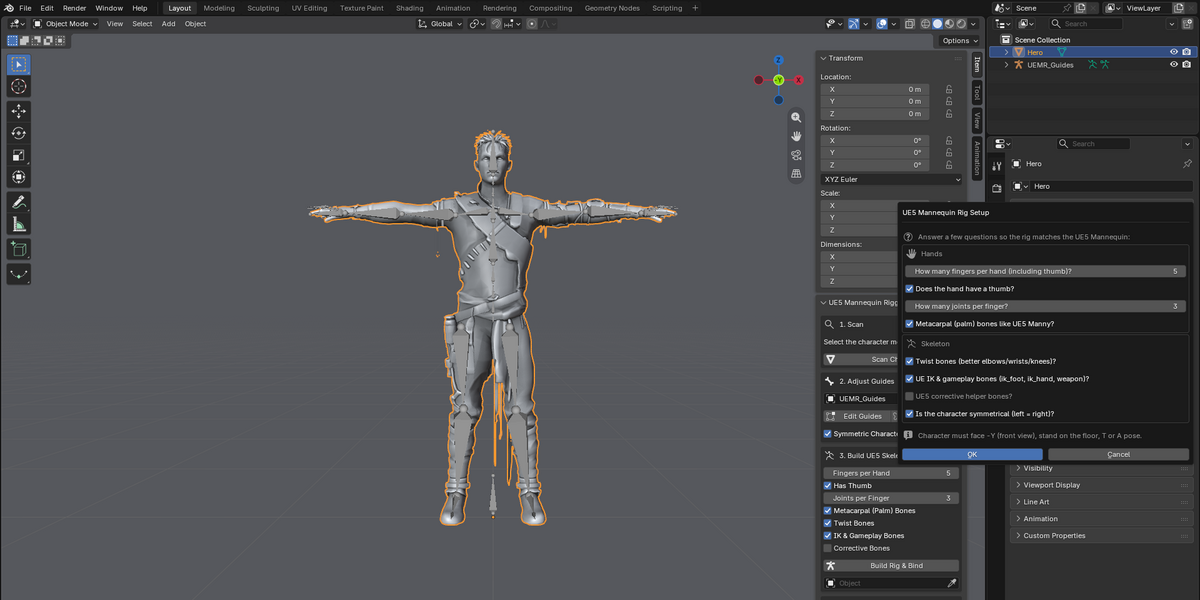
Click Scan Character. A setup dialog opens:
Question Notes
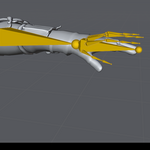
How many fingers per hand (including thumb)? 1–5. See the finger mapping table below.
Does the hand have a thumb? Turn off for thumbless hands.
How many joints per finger? 1–3. The UE Mannequin uses 3.
Metacarpal (palm) bones? On matches UE5 Manny.
Twist bones? Recommended. Improves elbows, wrists and knees.
UE IK & gameplay bones? ik_foot_*, ik_hand_*, weapon_l/r, interaction, center_of_mass. Recommended for Unreal.
UE5 corrective helper bones? Adds Epic's 70 helper bones. They get no weights. Leave off unless you need them.
Is the character symmetrical? On: only the left side guides matter, and the right side is mirrored.
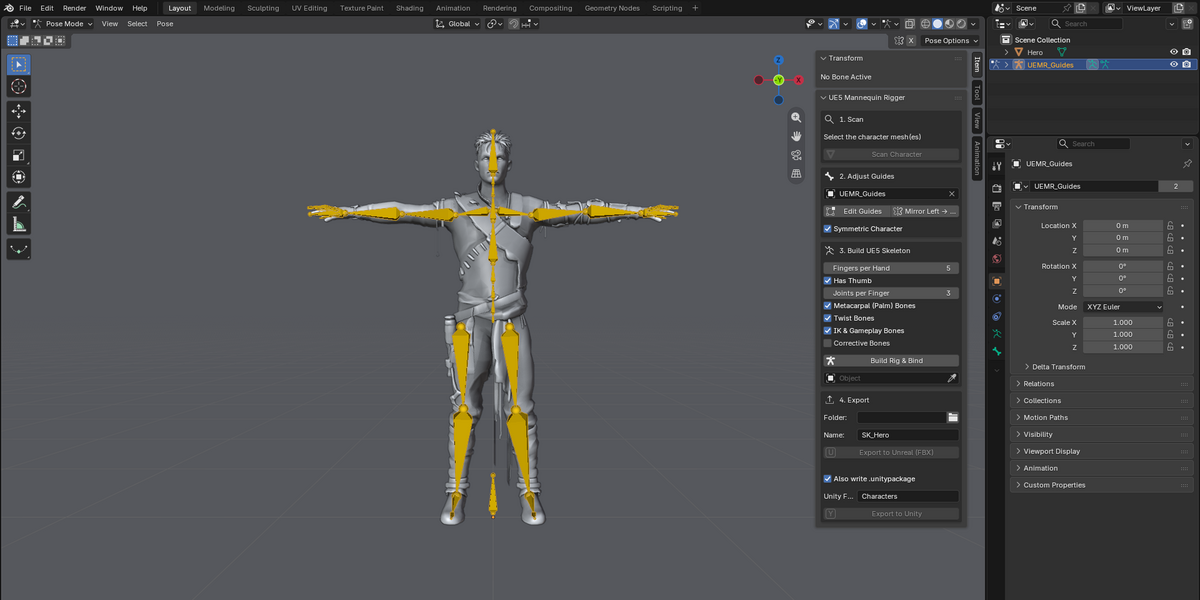
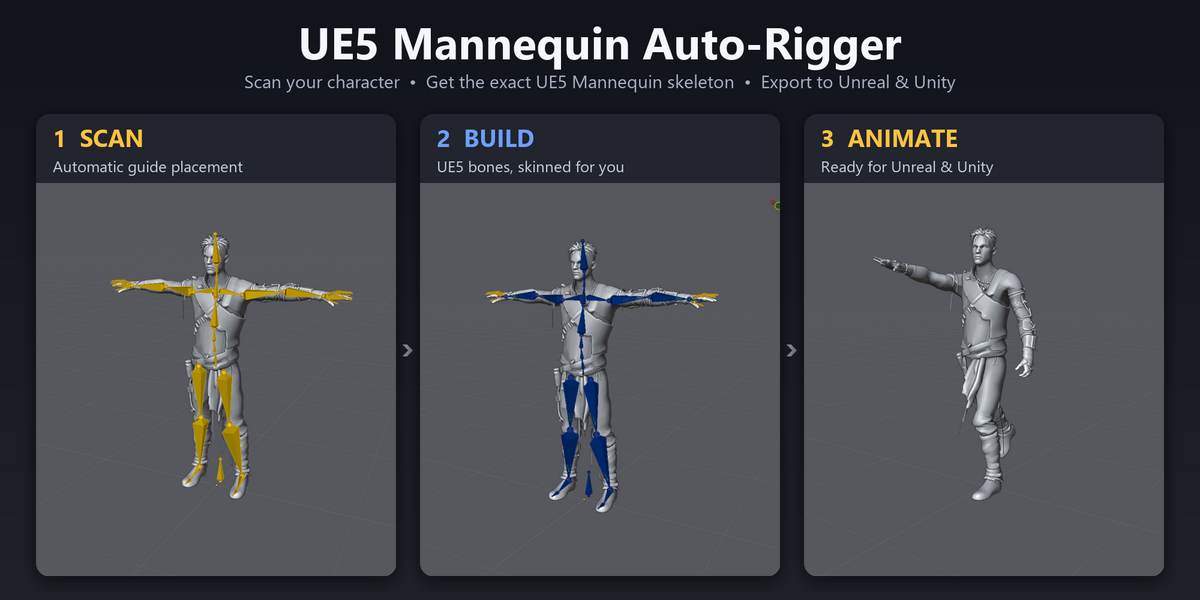
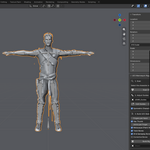
Click OK. The report bar shows the detected height, pose (T or A) and finger layout. A guide skeleton called UEMR_Guides appears over the mesh.
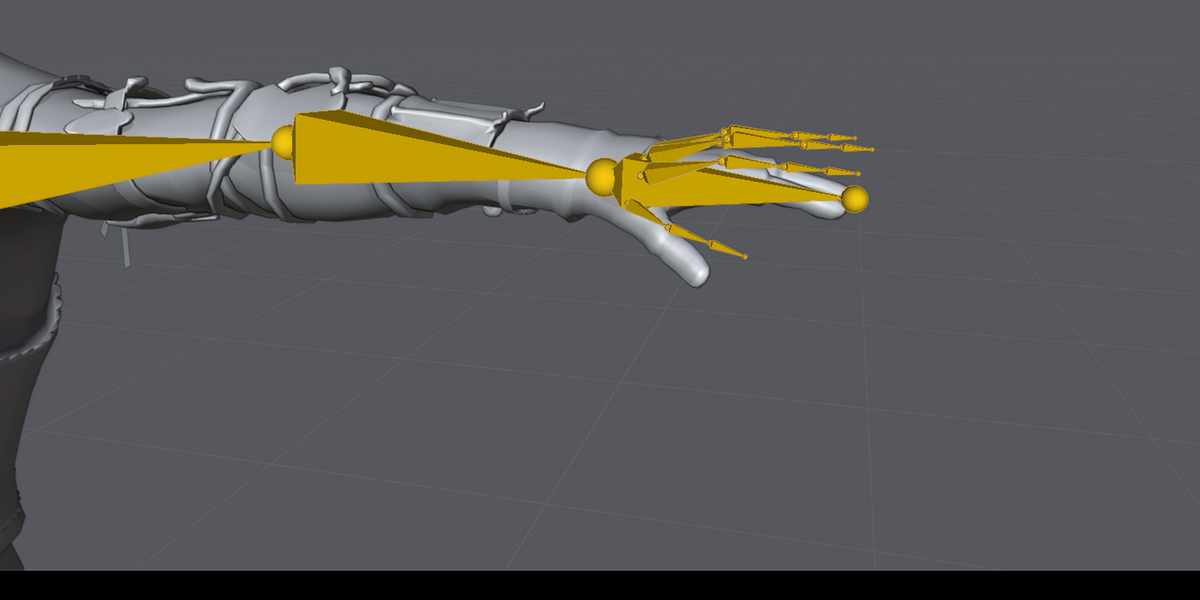
Finger mapping: finger counts include the thumb.
Fingers Mannequin fingers used
5 thumb, index, middle, ring, pinky
4 thumb, index, middle, pinky
3 thumb, index, pinky
2 thumb, middle
1 thumb only
4. Step 2: Adjust guides (optional)
Click Edit Guides to enter Edit Mode on the guide skeleton.
Move any joint that landed in the wrong place. Elbows, knees and wrists are the most common. Joints should sit inside the limb, at the centre of the bend.
With Symmetric Character on, only adjust the left (_l) side. Mirror Left → Right copies it over.
Tips:
Give elbows and knees a slight bend in the direction they fold.
The guide bones use UE5 bone names, so thigh_l is the left thigh.
5. Step 3: Build Rig & Bind
The panel shows your answers from the scan. You can still change them here before building.
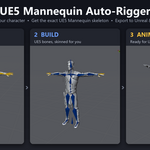
Click Build Rig & Bind. The add-on:
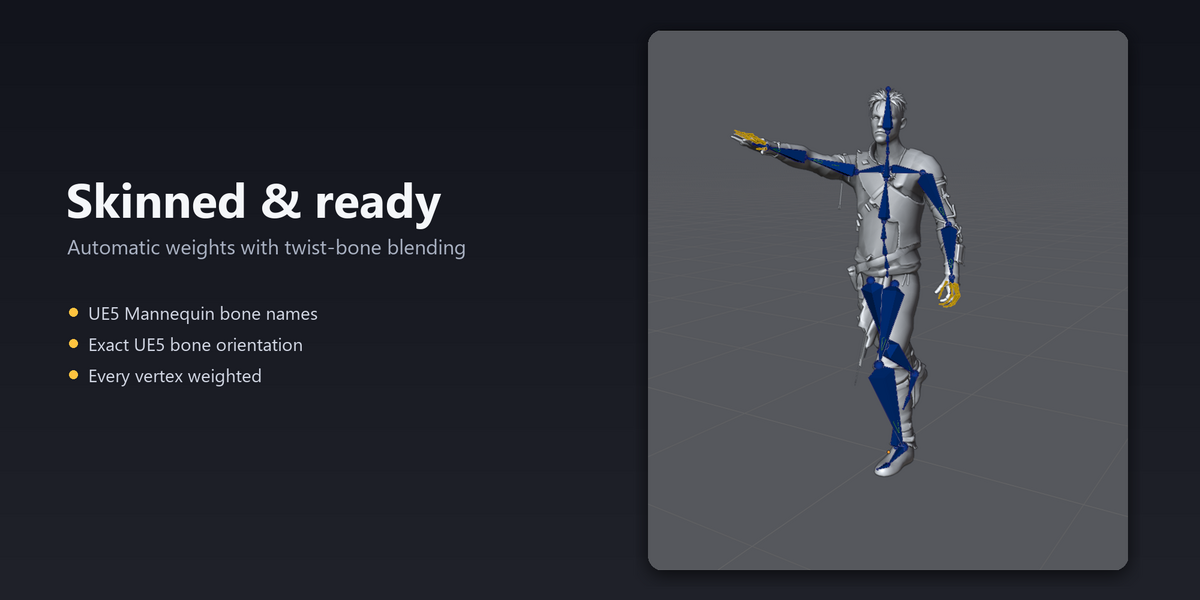
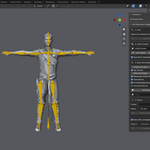
creates the skeleton _Rig with UE5 Mannequin bone names and orientations;
skins your mesh with automatic weights;
shares limb weights smoothly across the twist bones;
fills in any vertices automatic weighting missed.
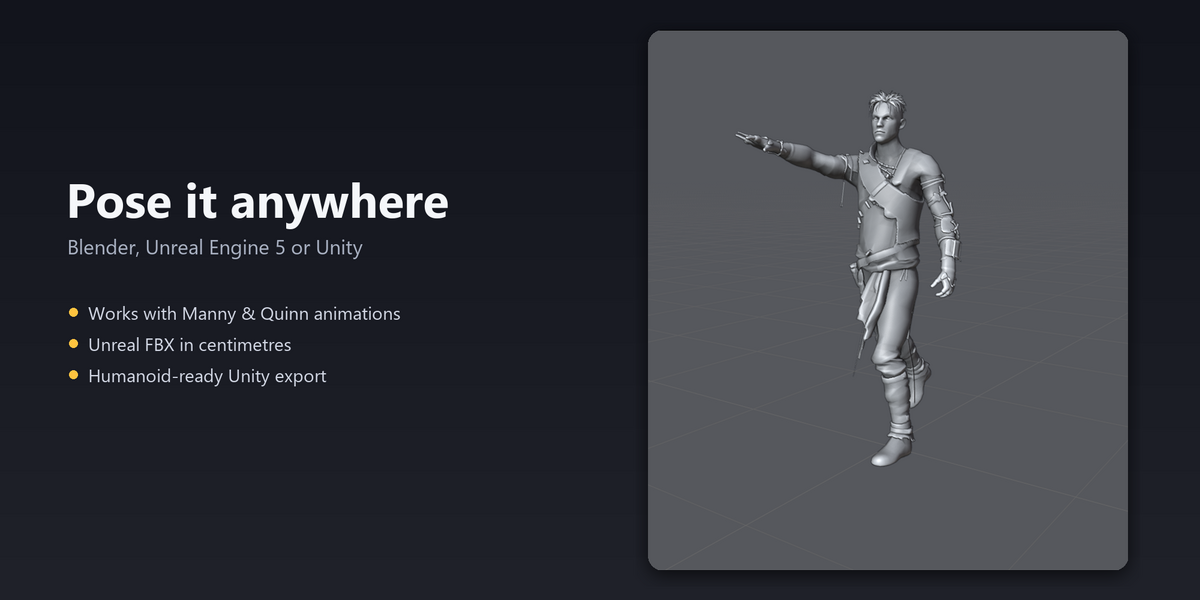
Test it: select the rig → Pose Mode → rotate an arm, a leg and the spine. Clear the pose with Alt+R (rotation) and Alt+G (location).
If part of the mesh deforms badly, fix it in Weight Paint mode, or adjust the guides and build again.
6. Step 4: Export
Set the Folder and Name (for example SK_Ghoul). If no folder is set, files are saved to your Desktop.
Export to Unreal (FBX)
Writes .fbx:
in centimetres, with no 100× scale;
with bones in the exact UE5 Mannequin orientation;
with a root node named Armature, which Unreal removes on import;
from a temporary copy. Your scene isn't changed.
Export to Unity
Writes _Unity.fbx and, if Also write .unitypackage is on, .unitypackage. The package places the model in Assets//, already set to the Humanoid rig type.
7. Using the character in Unreal Engine 5
Option A: Share Manny's skeleton (human proportions)
Best for characters built like a human.
Import the FBX → Skeleton: SK_Mannequin → Import.
In your character Blueprint, select Mesh → set Skeletal Mesh Asset to your mesh and keep Manny's Anim Class.
Important: open SK_Mannequin (the skeleton) → Skeleton Tree → settings icon → Show Retargeting Options:
right-click root → Recursively Set Translation Retargeting Skeleton
set pelvis to AnimationScaled
set root, ik_foot_root and ik_hand_root (recursively) to Animation
save.
Without this, animations squash or stretch characters toward Manny's proportions.
Option B: Own skeleton + IK Retargeter (creatures, unusual proportions)
Best for hunched, tall, short or long-limbed characters.
Import the FBX with Skeleton left empty and Create Physics Asset on.
Right-click the mesh → Create → IK Rig → Auto Create Retarget Chains. The mannequin bone names are recognised straight away. Check that pelvis is the retarget root.
Right-click the IK Rig → Create IK Retargeter. Source: Manny's IK Rig. Target: yours.
Edit Retarget Pose until your character's limbs point the same way as Manny's.
Export Selected Animations, and Duplicate and Retarget Manny's Anim Blueprint.
Placing it in a character Blueprint
Mesh Location Z: about −(capsule half height), so the feet touch the capsule bottom.
Mesh Rotation Yaw: −90, the same as Manny.
Resize the Capsule to fit the body.
8. Using the character in Unity
Assets → Import Package → Custom Package → select the .unitypackage. The model is set to Humanoid.
Or drag _Unity.fbx into the Project window → Rig → Animation Type: Humanoid → Apply.
Click Configure to check the avatar mapping. Unity normally maps the UE bone names automatically; assign any empty slot by hand.
9. Troubleshooting
Message or problem Solution
Character seems to face +Y Rotate it 180° on Z so the face shows in Front view, apply rotation, and scan again.
Could not find the arms Pose the arms away from the body (T-pose or A-pose) and scan again.
Legs not clearly separated … hip height estimated Normal for skirts and robes. Check the hip guides and move them if needed.
Neck not found – estimated Check the neck and head guides and adjust them.
Heat weighting missed N vertices – filled by proximity The rig still works. For cleaner weights, run Merge by Distance and rebuild.
Guide bone '…' is missing A guide was deleted. Run Scan Character again.
No meshes are bound to this rig Run Build Rig & Bind with Bind mesh on before exporting.
Character squashes or shrinks when animated in Unreal Set translation retargeting as described in 7A, or use 7B.
Character is huge or tiny in Unreal Apply scale in Blender (Ctrl+A) and check its real size before rigging.
Twisting at wrists or forearms Make sure Twist Bones was on, and check the wrist guide sits at the joint.
Hands or fingers deform badly Adjust the finger guides in step 2 and rebuild, then touch up in Weight Paint.
10. FAQ
Does it change my original mesh? Build adds an Armature modifier and vertex groups to your mesh, like any rig. Export uses a temporary copy and doesn't change your scene.
Can I rig creatures? Yes, as long as they have humanoid limbs (two arms, two legs, a head). Use option 7B in Unreal for unusual proportions.
More than 5 fingers? The UE5 Mannequin skeleton has 5 fingers per hand, so extra fingers can't map onto it.
Does it need the internet? No. Everything runs locally.
11. Support
Send a message with:
your Blender and Unreal/Unity versions
a screenshot of the guide skeleton after scanning
the exact message shown in Blender's status bar or Info editor
Not affiliated with or endorsed by Epic Games or Unity Technologies.
Have questions about this product?
Login to message
| Blender Extension Compatible | Yes |
| Published | 4 days ago |
| Blender Version | 4.2 - 5.2 |
| Extension Type | Add-on |
| Render Engine Used | Cycles, Eevee |
| License | GPL |

Discover more products like this
3d-asset-game blender materials to unreal unreal engine rig rig 3drigged 3D Animation Character 3D character for Unreal Engine 3D assets for Unity and Unreal animation