 DreamSfx
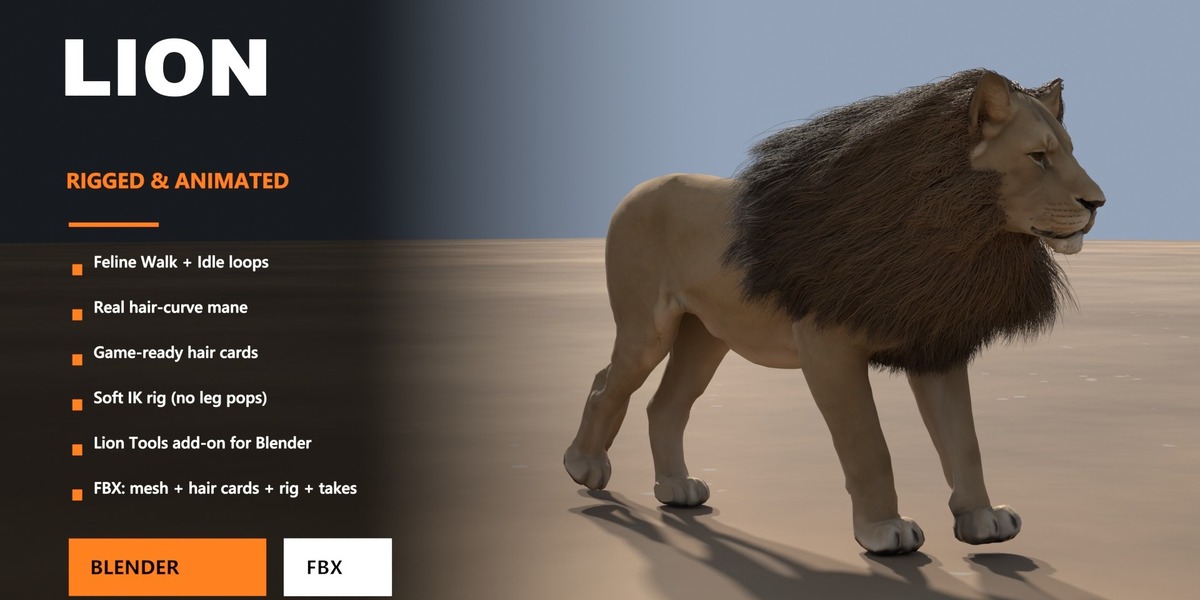
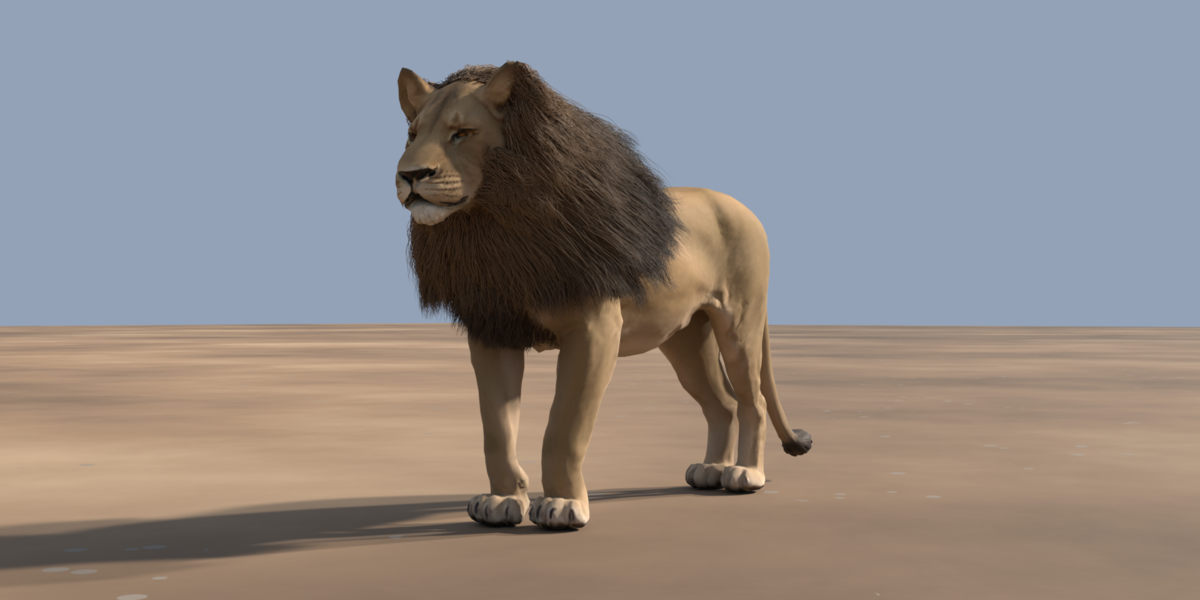
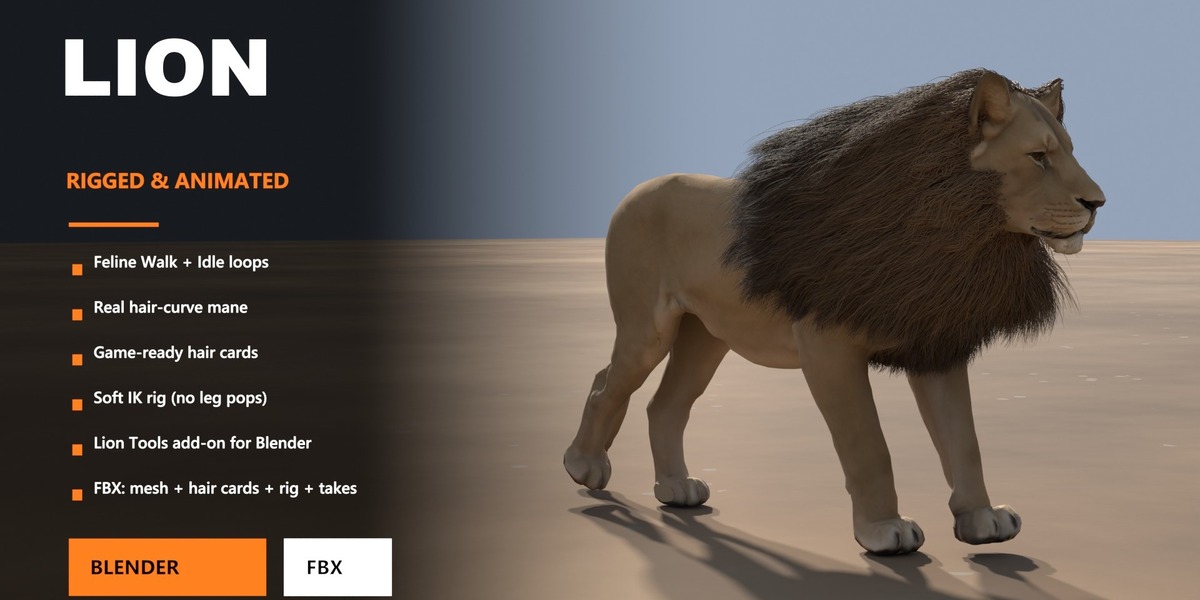
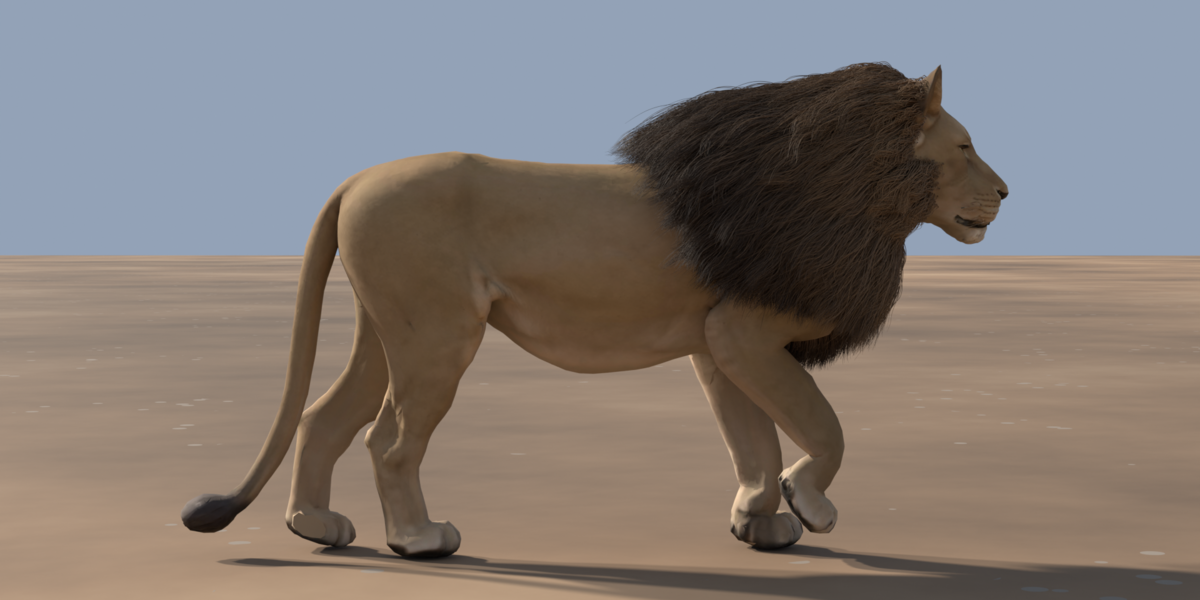
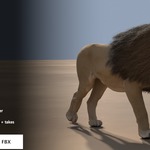
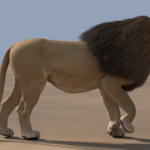
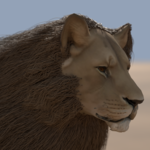
A fully rigged, animated lion for Blender
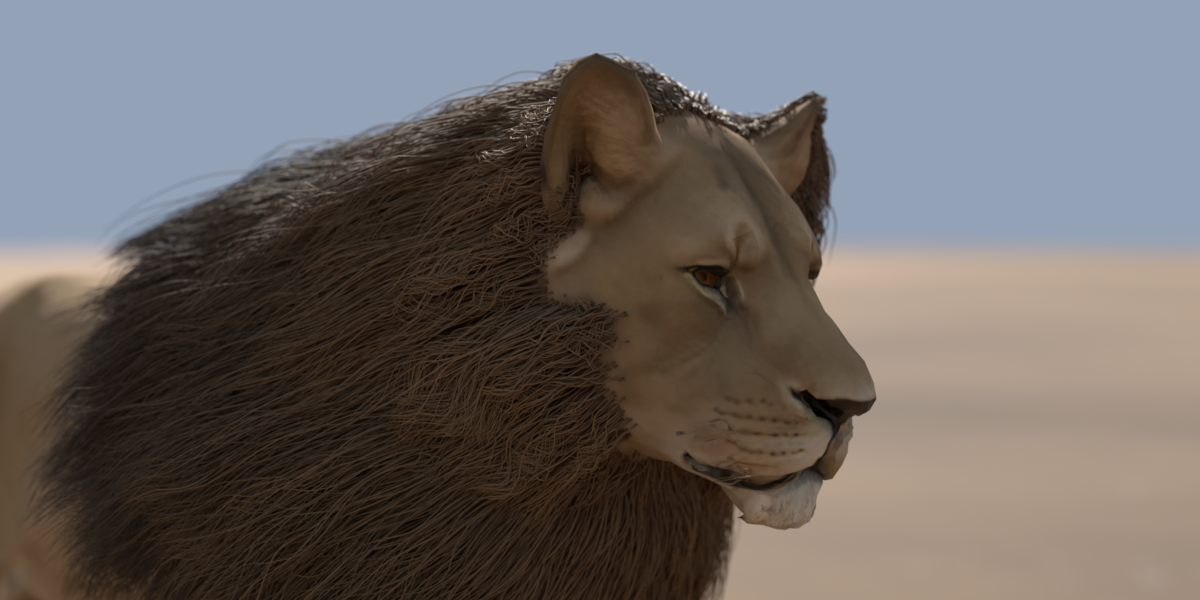
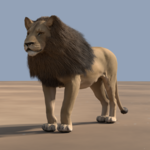
A textured lion with a soft, natural feline walk and a looping idle, two versions of the mane and the Lion Tools add-on to tweak everything without keyframing by hand. Ready for renders, previs and game engines (FBX included).
Animations
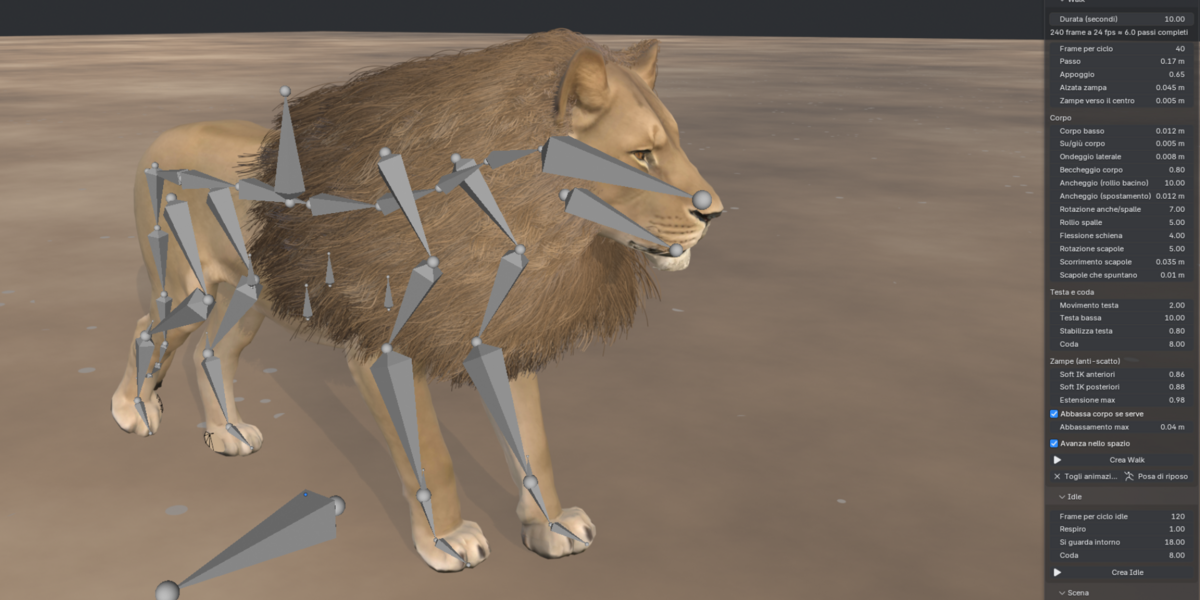
- Walk (40-frame loop): lateral-sequence feline gait, swaying hips, popping shoulder blades, stabilized head, lazy tail. In place or moving forward with root motion.
- Idle (120-frame loop): breathing, weight shift, looking around with pauses, tail flick.
Two manes
- Hair curves (about 52,000 strands) for high-quality Cycles and Eevee renders.
- Hair cards (2,400 cards with their own alpha texture), skinned to the rig and exported in the FBX for game engines.
Lion Tools add-on (sidebar tab "Lion")
- Regenerate Walk and Idle with sliders: stride, speed, hip sway, body height, head and tail motion, soft IK.
- Loop duration in seconds, walk in place or forward.
- Switch between Hair Curves / Hair Cards, regenerate the hair cards.
- Follow camera, sun and sky light, dirt ground for quick renders.
- One-click FBX export: mesh + hair cards + rig, each animation as a separate take.
Rig
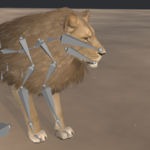
- Spine, neck, head, jaw, 7-bone tail, 4 legs with IK and pole targets.
- Soft IK: legs never pop or lock straight, paws stay planted.
- 48 bones (34 deform + IK/control bones).
Technical details
- Body: 9,323 faces / 17,710 triangles. Hair cards: 12,000 quads.
- Textures: Base Color 4096; Normal, Roughness, Metallic 2048; Hair cards 1024 RGBA.
- Size: about 0.96 m long, 0.58 m tall (use Scale in the FBX export for life size).
- Blender 4.2+ (tested in 5.2). Includes Lion.blend, Lion.fbx, lion_tools.py, Textures, README.
Game engines
Set the hair-card material to Alpha Cutout / Masked, two-sided. The hair-curve mane is Blender-only; engines use the hair cards. FBX takes: "Lion_Rig|Lion_Walk" and "Lion_Rig|Lion_Idle".
AI disclosure
The base mesh and textures were generated with an AI 3D tool (Tripo). Rig, skinning, mesh fixes, mane, animations and the add-on were made in Blender.