Rigged Lion - Walk & Idle, Hair Mane + Hair Cards, Lion Tools Add-On
 DreamSfx
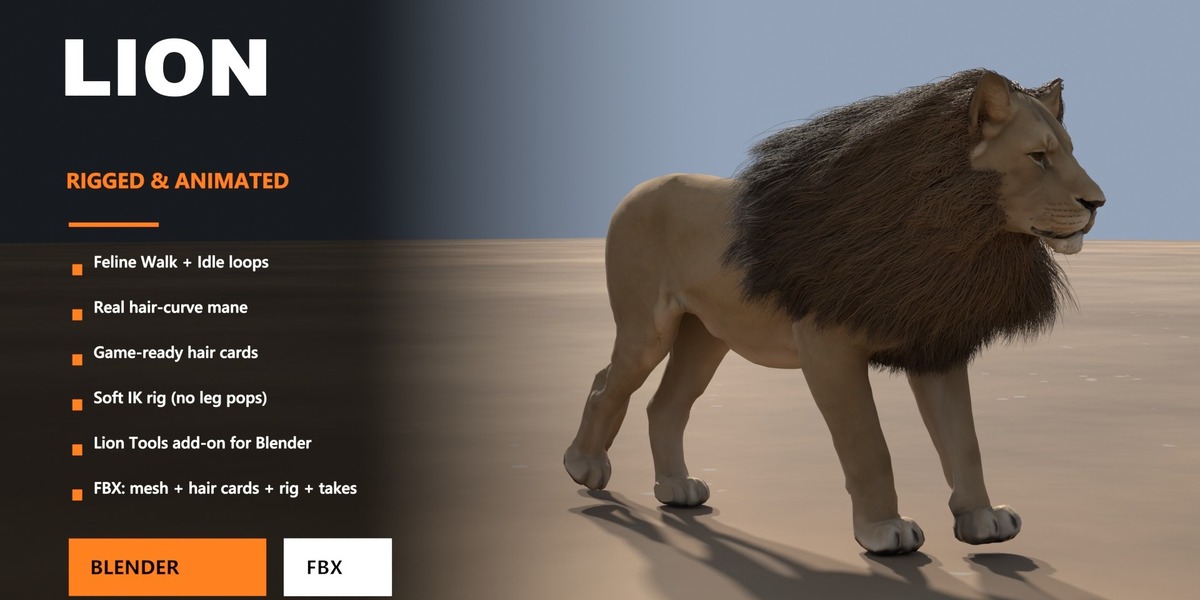
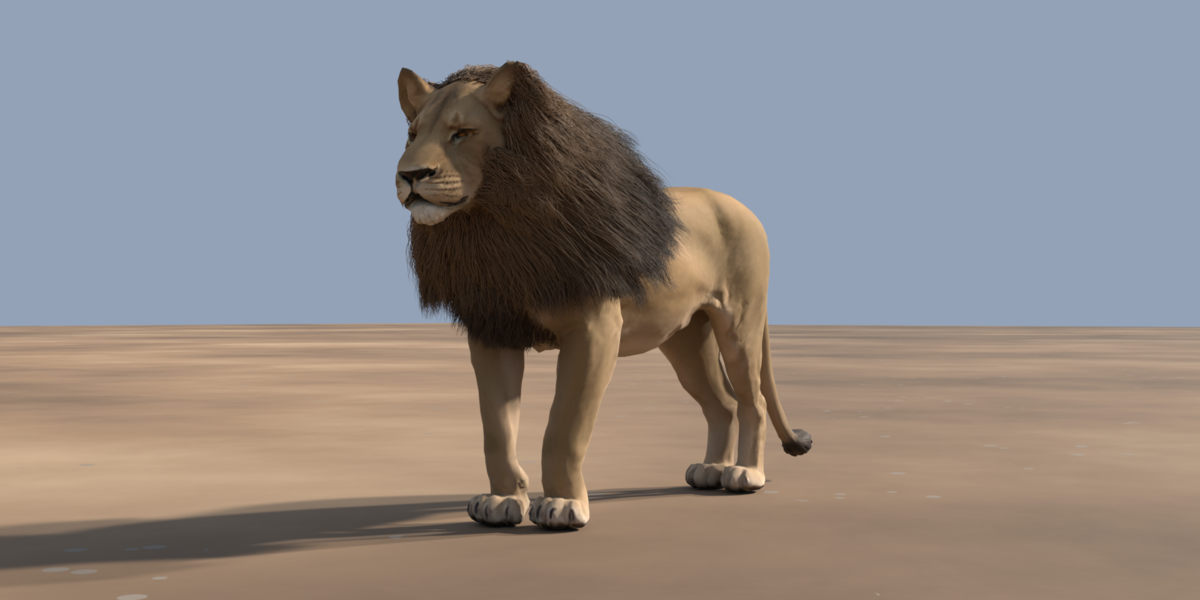
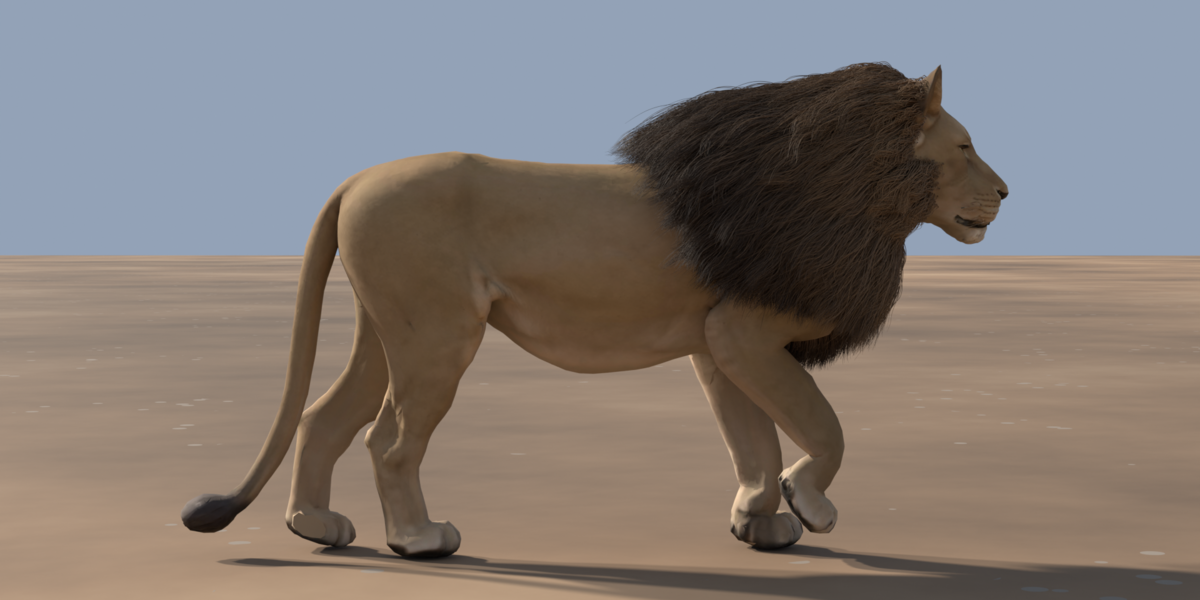
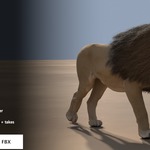
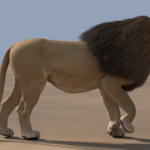
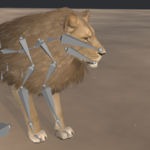
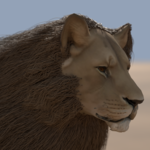
Install the Lion Tools add-on (optional)
- Edit > Preferences > Add-ons > Install from Disk... and choose lion_tools.py.
- Enable "Lion Tools".
- Open Lion.blend, press N in the 3D Viewport and open the Lion tab.
The Walk and Idle animations are already in the file: the add-on is only needed to tweak or regenerate them, build hair cards, add camera/light/ground and export FBX.
Panels
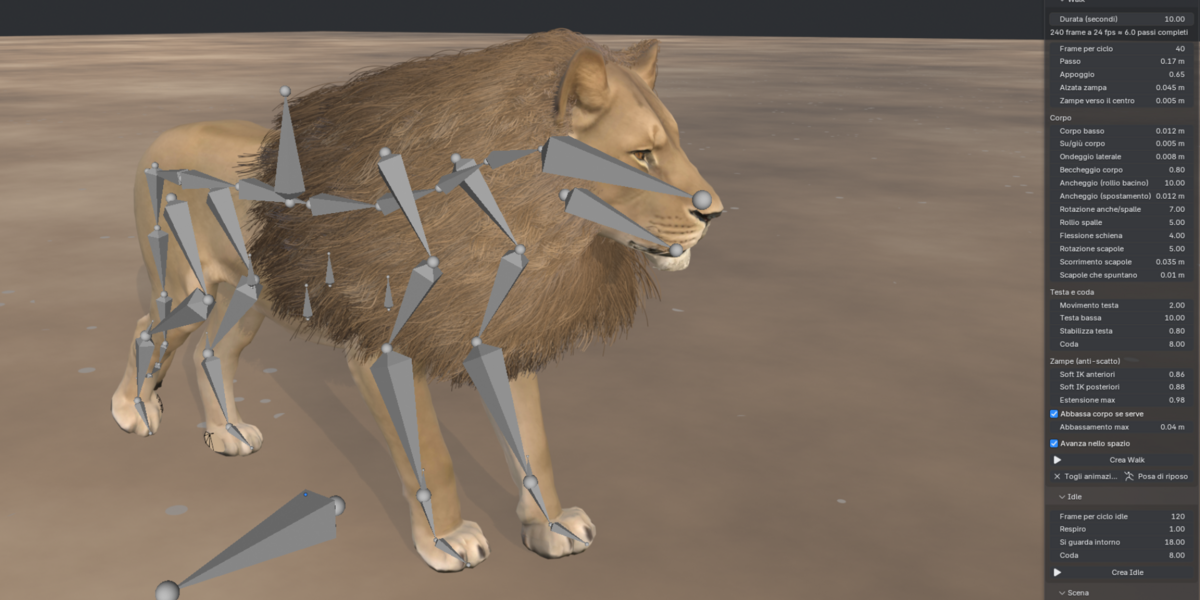
- Lion Tools: rig, Hide Bones, switch animation (Walk / Idle).
- Walk: duration in seconds, stride, speed, hip sway, body height, head and tail motion, soft IK, move forward or walk in place, then Create Walk.
- Idle: breathing, look around, tail, then Create Idle.
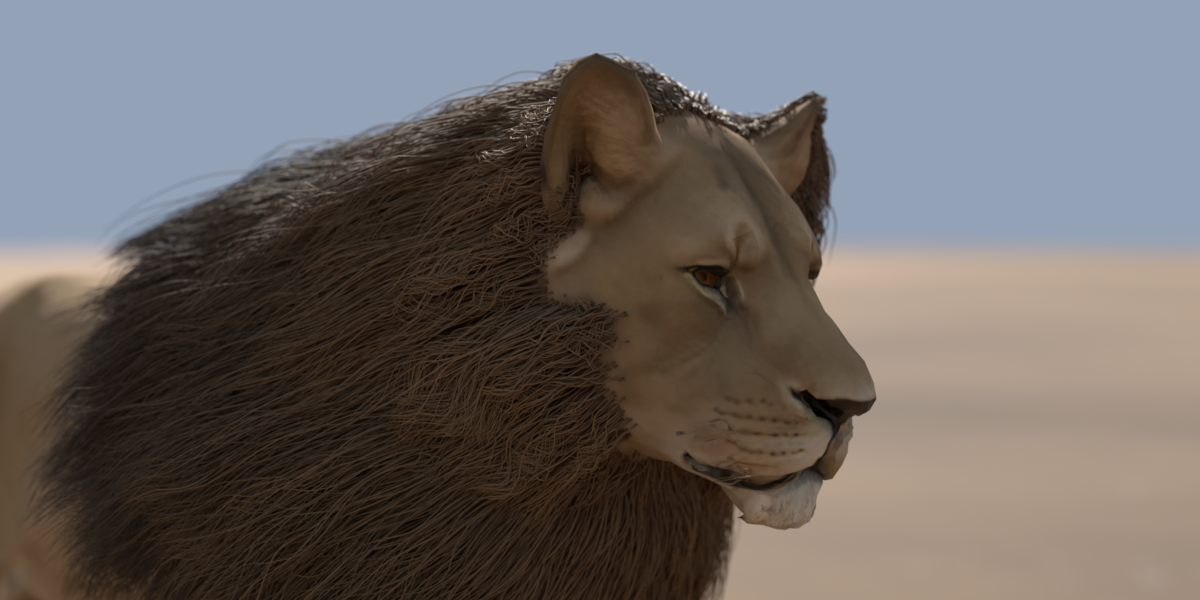
- Mane: Hair Curves / Hair Cards / Both, number and width of cards, Generate Hair Cards.
- Scene: Add Light, Add Ground, Add Camera (follows the lion).
- Export: Export FBX (mesh + hair cards + rig + Walk/Idle takes, deform bones only, textures embedded).
Game engines
- Hair-card material: Alpha Cutout / Masked, two-sided (Unreal: Blend Mode Masked + Two Sided; Unity: Alpha Clipping + Render Face Both).
- The hair-curve mane is Blender-only; engines use the hair cards.
- FBX takes: "Lion_Rig|Lion_Walk" (40 frames) and "Lion_Rig|Lion_Idle" (120 frames), 24 fps.
- Size: about 0.96 m long, 0.58 m tall. Use "Scale" in the FBX export for life size (e.g. 2.0).
Have questions about this product?
Login to message
| Published | about 14 hours ago |
| Blender Version | 4.2 - 5.2 |
| Render Engine Used | Cycles, Eevee |
| Misc Data | Uvs-Unwrapped, Rigged, Animated, Normal-Mapped, Textured |
| License | Royalty Free |
Discover more products like this
mane game ready Rigged feline fbx hair cards animated animal big-cat lion Walk Cycle idle