Road Path Creator
 EdenWeby 3D
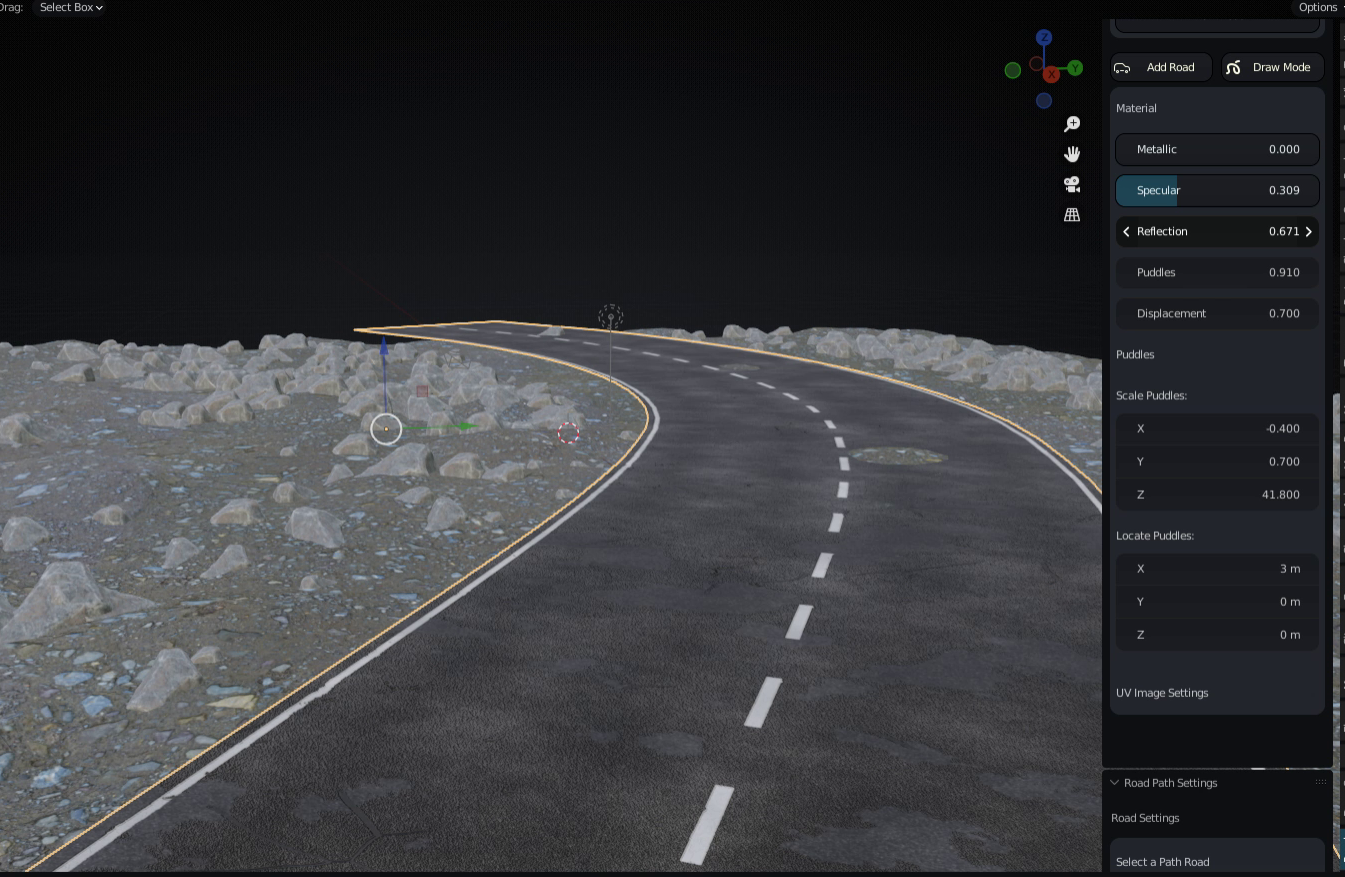
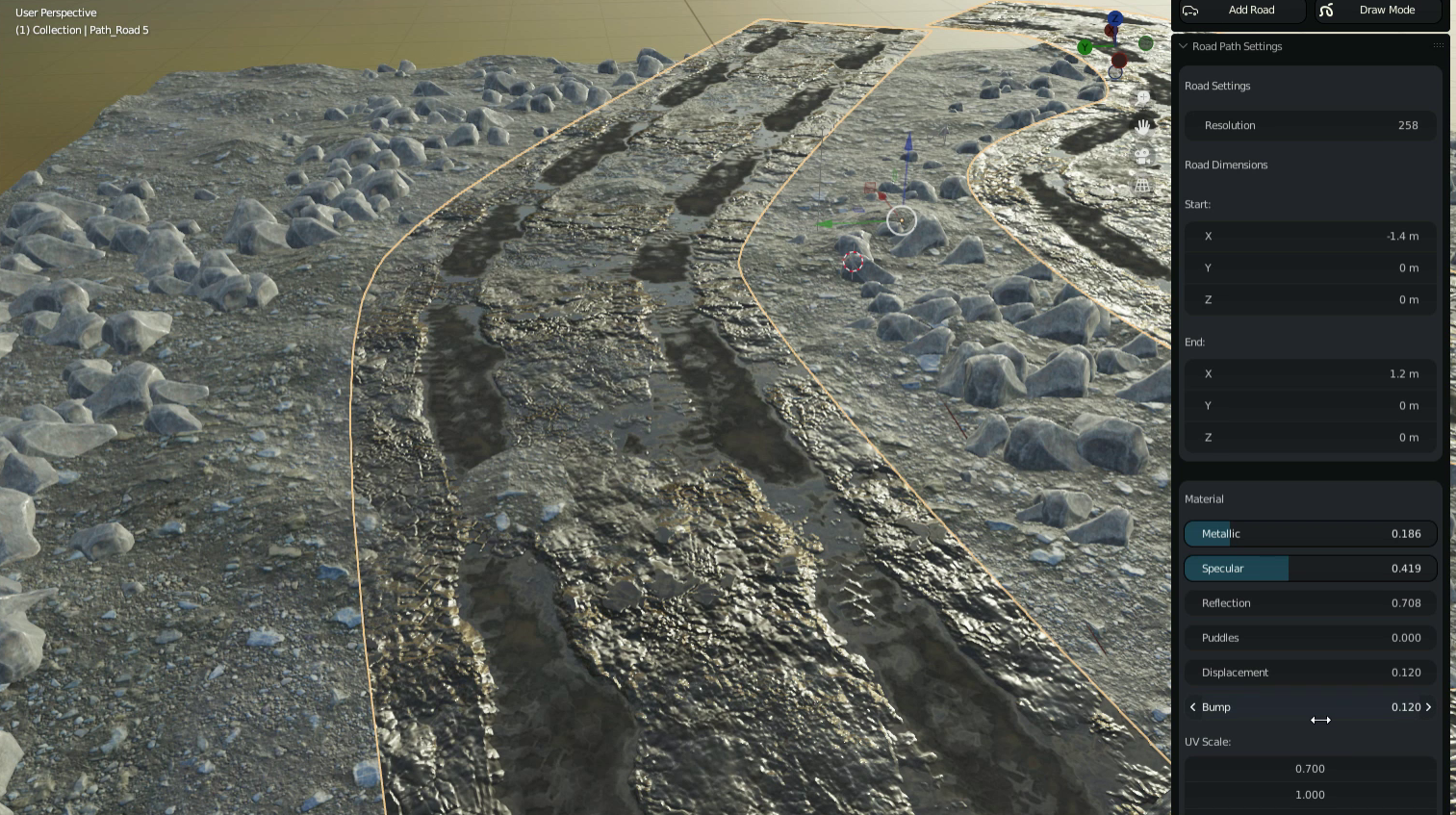
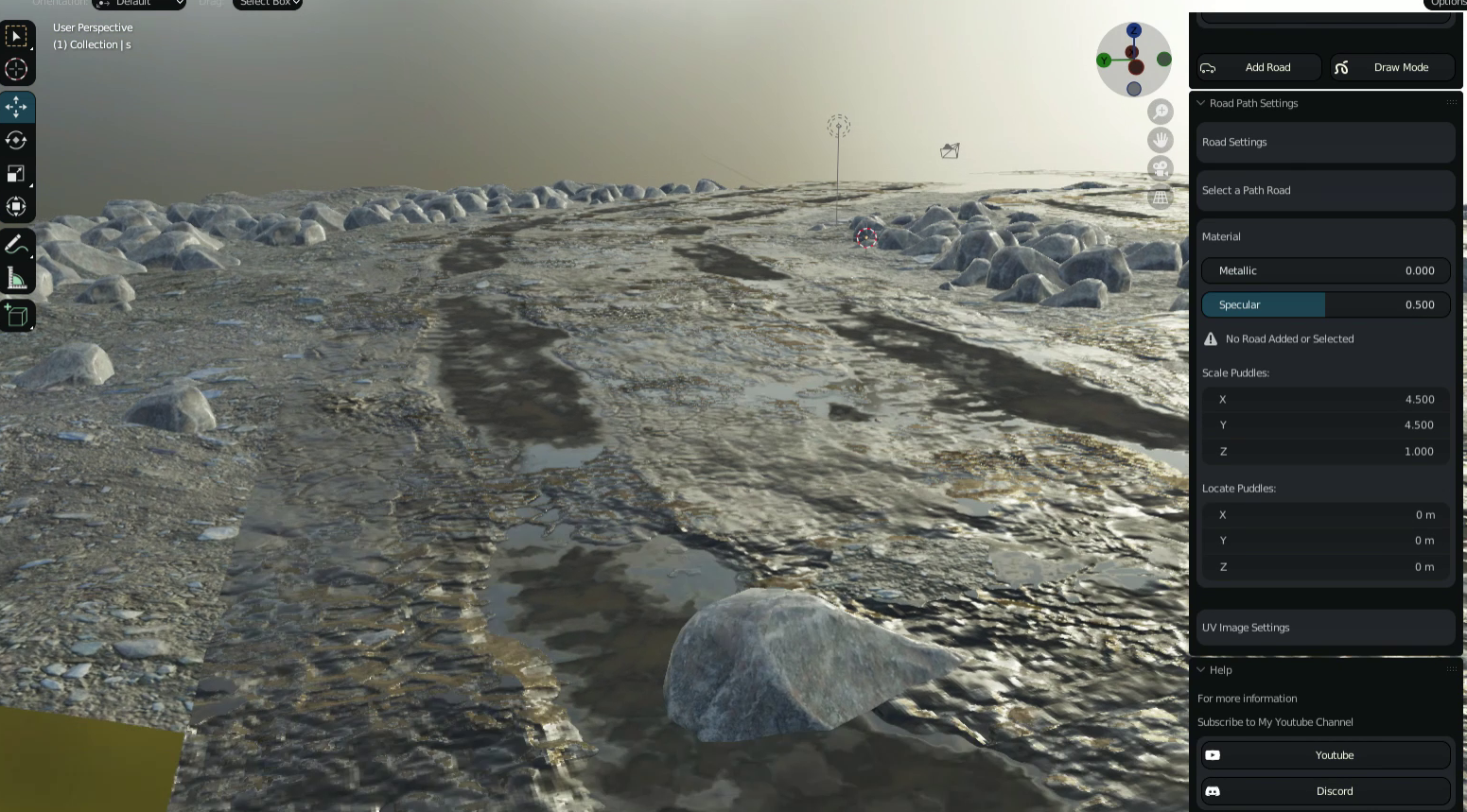
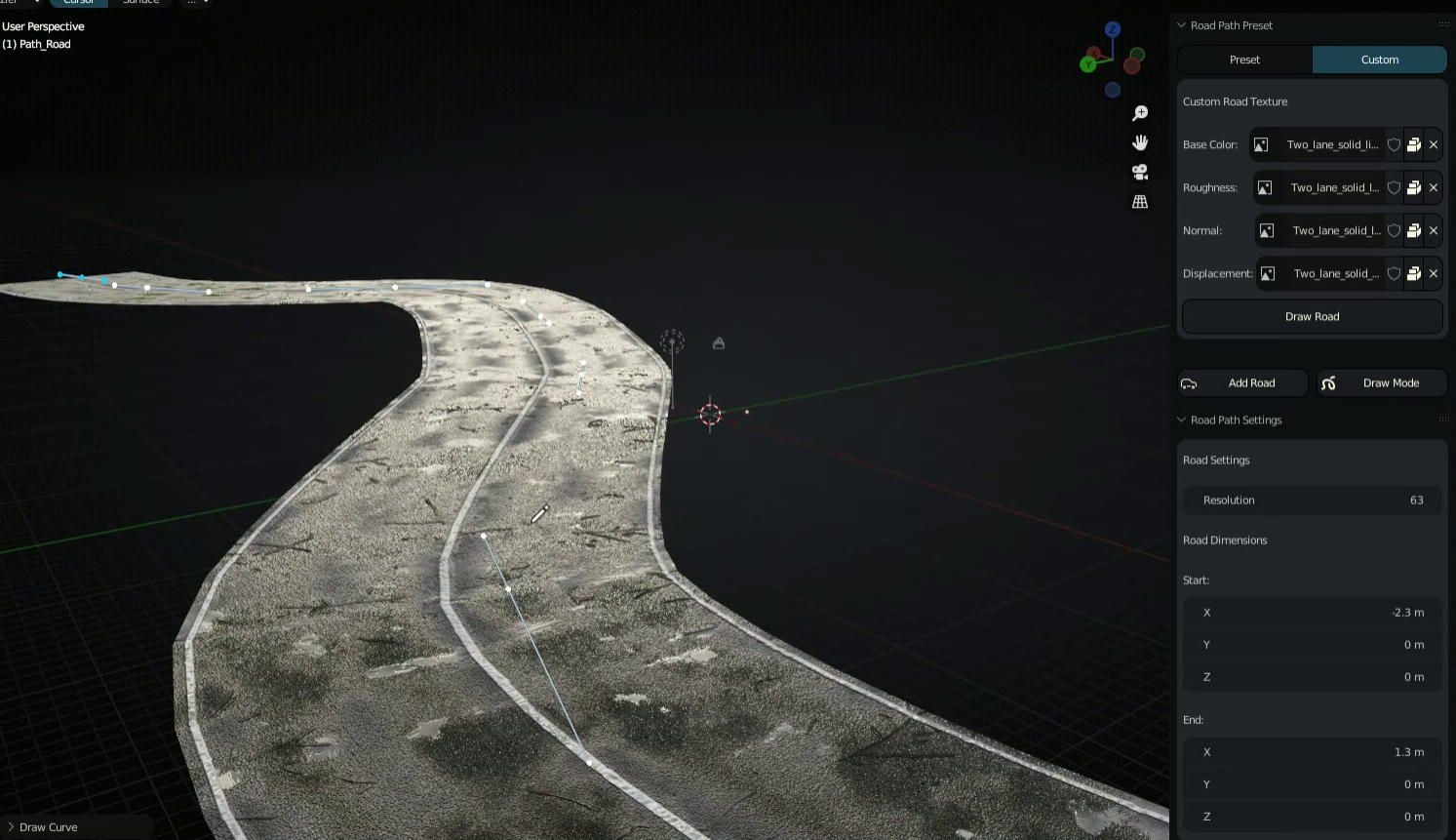
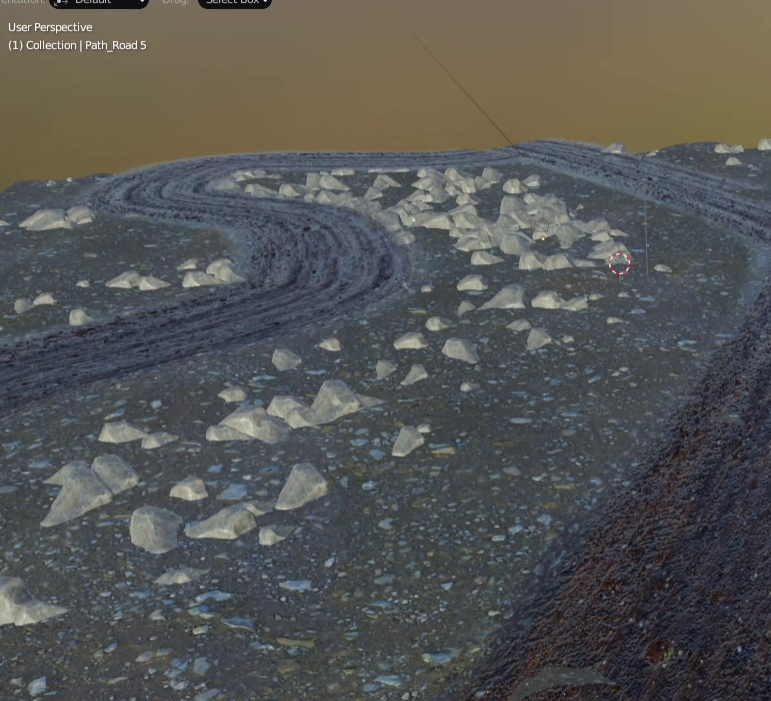
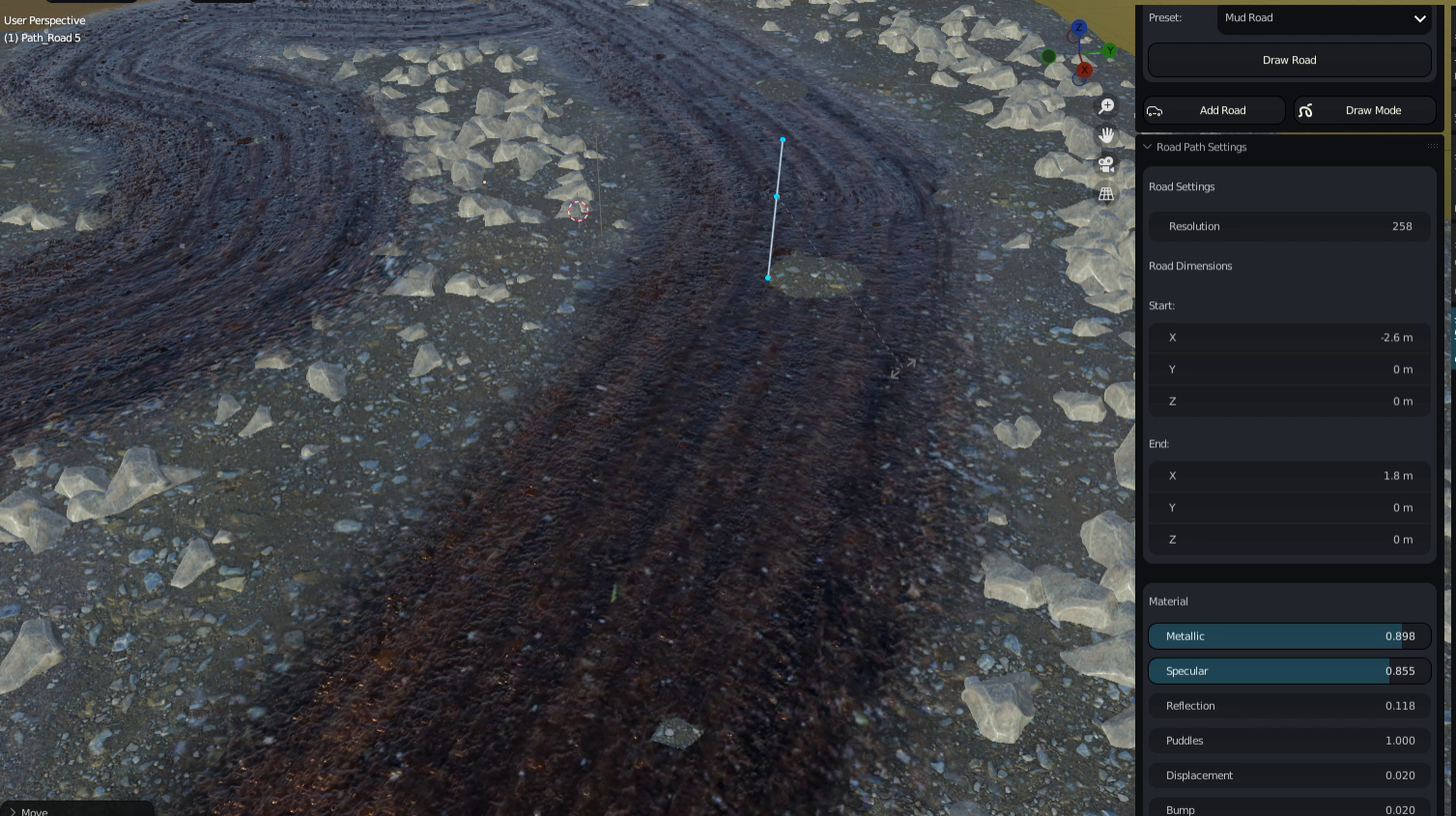
Addon is located on the N-Panel, All you Need to do is
Select Desired Preset Then, Use The Pavement Road Preset as a startup for your Custom Roads like Mud Grounds
Use the Mud Road for Your Roads with Transparent Alpha Channel
Click Draw Road, to go in Edit Mode, Draw the path you want and the selected preset road will be drawn
Click Draw Mode to go to the Drawing Mode of the Selected Path
Click Add Road if you just want to add another road To Draw on with Edit Mode
Make Custom Road or Path
To make your Own Road Using your Own Textures, Select a Preset that corresponds to the kind of Road or path you want to Draw, Goto Custom Tab ontop and play with the Image Base Color, Normal, Roughness and Displacement by Browsing your own Texture and the rest shall be done for you
Have questions about this product?
Login to message
| Sales | 300+ |
| Dev Fund Contributor | |
| Published | almost 4 years ago |
| Blender Version | 4.3 - 5.1 |
| License | GPL |

Discover more products like this
loveblender spring23 bfcm28 2023 bfcm25 spring26 winter28 winter27 mud bfcm22 summer25 summer24 spring27 winter26 summer26 spring25 bfcm24 summer28 spring28 city 3d city asset backgrounds summer27 winter25 bfcm26 spring24 summer23 bfcm23 road winter24 bfcm27 bcon22 free