 Skettch



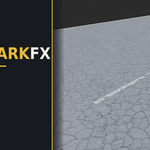
ROADMARKFX
SKETTCH // BLENDER ADD-ON // V2.8
Road markings that were already there.
Procedural lines, arrows, crossings, tar seals and entire numbered parking lots — painted into your ground material, aged by a damage engine instead of a texture.
NO IMAGE TEXTURES · NO UVs · NO DECAL PLANES · CYCLES + EEVEE · BLENDER 4.0–5.X
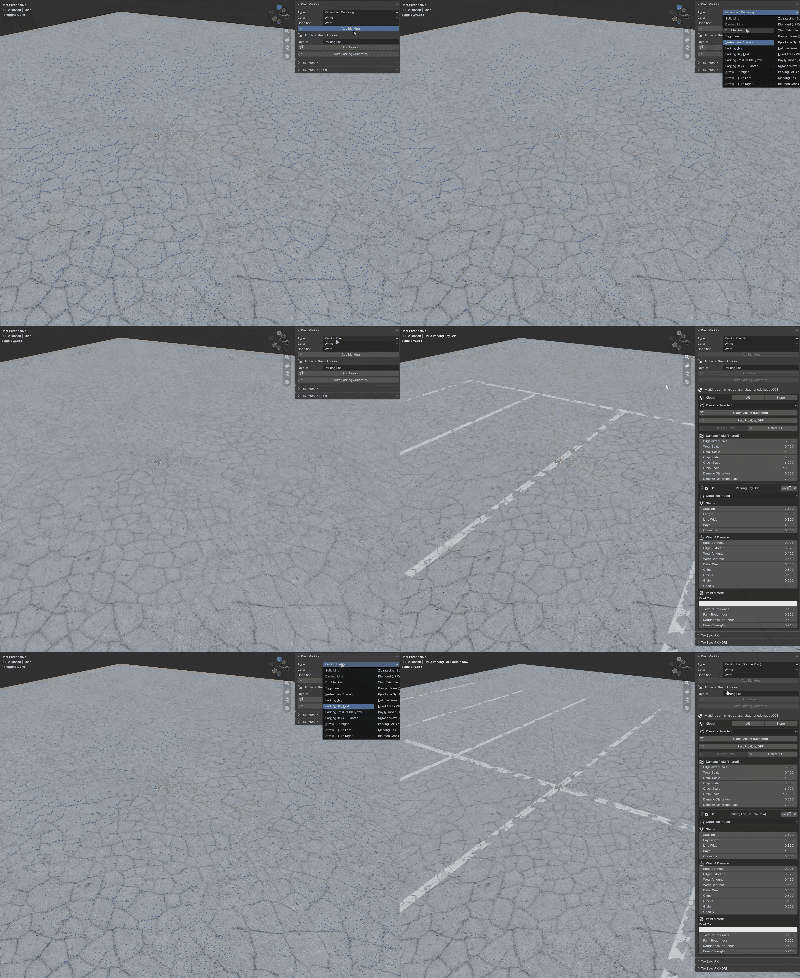
FIG. 01 — PAINT, WEAR AND SUBSTRATE SOLVED IN ONE SHADER
01 / DAMAGE ENGINE
Aged, not stencilled
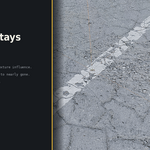
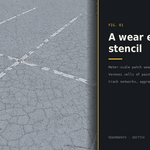
Meter-scale patch wear where tyres run. Voronoi cells of paint flaking away. Crack networks that wander. Aggregate grain, ragged edges, and a ghost of old paint where it has gone entirely — every parameter a live slider.
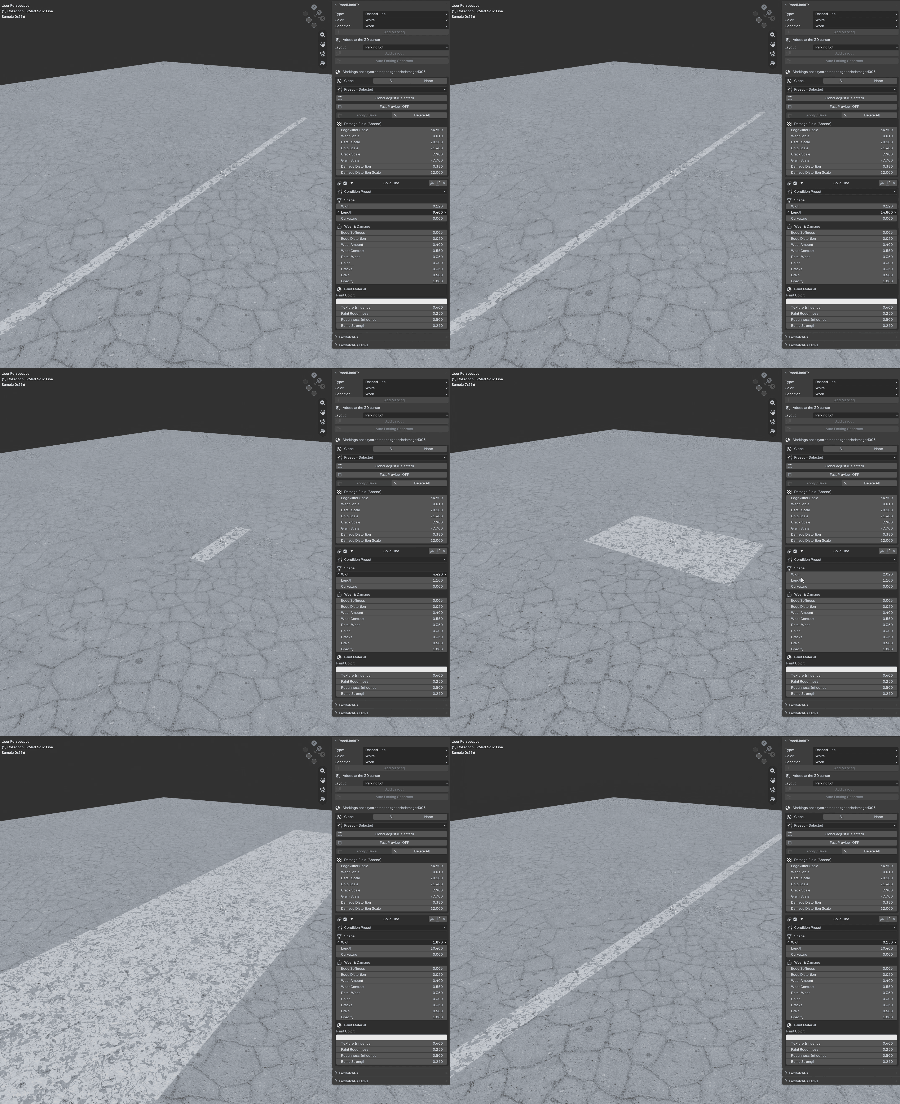
FIG. 02 — WEAR RESPONDS AS YOU DRAG
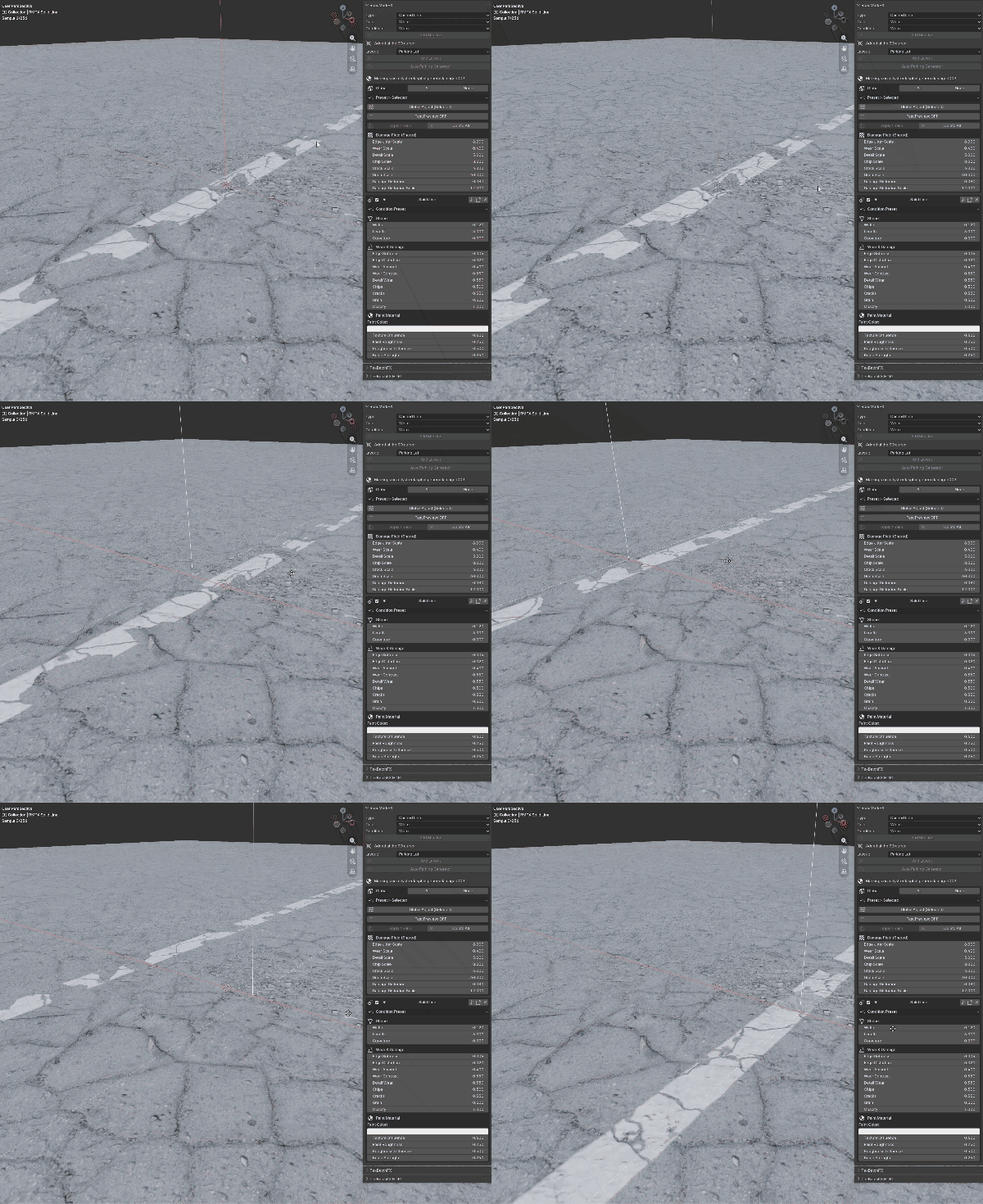
FIG. 03 — FLAKES, NOT DOTS
Six condition presets — Fresh Paint, Lightly Worn, Worn, Heavily Worn, Cracked Old, Nearly Gone — set the whole wear and paint stack in one click, on a single marking or across an entire selection.
02 / MATERIAL INTEGRATION
Painted in, not pasted on
The paint lives inside your material. Asphalt reads through it, it inherits the ground's roughness — wet ground makes wet paint — and it rises with a thermoplastic bead. No alpha planes, no z-fighting, no pixelation at any distance.
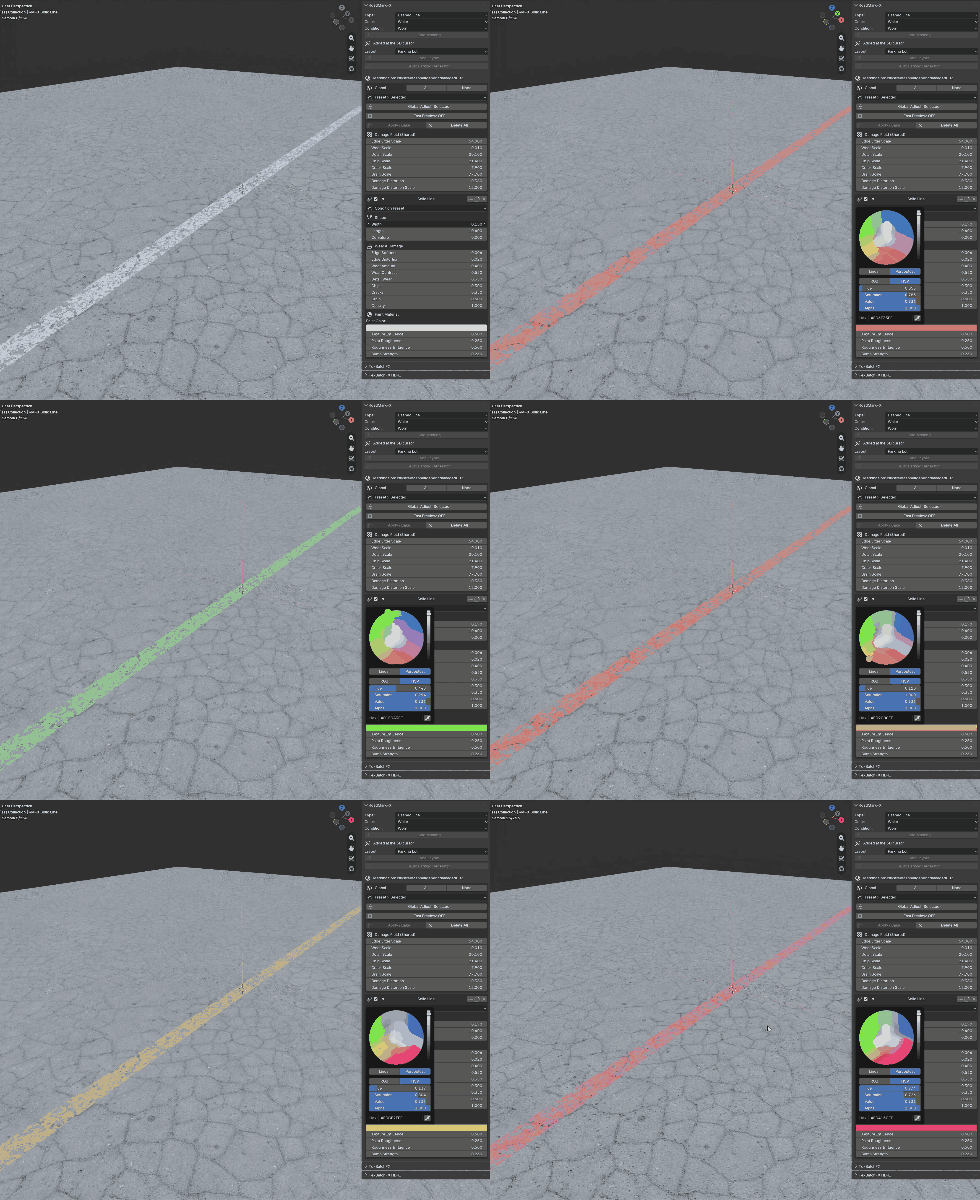
FIG. 04 — SUBSTRATE VISIBLE THROUGH THINNING PAINT
03 / WORKFLOW
Three clicks to a marking
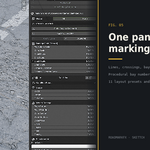
Pick a type, a colour, a condition. Press Add Marking. A controller Empty appears — move, rotate and scale it into place. Everything stays editable in the sidebar, forever.
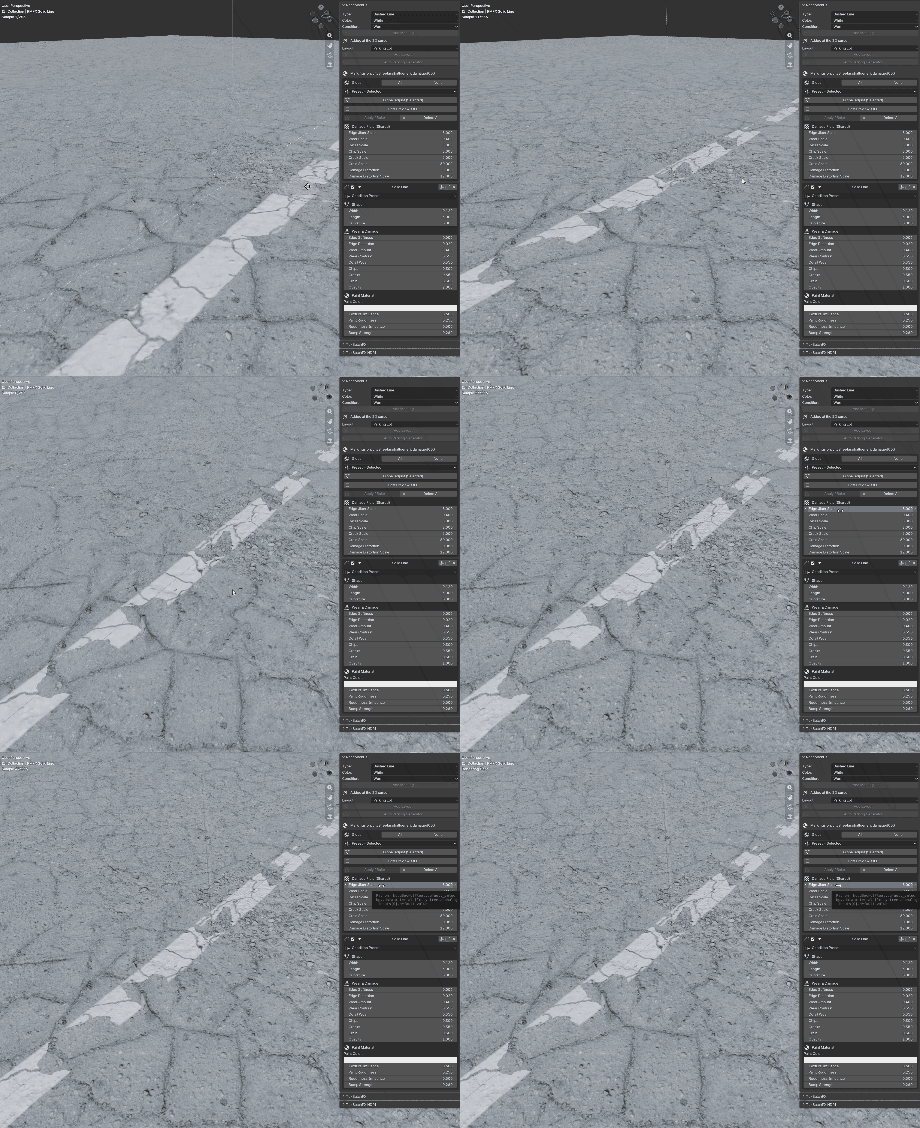
FIG. 05 — ONE SIDEBAR, EVERYTHING IN REACH
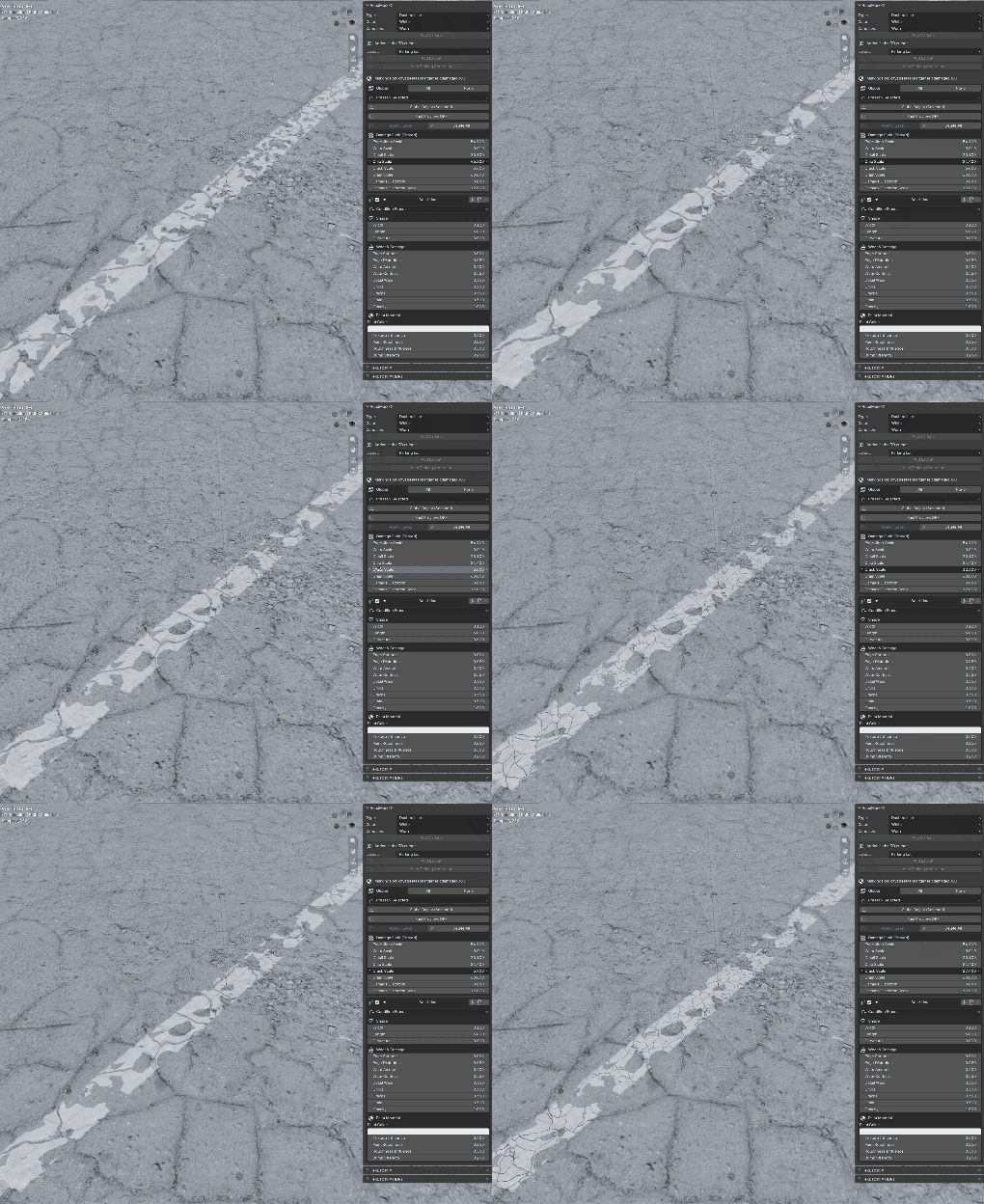
FIG. 06 — PLACED WITH AN EMPTY, LIVE FOREVER AFTER
04 / CATALOGUE
Twenty-four types
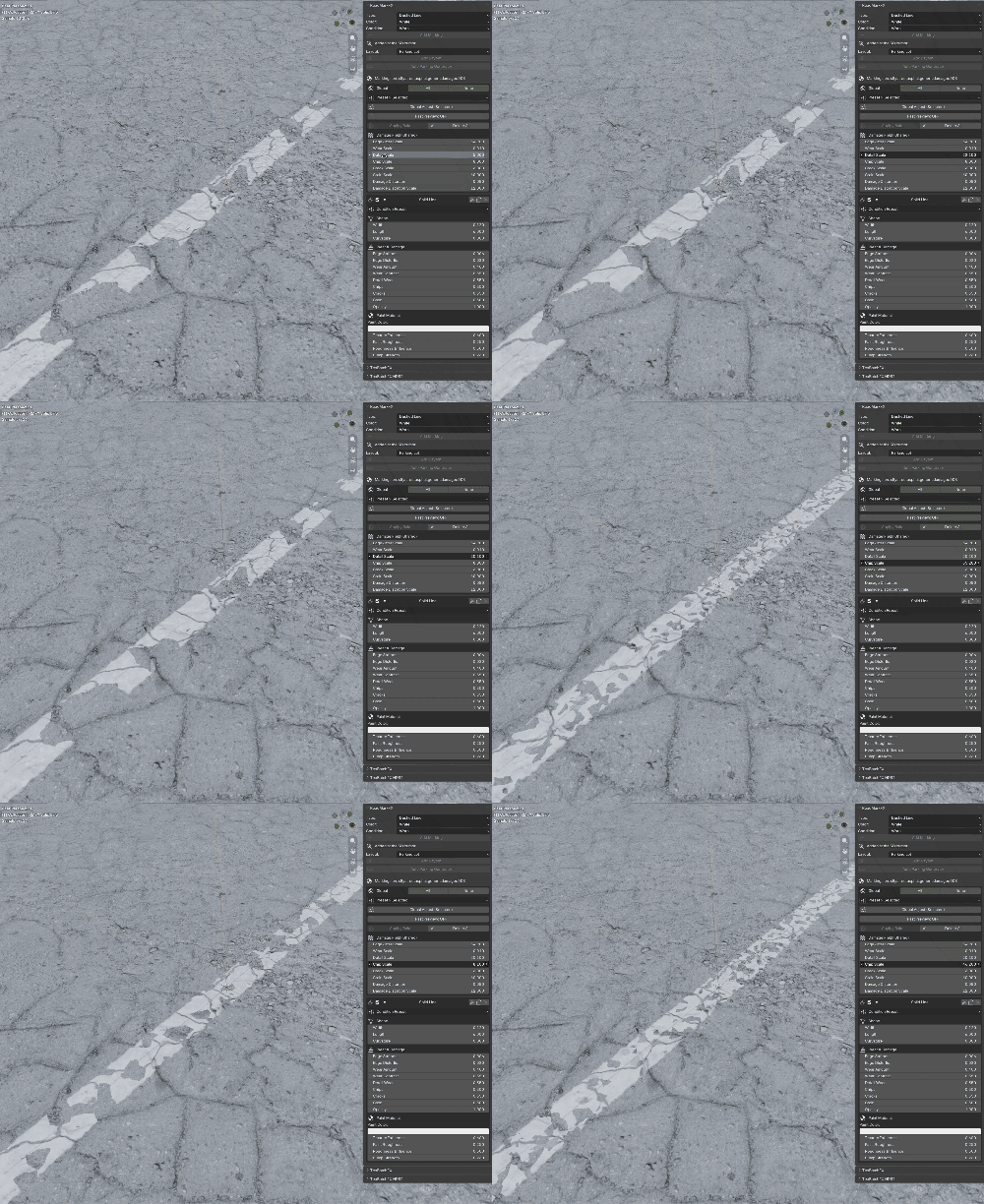
FIG. 07 — THE WHOLE CATALOGUE IN ONE MENU
05 / GENERATOR
A whole car park,
fitted to your ground
Auto Parking reads your object and lays out bay rows, aisle arrows, a pedestrian walkway, crossings and auto-incrementing bay numbers — every parameter a live slider in the redo panel. Single Shader mode draws the entire multi-row lot as one node group, so ten rows cost barely more than one line.
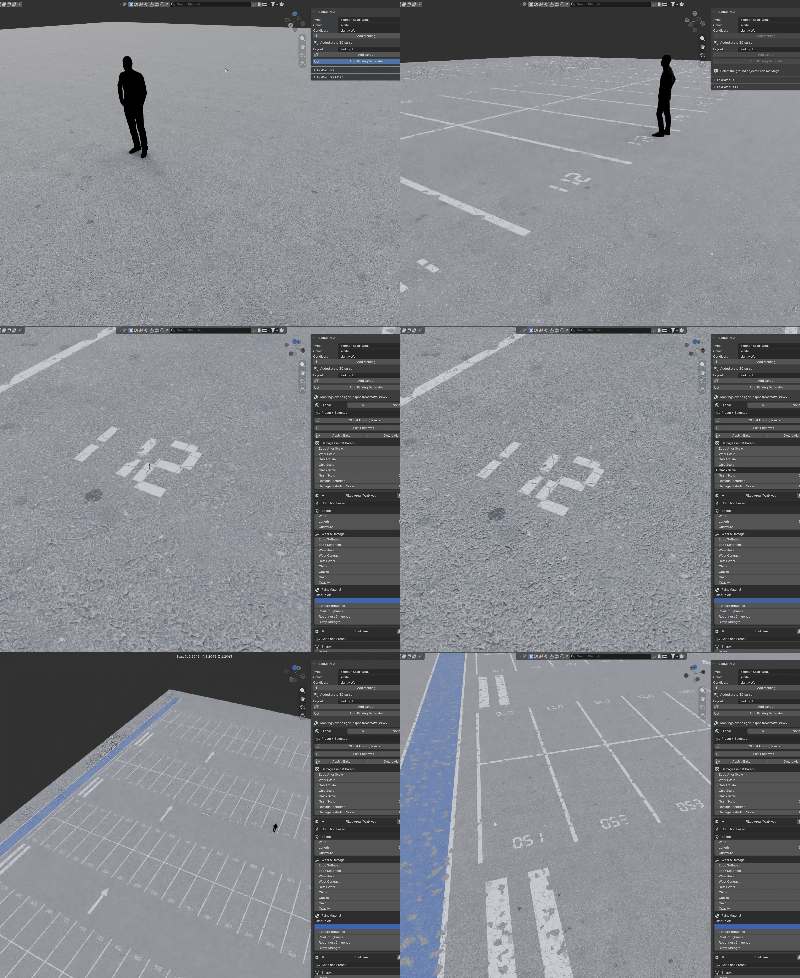
FIG. 08 — THE LOT REBUILDS AS YOU DRAG
06 / NUMBERING
Digits with no font
068 069 070
Stencil numerals computed directly in the shader — no textures, no text objects. A Number Row numbers an entire bay row from a start value, and the digits weather along with everything else.
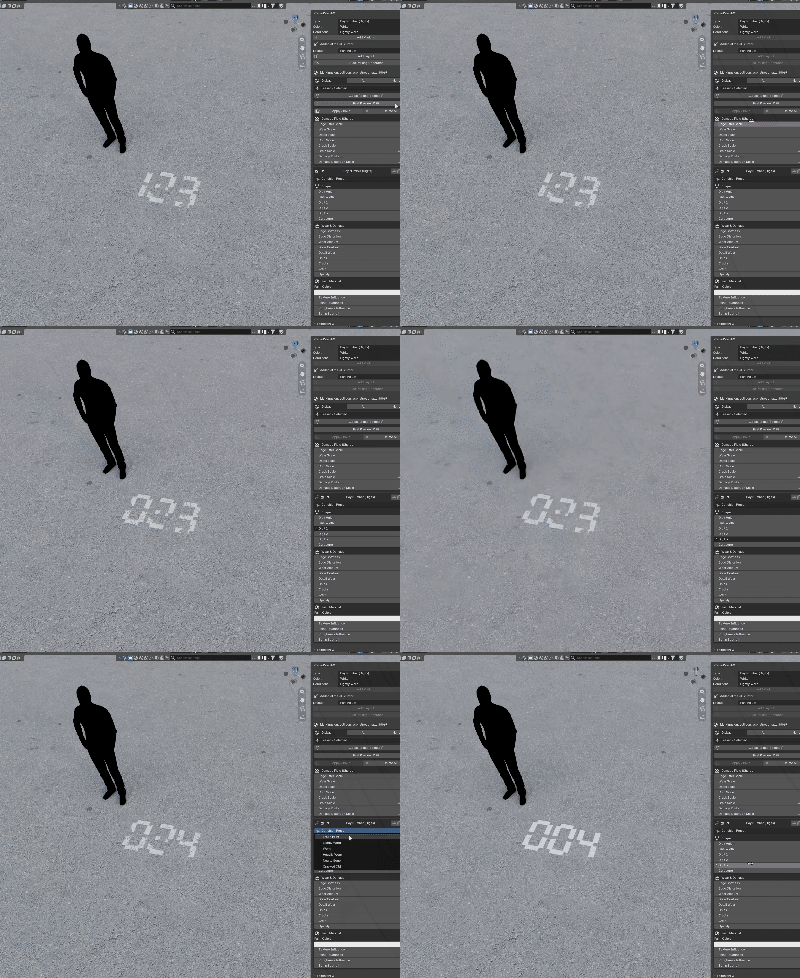
FIG. 09 — RENUMBER A WHOLE ROW FROM ONE VALUE
07 / SURFACE REPAIR
Tar snakes
A wandering network of glossy black sealant — varying bead width, partial coverage, fine branches, feathered patch edges. Add it last and it runs straight over your painted lines, exactly the way the maintenance crew left it.
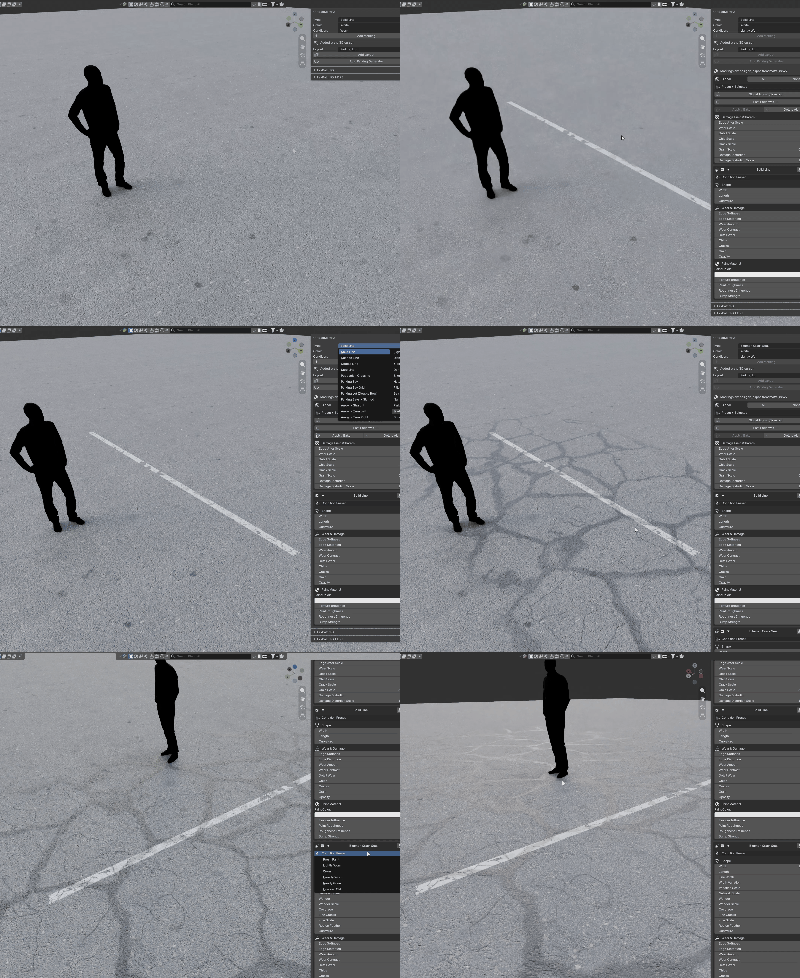
FIG. 10 — SEALANT WITH ITS OWN MATERIAL RESPONSE
08 / ENGINEERING
Built for real scenes
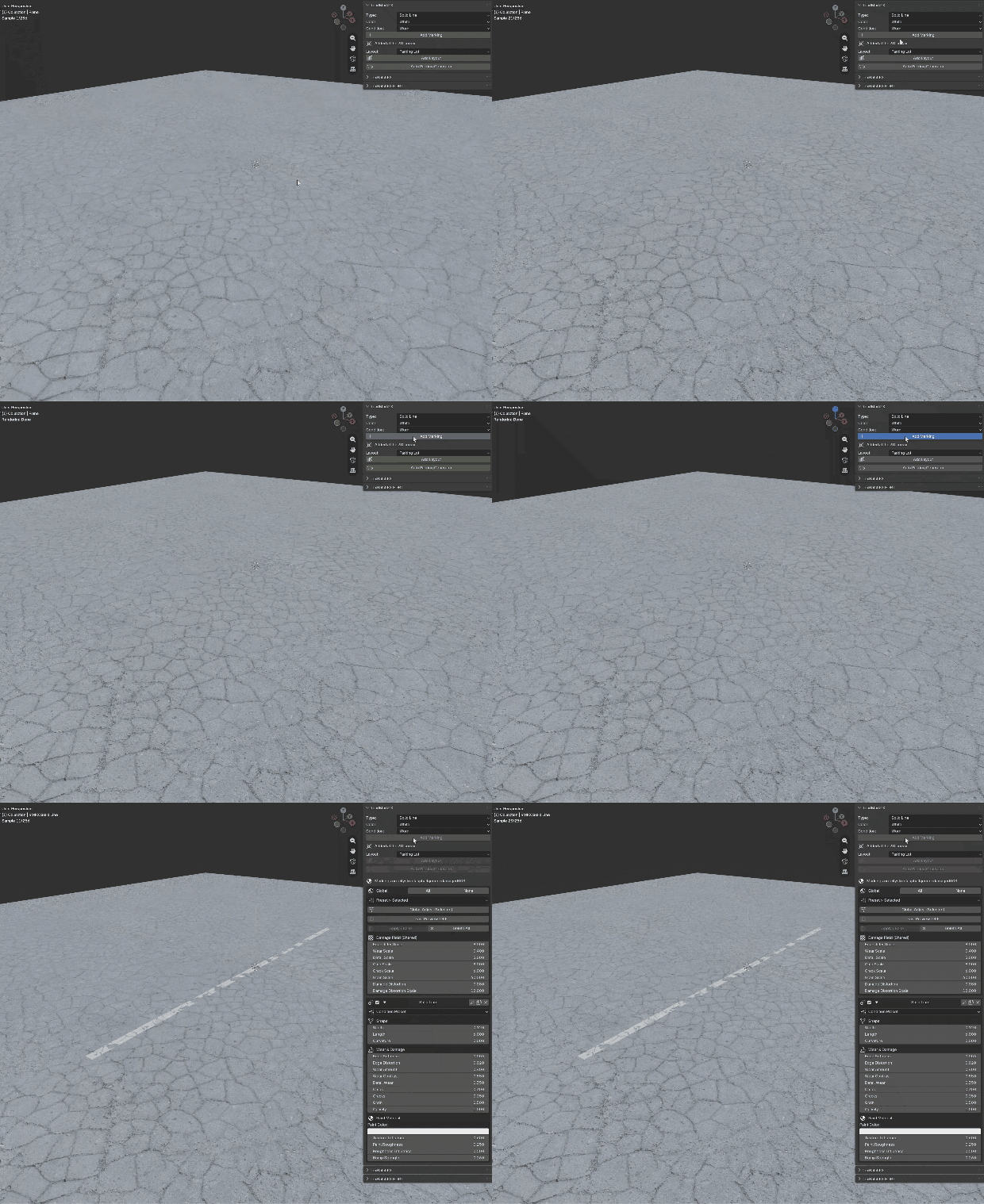
FIG. 11 — SHIPPED SCENE, NOT A TURNTABLE
INCLUDED
Add-on as installable ZIP
24 marking types · 11 layout presets
Auto Parking Generator
Documentation
Free 2.x updates
REQUIREMENTS
Blender 4.0 – 5.x
Cycles or EEVEE
A Principled BSDF material
UVs only for the optional bake
Pure shader nodes — no OSL
© SKETTCH · ROADMARKFX · 2026