Robocopy Backup Script
 Soyoyo



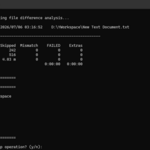
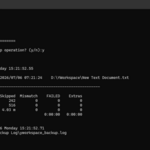
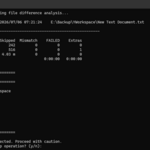
This is not a Blender addon, so no need to install. Just edit the bat file using any text editor to set up the path, then click it to run.
Set up the path
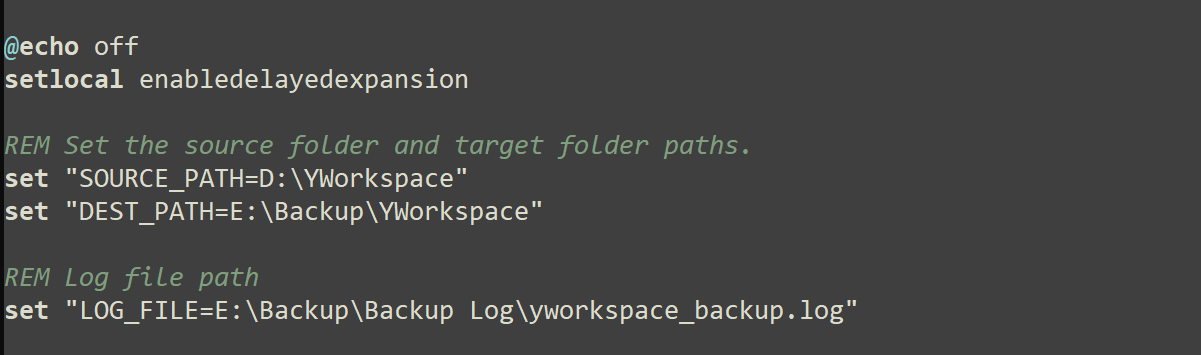
Open the file, set up the source path, destination path, log path, and save it. Then you can click the bat file to run. If you have many folders to backup, just duplicate the bat file. Then give them names like xxx_backup, yyy_backup, xxx_to_aaa_backup, xxx_to_bbb_backup etc.
Run
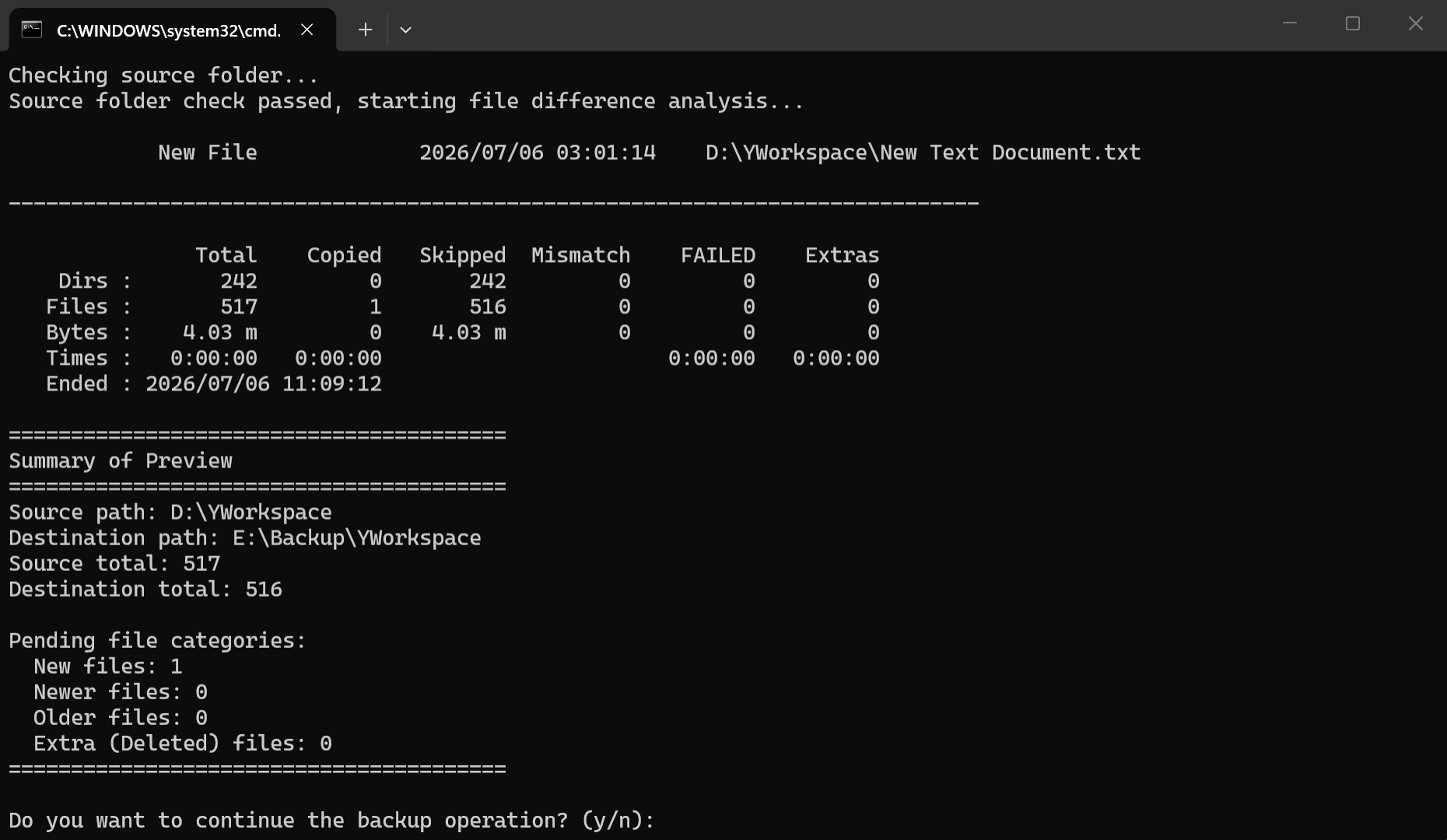
When you click on the bat file, it will display a preview of the file differences. If older or extra files detected, a warning will be thrown to let you be careful. If you found something weird or that's not what you expect, type n to cancel, or just close the window to cancel. If you are sure to continue the backup, enter y and press enter, then it will start the actual backup. Then it will mirror the source to the destination. If you don't want to purge the extra files in destination, you need to edit the script to change the params.
File types explanation
- New file: Exist in source but not in destination. Mainly because you create a new file in source.
- Newer file: Exist in both, and the source one newer. Mainly because you update the file in source.
- Older file: Exist in both, and the source one older. Mainly because you update the file in destination.
- Extra file: Exist in destination but not in source. Mainly because you delete the file in source.
Update
Version 1.0.1
- Fixed some issues about summary info.
Version 1.0.0
- First released.
Have questions about this product?
Login to message
| Dev Fund Contributor | |
| Published | 4 months ago |
| Blender Version | |
| Extension Type | N/A |
| License | GPL |