 Soyoyo



Actually, this is not a Blender addon but an incremental backup script. It is based on Robocopy, so it only works on Windows OS. Please note this before making a purchase. On Windows OS, you can use it to back up your growing folders.
What is it
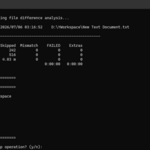
When you need to incrementally back up your files and do not want to use a complex backup software, this is a great option. Robocopy is a built-in, powerful, stable, and efficient copying tool on Windows systems. This script utilizes the capabilities of Robocopy. Before backing up, it checks if the source folder is empty, count the total number of files in the source folder, the total number of files in the destination folder, and count the number of new files, newer files, older files, extra files, etc. and list them out. Then it will ask you if you want to continue (If older or extra files detected, it will throw a warning). With these information and check, you can have a better control on your backup operation. It is simple, safe, stable, and efficient.
Summary info before backup
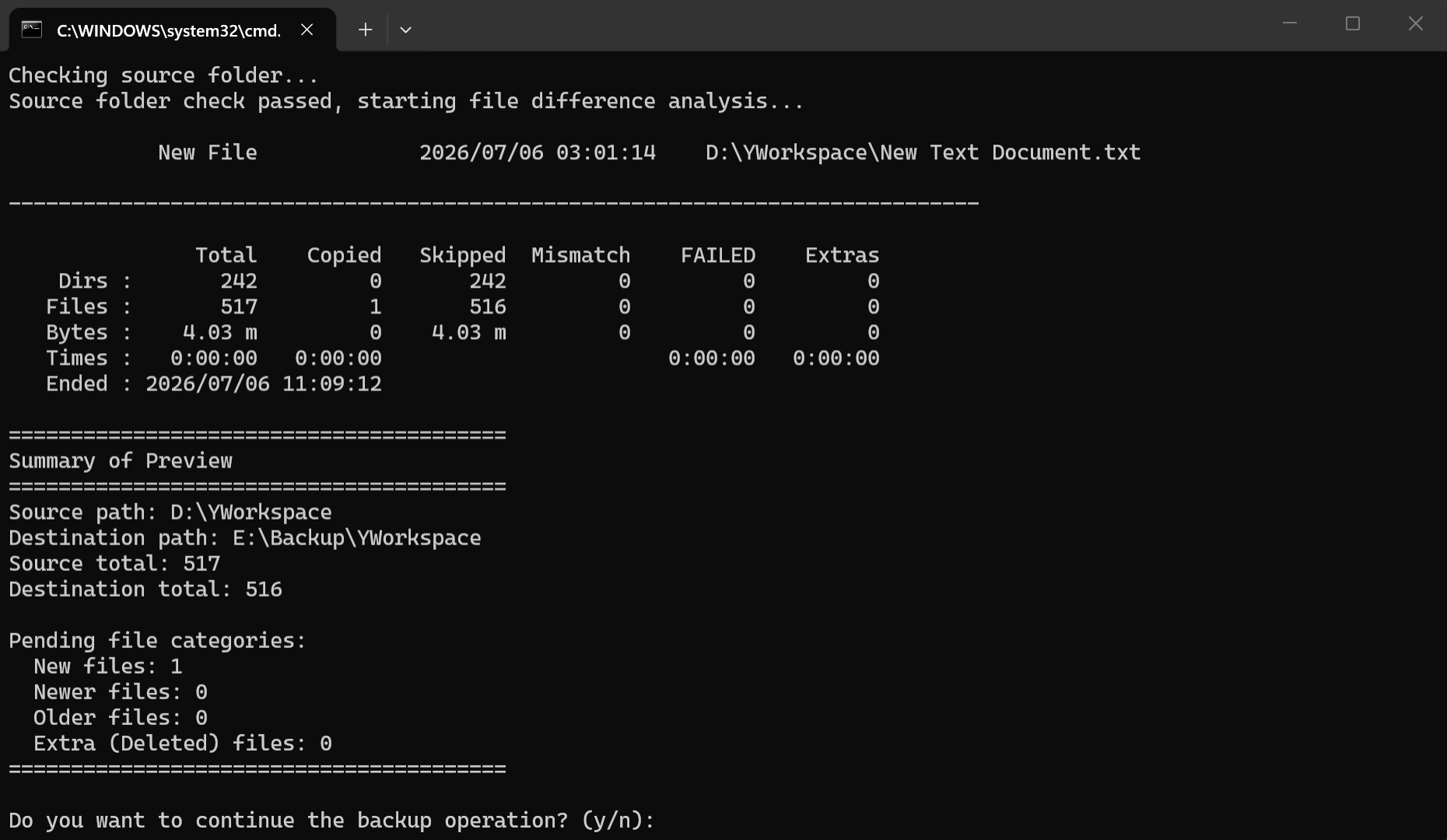
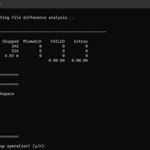
Before backing up, it will obtain a preview and then make a summary based on it. You can use this information to decide whether to continue with the backup operation. You need to pay a little more attention to whether there are older or extra files.
Warning of the existence of older or extra files
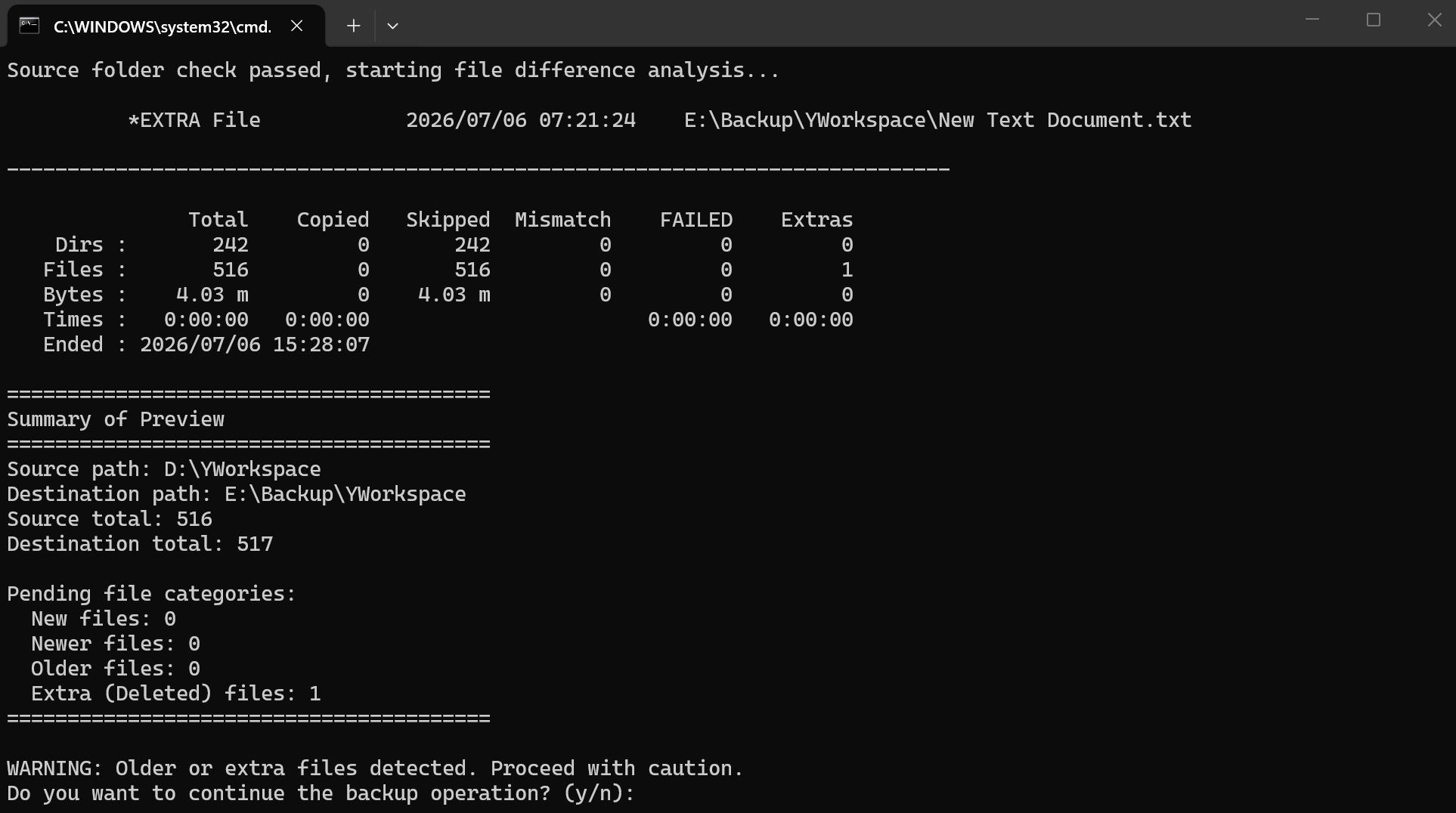
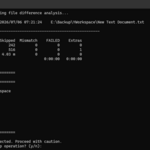
If older files or extra files are found, it will throw a warning to let you be careful. You need to check if these changes are what you expect.
Cancel backup operation
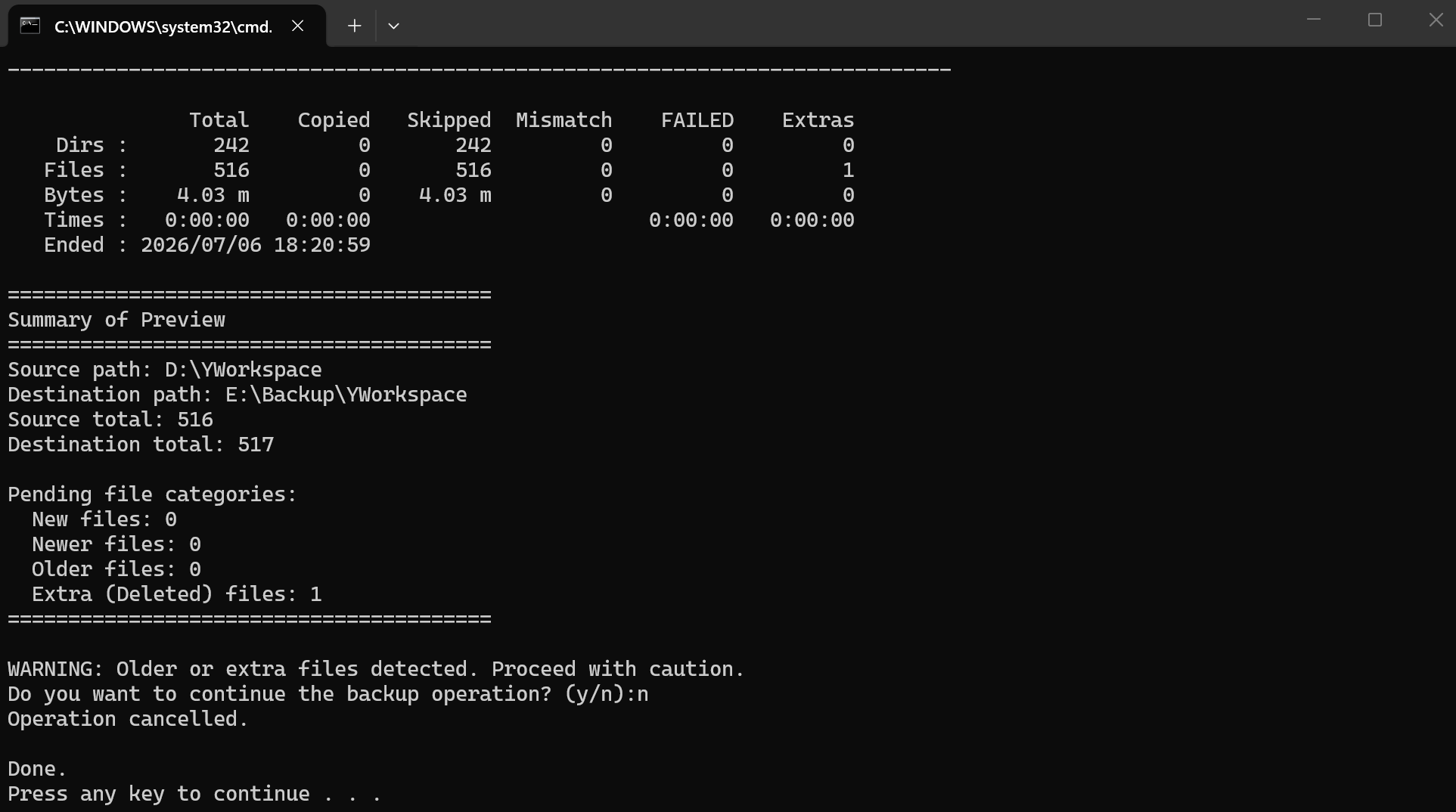
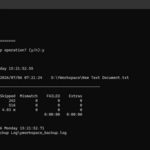
If you find the changes are not what you want, or any other reason, just enter n to cancel. It will do nothing to your source and destination.
Actual backup
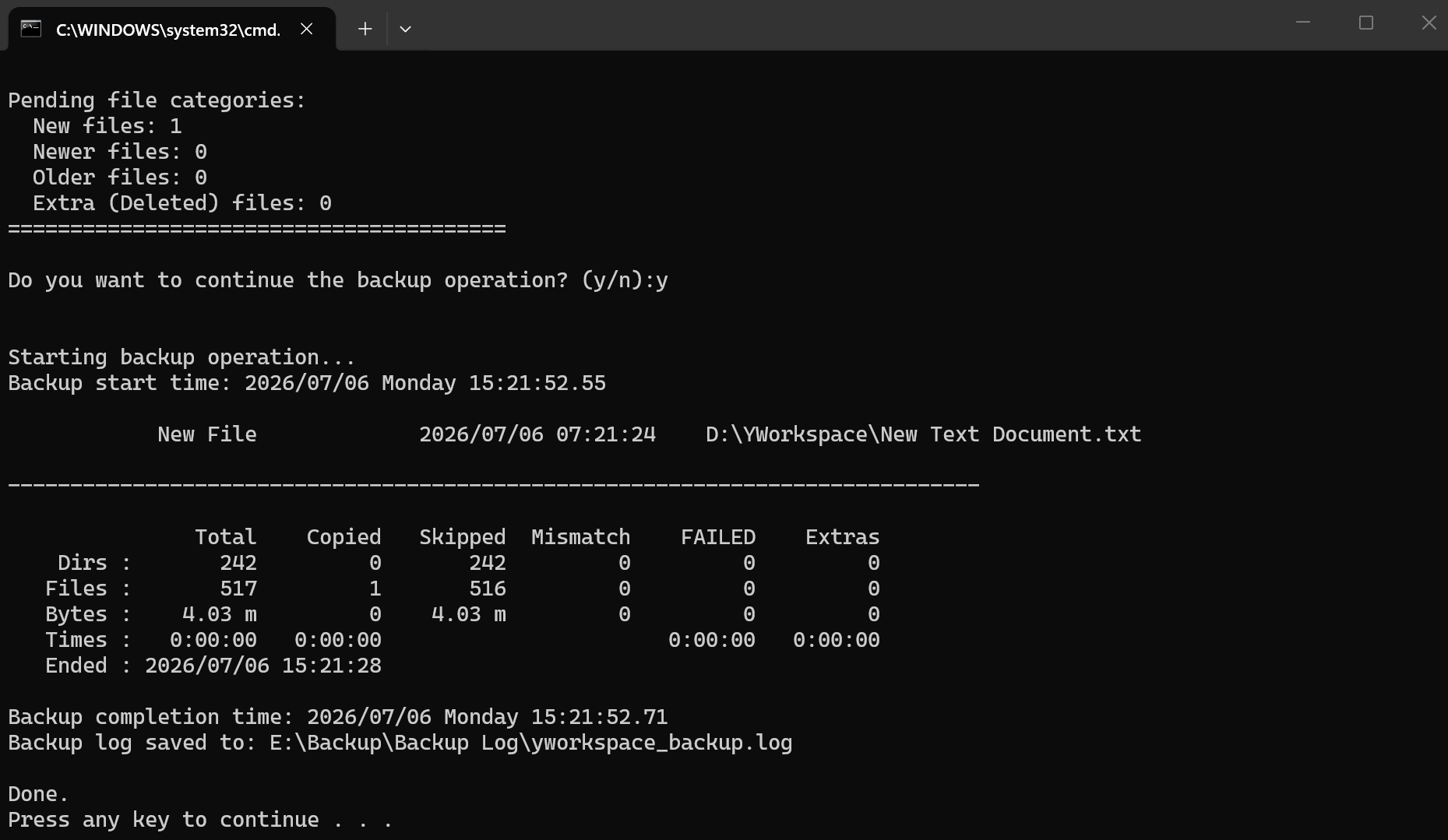
When you enter y and press enter, it starts the actual backup process. Because it is an incremental backup, this process is usually fast, except for the first time.
File types explanation
- New file: Exist in source but not in destination. Mainly because you create a new file in source.
- Newer file: Exist in both, and the source one newer. Mainly because you update the file in source.
- Older file: Exist in both, and the source one older. Mainly because you update the file in destination.
- Extra file: Exist in destination but not in source. Mainly because you delete the file in source.
Notice
- It's best to create a test project to try, familiarize yourself with the tool first.
- If you are backing up on the same machine, do not use the same hard drive for both the source and the destination. It is better for the destination to be a separate hard drive. The probability of two hard drives failing at the same time is much lower than the probability of one hard drive failing.
- This script use the /MIR param when actually back up. It mirror the source to the destination. If you need more control on it, you could edit the command params in the script, but make sure you have a certain understanding of Robocopy.
- This script use the /FFT param. It allows a 2-second difference when comparing timestamps of files. See its doc for more.
Limitation
- Only supports Windows OS, both the source and destination must be Windows OS.
- Supports local area network backup. But not supports the Internet backup.