 mstuff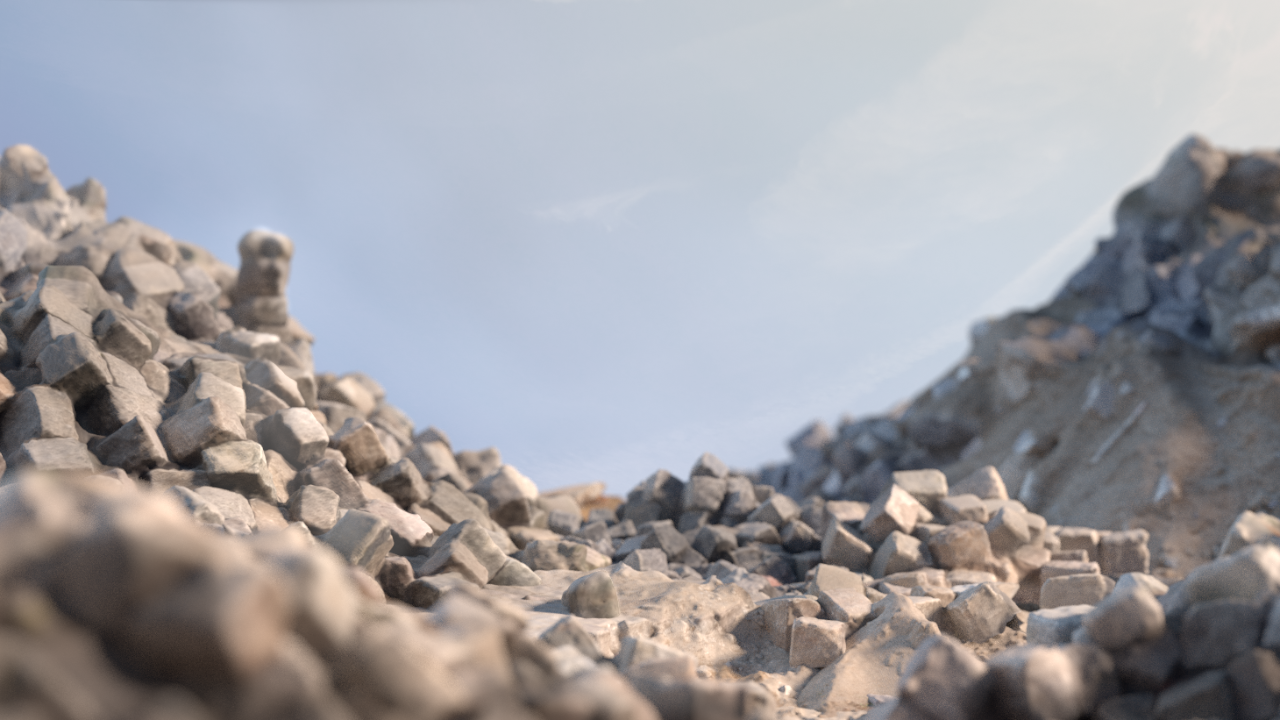
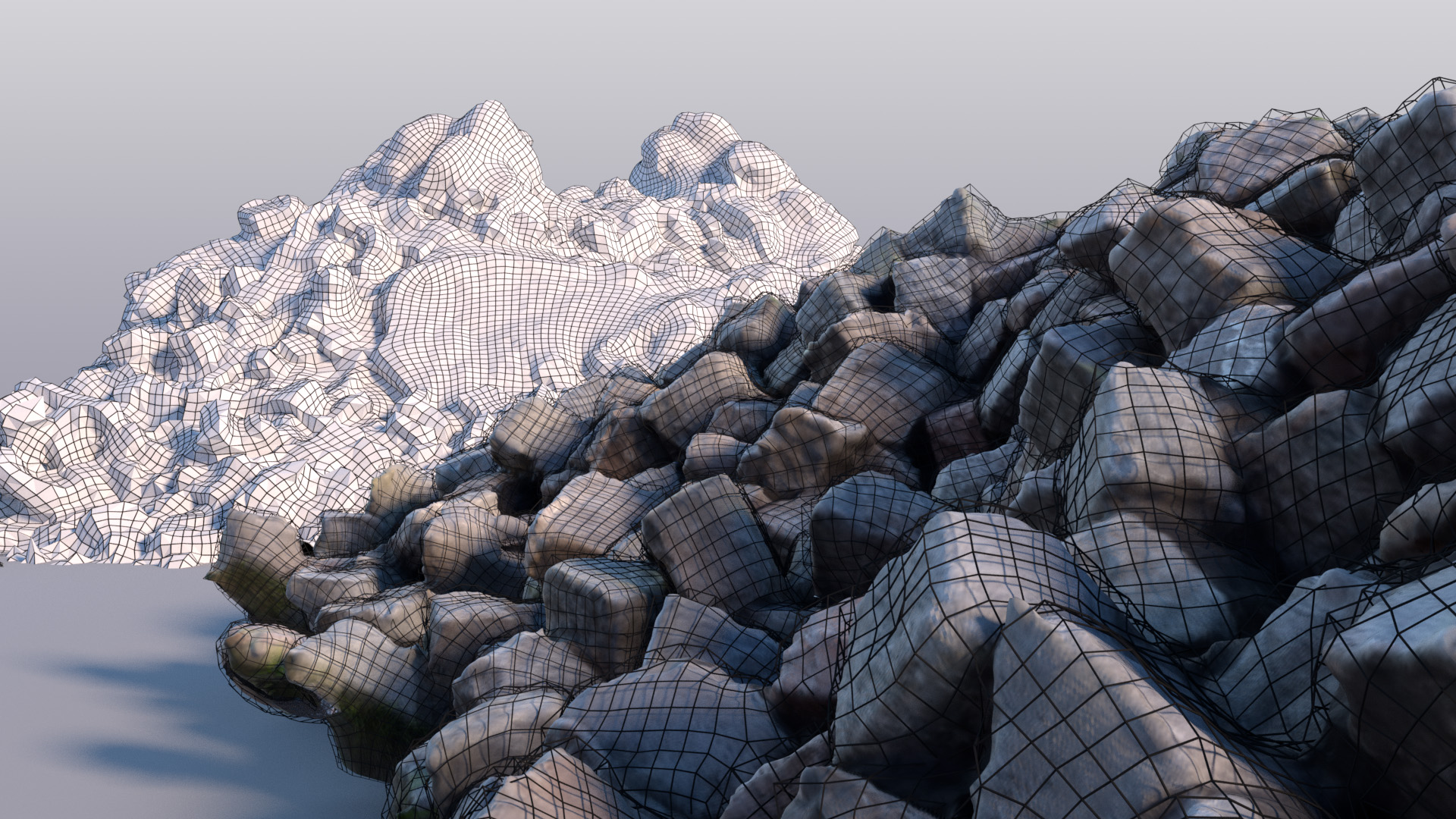
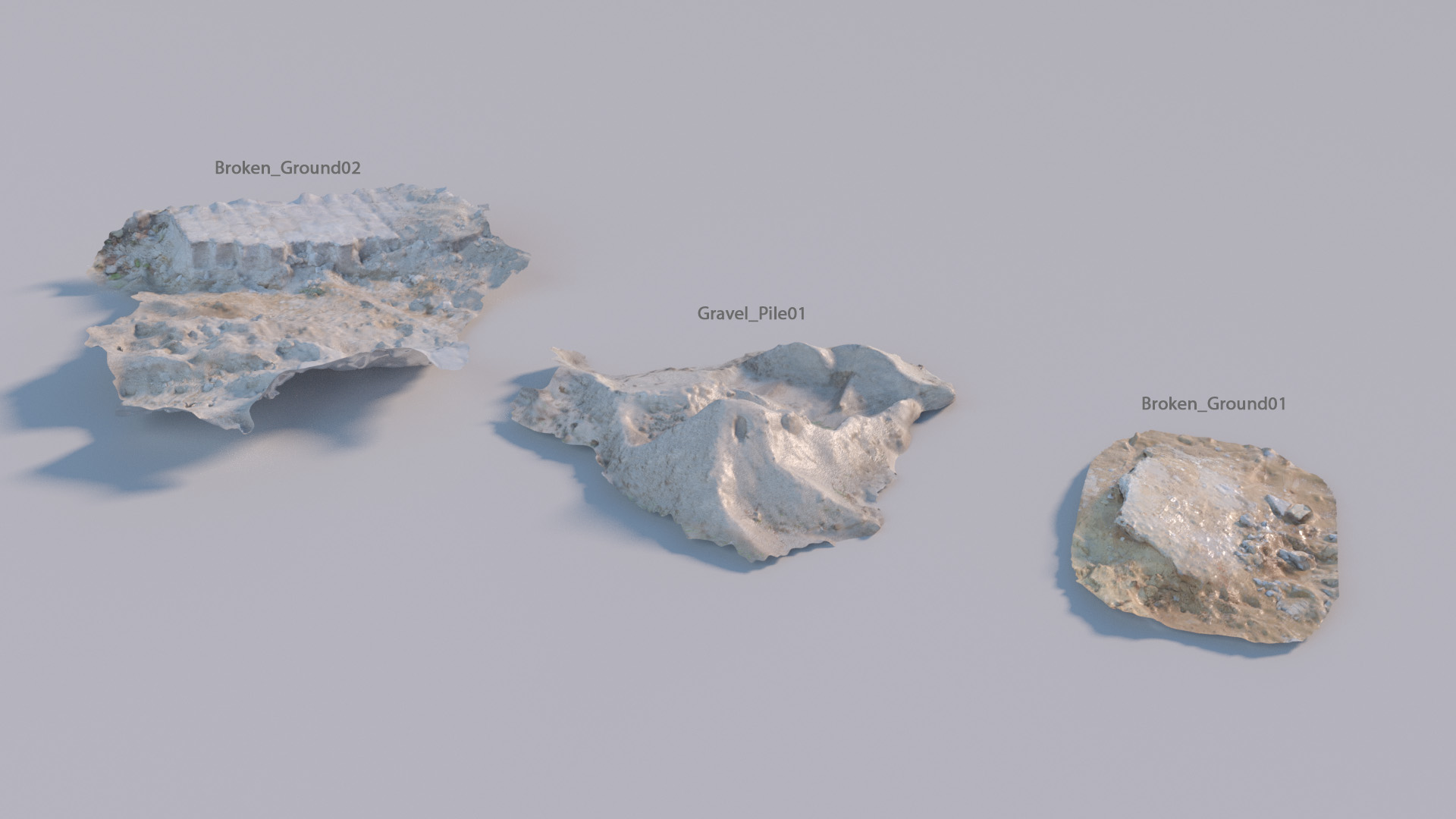
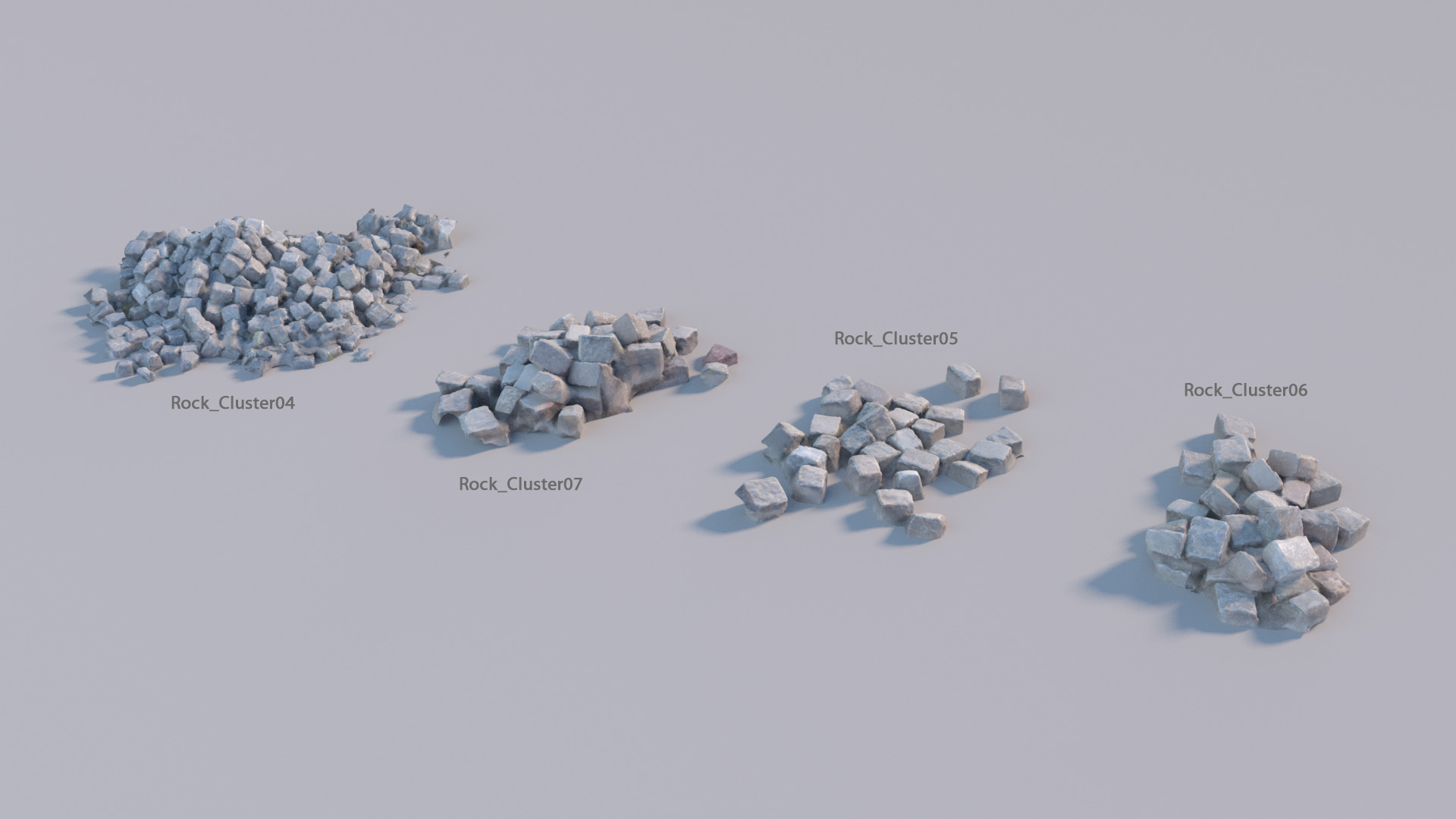
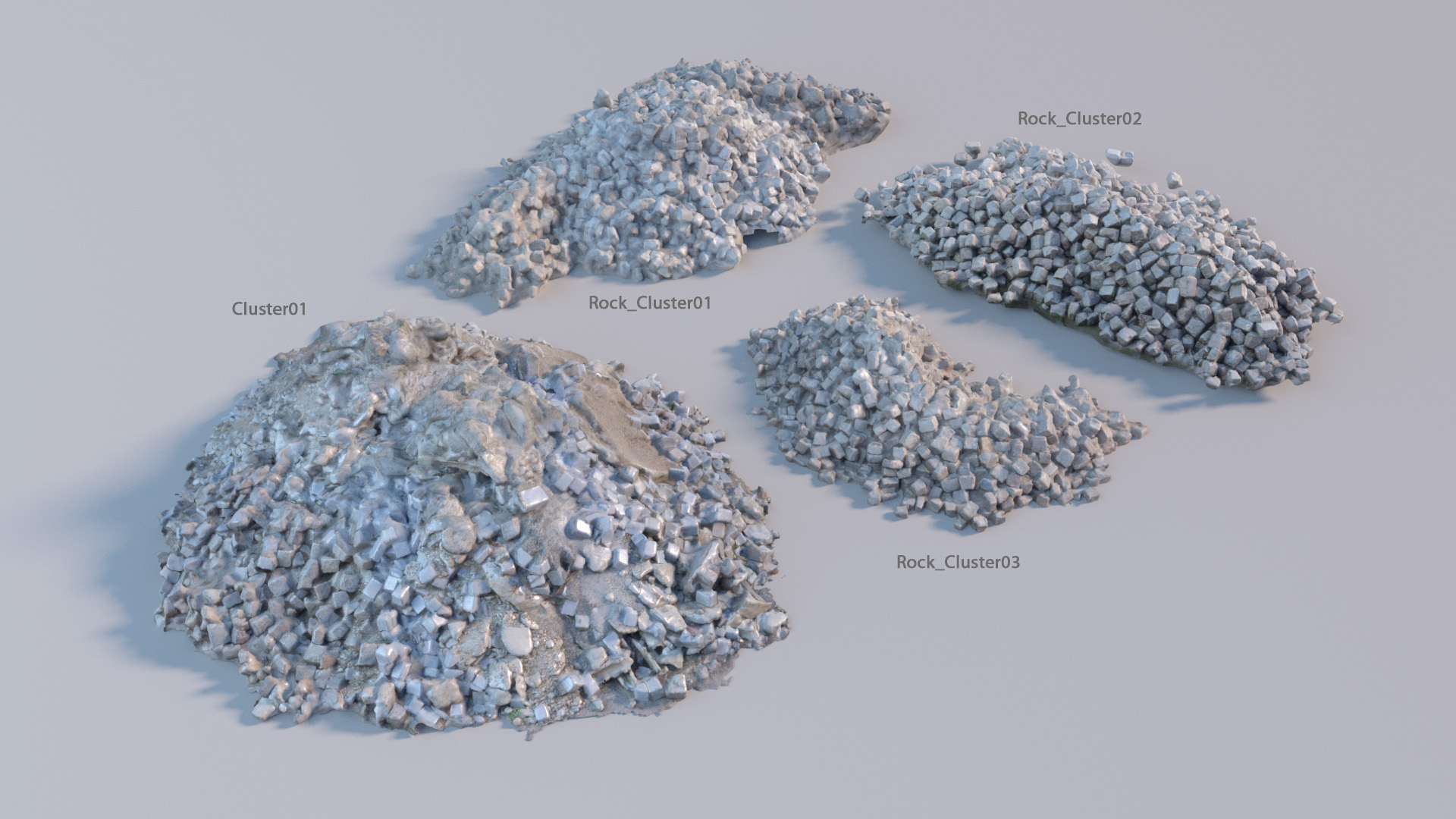
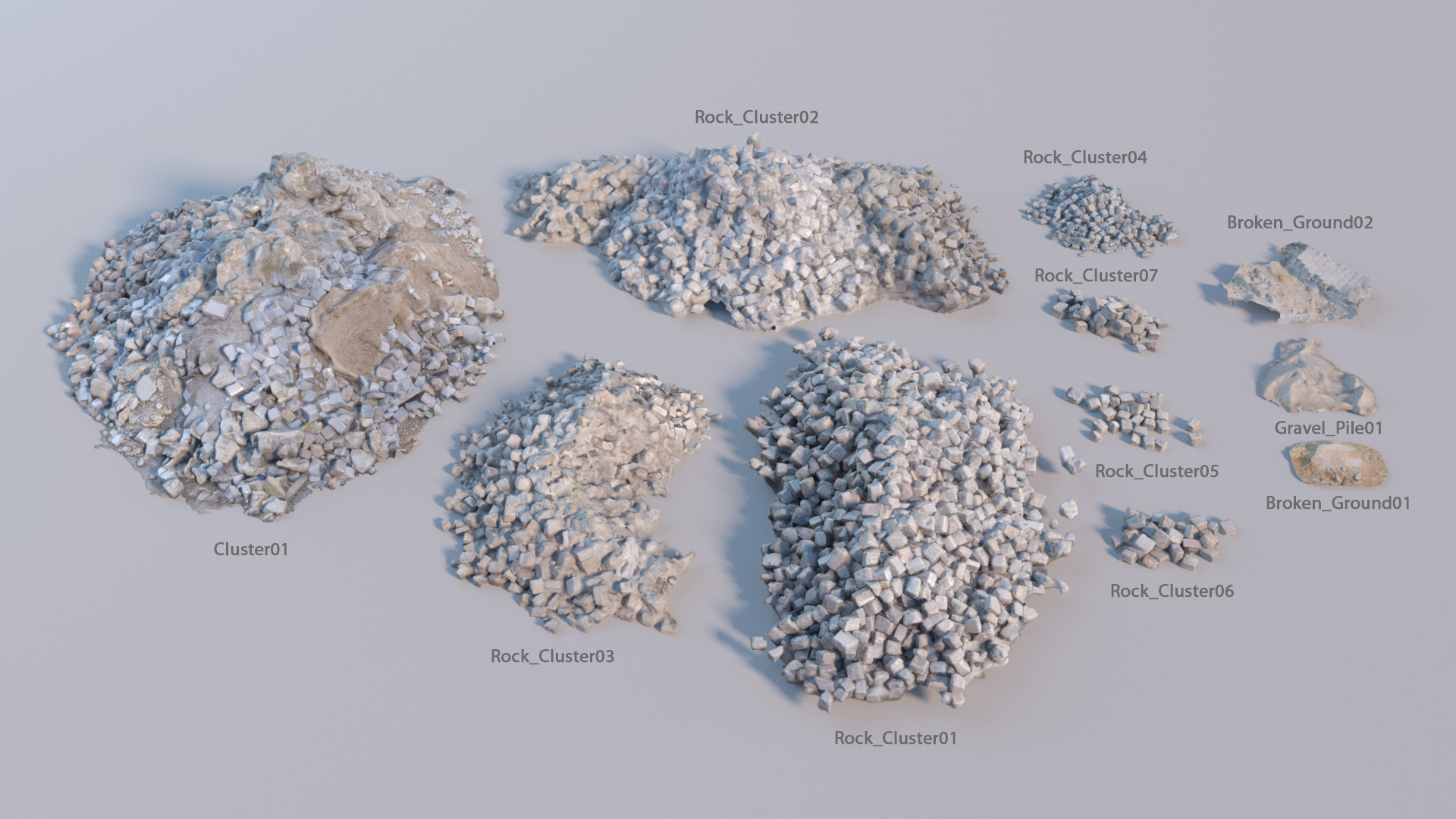
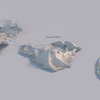
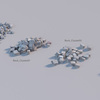
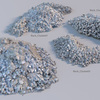
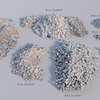
How to include assets: In your Blender scene, go to File > Append, then find the Rock and Gravel Asset Pack.blend file and click it. Next go to the Object directory - inside you will find all the models in the asset pack. Pick the models you want to include in your scenes and press 'Append from Library'. That's it ! The assets are now in your scene and you can move, rotate and scale them to fit your needs.
*** Attention - Be careful of importing all models at once as Blender might hang for a long time, depending on your computers' hardware. ***
Have questions about this product?
Login to message
| Sales | 30+ |
| Rating | 1 ratings |
| Dev Fund Contributor | |
| Published | about 10 years ago |
| Blender Version | 2.5x, 2.6x, 2.7x |
| Render Engine Used | Cycles |
| License | Royalty Free |

Discover more products like this
Site fantasy gravel Pile war Cluster Rock pack construction high dev-fund stack post-apocalyptic Castle asset Apocalyptic photoscanned brick town resolution city #nature photoscan stone textured industry photo-scanned sand building medieval