 ZEG
ZEG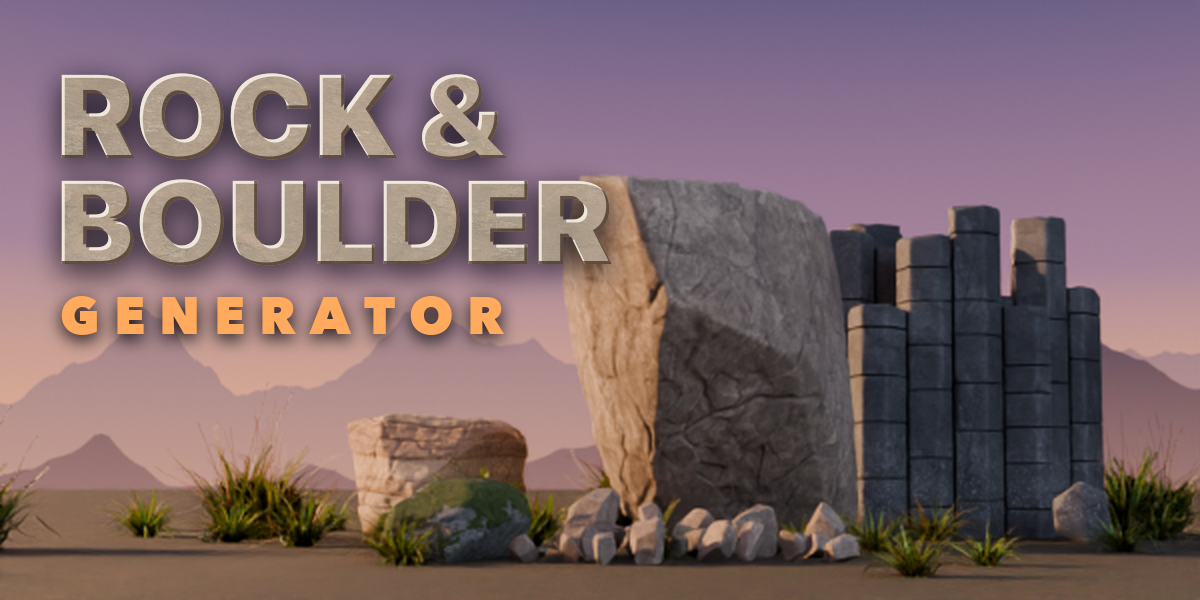
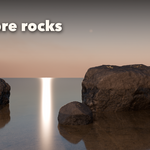
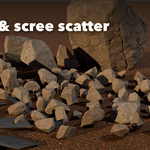
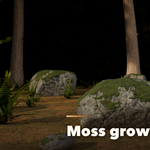
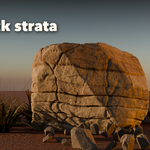
Installation
In Blender open Edit, Preferences, Get Extensions, then use Install from Disk and pick the rock_generator zip.
Usage
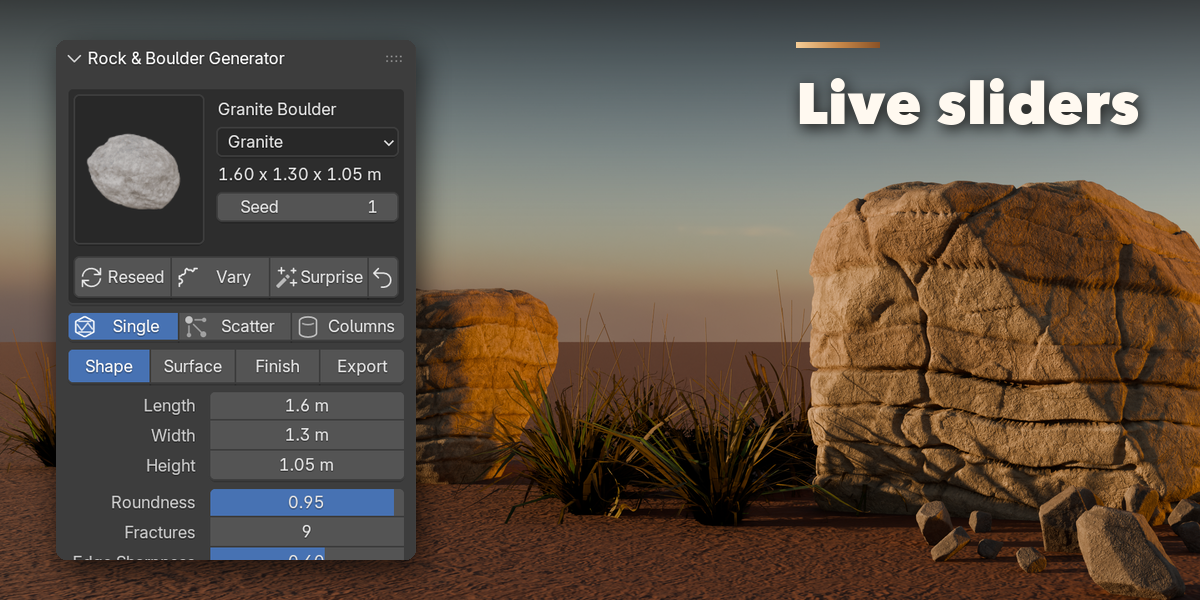
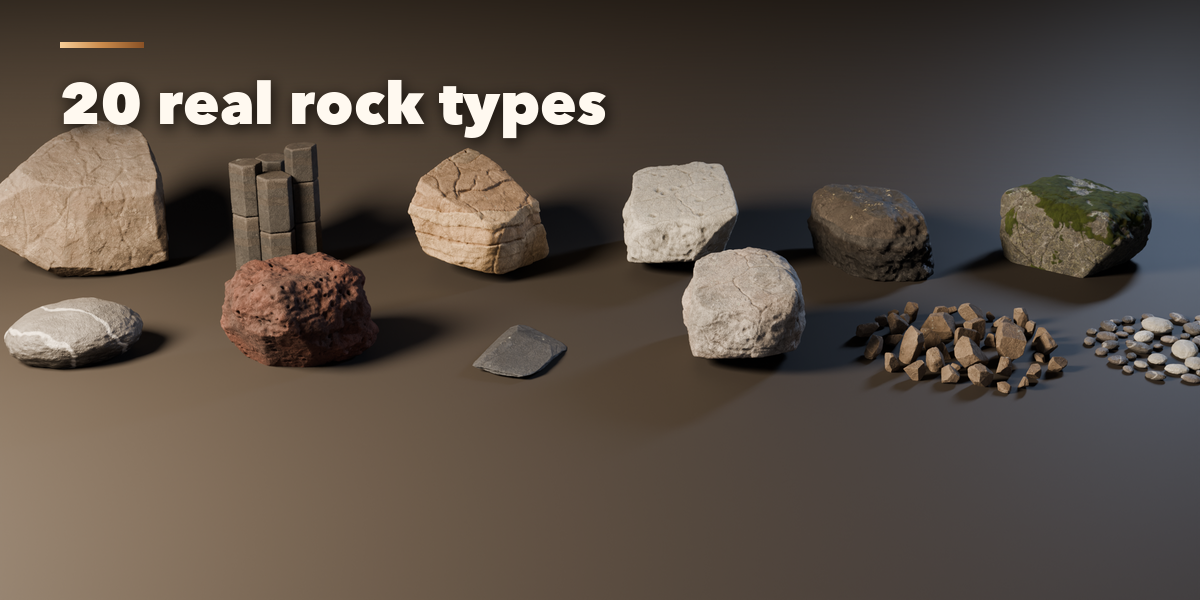
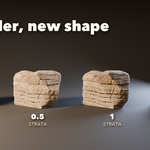
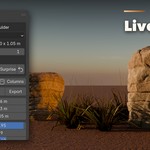
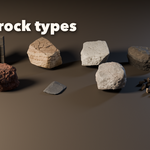
- Open the Rock tab in the 3D viewport sidebar (N). With no rock selected, click the picture to pick a preset and press Add to place it at the 3D cursor, or click any preset in the All Rocks list. You can also use Shift+A, Mesh, Rock.
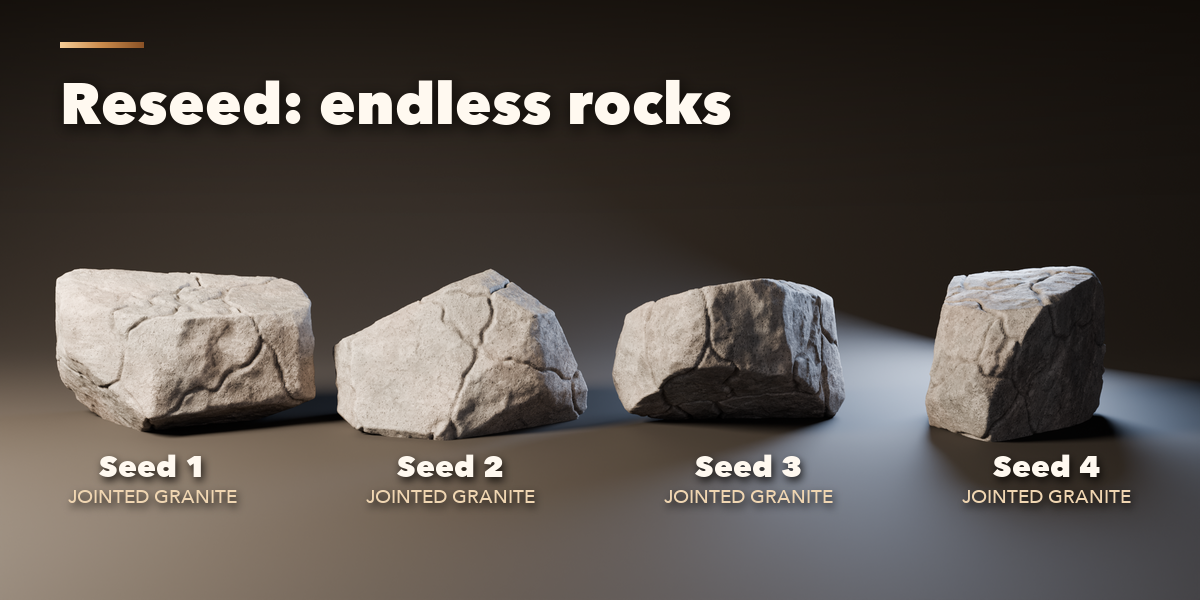
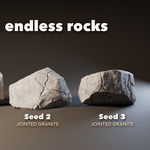
- The card at the top shows the preset, the rock type and the size. Reseed makes a new rock of the same kind, Vary changes it a little, Surprise makes a random rock and the arrow resets the preset.
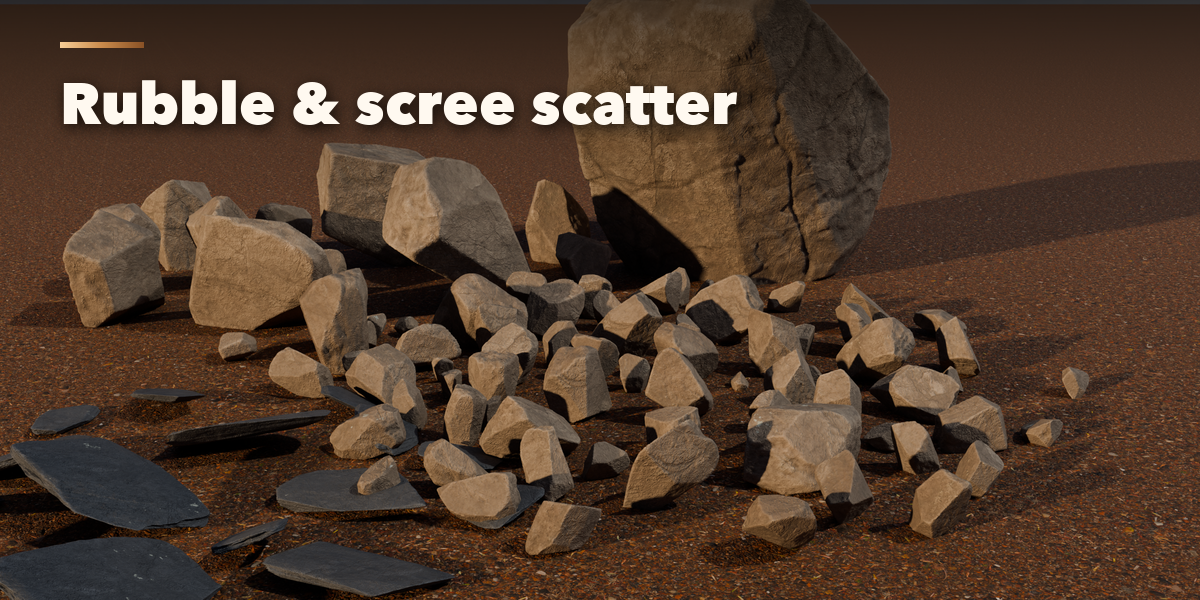
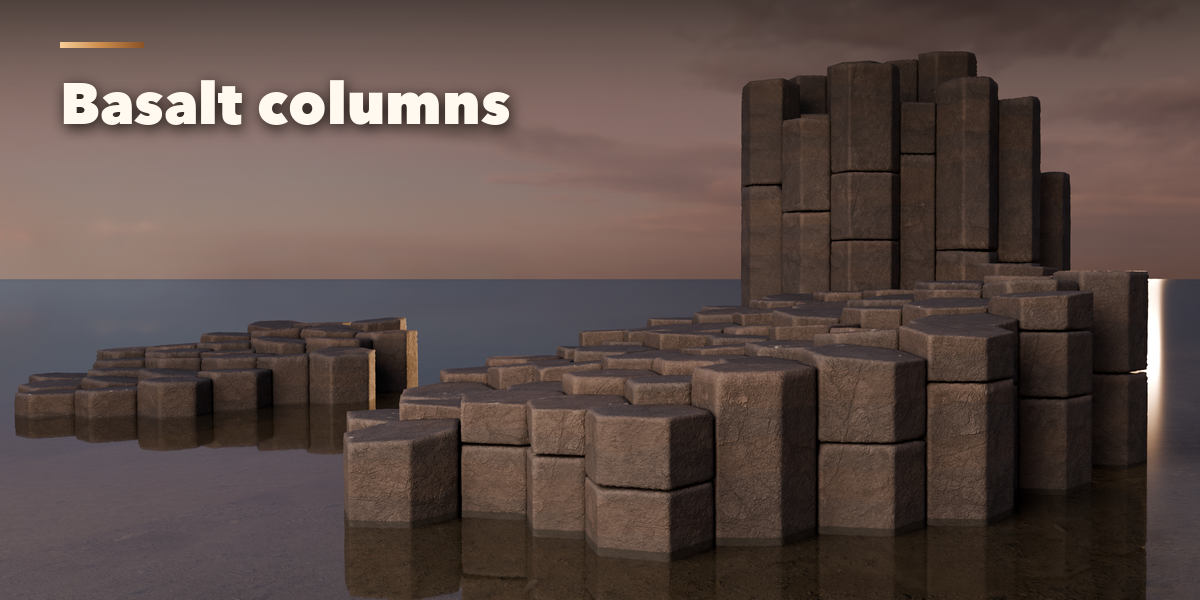
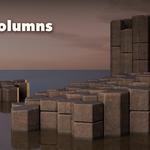
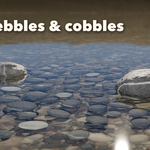
- Choose Single, Scatter (many separate stones) or Columns (basalt joints).
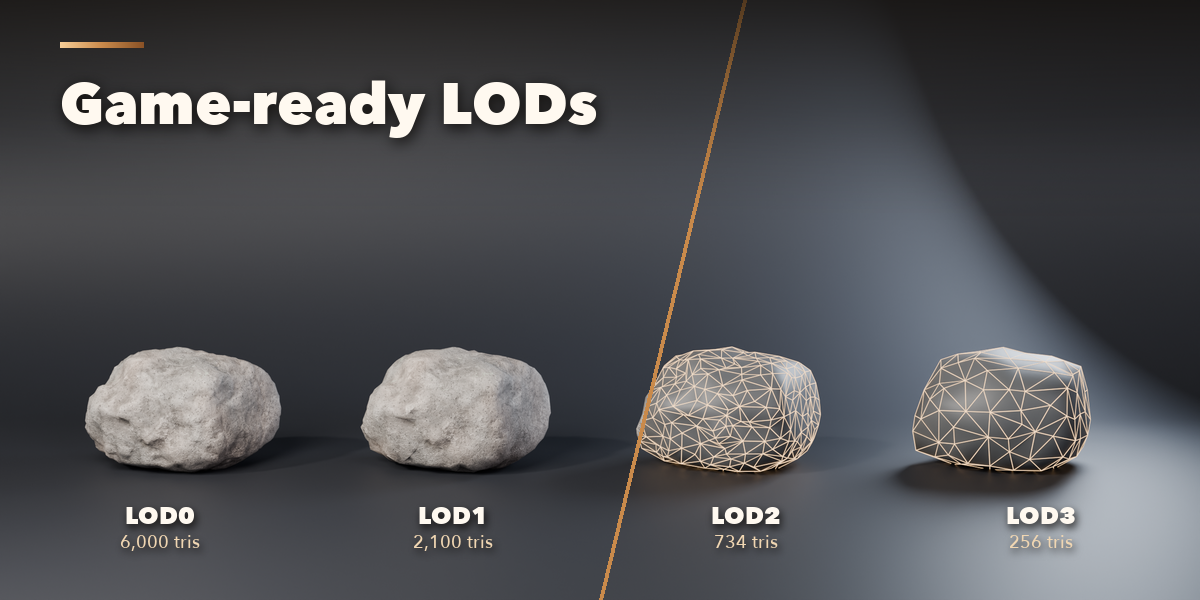
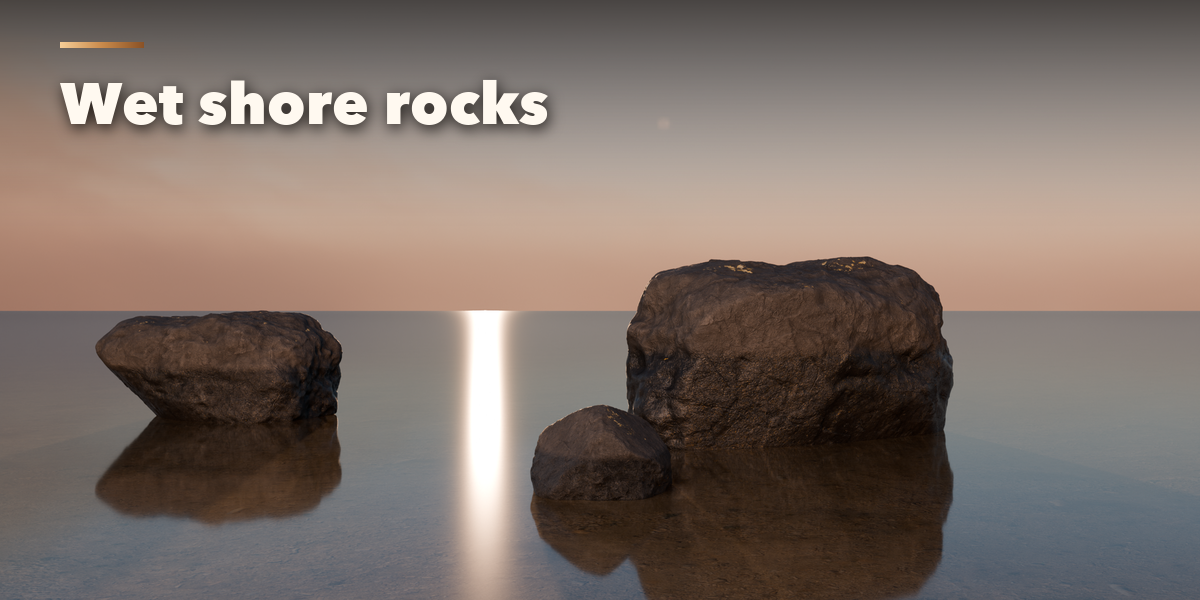
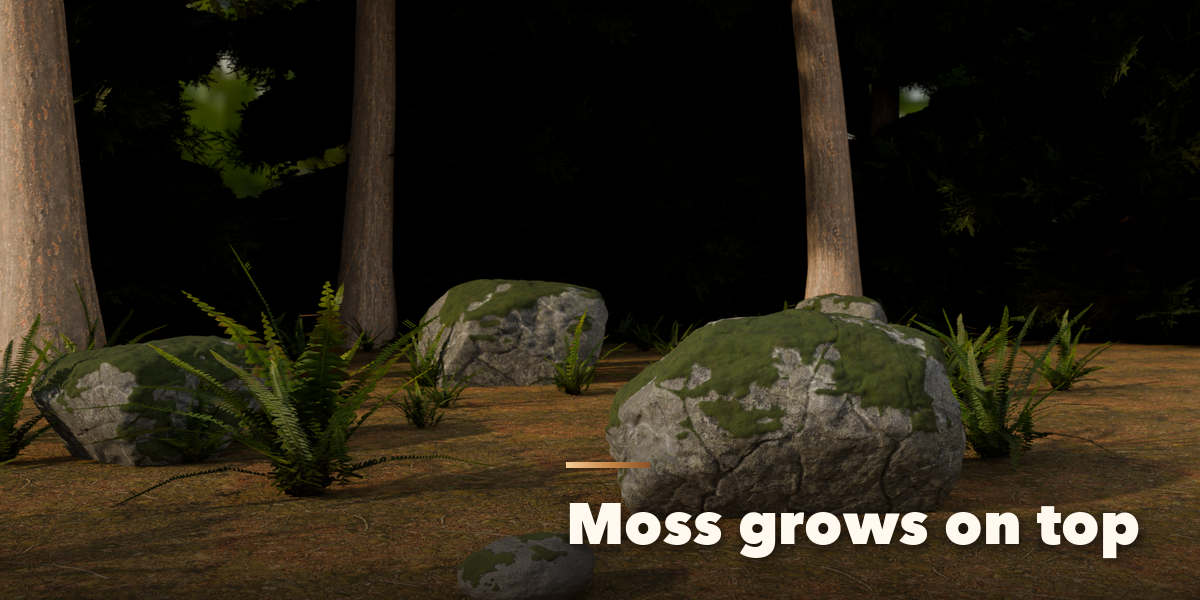
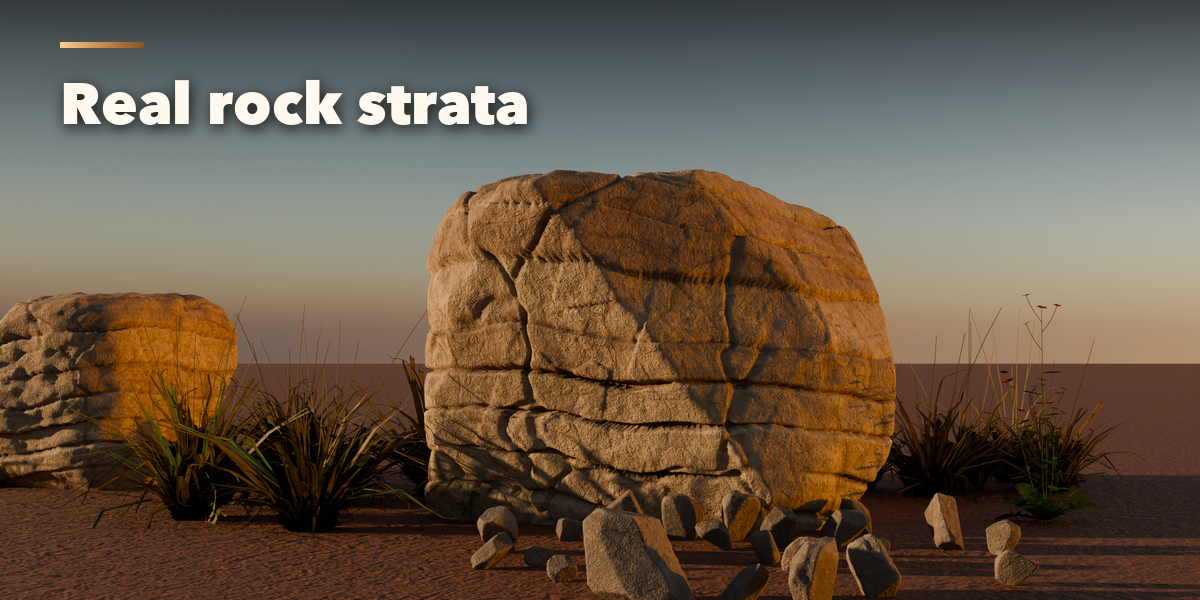
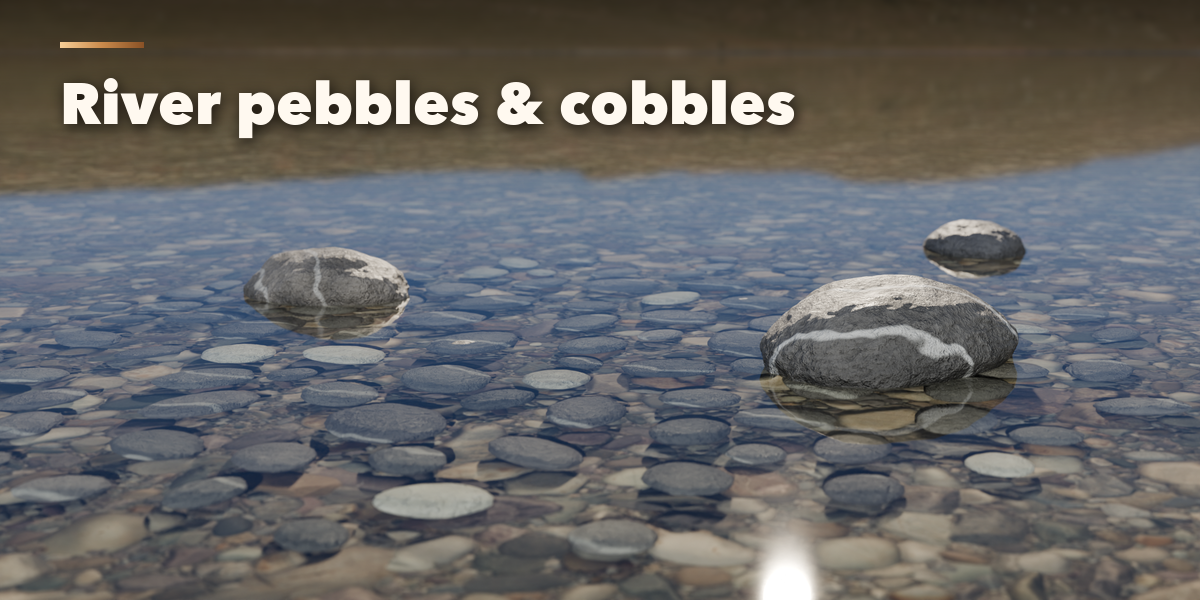
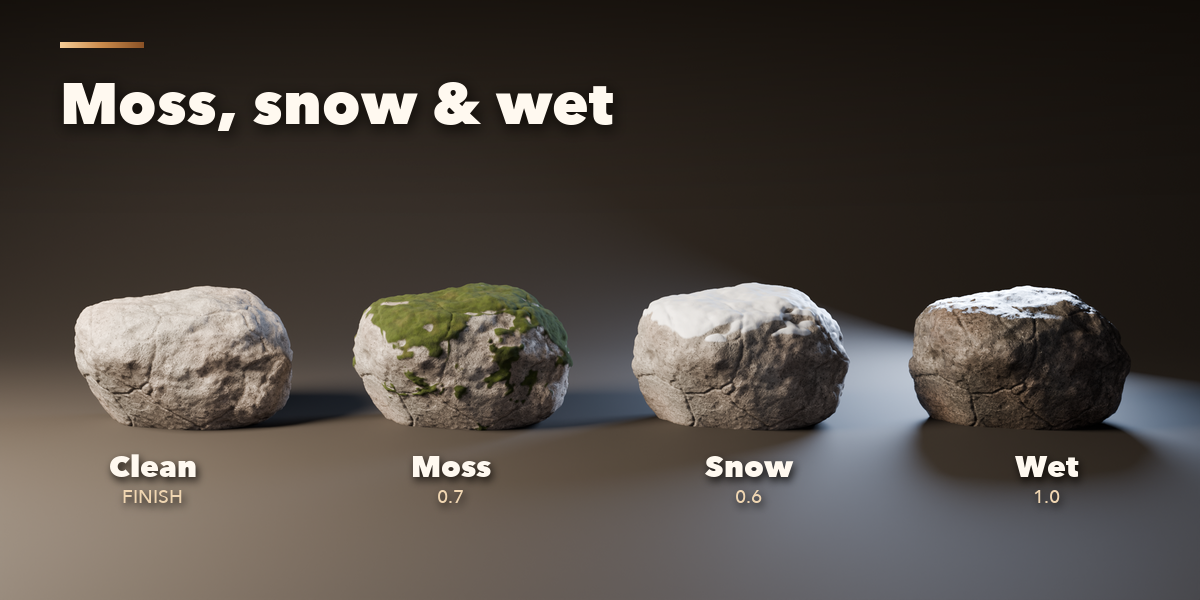
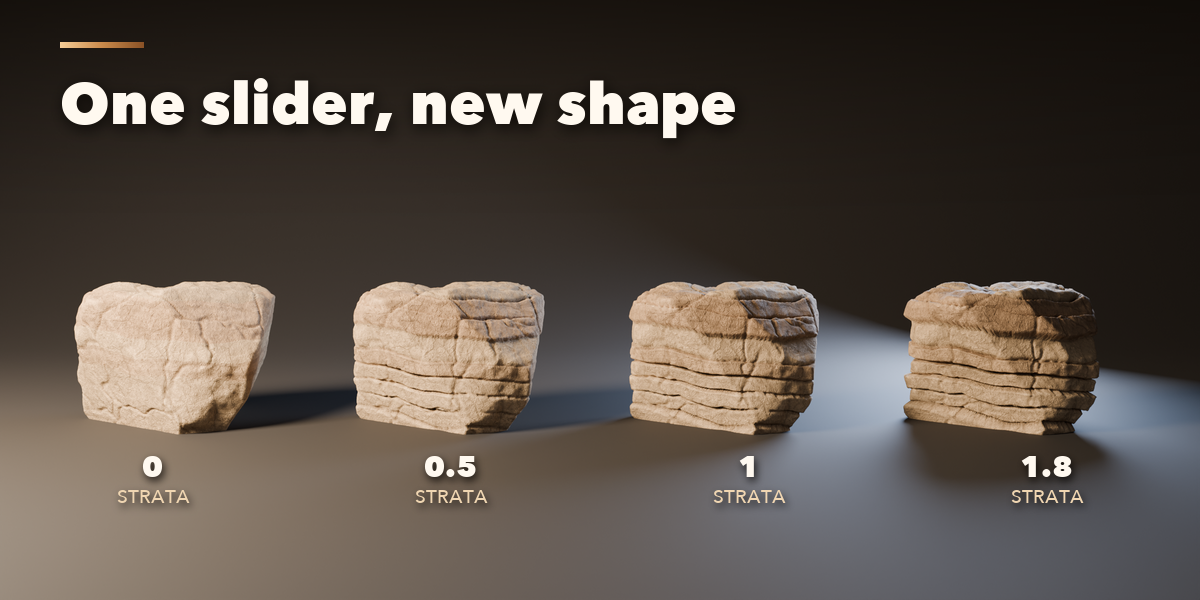
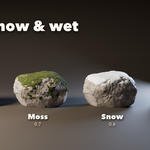
- The tabs hold every setting: Shape (size, roundness, fractures, chips), Surface (detail, strata, cracks, pits, moss, snow), Finish (rock type, colors, lichen, varnish, wetness, weathering) and Export (mesh detail, LODs, baking, Convert to Plain Mesh).
Game workflow
- Make Game LODs.
- Select the rock, then its LOD0 as the active object.
- Bake PBR Textures (Cycles bakes color, roughness and normal maps onto the LOD).
- Export the LODs as FBX or glTF.
Have questions about this product?
Login to message
| Blender Extension Compatible | Yes |
| Published | 4 days ago |
| Blender Version | 4.2 - 5.2 |
| Extension Type | Add-on |
| Render Engine Used | Cycles, Eevee |
| License | GPL |

Discover more products like this
#nature Rock Game asset environment Generator terrain procedural stone boulder LOD moss basalt