 NODI
NODI


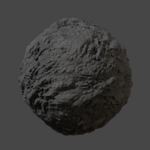
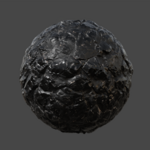
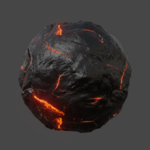
How to Use:
-
Press
Nand locate the "Rocks It 2" panel.
Add Rocks:
-
Select the objects you want to apply rocks to.
-
Press "Apply Rocks" to add the rock geometry and materials.
Choose Rock Type:
-
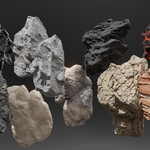
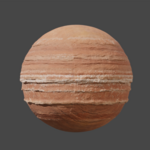
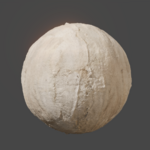
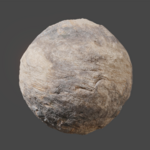
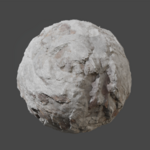
In the Rocks It 2 panel, select your desired rock type using the preview slider.
-
Click "Apply" to apply the selected rock type to your objects.
Customize Rocks:
-
After applying, adjust parameters in the Geometry Nodes modifier stack:
-
Resolution — controls the level of detail.
-
Shape Type — select between different base shapes.
-
Scale — adjust overall size of the rocks.
-
Density — control how much detail or how many features appear.
-
Small Details & Large Details — fine-tune surface variation.
-
-
You can also enter Edit Mode to make further manual edits if desired.
Edit Materials:
-
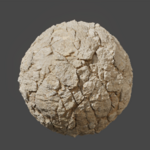
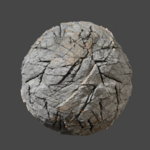
Materials are applied automatically with 4K PBR textures.
-
If needed, you can edit the material settings in the Shader Editor to tweak colors, roughness, etc.
Have questions about this product?
Login to message