 NODI
NODI


How to use:
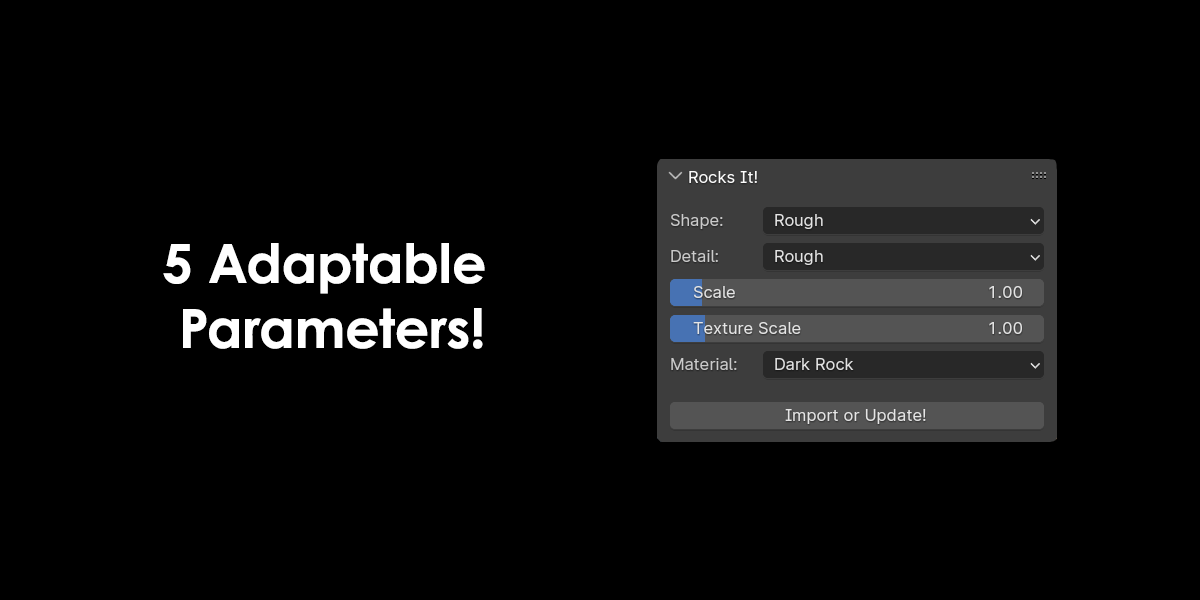
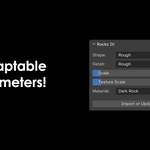
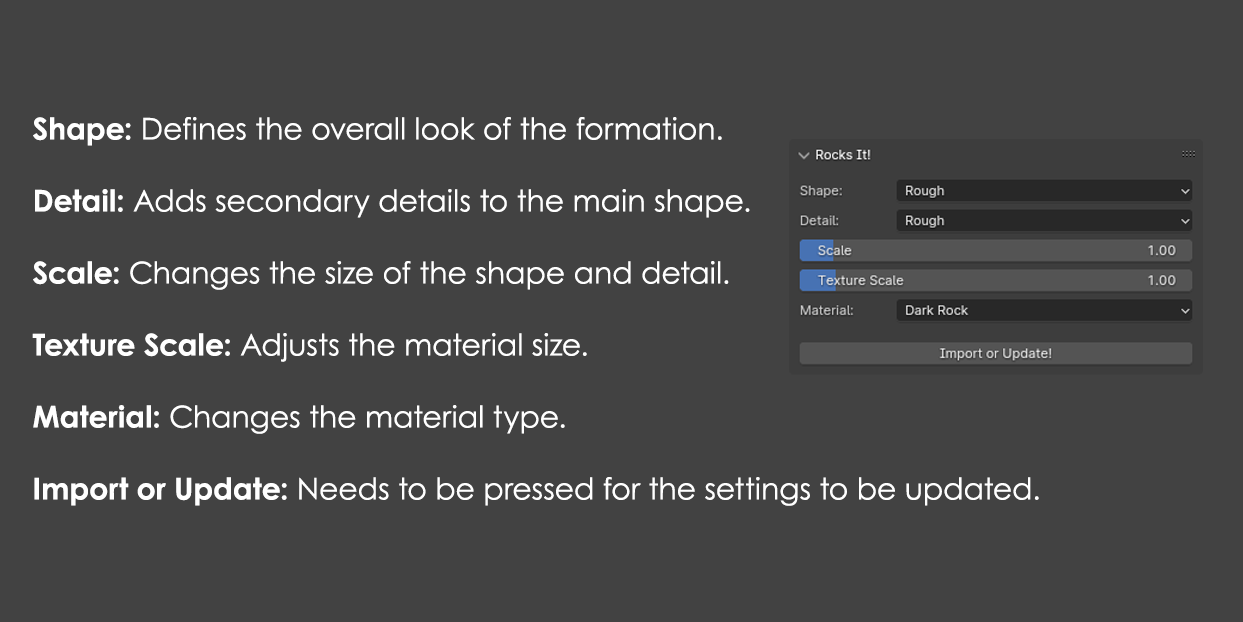
Select the object you want to turn into a rock, then press 'N' to locate the addon in the viewport. After that, press 'Import or Update!' The object should now be transformed into a rock. You can then edit the selected object's mesh to adjust the rock's shape in real time. To modify the rock settings, adjust them in the viewport panel and press the 'Import or Update!' button again.
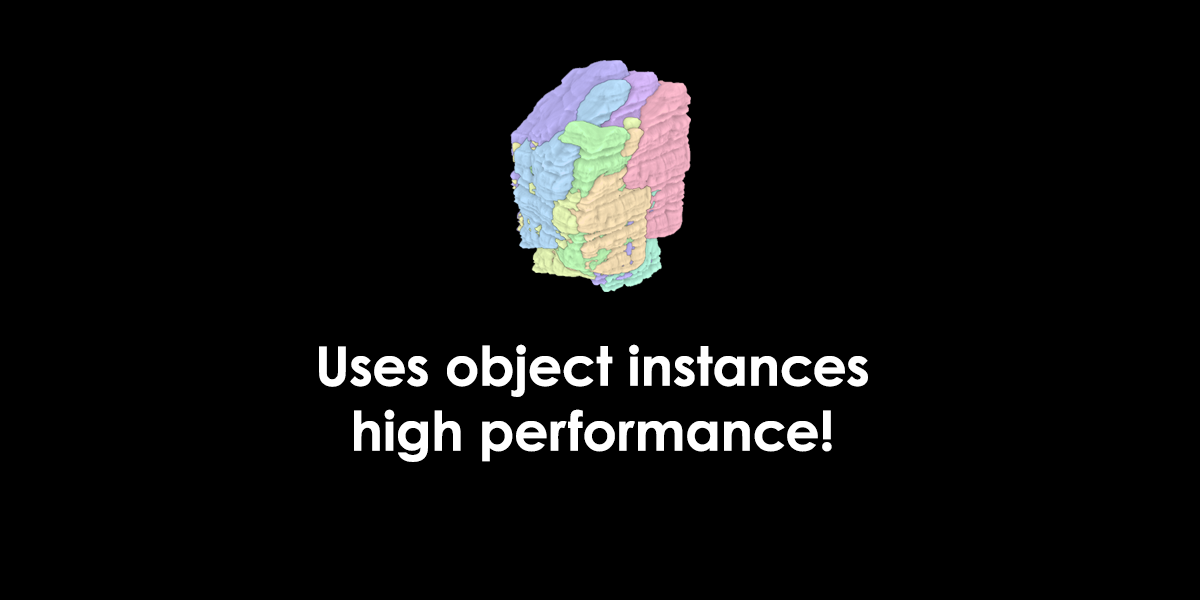
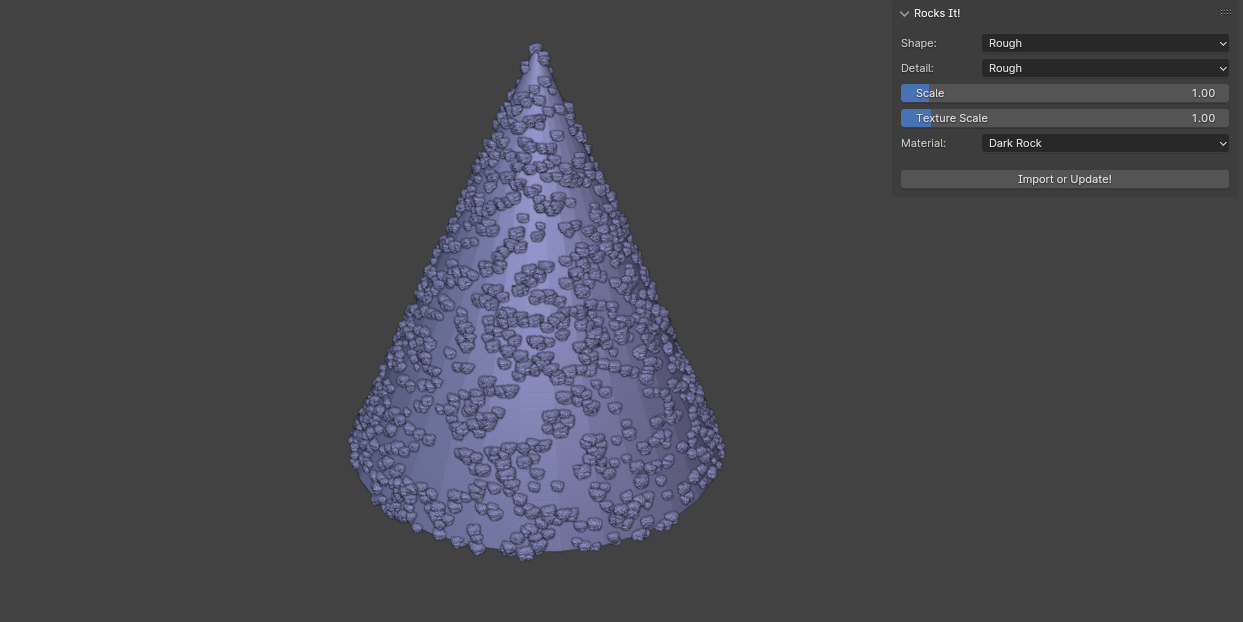
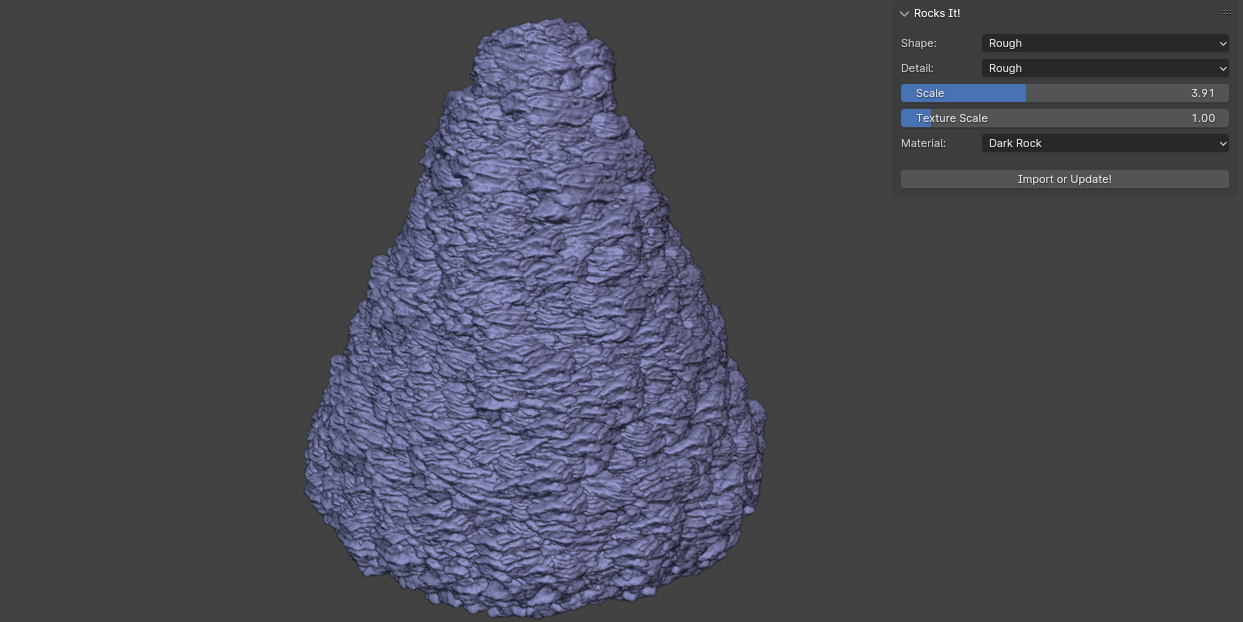
Too small a scale will max out instances creating an unrealistic result. To fix this increase the scale as shown below.
Have questions about this product?
Login to message