 ZEG
ZEG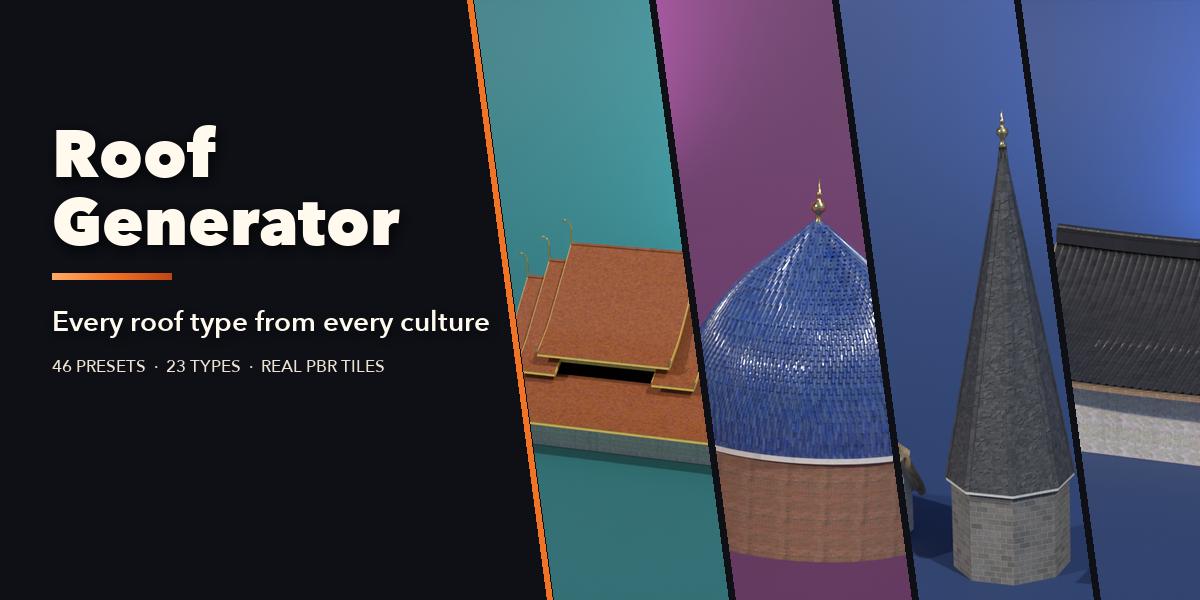

Installation
In Blender open Edit, Preferences, Get Extensions, then use Install from Disk and pick the roof_generator zip.
Usage
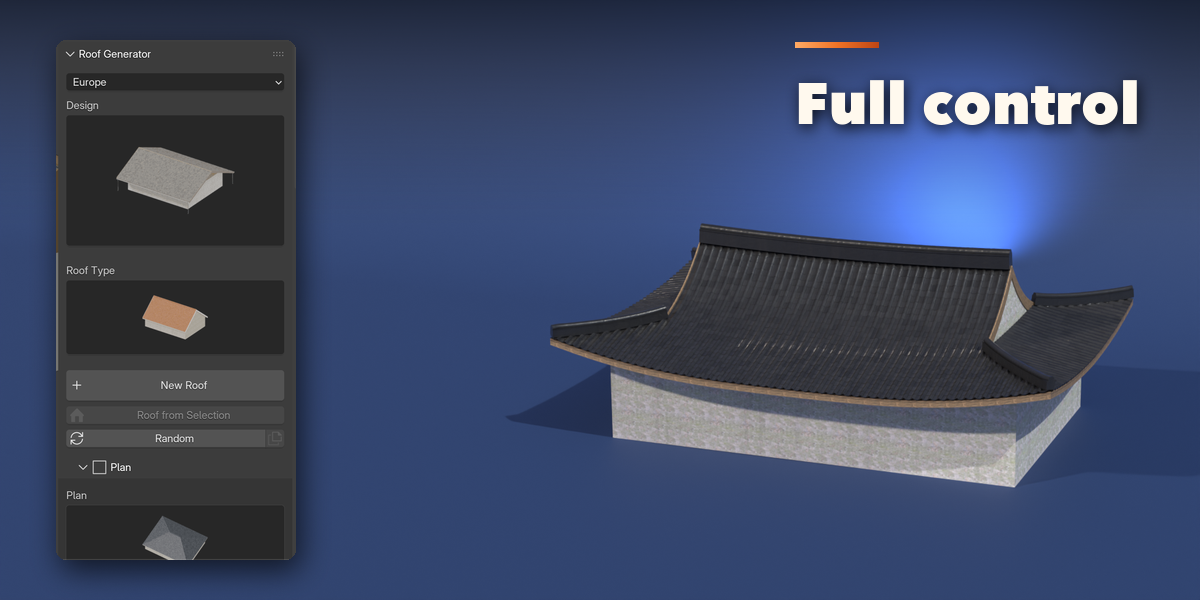
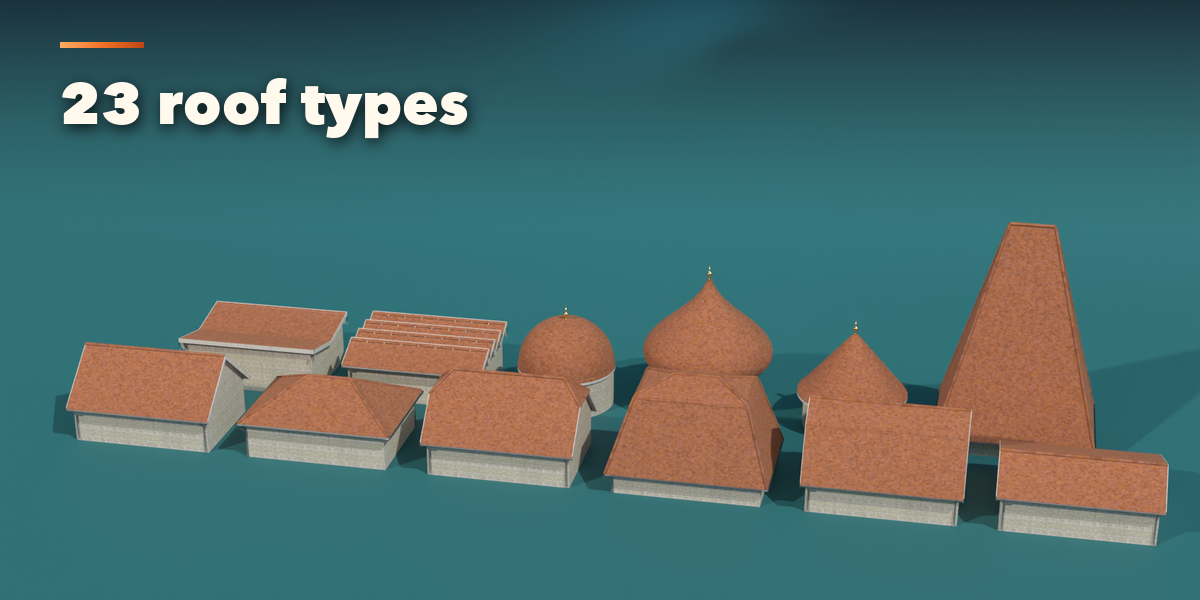
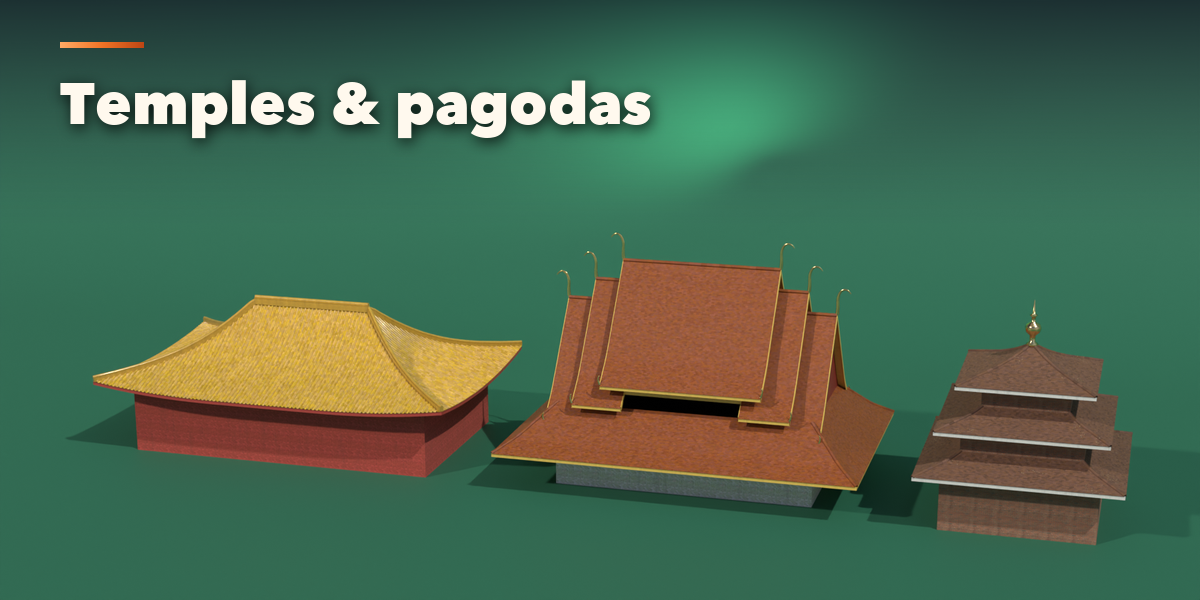
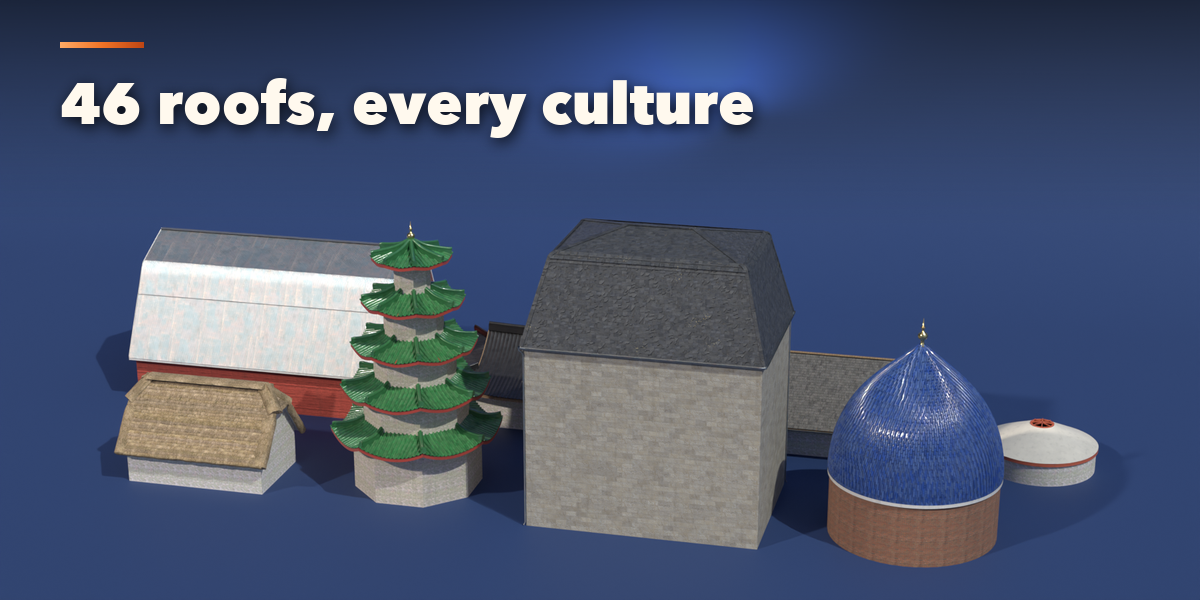
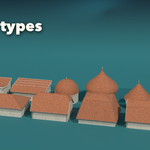
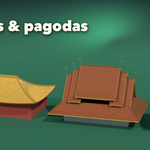
- Open the Roof tab in the 3D viewport sidebar (N). Pick a region and click the Design picture to choose one of the 46 presets, or the Roof Type picture for a plain roof, then press Add Roof. Shift+A, Mesh, Roof works too.
- To roof your own building, select its mesh and press Roof from Selection: the roof follows the outline of the mesh.
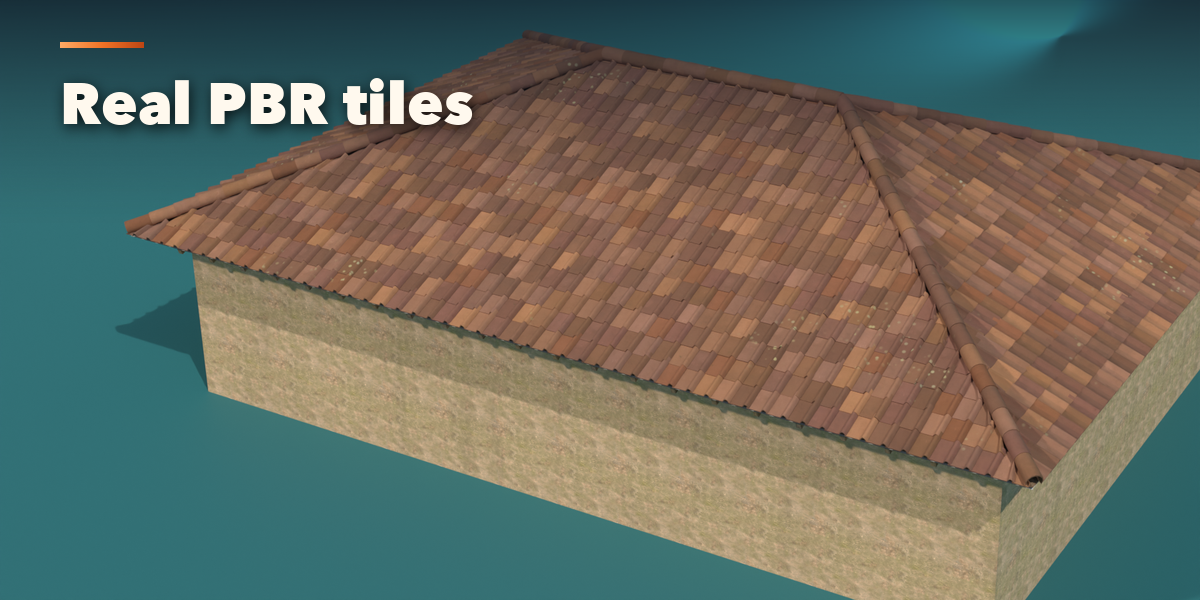
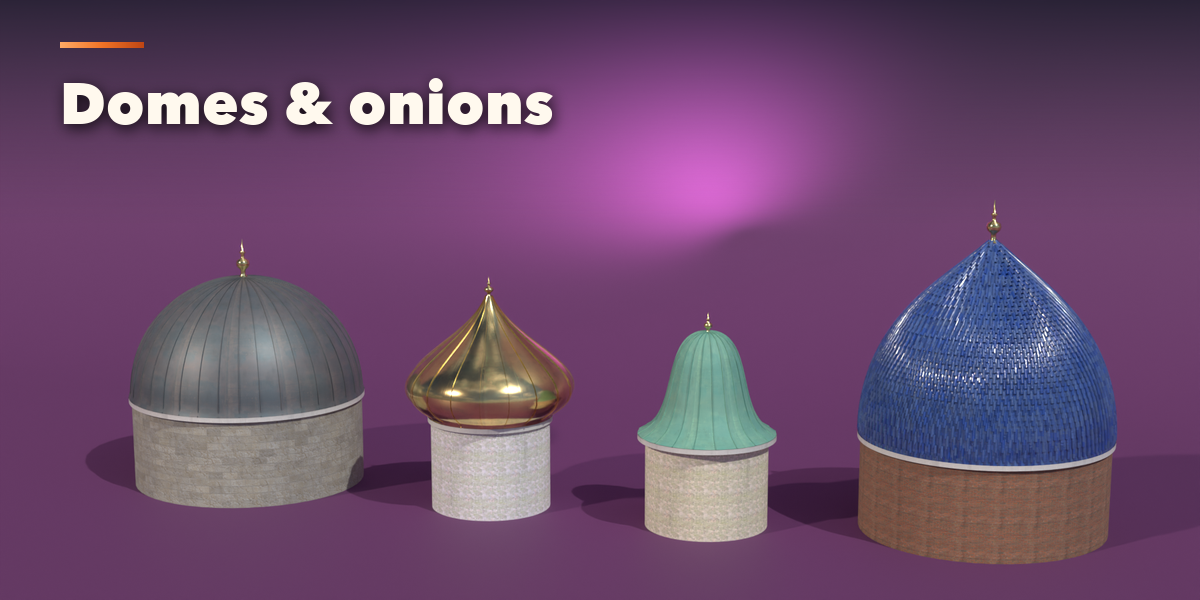
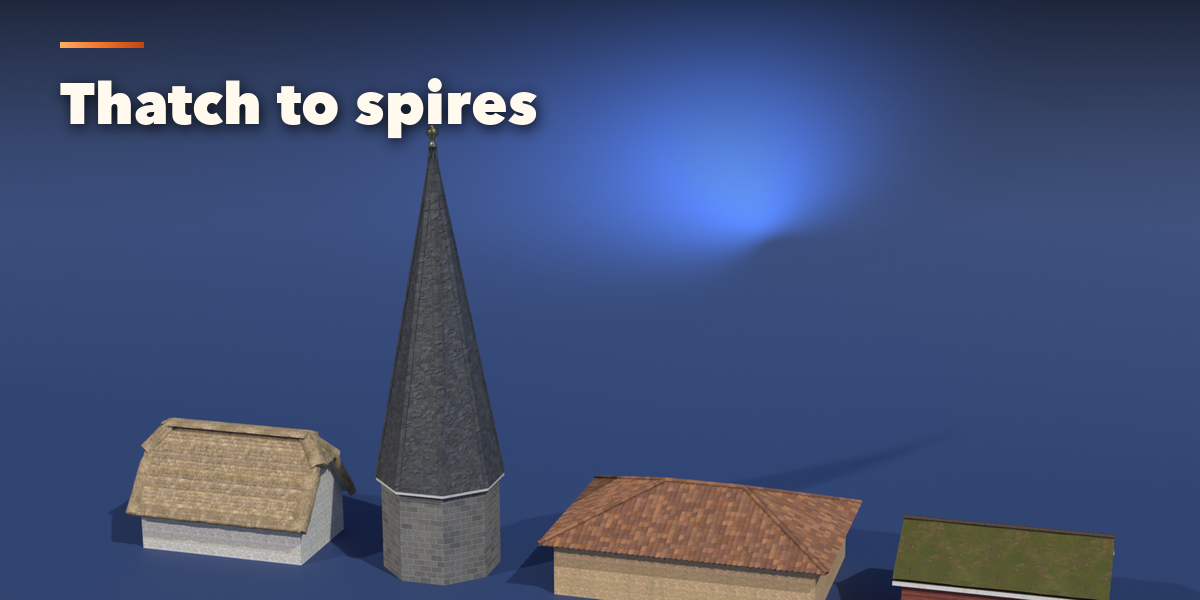
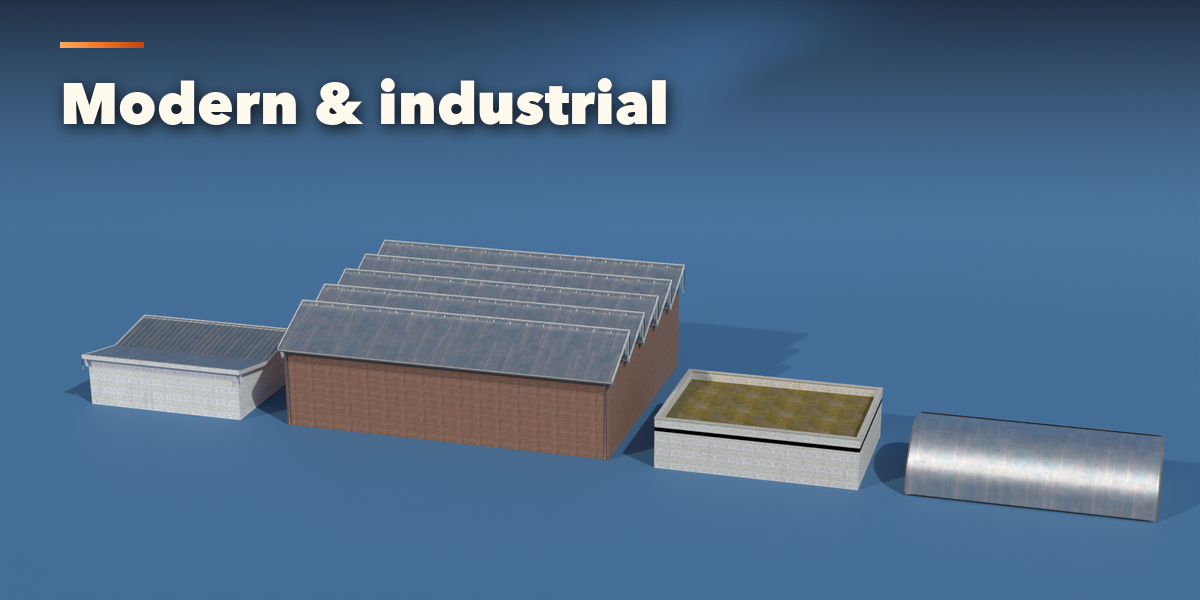
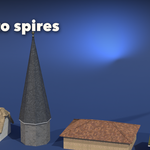
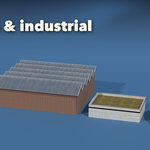
- With a roof selected, the panels below hold every setting: Plan (shape and size), Shape (type, pitch, profile, overhang), Covering (tiles, slate, thatch, metal and more), Structure (fascia, barge boards, rafter tails, gutters, walls, finials), Look (tones, age, moss) and Output (detail level, Convert to Mesh).
- Random makes a new variation, Copy to Selected copies the settings to other roofs, and Convert to Mesh keeps the roof as a plain mesh.
Use Low detail for game engines: the covering becomes one surface with photo textures and normal maps.
Have questions about this product?
Login to message
| Blender Extension Compatible | Yes |
| Published | about 7 hours ago |
| Blender Version | 4.2 - 5.2 |
| Extension Type | Add-on |
| Render Engine Used | Cycles, Eevee |
| License | GPL |

Discover more products like this
procedural Roof Generator Tiles House building roof architecture temple game ready pagoda Generator PBR