 Alpha
Alpha



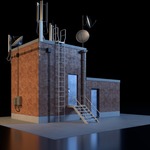
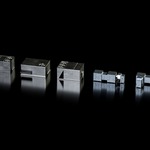
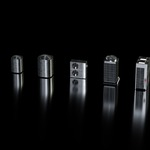
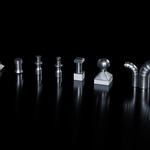
How to Add the Asset Browser Library to Blender
Follow these simple steps to start using the Rooftop Kitbash assets in Blender.
First, download the Asset Browser library file and extract it to a permanent location on your computer. Then, open Blender and go to Edit → Preferences → File Paths → Asset Libraries. Click the + button and select the folder containing the downloaded asset library. Give it a name, such as Rooftop Kitbash, and close Preferences.
Finally, open the Asset Browser in Blender and select Rooftop Kitbash from the Asset Library menu. Your kitbash assets will now be ready to browse and use directly in your Blender projects.
 Included
Includes 12 months of
- Support from Alpha
- Product updates
Extend this product’s Support Period +12 months: 50% of product price
Have questions before purchasing?
Login to message
Includes an Asset Library
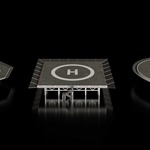
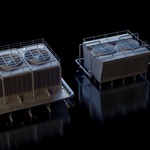
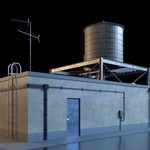
150 drag-and-drop assets for Blender’s Asset Browser.
Browse included assets| Published | about 2 months ago |
| Blender Version | 4.1 - 5.2 |
| Render Engine Used | Cycles, Eevee |
| Misc Data | Uvs-Unwrapped, Normal-Mapped, Textured |
| License | Creative Commons |