Rope Geometry Nodes For Blender — Coil & Curve Generator
 3D Tudor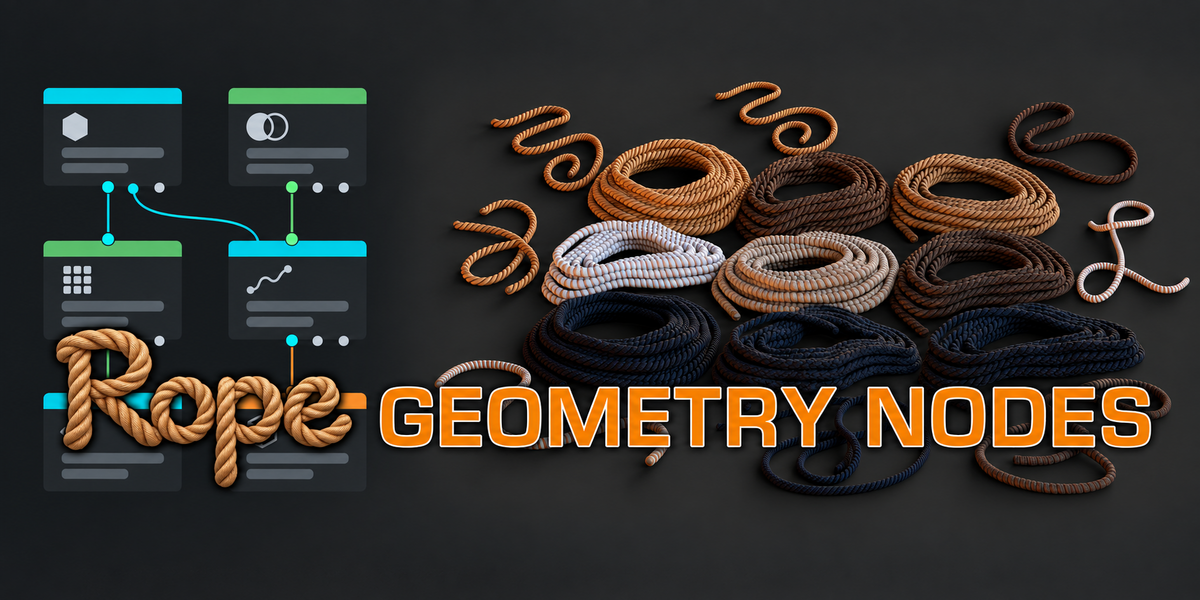
Getting started with Rope Geometry Nodes
Extract the product ZIP and open 3DT Rope Geometry Nodes.blend. The file was opened and its exposed controls inspected in Blender 5.1.2. Cycles is the saved scene engine. Other versions and render engines have not been separately tested.
Choose a starting example
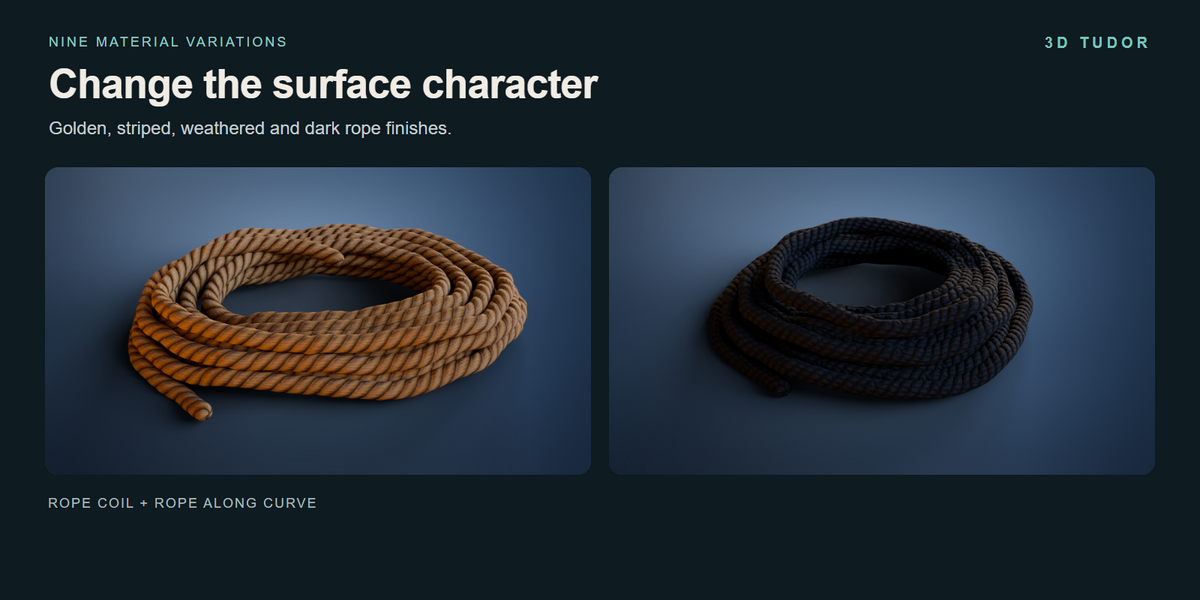
The file contains nine coil examples and nine curve examples, using nine material variations. Select an object and inspect its Geometry Nodes modifier. Duplicate the example before changing it, then save your working project with a new name. Keep the original download as a reference.
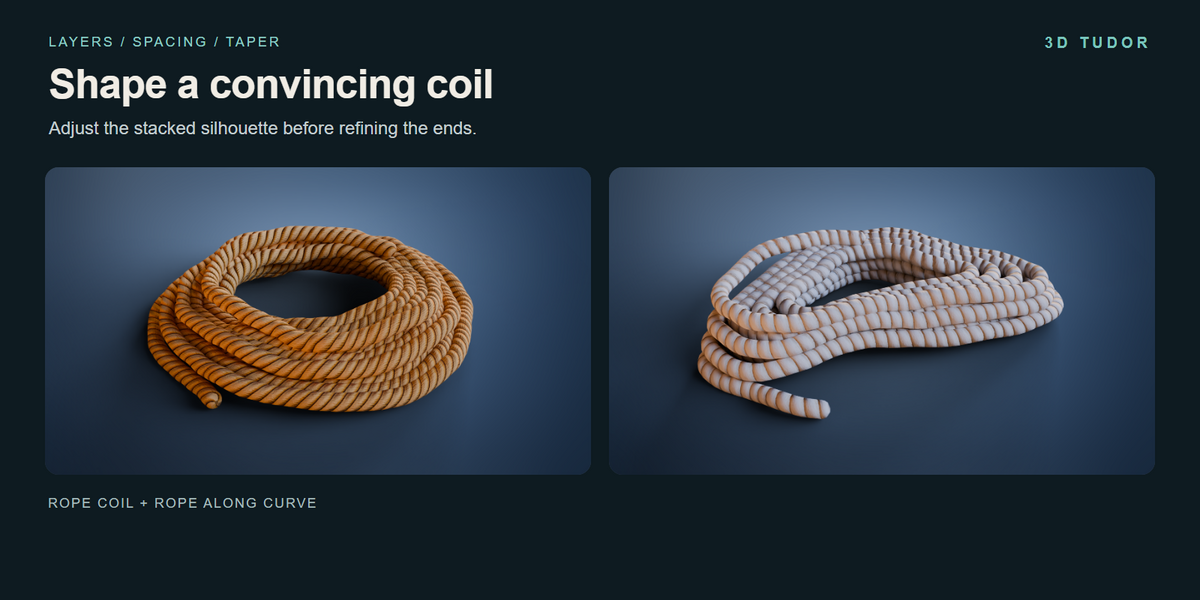
Shape a coil
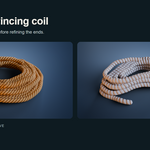
Begin with Rope Layers, Rope Thickness and Layer Spacing. Establish the overall size and the opening before moving to secondary settings. Taper and Top Inset alter the stacked form. Variation, Seed, Organic and Organic Amount introduce further shape changes.
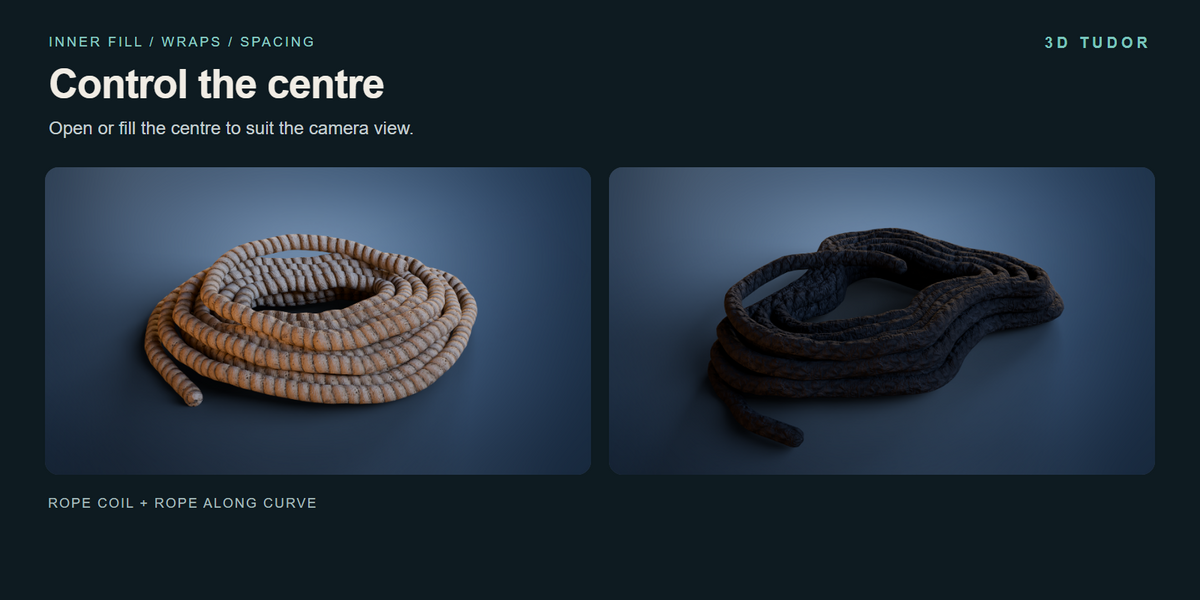
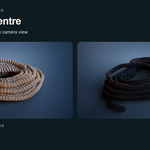
Upper and lower tails can be adjusted separately. Work through visibility, length, angle and tuck from your intended camera view. Use Inner Fill, Inner Wraps and Inner Spacing when you want rope across the centre of the coil.
Work along a curve
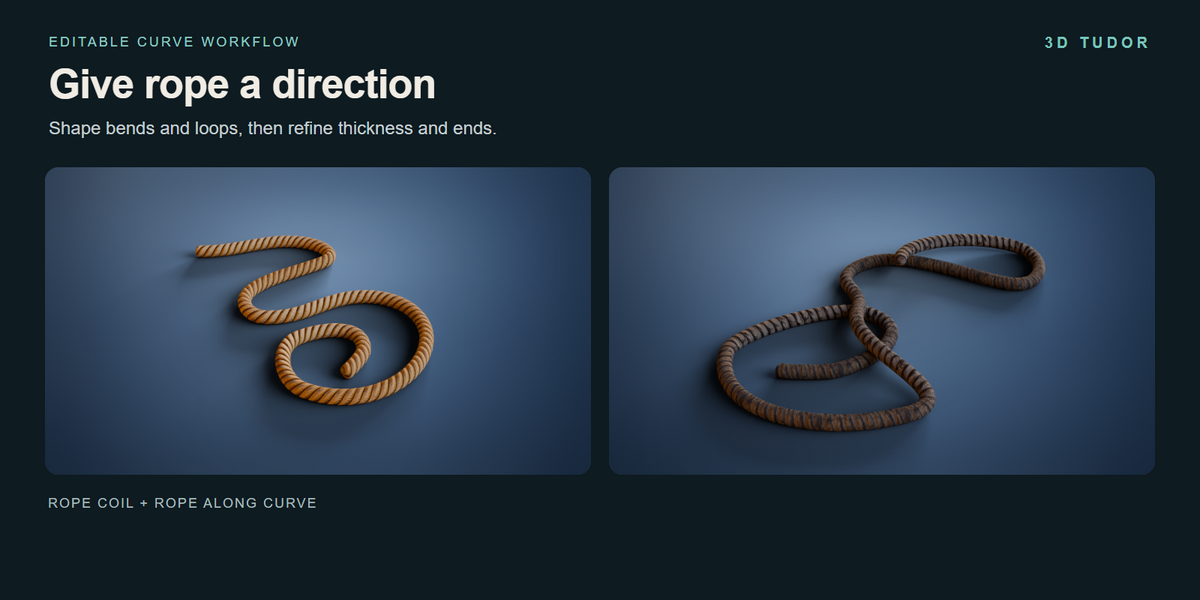
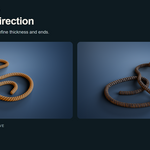
Select a Rope Along Curve example and edit its curve to change the route. Adjust rope thickness, end bevel and geometry resolution from the modifier. The curve drawing recording demonstrates freehand input. Inspect crossing paths manually; the setup does not resolve collisions, gravity or knots for you.
Materials and alignment
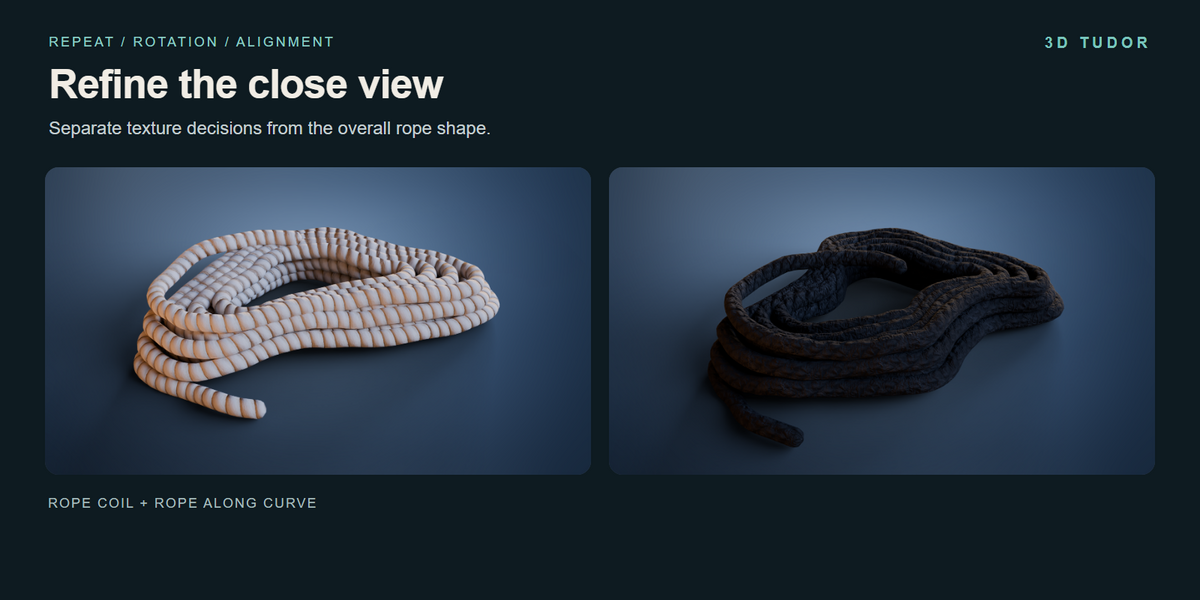
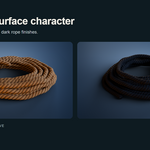
Choose Rope Material, then adjust Texture Repeat and Texture Rotation. Refine Seam Position, Texture Around Offset, Texture Length Offset and end alignment where required. These settings address the surface pattern. Curve Resolution and Profile Resolution address geometry, so changing them is not a replacement for setting the texture scale.
Files and troubleshooting
The image textures are packed into the Blender file. Their dimensions are 512 × 2048 and 1024 × 512. If your modified scene looks different from the example, compare its material, texture settings and lighting with the untouched download before changing several controls at once.
The recorded interface limits are not a promise that every combination produces a useful result. Increase geometry resolution with care and judge the output at the scale needed for your shot. The controls recordings show the existing setup; they are not a finished narrated course. For a product issue, contact 3D Tudor through Superhive with your Blender version and a clear description of the steps that reproduce it.
Have questions about this product?
Login to message
| Published | 1 day ago |
| Blender Version | 5.1 |
| License | Royalty Free |
Discover more products like this
rope coil curve rope generator 3d tudor materials props procedural geometry nodes