Rope Geometry Nodes For Blender — Coil & Curve Generator
 3D Tudor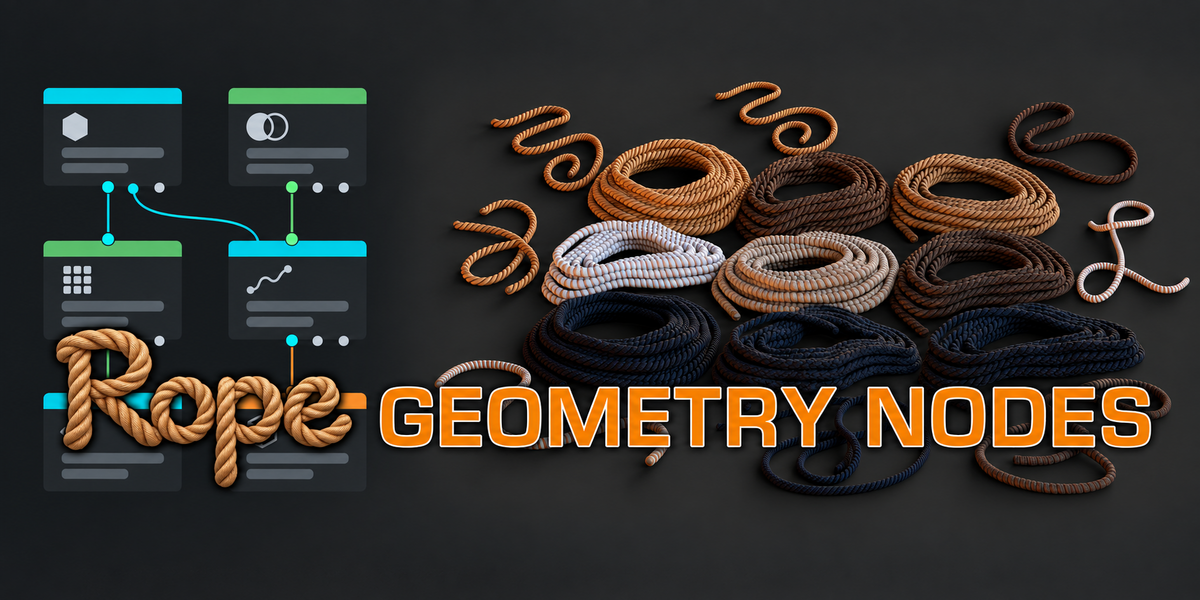

What does this product create?
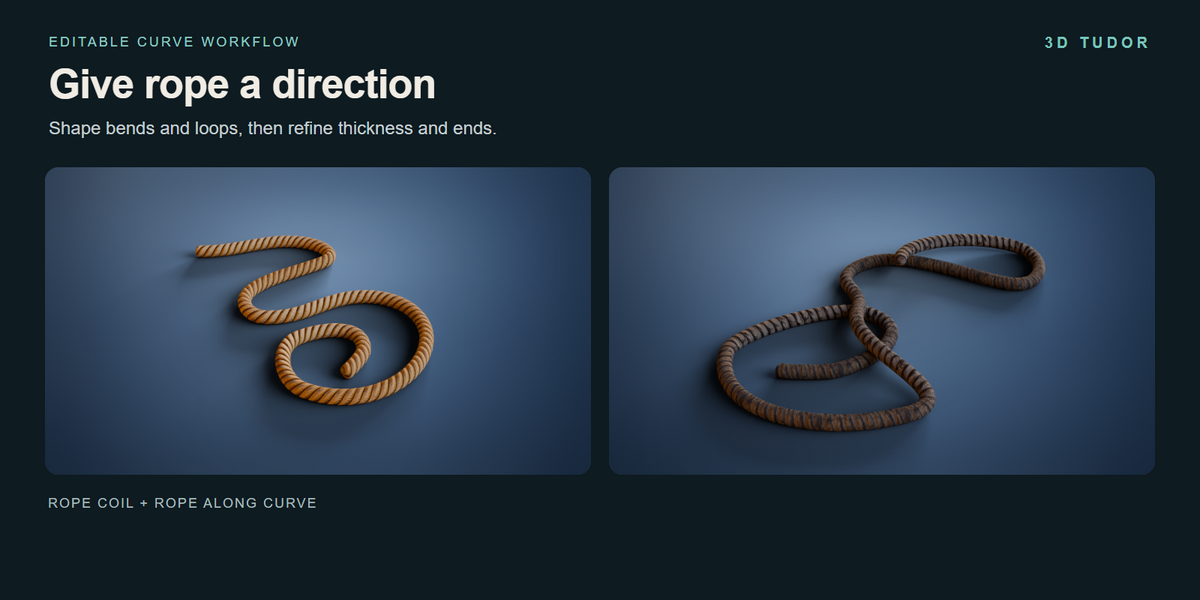
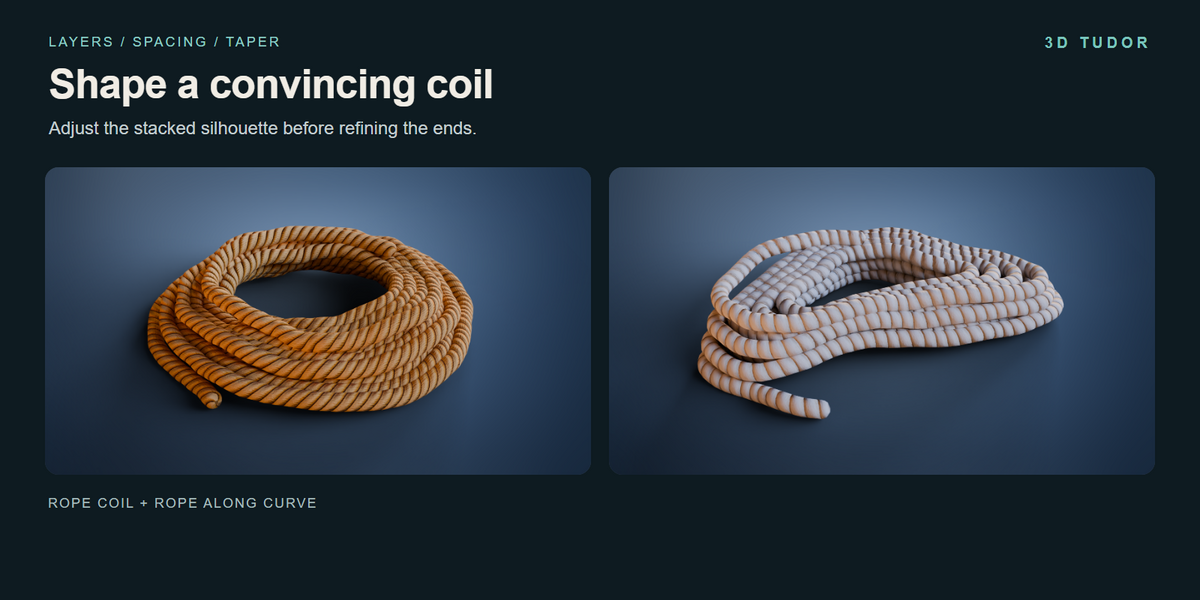
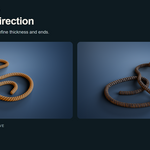
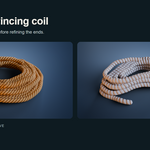
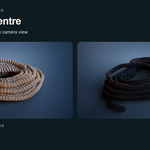
Coiled rope and rope along an editable curve, using two separate Geometry Nodes generators.
Do I need to install an add-on?
No. Open the supplied .blend file and work with the included objects and their modifiers.
Which Blender version was checked?
The file was opened and its exposed controls inspected in Blender 5.1.2. Other versions have not been separately tested.
Which render engine is used?
Cycles is the saved scene engine. Other render engines have not been separately tested.
How many materials and examples are included?
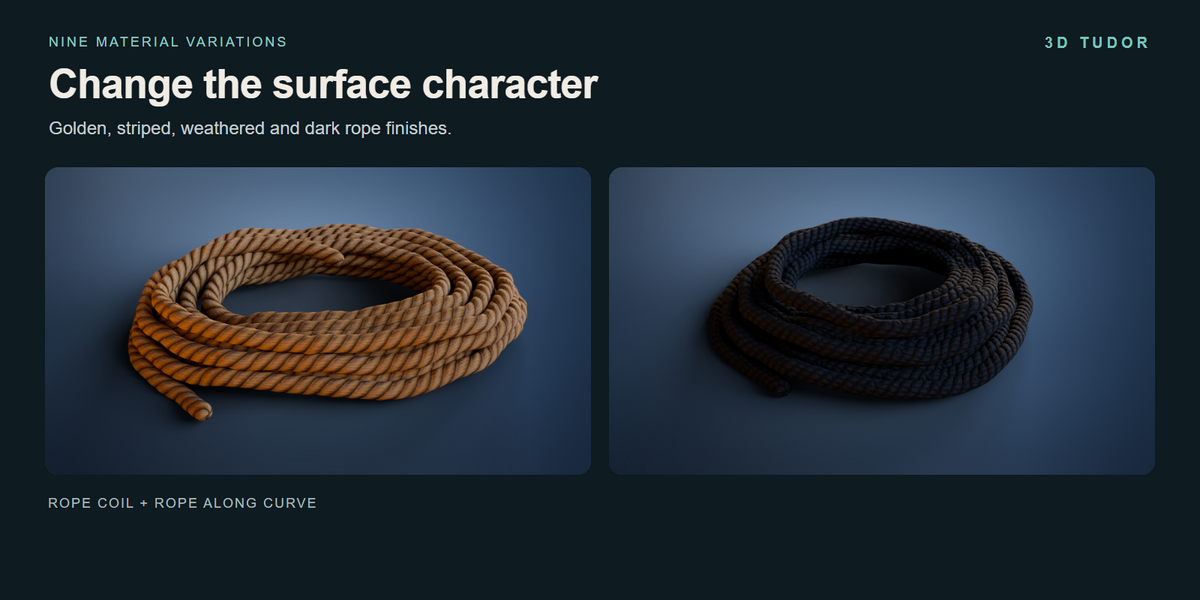
Nine material variations appear across eighteen example objects: nine coils and nine curve ropes.
Can I change the loose coil ends separately?
Yes. Upper and lower tails have separate visibility, length, angle and tuck controls.
Can I fill the centre of the coil?
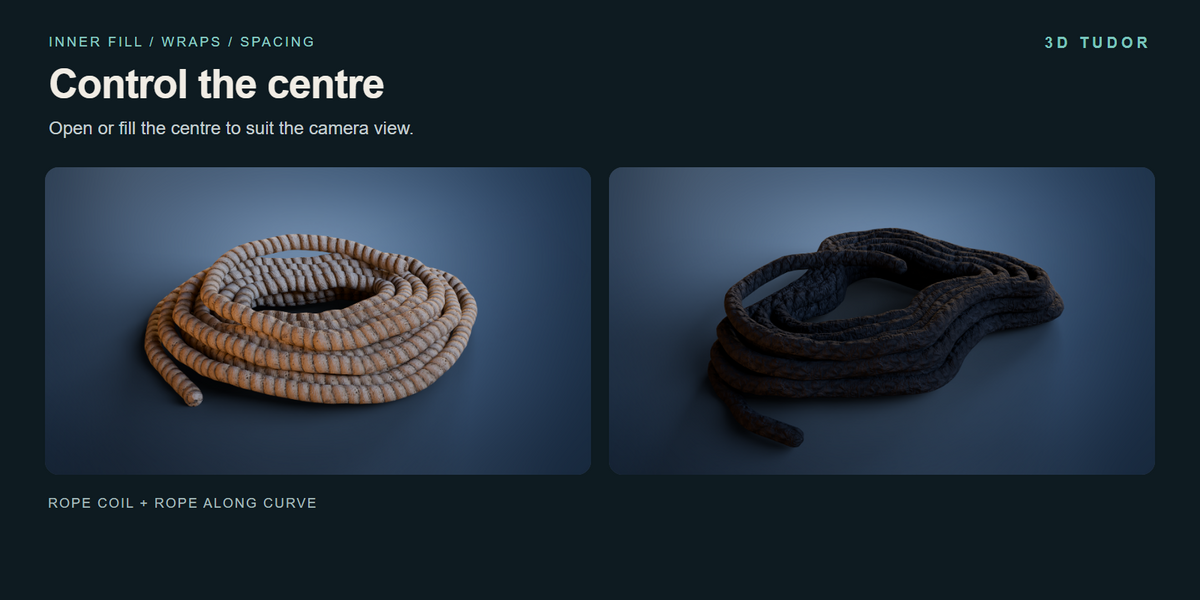
Yes. Inner Fill, Inner Wraps and Inner Spacing control the centre arrangement.
Are textures included?
Image textures are packed into the .blend file. The image sizes are 512 by 2048 and 1024 by 512.
Does this simulate gravity or collisions?
No. This is a procedural modelling setup; arrange curves manually. It does not include automatic knot generation.
What video guidance is included?
The existing coil controls, curve controls and curve drawing recordings are included as downloads. They are demonstrations rather than a narrated course.
How should I start adjusting the rope?
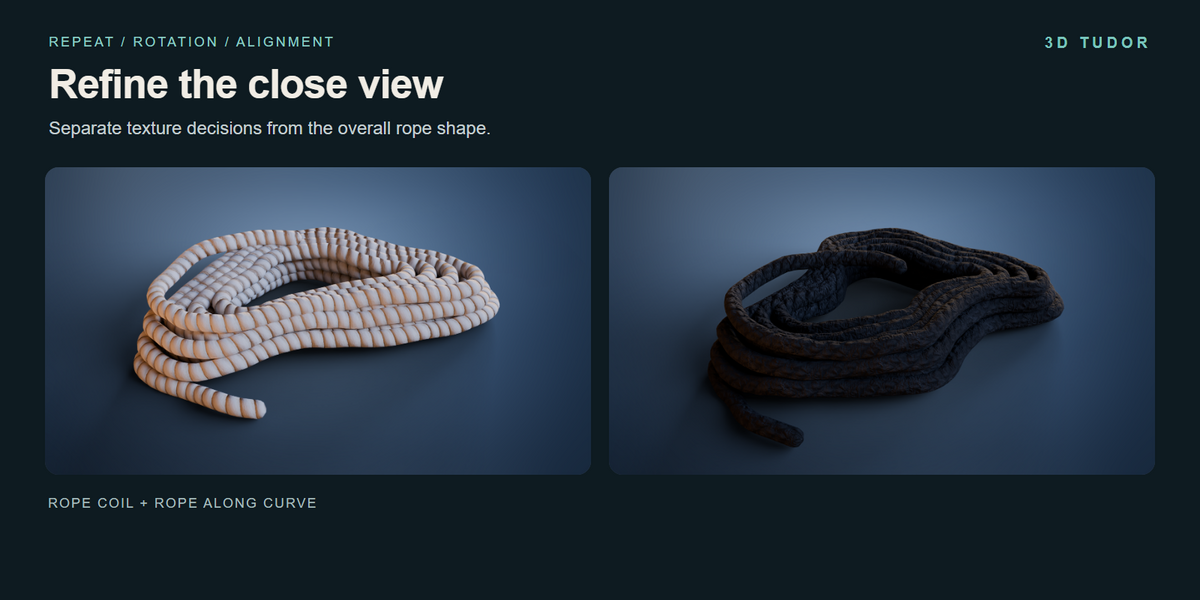
Duplicate a prepared example, establish the coil dimensions or curve route, refine tails and inner wraps where relevant, then adjust material and texture alignment.
Can I use it commercially?
Use is governed by the Superhive Royalty Free licence displayed with the product. Review those terms for your intended use.
$24.99
Have questions about this product?
Login to message
| Dev Fund Contributor | |
| Published | 3 days ago |
| Blender Version | 5.1 |
| License | Royalty Free |
Discover more products like this
geometry nodes 3d tudor coil rope rope generator props curve procedural materials