 Frederik Vollbrecht
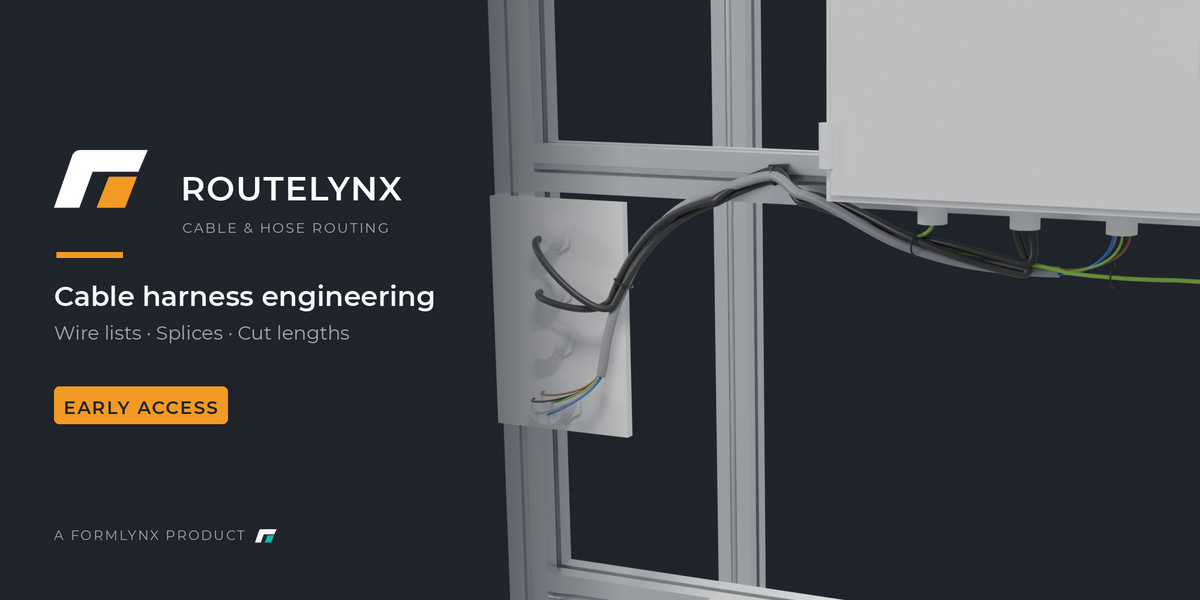
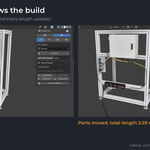
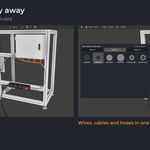
Cable harness engineering, not cable looks.
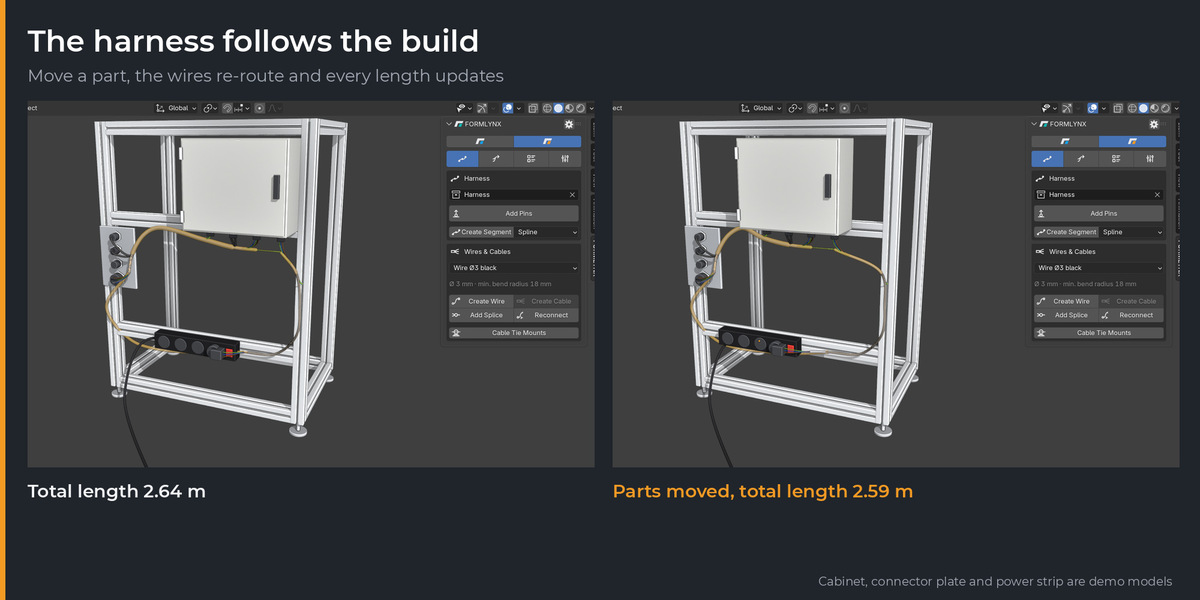
Lay out trunks, connect pins with wires and multi-core cables, add splices and branches, and get a wire list with the cut length of every conductor. When the assembly changes, the harness follows.
Early Access · Version 0.10.10 · Blender 4.5 or newer
This is an Early Access prototype. What is listed here works and is tested, but ROUTELYNX is unfinished and features can still change. Connector parts, cable protection and mesh export are not in yet. See Before you buy below.
Updates: your purchase includes every version up to and including 1.0, and 12 months of updates after that.
01
Route
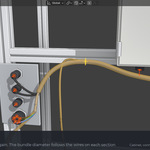
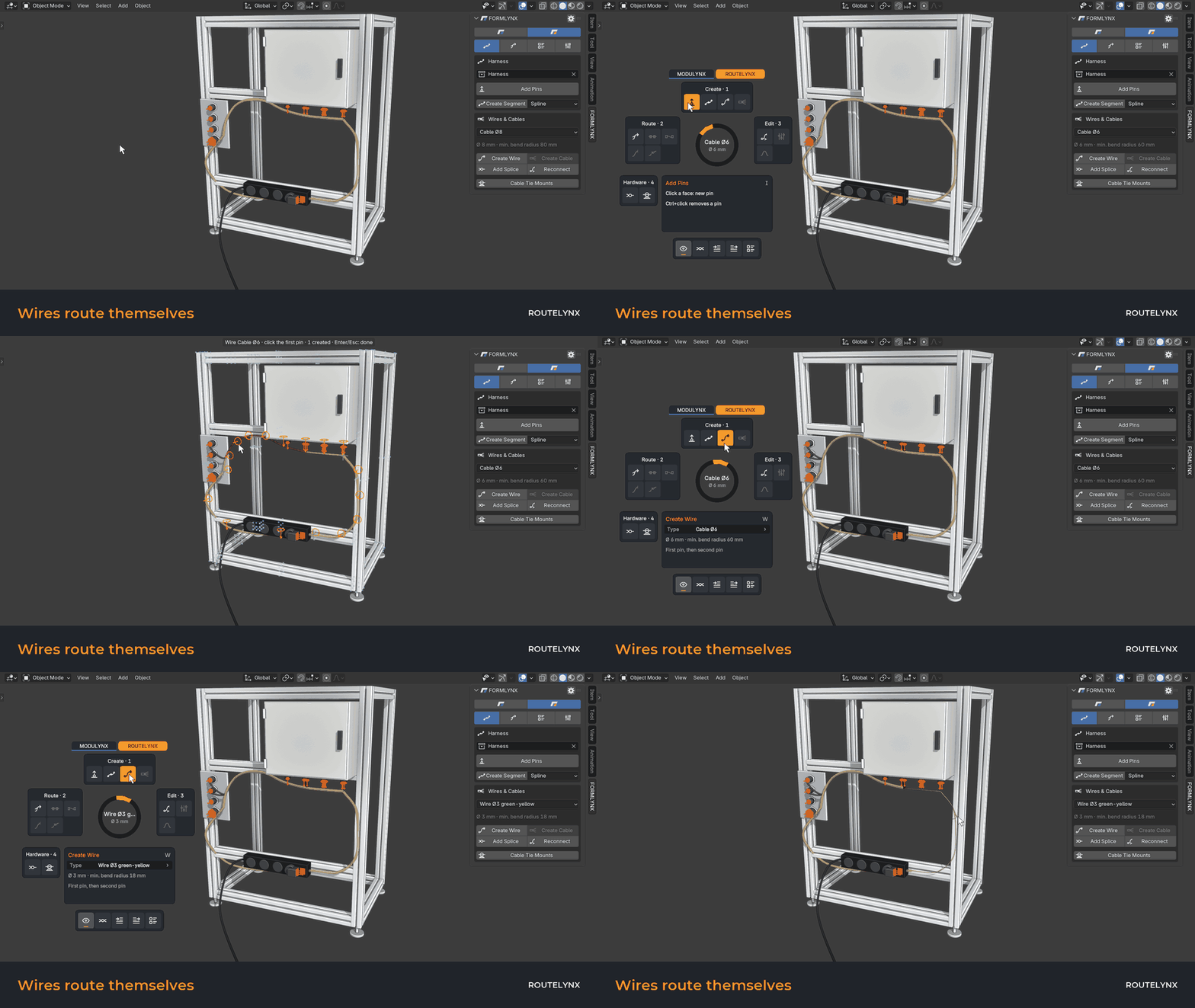
Place pins, draw trunks, click two pins. The wire finds its path through the trunks.
02
Connect
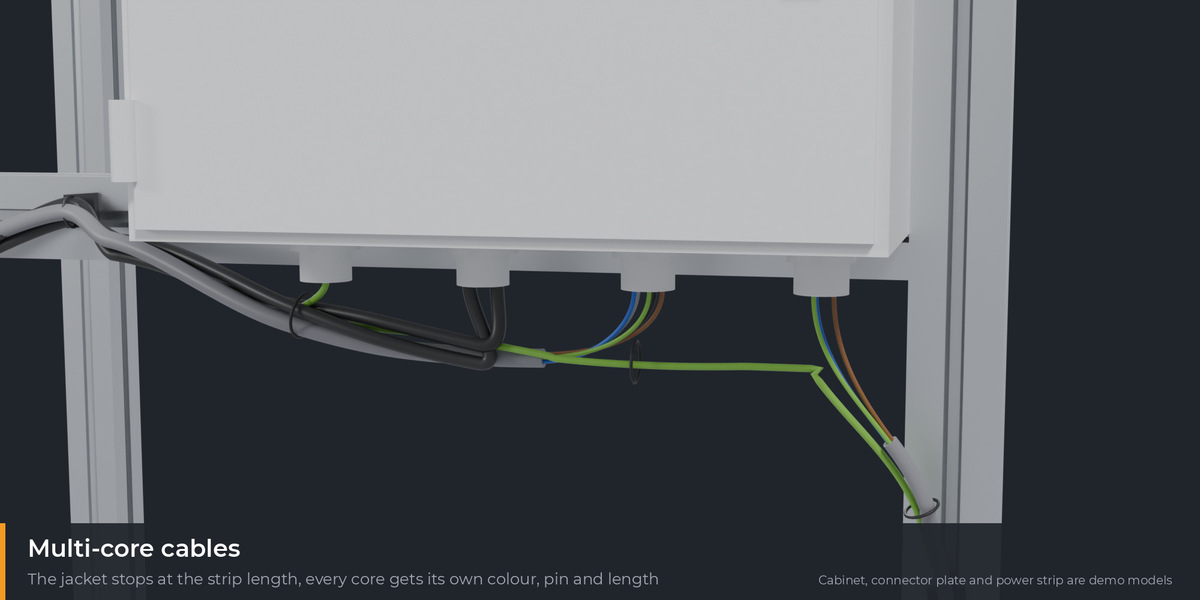
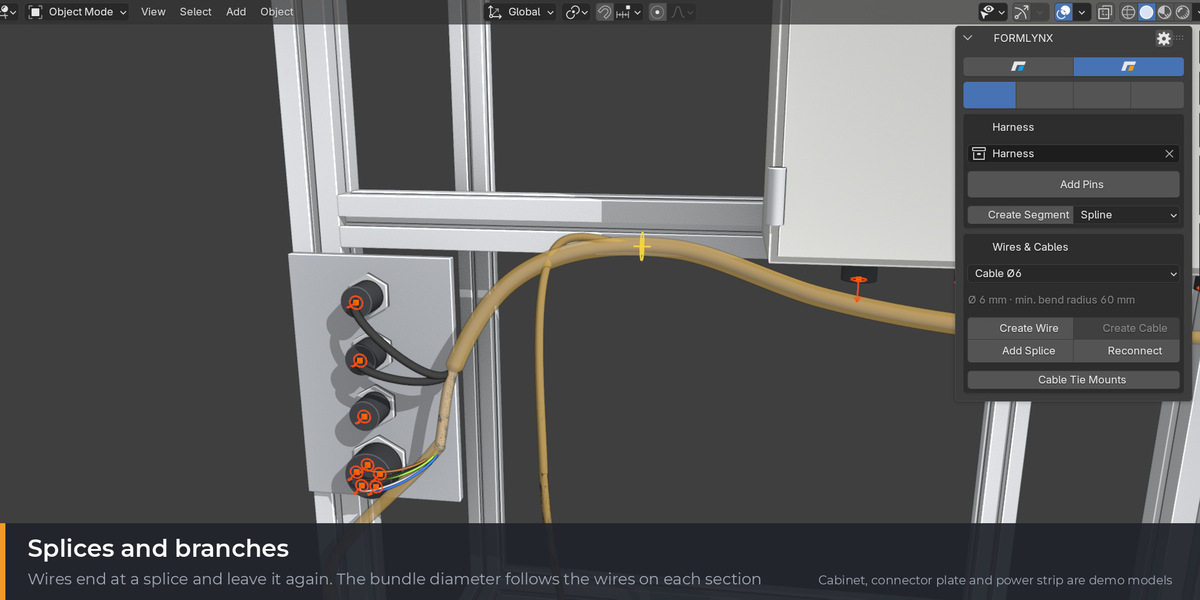
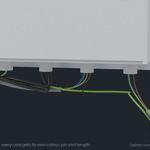
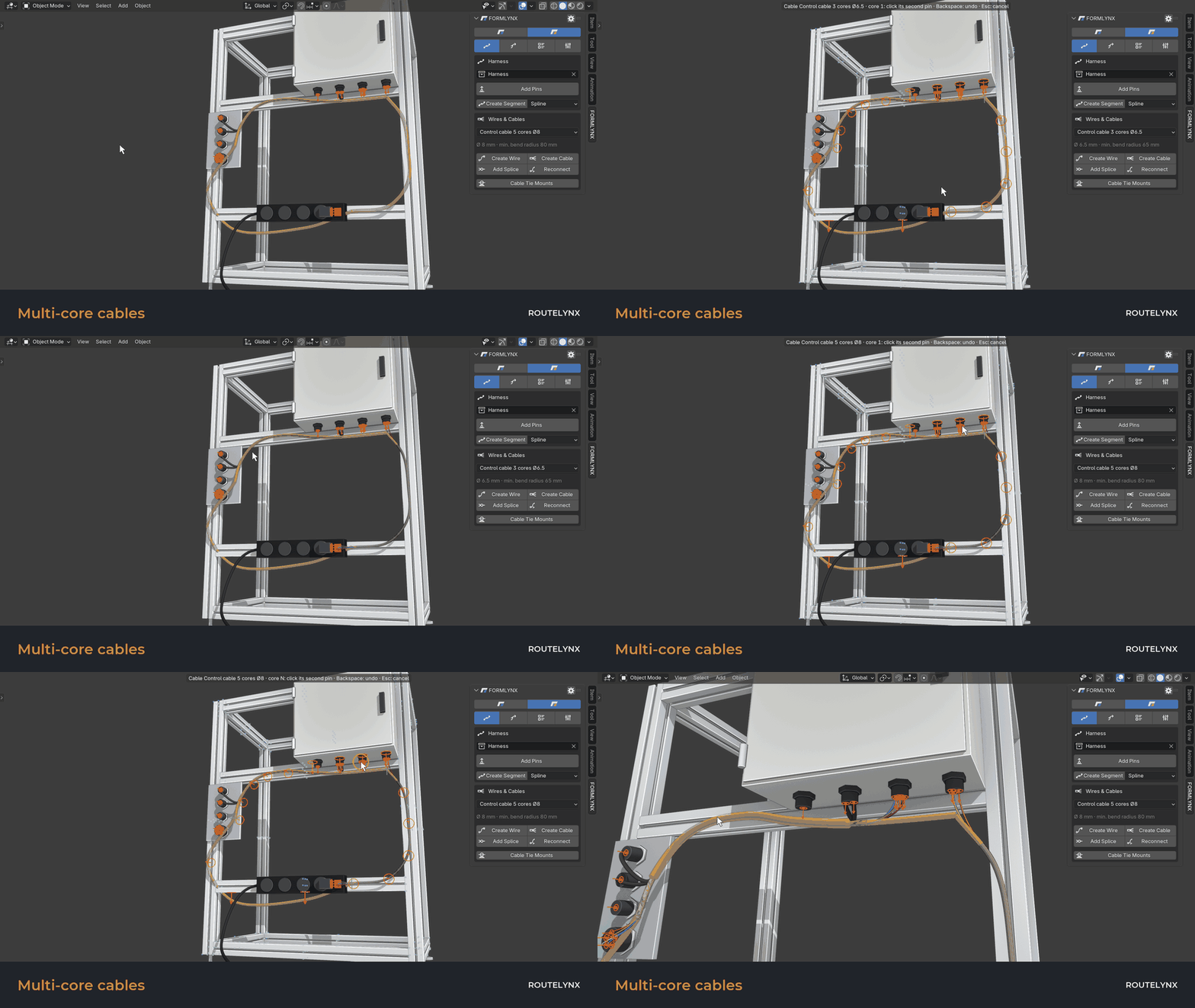
Multi-core cables, splices and branches, with the bundle diameter worked out per section.
03
Cut
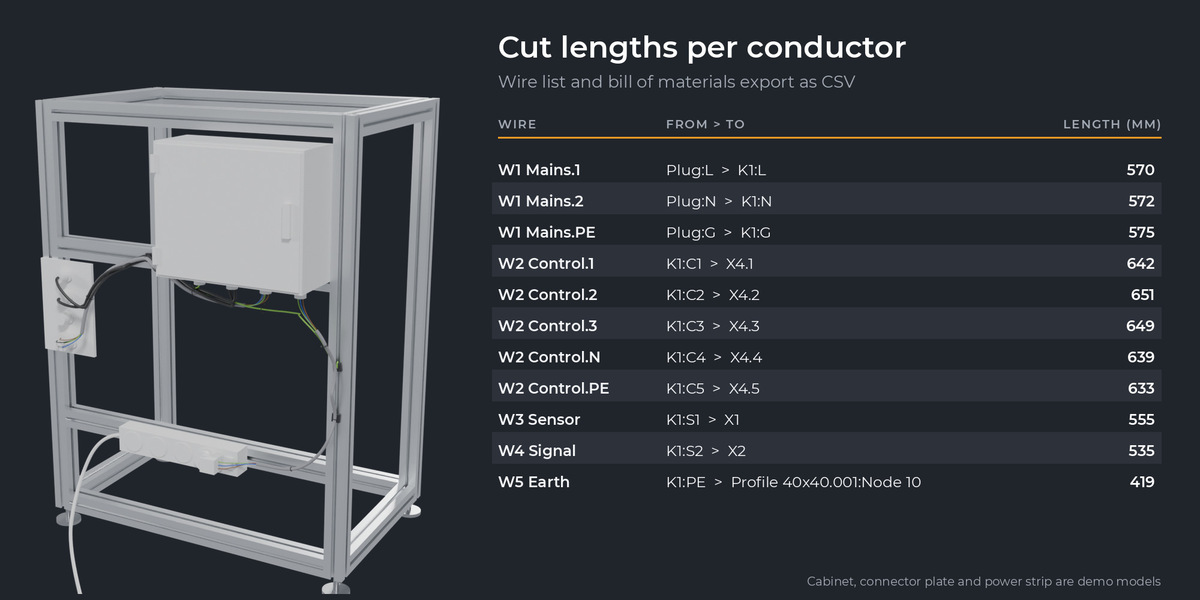
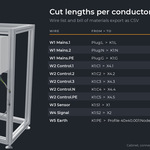
Export a wire list with from, to, type and length of every conductor, as CSV.
Core workflows
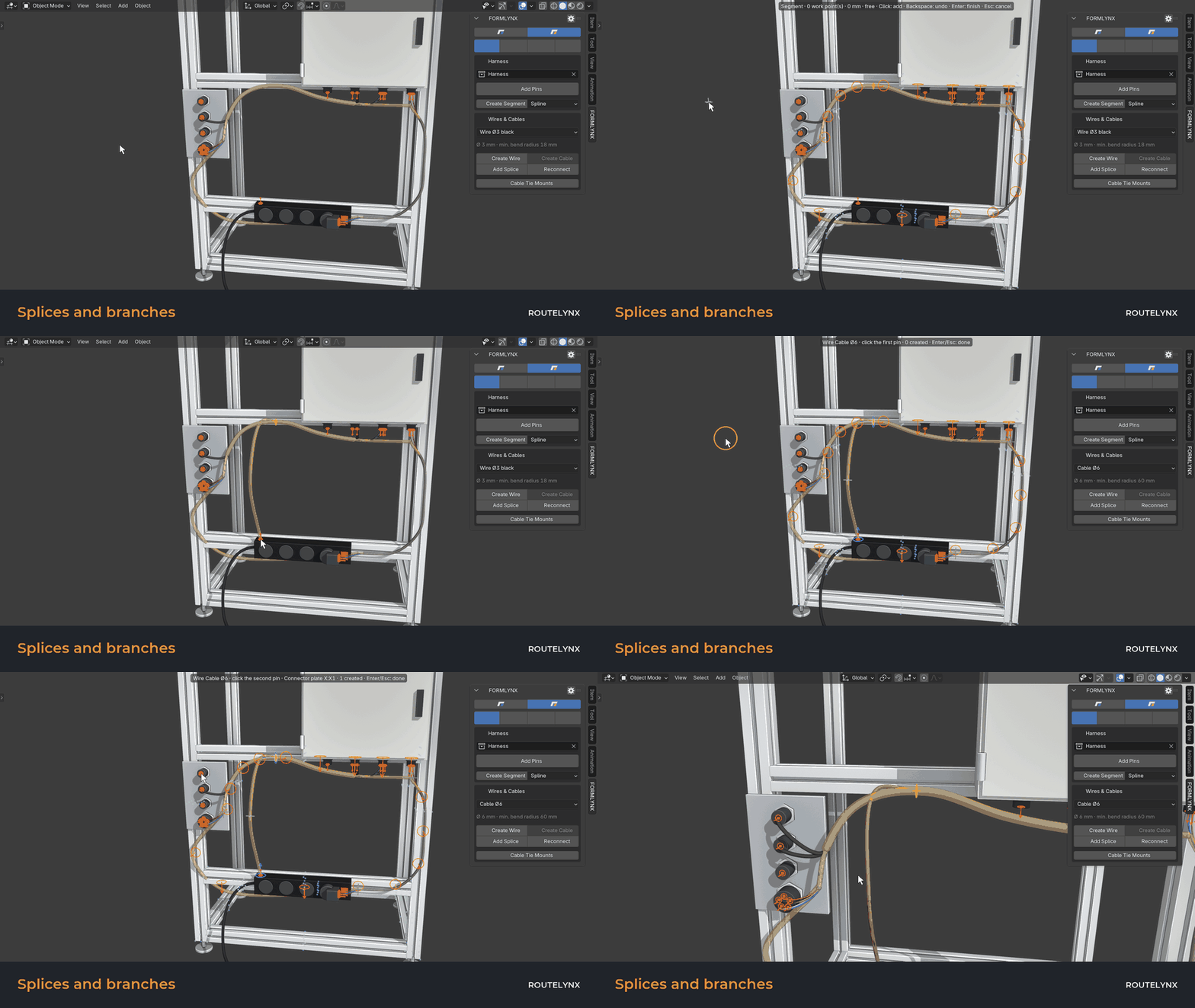
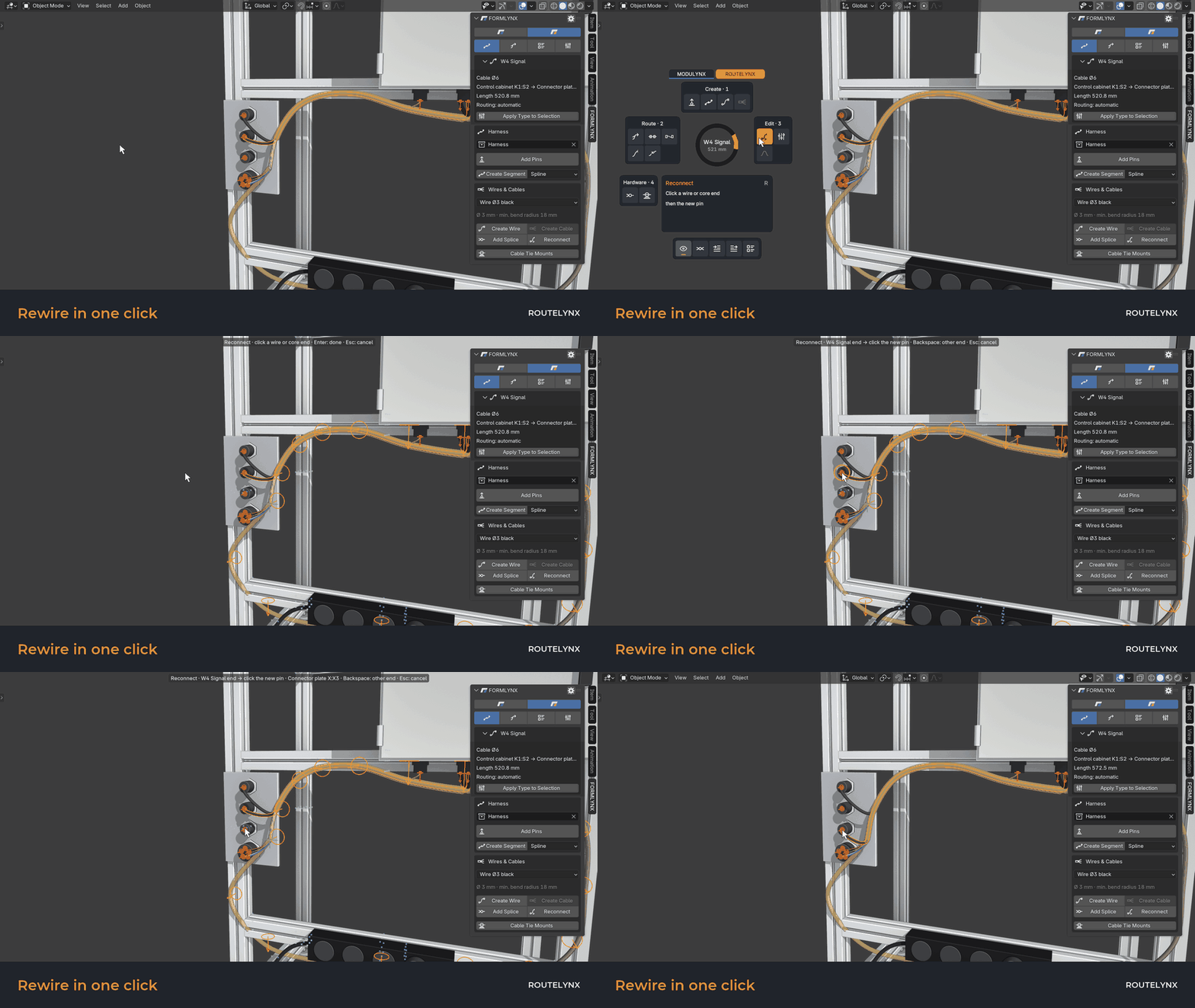
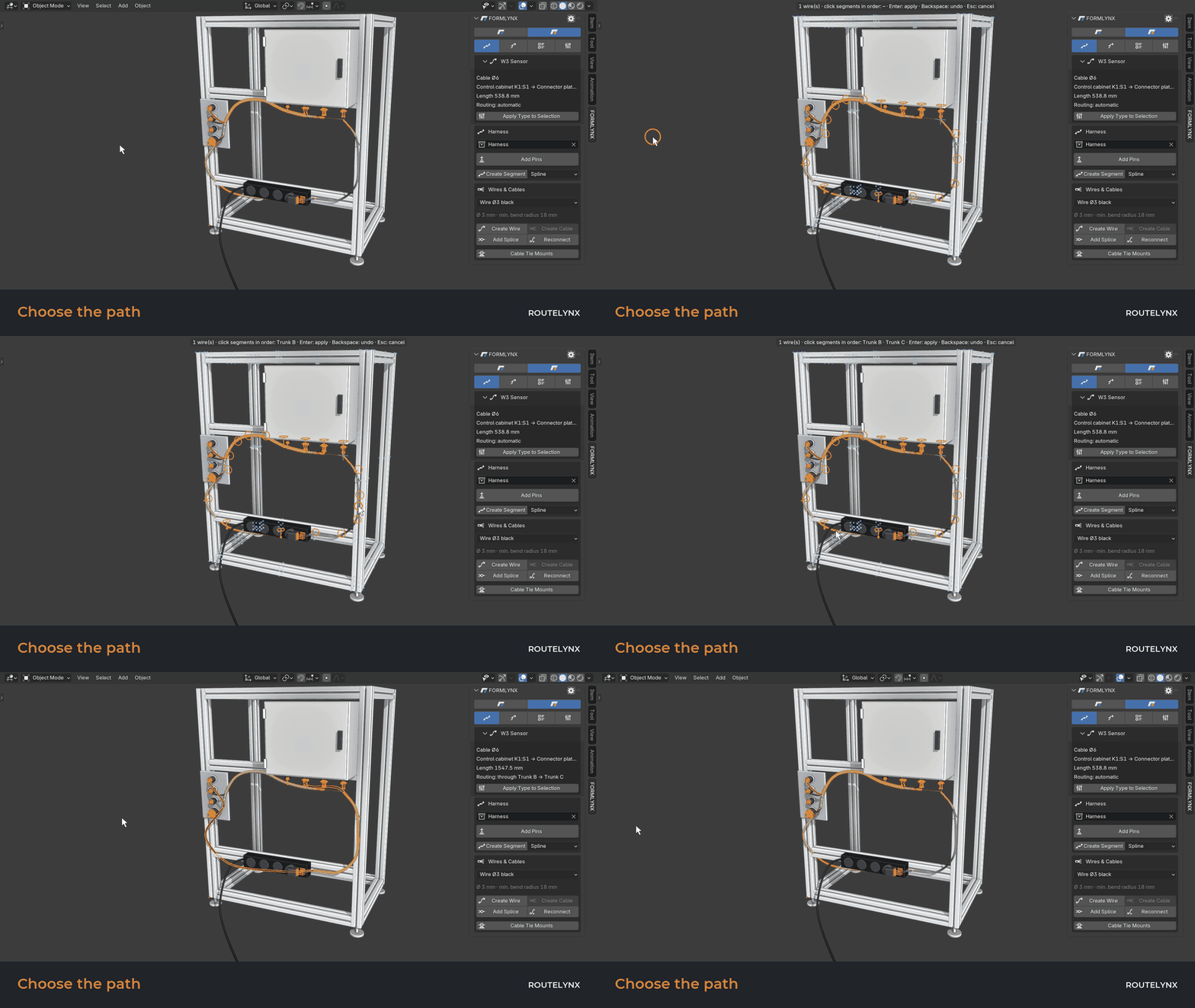
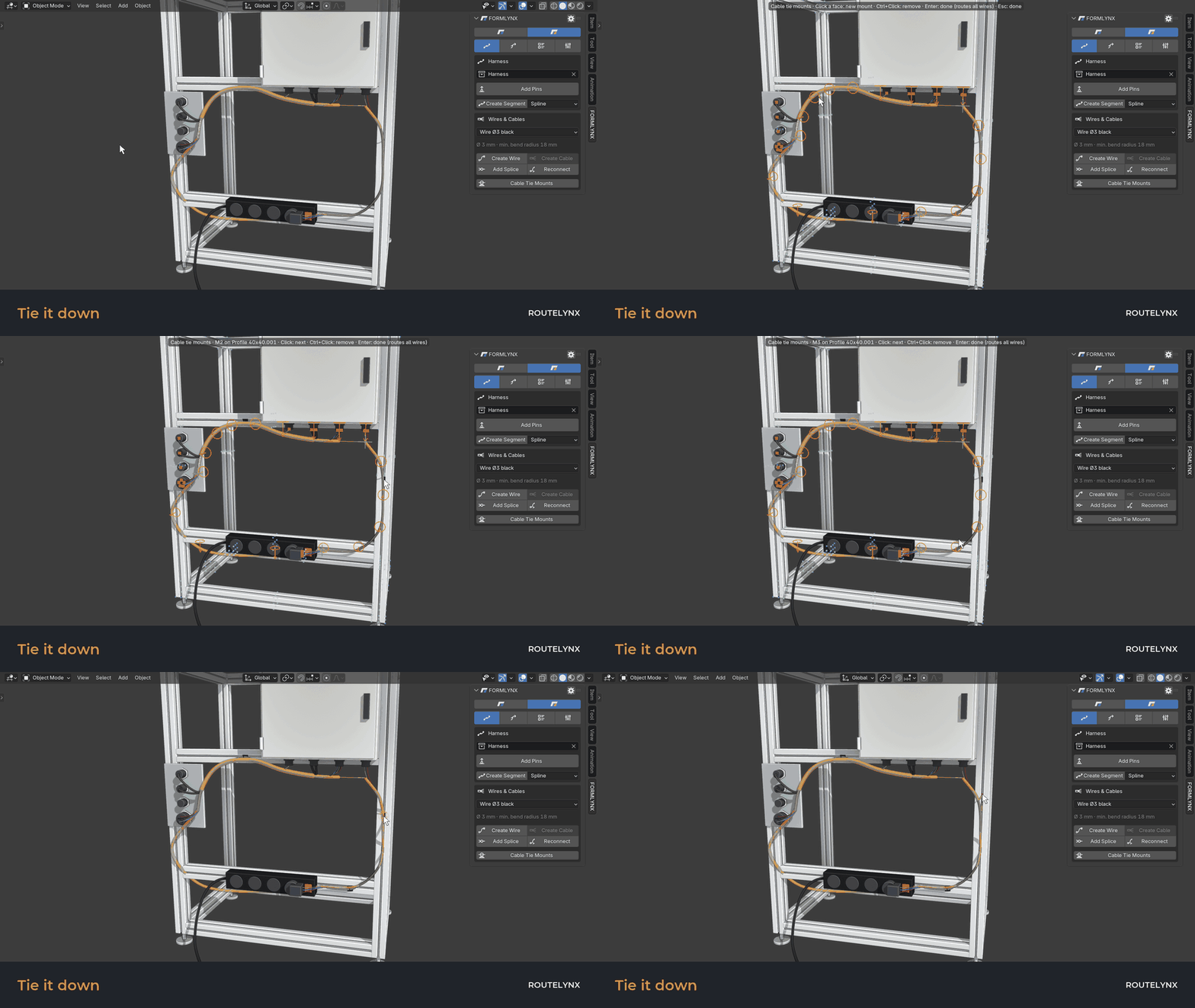
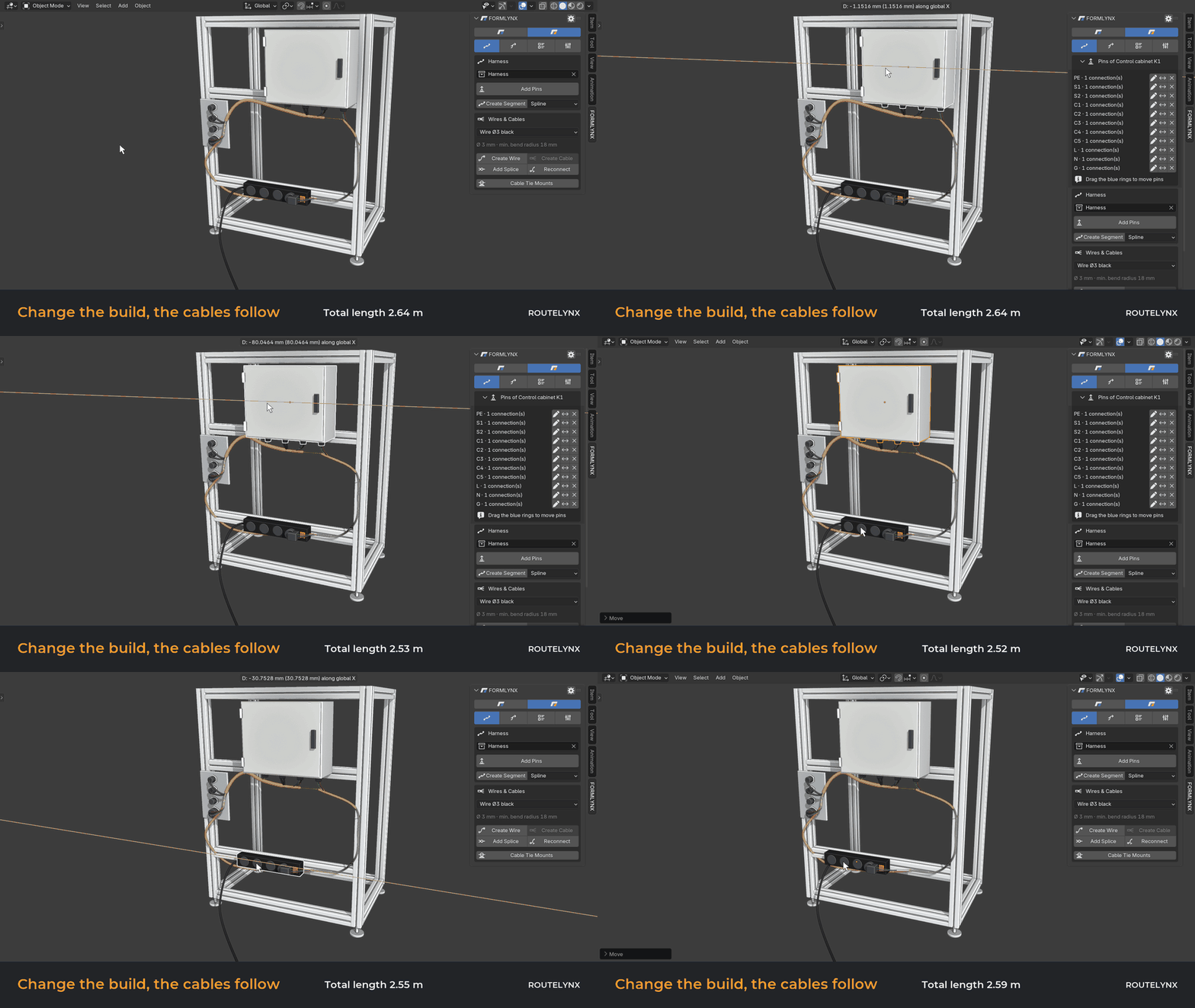
From model to workshop
Wire list
One row per conductor: wire, type, from, to, length. Exports to CSV, and you can import a list to create the wires.
Exact lengths
Measured along the actual path, from pin to pin, with an allowance per end that you set.
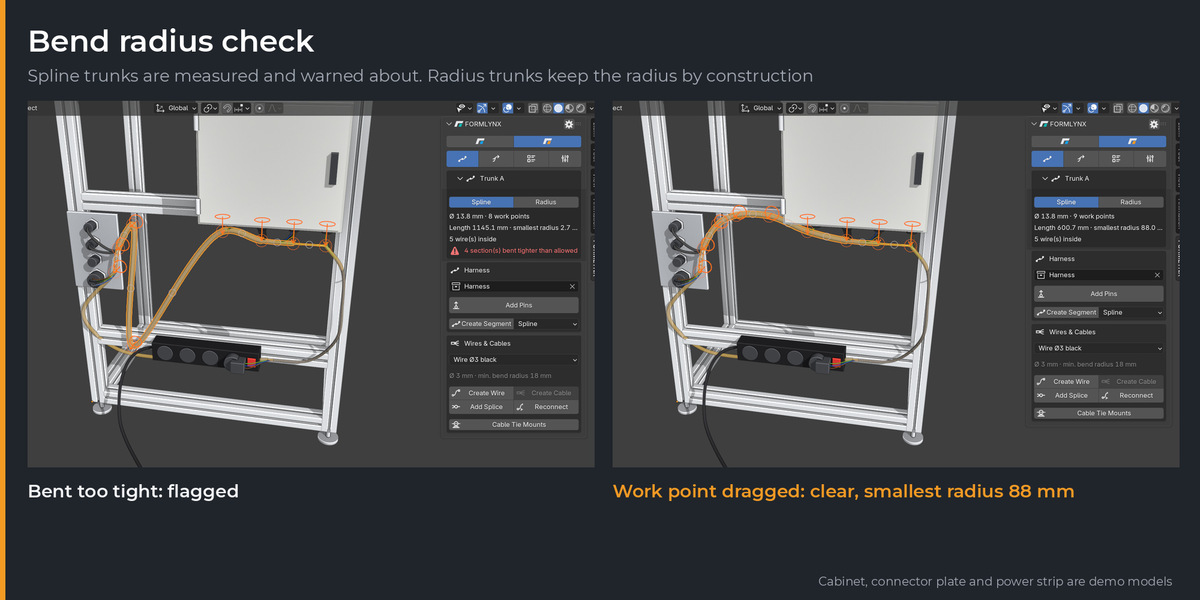
Bend radius
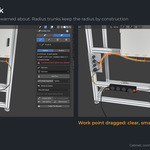
Radius trunks use lines and arcs that keep the radius. Spline trunks are measured, and tight sections are reported.
Bill of materials
Cables, splices, mounts and ties. Together with MODULYNX, frame and harness share one list.
Works with MODULYNX
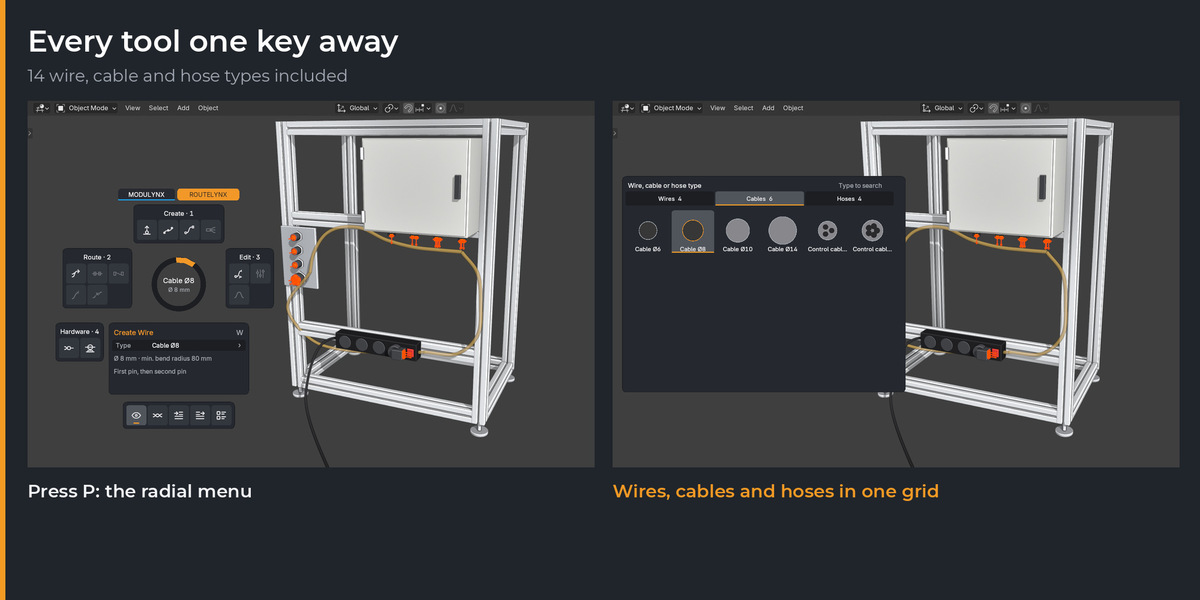
Nodes on MODULYNX aluminium profiles count as pins, so a harness can end right on the frame and moves with it. Both add-ons share one radial menu with a tab per product. MODULYNX is sold separately and is not required.
Start quickly
1
In Blender, open Edit › Preferences › Get Extensions and choose Install from Disk. Do not unzip the file.
2
The ROUTELYNX tools appear in the FORMLYNX tab of the 3D viewport sidebar (N).
3
In Object Mode, press P for the radial menu and place your first pins.
The full guide and the FAQ are in the Documentation section of this page.
Before you buy
No connector parts yet. Pins go on your own objects. The cabinet, connector plate and power strip in the images are demo models and are not included.
No cable protection yet: braided sleeve, conduit and heat shrink are planned.
No slack or service loops yet. Wires follow the trunks tightly.
No mesh or STEP export yet. ROUTELYNX produces curve objects. The output is a wire list and a bill of materials.
No collision check and no routing around obstacles. Wires follow the trunks you draw.
Bend radii are rule-of-thumb defaults (factor × outer diameter). Always check your cable's datasheet. 14 generic types are included.
Requirements: Blender 4.5 or newer, installed as an extension. Interface in English only. File access is used only for the CSV import and export, and the add-on does not use the network.
New in 0.10.10
First public Early Access release.
