Rubble Scatter Generator
 3D Tudor
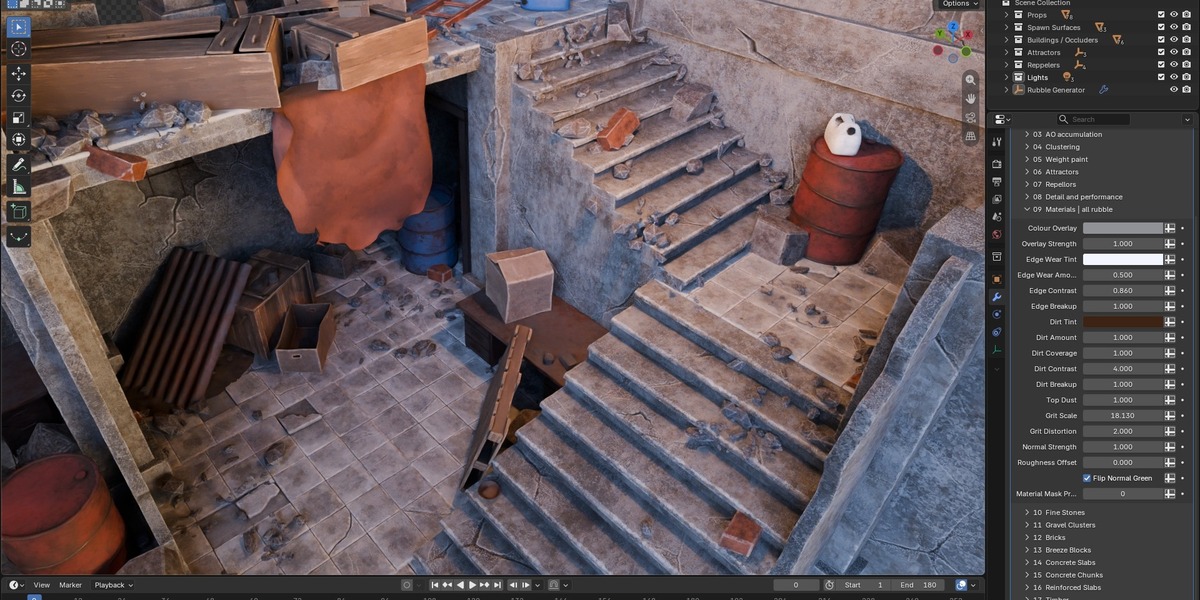
Rubble Scatter Generator — getting started
For Blender 5.2.2 LTS. The supplied file was opened and the configured Building Scatter scene evaluated in this version. Start with that scene as described below.
Start with the configured example
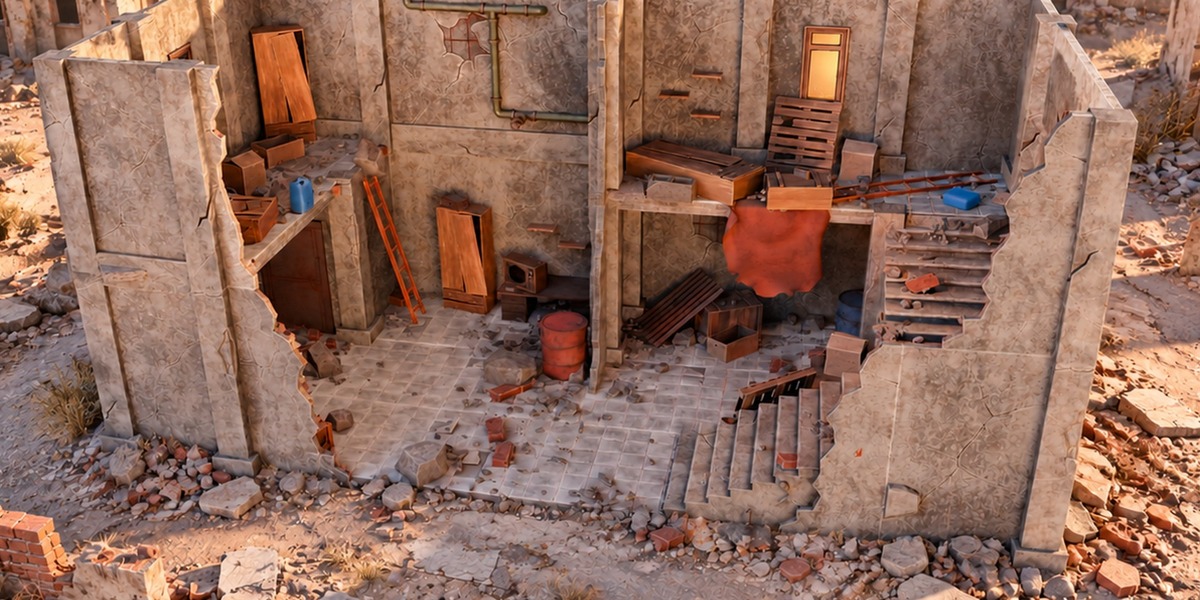
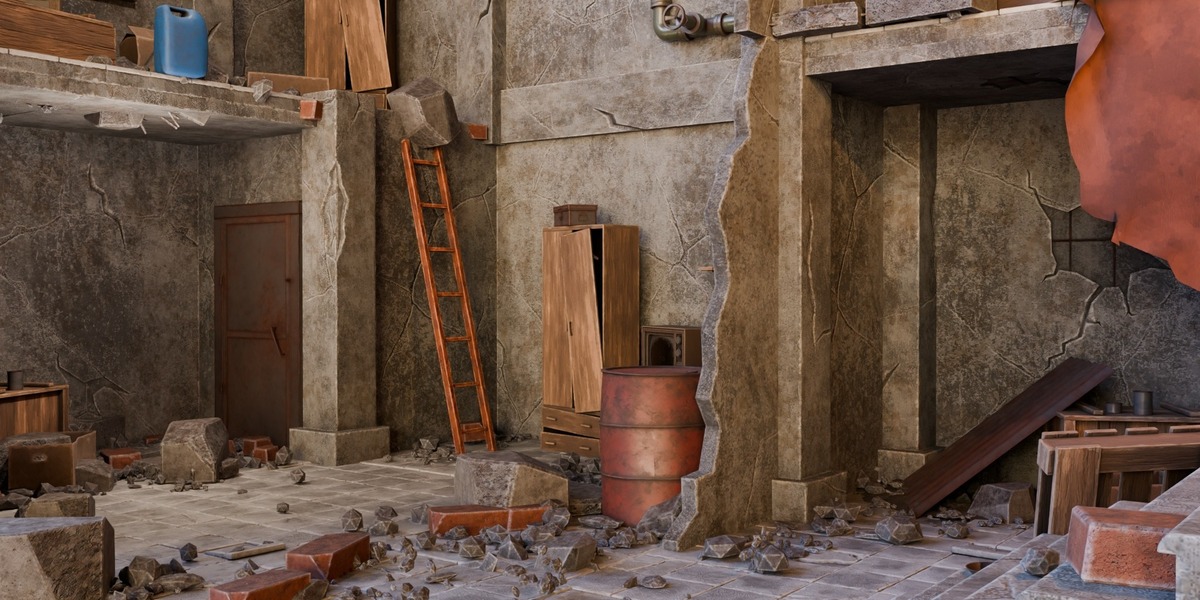
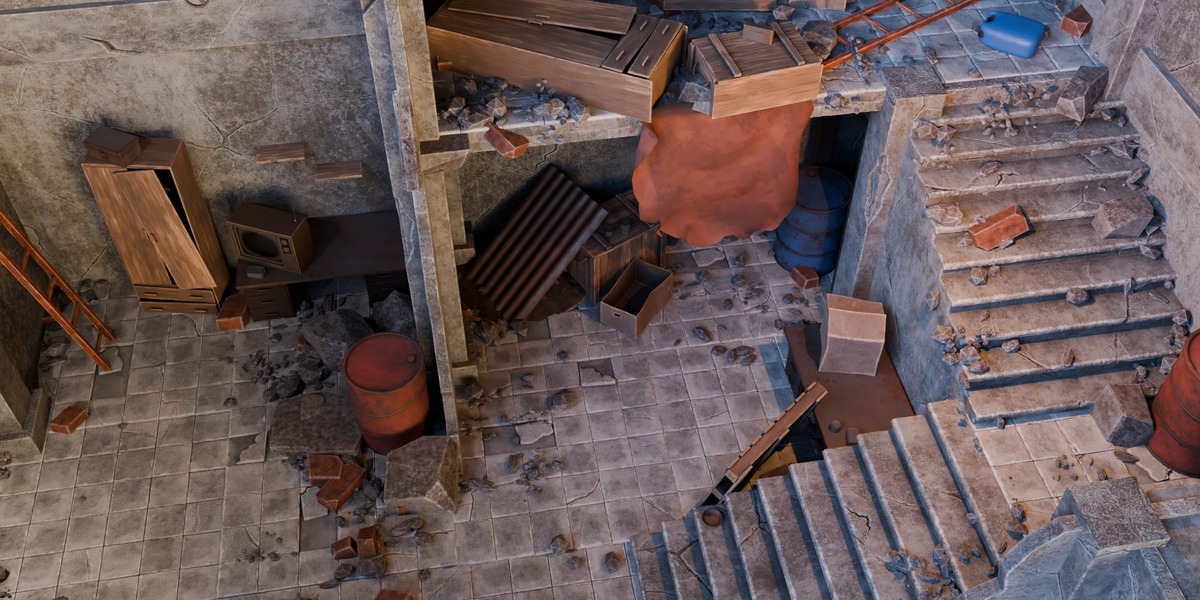
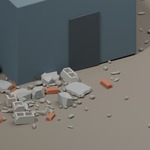
Open the supplied Blender file and switch to Rubble Studio | Building Scatter. Select 3DT Rubble Studio | SELECT ME to access the Geometry Nodes modifier. This is the simplest configured example in the supplied file.
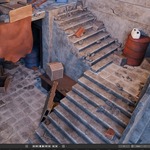
The detailed Scene has a different saved starting state: the generator's viewport evaluation is disabled and no active camera is assigned. Those settings must be addressed before using that scene to judge the scatter or camera-distance behaviour.
Choose where rubble can appear
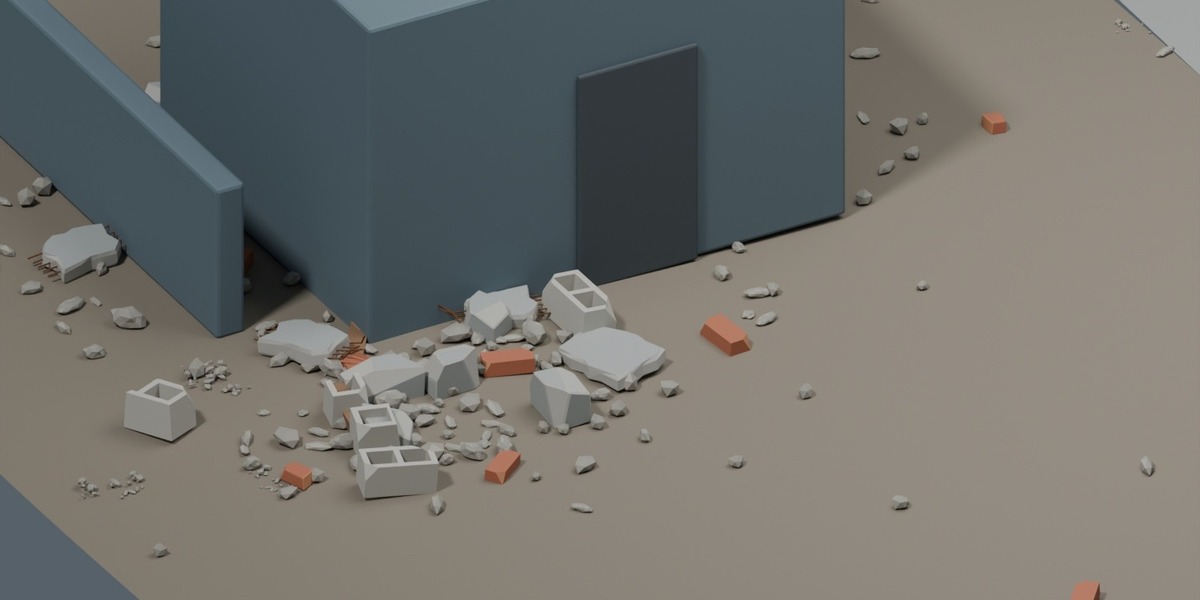
Assign your receiving floors or terrain to Spawn Surfaces. Put relevant architectural obstacles in Buildings / Occluders. Keep the generator itself outside the receiving-surface collection.
Set overall density and scale, then adjust the eight debris categories independently. Use seed changes for alternative layouts. Check placement around your own geometry: this is a procedural scatter, not a physics simulation or a guarantee against intersections.
Shape accumulation and keep routes clear
AO accumulation uses geometry to guide placement around architecture; it is not dependent on scene lighting. Adjust the accumulation settings and clustering for the layout. Open Area Fill allows some coverage away from occluders.
For local control, create a vertex group or float attribute on each receiving mesh. Enter its exact name, then enable Paint Enabled. The default name is Rubble_Density. Paint 0 where rubble should be excluded. A missing named group defaults to full eligibility, so check the name if your mask appears ineffective.
Attraction and repulsion can use a single object or a flat controller collection. Move the controllers to place their influence and scale them to adjust radius. Planar influence suits floor-plan control; switch it off when vertical separation between storeys matters. Inspect Mask Preview before finalising the result.
Manage detail
Assign an active scene camera, or enable Use Custom Camera and choose one. Then configure LOD distance/spread and optional culling. The library contains 51 HIGH source variants with 51 paired LOD representations; the LOD counterparts are not additional unique designs.
Reduce Preview Fraction while working in the viewport. The supplied audit reports that the node graph restores the full accepted fraction for rendering. Actual performance depends on scene complexity and hardware; no speed multiplier is promised.
Match the material finish
Use the shared material controls for colour, edge wear, dirt, top dust, normal strength and roughness. Return Material Mask Preview to 0 for the finished appearance.
Using custom source meshes
Use flat source collections with paired numbering, compatible origins and equal HIGH/LOD counts. Custom meshes need suitable UVs and materials. The supplied finish controls require compatible shaders; they do not automatically adapt arbitrary materials.
Included scenes and source assets
The original Blender file includes the generator, HIGH/LOD source collections and furnished demonstration scenes. Keep an untouched backup before adapting the project. The supplied source-bank labels may still describe some LOD meshes as placeholders; those labels do not indicate that every HIGH/LOD pair is identical.
Licence choice
The complete $24.99 package uses Superhive’s Royalty Free licence, including personal and commercial project use under its terms. Standalone redistribution or resale of the source assets is not permitted.
Have questions about this product?
Login to message
| Dev Fund Contributor | |
| Published | about 3 hours ago |
| Blender Version | 5.2 |
| License | Royalty Free |
Discover more products like this
ruins scatter procedural debris Rubble advanced geometry nodes environment architectural visualization