Rubble Scatter Generator
 3D Tudor
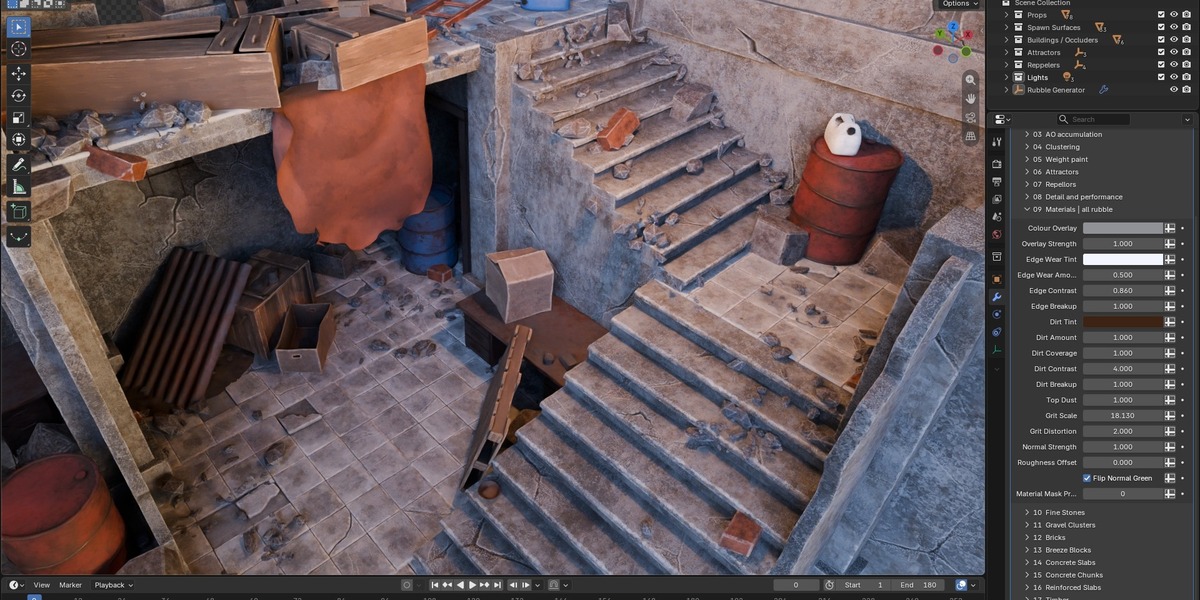
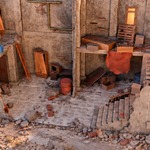
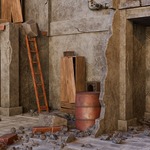
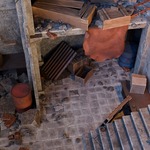
What is Rubble Scatter Generator?
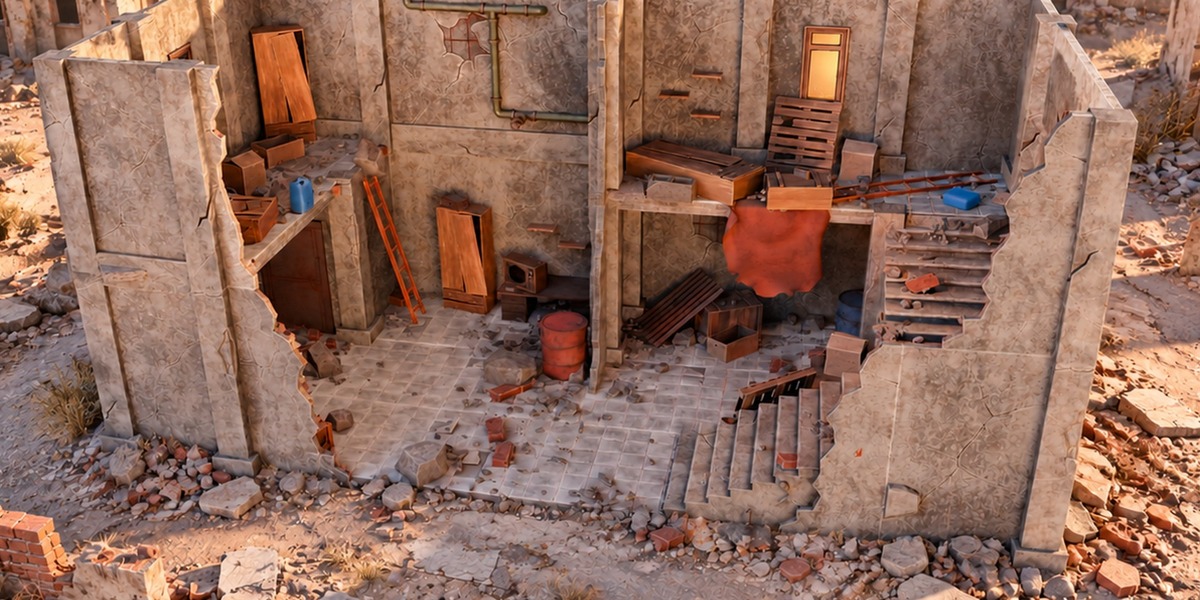
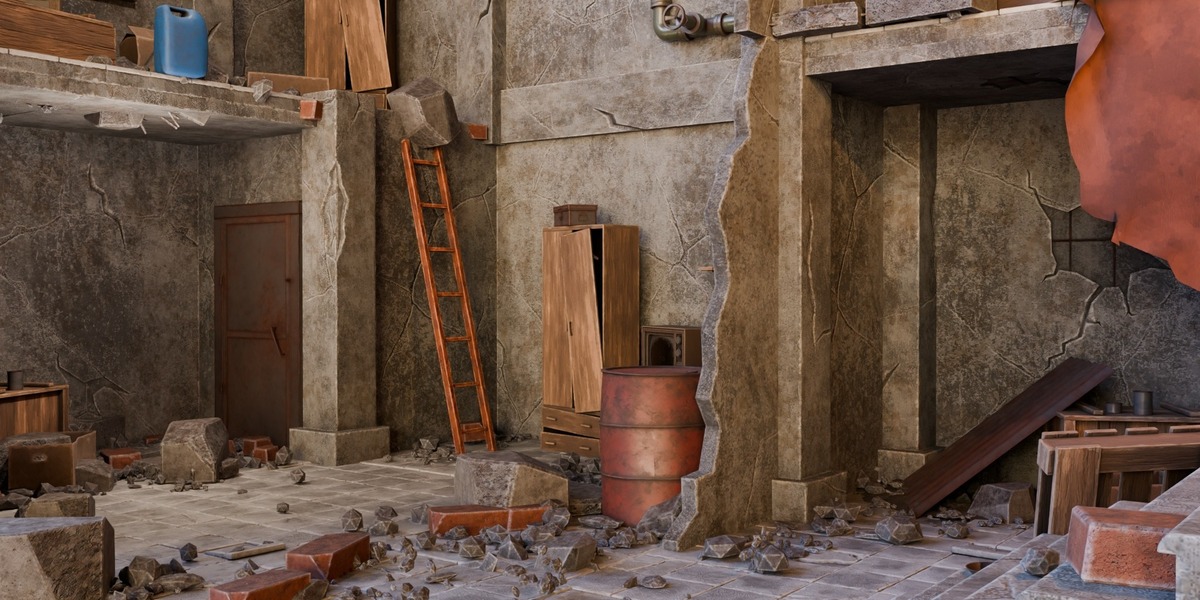
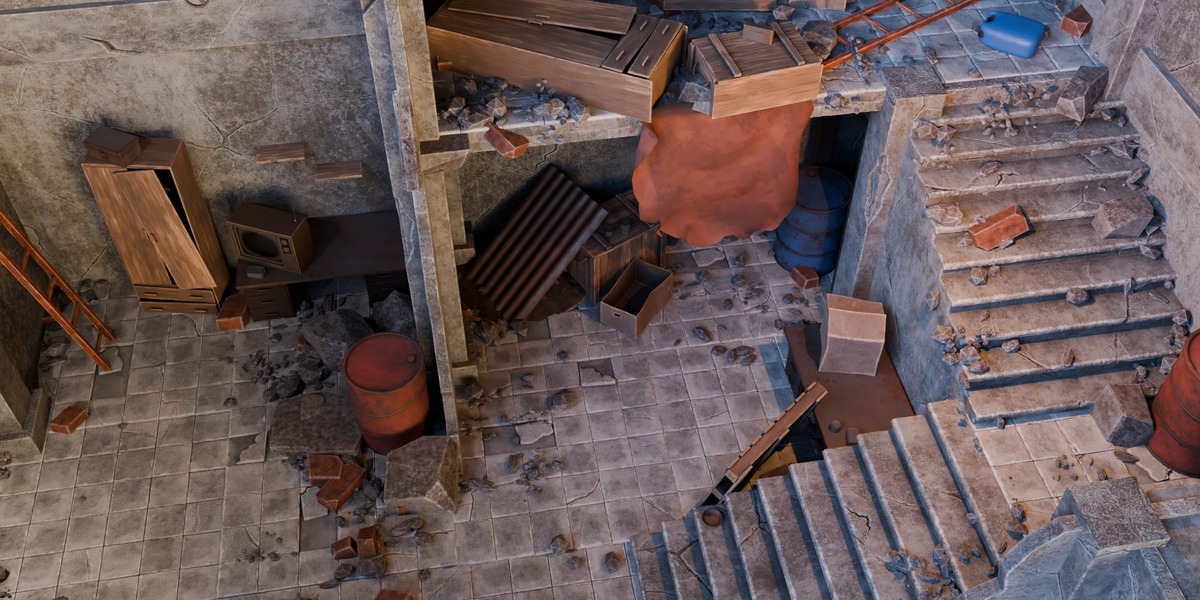
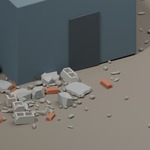
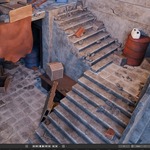
A Blender Geometry Nodes project for placing architectural debris on receiving surfaces. It includes a configurable generator, paired HIGH/LOD source collections and demonstration scenes; it does not require installing a Python add-on.
How many rubble designs are included?
There are 51 HIGH source variants across eight categories, each with a paired LOD representation. The LOD set provides alternate detail levels, not 51 additional designs.
Which Blender version has been checked?
The supplied file was opened in Blender 5.2.2 LTS, and the configured Rubble Studio | Building Scatter scene was evaluated at frame 1. Earlier versions have not been certified by this check.
Which scene should I open first?
Begin with Rubble Studio | Building Scatter and select 3DT Rubble Studio | SELECT ME. The detailed Scene has viewport evaluation disabled on its generator and no active scene camera in its saved starting state.
Why is rubble appearing where I painted a mask?
Check that Paint Enabled is on and the entered attribute name matches the receiving mesh exactly. The default name is Rubble_Density. A missing named mask defaults to full eligibility. Paint zero where rubble should be excluded.
How do I control debris near walls and in open areas?
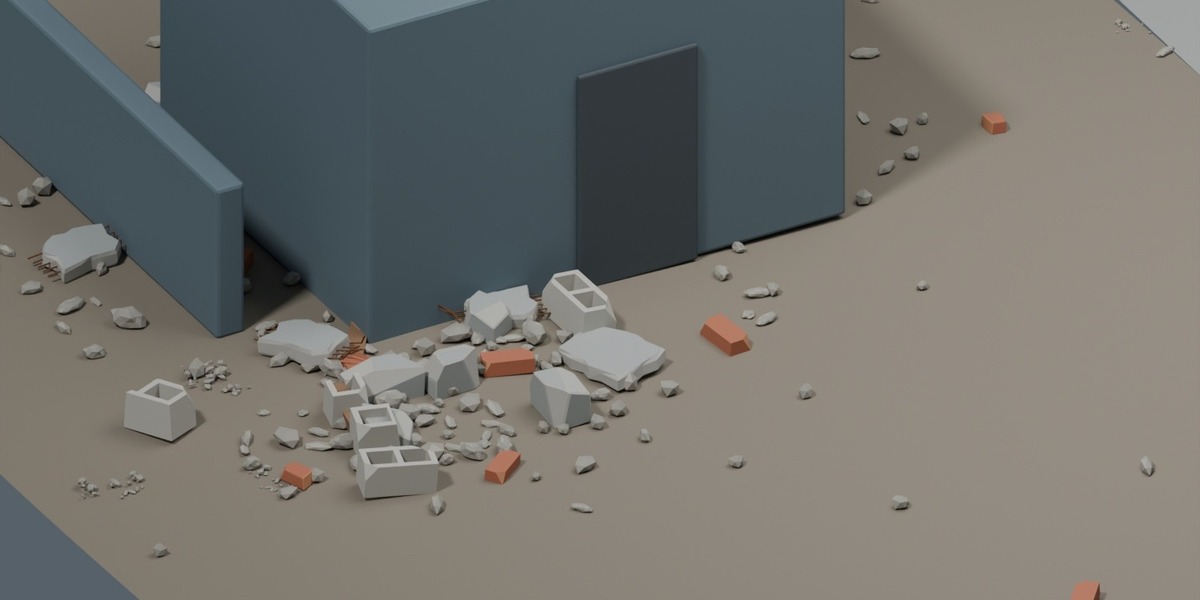
Use Buildings / Occluders for relevant architecture, adjust geometry-based accumulation and clustering, then use Open Area Fill for coverage away from structures. Painted masks and attraction or repulsion controllers provide additional local control.
Can I control separate floors?
The controller system offers planar and non-planar influence. Planar influence suits floor-plan control; use non-planar influence when vertical separation between storeys matters, and inspect the mask before finalising the scatter.
How do the LOD controls work?
Assign an active scene camera, or enable Use Custom Camera and select one, then set LOD distance and spread. Preview Fraction manages viewport density. Performance depends on the scene and hardware; no frame-rate gain is guaranteed.
Can I add my own debris meshes?
Yes. Use flat source collections with paired numbering, compatible origins and equal HIGH/LOD counts. Custom meshes need suitable UVs and materials. Arbitrary shaders do not automatically inherit the supplied material controls.
Is this a destruction or physics simulator?
No. It is a procedural scatter workflow for static environments. Check intersections and composition around your own receiving surfaces and architecture.
Why are the materials showing a diagnostic mask?
Return Material Mask Preview to 0 for the finished appearance. The shared finish controls include colour, edge wear, dirt, top dust, normal strength and roughness.
Can I use the package in commercial projects?
Yes. This complete $24.99 package uses Superhive’s native Royalty Free licence, which permits personal and commercial project use. Read the linked native licence for its full terms. Standalone redistribution or resale of the source assets is not permitted.
Have questions about this product?
Login to message
| Dev Fund Contributor | |
| Published | about 3 hours ago |
| Blender Version | 5.2 |
| License | Royalty Free |
Discover more products like this
advanced geometry nodes architectural visualization debris environment ruins scatter Rubble procedural