 3D Tudor
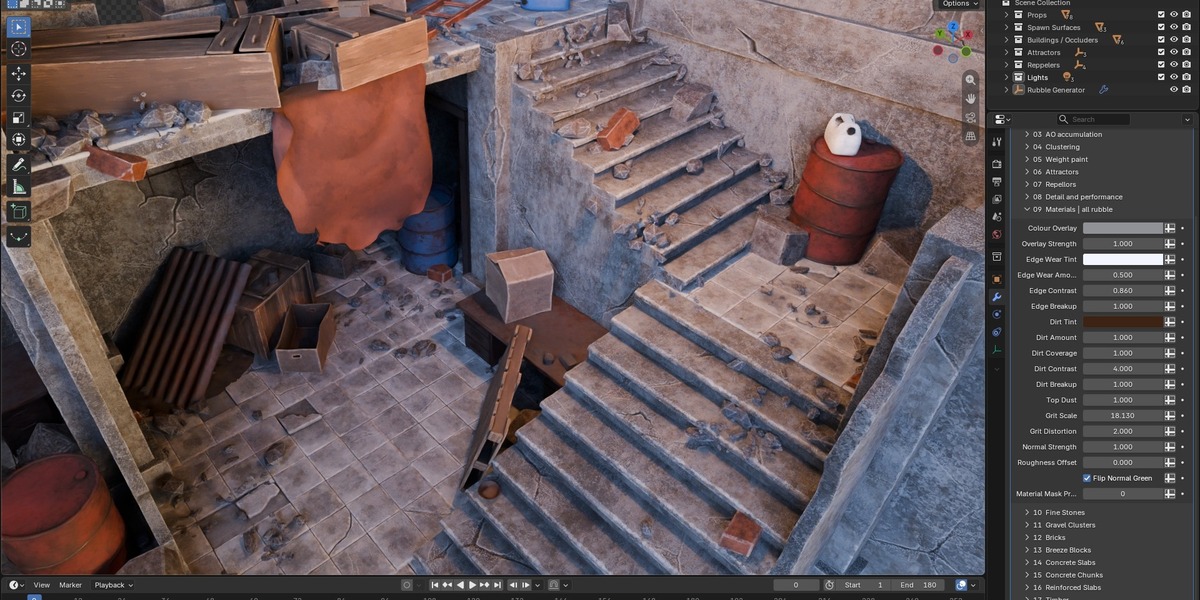
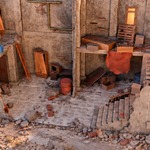
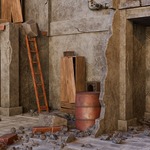
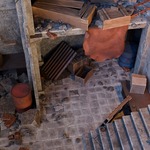
3D TUDOR · BLENDER GEOMETRY NODES
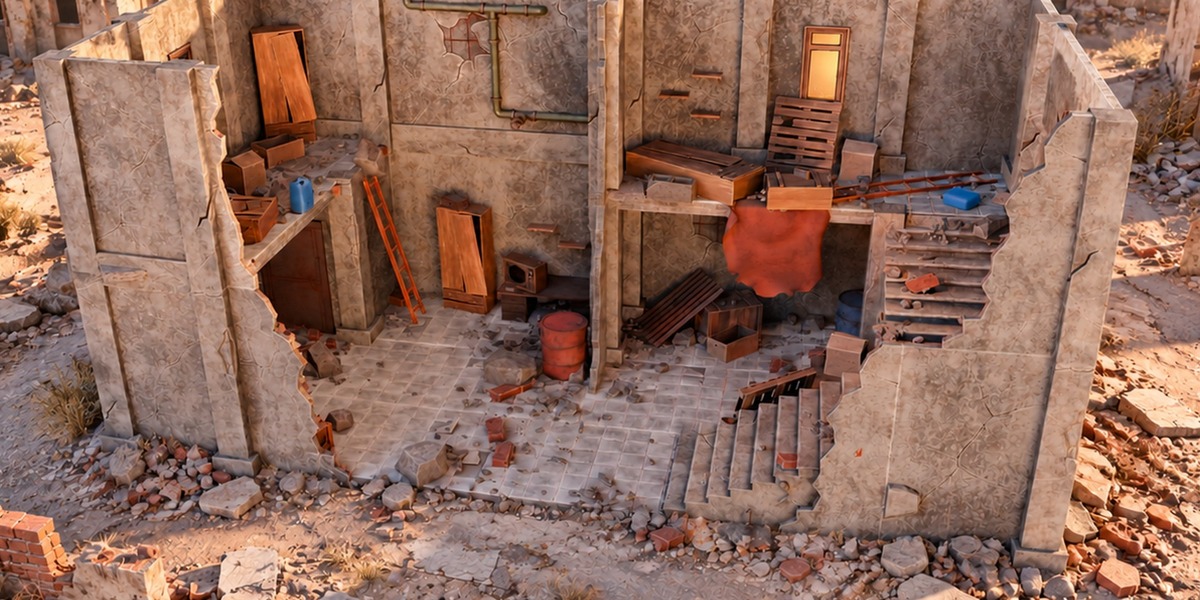
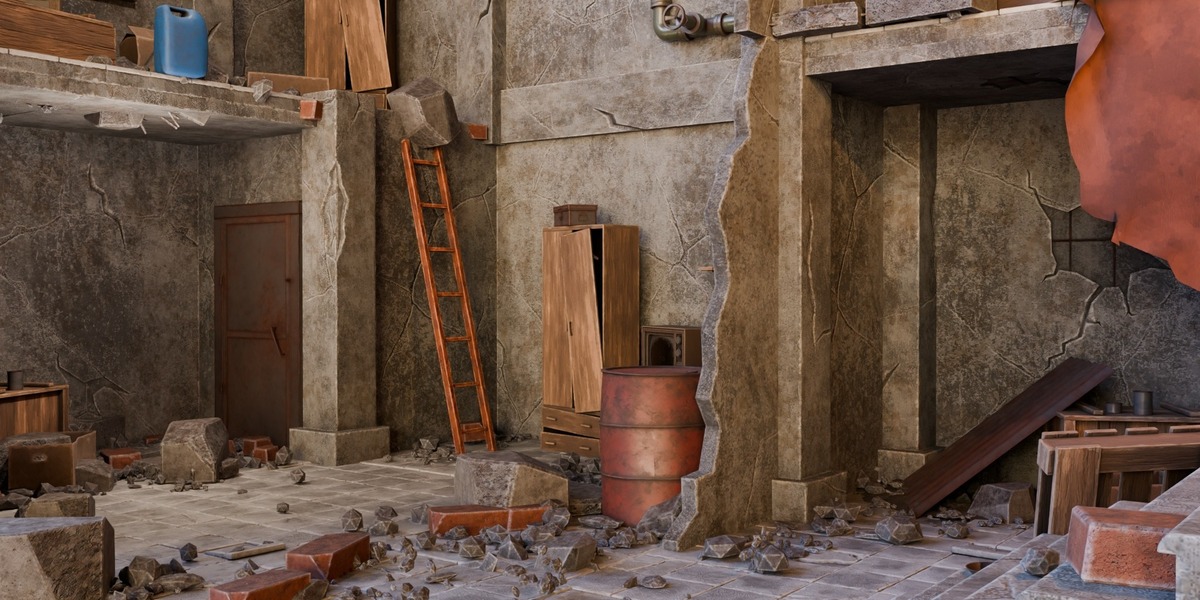
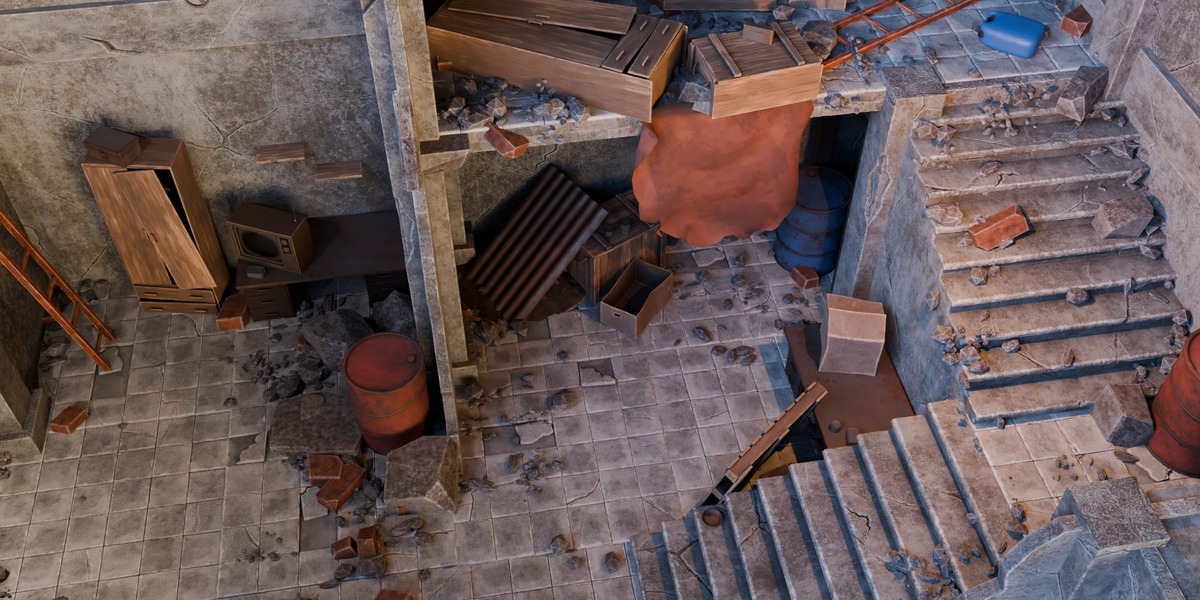
Rubble that belongs to the scene.
Build architectural debris around walls, stairs and open ground—then refine its distribution, detail and finish.
|
51 source variants |
8 debris categories |
HIGH + LOD paired sources |
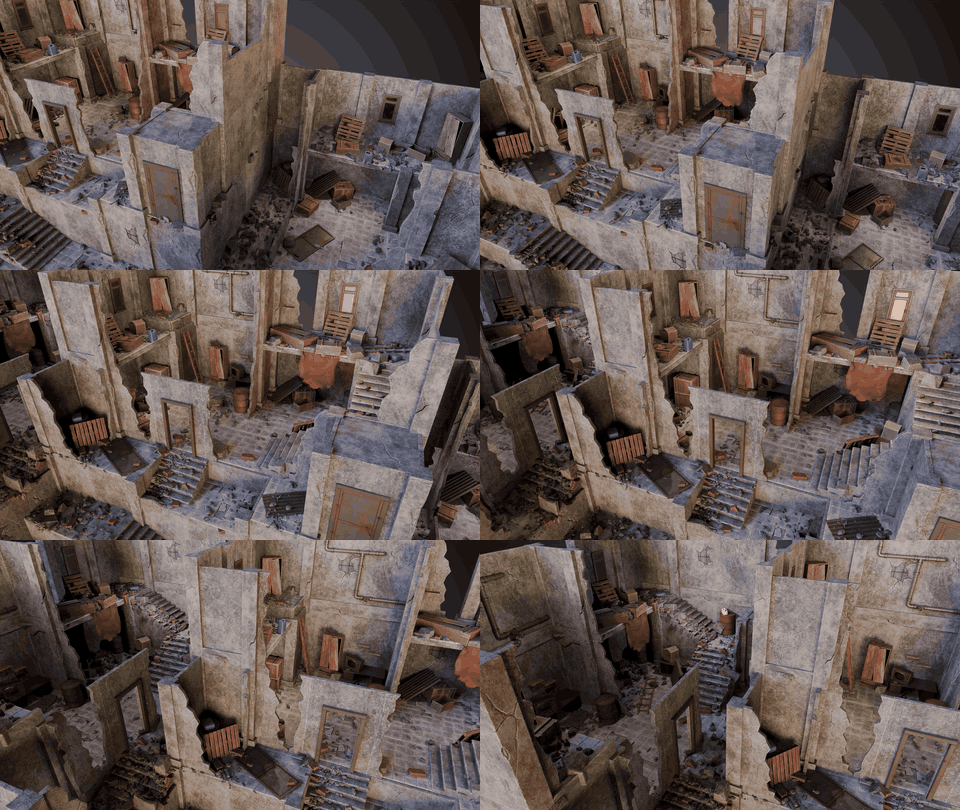
A six-second tour shows debris placement across floors, stairs and wall edges.
Give the debris a reason to be there
A uniform carpet of stones can make a ruined room feel less convincing. The useful decisions are more specific: where should larger fragments collect, how much of the open floor should remain visible, and which routes need to stay clear? Rubble Scatter Generator puts those placement decisions into an adjustable Blender Geometry Nodes workflow.
Use it for abandoned interiors, architectural breakdowns and static environment studies where debris needs to support the composition. The supplied scenes show a starting point; the controls let you reshape the result around your own receiving surfaces and architectural obstacles.
Start with a varied source library
Mix fine stones, gravel, bricks, breeze blocks, concrete slabs, concrete chunks, reinforced concrete and timber. The 51 HIGH variants have 51 paired LOD representations, giving you alternate detail levels without treating those counterparts as extra designs.
Included in the download
- The original Blender Geometry Nodes project.
- Eight rubble categories with paired HIGH/LOD source collections.
- Configured and furnished demonstration scenes.
- A Getting Started guide covering scene selection, masks, materials and camera setup.
Let the architecture guide accumulation
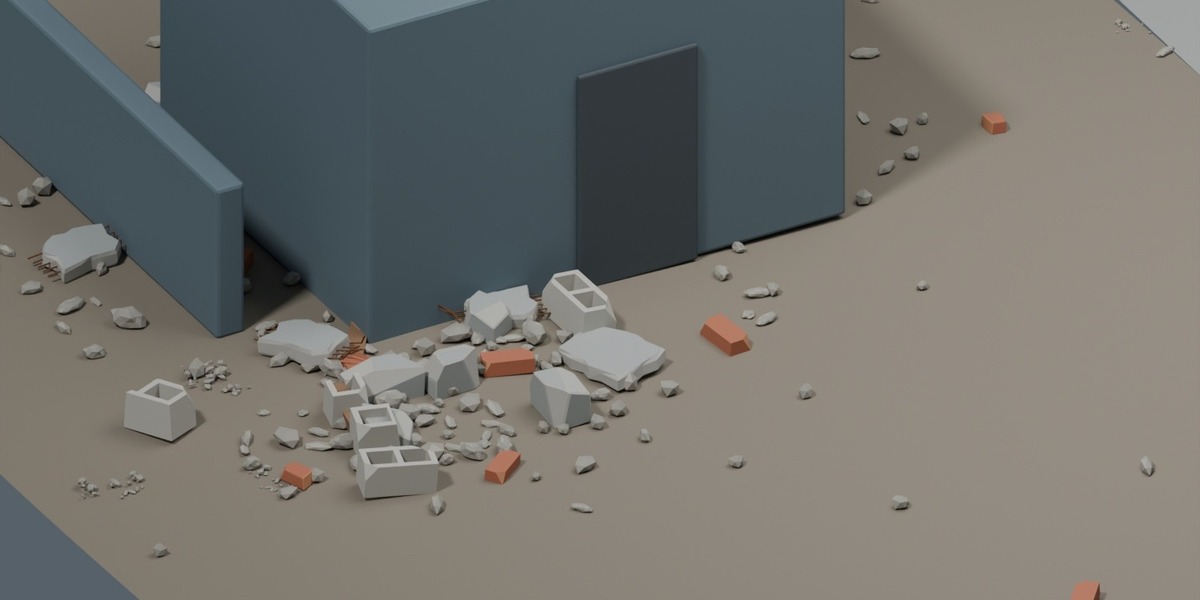
Assign floors or terrain as Spawn Surfaces and relevant architecture as Buildings / Occluders. Geometry-based occlusion can favour accumulation around structures, while Open Area Fill adds coverage farther out. Adjust category density and scale to balance fine fragments against larger pieces.
Protect routes and direct the scatter
Paint a density mask where the scatter needs local art direction. Use attraction and repulsion controllers for movable areas of influence, or combine those controls with the receiving surfaces. Planar influence suits floor-plan decisions; non-planar influence helps distinguish vertically separated areas.
For example, establish debris near the walls, use Open Area Fill to connect those clusters, then paint zero along a route you want to preserve. Inspect the mask and final result around your own geometry before committing to the shot.
Tune the finish alongside the placement
Shared material controls cover colour, edge wear, dirt, top dust, normal strength and roughness. Adjust the debris to sit within the scene’s surface palette instead of treating every piece as an unrelated asset.
Manage detail for the working view
Camera-based HIGH/LOD selection provides a way to vary detail with distance. Preview Fraction reduces viewport density while you work, with separate rendering behaviour described in the guide. Set an active or custom camera before judging camera-distance controls. Results and performance depend on your scene and hardware.
Bring your own source meshes
The workflow can use compatible custom debris. Keep source collections flat, pair the numbering and maintain equal HIGH/LOD counts with suitable origins. Custom meshes need their own appropriate UVs and materials; arbitrary shaders do not automatically gain the supplied finish controls.
Checked in Blender 5.2.2 LTS
We opened the supplied file and evaluated the configured Building Scatter scene at frame 1 in Blender 5.2.2 LTS. This is a specific scene check, not a claim of exhaustive compatibility testing. The Documentation tab explains the configured starting scene and the different saved state of the detailed demonstration scene.
This is a static procedural scatter tool, not a rigid-body destruction simulator. Inspect intersections and composition in your own project.
One complete package
The complete package is $24.99 under Superhive’s Royalty Free licence. Personal and commercial project use are covered by the native licence terms; standalone redistribution or resale of the source assets is not permitted.
Build the room. Shape what remains.
Start with the configured scene, then use surfaces, masks and material controls to make the debris support your next environment.
Neil — 3D Tudor
Explore the full 3D Tudor store