 ZEG
ZEG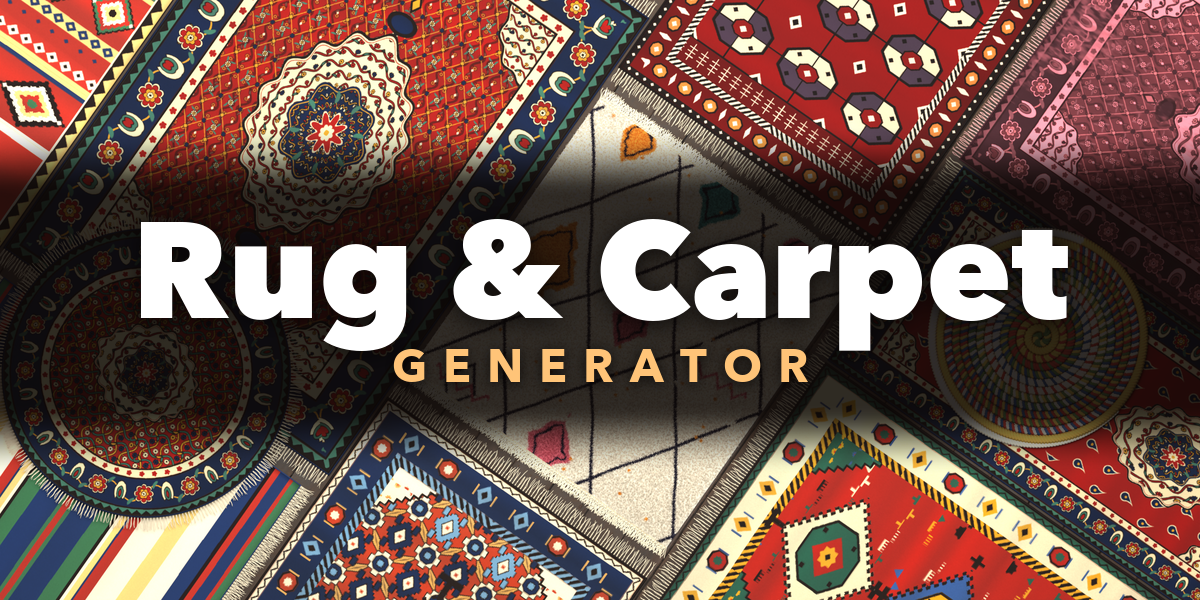
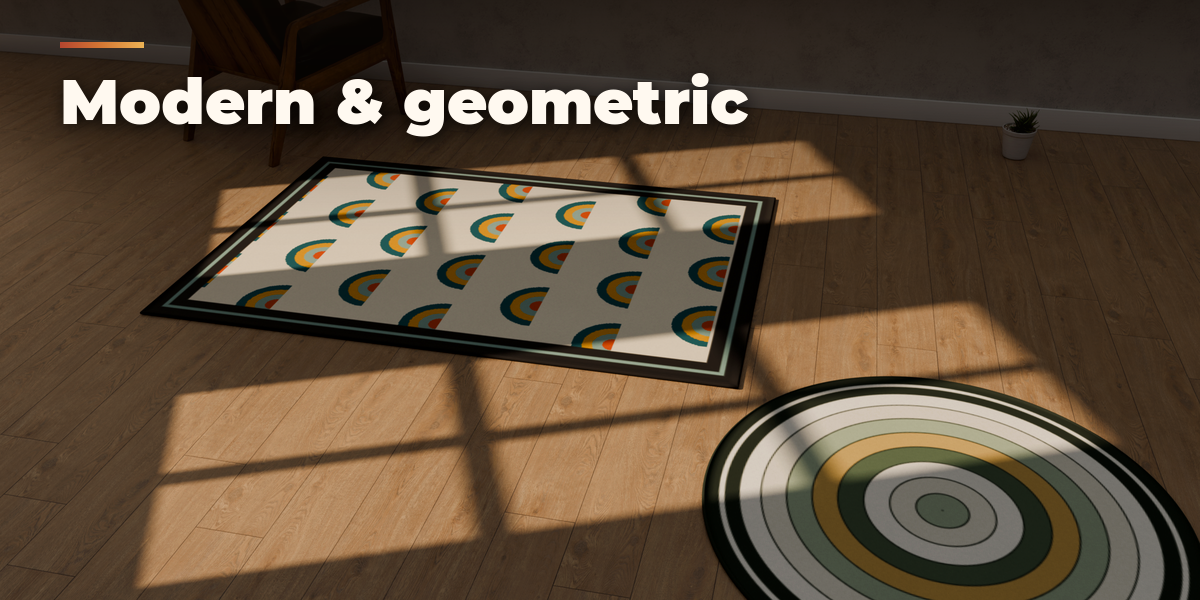
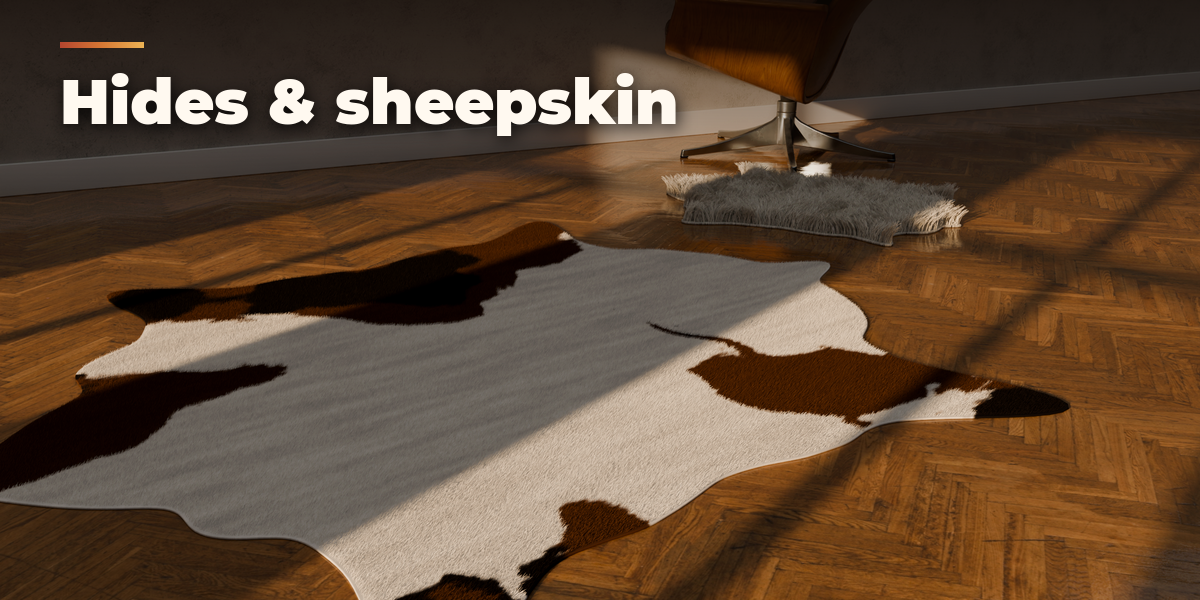
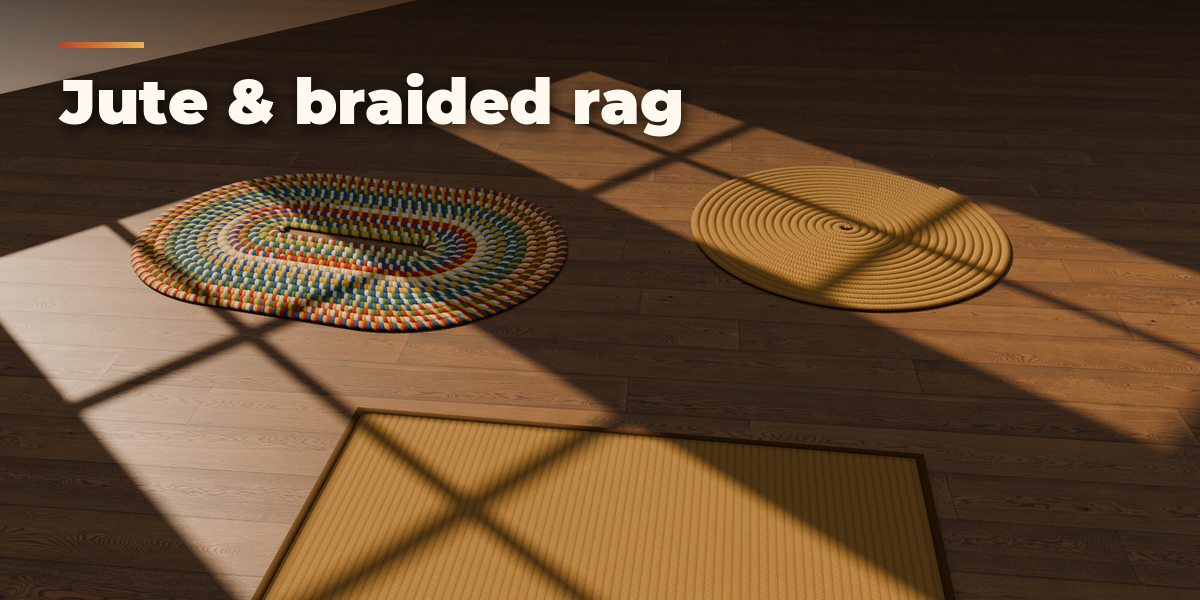
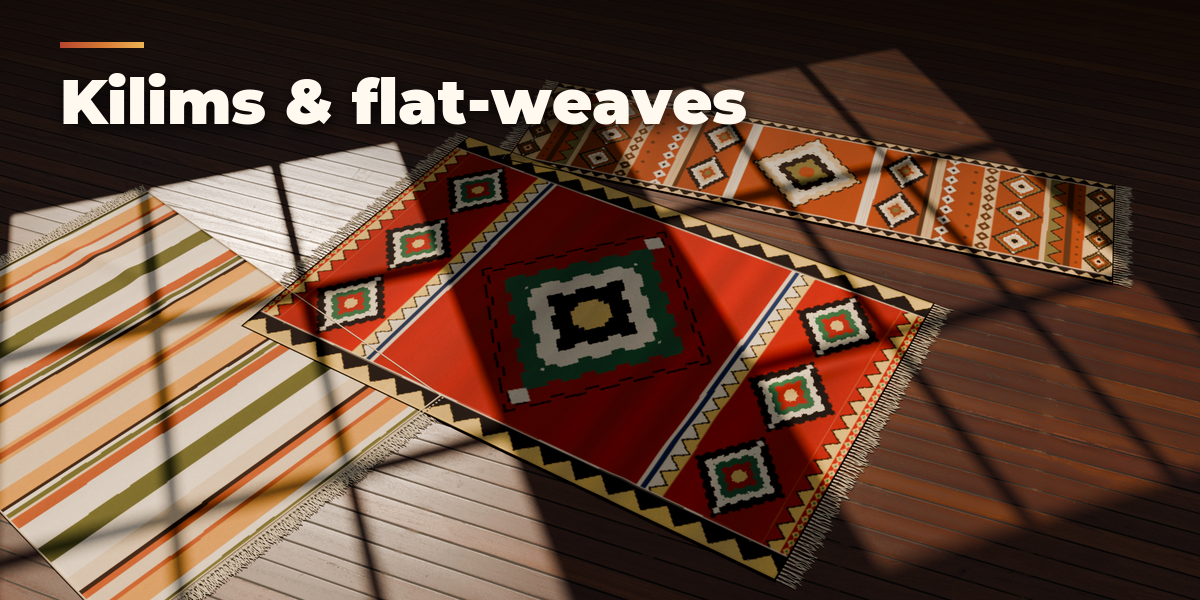

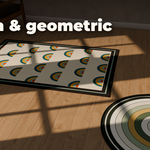
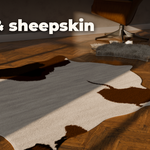
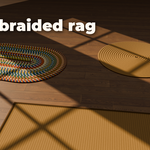
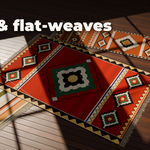
Installation
In Blender open Edit, Preferences, Get Extensions, then use Install from Disk and pick the rug_generator zip.
Usage
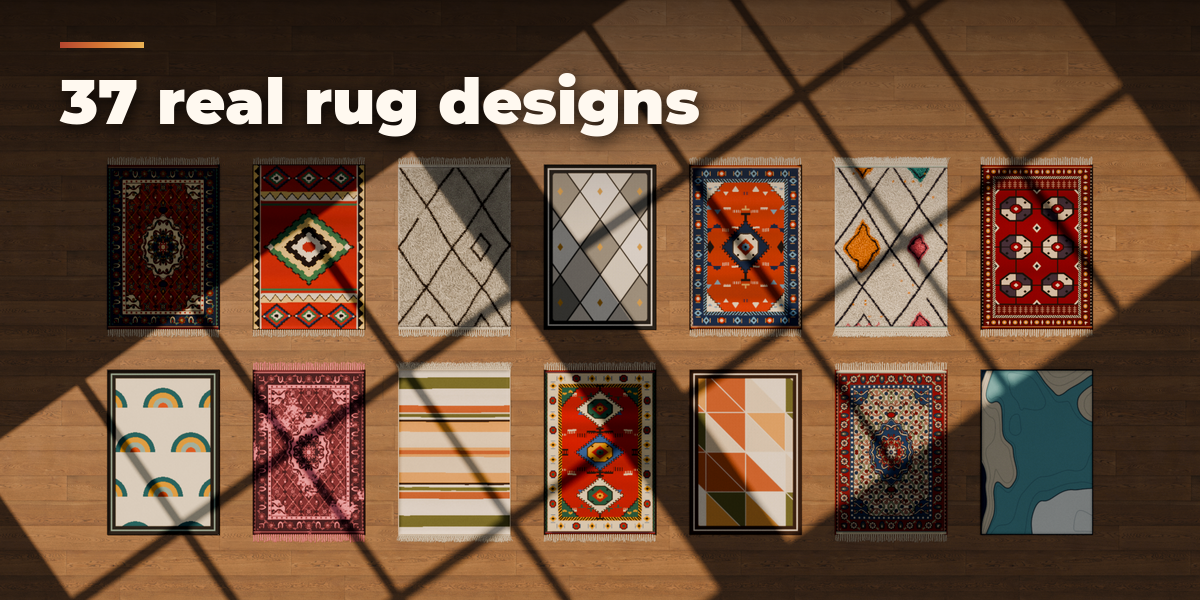
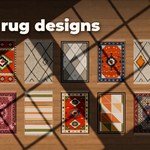
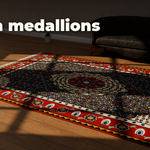
- Open the Rug tab in the 3D viewport sidebar (N). With no rug selected, click the picture to choose a design and press Add Rug to place it at the 3D cursor. You can also use Shift+A, Mesh, Rug.
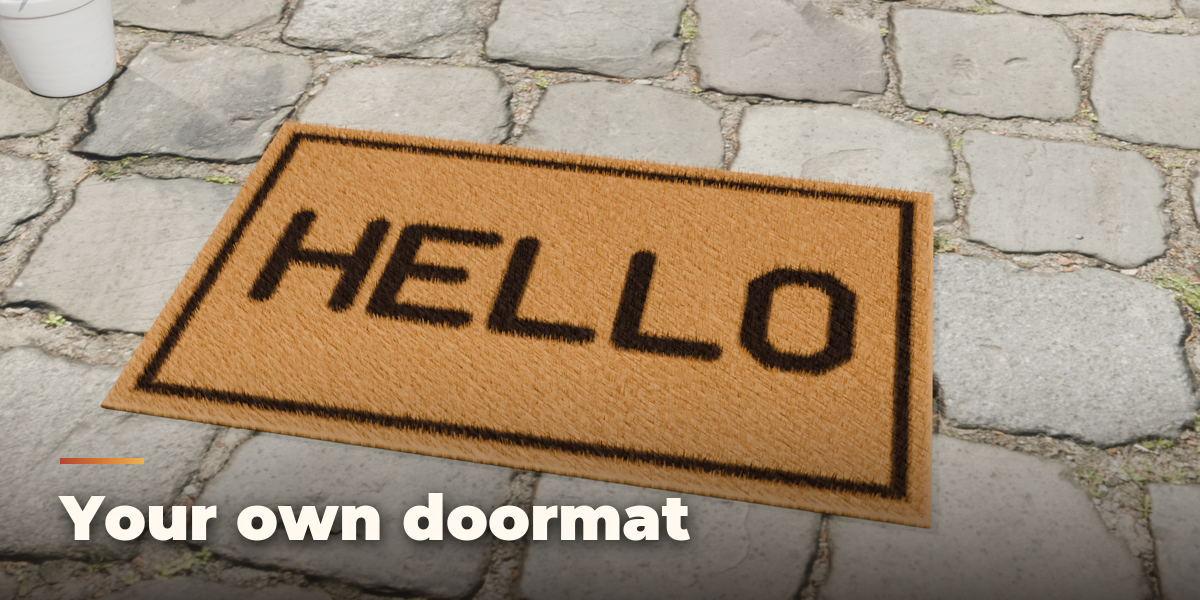
- With a rug selected, the big picture switches it to another design. Surprise Me makes a new random rug, New Variation changes the current one a little and New Colours picks a fitting palette.
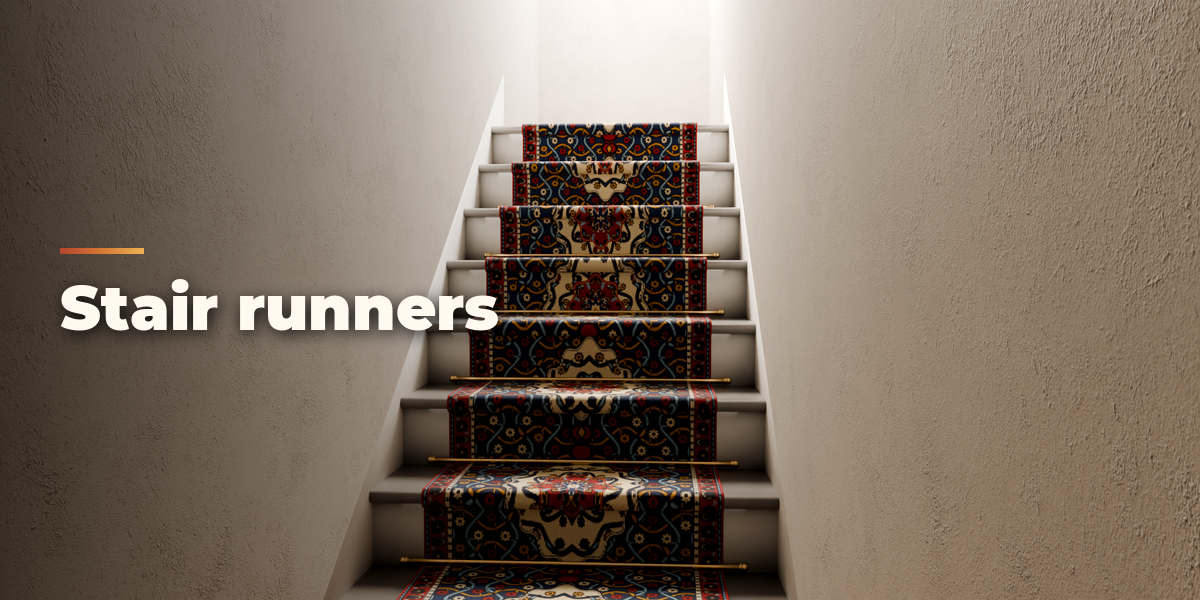
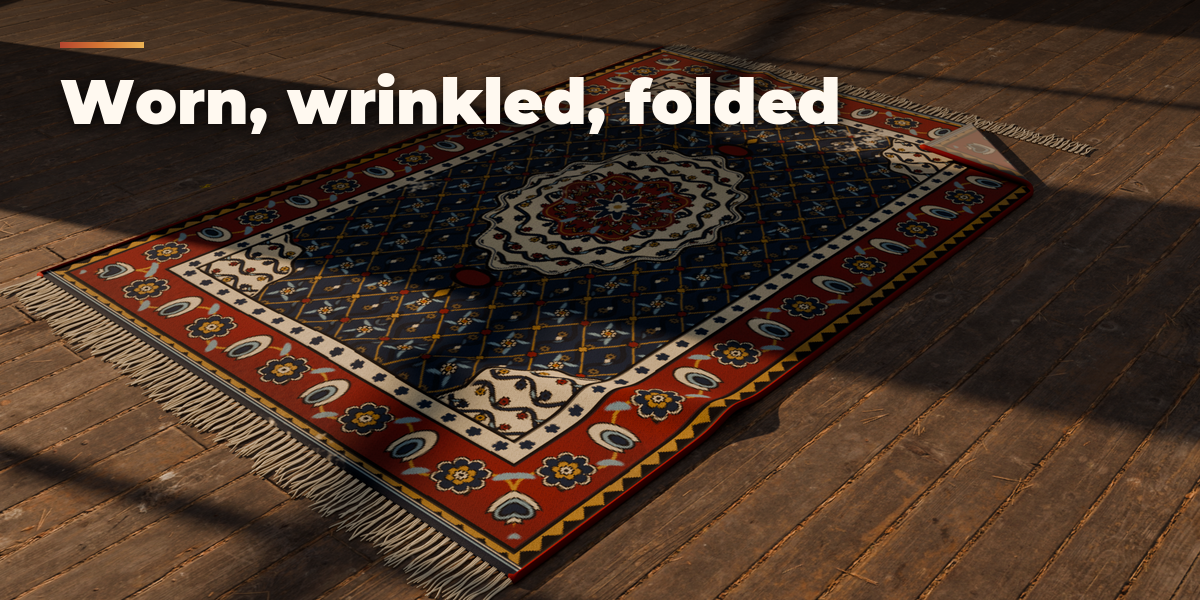
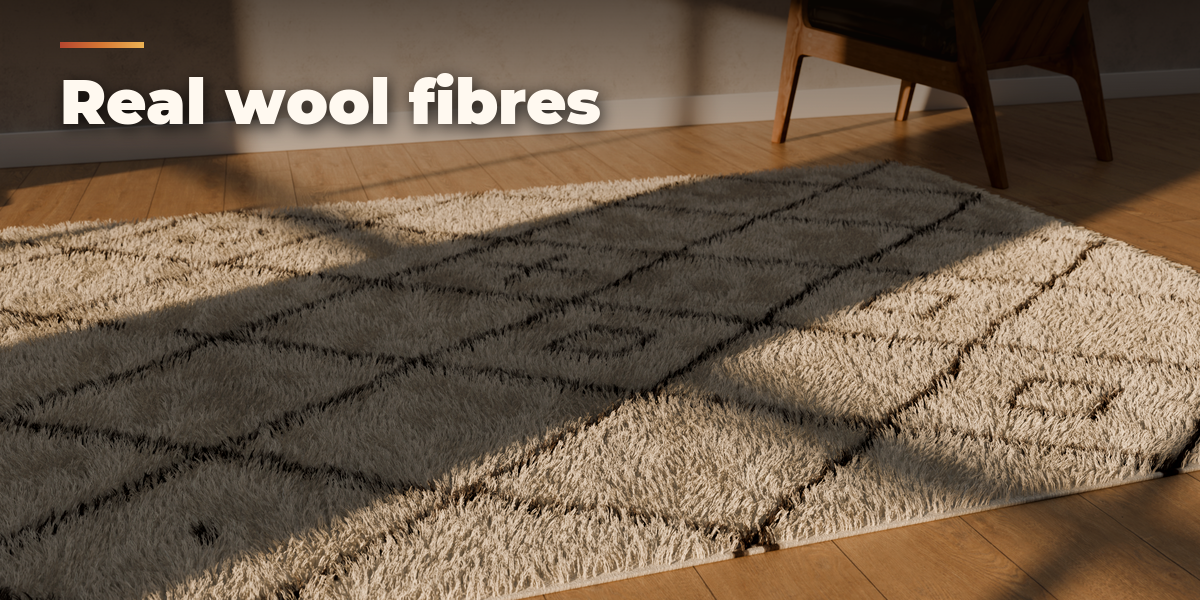
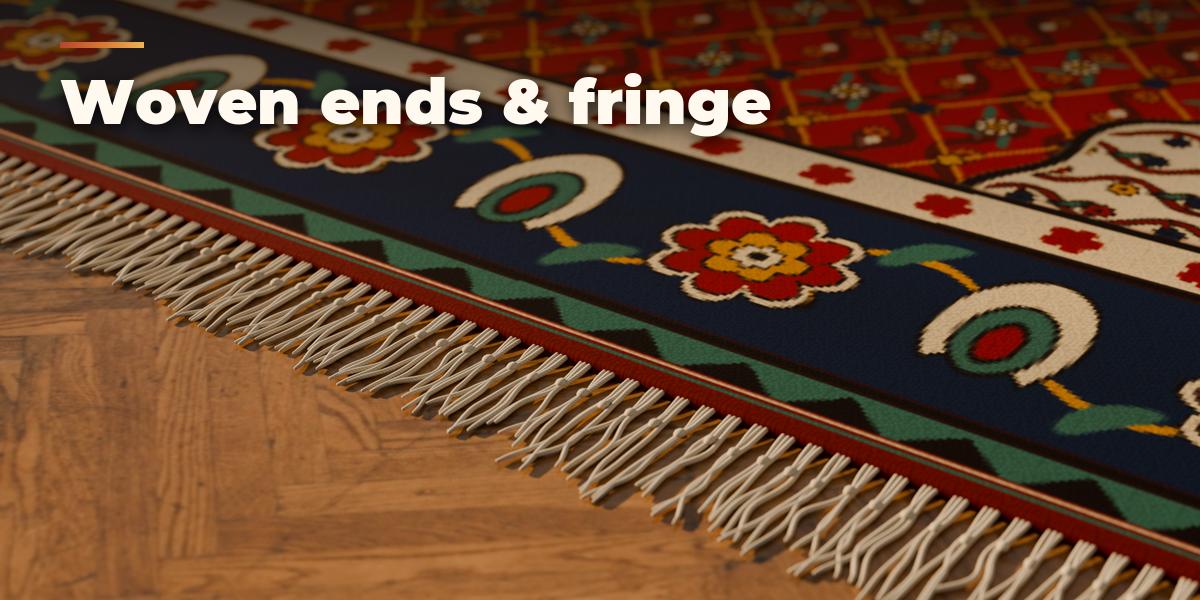
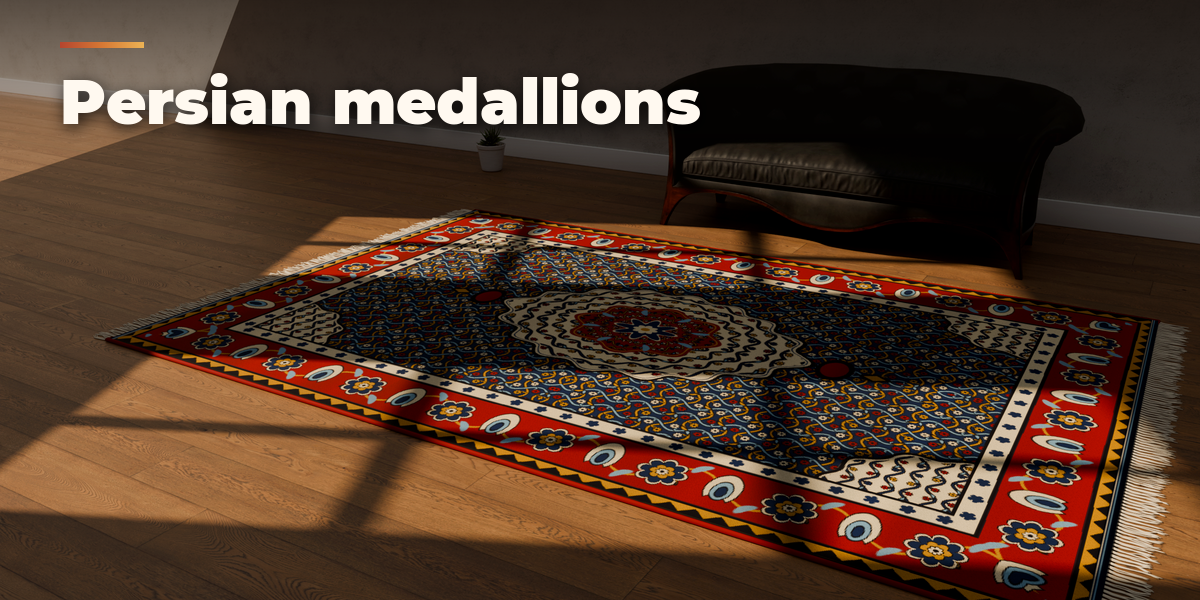
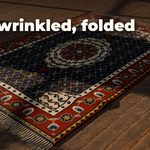
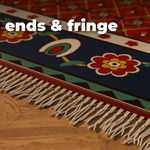
- The main panel holds quality (Game Ready or Hero), shape, size, pattern, colours and pile. The folded sub-panels hold Pattern Details, Pile & Backing, Edges & Fringe, Age & Shape (wear, wrinkles, folded corner), Construction (braids, tiles, stairs) and Mesh & Export.
- Convert to Mesh keeps the rug as plain objects; Delete removes it with all its parts. Generated textures are packed into the .blend when you save.
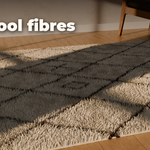
Hero fibres look best in Cycles. For games use Game Ready: one mesh with normal, roughness and cavity detail.
Have questions about this product?
Login to message
| Blender Extension Compatible | Yes |
| Published | 3 days ago |
| Blender Version | 4.2 - 5.2 |
| Extension Type | Add-on |
| Render Engine Used | Cycles, Eevee |
| License | GPL |
