Runic - Rune And Glyph Library
 BLUE NILE 3D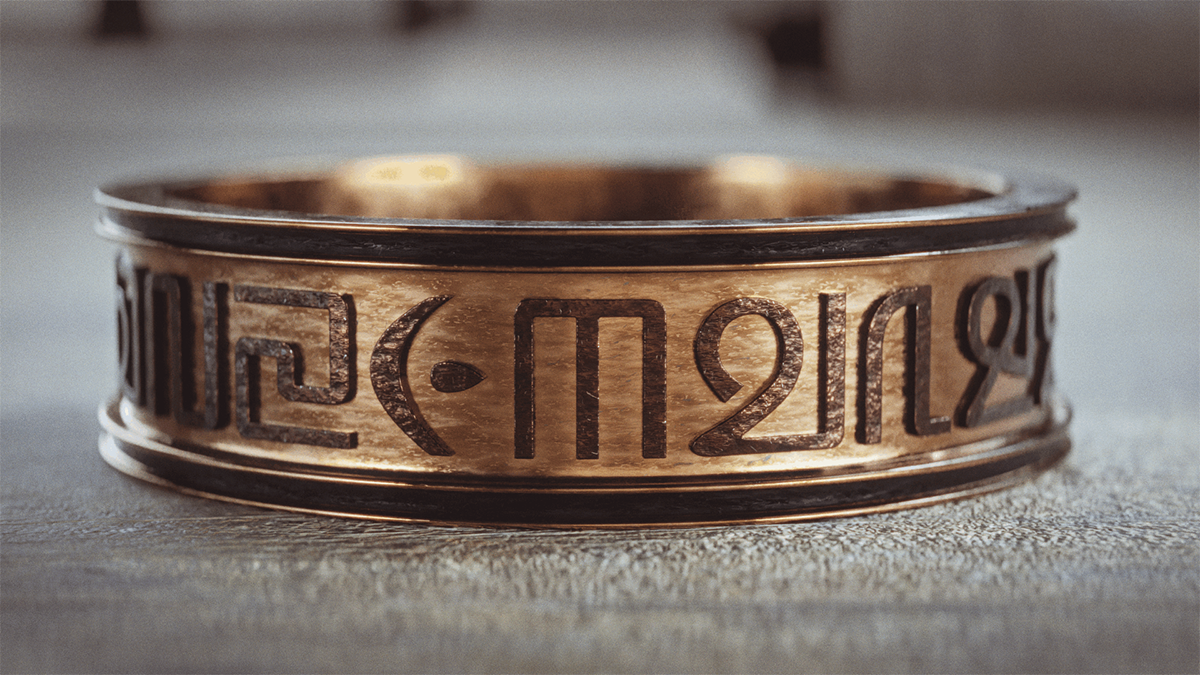
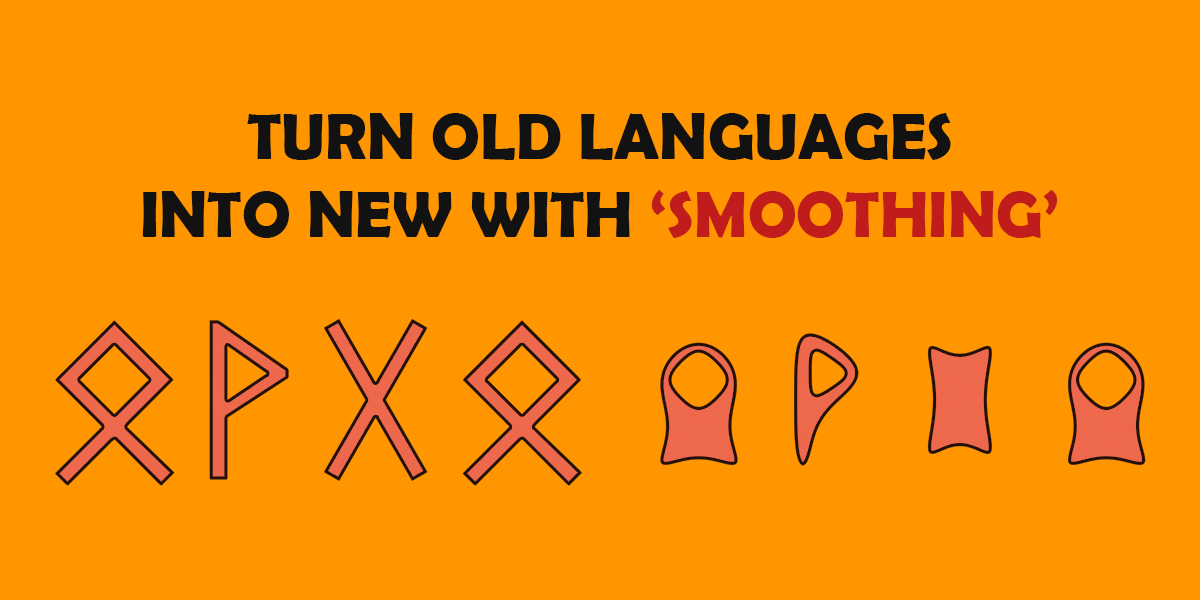
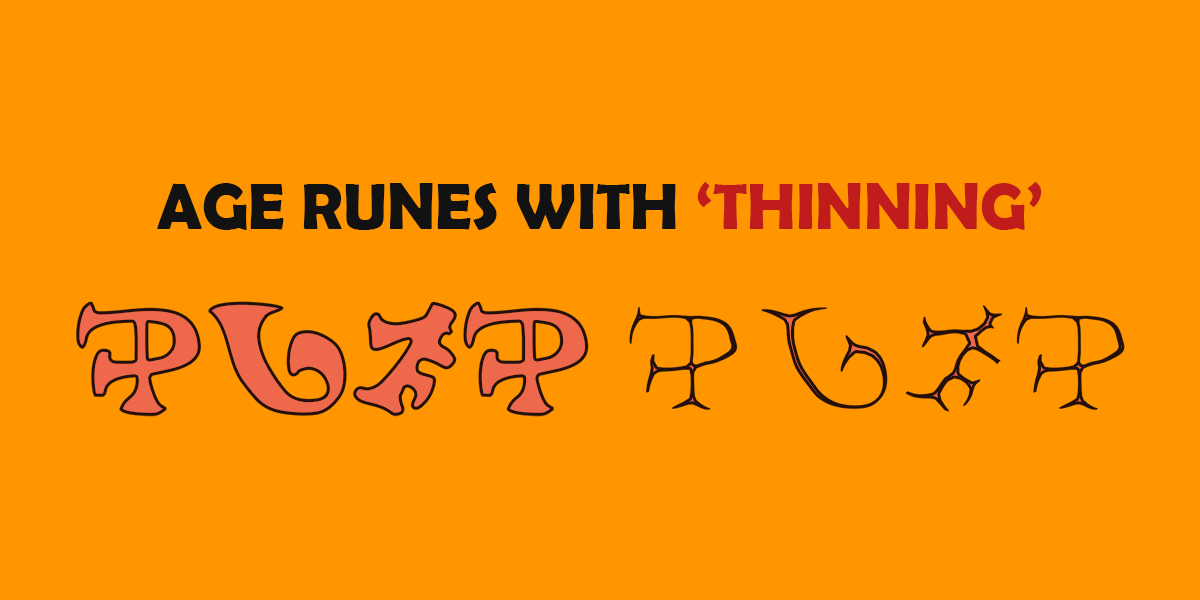
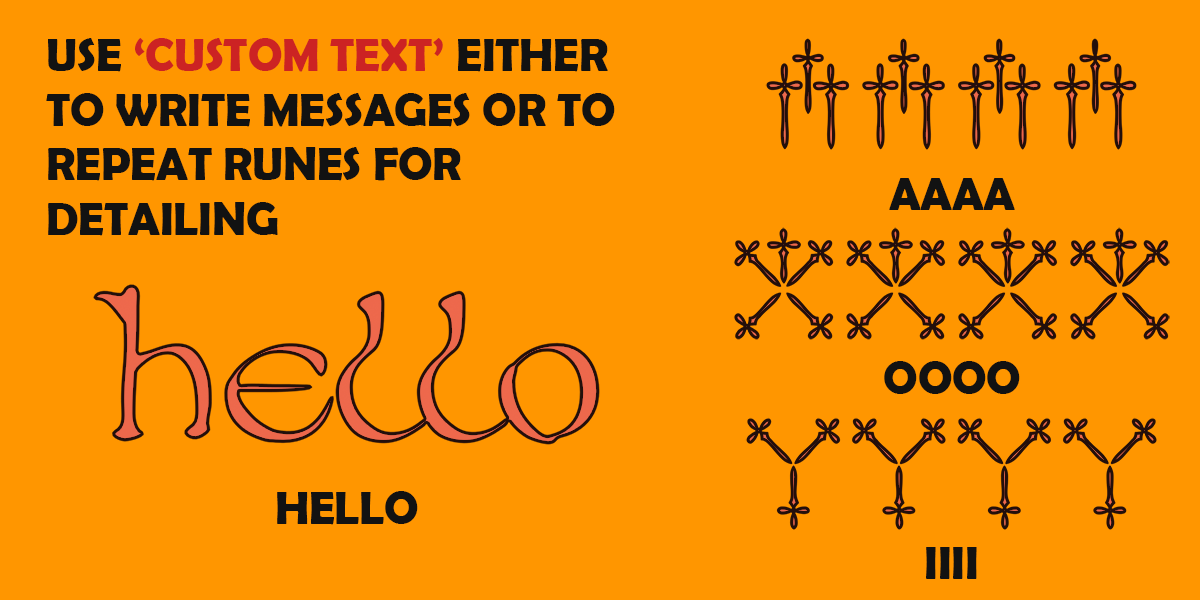
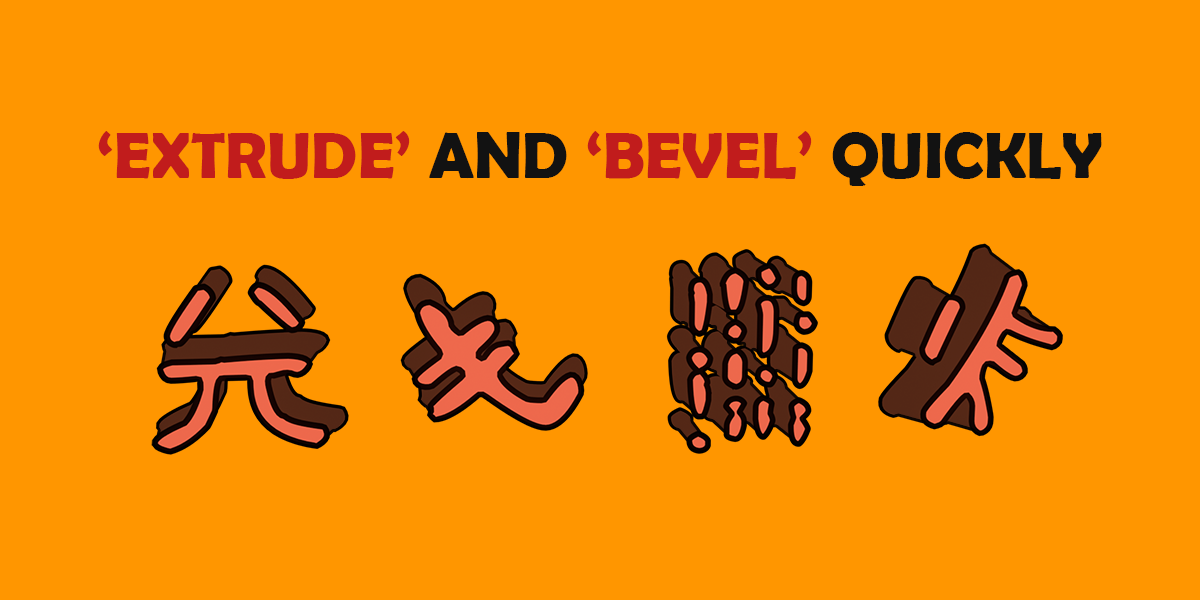
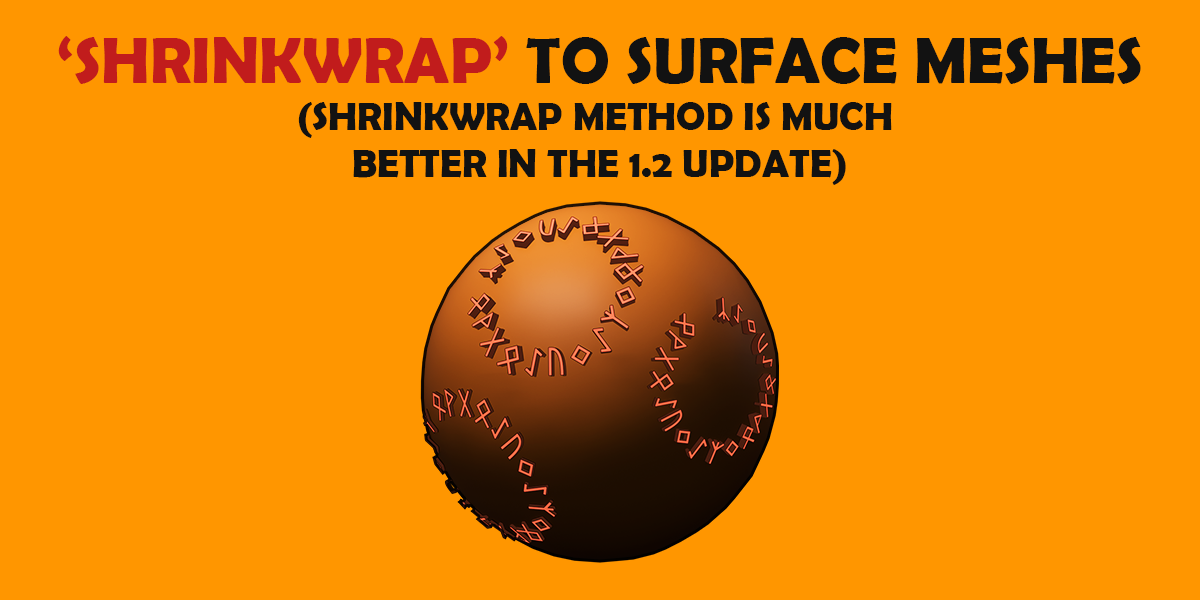
RUNIC 3.1.0 — Cleaner Runes, More Control
This update adds new tools for cleaning hand-drawn symbols, controlling rune orientation, and placing runes across groups of faces.
New features
- Simplify Outline: Reduce unnecessary points and small bumps in rune shapes—especially useful for imported drawings and scans. Your original font files remain unchanged.
- Remove Tiny Details: Optionally remove unwanted tiny holes and isolated specks.
- Stronger Shape Smoothing: The maximum has increased from 12 to 240, allowing much stronger adjustments.
- Spin Each Rune: Rotate characters around their own centres, independently of the path. Ideal for upright symbols arranged in vertical strings.
- Faces per Rune: Group adjacent selected faces into larger placement regions—for example, place three runes across six faces.
- Follow Faces: Align runes along face strips and arches instead of keeping every character upright.
- Reverse Depth: Extend raised geometry in the opposite direction while retaining outward-facing normals, including on surface-attached runes.
Improvements and fixes
- More consistent face fitting: Rune sizing now uses the visible character bounds rather than the font’s nominal size.
- Negative face margins: Enlarge runes beyond their automatic fit size when needed.
- Clearer rotation controls: Path rotation is now labelled Roll Around Path, distinguishing it from character spin.
- Missing personal-font handling: Projects retain their packed font and existing text when the external library entry is unavailable.
Requires Blender 5.2.
RUNIC 3.0.0 — Release Notes
RUNIC has been rebuilt for Blender 5.2, with more ways to place runes, improved geometry controls, a redesigned font browser, and tools for creating your own symbol libraries.
What's new and improved
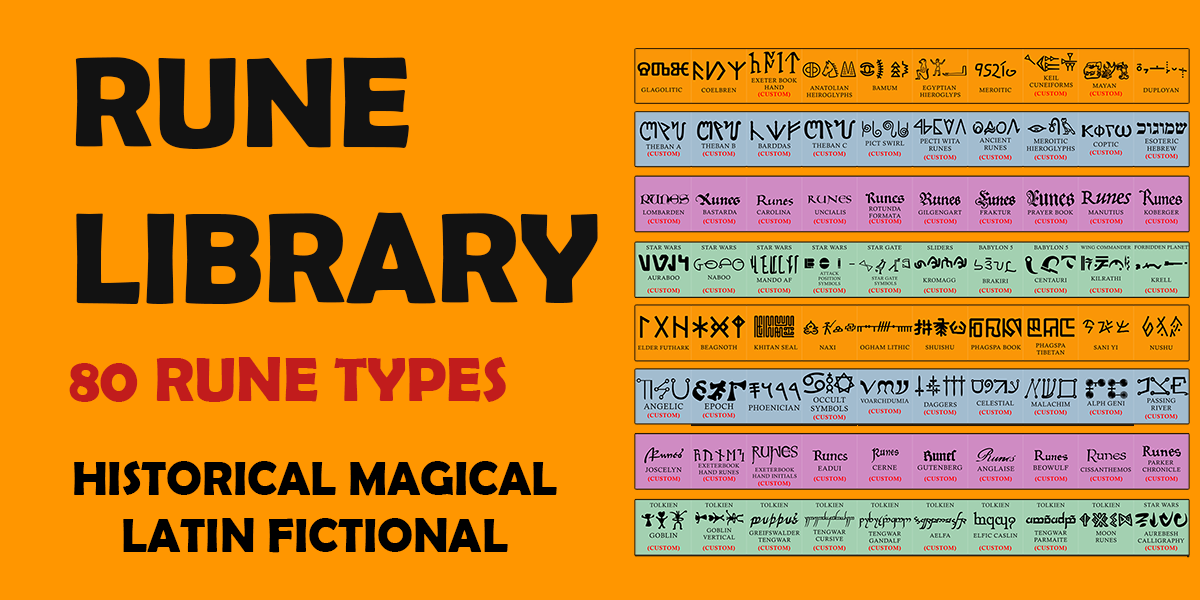
Explore 90 fonts and symbol sets across Historical, Magical, Latin, Fictional, and Decorative categories, with previews generated from the actual fonts.
Build a sequence in the visual symbol gallery, which stays open as you select. Use repeatable random generation, type text with compatible fonts, or choose from the expanded Phrase Bank for supported fonts.
Start with a Line, Circle, Arch, or Single Rune. Add runes to existing curves, create paths from selected mesh edges, or place individual runes on selected faces.
Sketch a rune path on a mesh. Choose Clean placement to keep symbols rigid, or Wrap to bend them over the surface. Change or detach the target when needed.
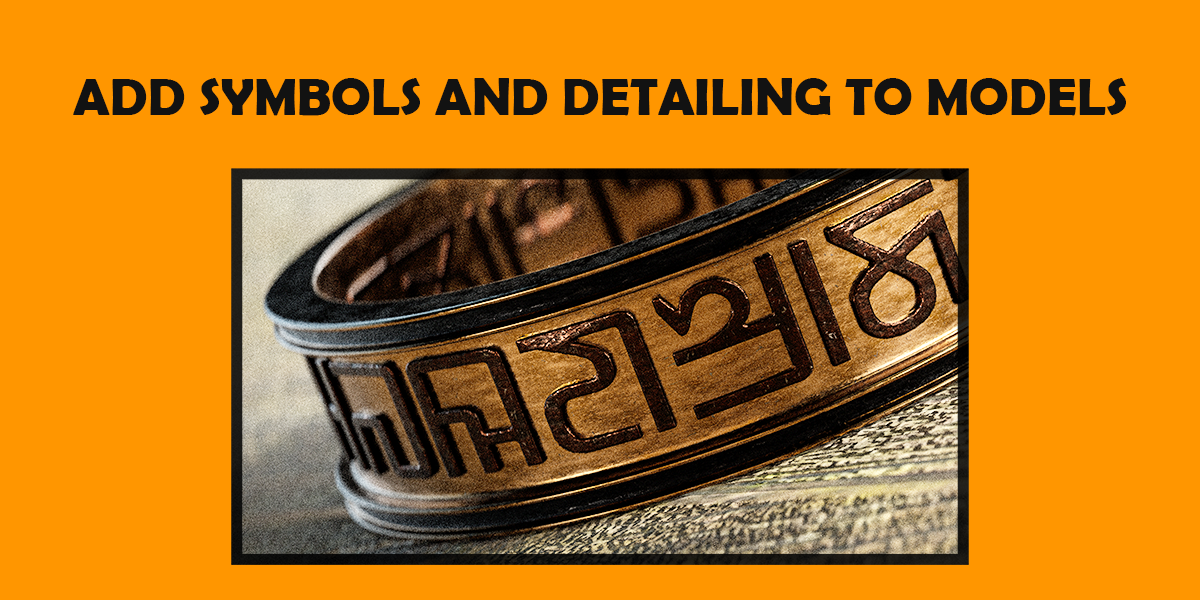
Create Flat, Raised, or Outline geometry. Adjust depth, taper, bevel width, segments, and shape where supported. Add round, square, or star-profile outlines, with front, back, or both-side placement on raised runes.
More consistent outline widths, stronger shape smoothing, and adjustable Font Repair help with troublesome glyphs. Improved bevel-and-outline handling includes an Embed control to reduce gaps between the border and raised body.
Corrected circular alignment, automatic fitting around closed paths, and controls for keeping runes clear of ends and sharp corners. New mesh-based workflows start with sizes suited to the selected geometry; Fit Sizes adjusts existing runes and their finishing details together.
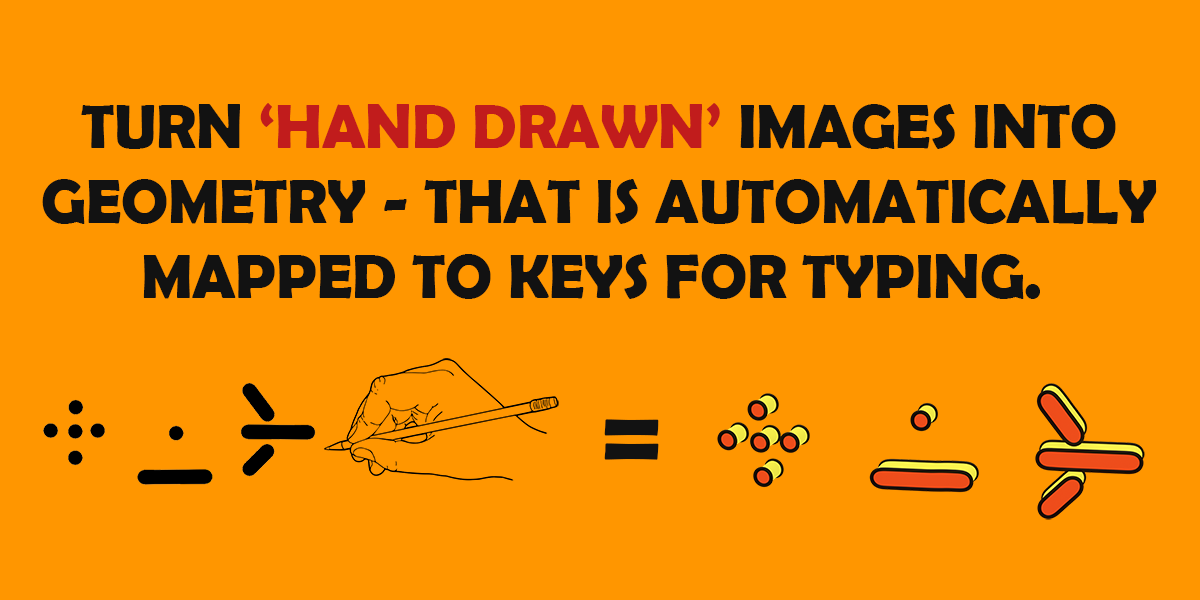
Import OTF/TTF fonts or turn images of hand-drawn symbols into reusable libraries. Separate drawings automatically, use a regular grid, or import a single symbol, then review which symbols to keep.
Find imported content under My Runes, with a button to open its folder. Personal libraries are stored separately from the extension so they can survive updates.
Blender requirement
This release requires Blender 5.2 or newer. It is not compatible with Blender 5.1 or earlier.
Small bug fix update. Previously the Edges To Curve button had some issues and didn't always create a new curve. This version should fix that.
Runic 2.0 - Built with, and for, Blender 4.3
Added supported for custom fonts
Better UI
Better shrink-wrapping
Better hand-drawn conversion
Better UV Unwrapping
Runic 2.0 and above is not supported by Blender versions below 4.3
For the best experience using the addon, consider updating to the latest versions of Blender.
But if you need to use pre-4.3 Blender, this legacy version of the addon should still work - but may be a bit less refined and lacking in updated features.
-
$5
Full version of the add-on All features and future updates
Have questions about this product?
Login to message
| Blender Extension Compatible | Yes |
| Sales | 100+ |
| Rating | 2 ratings |
| Dev Fund Contributor | |
| Published | about 3 years ago |
| Blender Version | 5.2 |
| Extension Type | Add-on |
| Render Engine Used | Arnold, Blender-Internal, Blender-Game-Engine, Cycles, Eevee, Freestyle, Luxrender, Mental-Ray, Octane, Vray, Yafaray |
| License | GPL |
Discover more products like this
symbol language weapons 3d asset pack geometry node assetlibrary 3d asset library fantasy 3DModelling asset library detailing 3d assets