 IKA
IKA


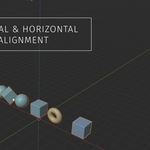
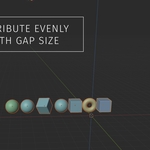
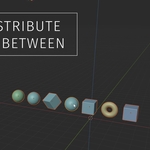
Space – The Simple Way to Align Objects
tool for Blender that takes the headache out of organizing your scene. Instead of manually moving objects and eyeballing the distance between them,
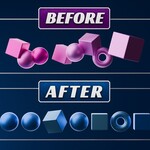
Space lets you align and distribute multiple objects with a single click.
What can you do with it?
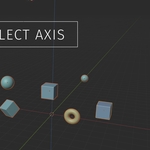
Perfect Spacing: Instantly create equal gaps between objects along the X, Y, or Z axis.
Pro Alignment: Line up objects to the Left, Right, Top, or Bottom of your selection.
Smart Math: It knows the difference between the center of an object (Origin) and its actual edges (Bounding Box), so your models never overlap.
Two Ways to Spread: Choose a Fixed Gap (e.g., exactly 1 meter apart) or In-Between (evenly spread everything between your first and last object).
Why you need it:
If you’ve ever tried to line up a row of chairs, pillars, or UI elements in Blender, you know it can be frustrating. Space puts all the essential layout tools in one clean panel in your sidebar, making your workflow faster and your scenes much tidier.