 Sanctus
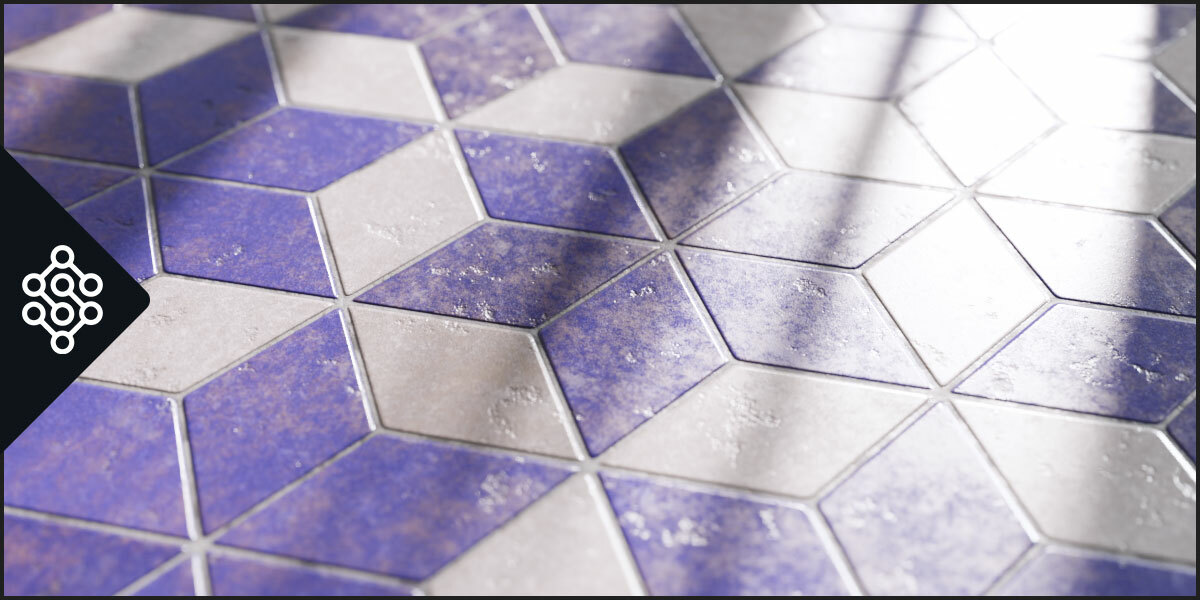
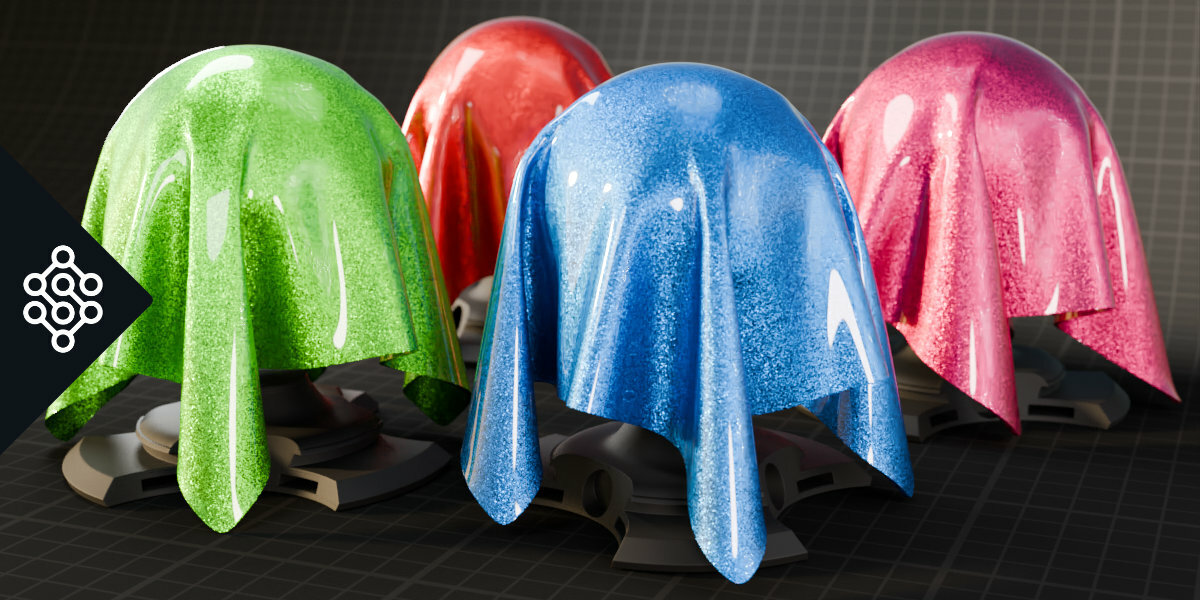
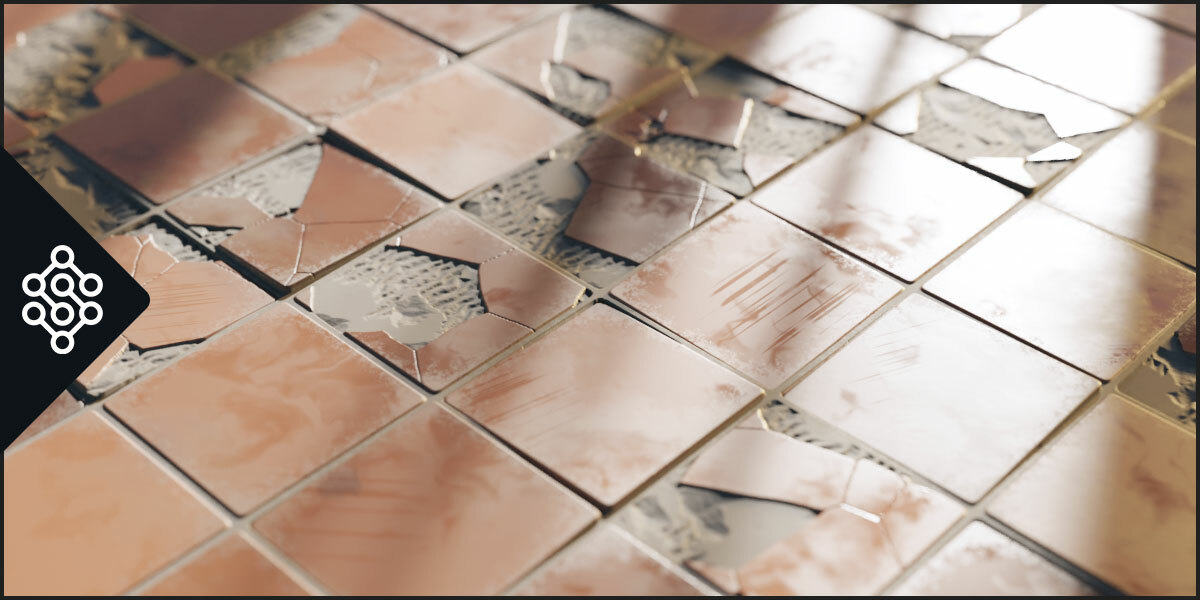

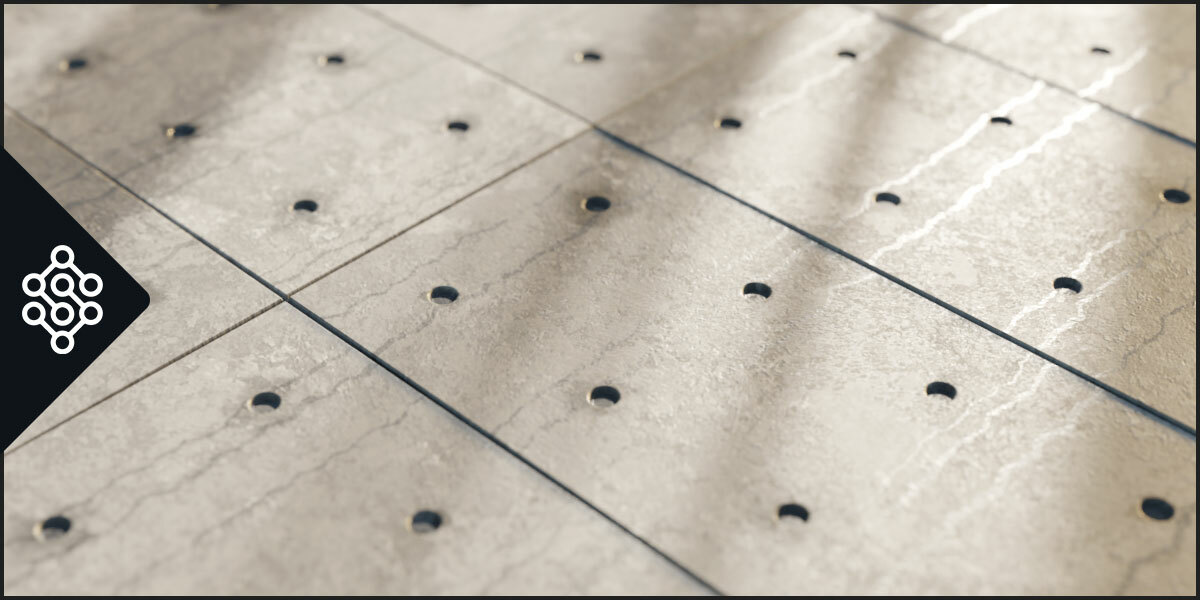
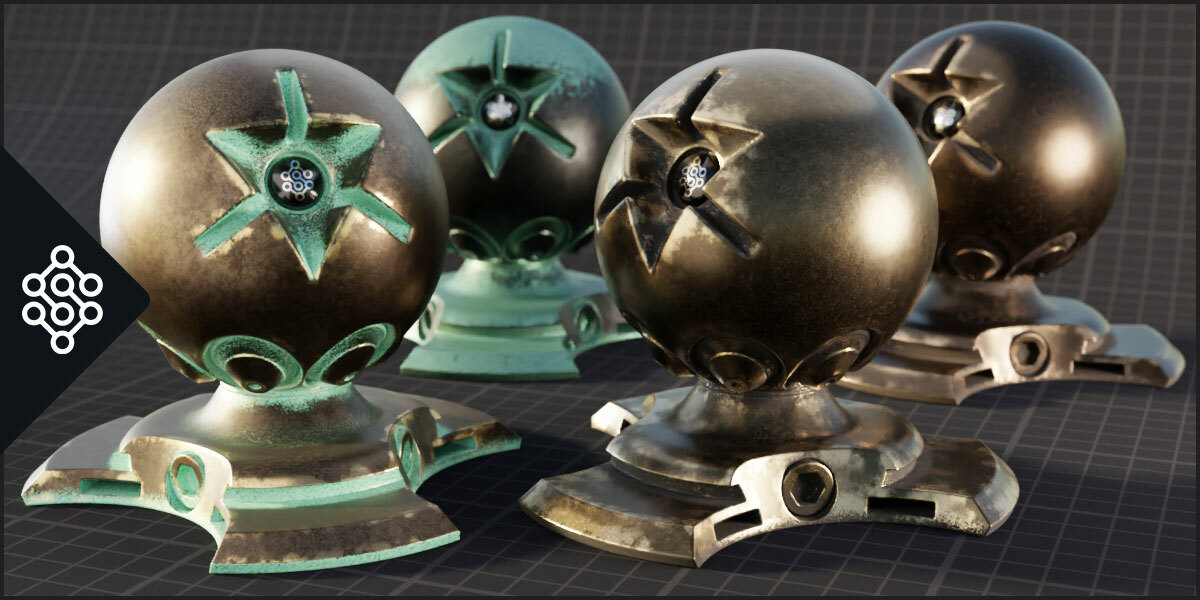
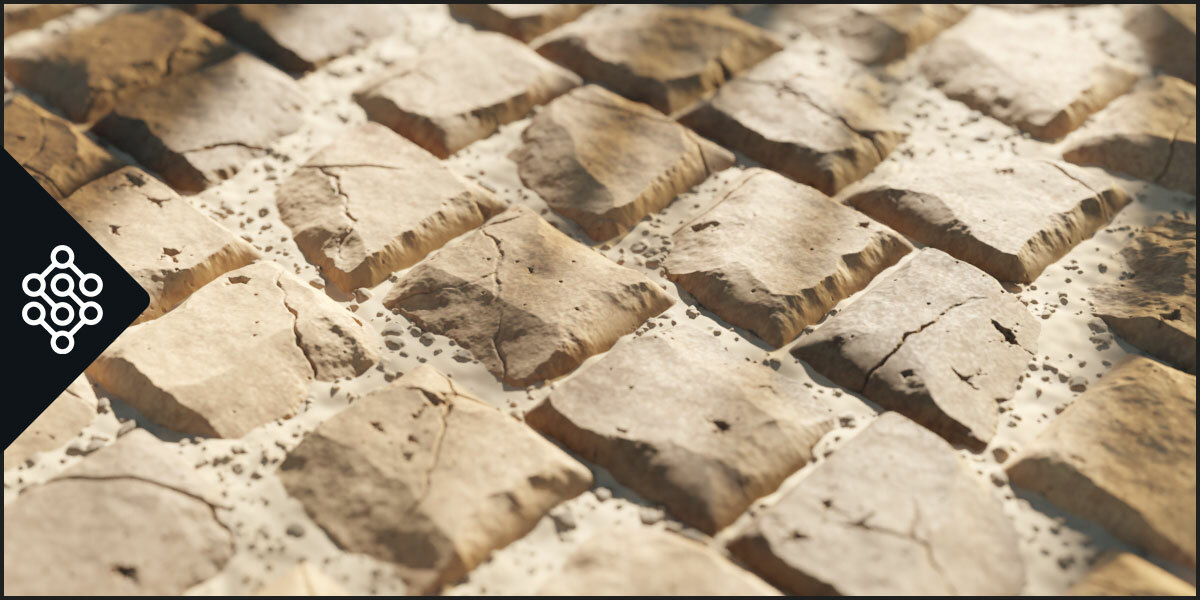
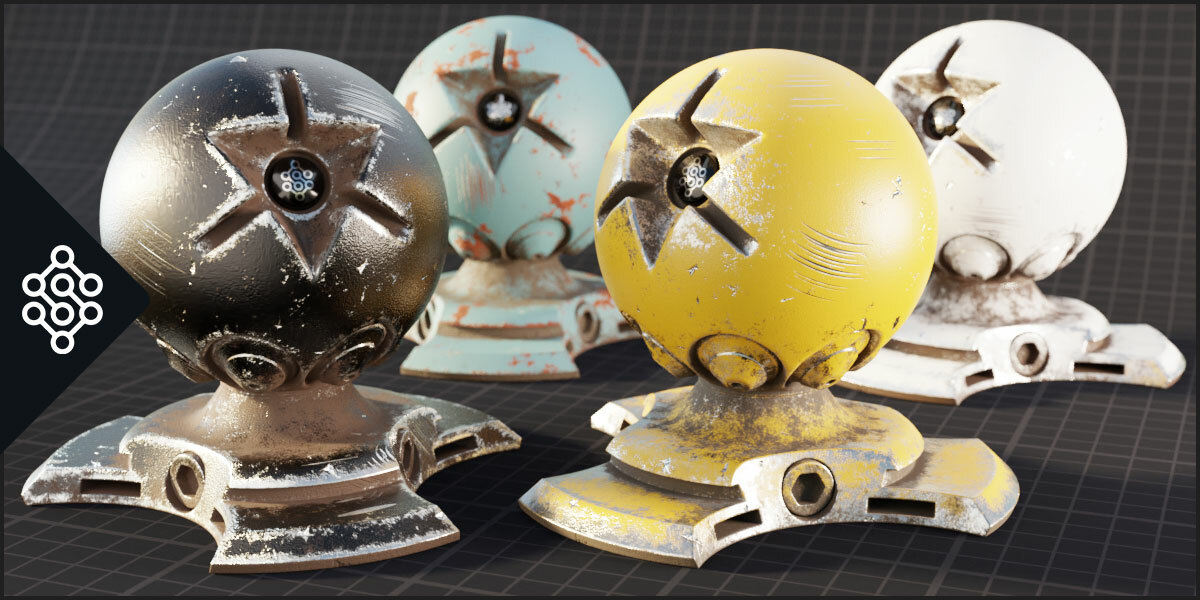
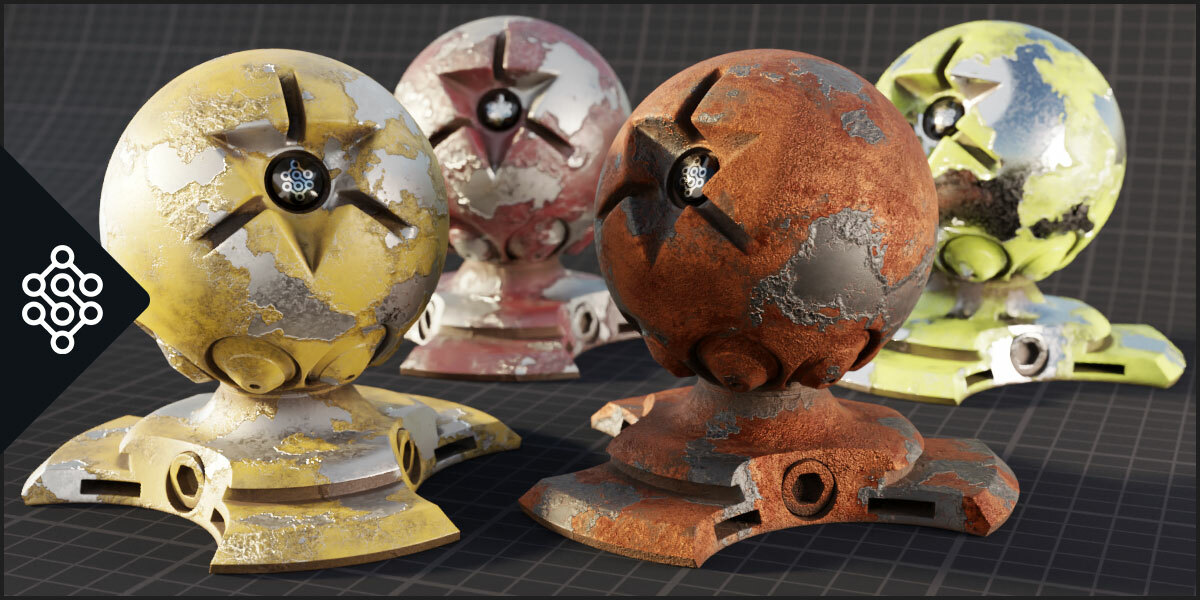
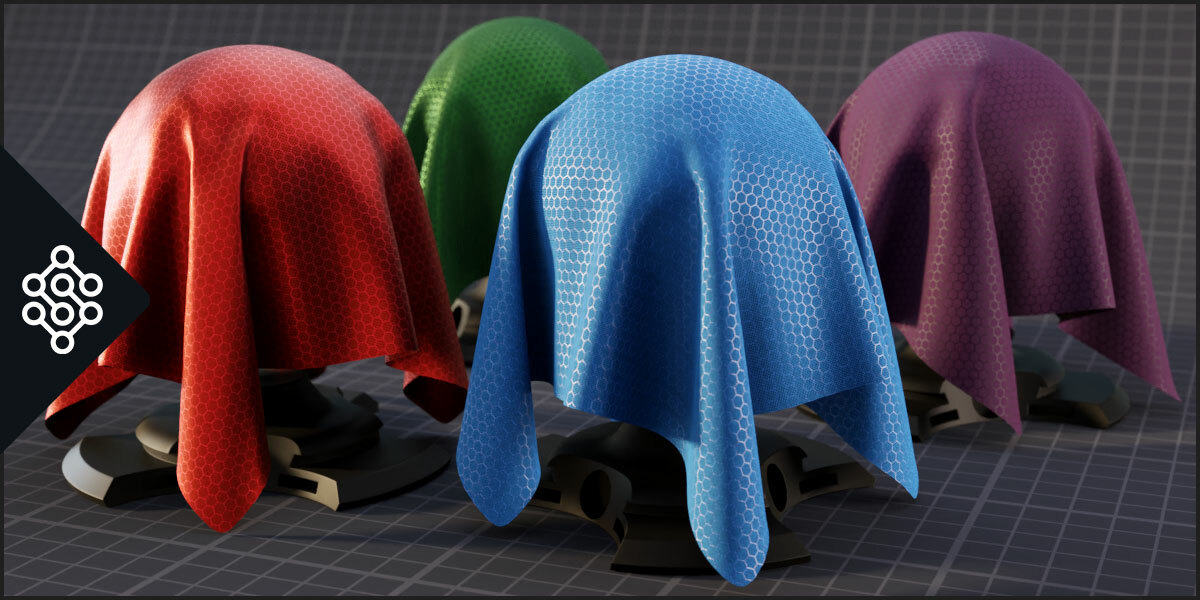
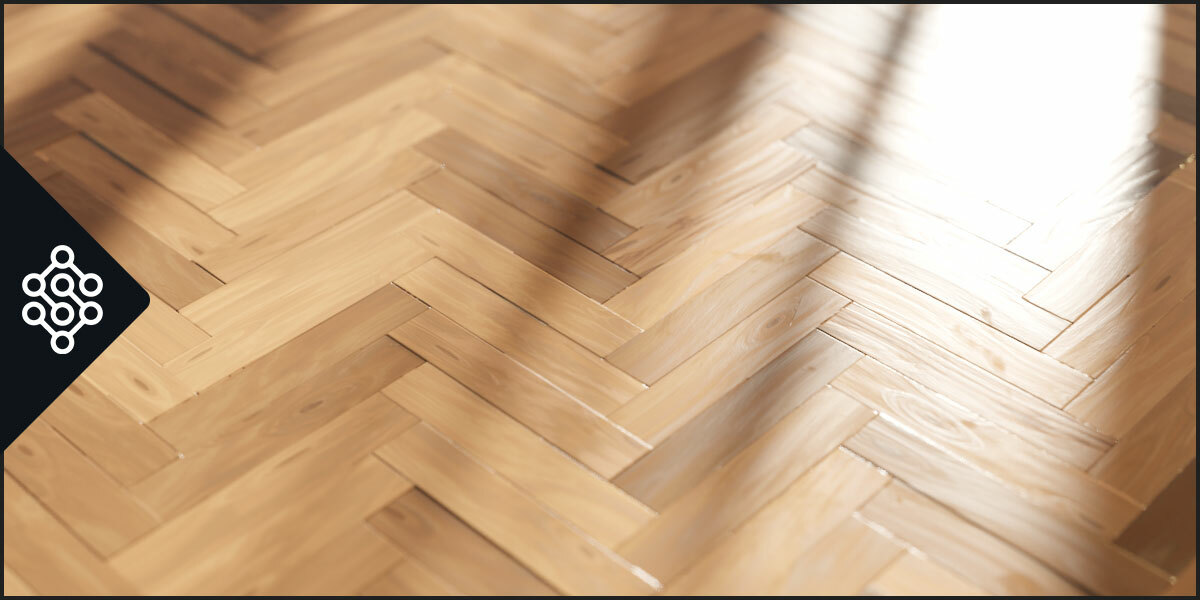
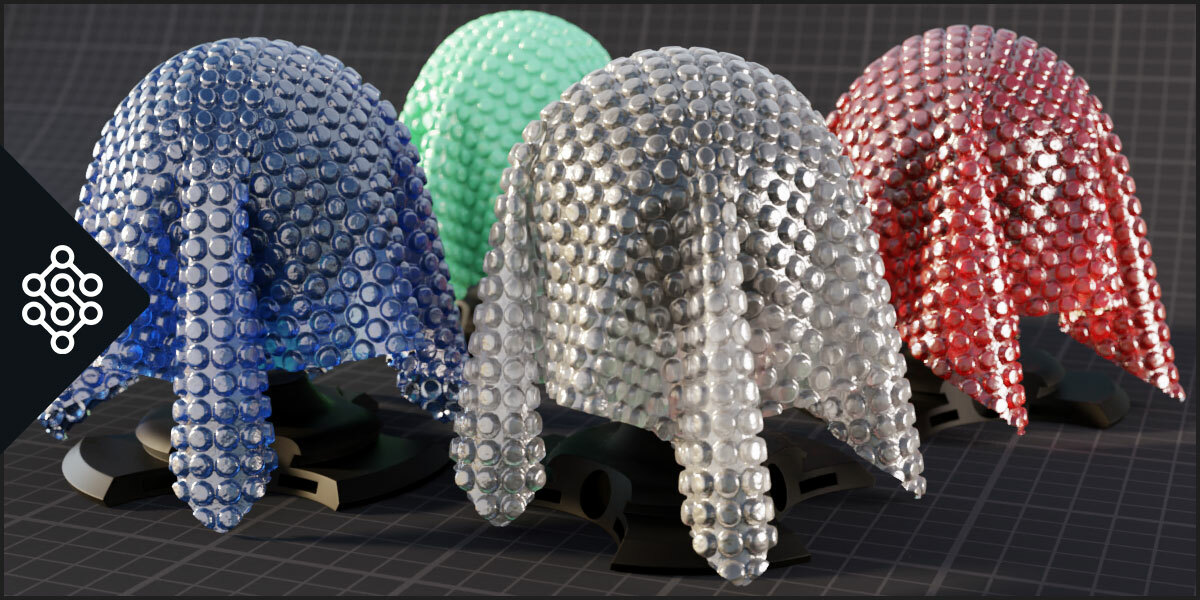
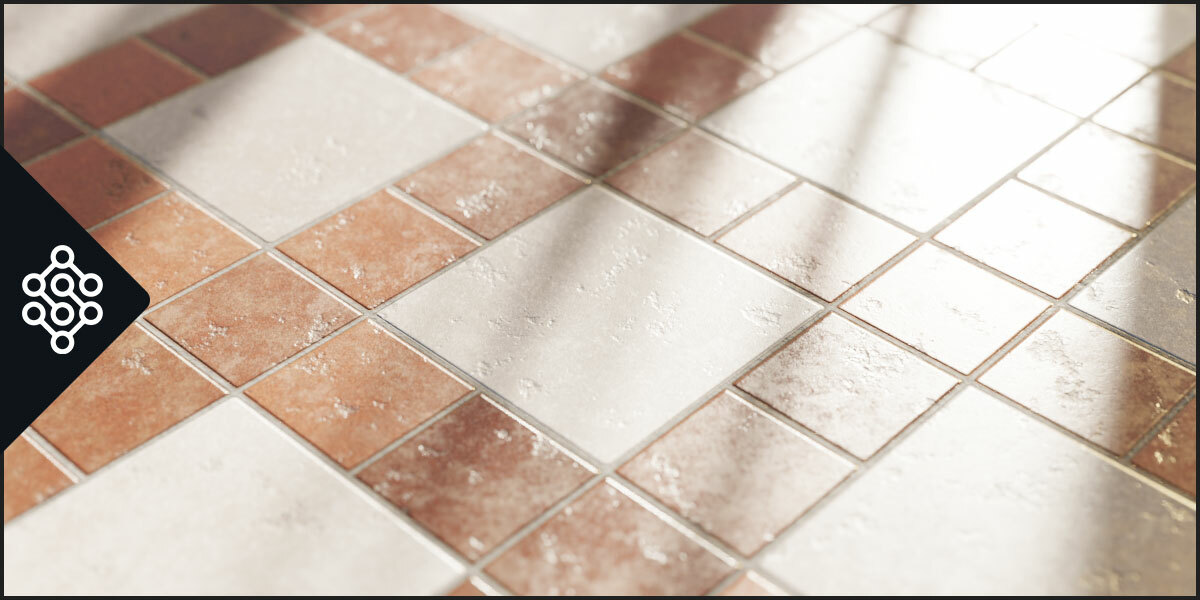
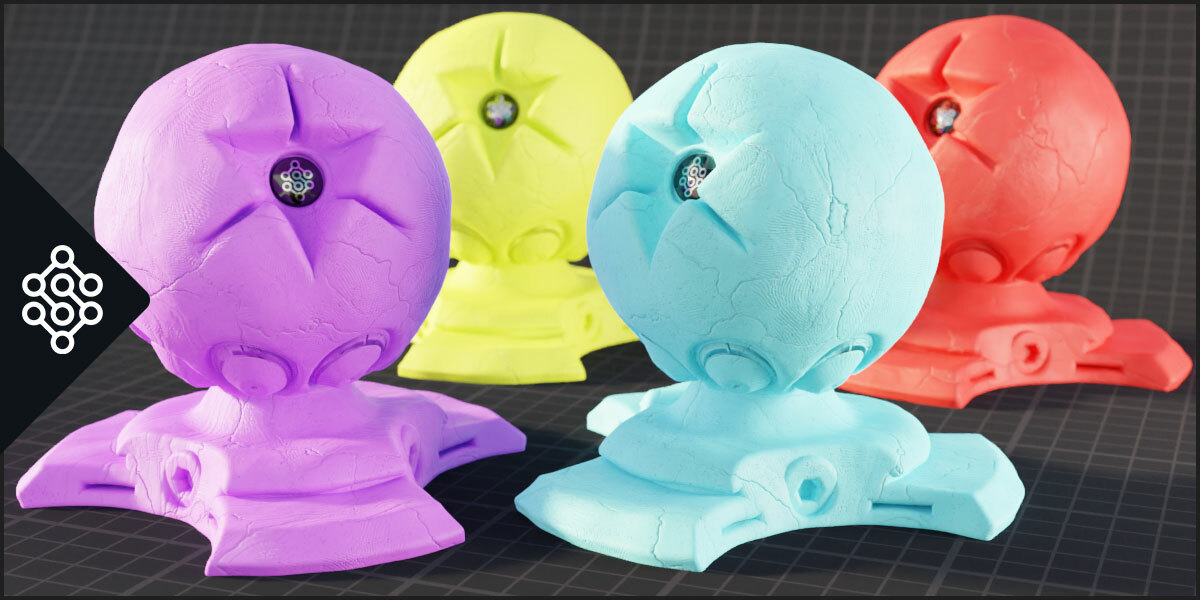
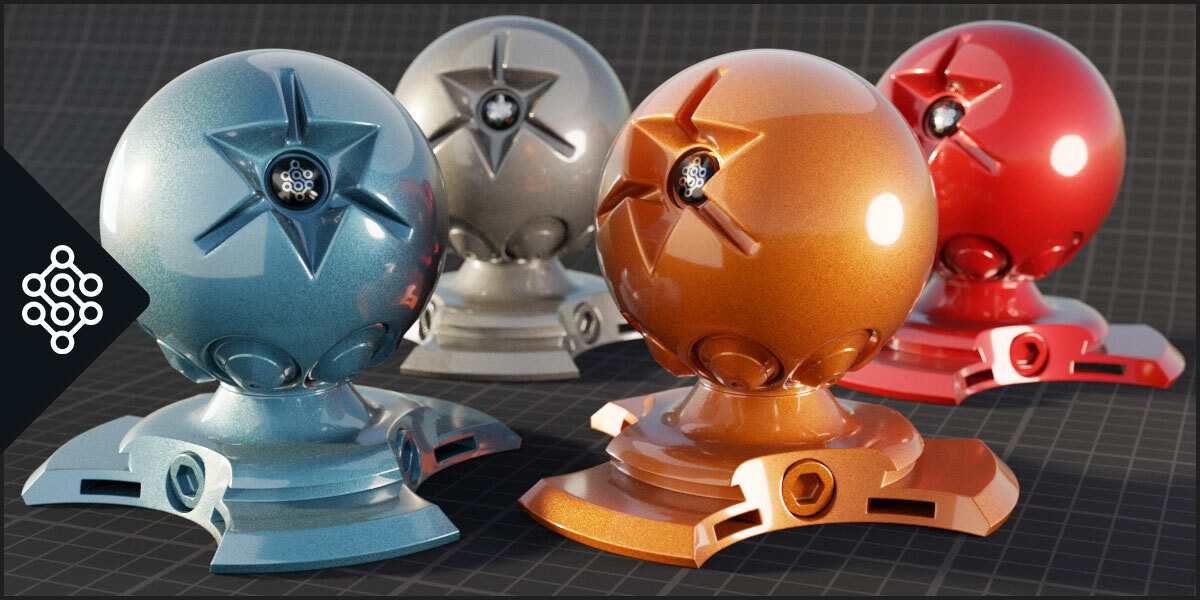
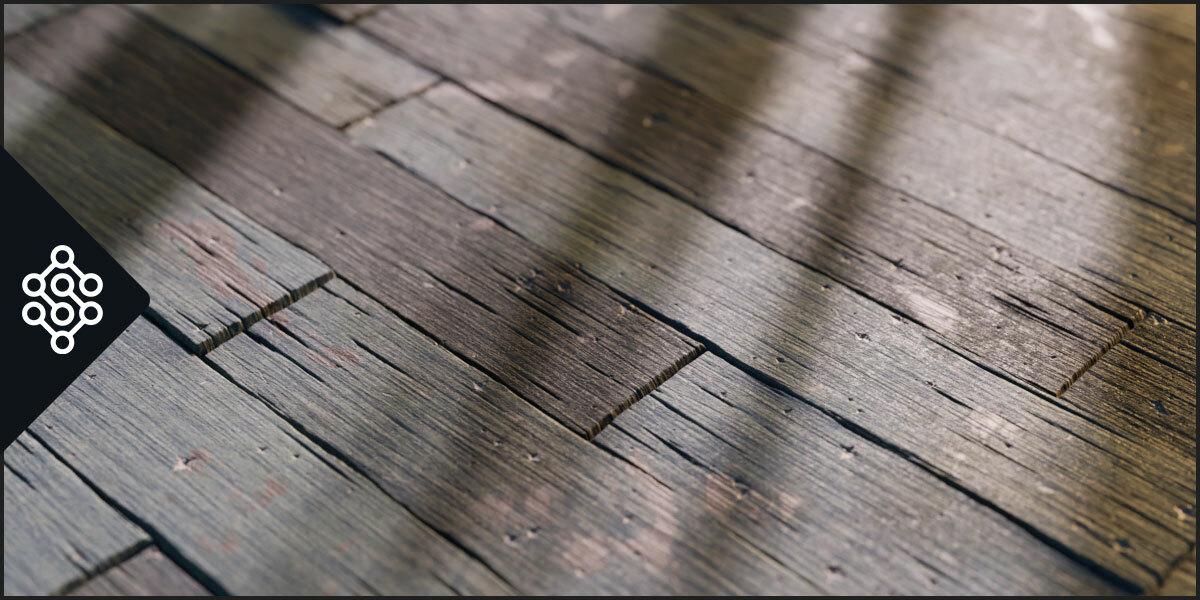
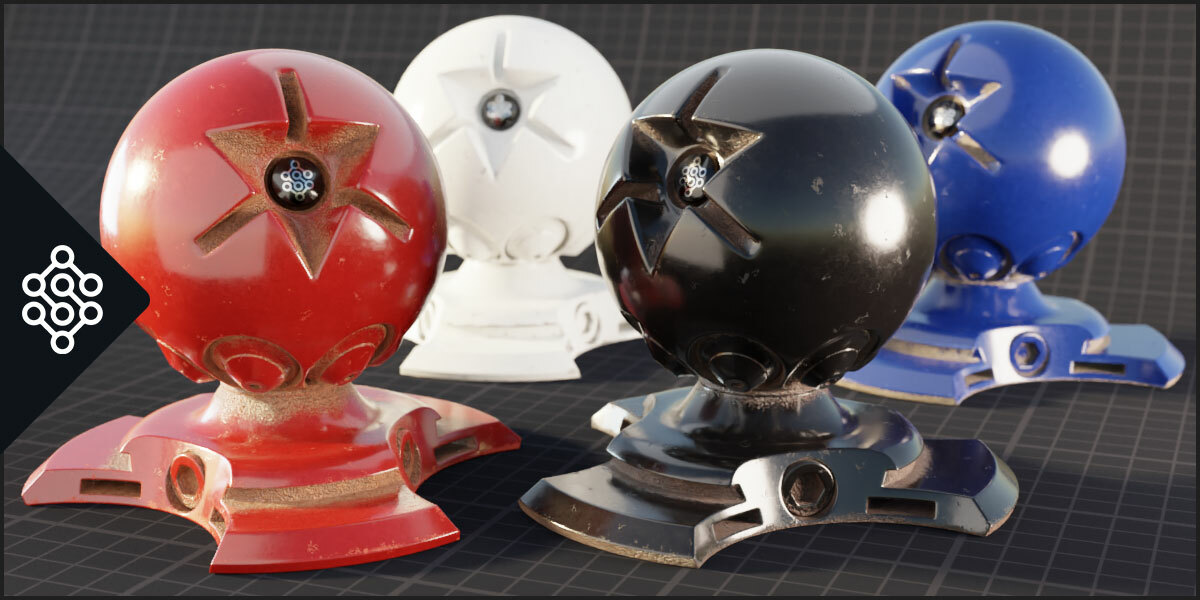
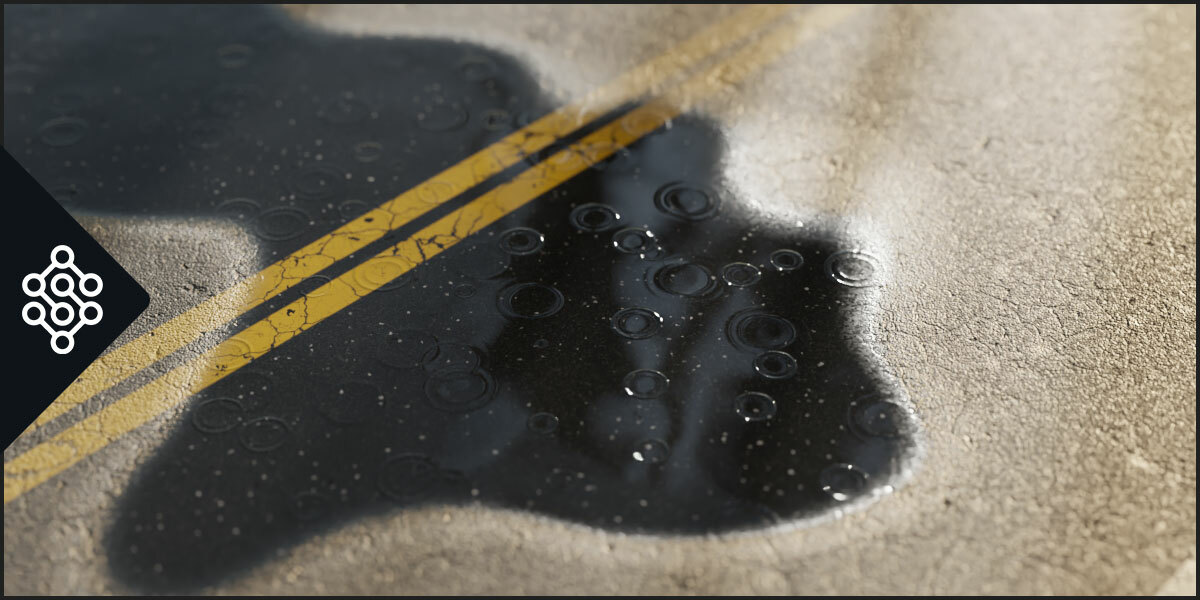
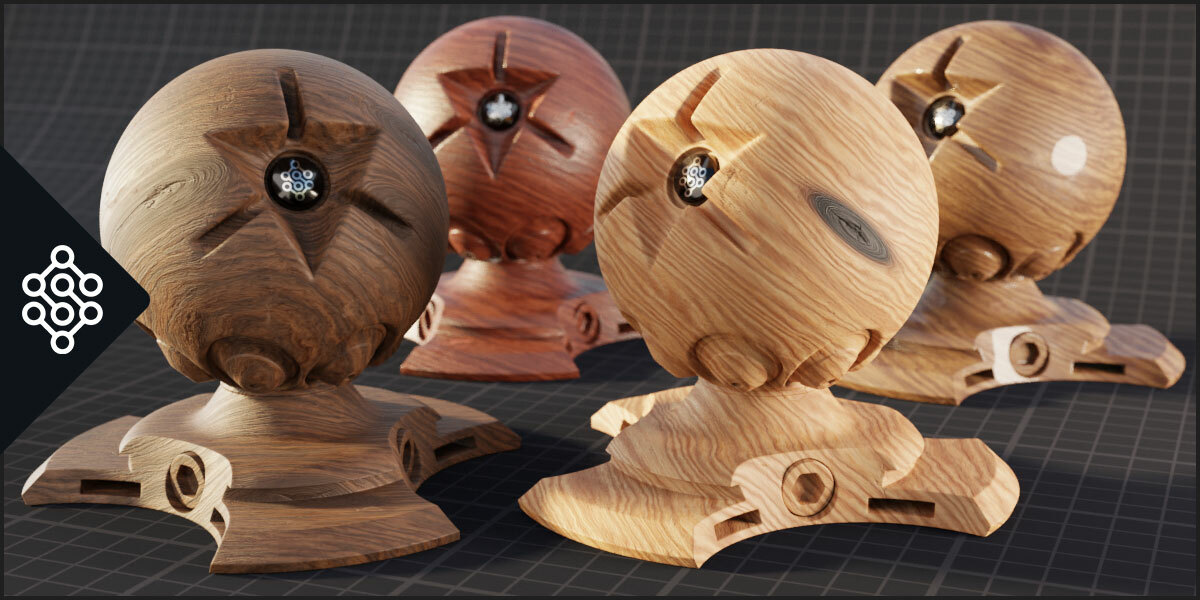
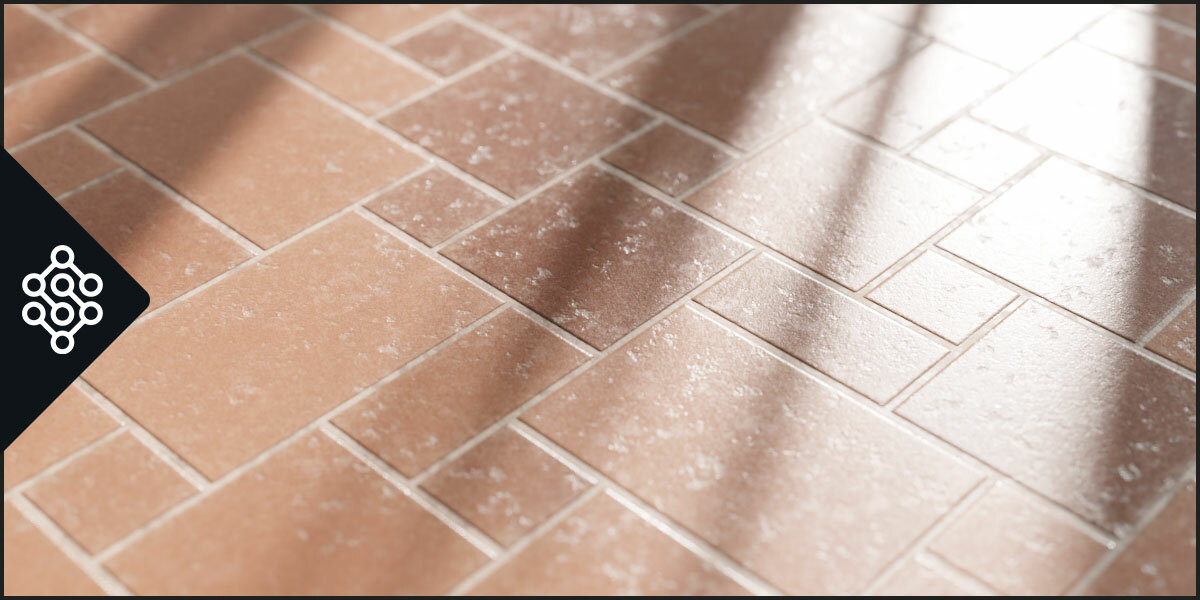
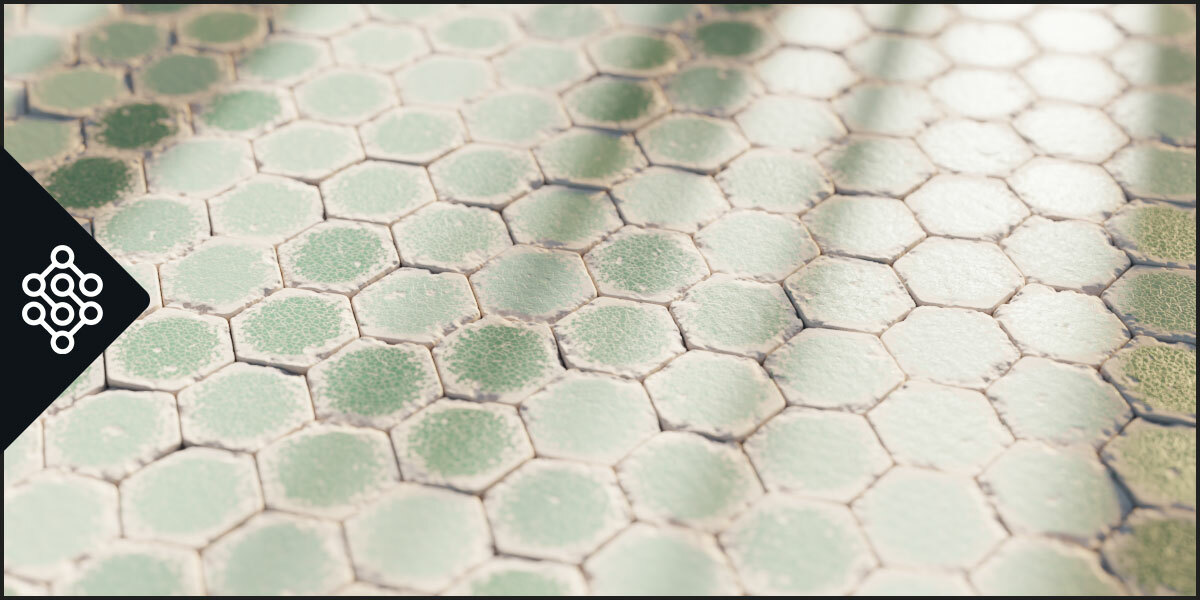




















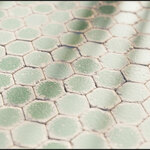
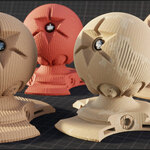

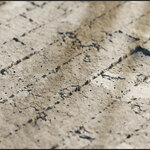
Expansions
The last version of Sanctus Library auto-detects installed expansions like Wood Works and Liquid Works without the need to manually add them in the addon preferences.
If you own any expansion you can just install them as any regular extension and Sanctus Library will show the assets directly.
Also the Expansions are now extensions (you can install and update them within Blender via Extension Manager).
How to install extensions: https://sanctusnodes.com/documentation/main/en/topic/installing-extensions/
Sanctus Bake
To keep versioning and updates organized Sanctus Bake is now a separate FREE product that you can get here:
https://superhivemarket.com/products/sanctus-bake?ref=3745
Version 3.4 is the largest update yet, with multiple new features and workflow improvements like the favorite deployer HUD and the Procedural Decal Generator (Decal Forge).
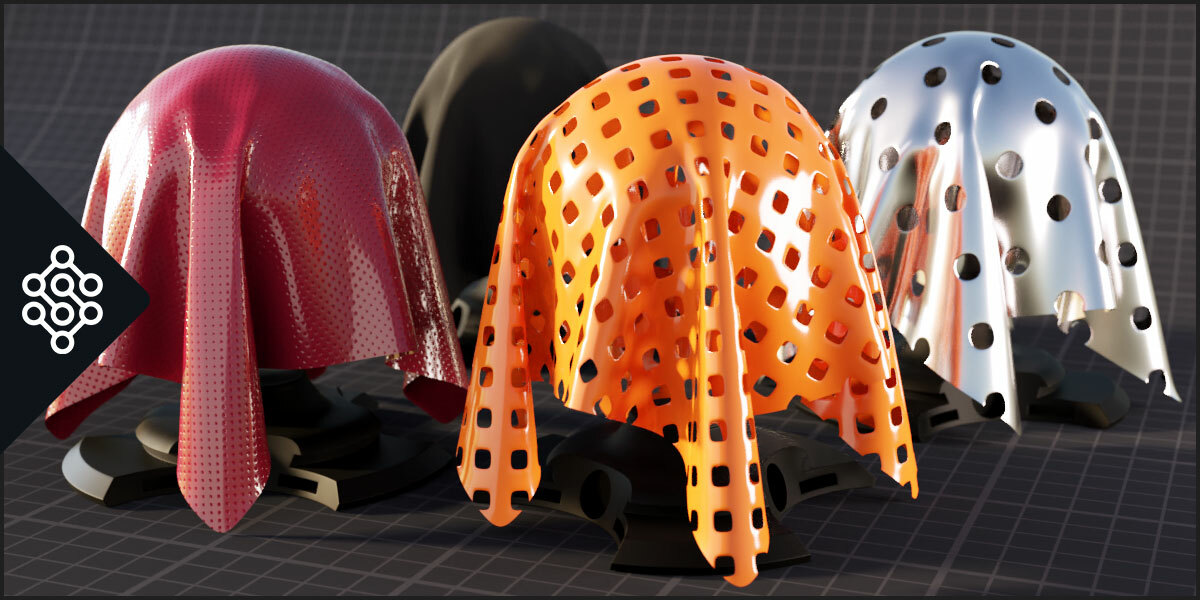
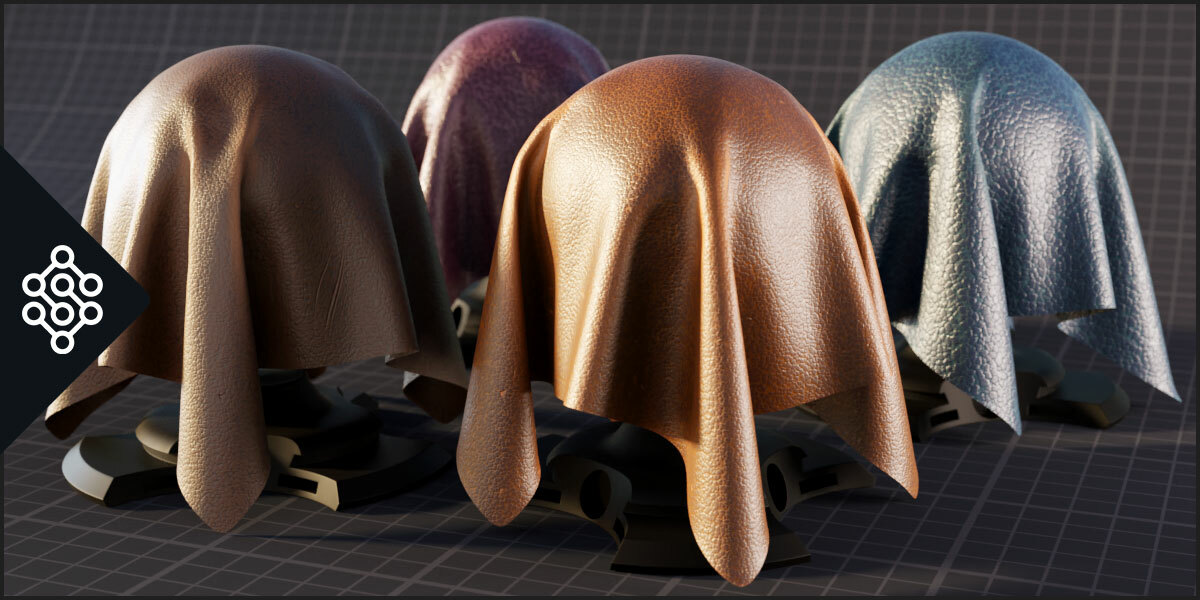
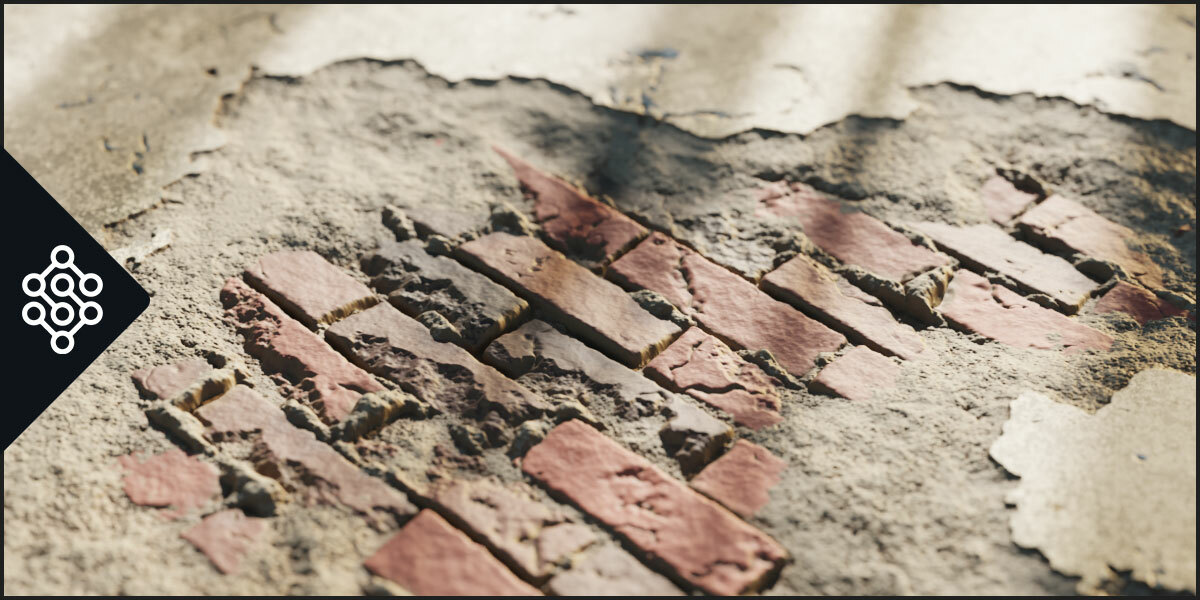
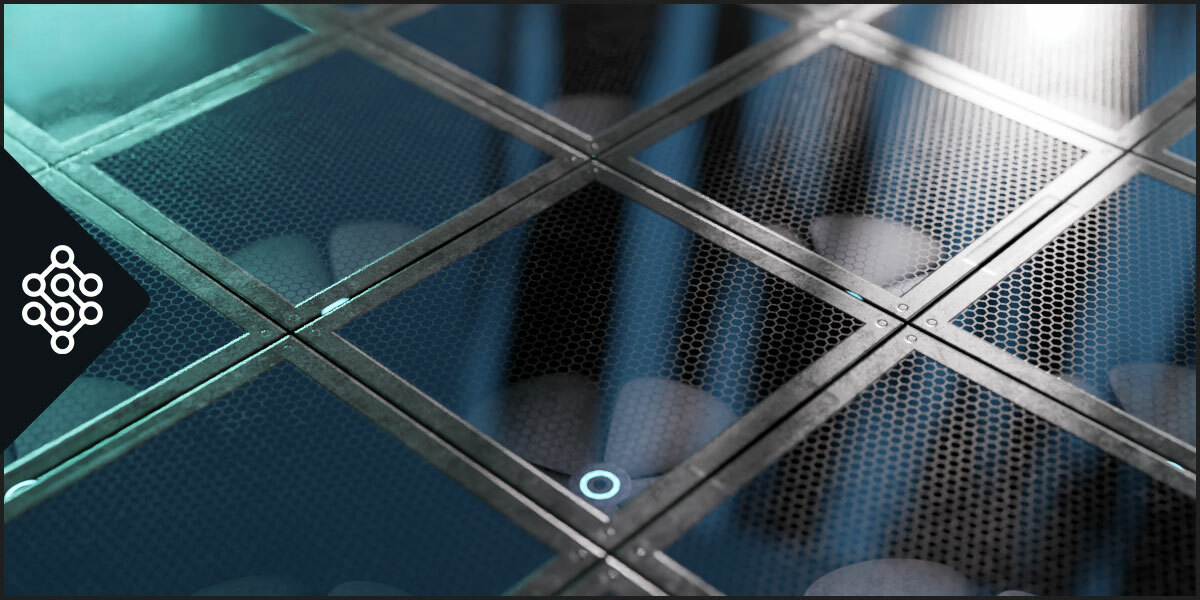
There are also 500 new decals and more than 140 new procedural assets.
Check the full list here:
https://sanctusnodes.com/documentation/main/en/topic/changelog/
You can also now browse every single asset in the library in the addon's website:
https://sanctusnodes.com/sanctus-library-blender-3d.html#gallery-anchor
Blender 5.1 Compatible
-Sanctus Bake tool was separated as a stand alone addon (installation file also included of course for free in this product). This was a decision to favor the use the baking tool freely without being linked to SL, and also to be able to use it with other products like the upcoming Sanctus Viz addon.
-After consideration a part from the STAR icon of the favorite system, every overlay icon is now rasterized in the thumbnail images to improve loading and overall UI speed
-Several changes to improve integration and interoperability between Sanctus Addons and products.
-Addon tab was renamed from Sanctus to SLibrary
-Asset Browser version needs no update since the changes are only in the code of the expansion version.
-A new type of asset will be added in the next update of Sanctus Library. Geometry Nodes nodegroups will be available in the GN editor. To prepare for that, some of the folders for the different asset types were renamed. This will affect expansions, so as soon as you update this version of Sanctus Library, please also make sure to update expansions (Liquid and Wood Works).
v3.3.1 – Sep 20, 2025
-Improved compatibility with Blender 4.5
-Fixed a few errors showing un in Blender 4.5
-A new mechanism to prevent slow viewport performance on incompatible render engine materials was implemented
materials that are incompatible with the current render engine will show a checkers texture
-Materials and assets where migrated from the custom panels to the blender native panels
When I started grouping the parameters there were no PANELS in Blender UI yet.
So I had to manually create them. I did this by giving them a specific format “—NAME—” in the group nodes.
This allowed the addon panel to group parameters by topic that worked basically like the Panels work now.
The downside is that while this worked in the addon UI, the shader editor and material properties showed something different.
before: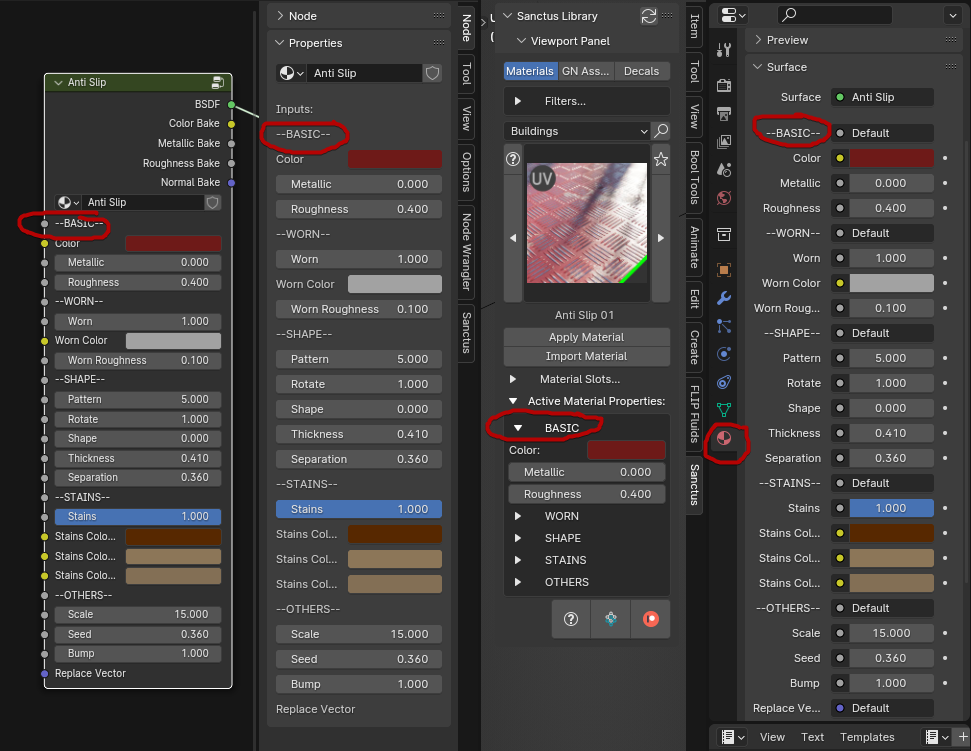
With the adaptation of all the assets, they show the same: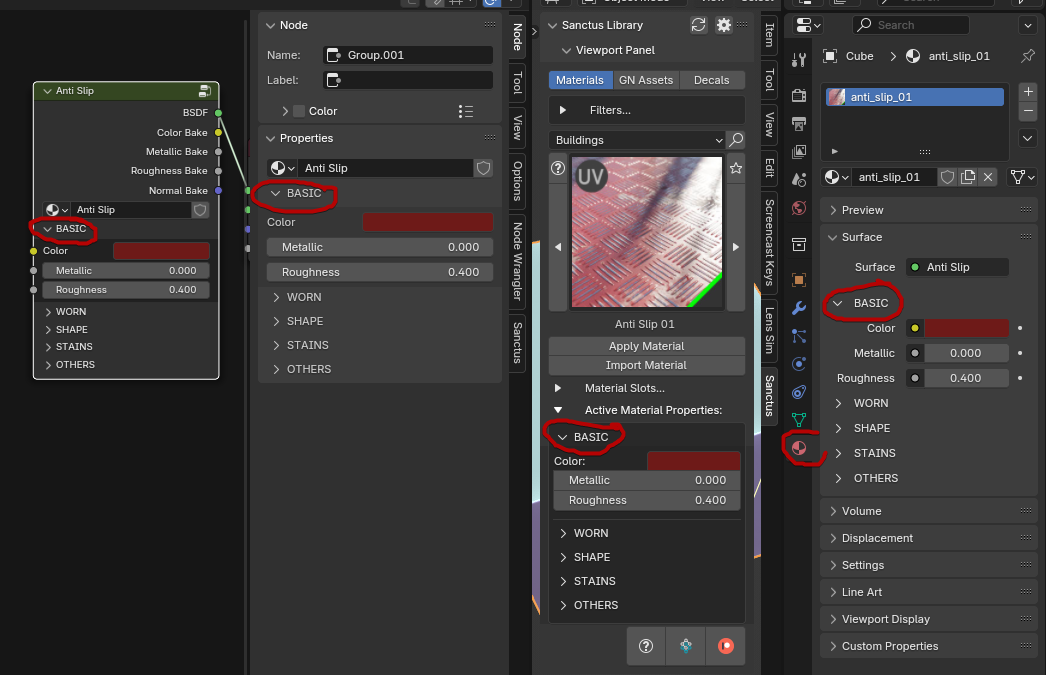
-Fixed a compatibility issue with Linux and MacOS in blender 4.5
-Fixed an issue preventing expansions to be installed from pendrives or external drives in MacOS
-Improved Decal tool compatibility with Blender 4.5
-The addon now detects EEVEE engine correctly in Blender 5.0
-Fixed an issue making Sanctus Library Lite display an incorrect amount of available assets with expansions installed.
-Material icons showing render engine compatibility and processing times are now dynamic (before rasterized in the thumbnail).
This is a step preparing new thumbnails that will show the materials better than the current close up preview.
https://sanctuslibrary.xyz/documentation/main/en/topic/changelog
v3.2.1 - March 11, 2025
A new minor update was released to make the addon compatible with Blender 4.4 and fix some issues.
Fixes and updates:
- Sanctus Library is now fully compatible with Blender 4.4 version.
- Decal tool was targeting objects that were excluded on LOCAL VIEW, even while they were invisible (shortcut: /). Now only objects participating in local view mode will be targeted.
- Adding local folders as decal categories was not working in unsaved files in Blender 4.3+, this was corrected.
- If you started a new file while placing a decal, the UI overlay would persist and the decal tool would stop working until Blender was restarted. Now starting a new file will reset the decal tool too.
- In some cases the Decal Tool overlay gizmo was not visible in Blender 4.3 and 4.4, this was also fixed.
You have the option to install Sanctus Viz assets in Sanctus Library and have everything in one single addon.
https://sanctusnodes.com/documentation/main/en/topic/sanctus-viz-assets-in-sanctus-library/
Expansions
The last version of Sanctus Library auto-detects installed expansions like Wood Works and Liquid Works without the need to manually add them in the addon preferences.
If you own any expansion you can just install them as any regular extension and Sanctus Library will show the assets directly.
Also the Expansions are now extensions (you can install and update them within Blender via Extension Manager).
How to install extensions: https://sanctusnodes.com/documentation/main/en/topic/installing-extensions/
Sanctus Bake
To keep versioning and updates organized Sanctus Bake is now a separate FREE product that you can get here:
https://superhivemarket.com/products/sanctus-bake?ref=3745
Version 3.4 is the largest update yet, with multiple new features and workflow improvements like the favorite deployer HUD and the Procedural Decal Generator (Decal Forge).
There are also 500 new decals and more than 140 new procedural assets.
Check the full list here:
https://sanctusnodes.com/documentation/main/en/topic/changelog/
You can also now browse every single asset in the library in the addon's website:
https://sanctusnodes.com/sanctus-library-blender-3d.html#gallery-anchor
Blender 5.1 Compatible
-Sanctus Bake tool was separated as a stand alone addon (installation file also included of course for free in this product). This was a decision to favor the use the baking tool freely without being linked to SL, and also to be able to use it with other products like the upcoming Sanctus Viz addon.
-After consideration a part from the STAR icon of the favorite system, every overlay icon is now rasterized in the thumbnail images to improve loading and overall UI speed
-Several changes to improve integration and interoperability between Sanctus Addons and products.
-Addon tab was renamed from Sanctus to SLibrary
-Asset Browser version needs no update since the changes are only in the code of the expansion version.
-A new type of asset will be added in the next update of Sanctus Library. Geometry Nodes nodegroups will be available in the GN editor. To prepare for that, some of the folders for the different asset types were renamed. This will affect expansions, so as soon as you update this version of Sanctus Library, please also make sure to update expansions (Liquid and Wood Works).
v3.3.1 – Sep 20, 2025
-Improved compatibility with Blender 4.5
-Fixed a few errors showing un in Blender 4.5
-A new mechanism to prevent slow viewport performance on incompatible render engine materials was implemented
materials that are incompatible with the current render engine will show a checkers texture
-Materials and assets where migrated from the custom panels to the blender native panels
When I started grouping the parameters there were no PANELS in Blender UI yet.
So I had to manually create them. I did this by giving them a specific format “—NAME—” in the group nodes.
This allowed the addon panel to group parameters by topic that worked basically like the Panels work now.
The downside is that while this worked in the addon UI, the shader editor and material properties showed something different.
before:
With the adaptation of all the assets, they show the same:
-Fixed a compatibility issue with Linux and MacOS in blender 4.5
-Fixed an issue preventing expansions to be installed from pendrives or external drives in MacOS
-Improved Decal tool compatibility with Blender 4.5
-The addon now detects EEVEE engine correctly in Blender 5.0
-Fixed an issue making Sanctus Library Lite display an incorrect amount of available assets with expansions installed.
-Material icons showing render engine compatibility and processing times are now dynamic (before rasterized in the thumbnail).
This is a step preparing new thumbnails that will show the materials better than the current close up preview.
https://sanctuslibrary.xyz/documentation/main/en/topic/changelog
v3.2.1 - March 11, 2025
A new minor update was released to make the addon compatible with Blender 4.4 and fix some issues.
Fixes and updates:
- Sanctus Library is now fully compatible with Blender 4.4 version.
- Decal tool was targeting objects that were excluded on LOCAL VIEW, even while they were invisible (shortcut: /). Now only objects participating in local view mode will be targeted.
- Adding local folders as decal categories was not working in unsaved files in Blender 4.3+, this was corrected.
- If you started a new file while placing a decal, the UI overlay would persist and the decal tool would stop working until Blender was restarted. Now starting a new file will reset the decal tool too.
- In some cases the Decal Tool overlay gizmo was not visible in Blender 4.3 and 4.4, this was also fixed.
Materials
New:
- UV Map Checker – Others (8)
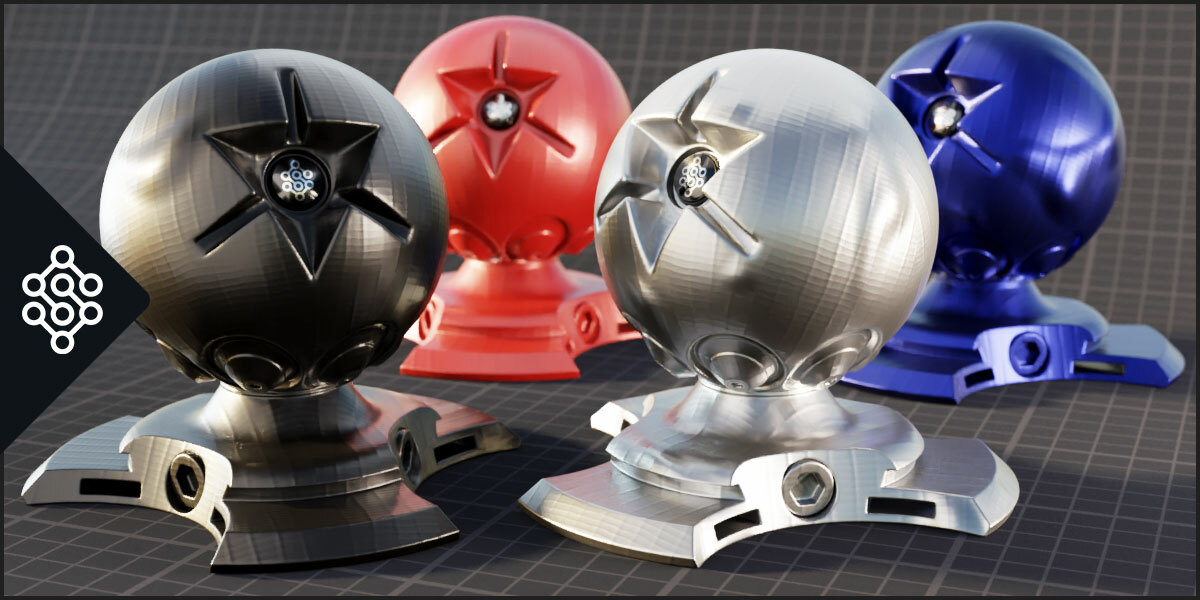
- Brushed Metal – Metals (6)
- Film Polythene – Fabrics (4)
- Film Vinyl – Fabrics (4)
- Paper Graph – Others (4)
- Paper Kraft – Others (4)
- Paper Lines – Others (4)
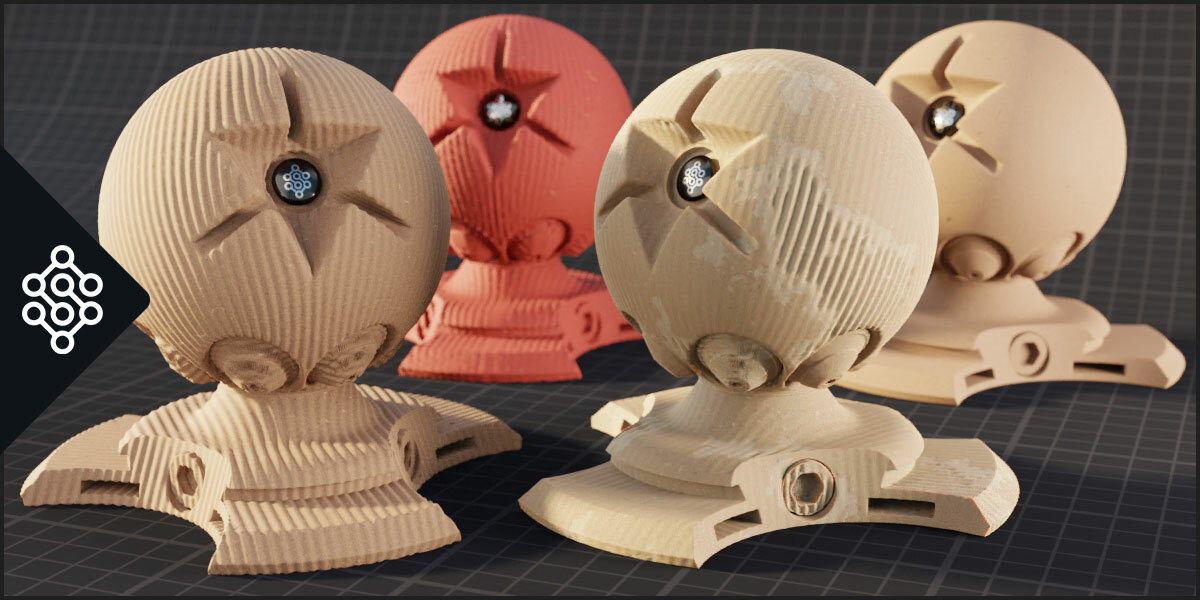
- Chevron Wood – Buildings (4)
- Herringbone v2 – Buildings (4)
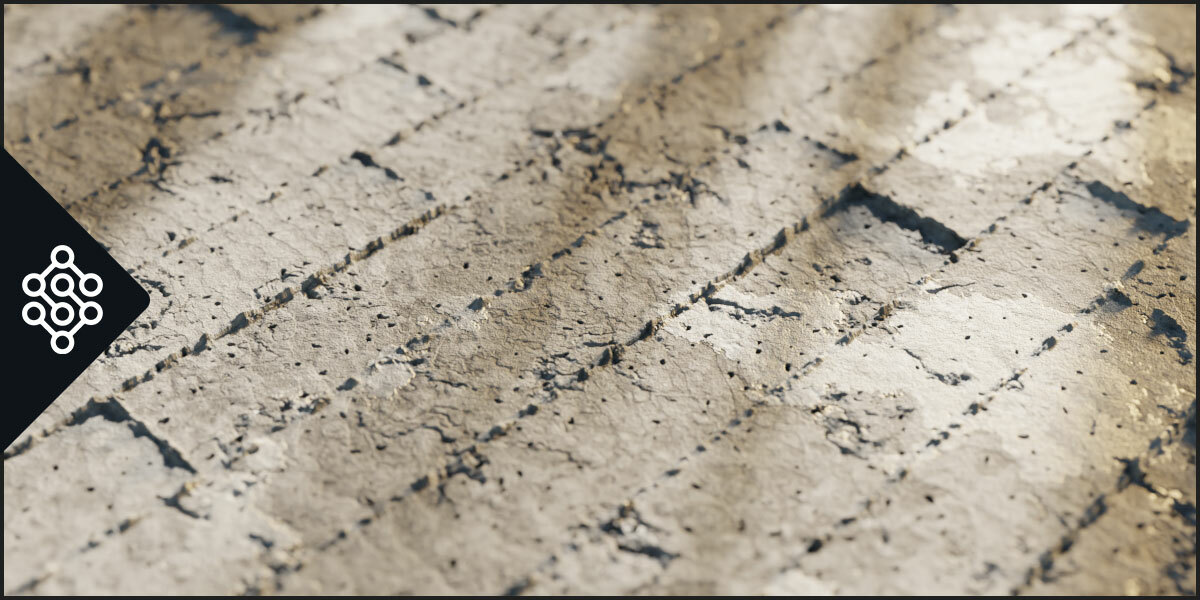
- Concrete Wall – Buildings (4)
-
Smart Rubber – Synthetics (4)
Updated/Fixed:
-Caustics – water – Added loop parameter
-Velvet – added an “Messy Factor” parameter that controls fibers order: example
-Stone Floor – added rotation parameter
-Desert Tiles – added rotation parameter
-Brick Wall – added rotation parameter
-Aging Tiles: fixed an issue with the normal map, improved bump/normal map. Added bump and pattern rotation parameters.
-Added rotation and negative UV values support to most tiles/bricks materials in the Building category.
GN Assets
New:
- Wrap Object – Tools
- Wrap Collection – Tools
- Stack in Volume – Tools
- Fill Volume – Tools
- Tile Surface – Buildings
- Write on Surface – Tools
- Papers Pile – Others
- Mixed Office Pile – Others
-
Folder Pile – Others
Updated/Fixed
-Spiral Cord – It was not working in Blender 4.2 due to changes in Geometry Nodes. It was updated to work in all versions.
-Water Mass – Added Loop parameter for animated elements (waves, foam, caustics, floating objects).
Decals
-Decals auto baking parameters where reworked to better work at different scales.
-Decals bake Max Ray Distance can be manually overwritten to increase or decrease the values if necessary.
-Decals can now be rotated while placing them using Ctrl + mouse wheel
Addon
-Fixed eevee materials not showing the parameters in the addon panel in Blender 4.2+
-Fixed several small issues causing errors installing an expansion.
-Sanctus Library will now be skipped when running Blender in the background to avoid any issues.
-Fixed an issue where nodes that have multiple versions like MIX nodes for (float, color and vector) had triplicated outputs proposed as baking sockets.
-Fixed an issue that would let you use the bake button with multiple objects selected.
You have the option to install Sanctus Viz assets in Sanctus Library and have everything in one single addon.
https://sanctusnodes.com/documentation/main/en/topic/sanctus-viz-assets-in-sanctus-library/
Expansions
The last version of Sanctus Library auto-detects installed expansions like Wood Works and Liquid Works without the need to manually add them in the addon preferences.
If you own any expansion you can just install them as any regular extension and Sanctus Library will show the assets directly.
Also the Expansions are now extensions (you can install and update them within Blender via Extension Manager).
How to install extensions: https://sanctusnodes.com/documentation/main/en/topic/installing-extensions/
Sanctus Bake
To keep versioning and updates organized Sanctus Bake is now a separate FREE product that you can get here:
https://superhivemarket.com/products/sanctus-bake?ref=3745
Version 3.4 is the largest update yet, with multiple new features and workflow improvements like the favorite deployer HUD and the Procedural Decal Generator (Decal Forge).
There are also 500 new decals and more than 140 new procedural assets.
Check the full list here:
https://sanctusnodes.com/documentation/main/en/topic/changelog/
You can also now browse every single asset in the library in the addon's website:
https://sanctusnodes.com/sanctus-library-blender-3d.html#gallery-anchor
Blender 5.1 Compatible
-Sanctus Bake tool was separated as a stand alone addon (installation file also included of course for free in this product). This was a decision to favor the use the baking tool freely without being linked to SL, and also to be able to use it with other products like the upcoming Sanctus Viz addon.
-After consideration a part from the STAR icon of the favorite system, every overlay icon is now rasterized in the thumbnail images to improve loading and overall UI speed
-Several changes to improve integration and interoperability between Sanctus Addons and products.
-Addon tab was renamed from Sanctus to SLibrary
-Asset Browser version needs no update since the changes are only in the code of the expansion version.
-A new type of asset will be added in the next update of Sanctus Library. Geometry Nodes nodegroups will be available in the GN editor. To prepare for that, some of the folders for the different asset types were renamed. This will affect expansions, so as soon as you update this version of Sanctus Library, please also make sure to update expansions (Liquid and Wood Works).
v3.3.1 – Sep 20, 2025
-Improved compatibility with Blender 4.5
-Fixed a few errors showing un in Blender 4.5
-A new mechanism to prevent slow viewport performance on incompatible render engine materials was implemented
materials that are incompatible with the current render engine will show a checkers texture
-Materials and assets where migrated from the custom panels to the blender native panels
When I started grouping the parameters there were no PANELS in Blender UI yet.
So I had to manually create them. I did this by giving them a specific format “—NAME—” in the group nodes.
This allowed the addon panel to group parameters by topic that worked basically like the Panels work now.
The downside is that while this worked in the addon UI, the shader editor and material properties showed something different.
before:
With the adaptation of all the assets, they show the same:
-Fixed a compatibility issue with Linux and MacOS in blender 4.5
-Fixed an issue preventing expansions to be installed from pendrives or external drives in MacOS
-Improved Decal tool compatibility with Blender 4.5
-The addon now detects EEVEE engine correctly in Blender 5.0
-Fixed an issue making Sanctus Library Lite display an incorrect amount of available assets with expansions installed.
-Material icons showing render engine compatibility and processing times are now dynamic (before rasterized in the thumbnail).
This is a step preparing new thumbnails that will show the materials better than the current close up preview.
https://sanctuslibrary.xyz/documentation/main/en/topic/changelog
v3.2.1 - March 11, 2025
A new minor update was released to make the addon compatible with Blender 4.4 and fix some issues.
Fixes and updates:
- Sanctus Library is now fully compatible with Blender 4.4 version.
- Decal tool was targeting objects that were excluded on LOCAL VIEW, even while they were invisible (shortcut: /). Now only objects participating in local view mode will be targeted.
- Adding local folders as decal categories was not working in unsaved files in Blender 4.3+, this was corrected.
- If you started a new file while placing a decal, the UI overlay would persist and the decal tool would stop working until Blender was restarted. Now starting a new file will reset the decal tool too.
- In some cases the Decal Tool overlay gizmo was not visible in Blender 4.3 and 4.4, this was also fixed.
Materials
New:
- UV Map Checker – Others (8)
- Brushed Metal – Metals (6)
- Film Polythene – Fabrics (4)
- Film Vinyl – Fabrics (4)
- Paper Graph – Others (4)
- Paper Kraft – Others (4)
- Paper Lines – Others (4)
- Chevron Wood – Buildings (4)
- Herringbone v2 – Buildings (4)
- Concrete Wall – Buildings (4)
-
Smart Rubber – Synthetics (4)
Updated/Fixed:
-Caustics – water – Added loop parameter
-Velvet – added an “Messy Factor” parameter that controls fibers order: example
-Stone Floor – added rotation parameter
-Desert Tiles – added rotation parameter
-Brick Wall – added rotation parameter
-Aging Tiles: fixed an issue with the normal map, improved bump/normal map. Added bump and pattern rotation parameters.
-Added rotation and negative UV values support to most tiles/bricks materials in the Building category.
GN Assets
New:
- Wrap Object – Tools
- Wrap Collection – Tools
- Stack in Volume – Tools
- Fill Volume – Tools
- Tile Surface – Buildings
- Write on Surface – Tools
- Papers Pile – Others
- Mixed Office Pile – Others
-
Folder Pile – Others
Updated/Fixed
-Spiral Cord – It was not working in Blender 4.2 due to changes in Geometry Nodes. It was updated to work in all versions.
-Water Mass – Added Loop parameter for animated elements (waves, foam, caustics, floating objects).
Decals
-Decals auto baking parameters where reworked to better work at different scales.
-Decals bake Max Ray Distance can be manually overwritten to increase or decrease the values if necessary.
-Decals can now be rotated while placing them using Ctrl + mouse wheel
Addon
-Fixed eevee materials not showing the parameters in the addon panel in Blender 4.2+
-Fixed several small issues causing errors installing an expansion.
-Sanctus Library will now be skipped when running Blender in the background to avoid any issues.
-Fixed an issue where nodes that have multiple versions like MIX nodes for (float, color and vector) had triplicated outputs proposed as baking sockets.
-Fixed an issue that would let you use the bake button with multiple objects selected.
You have the option to install Sanctus Viz assets in Sanctus Library and have everything in one single addon.
https://sanctusnodes.com/documentation/main/en/topic/sanctus-viz-assets-in-sanctus-library/
Expansions
The last version of Sanctus Library auto-detects installed expansions like Wood Works and Liquid Works without the need to manually add them in the addon preferences.
If you own any expansion you can just install them as any regular extension and Sanctus Library will show the assets directly.
Also the Expansions are now extensions (you can install and update them within Blender via Extension Manager).
How to install extensions: https://sanctusnodes.com/documentation/main/en/topic/installing-extensions/
Sanctus Bake
To keep versioning and updates organized Sanctus Bake is now a separate FREE product that you can get here:
https://superhivemarket.com/products/sanctus-bake?ref=3745
Version 3.4 is the largest update yet, with multiple new features and workflow improvements like the favorite deployer HUD and the Procedural Decal Generator (Decal Forge).
There are also 500 new decals and more than 140 new procedural assets.
Check the full list here:
https://sanctusnodes.com/documentation/main/en/topic/changelog/
You can also now browse every single asset in the library in the addon's website:
https://sanctusnodes.com/sanctus-library-blender-3d.html#gallery-anchor
Blender 5.1 Compatible
-Sanctus Bake tool was separated as a stand alone addon (installation file also included of course for free in this product). This was a decision to favor the use the baking tool freely without being linked to SL, and also to be able to use it with other products like the upcoming Sanctus Viz addon.
-After consideration a part from the STAR icon of the favorite system, every overlay icon is now rasterized in the thumbnail images to improve loading and overall UI speed
-Several changes to improve integration and interoperability between Sanctus Addons and products.
-Addon tab was renamed from Sanctus to SLibrary
-Asset Browser version needs no update since the changes are only in the code of the expansion version.
-A new type of asset will be added in the next update of Sanctus Library. Geometry Nodes nodegroups will be available in the GN editor. To prepare for that, some of the folders for the different asset types were renamed. This will affect expansions, so as soon as you update this version of Sanctus Library, please also make sure to update expansions (Liquid and Wood Works).
v3.3.1 – Sep 20, 2025
-Improved compatibility with Blender 4.5
-Fixed a few errors showing un in Blender 4.5
-A new mechanism to prevent slow viewport performance on incompatible render engine materials was implemented
materials that are incompatible with the current render engine will show a checkers texture
-Materials and assets where migrated from the custom panels to the blender native panels
When I started grouping the parameters there were no PANELS in Blender UI yet.
So I had to manually create them. I did this by giving them a specific format “—NAME—” in the group nodes.
This allowed the addon panel to group parameters by topic that worked basically like the Panels work now.
The downside is that while this worked in the addon UI, the shader editor and material properties showed something different.
before:
With the adaptation of all the assets, they show the same:
-Fixed a compatibility issue with Linux and MacOS in blender 4.5
-Fixed an issue preventing expansions to be installed from pendrives or external drives in MacOS
-Improved Decal tool compatibility with Blender 4.5
-The addon now detects EEVEE engine correctly in Blender 5.0
-Fixed an issue making Sanctus Library Lite display an incorrect amount of available assets with expansions installed.
-Material icons showing render engine compatibility and processing times are now dynamic (before rasterized in the thumbnail).
This is a step preparing new thumbnails that will show the materials better than the current close up preview.
https://sanctuslibrary.xyz/documentation/main/en/topic/changelog
v3.2.1 - March 11, 2025
A new minor update was released to make the addon compatible with Blender 4.4 and fix some issues.
Fixes and updates:
- Sanctus Library is now fully compatible with Blender 4.4 version.
- Decal tool was targeting objects that were excluded on LOCAL VIEW, even while they were invisible (shortcut: /). Now only objects participating in local view mode will be targeted.
- Adding local folders as decal categories was not working in unsaved files in Blender 4.3+, this was corrected.
- If you started a new file while placing a decal, the UI overlay would persist and the decal tool would stop working until Blender was restarted. Now starting a new file will reset the decal tool too.
- In some cases the Decal Tool overlay gizmo was not visible in Blender 4.3 and 4.4, this was also fixed.
Materials
New:
- UV Map Checker – Others (8)
- Brushed Metal – Metals (6)
- Film Polythene – Fabrics (4)
- Film Vinyl – Fabrics (4)
- Paper Graph – Others (4)
- Paper Kraft – Others (4)
- Paper Lines – Others (4)
- Chevron Wood – Buildings (4)
- Herringbone v2 – Buildings (4)
- Concrete Wall – Buildings (4)
-
Smart Rubber – Synthetics (4)
Updated/Fixed:
-Caustics – water – Added loop parameter
-Velvet – added an “Messy Factor” parameter that controls fibers order: example
-Stone Floor – added rotation parameter
-Desert Tiles – added rotation parameter
-Brick Wall – added rotation parameter
-Aging Tiles: fixed an issue with the normal map, improved bump/normal map. Added bump and pattern rotation parameters.
-Added rotation and negative UV values support to most tiles/bricks materials in the Building category.
GN Assets
New:
- Wrap Object – Tools
- Wrap Collection – Tools
- Stack in Volume – Tools
- Fill Volume – Tools
- Tile Surface – Buildings
- Write on Surface – Tools
- Papers Pile – Others
- Mixed Office Pile – Others
-
Folder Pile – Others
Updated/Fixed
-Spiral Cord – It was not working in Blender 4.2 due to changes in Geometry Nodes. It was updated to work in all versions.
-Water Mass – Added Loop parameter for animated elements (waves, foam, caustics, floating objects).
Decals
-Decals auto baking parameters where reworked to better work at different scales.
-Decals bake Max Ray Distance can be manually overwritten to increase or decrease the values if necessary.
-Decals can now be rotated while placing them using Ctrl + mouse wheel
Addon
-Fixed eevee materials not showing the parameters in the addon panel in Blender 4.2+
-Fixed several small issues causing errors installing an expansion.
-Sanctus Library will now be skipped when running Blender in the background to avoid any issues.
-Fixed an issue where nodes that have multiple versions like MIX nodes for (float, color and vector) had triplicated outputs proposed as baking sockets.
-Fixed an issue that would let you use the bake button with multiple objects selected.
-
$0
All Features • Essential Asset Set (100+ Assets)
-
$25
All Features • Non-Commercial License • Complete Collection (1000+ Assets)
-
$39
All Features • Commercial License • Complete Collection (1000+ Assets)
-
$150
All Features • 10-Seat Commercial License • Complete Collection (1000+ Assets)
Have questions about this product?
Login to message
| Blender Extension Compatible | Yes |
| Sales | 14500+ |
| Downloads | 52200+ |
| Rating | 180 ratings |
| Dev Fund Contributor | |
| Published | over 4 years ago |
| Blender Version | 4.5 - 5.2 |
| Render Engine Used | Cycles, Eevee |
| License | GPL |