 Sanctus



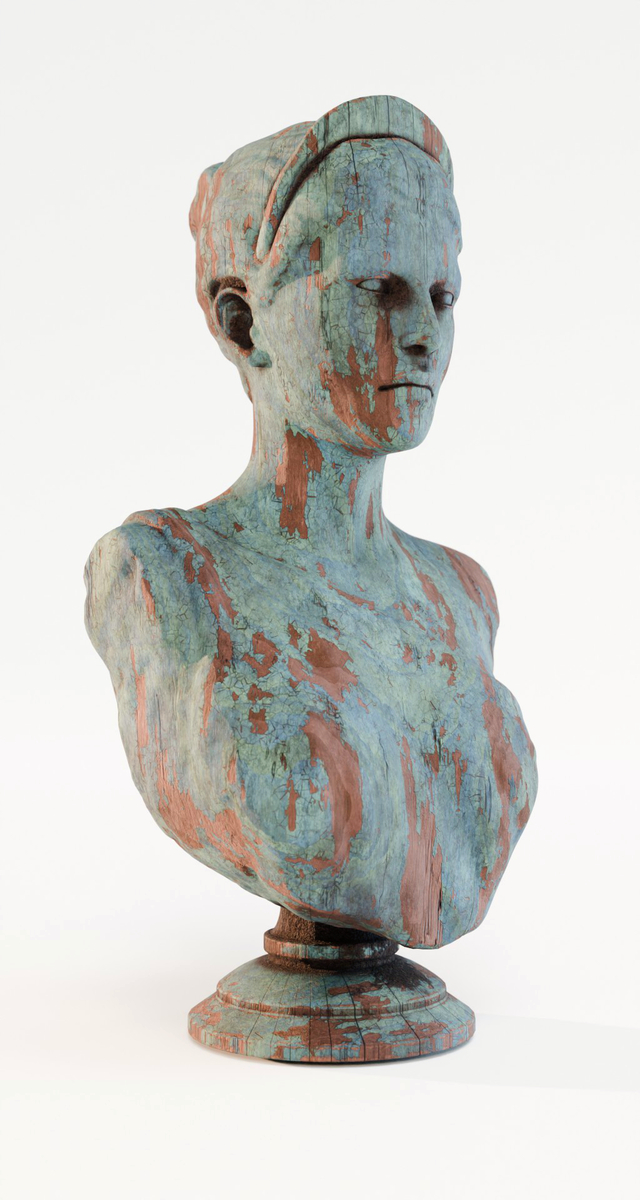





Expansions are now Extensions.
From now on, you will be able to install and update within blender using the Extension Manager
Auto-Detection
The last version of Sanctus Library auto-detects installed expansions like Wood Works and Liquid Works without the need to manually add them in the addon preferences.
Installation
How to install extensions: https://sanctusnodes.com/documentation/main/en/topic/installing-extensions/
Several changes to improve integration and interoperability between Sanctus Addons and products.
-Asset Browser version needs no update since the changes are only in the code of the expansion version.
v 1.0.2 – 14/04/2025
-Geometry Nodes Assets were using cycles materials, making them really slow while using EEVEE or Material Preview (also eevee even if Cycles is selected as render engine).
A new material that will have different node setups depending on the render engine was implemented. EEVEE versions will look more simple but will run fast while using EEVEE or material preview. While using CYCLES you will get a more detailed wood material.
-Fences, plank surface and Staircase Steps also got 2 new parameters added, color variation per plank and seed.
-Asset Browser Version: Fence assets can now be dragged into curve objects.
-Fences: Fixed an issue where applying the assets on a scaled curve would result in messed up geometry and texture mapping.
v 1.0.1 – 09/04/2025
-Wicker and Rattan now have optional Displacement
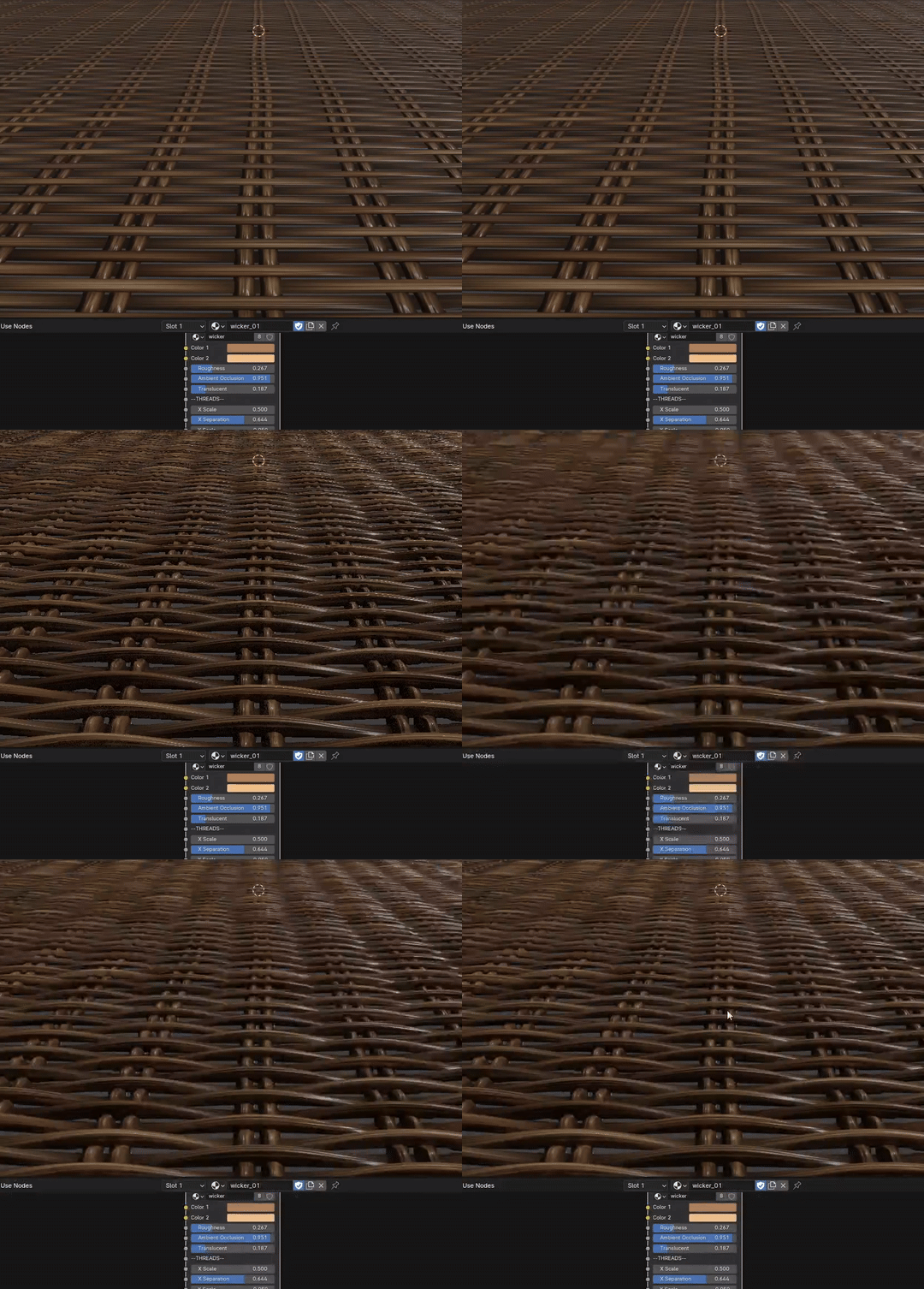
-Added a parameter to increase and decrease the texture on the wicker threads (Thread Texture).
-3D Smart Materials: Fixed an issue where some object faces could be rendered black when objects don’t have UV Map or Face vertices are overlapping in the UV Map (even if the material doesn’t really require it).
-Updated Wicker Material (with displacement) in Geometry Nodes Wicker generators. I Also added a tip in the description on how you can use Adaptive Subdivision while using a Geometry Nodes modifier.
-Along Grain Scale was not working correctly on some materials and was fixed.
-A new set of materials based on Japanese “shou sugi ban” burnt wood was added
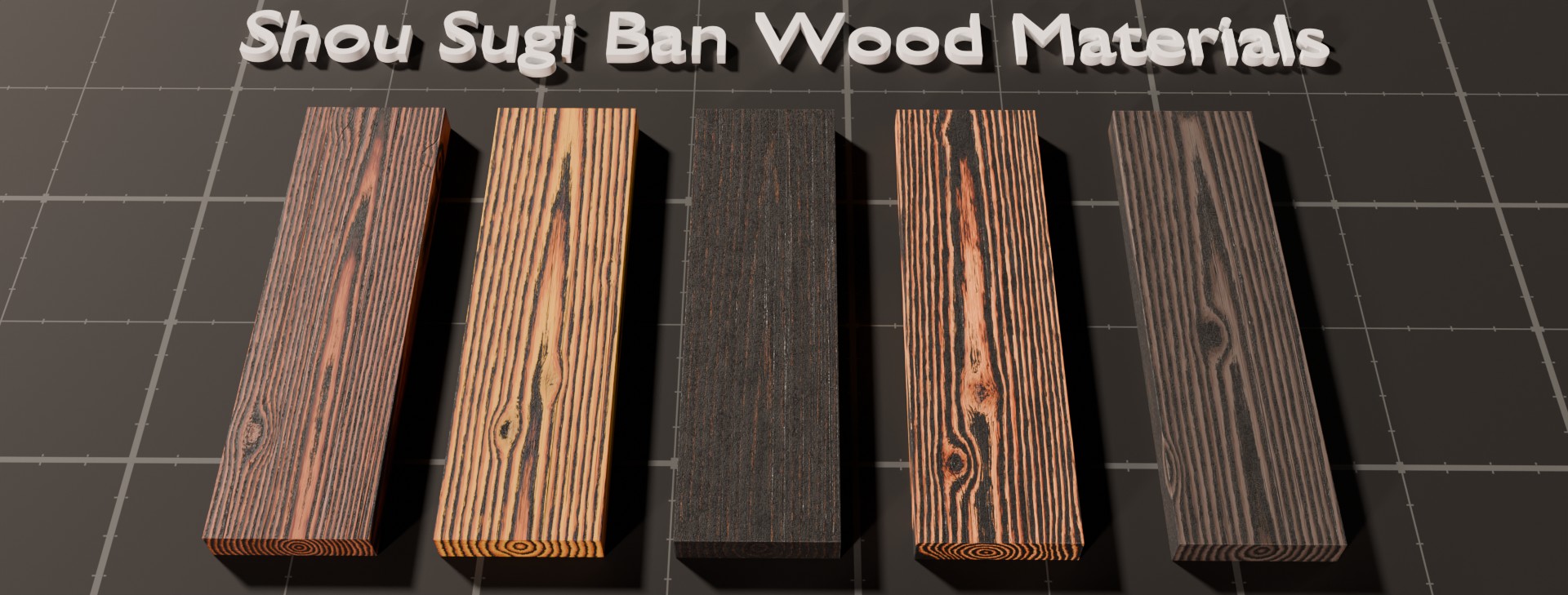
-Demo file was updated with all the new changes.
Expansions are now Extensions.
From now on, you will be able to install and update within blender using the Extension Manager
Auto-Detection
The last version of Sanctus Library auto-detects installed expansions like Wood Works and Liquid Works without the need to manually add them in the addon preferences.
Installation
How to install extensions: https://sanctusnodes.com/documentation/main/en/topic/installing-extensions/
Several changes to improve integration and interoperability between Sanctus Addons and products.
-Asset Browser version needs no update since the changes are only in the code of the expansion version.
v 1.0.2 – 14/04/2025
-Geometry Nodes Assets were using cycles materials, making them really slow while using EEVEE or Material Preview (also eevee even if Cycles is selected as render engine).
A new material that will have different node setups depending on the render engine was implemented. EEVEE versions will look more simple but will run fast while using EEVEE or material preview. While using CYCLES you will get a more detailed wood material.
-Fences, plank surface and Staircase Steps also got 2 new parameters added, color variation per plank and seed.
-Asset Browser Version: Fence assets can now be dragged into curve objects.
-Fences: Fixed an issue where applying the assets on a scaled curve would result in messed up geometry and texture mapping.
v 1.0.1 – 09/04/2025
-Wicker and Rattan now have optional Displacement
-Added a parameter to increase and decrease the texture on the wicker threads (Thread Texture).
-3D Smart Materials: Fixed an issue where some object faces could be rendered black when objects don’t have UV Map or Face vertices are overlapping in the UV Map (even if the material doesn’t really require it).
-Updated Wicker Material (with displacement) in Geometry Nodes Wicker generators. I Also added a tip in the description on how you can use Adaptive Subdivision while using a Geometry Nodes modifier.
-Along Grain Scale was not working correctly on some materials and was fixed.
-A new set of materials based on Japanese “shou sugi ban” burnt wood was added
-Demo file was updated with all the new changes.
-
$19
Commercial License
-
$79
Commercial Studio License (up to 10 seats)
Have questions about this product?
Login to message
Includes an Asset Library
159 drag-and-drop assets for Blender’s Asset Browser.
Browse included assets| Blender Extension Compatible | Yes |
| Sales | 800+ |
| Rating | 12 ratings |
| Dev Fund Contributor | |
| Published | over 1 year ago |
| Blender Version | 4.3 - 5.2 |
| Render Engine Used | Cycles, Eevee |
| License | GPL |
Discover more products like this
sanctus wood wood material wood works material library procedural-wood wood procedural material sanctus wood works sanctus library