 ZEG
ZEG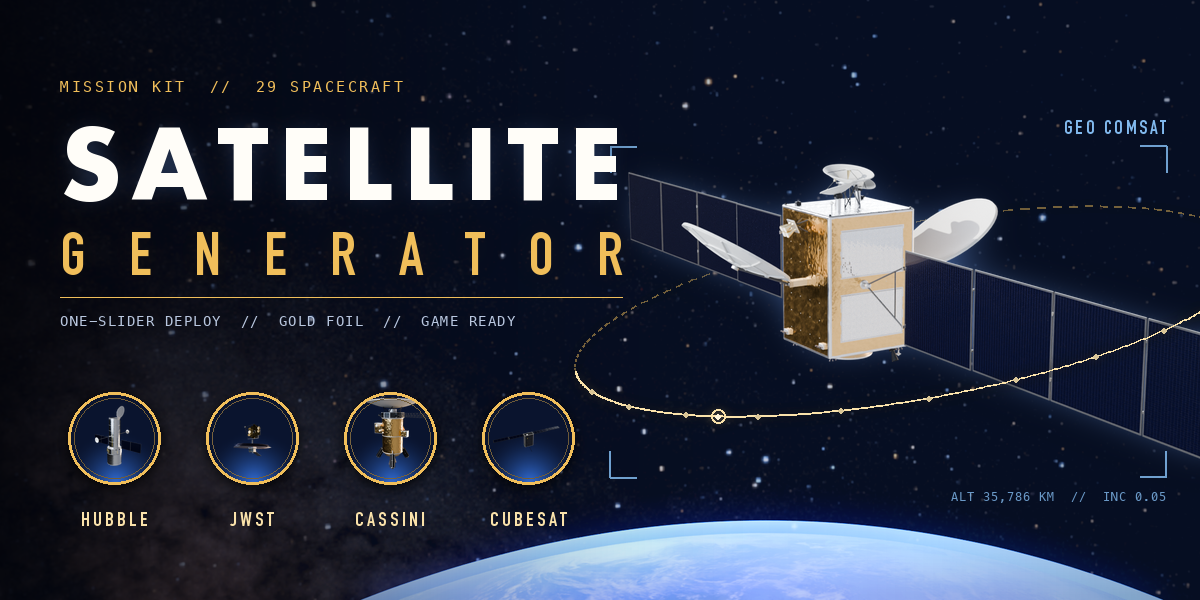
Installation
In Blender open Edit, Preferences, Get Extensions, then use Install from Disk and pick the satellite_generator zip.
Usage
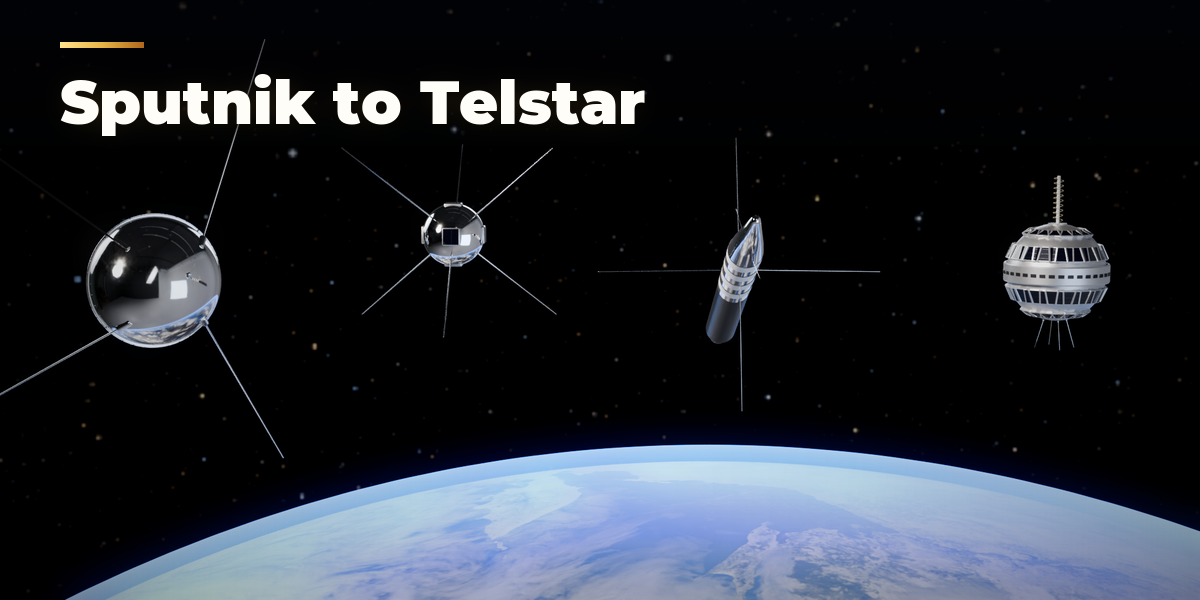
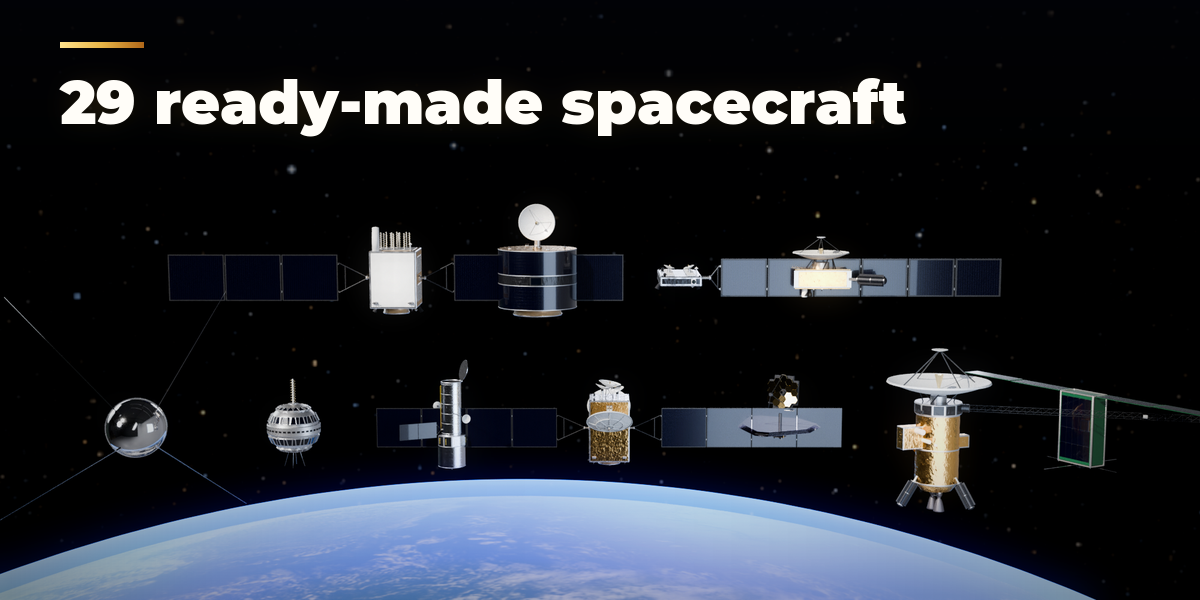
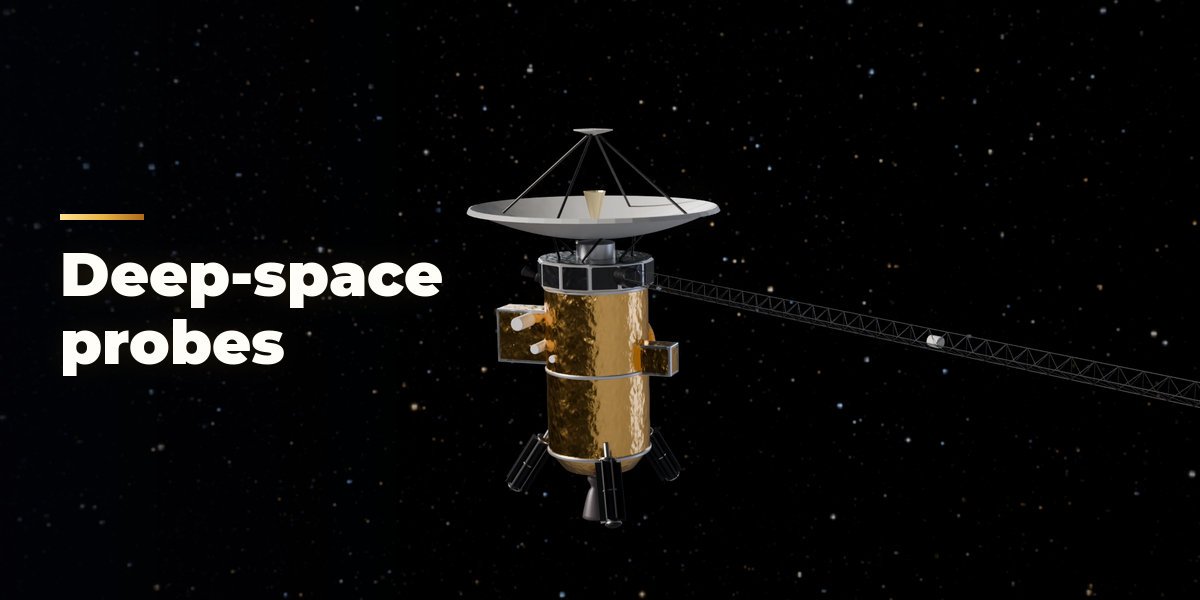
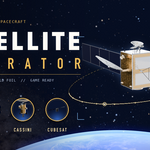
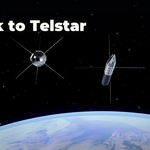
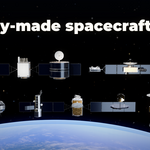
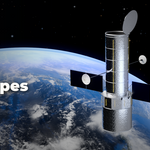
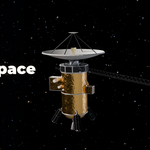
- Open the Satellite tab in the 3D viewport sidebar (N). With nothing selected, click the picture to pick one of the 29 designs, then press Add Satellite. You can also use Shift+A, Satellite.
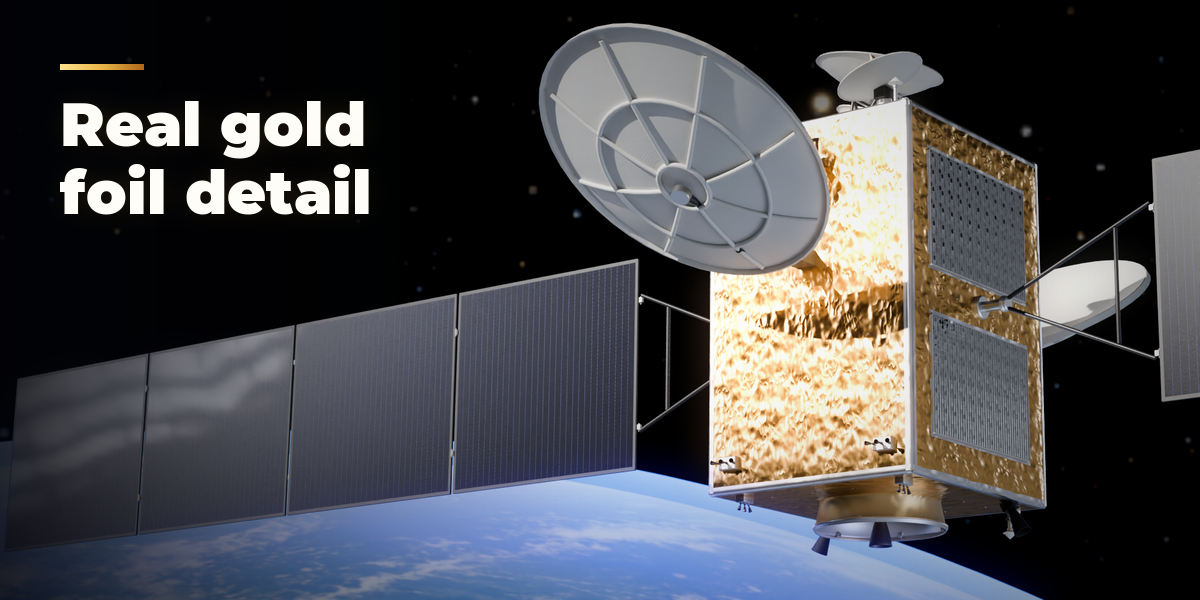
- With a satellite selected, click its picture to switch to another design. Surprise picks a random design with random changes, Variation changes the proportions of the current one and Finish picks new foil, cell and dish colors. The arrow button resets to the design.
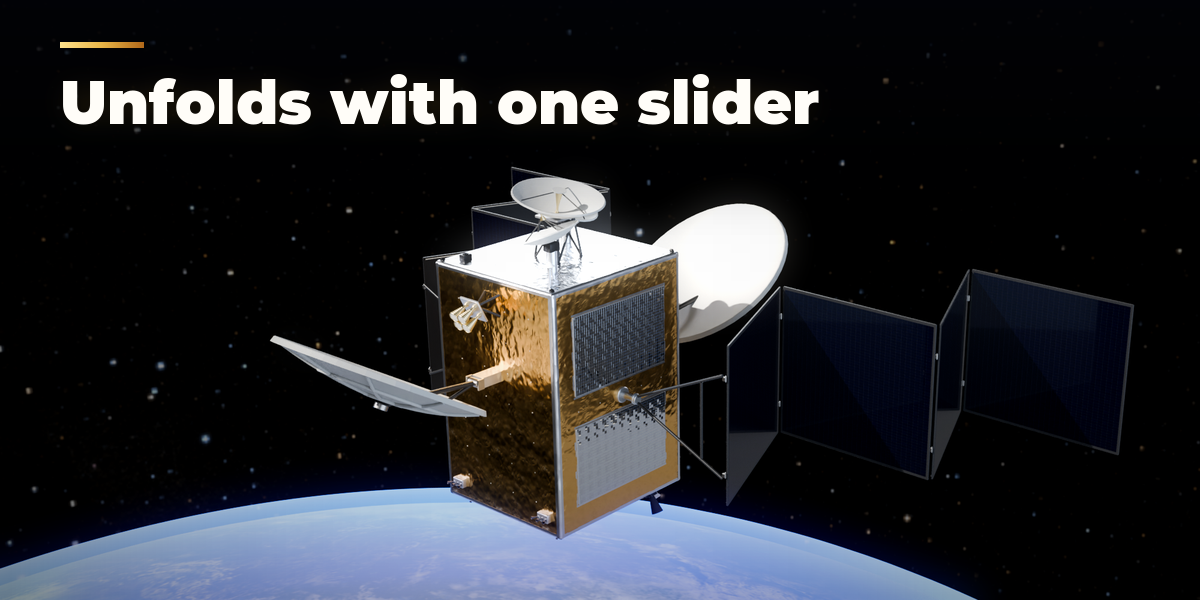
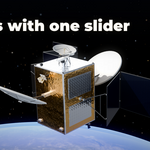
- Drag Deploy to fold the spacecraft for launch or open it. Stow and Open jump to either end. Animate Deploy keys the whole unfolding from the start frame; Spin turns spinning satellites.
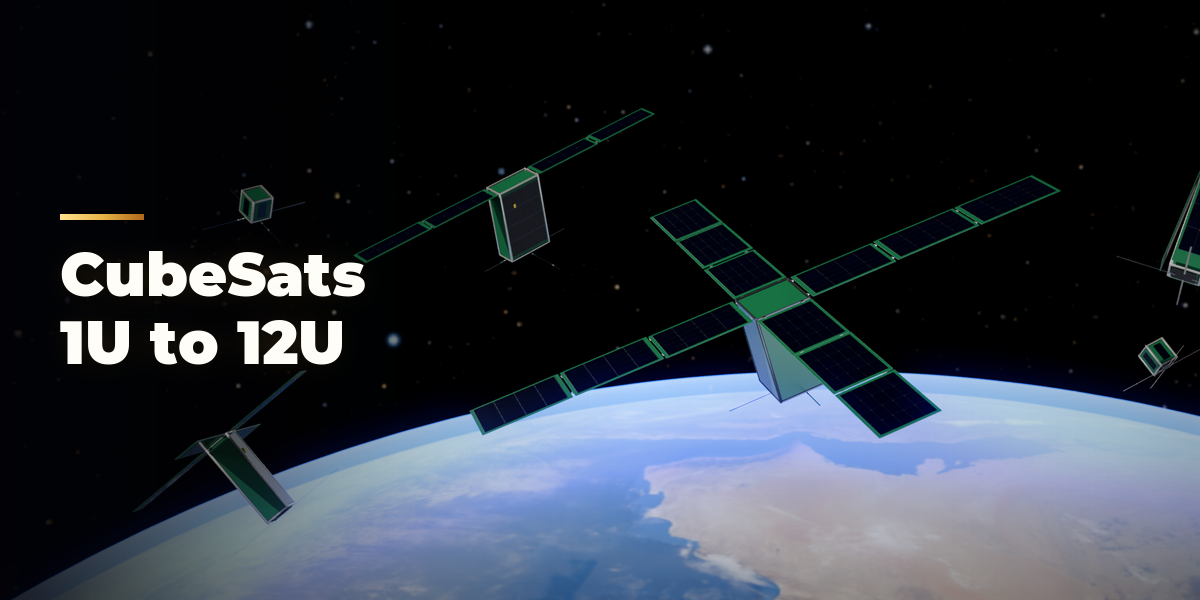
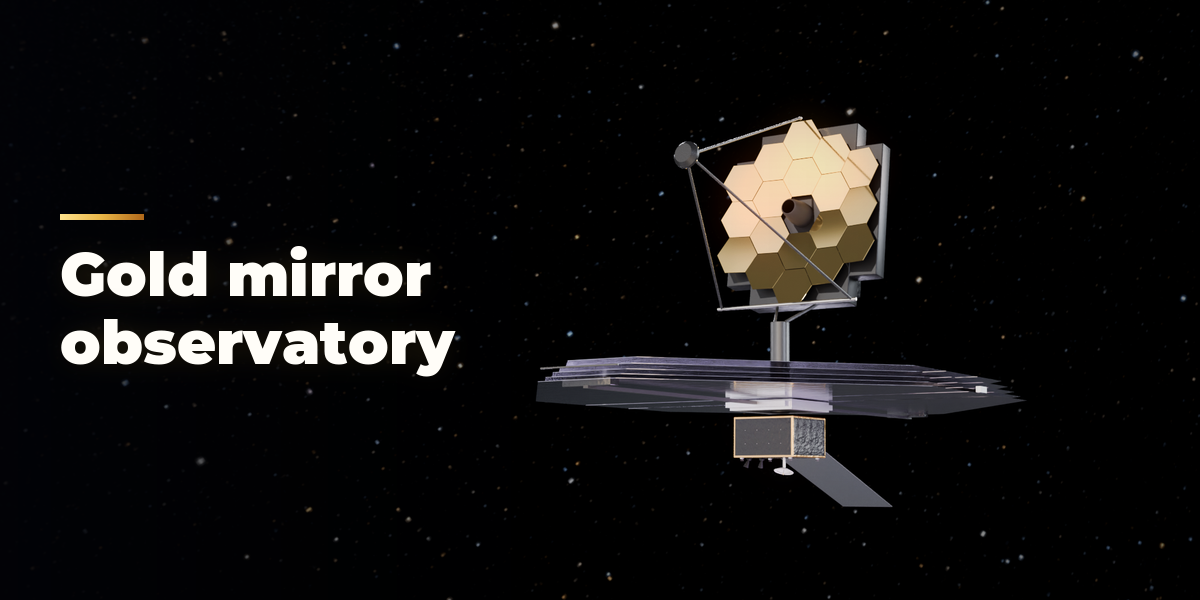
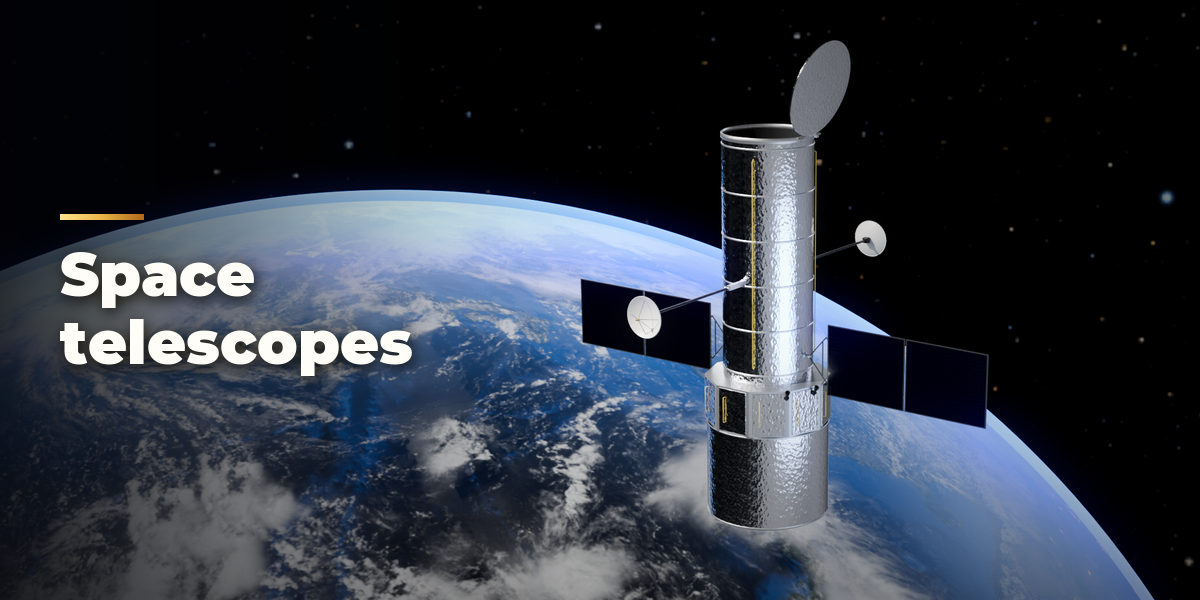
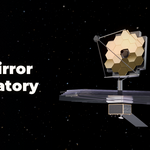
- The closed sections below hold the details for the kind of spacecraft you picked (bus, hardware, solar wings, antennas, telescope, probe, CubeSat), the Look and the Animation timing.
- For export open Mesh & Export: set Detail to Low for game engines and press Convert to Mesh. The copies keep the hinge hierarchy and animation, or tick Join Parts for a single mesh.
Have questions about this product?
Login to message
| Blender Extension Compatible | Yes |
| Published | 2 days ago |
| Blender Version | 4.2 - 5.2 |
| Extension Type | Add-on |
| Render Engine Used | Cycles, Eevee |
| License | GPL |

Discover more products like this
cubesat animation space probe game ready sci fi telescope spacecraft space Generator satellite solar panel procedural