 JESUS
JESUS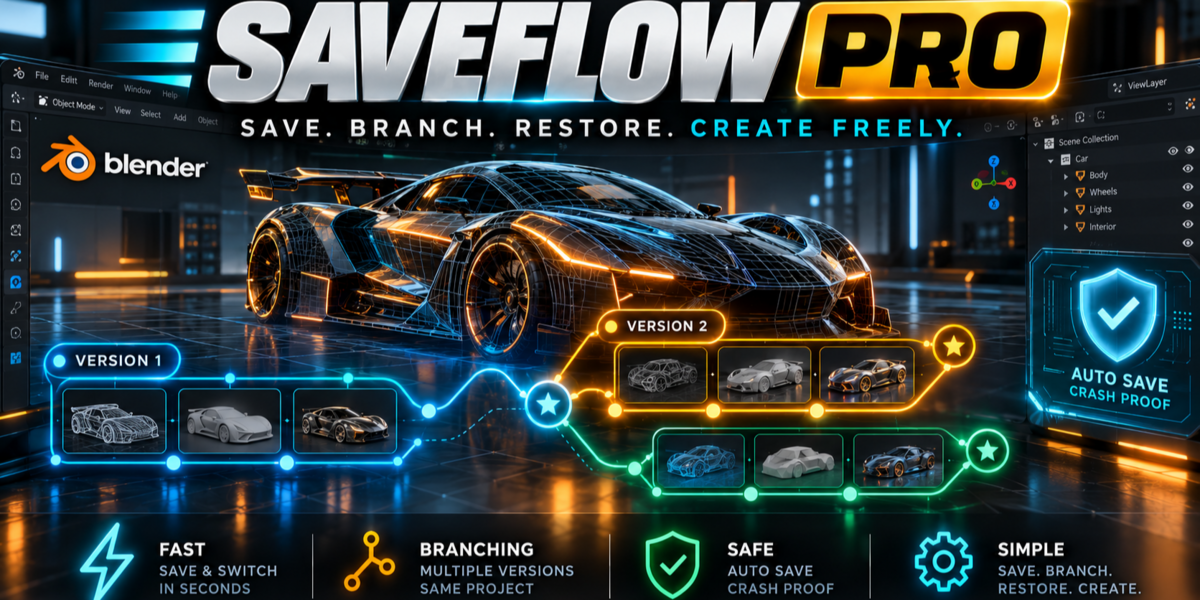




OFFICIAL USER MANUAL • v1.0.0
SAVEFLOW PRO
Smart Auto Save, Automated Version Backups • 60 FPS Viewport Timeline HUD
Compatible with Blender 4.2 LTS, 4.3, 4.5, 5.0 & 5.1+ • Created by JESUS / JUSTVFX
1. Installation Guide (30 Seconds)
- Download
saveflow_pro_1.0.0.zipfrom your Blender Market downloads page (do not unzip the file). - Open Blender (4.2 LTS, 4.5, 5.0, or 5.1+) and go to Edit → Preferences → Add-ons (or Get Extensions).
- Click the top-right dropdown arrow (∨) and select Install from Disk...
- Select
saveflow_pro_1.0.0.zipand enable the checkbox next to SaveFlow Pro. - You will find the quick-access panel in the 3D Viewport Sidebar (Press N → SaveFlow) and the global shortcut Alt + Shift + V is immediately active.
2. Quick Start: How SaveFlow Pro Manages Versions
⚡ 1. Work with Peace of Mind
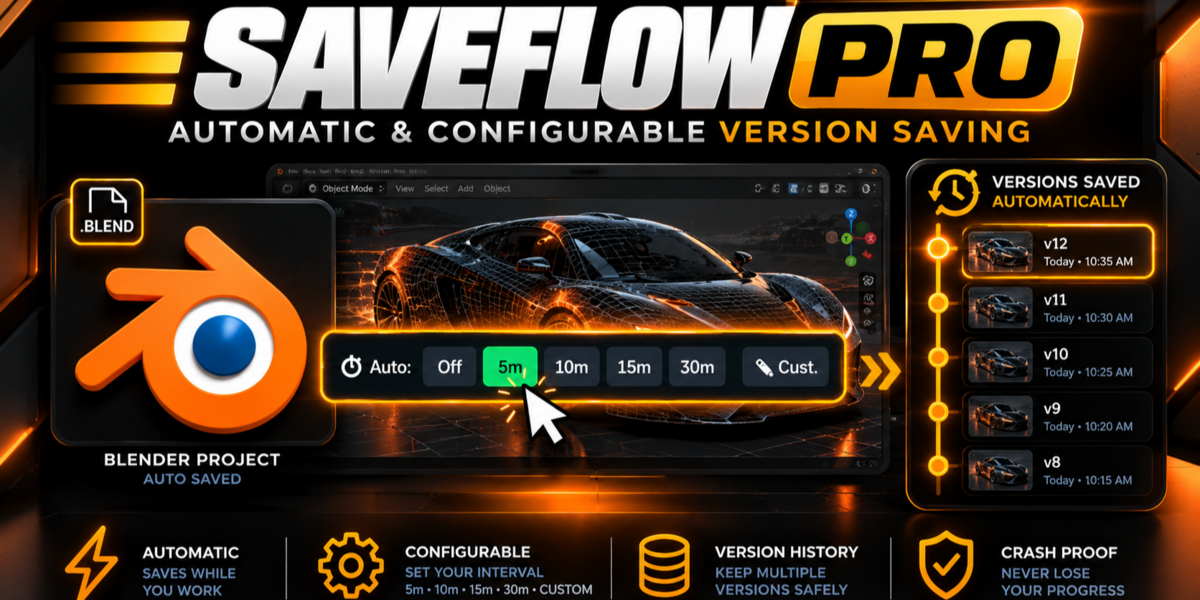
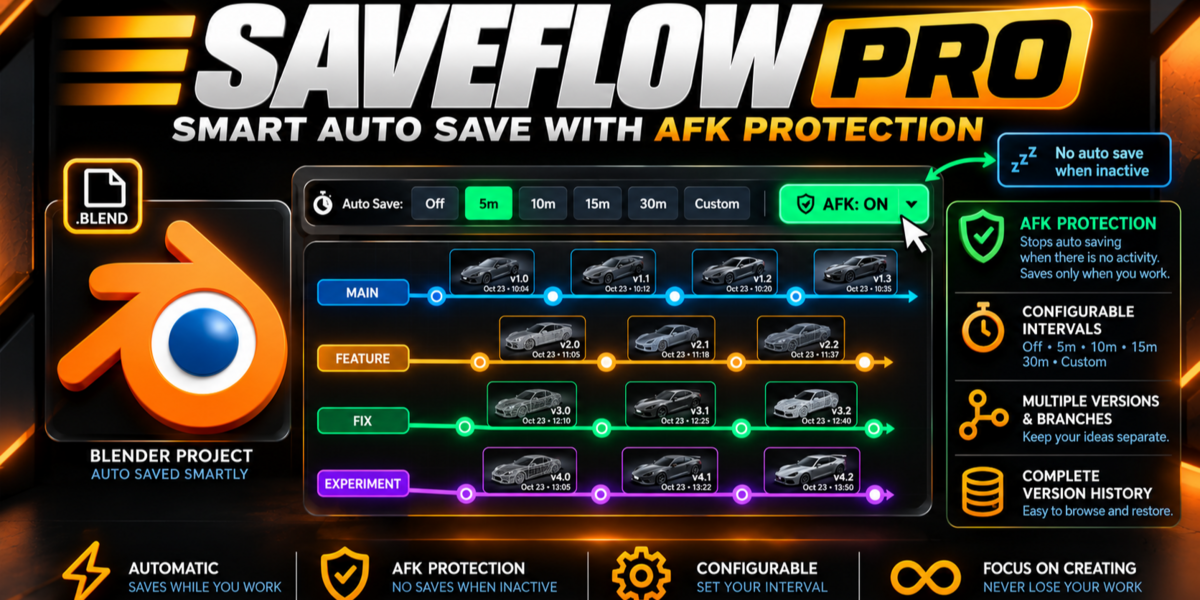
SaveFlow Pro listens in the background. It takes atomic safety backups at your chosen interval (default: 5 min). If you step away from your desk, Anti-AFK pauses automatically.
🌳 2. Open the Visual HUD
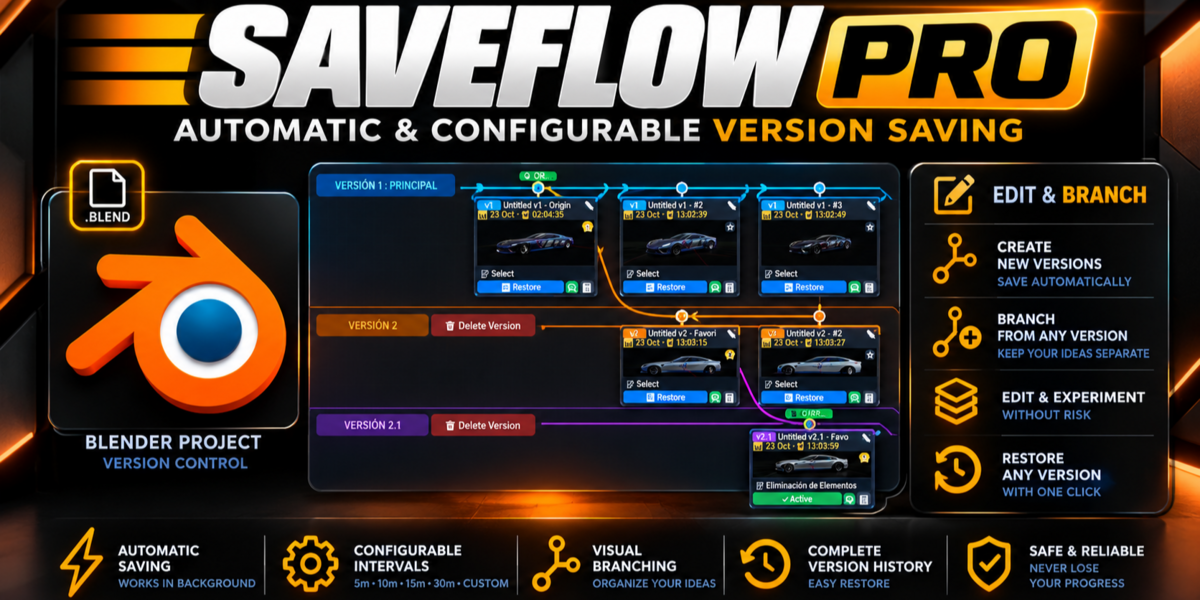
Press Alt + Shift + V at any moment. Your 3D Viewport dims and reveals your Git-style branch graph with captured thumbnail cards, smooth Bézier curves, and zoom/pan.
🔀 3. Go Back & Auto-Branch
Click Restore on any past milestone. Make a change, and SaveFlow Pro automatically creates a new timeline branch (Version 2) without overwriting Version 1.
3. Controls & Shortcuts Reference
4. Frequently Asked Questions (FAQ)
Q: Where are the version backup files stored on disk?
All version checkpoints are stored in an isolated, hidden folder named
.saveflow/ProjectName/ located directly next to your master .blend file. If you move, zip, or copy your project folder to an external SSD or another workstation, all versions travel with it automatically. Q: What happens if I restore an older version and start modifying the scene?
SaveFlow Pro automatically detects the divergence and creates a brand-new timeline branch (e.g. Version 2). It never overwrites or destroys your previous version. Both Version 1 and Version 2 remain permanently intact, and you can switch between them at any time with a single click.
Q: Does restoring an older version change my master file path or break texture links?
No! SaveFlow Pro executes an automatic re-bind to your master file path (
YourProject.blend). You are never stranded inside backup subfolders, and all relative paths (//textures/, //cache/, linked libraries) remain 100% valid. Q: How does the Atomic Ghost Writing engine prevent file corruption?
Instead of writing directly over your active files, SaveFlow Pro writes the snapshot to a temporary ghost file (
.blend.tmp). It then inspects the binary header to verify valid magic bytes (BLENDER, Gzip, or Zstandard signatures). Only after passing full byte verification does the OS perform an atomic swap. A corrupted or half-written backup is mathematically impossible. Q: Will SaveFlow Pro fill up my SSD if I leave Blender open overnight?
No. The Smart Anti-AFK engine continuously monitors user interaction and scene modification states. If you step away from your workstation, automatic background saves pause immediately. It will never create redundant identical files or waste storage while you are idle.
Q: Can I extract a single mesh or object from a past version without restoring the whole file?
Yes! In the HUD Inspector, click "Extract Object" to append any mesh, collection, or material from an older checkpoint directly into your active scene, leaving your current work completely uninterrupted.
Q: What happens if I work on multiple .blend files inside the same folder?
SaveFlow Pro automatically creates a dedicated sub-vault for each file (e.g.
.saveflow/Character/ and .saveflow/Environment/). Each project maintains its own isolated version history and branching tree without mixing data. Q: Which Blender versions are supported?
SaveFlow Pro is built to the modern extension standard with full backward and forward compatibility for Blender 4.2 LTS, 4.3, 4.5, 5.0, and 5.1+ on Windows, macOS, and Linux.
SaveFlow Pro v1.0.0 • Developed by JESUS / JUSTVFX • Dedicated Support & Lifetime Updates
 Included
Includes 12 months of
- Support from JESUS
- Product updates
Extend this product’s Support Period +12 months: 50% of product price
Have questions before purchasing?
Login to message
| Blender Extension Compatible | Yes |
| Published | about 6 hours ago |
| Blender Version | 4.2 - 5.2 |
| Extension Type | Add-on |
| Render Engine Used | Blender-Internal, Blender-Game-Engine, Cycles, Eevee |
| License | GPL |
Discover more products like this
crash recovery project-management version-control utility hud auto-save history backup productivity autosave Workflow pipeline