 manny
manny


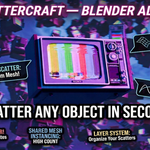
ScatterCraft — Scatter Anything. Anywhere. In Seconds.
You know that feeling when you're building a scene and it just looks empty? You need rocks scattered across a terrain, leaves covering a forest floor, or lights strung along a cable — but doing it by hand would take hours. That's exactly why ScatterCraft exists.
I built ScatterCraft because I kept running into the same problem: scattering objects in Blender was either too slow, too manual, or required a tool so complex it had its own learning curve. I wanted something I could open, use in 30 seconds, and get back to the fun part — making art.
Here's what your workflow looks like with ScatterCraft:
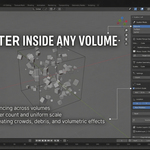
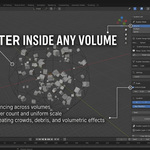
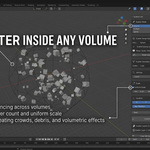
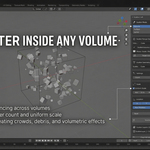
Drop a volume into your scene, hit Scatter, and watch your objects appear instantly. Not happy with the placement? Move the volume, change the seed, hit Scatter again. Done in seconds, not minutes.
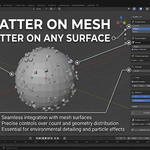
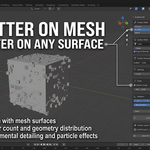
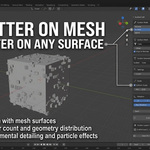
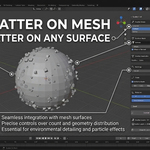
Working on a terrain? Switch to Surface mode, pick your mesh, and ScatterCraft places every single object directly on the surface — automatically rotated to stand upright on whatever slope it lands on. No more objects floating or clipping through the ground.
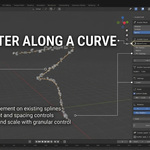
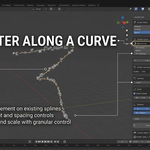
Got a vine crawling up a wall? A road winding through mountains? Switch to Spline mode, draw your curve, and let ScatterCraft follow it. Turn on Live mode and drag your control points — your scatter updates in real time as you reshape the curve. It feels like magic.
Three modes. One clean panel. Zero frustration.
- 🔷 Volume Scatter — fill any cube, sphere, or custom mesh shape with objects
- 🌿 Surface Scatter — cover any mesh surface with objects that align to the normals automatically
- 〰️ Spline Scatter — run objects along any curve with live real-time updates as you edit
Every scatter builds its own named layer so you never lose your work. Lock the layers you love. Clear the ones you don't. Freeze your live scatter into a permanent layer with one click.
Whether you're scattering pebbles across a desert, trees across a hillside, or candles along a table — ScatterCraft handles it in seconds so you can spend your time on what actually matters: making incredible art.
Built for Blender 4.2 and above, including Blender 5.0.
"I built this tool because I needed it myself. I hope it saves you as many hours as it saved me." — Manny, Creator of ScatterCraft