 3D SHAKER


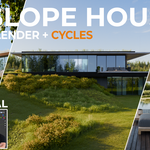
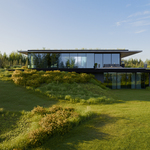
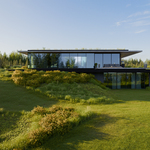
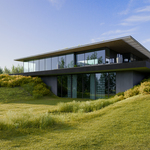
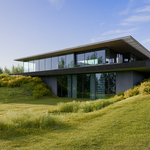
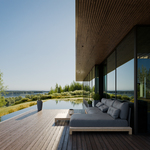
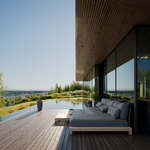

Are you looking for a finished archviz project you can learn from?
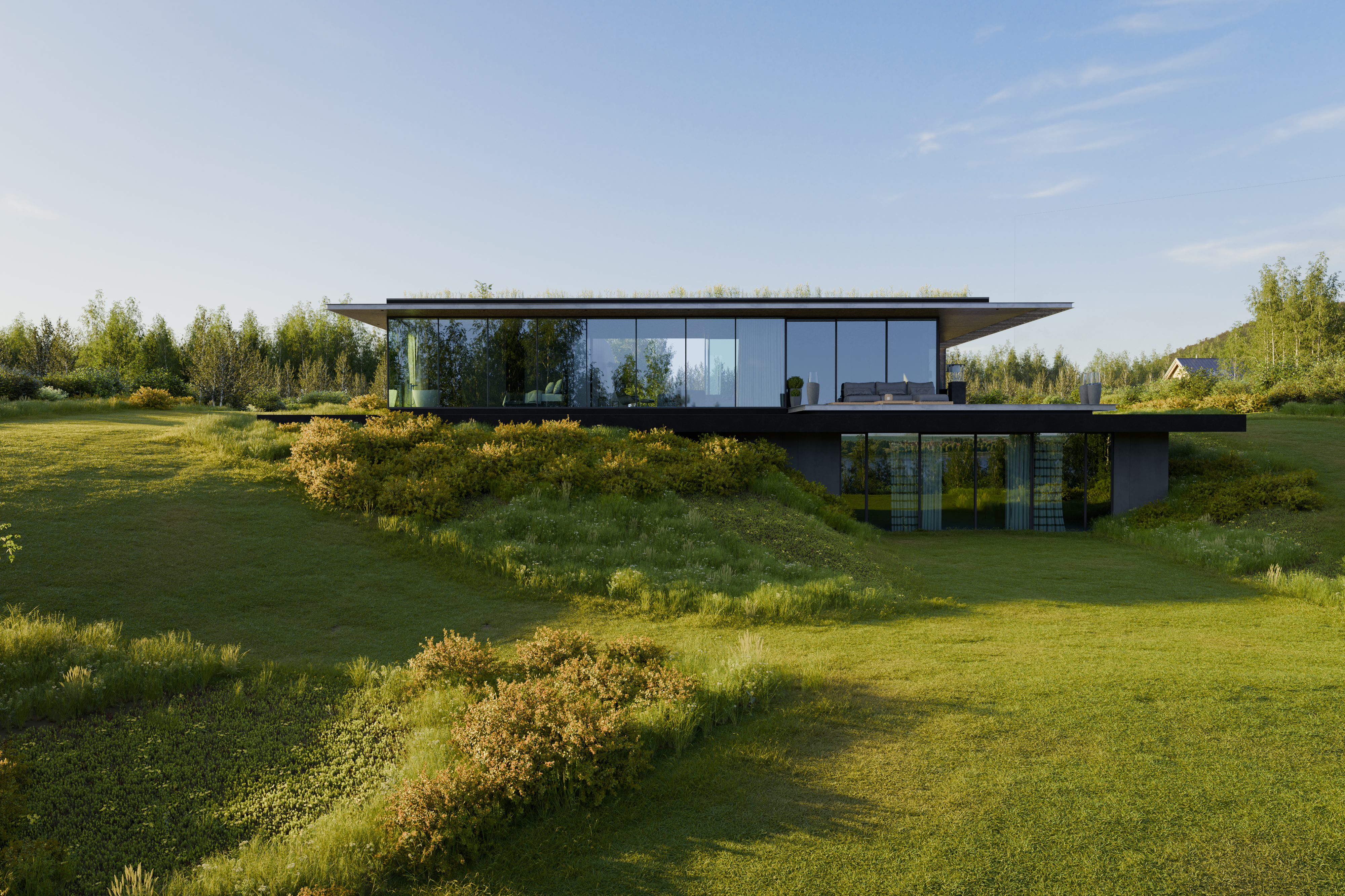
What do you get?
Amazing assets by BD3D and Grasswald Included



Save your time and money
The price of this project includes single models worth more than 200 dollars from our library, and saves you days of work, not speaking about modeling.
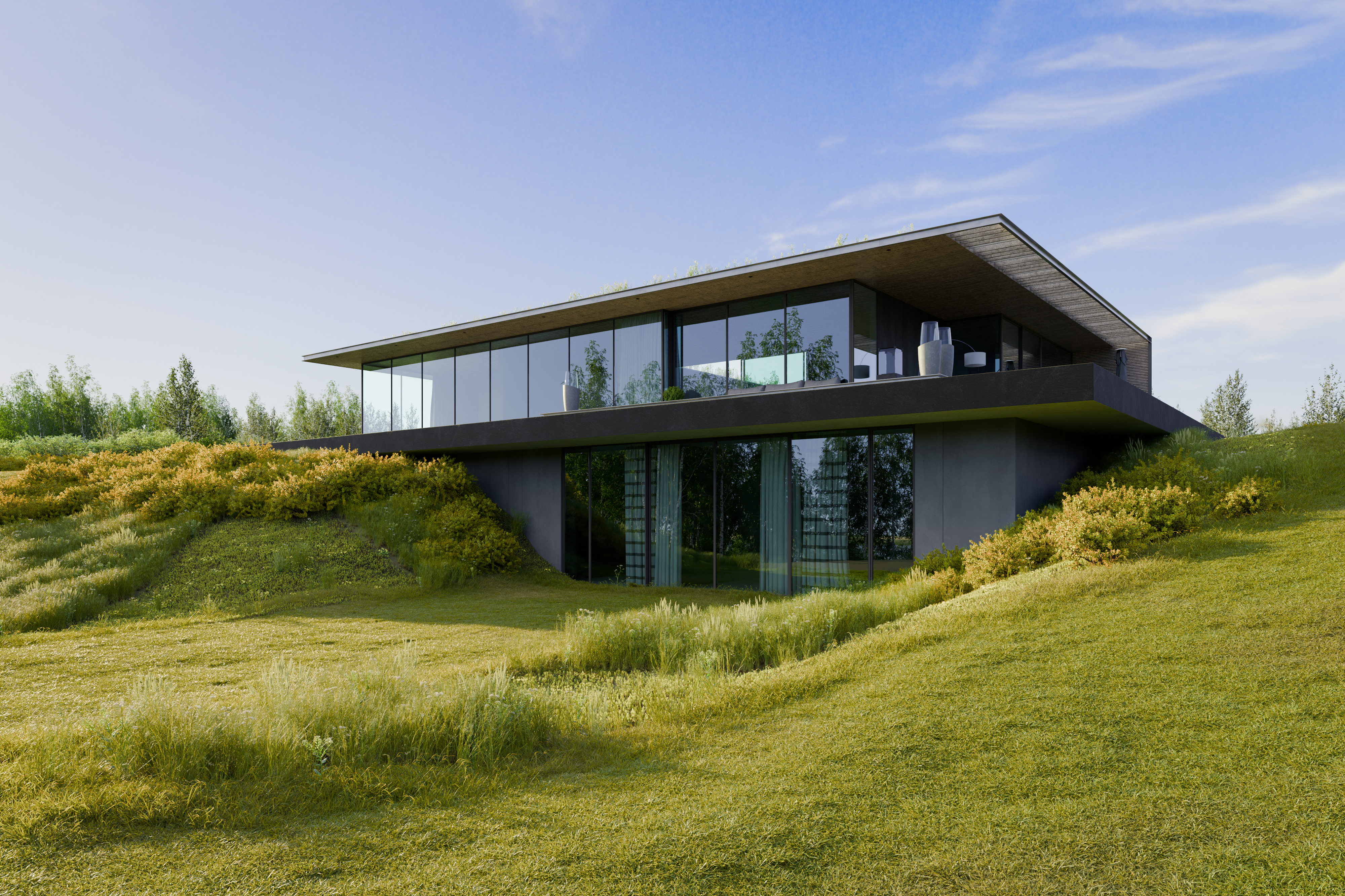
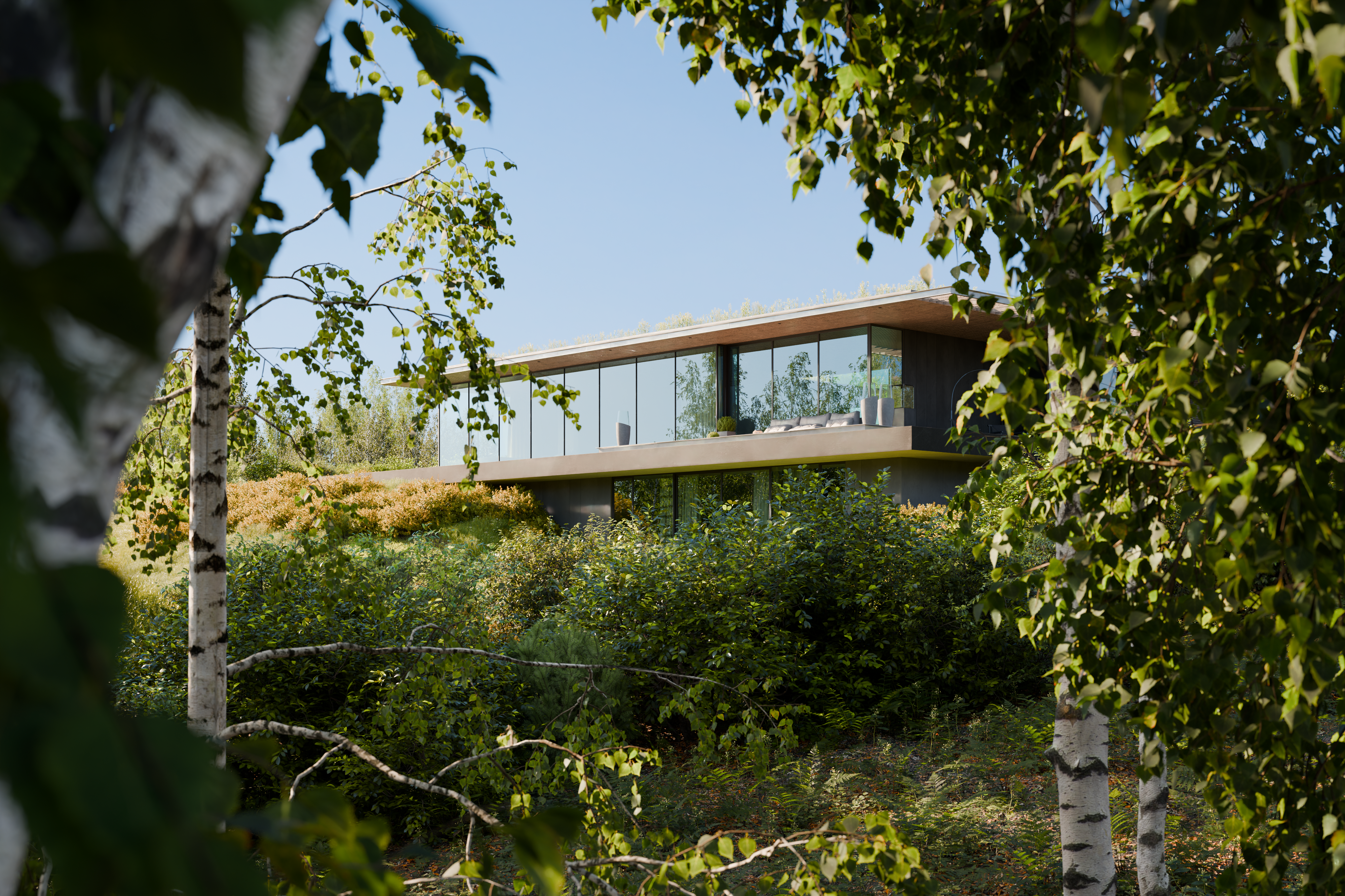
We recommend this scene for everybody who is looking for detailed, photorealistic exterior scene, as well as for people who are curious about the settings we used to achieve such photorealistic results, or for enthusiasts who just need some scene to play with.
You can view all our scenes here: INTERIOR or EXTERIOR
Easy Camera Setup
Each camera setup comes with its own configuration,light and compositor setup allowing you to discover between 4 premade perspectives in few clicks.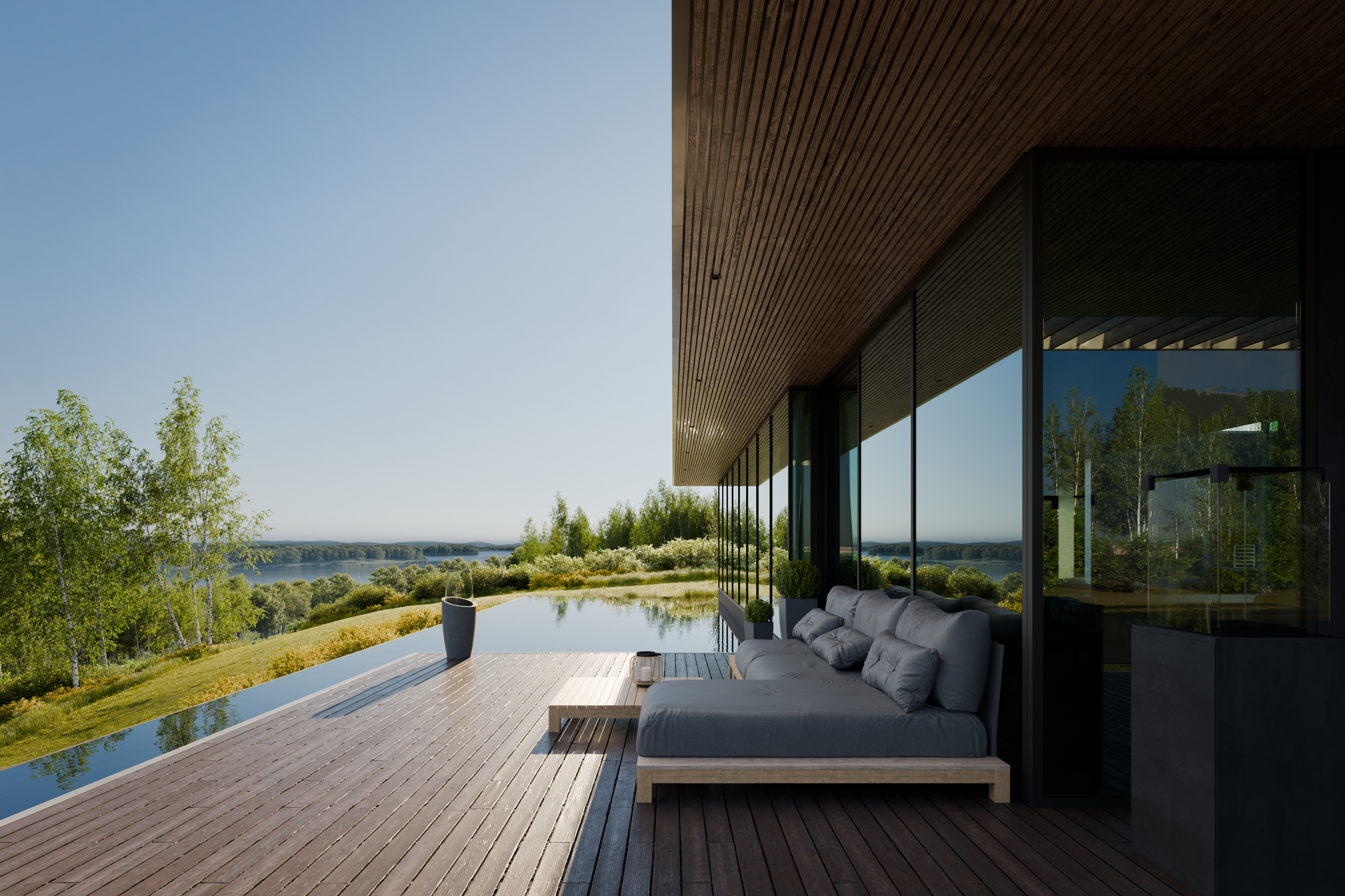
Realistic outcome often comes hand to hand with heavy hardware demands.
This scene has been rendered on a single RTX 4090, i7-11700KF 5Ghz CPU, and 128 GB PC RAM and tested on RTX 3090 , i7 - 7800X with 128GB RAM.
In current state right if you will render it right after the open the scene it will take 23,6GB of VRAM in peak and about 105GB of RAM (12GB of that was assigned to system processes on our machines).
After turn on simplify (subdivision to 0 and textures to 512) the VRAM goes to 19GB in peak and RAM to 63GB ( again,our systems takes app. 12GB of RAM) .
Be sure you have enought RAM to handle this scene.
Troubleshooting Made Easy
Encountering rendering issues or crashes? Don't worry, we've got your back. With every customer there is a space to improve - Did you find something we can improve? Do not hesitate to contact us! We are here to help and we will reward your time!
tips:
- make sure you have enough GPU VRAM and PC RAM available,turn off everything you do not need to be running.
- Try to switch from GPU computing to CPU only rendering
- Turn OFF some of the collections
- Turn OFF or reduce some of the Particles
- Turn OFF rendering for applied modifiers on meshes
- Hide some non-visible assets in view in a separate collection and leave it turned OFF for rendering
Hope you will enjoy it!
More of our SCENES you can find here:
Exterior scenes - or - Interior scenes
Thanks for supporting us and the Blender community!