 Anvil Interactive Solutions



Overview
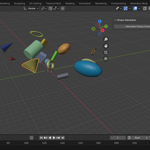
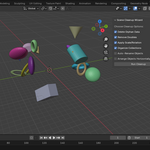
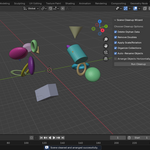
Scene Cleanup Wizard is a Blender add-on that streamlines your workflow by automating common cleanup tasks. It removes unused data, merges duplicates, applies transforms, organizes objects into collections, renames them logically, and arranges them horizontally for easy visualization.
Key Features:
- Delete orphan data (unused meshes, materials, etc.)
- Remove duplicate vertices in meshes
- Apply rotation and scale transforms
- Organize objects by type (e.g., Meshes, Lights) into collections
- Auto-rename objects (e.g., MESH_001)
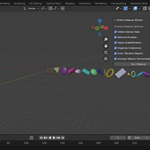
- Arrange objects along the X-axis with customizable spacing
Installation
1. Download the ZIP file (`scene_cleanup_wizard_v1.1.zip`).
2. In Blender: Edit > Preferences > Add-ons > Install... > Select the ZIP.
3. Enable "Scene Cleanup Wizard" in the add-ons list.
Usage
1. Open the 3D View sidebar (N key).
2. Go to the "Scene Cleanup" tab.
3. Select desired options (all enabled by default).
4. Click "Run Cleanup".