 Wondart
Are the memory numbers exact?
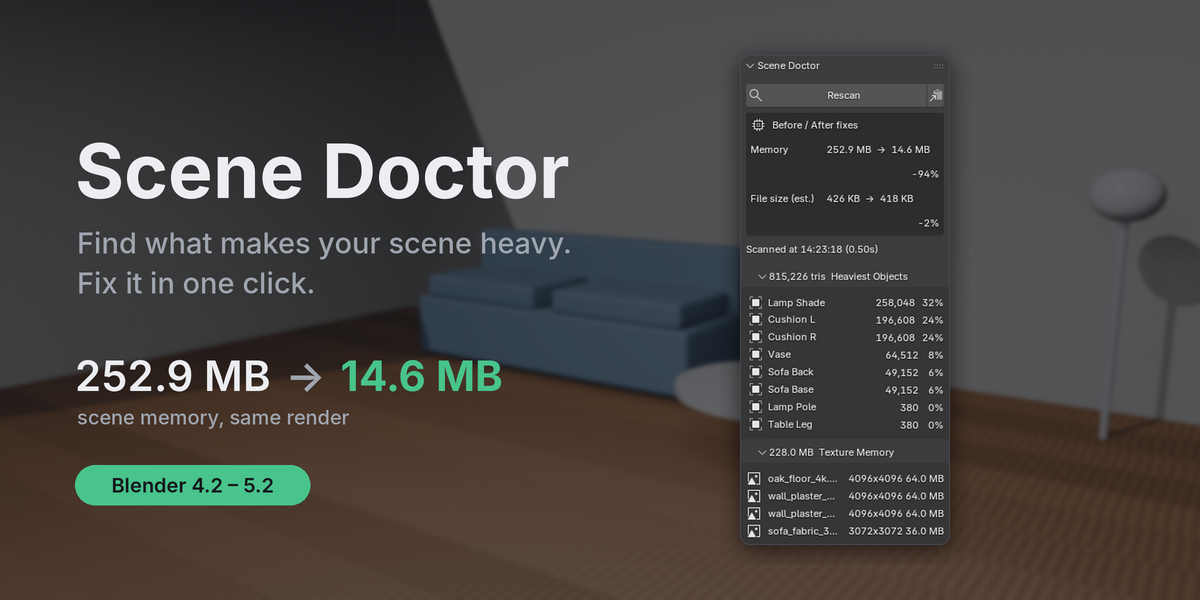
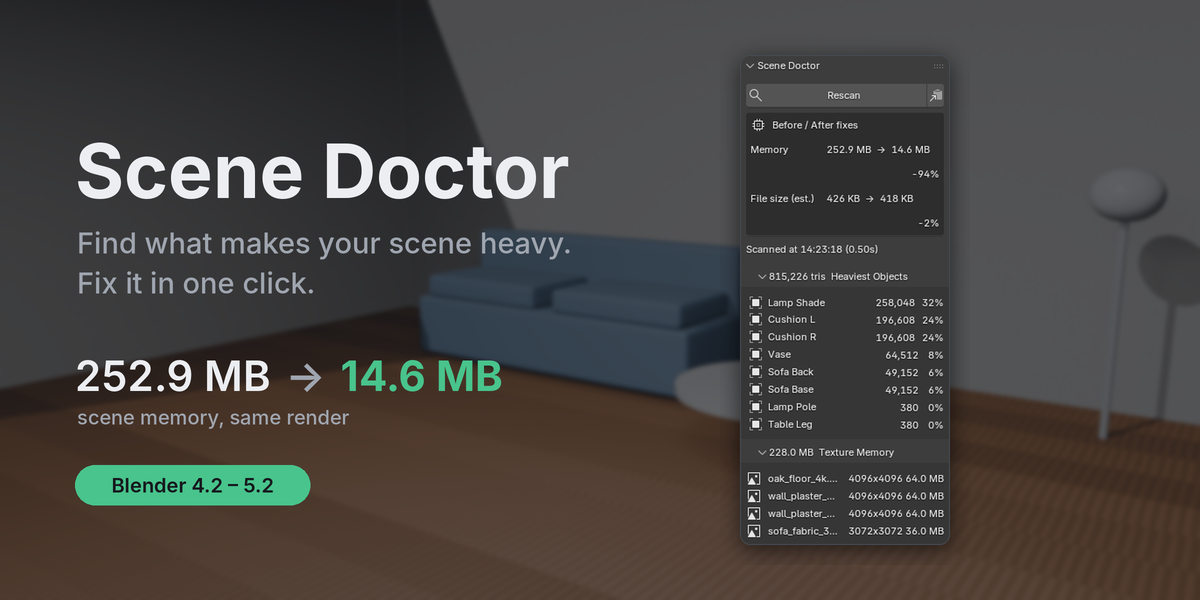
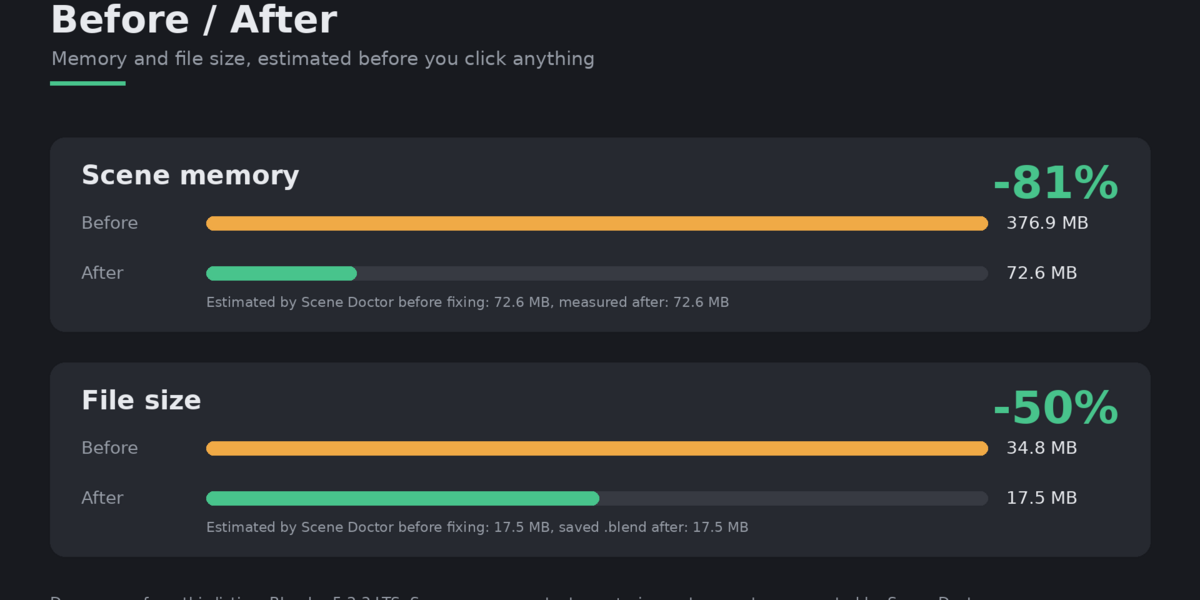
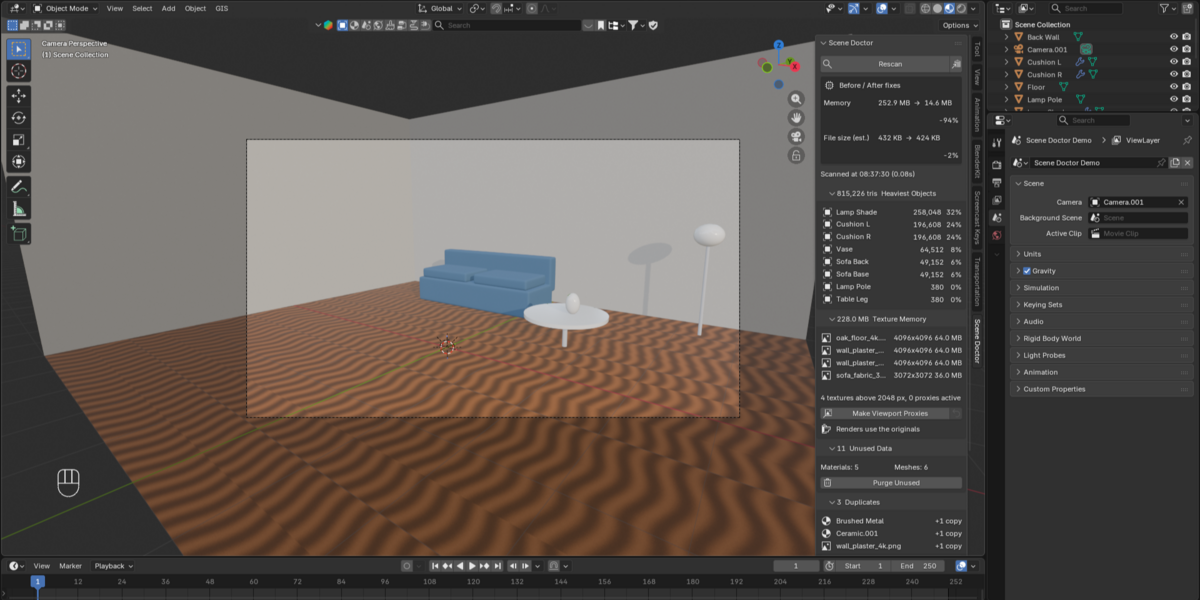
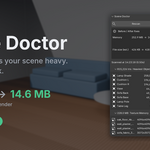
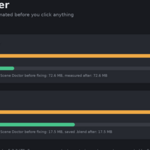
Texture memory uses the real image size and format. Geometry memory and file-size savings are estimates meant to show you where to look first.
Does it work with linked libraries?
Linked and library-override data is shown in the scan but never changed.
Why does purging lower memory but not the file size?
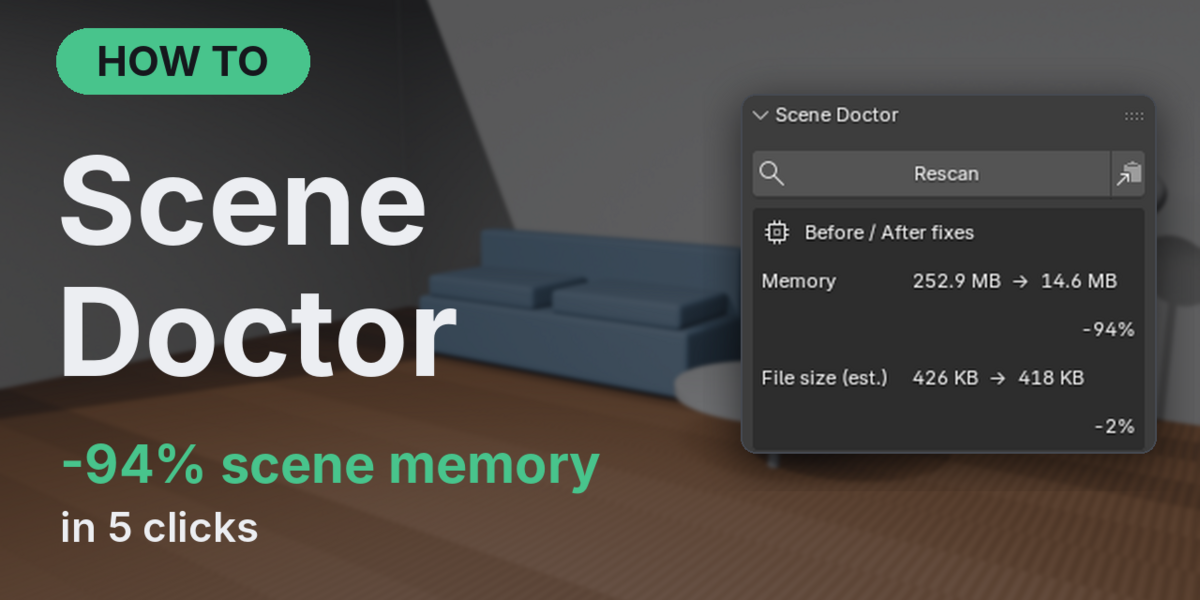
Blender never saves data that has zero users, so unused data is already missing from the saved file. It still uses memory while the file is open. Merging duplicates (especially packed images) lowers both.
Can I undo a fix?
Yes, every fix is one Ctrl+Z step. Subdivision and proxies also have their own Restore buttons.
What if I open the file and the proxy files are gone?
Scene Doctor builds them again when the file opens. If the add-on is not installed, the file simply uses the originals.
What happens if I send the .blend to someone without Scene Doctor?
The saved file always points to your original textures, so it opens and renders correctly anywhere.
Do viewport proxies change my texture files?
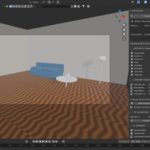
No. Proxies are new, smaller files in the add-on's own folder. Your textures are only read.
Will the fixes change how my render looks?
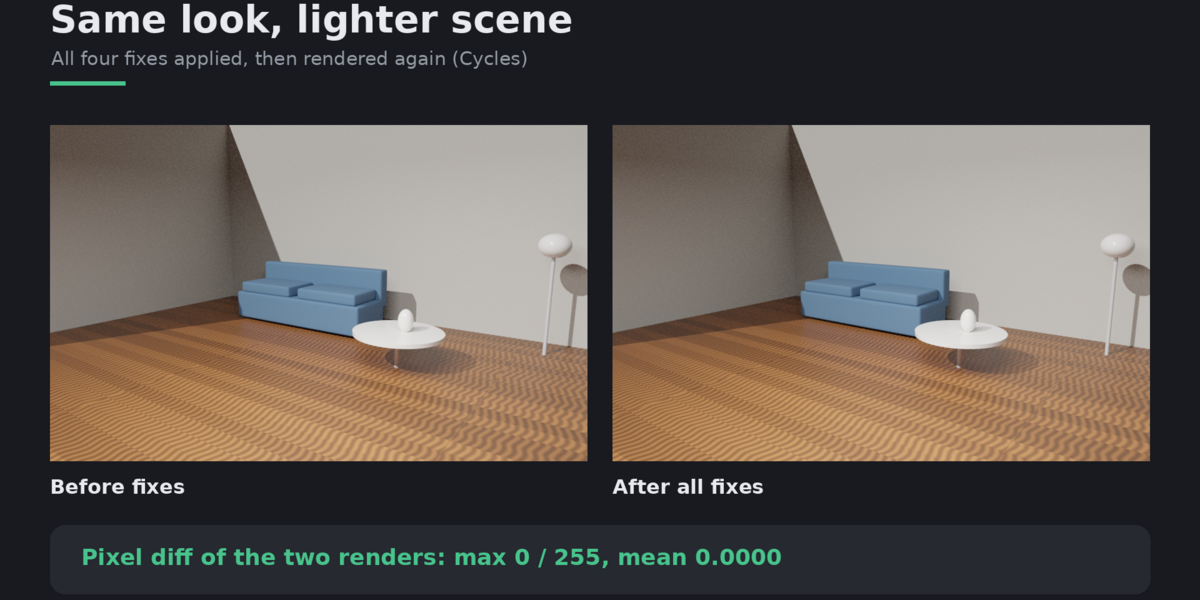
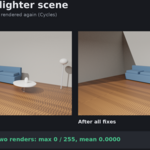
No. Merging only joins materials and images that are identical, purging only removes unused data, lowering subdivision only changes viewport levels, and proxies are swapped back to the originals before every render and bake. This is checked by automated tests that compare Cycles and EEVEE renders pixel by pixel.
 Included
Includes 12 months of
- Support from Wondart
- Product updates
Extend this product’s Support Period +12 months: 25% of product price
Have questions before purchasing?
Login to message
| Dev Fund Contributor | |
| Published | about 4 hours ago |
| Blender Version | 4.2 - 5.3 |
| Extension Type | N/A |
| Render Engine Used | Blender-Internal, Blender-Game-Engine |
| License | GPL |
Discover more products like this
Render proxy viewport performance purge Scene Optimization ArchViz memory cleanup Duplicate Materials textures