 DC Labs



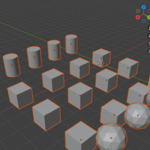
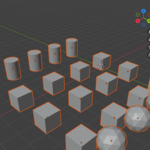
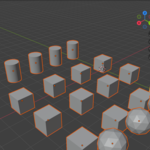
SceneMedic targets data duplication and waste. If your file is genuinely full of dense, unique, high-poly meshes and unique 4K textures, that's real content, not bloat — you're looking at a decimation/retopology problem rather than a cleanup one.
No. Downscaling happens in memory only. Your source files on disk are untouched unless you explicitly save the images yourself (Image Editor > Image > Save As). If you save your .blend with packed images, the downscaled versions will be what gets packed.
Instanced objects keep their own location, rotation, scale, and modifiers — only the underlying mesh data is shared. The visible result is identical. Be aware of the trade-off going forward: editing one instanced object in Edit Mode now edits all of them. If you need to edit one separately afterwards, select it and use Object > Relations > Make Single User > Object & Data.
No. Materials are only merged when their node setups are genuinely identical, so the merged result is visually the same material. Anything you customised stays untouched.
Have questions about this product?
Login to message
| Published | about 2 months ago |
| Blender Version | 4.2 - 5.2 |
| Extension Type | N/A |
| Render Engine Used | Cycles, Eevee |
| License | GPL |
Discover more products like this
Scene Management file size performance textures orphan data purge optimization instancing Workflow memory cleanup Duplicate Materials