Scenesanity
 Daniel Dyatchin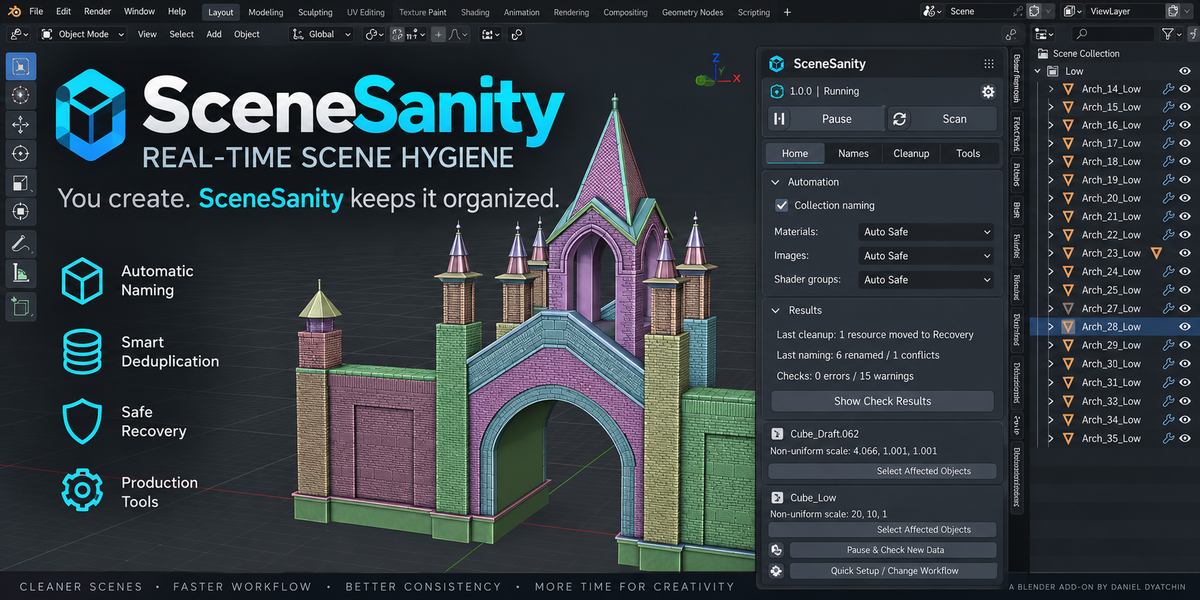

SceneSanity — Quick Start & Documentation
SceneSanity 1.0.0 is a real-time scene hygiene, naming and safe cleanup extension designed for production Blender projects.
It combines automatic background maintenance with manual inspection and production tools, while keeping potentially destructive operations under your control.
Installation
- Download the SceneSanity ZIP.
- Open Blender.
- Go to Edit → Preferences → Extensions.
- Choose Install from Disk.
- Select the SceneSanity ZIP.
- Open 3D View → N Panel → SceneSanity.
SceneSanity requires Blender 4.2 or newer.
No external Python packages, account, cloud service or additional add-on is required.
Quick Start
Open the SceneSanity panel and press Start.
Use Quick Setup to choose the naming and cleanup behavior for your project.
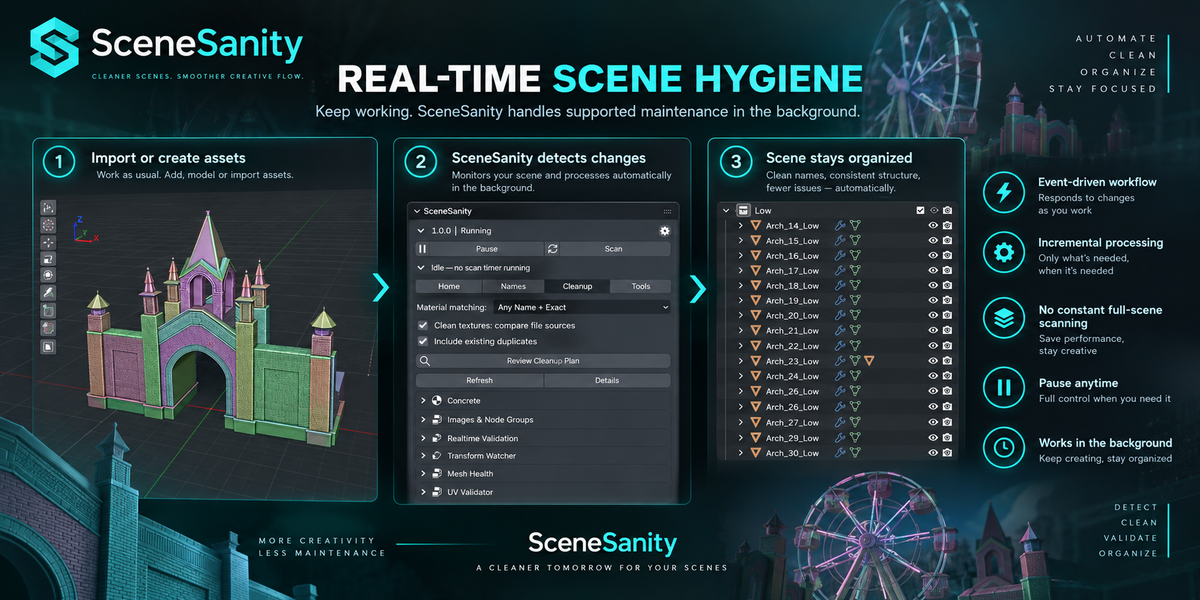
SceneSanity can then react to supported scene changes while you work.
Use Pause whenever you want to temporarily stop background processing.
Main Workspaces
Home
The main control center for SceneSanity.
Use it to:
- Start or pause real-time processing
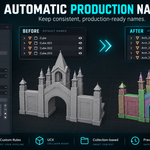
- Configure automatic naming
- Configure resource cleanup behavior
- Review recent results
- Inspect detected scene issues
- Access Quick Setup
Names
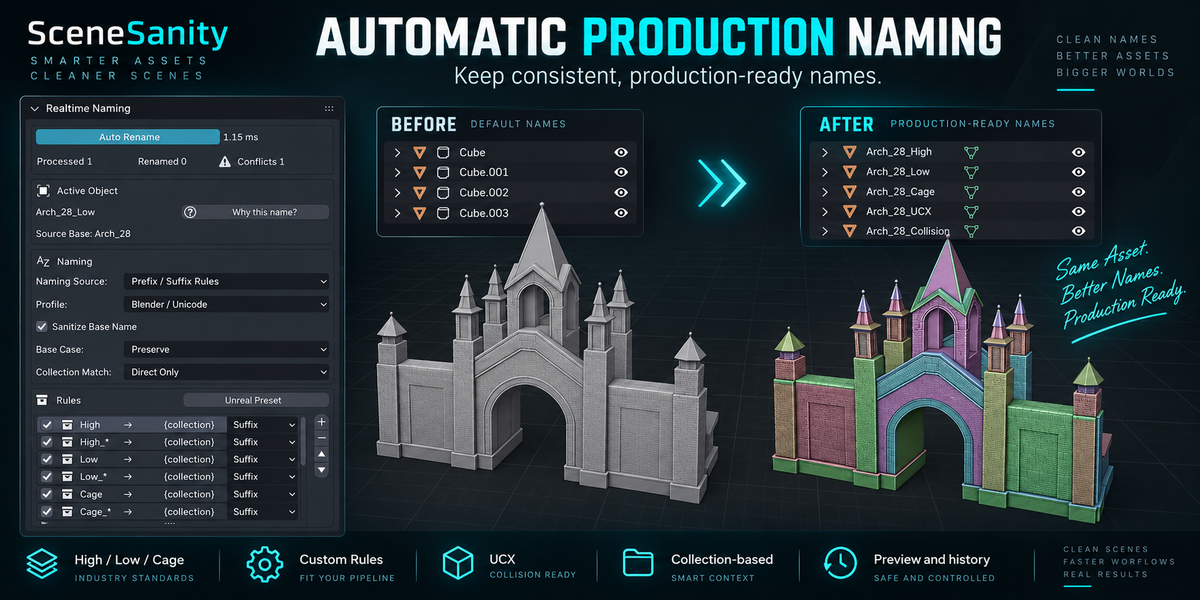
Tools for maintaining consistent production naming.
Supported workflows include:
- High / Low / Cage
- HP / LP
- Draft collections
- Prefix and suffix rules
- Custom naming rules
- Collection-based naming
- UCX workflows
- Collision handling
- Naming preview
- Naming history
- Mesh Data naming policies
SceneSanity can automatically update supported managed names when objects move between naming collections.
Cleanup
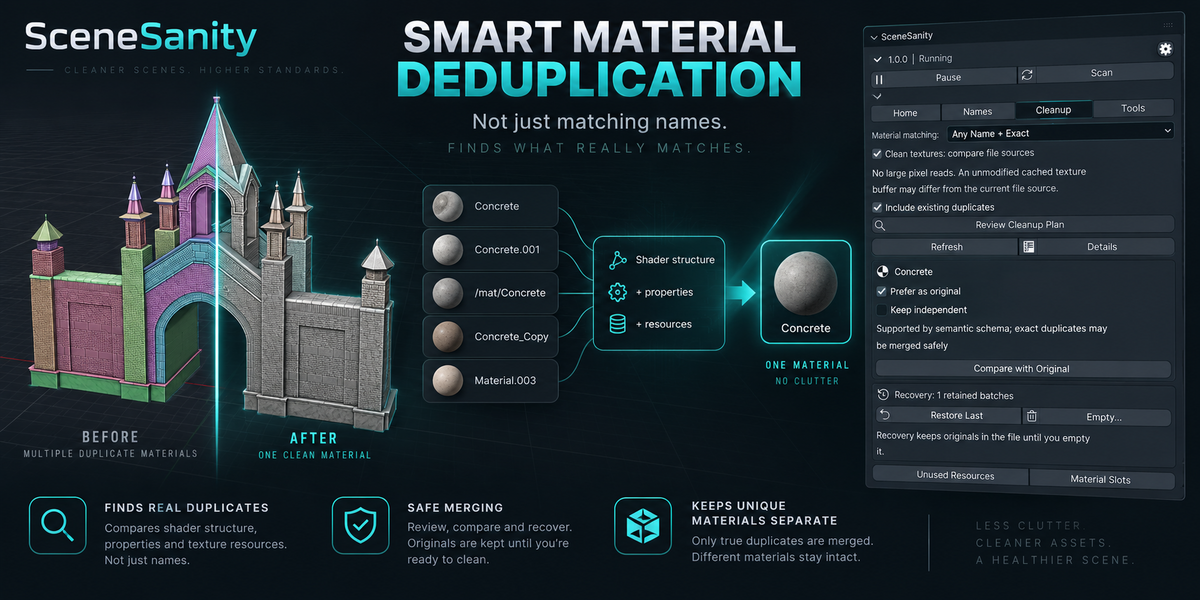
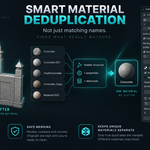
SceneSanity can detect supported equivalent resources using more than their names.
Material comparison may include:
- Shader structure
- Relevant material properties
- Supported resource dependencies
- Texture source information when enabled
This allows supported duplicates with different names to be detected while genuinely different materials remain separate.
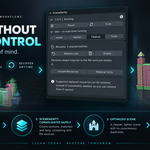
Use Review Cleanup Plan when you want to inspect proposed cleanup before applying it.
Resources can also be marked to remain independent.
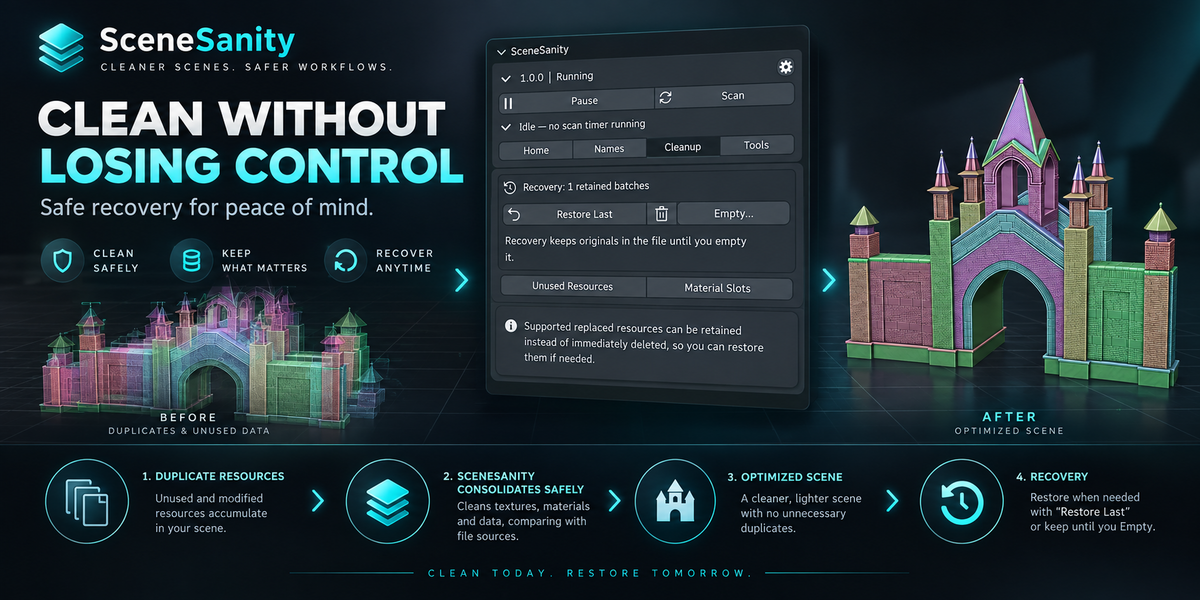
Recovery
Supported replaced resources can be retained in Recovery instead of being immediately deleted.
Use:
Restore Last — restores the latest supported retained cleanup batch.
Empty Recovery — permanently removes eligible retained resources when you are confident they are no longer needed.
Recovery is intentionally conservative. Important production files should still be backed up normally.
Tools
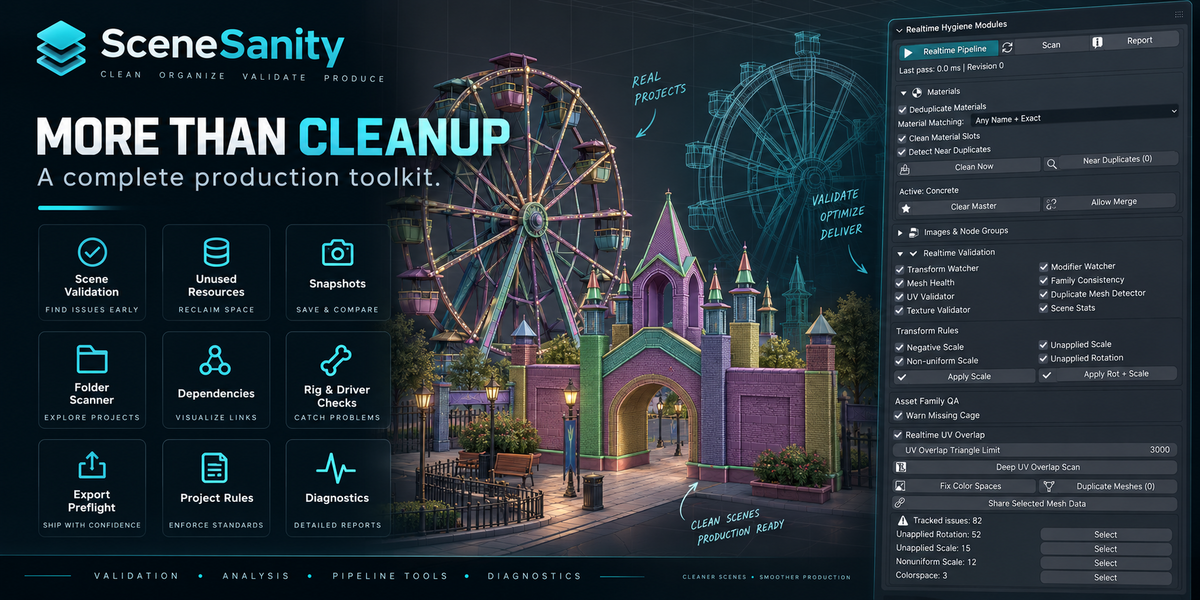
SceneSanity also includes production and inspection utilities such as:
- Scene validation
- Unused resource review
- Mesh and transform checks
- UV inspection
- Dependency inspection
- Rig and driver checks
- Library inspection
- Asset metadata tools
- Snapshots and comparison
- Project Rules
- Folder-wide
.blendscanning - Export preflight
- Diagnostics
- Built-in self-test
Heavy inspections are intentionally run on demand rather than continuously in the background.
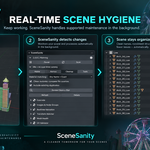
Real-Time Processing
SceneSanity uses an event-driven workflow.
Supported changes are queued and processed incrementally instead of continuously performing full-scene scans.
When there is nothing to process, SceneSanity does not run a periodic full-scene scan.
The system also uses bounded background workloads and event coalescing to reduce unnecessary work in large projects.
SceneSanity can be paused at any time.
Safety
SceneSanity is designed conservatively.
Unsupported, ambiguous or unsafe cases may be skipped instead of modified automatically.
Real-time validation can report problems without automatically repairing geometry.
Potentially destructive operations remain reviewed or explicitly triggered where appropriate.
For important production work, always keep normal .blend backups.
Performance
Lightweight supported maintenance can run in the background while you work.
More expensive operations such as deep geometry inspection, UV analysis, project scanning and export checks remain on demand.
Performance depends on scene complexity, resource count, storage speed and other Blender operations.
Project Rules
SceneSanity supports JSON-based Project Rules for storing supported project-specific configuration such as:
- Naming rules
- Matching modes
- Image policies
- Limits
- Exclusions
Loading a Project Rules file does not automatically authorize destructive actions.
Folder Scanner
The folder scanner can inspect multiple .blend files using separate Blender processes.
Source projects are opened for inspection and are not automatically repaired or saved by the scanner.
This is useful for checking larger asset libraries or multi-file productions.
Self-Test
SceneSanity includes a built-in self-test for verifying important integration behavior.
You can run it from the Tools workspace.
The test runs separately from the currently open production scene.
 Included
Includes 12 months of
- Support from Daniel Dyatchin
- Product updates
Extend this product’s Support Period +12 months: 25% of product price
Have questions before purchasing?
Login to message
| Blender Extension Compatible | Yes |
| Published | 1 day ago |
| Blender Version | 4.2 - 5.2 |
| Extension Type | Add-on |
| Render Engine Used | Cycles, Eevee |
| License | GPL |

Discover more products like this
cleanup Scene Management outliner smart deduplication real-time Workflow asset management recovery organization automatic naming validation pipeline