 Russel Studios

SceneShare — Publish Blender to the Web
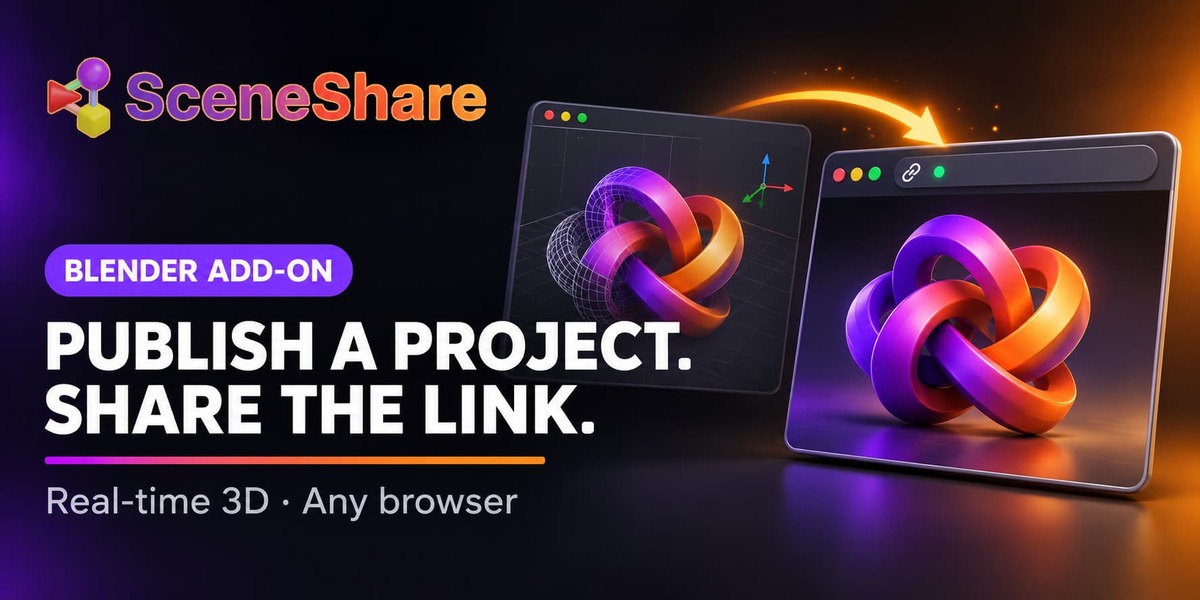
Turn your Blender project into a live, playable 3D page — without leaving Blender.
SceneShare is the publish button Blender never had. Build your project the way you always do, press Publish, and get a clean web page and shareable link that runs in real time on desktop and mobile. No exporting a video. No building a WebGL app. No asking viewers to install anything. Your materials, lights, world, motion and interactions travel with the project.
Read the entire documentation here: https://sceneshares.com/app/docs/addon
No viewer installs. No code. No render farm.
Your project opens in a browser and plays like a real-time experience — because it is one.
One project. One link. A living 3D experience.
Think of SceneShare as YouTube for real-time 3D: your project gets a page, a link and an audience, except the page is playable. Viewers can orbit, click, explore and interact instead of watching a pre-rendered video.
- Install the add-on and sign in to your SceneShare account.
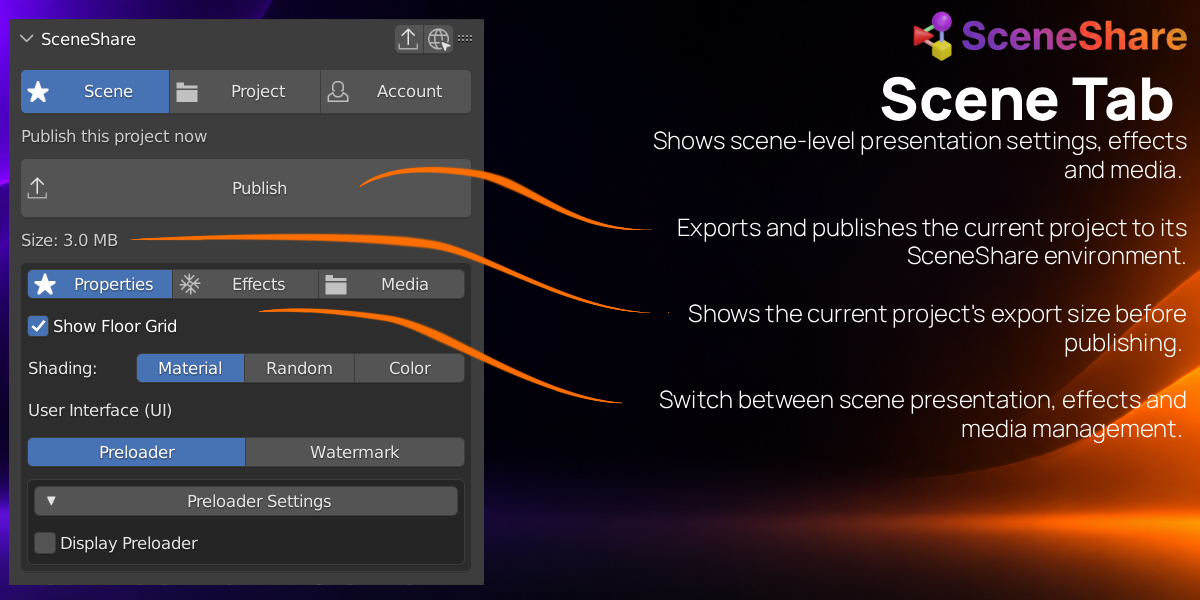
- Open your Blender project and press Publish.
- Share the link or paste the ready-made iframe into your site.
Why SceneShare feels different
Your materials arrive looking like your materials.
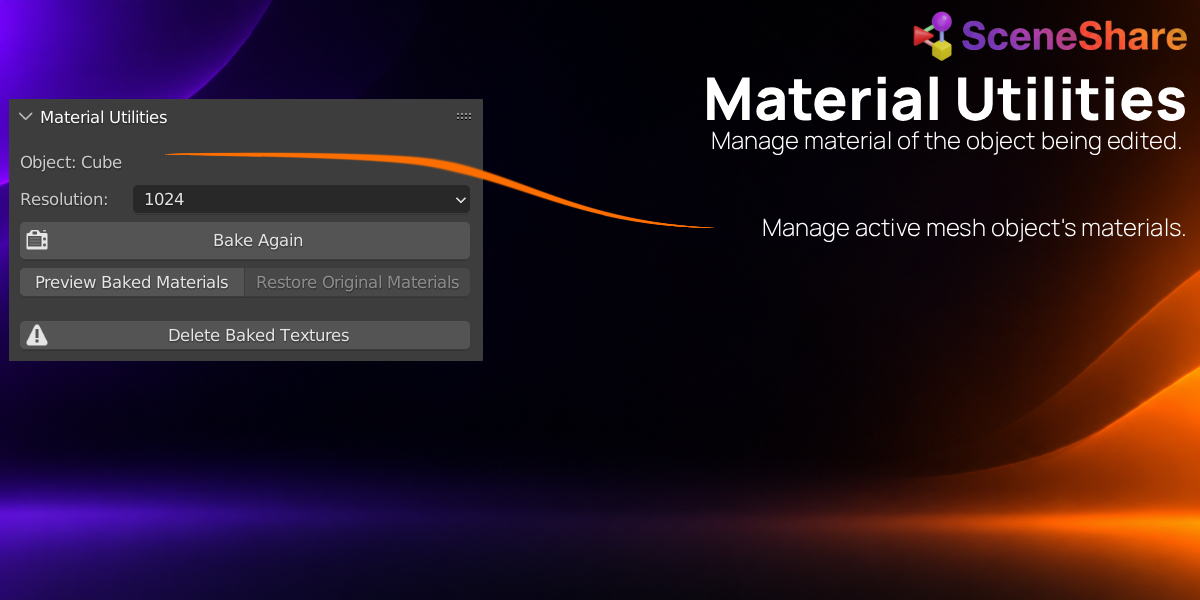
SceneShare rebuilds the material graph in the browser instead of flattening everything into a baked texture. Principled BSDF recipes, colour ramps, procedural textures, bump and normal maps, emission and transparency all come through — so the look you approved in Blender is the look your audience sees.
Your world, motion and physics come too.
HDRI environments keep their orientation. Procedural skies keep their sun and strength. Rigid bodies fall, particles drift, animations play and sounds fire. The project is running live, not playing back a timeline.
Real interaction, not a turntable video.
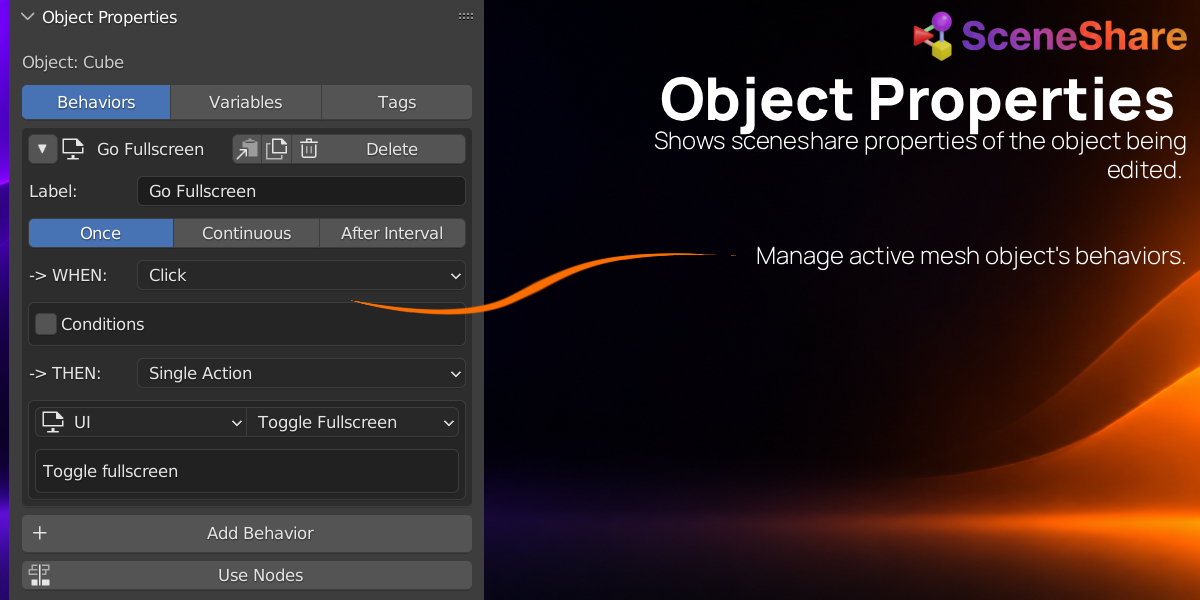
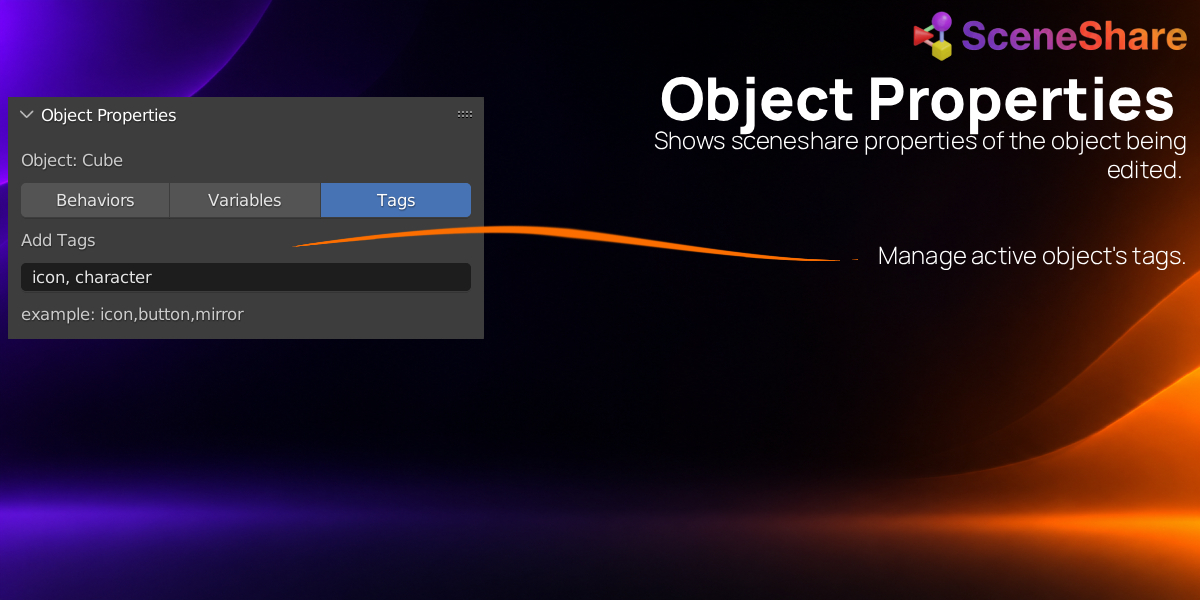
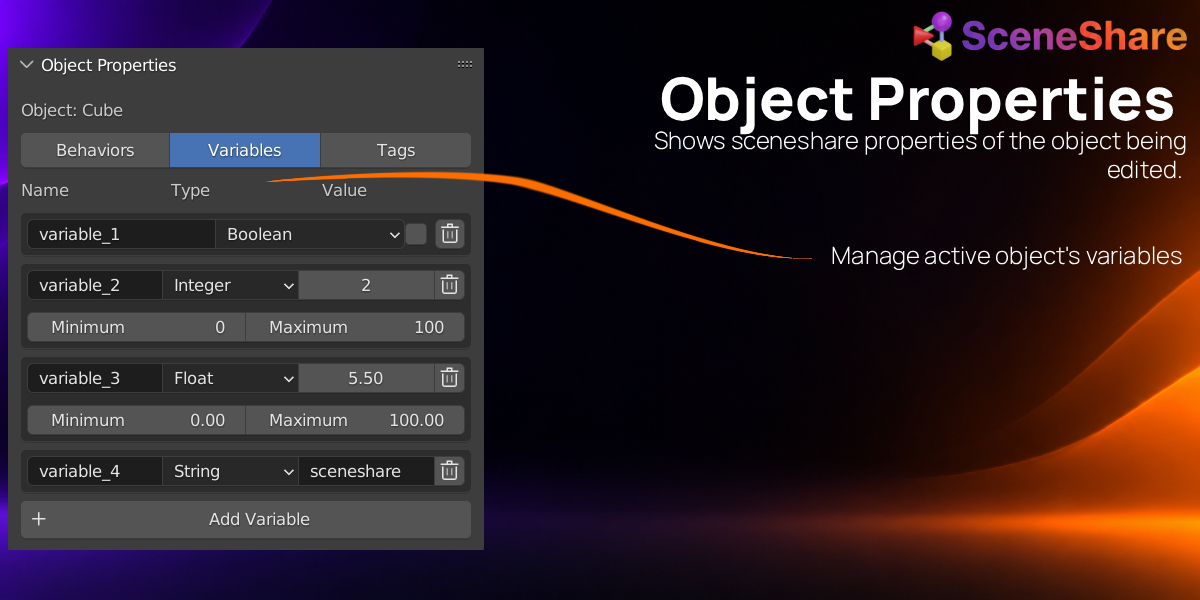
Behaviors authored in Blender — clicks, hovers, camera moves, UI, sound, variables and scene changes — run in the browser. Build a guided product view, an interactive portfolio piece or a small experience that responds to the viewer.
One project can hold more than one scene.
An intro, a product view and an outro can live behind a single link. Scenes switch in-page without a reload, with shared variables and their own worlds, sounds and preloader branding.
Share it your way.
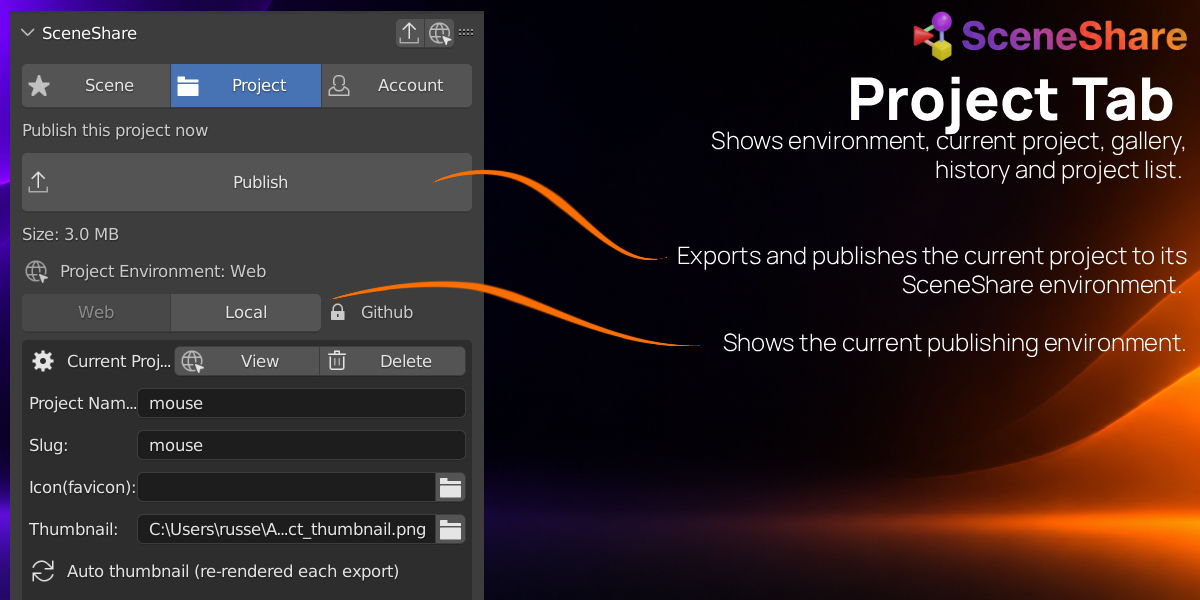
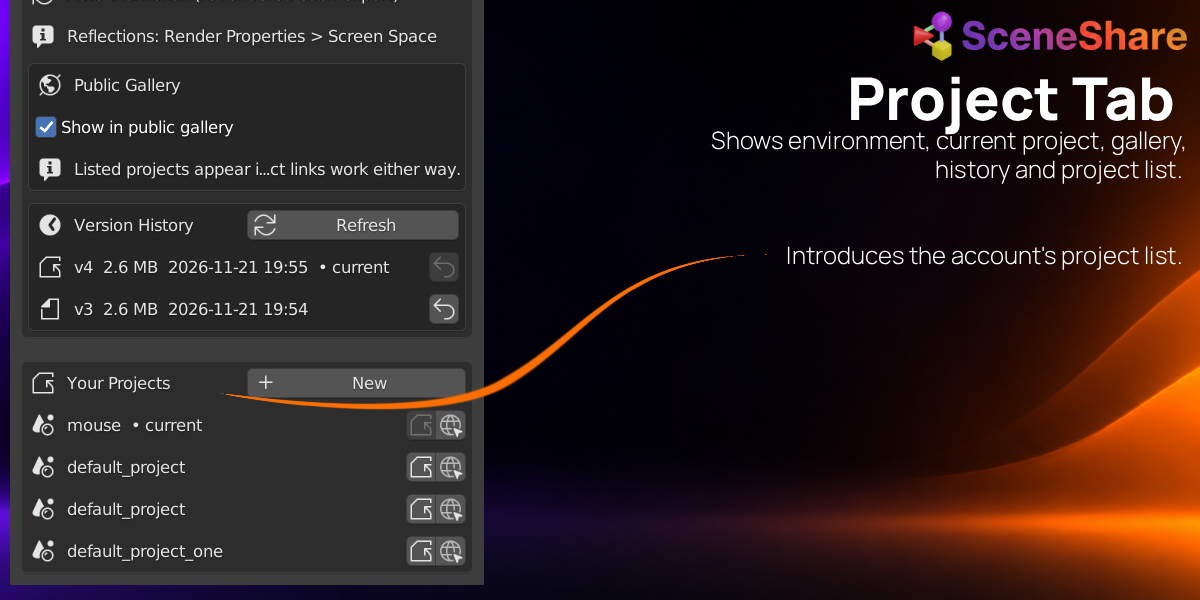
Every publish gets a clean viewer page and a copy-ready iframe embed. Put it in a portfolio, a client deck, a product page or an LMS. List it in the public gallery when you want an audience; keep it unlisted when you don’t.
Iterate without re-uploading the world.
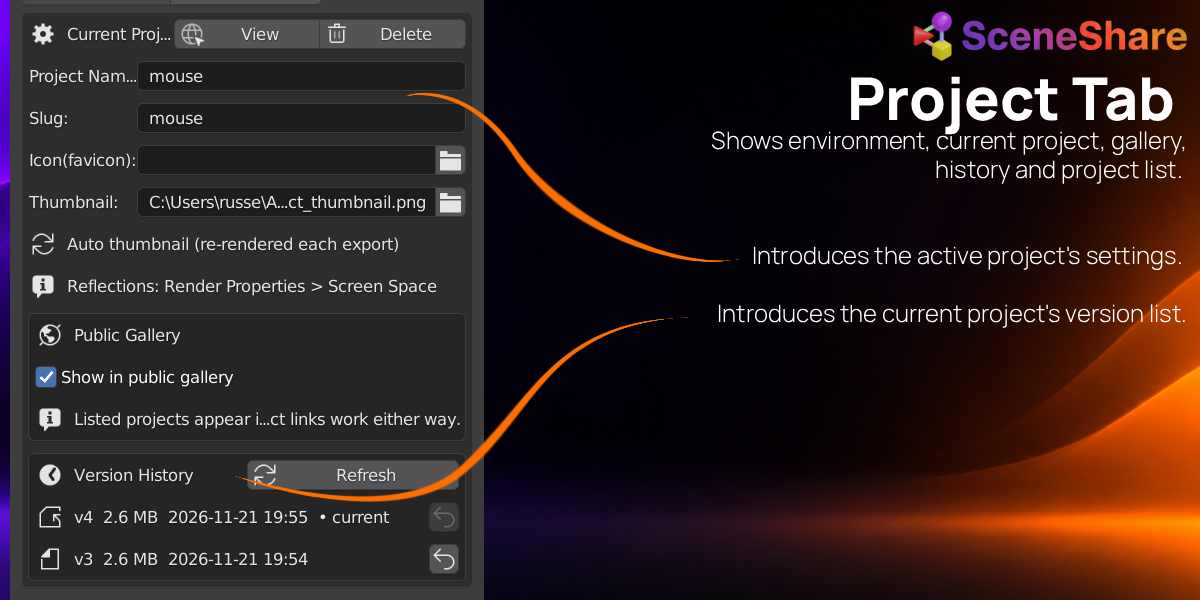
Re-publishing sends only what changed. Assets already on the server are reused, so a colour tweak or a camera move doesn’t mean uploading the entire project again. Version history lets you go back if a direction doesn’t work out.
Know what’s working.
Dashboard analytics show views, embed opens, clicks and interactions. Useful for client reviews, launch pages and understanding which projects people actually explore.
Everything you can publish
- Materials: Principled BSDF, procedural textures, ramps, bump and normal maps, emission and transparency.
- Worlds: HDRI and image-based lighting, procedural skies, strength controls and transparent backgrounds.
- Motion: object and skeletal animation, particles, hair and forces.
- Physics: Blender rigid bodies running in the browser.
- Interactions: event → condition → action behaviors for clicks, cameras, UI, sounds and variables.
- Presentation: multi-scene projects, branded preloaders, watermarks, favicons and project thumbnails.
- Audio: ambient loops, one-shots and UI sounds that ship with the project.
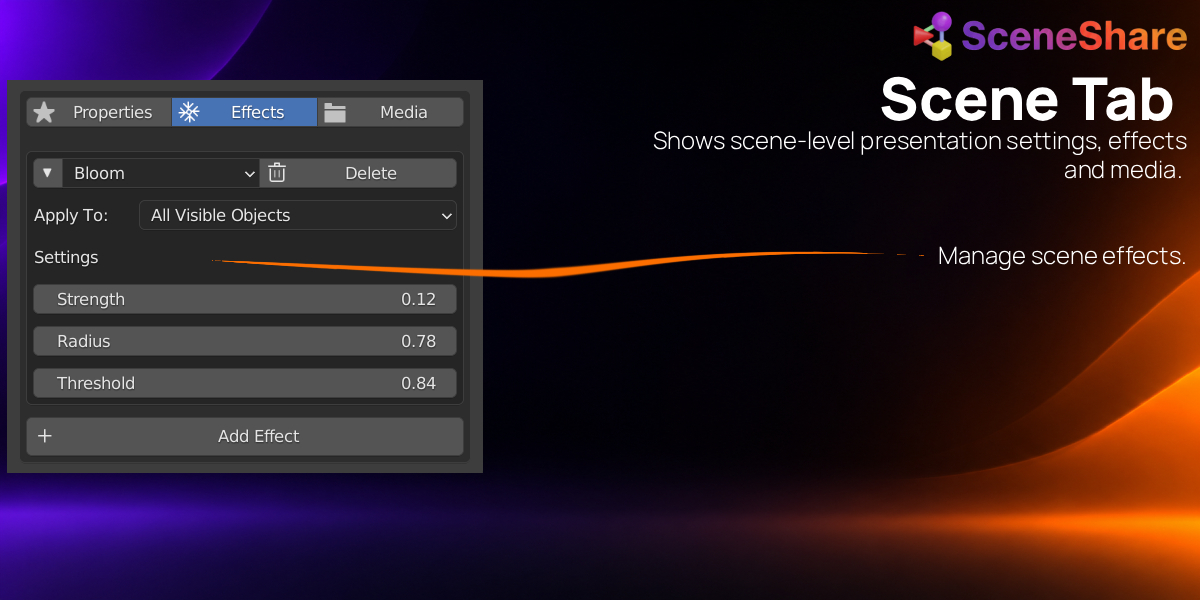
- Post effects: bloom, ambient occlusion, tone mapping and cinematic presentation controls.
At a glance
| Works with | Blender 3.2 and newer (tested on 3.2, 4.4 and 5.2) |
| Publish to | Any modern browser — desktop and mobile |
| Coding required | None |
| Viewer installs | None |
| Sharing | Direct link, iframe embed and public gallery |
| Updates | One-click re-publish with delta uploads and version history |
SceneShare vs. the usual options
| Pre-rendered video | Custom WebGL app | SceneShare | |
|---|---|---|---|
| Real-time interaction | No | Yes | Yes |
| Coding required | No | Usually | No |
| Materials from Blender | Baked into frames | Rebuilt manually | Authored graphs |
| Hosting and share page | Video host | You build it | Included |
| Updating a published project | Re-upload the video | Rebuild and redeploy | One-click delta |
| Viewer installs | No | No | No |
Who it’s for
- 3D artists who want an interactive portfolio instead of a showreel.
- Product and architectural visualisation teams sending review links instead of heavy files.
- Educators and tutorial creators who want students to explore a project, not just watch it.
- Game and asset creators presenting work in motion, with materials and effects intact.
- Studios and freelancers who need a fast, client-friendly way to share a build.
What you need
- Blender 3.2 or newer (tested through Blender 5.2).
- A SceneShare account — a free tier is available to publish your first project.
- An internet connection for publishing. Viewers only need a browser.
- No coding, no server setup and no build pipeline.
Quick start
- Download the add-on ZIP and install it from Edit → Preferences → Add-ons.
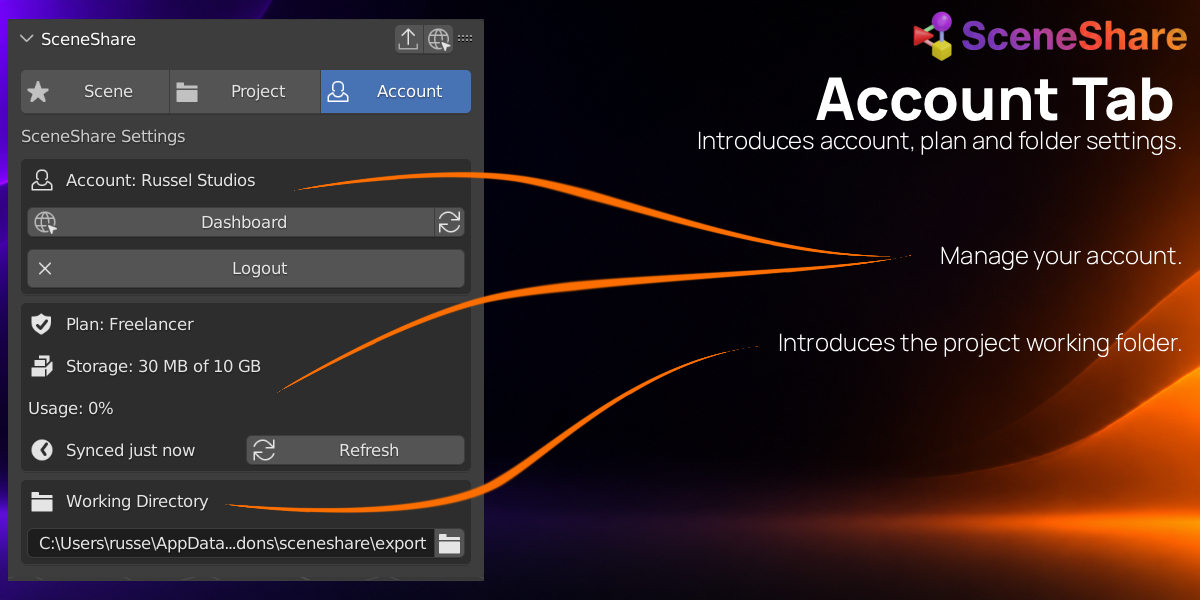
- Enable SceneShare and sign in from the SceneShare panel.
- Open your project, press Publish, and copy your link or embed code.
Support
Questions about installation, publishing or a specific Blender feature? Message me through Superhive and I’ll help you get it live.
Version 1.0 — initial release.
