Sceneshare
 Russel Studios
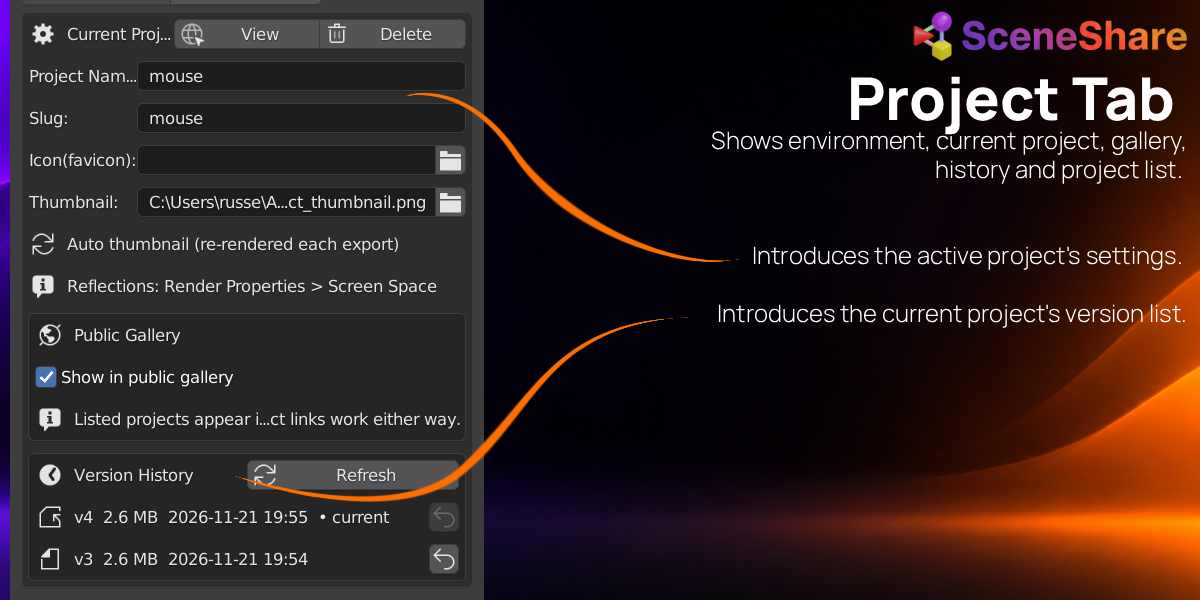
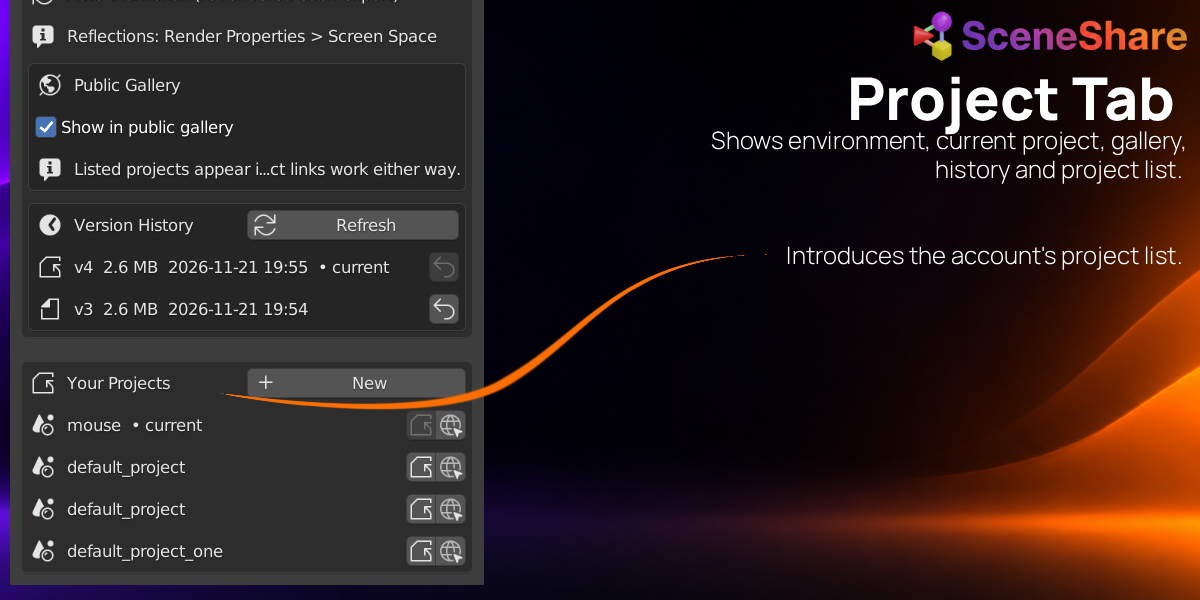
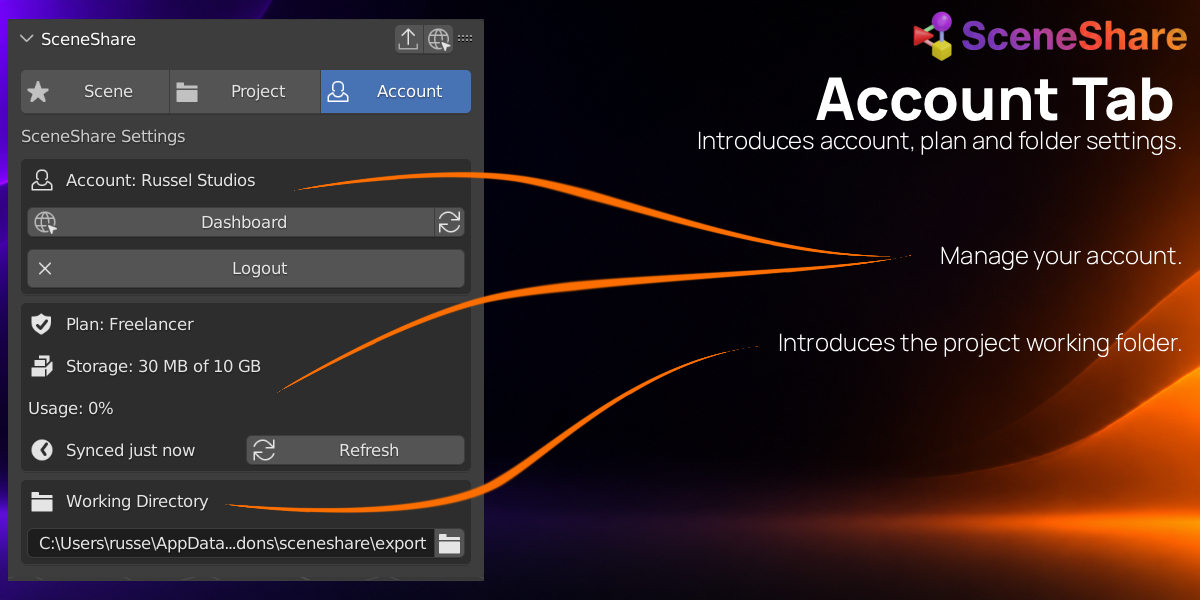
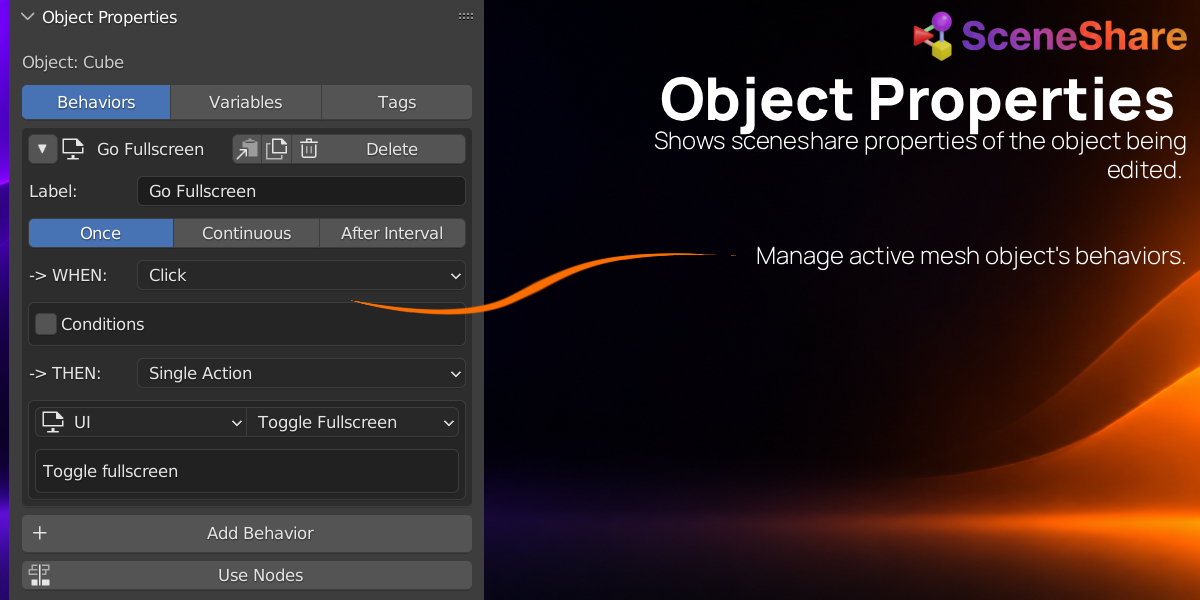

Is there a free plan?
Yes. You can start on the free tier and upgrade later when you need more projects, storage or history.
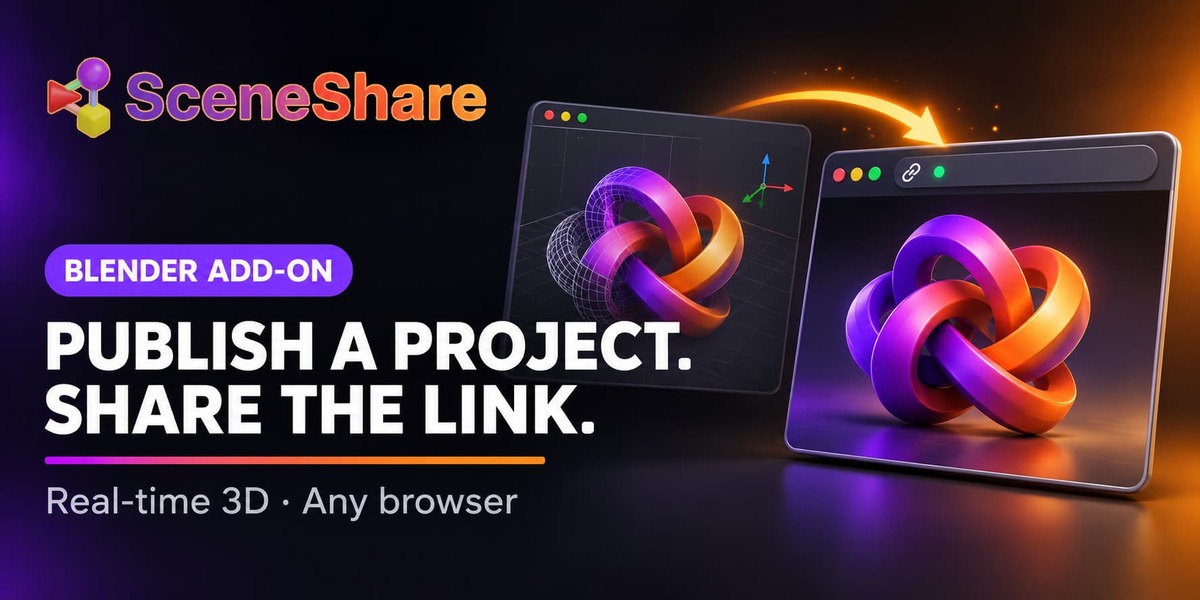
Visit https://sceneshares.com and grab the free addon
Which Blender versions are supported?
Blender 3.2 and newer. The current add-on has been tested on Blender 3.2, 4.4 and 5.2.
Does it work on mobile?
Yes. The viewer supports touch input, so viewers can orbit and interact on phones and tablets.
Can I embed a project on my own site?
Yes. Every project has a ready-made iframe embed. Drop it into a portfolio, product page, client deck or learning platform.
Can I update a project after publishing?
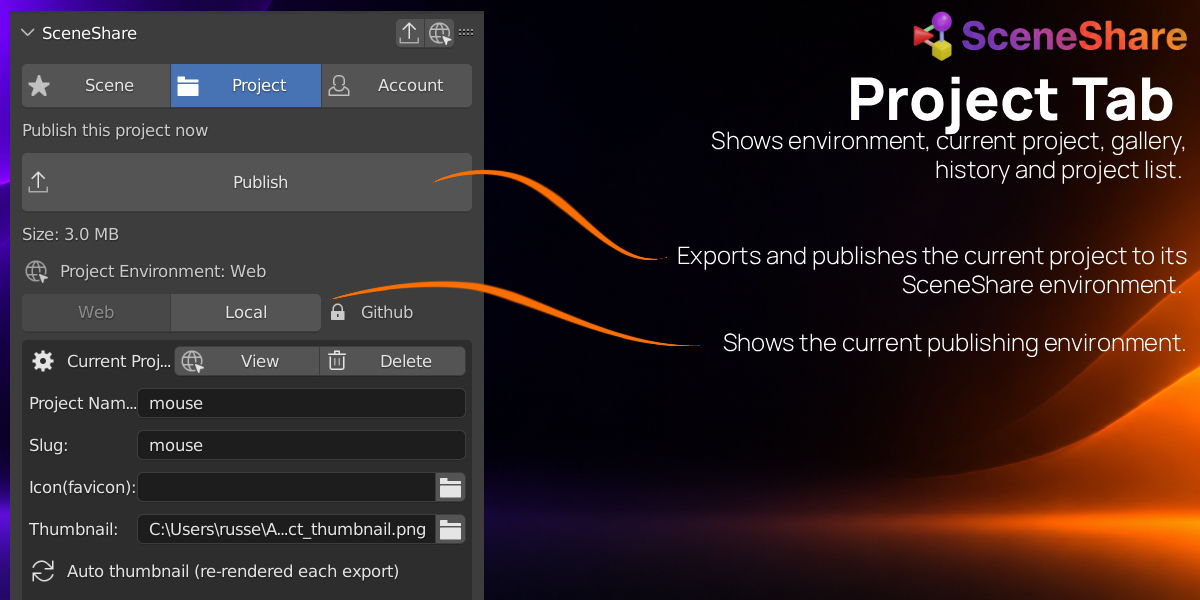
Yes. Re-publish from Blender. Only changed assets are uploaded, and version history lets you return to an earlier publish.
Will my materials look the same?
SceneShare reconstructs the material recipes it supports — including Principled BSDF, procedural textures, ramps, bump and normal maps — rather than baking the whole material into a flat image. Unsupported features fall back gracefully, so the project still runs.
Do I need to know how to code?
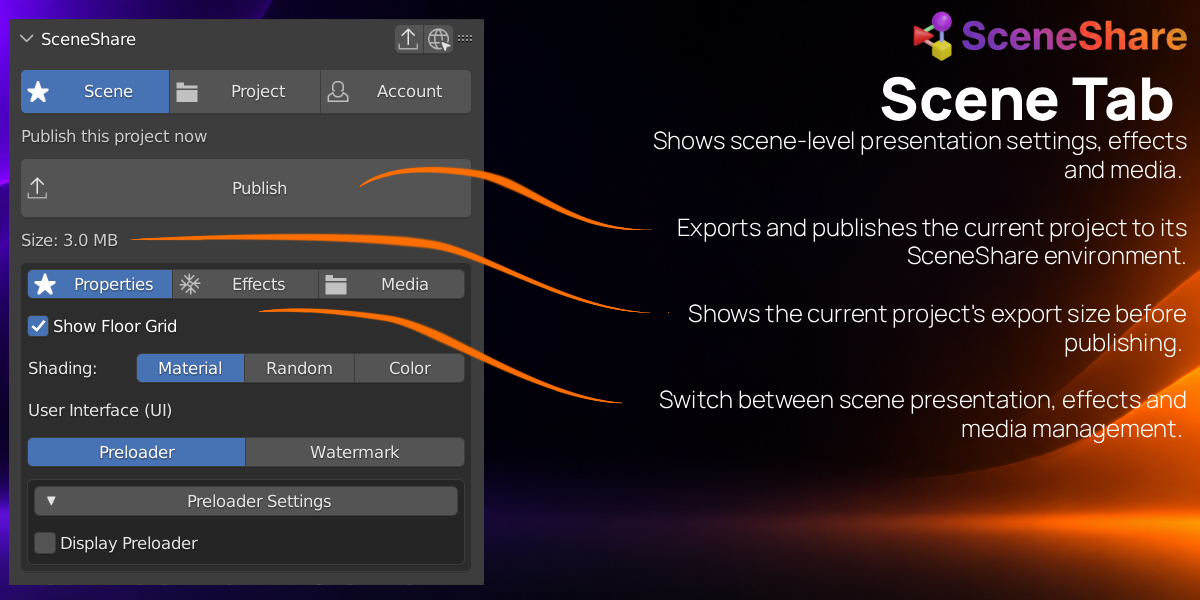
No. You publish from Blender. SceneShare handles the export, hosting, viewer page and embed code.
Do viewers need Blender or a plugin?
No. A SceneShare link opens in any modern browser on desktop or mobile. There is nothing for the viewer to install.
Have questions about this product?
Login to message
| Blender Extension Compatible | Yes |
| Published | about 12 hours ago |
| Blender Version | 3.2 - 5.3 |
| Extension Type | Add-on |
| Render Engine Used | Arnold, Blender-Internal, Blender-Game-Engine, Cycles, Eevee, Freestyle, Luxrender, Mental-Ray, Octane, Vray, Yafaray |
| License | GPL |

Discover more products like this
3d web viewer 3d presentation ArchViz product-visualization blender to web interactive 3d 3D portfolio embed 3d publish 3d blender addon SceneShare real-time 3D