Scene-Sweeper | 3-In-1 Toolset For Professional Optimization
 Pixel Vampire
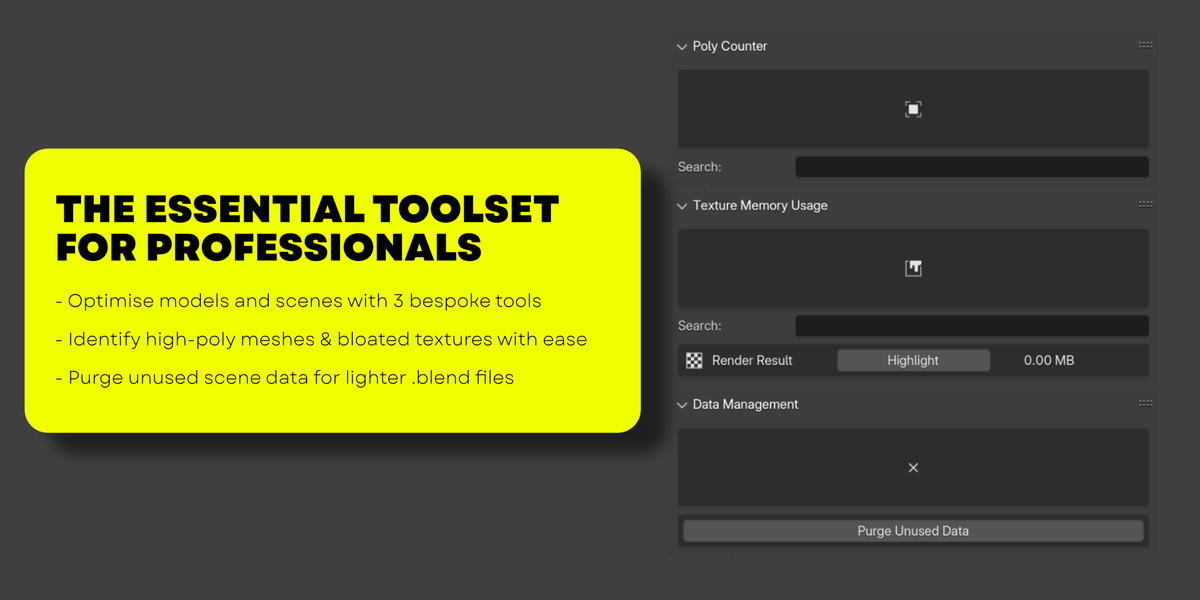
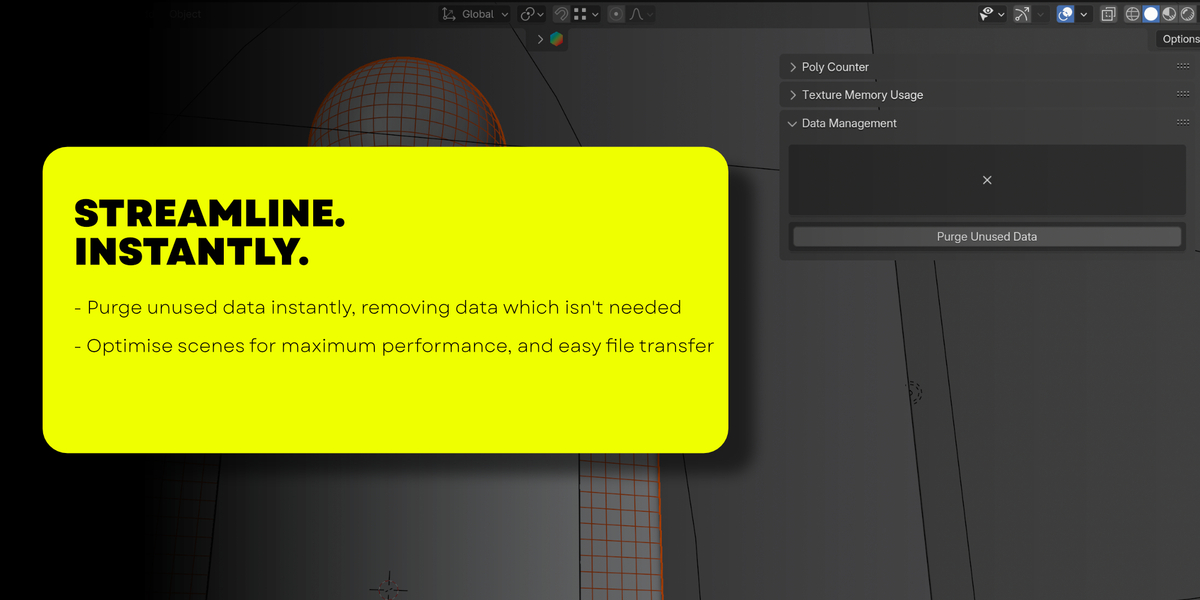
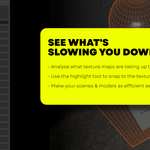
SceneSweeper is a collection of tools designed to optimise scene files and models. The add-on is found in the sidebar of the 3D viewport, and is split into 3 distinct tabs.
Poly Counter
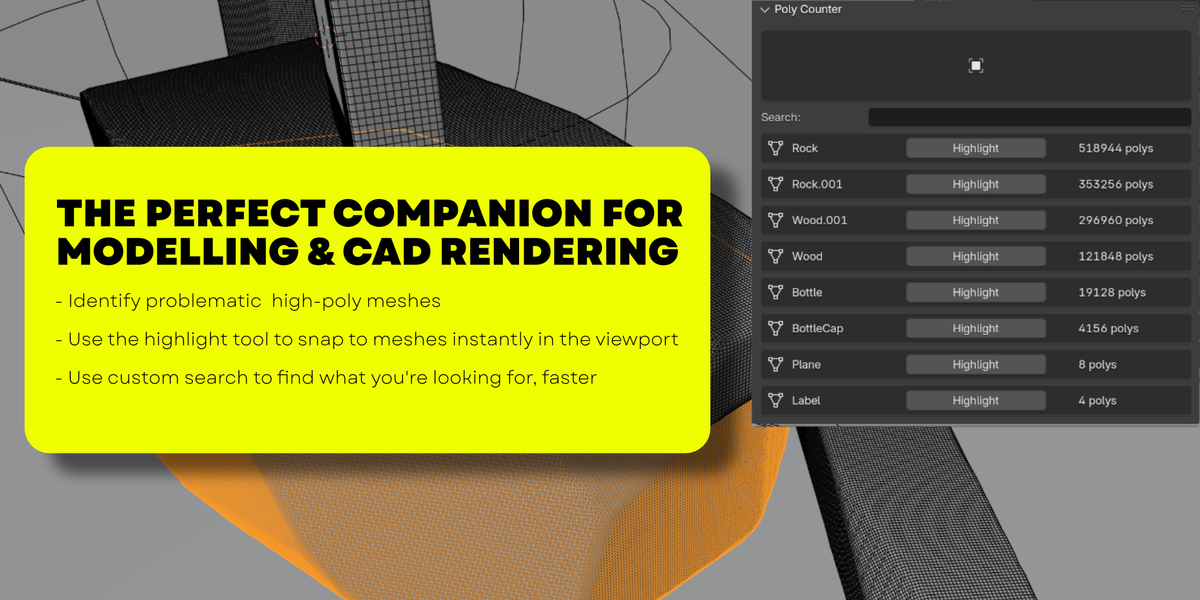
Poly Counter is a tool which scans the scene file, and presents all meshes in order of poly count. The name of the mesh is displayed on the left, and its poly count on the right.
Selecting ‘Highlight’ snaps the 3D viewport to the selected mesh.
Using the search bar will allow you to search for a specific mesh.
Texture Memory Usage
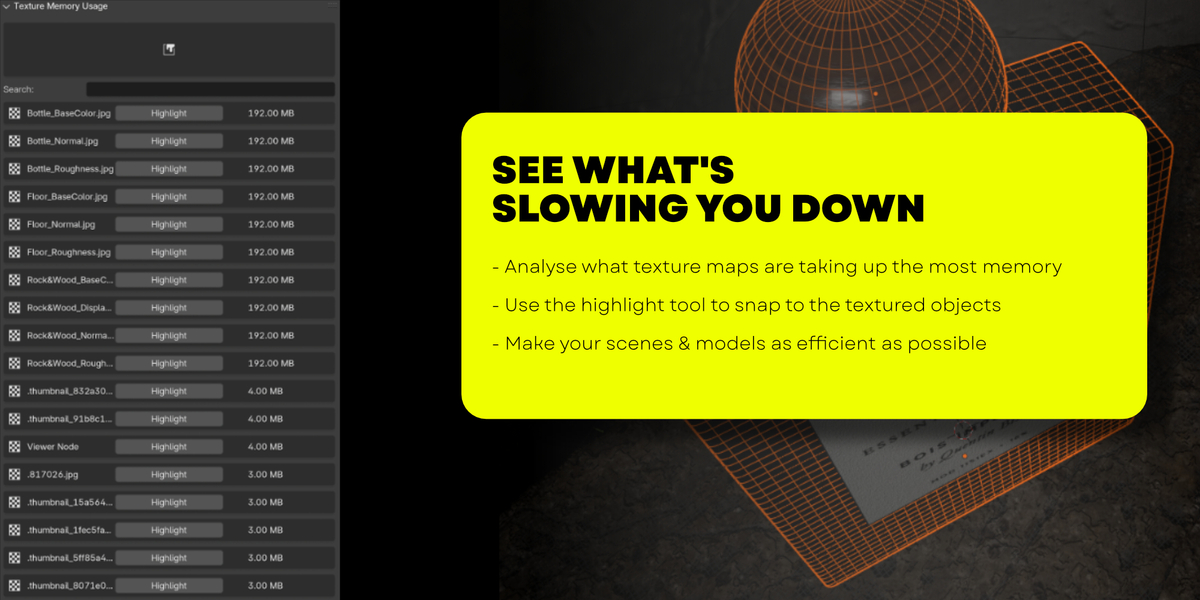
Texture Memory Usage displays all image files in the scene, whether they are in use or not. The name of each image is displayed on the left, and it’s size on the right.
Selecting ‘Highlight’ snaps the 3D viewport to the object the texture is attached to. In the event that the texture is used on multiple objects, the first instance of its use will be selected.
Data Management
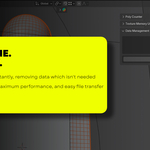
Selecting ‘Purge Unused Data’ will delete anything from the scene file that is not currently in active use, such as old textures from models which have since been deleted.
Have questions about this product?
Login to message
| Sales | 20+ |
| Dev Fund Contributor | |
| Published | almost 2 years ago |
| Blender Version | 4.0 - 5.2 |
| Extension Type | N/A |
| License | GPL |
Discover more products like this
parametricarchitecture hard surface modelLing 3d-artistic-creation big scene memory 3D Game Design Poly-Reduction blender optimization data analysis 3d Low Poly Large scene optimizator 3dartistproductivity task manager optimize scene Blender product rendering game asset creation 3D architectural visualization Blender-to-Unity low poly count high poly count 3D CAD models 3d-data blender-to-godot scene memory optimizer ArchViz organisation memory management 3DModelling 3D Artist Tools 3D Workflow Optimization product visualisation 3D Game Assets blender-godot-workflow blender-godot-pipeline archviz asset 3D asset optimization 3D Project Management 3d-high-poly game designer artist workflow blender to unreal 3d-modeling-tools CAD data 3D project tools archviz photorealism