 Didjelirium


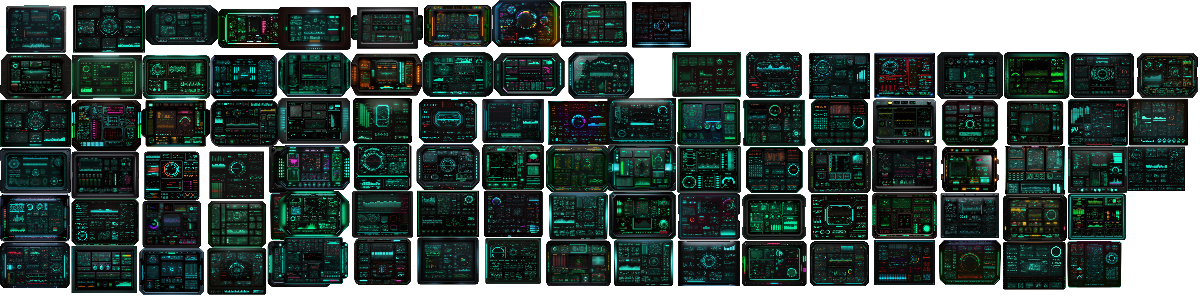

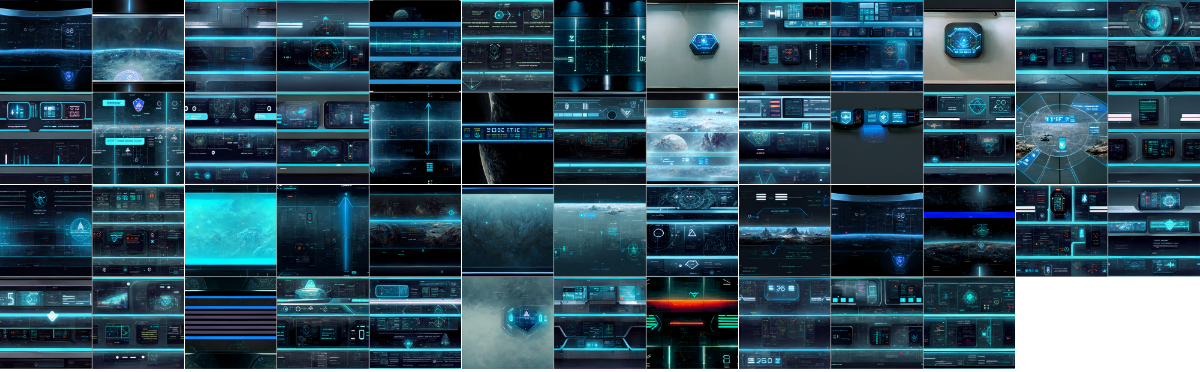
"Don't get any more surprises while roaming through the universes !
Fill up your ship and your headquarters with monitors, screens, HUD and all kind of displays to let people know you mean serious business and you are a technologically advanced species !"
UPDATE 2.0 IS OUT !
The official Sci-Fi HUD Creator Add-on has landed !
No more jumping between folders, add-ons, asset browsers and mysterious monitor rituals performed under a full moon.
Sci-Fi HUD Creator now comes with its own dedicated Blender add-on, built specifically to make the monitor workflow faster, cleaner and much more fun.
Add a DJ Monitor, pick a HUD visual, click Apply HUD, adjust the settings... BOOM. Your scene now looks like it belongs to a technologically advanced species with very strong opinions about screen design.
What is new in 2.0 ?
• Official Sci-Fi HUD Creator Blender add-on
• Built-in thumbnail browser for HUD visuals
• Add the procedural DJ Monitor directly from the sidebar : one monitor to rule them all, with the ease of sliders and various options to help you create ALL kind of monitors for your scene !
• Apply HUD visuals to the active monitor in one click
• Switch between still and animated version in one other click
• Control monitor shape, details, neon, cables, gribbles, colors and display settings without digging through the modifier tab
• Adjust HUD scale, position, emission, hue, saturation and value directly in the add-on
• Add monitor presets and simple monitors from the same panel
• Add tileable HUD visuals as planes with ready-to-use Array modifiers
• Randomize DJ Monitor button, for when the factory needs to improvise
• Finalize button to apply the procedural monitor once you are happy with it
• External asset library system, so the big files can live wherever you want and not invade your Blender add-ons folder like an overconfident space empire
The old workflow still works !
The pack still includes the Asset Browser files, KitOps / DECALmachine-oriented content and monitor assets.
But now, if you want the fastest workflow, the official add-on is the new command center.
Add monitor.
Choose HUD.
Apply.
Customize.
Pretend you planned it all along.
ALL UPDATES WILL BE FREE !
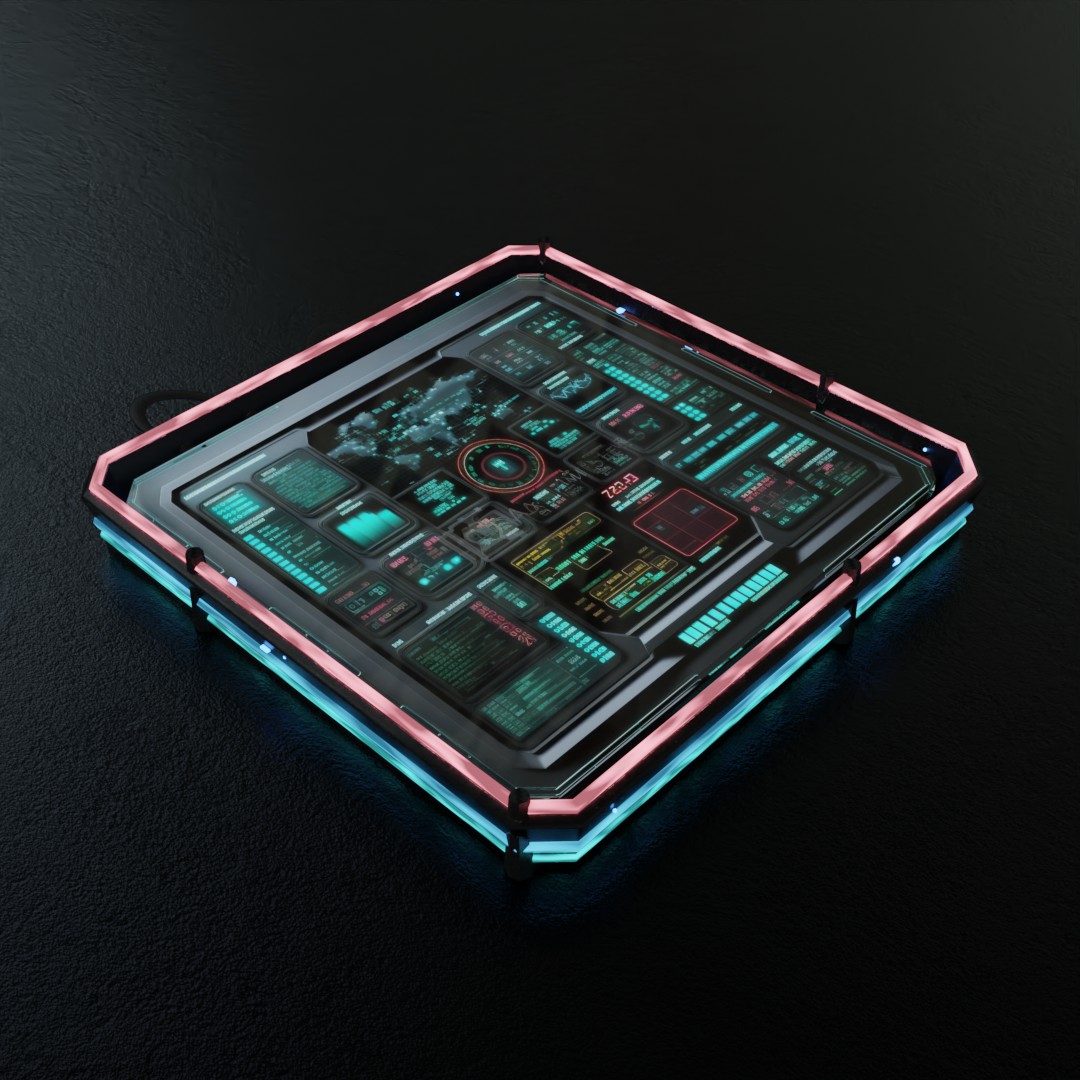
EXTRA ASSET PACKS AVAILABLE !
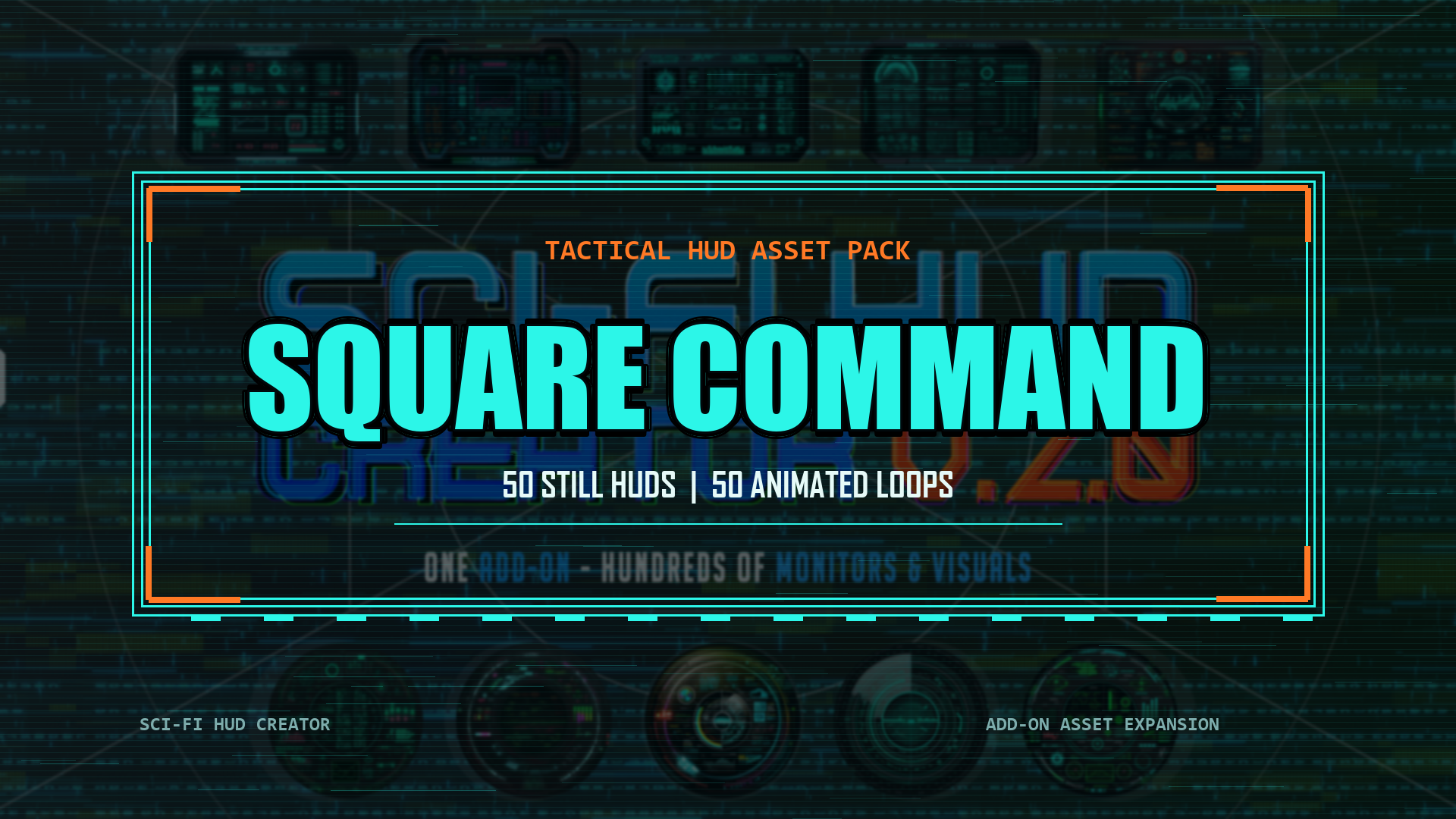
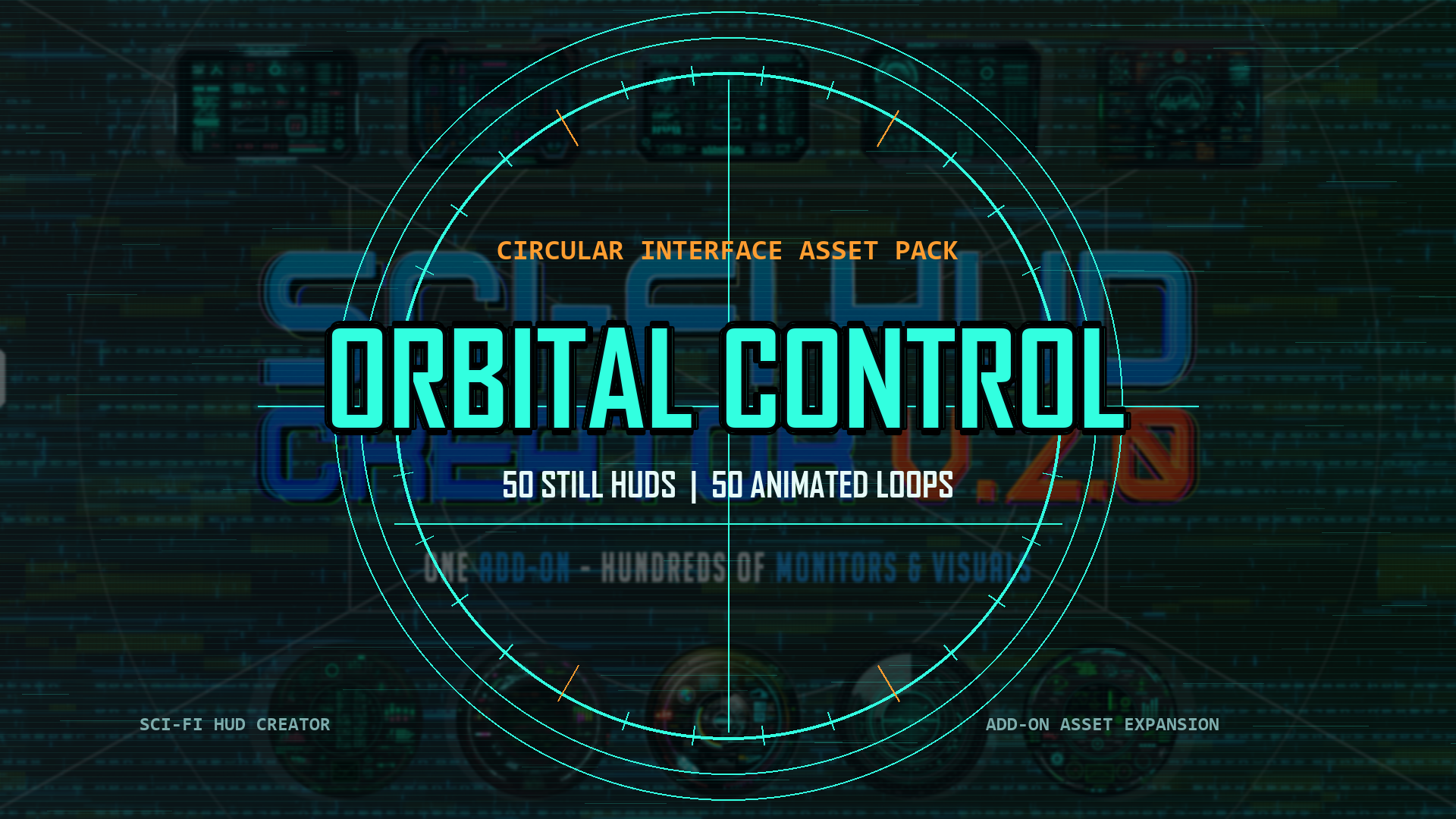
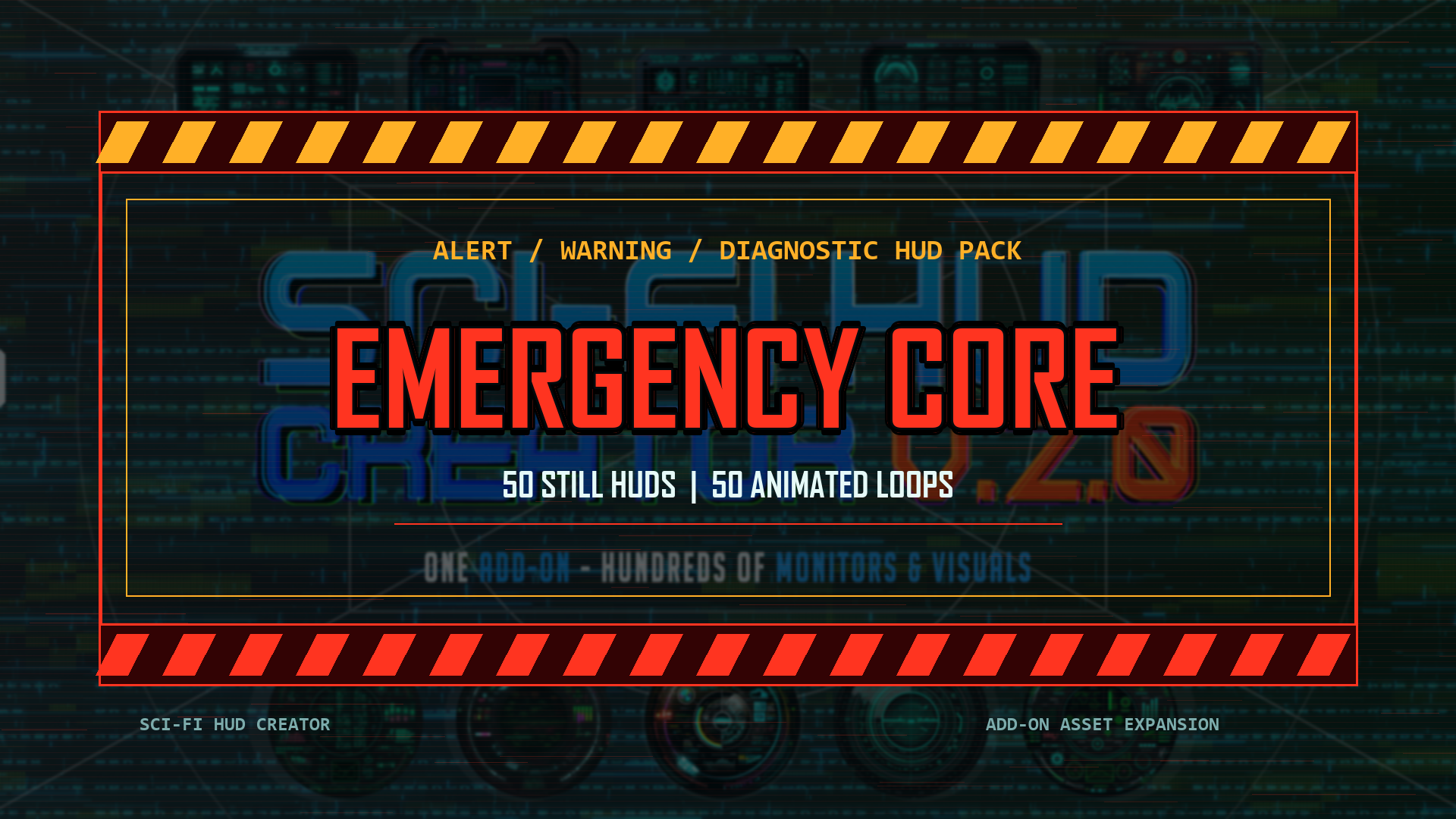
Build-up your HUD library with exclusive packs designed specifically for the Sci-Fi HUD Creator add-on.
Every pack comes with 50 unique HUD with both still + animated version.
EASY TO INSTALL !
Simply unzip the pack, drag & drop the asset folder into your main Sci-Fi HUD Creator library and click refresh !
Boom ! You have 50 more reasons to setup a monitor !
UPDATE 1.1 IS OUT !
New version includes : Asset Browser version of the pack for easy browsing of your favorite display right inside Blender !
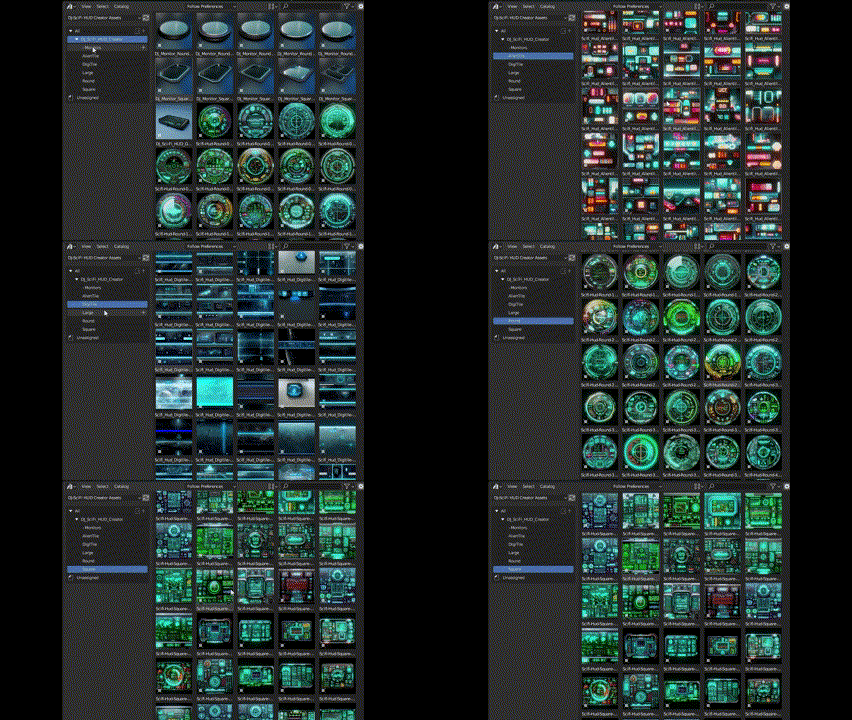
This pack contains an ever-growing set of monitors ready to be dropped with KitOps and over 300 tailor-made decals, generated by AI and cared for by a chameleon. This is NOT just a raw input of images randomly dropped in a folder !
Each decal have been hand-picked and adjusted so they're ready to be used in Blender, with either KitOps or DecalMachine. This pack is meant to quickly add background digital displays and other monitor elements to your scene.
They were not meant to be hero/key element... though you can !
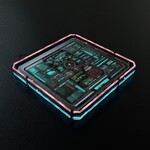
In this pack, you will find a selected choice of round monitors, square monitors and larger monitors, which are already set up so you can change their shape with a couple of sliders or a simple curve edit to add some variety to your wall of displays. Every monitor is easily customizable so you are not limited by the initial shape.
How does it work ?
(KitOps / DECALMachine workflow)
STEP 1) Choose one of the 10 Monitors, which you can easily drag and drop with KitOps - or add the ultimate GN SFHUD Monitor for absolute control !
You will find a selected choice of round monitors, square monitors and larger monitors, which are already set up so you can change their shape with a couple of sliders or a simple curve edit to add some variety to your wall of displays. Every monitor is easily customizable so you are not limited by the initial shape.
The glass material works for both Eevee and Cycles (Don't forget to turn on REFRACTION in the Scene Settings panel to have the glass material show up properly in Eevee)
More monitors will also be added regularly - as fast as the factory produces them.
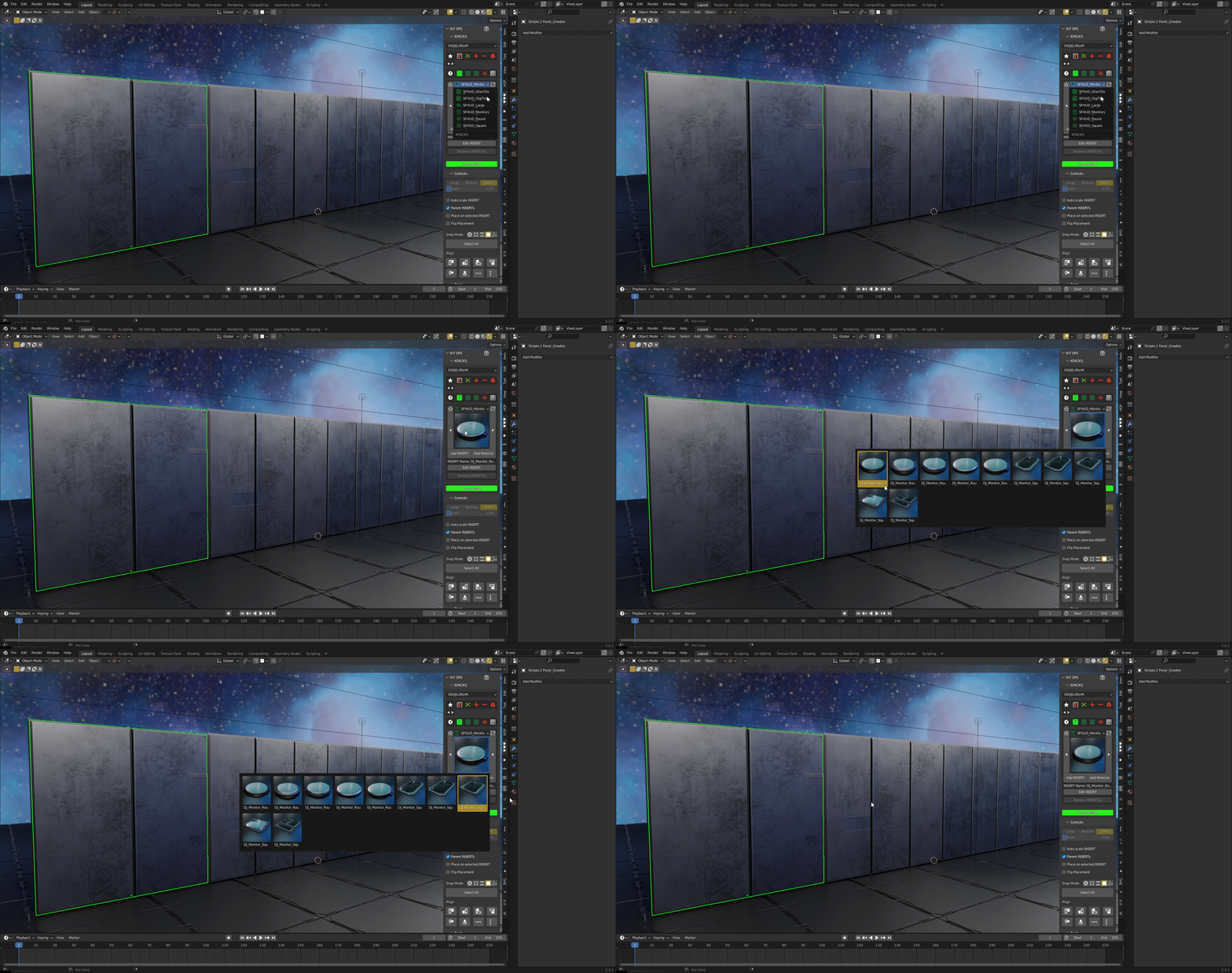
Choose a ROUND monitor...
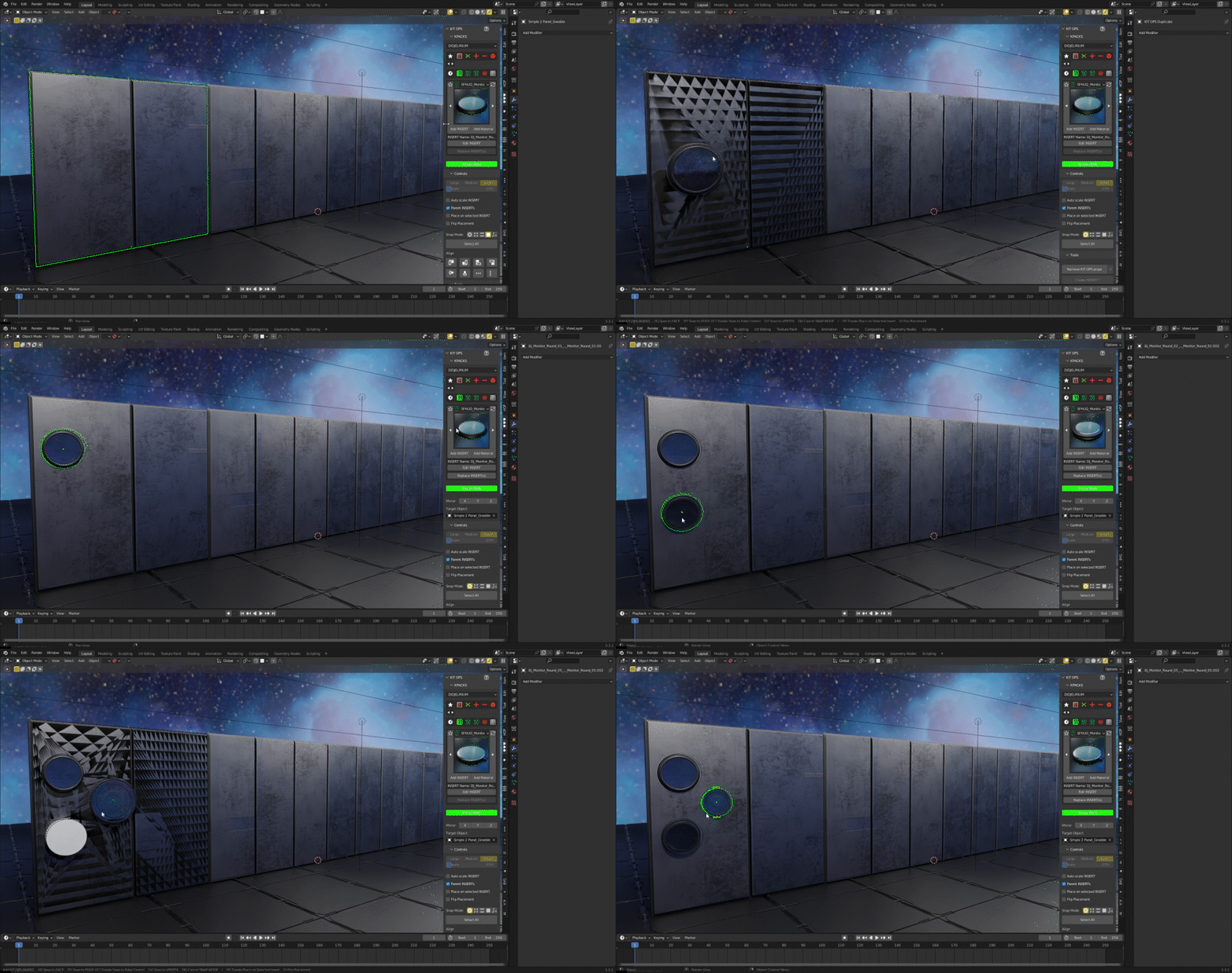
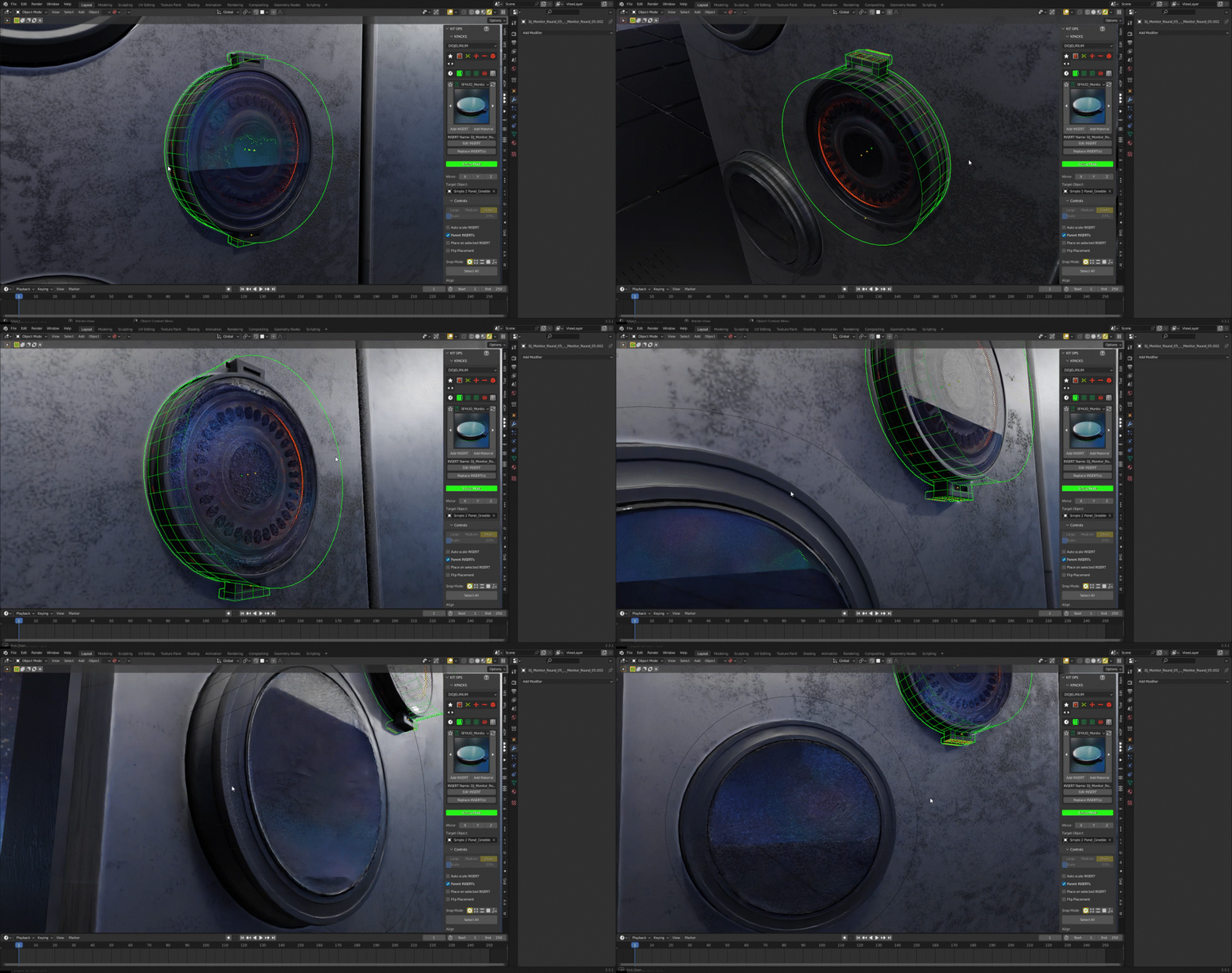
...or a SQUARE monitor

You can easily adjust the shape of the monitor
STEP 2) Choose among the vast selection of decals to stick on your monitors :

• 50+ Round HUD decals, with a various choice of colors, lights and HUD elements, in a round layout with alpha

• 50+ Square HUD decals, with a various choice of colors, lights and HUD elements, in a square layout with alpha
Adjust to your liking

Or simply drag & drop one of the LARGE decals...

• 100 Large HUD decals ... and I mean, they are huuuuge (between 4K and 6K), wider and more imposing than your regular round or square ones, and they also come with their own choice of colors, lights and HUD elements, in various large shapes with alpha
... or one of the TILEABLE decals

• 50+ AlienTile Decals, to add some random shapes of lights and blinking elements to those unidentified ships flying around your base. Each texture is a seamless tile, but you can also use individual elements.
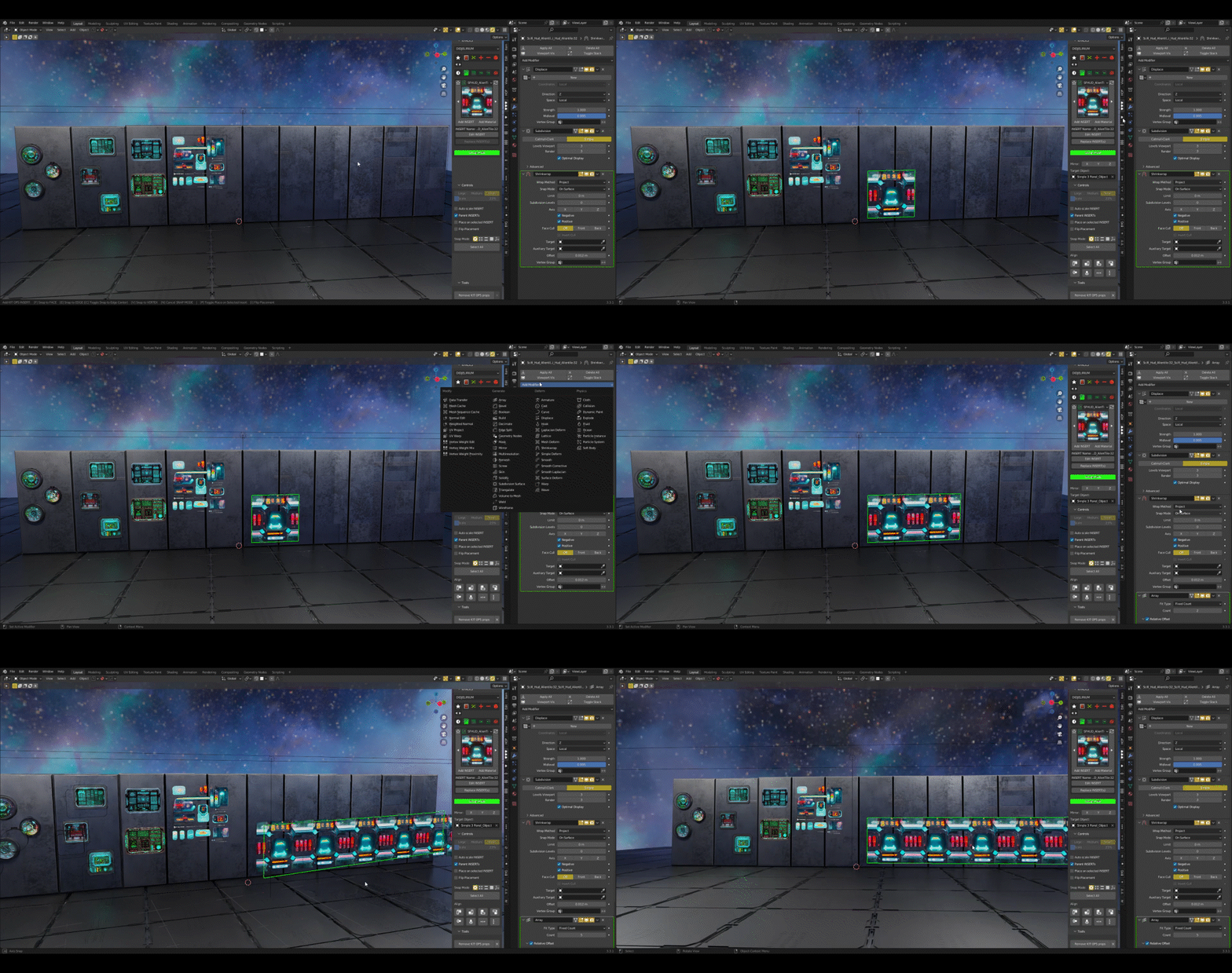
• 50+ DigiTile Decals, to add some random shapes of lights and
blinking elements to your proud and inspiring fleet. Each texture is a seamless tile, but
you can also use individual elements.
Each tileable decal from both sets comes already prepared with Array modifiers for your own convenience (a.k.a. laziness).
Adjust transparency for another level of control of your HUD
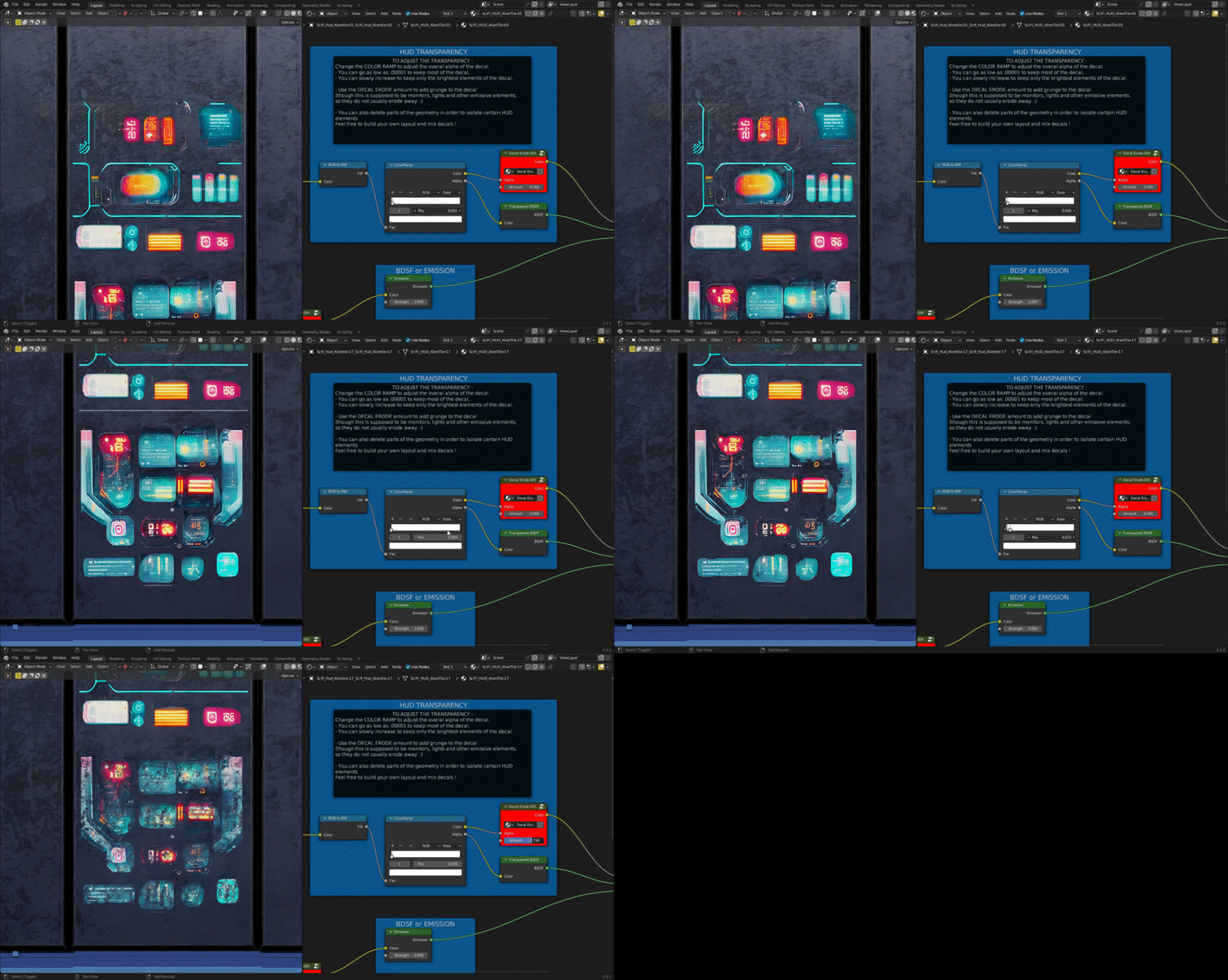
Decal Erode node by Chipp Walters
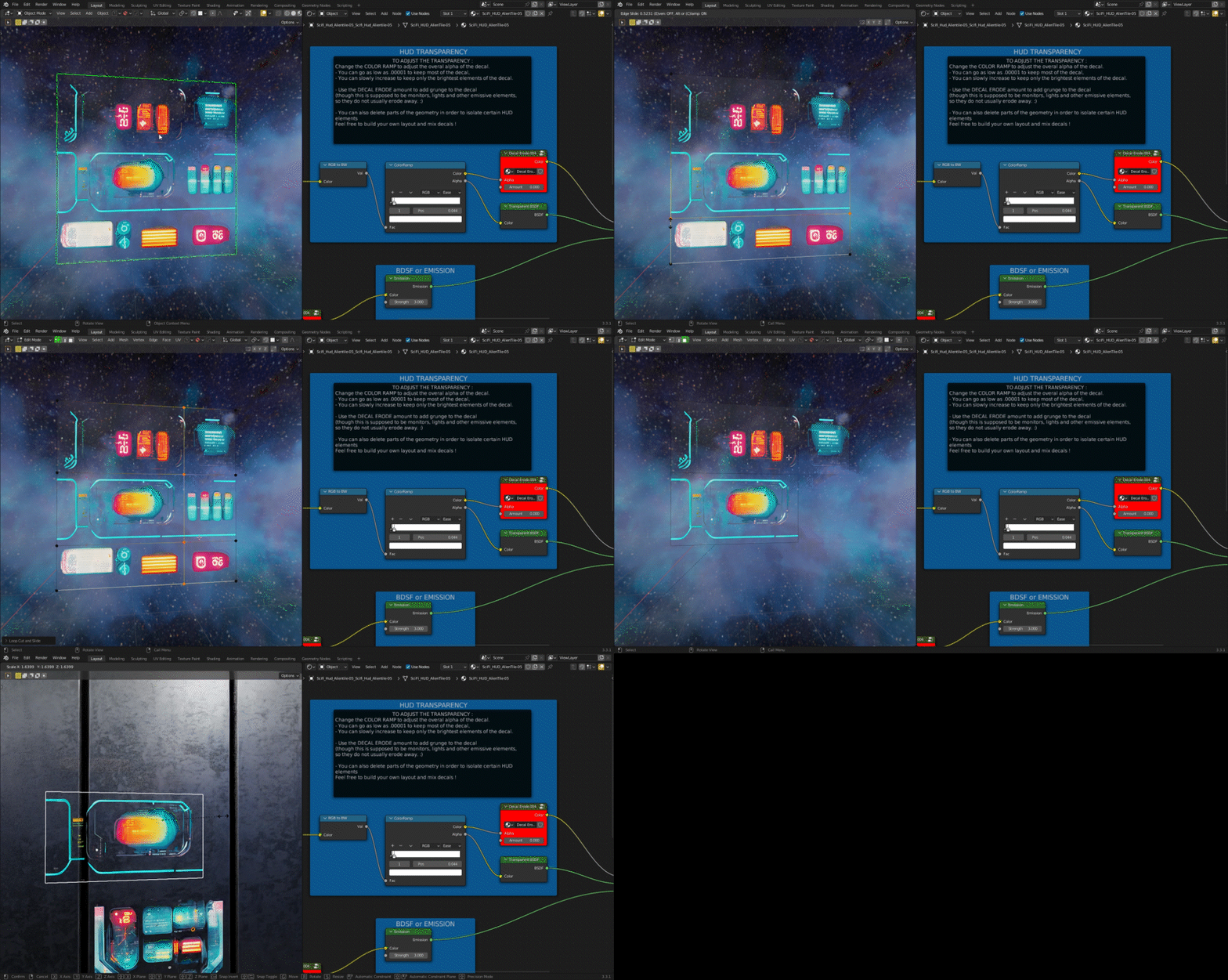
You don't even have to keep the whole decal ! Be picky !
Decals are one polygon, so it's easy and fast to add geometry around the parts you like !
This pack comes with :

Your weapon of choice to bash over 300 decals :
• Sci-Fi HUD Creator Add-on - for Blender 4.0+ to 5.0+
• Asset Library - designed for the add-on but also works with native Asset Browser
• Still + Animated HUD - switch to each version in a single click
• KPACK for Kit Ops - for Blender 3.0+ - 2.93 should work too (KIT OPS has both a FREE and a PRO version, check the links below)
• Decal pack for DECALmachine
• 10 monitors in 1 KPACK (with adaptive shape. More will be added regularly)

***
You can purchase DECALMachine add-on here :
https://blendermarket.com/products/decalmachine
You can download KIT OPS FREE :
https://blendermarket.com/products/kit-ops-free
And you can purchase KIT OPS PRO here :
https://blendermarket.com/products/kit-ops-pro-asset--kitbashing-addon
***
Thank you for checking this pack and may the monitors shine on your way ! Feel free to drop a comment or a review !
Need more decals ?
Check my SCIFI DRAMA DECALS Pack to add even more drama to your space scenes :
https://blendermarket.com/products/sci-fi-drama-decals-vol1

