Sci-Fi Building Generator
 Blender Procedural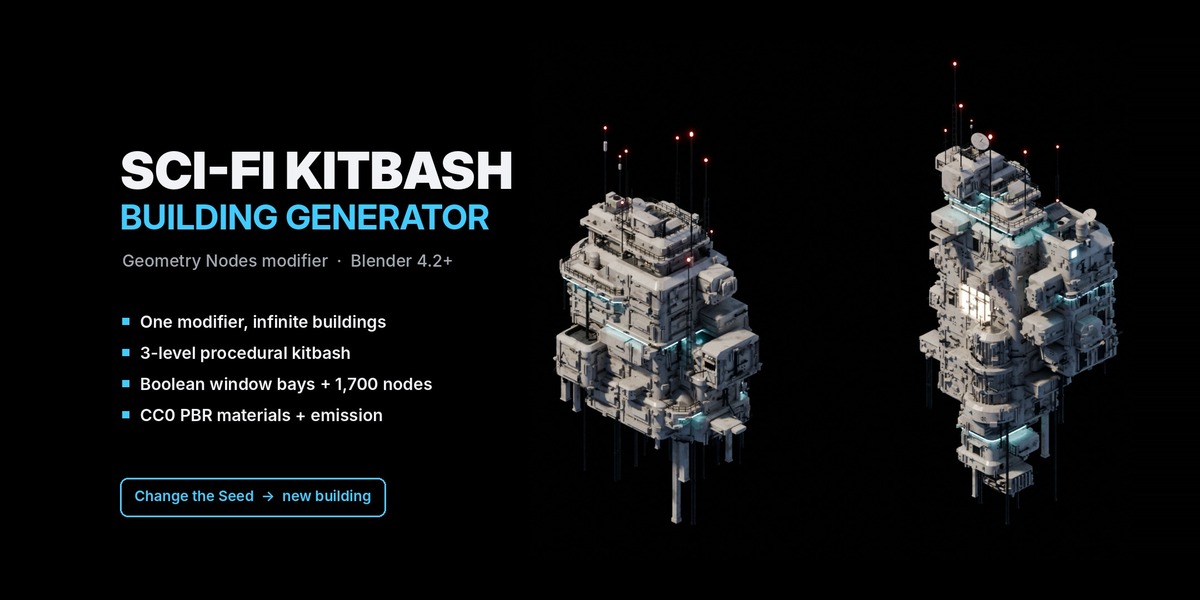
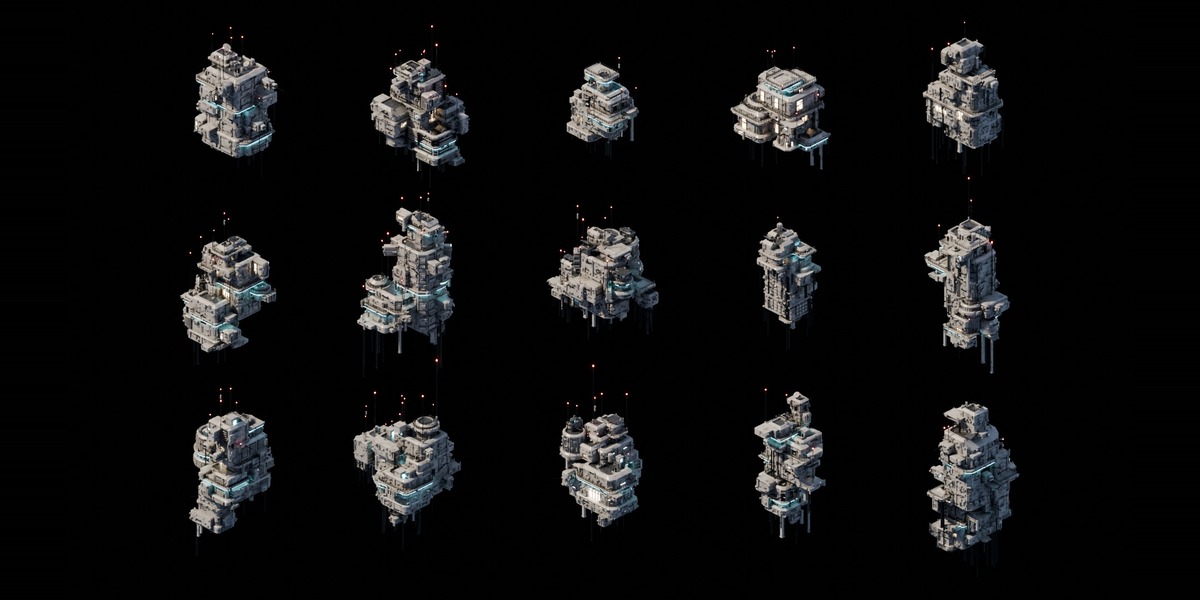
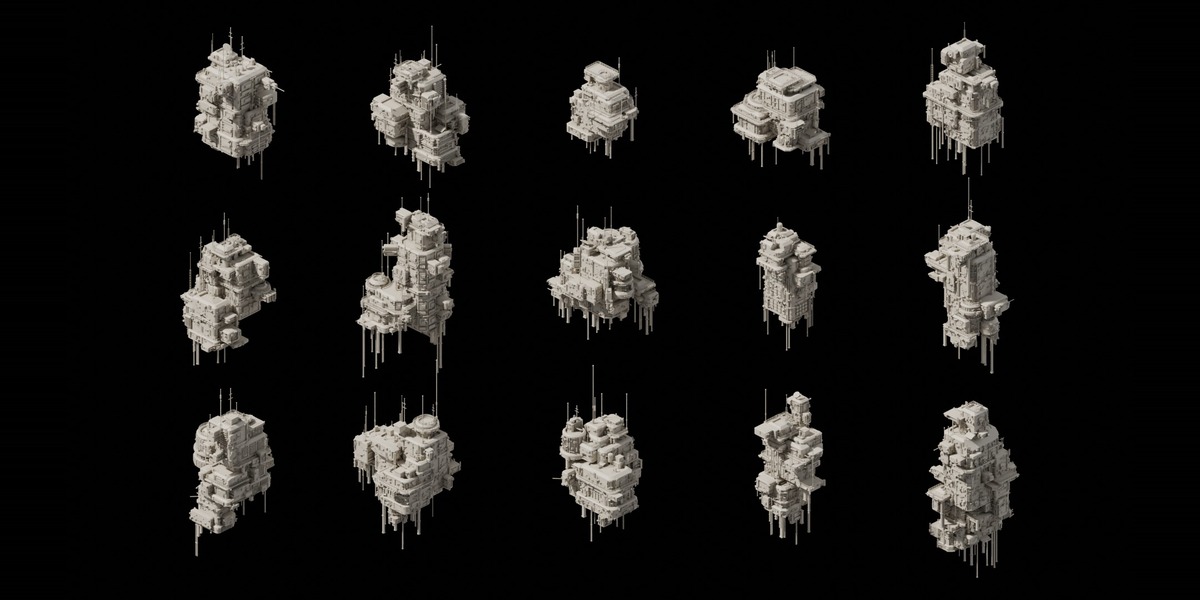
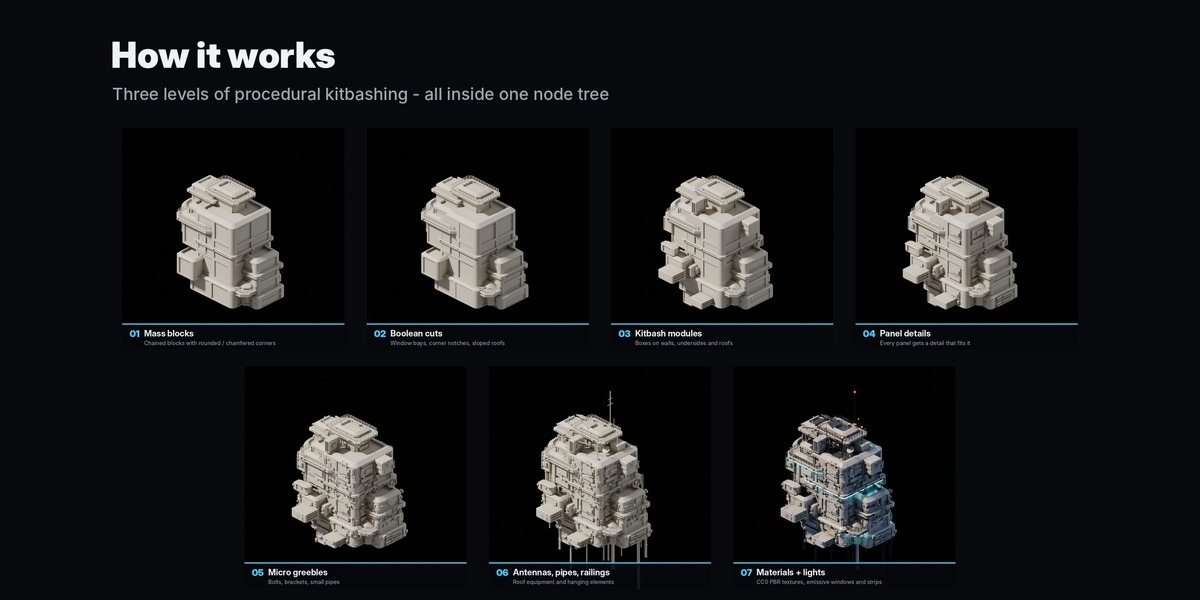
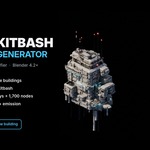
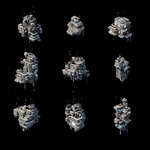
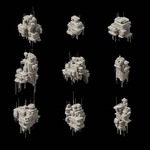
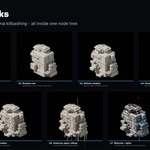
Full illustrated documentation: blenderprocedural.github.io/scifi-kitbash/docs.html
Quick start (30 seconds)
- Open SciFi_Kitbash_Generator.blend.
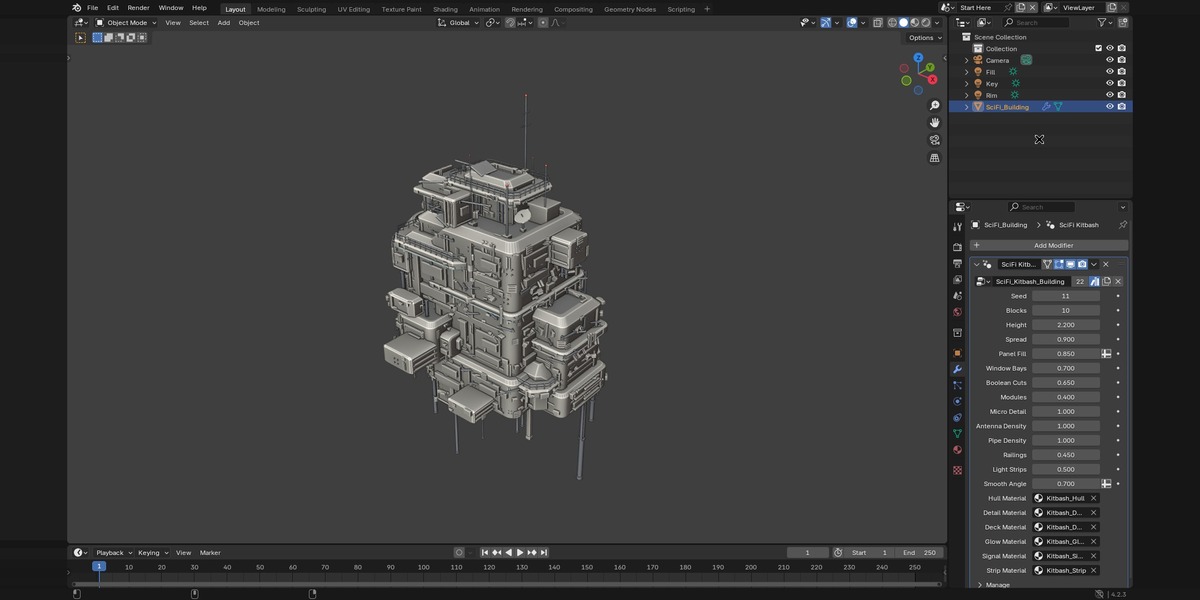
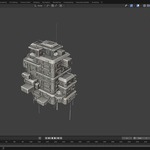
- The Start Here scene contains a ready building. Select it and open the Modifier tab (wrench icon) in the Properties editor.
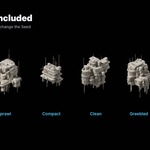
- Change Seed – every value is a brand-new building.
- Press F12 to render (Cycles).
Use it in your own file
Option A – Asset Browser (recommended)
- Edit › Preferences › File Paths › Asset Libraries › + and choose the folder that contains the README.
- In any file: select a mesh object › Add Modifier › SciFi Kitbash › SciFi_Kitbash_Building (or drag it from the Asset Browser onto an object).
- Set the import method to Append in the Asset Browser header if you want a fully local copy (recommended for sharing files).
Option B – Append
File › Append › SciFi_Kitbash_Generator.blend › NodeTree › SciFi_Kitbash_Building. Then Add Modifier › Geometry Nodes and pick it. Materials and textures come with it (textures are packed).
The modifier ignores the input mesh: a building is generated at the object's origin, so you can use a plane or a single-vertex mesh and move, rotate and scale the object freely.
Parameters
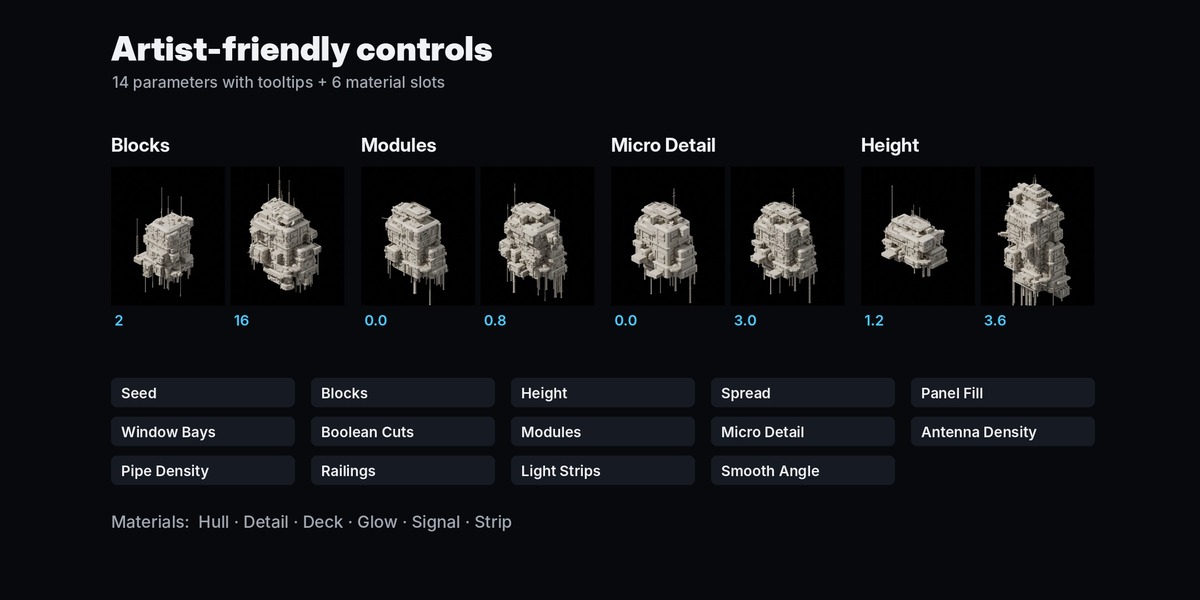
- Seed – random seed; every value is a different building
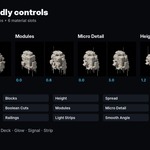
- Blocks – number of main mass blocks (size / complexity)
- Height – main tower height in meters; other blocks follow it
- Spread – how far attached blocks reach out from their parent
- Panel Fill – chance that a wall panel gets a detail (vent, window, door…)
- Window Bays – chance of boolean-cut window bays per block
- Boolean Cuts – chance of corner notches and sloped roof cuts per block
- Modules – density of secondary kitbash boxes (walls, undersides, roofs)
- Micro Detail – density of tiny greebles (bolts, brackets, small pipes)
- Antenna Density – antennas, dishes and rooftop equipment
- Pipe Density – hanging pipes, columns and wall pipes
- Railings – chance of railings around roof edges
- Light Strips – chance of emissive light strips under ledges
- Smooth Angle – auto smooth angle (radians)
- 6 material slots – Hull, Detail, Deck, Glow (windows), Signal (red lamps), Strip (light strips); swap them for your own materials
Looks
- Textured / night look: the default materials (packed CC0 textures, box projected – no UVs needed). Windows switch on and off randomly.
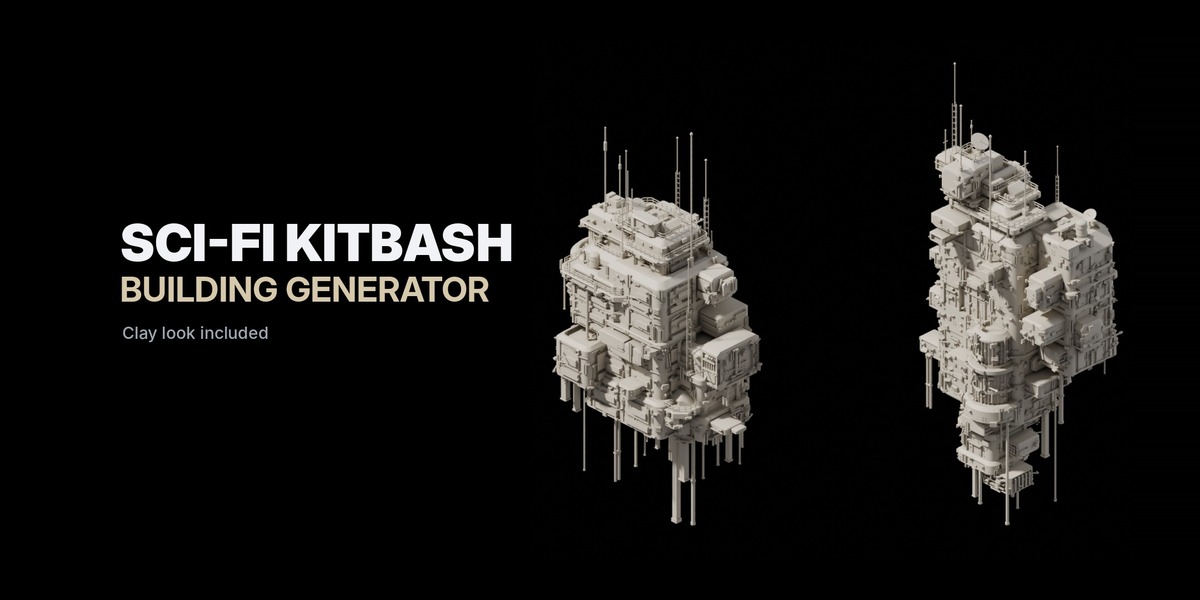
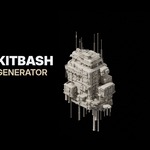
- Clay look (as in the marketing images): View Layer Properties › Override › Material = Kitbash_Clay.
Performance
One building updates in about 0.1–0.2 s on a modern CPU and has roughly 20k–90k faces depending on the settings. For large cities use Collection Instances or linked duplicates, and lower Micro Detail and Modules for background buildings.
Export
Object › Apply › Visual Geometry to Mesh (or apply the modifier) to get a regular mesh for FBX / OBJ / glTF export. The generated mesh has no UV map; the included materials use box (triplanar) projection.
Rendering
Cycles is recommended: the materials use Bevel and Ambient Occlusion shader nodes, which are Cycles-only. EEVEE works, but without the rounded-edge highlights.
Files
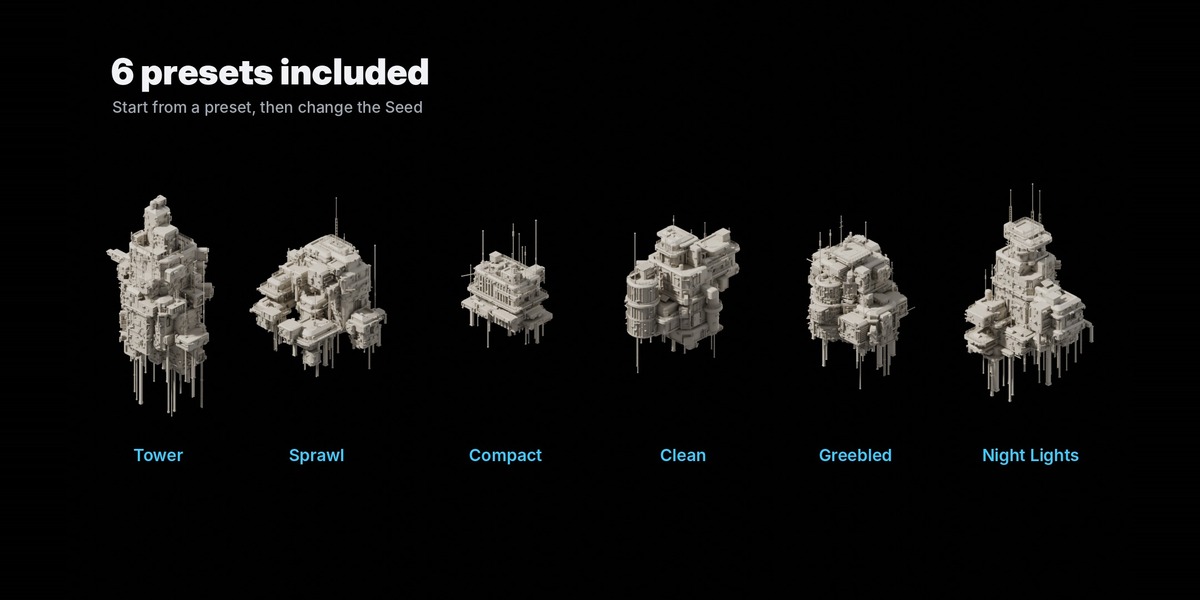
- SciFi_Kitbash_Generator.blend – node group (asset), materials and 3 scenes: Start Here, Presets, Showcase Grid
- blender_assets.cats.txt – asset catalog (“SciFi Kitbash”)
- Documentation.pdf – full illustrated documentation
- LICENSE.txt / CREDITS.txt – textures are CC0 from ambientCG.com
 Included
Includes 12 months of
- Support from Blender Procedural
- Product updates
Extend this product’s Support Period +12 months: 50% of product price
Have questions before purchasing?
Login to message
| Published | about 12 hours ago |
| Blender Version | 4.2 - 5.2 |
| Render Engine Used | Cycles, Eevee |
| Misc Data | Textured |
| License | Royalty Free |
Discover more products like this
cyberpunk Generator building procedural modifier sci fi geometry nodes city greeble architecture hard surface kitbash