 ZibadMend


🎥 Screen Recorder Pro
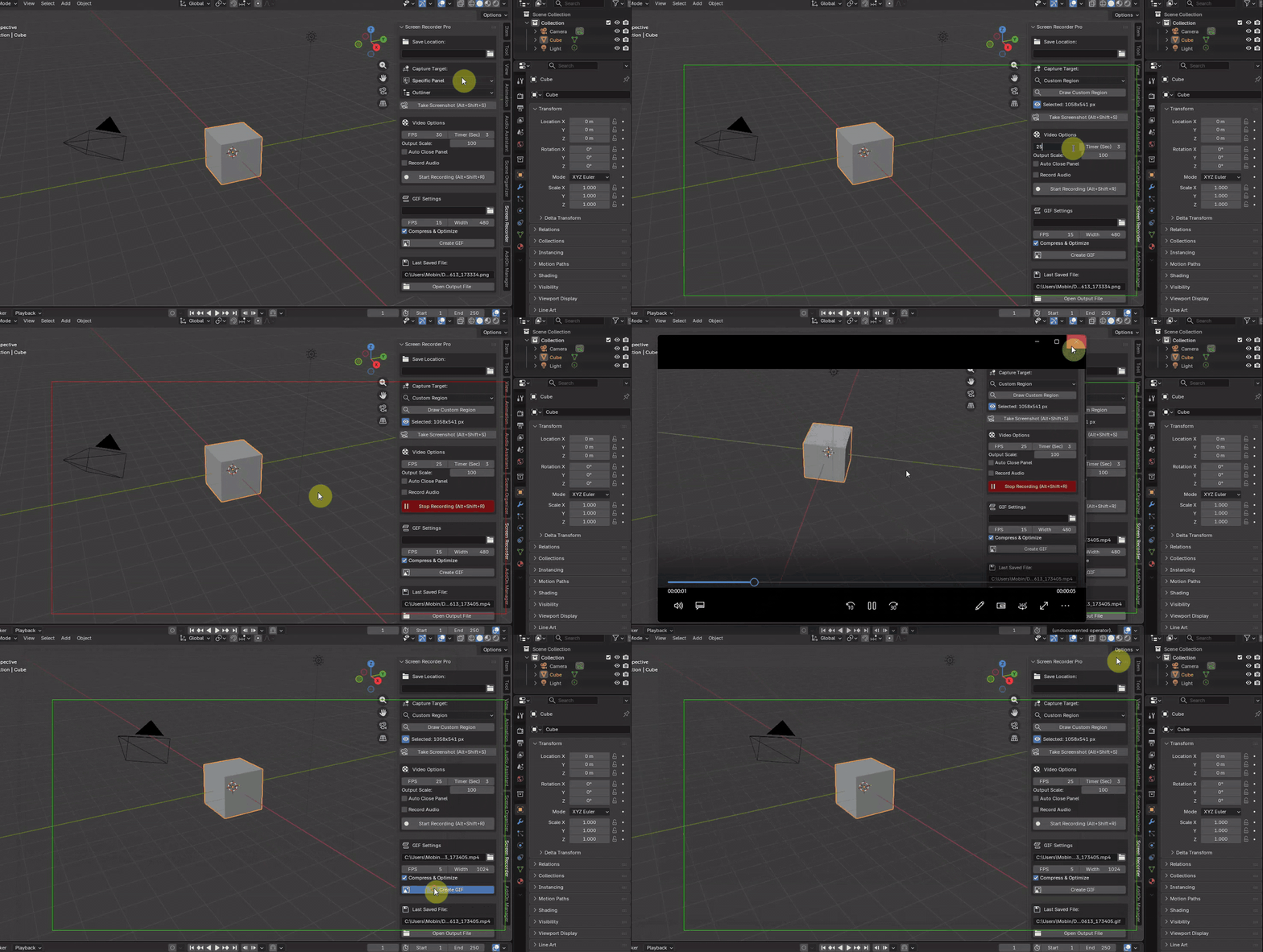
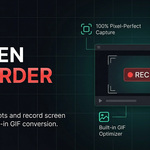
Screen Recorder Pro is a powerful, lightweight, and offline-ready add-on for Blender. It allows you to seamlessly capture screenshots, record high-quality screen sessions, and generate heavily optimized GIFs directly from the Blender UI, without ever needing external screen recording software.
🎯 Who is this for?
Whether you are a professional or a hobbyist, this tool is designed to speed up your workflow:
- Tutorial Creators & Educators: Record specific panels (like the Node Editor or 3D Viewport) with audio to create bite-sized tutorials instantly.
- Animators & Riggers: Quickly record playblasts or rig-testing sessions to share with directors or clients.
- Add-on Developers: Record UI interactions and bug reproductions to embed in GitHub issues or official documentation.
- 3D Artists: Share your work-in-progress (WIP) on Twitter, Discord, or Reddit using highly compressed, web-friendly GIFs.
🚀 The Power of Optimization & Compression
We built Screen Recorder Pro with performance and storage in mind. You no longer need third-party tools to compress your files:
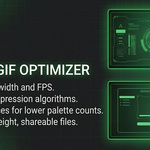
🎞️ Advanced GIF Compression:Standard GIFs export at massive file sizes. Our "Compress & Optimize" engine uses a multi-pass algorithm:
-
Custom Palette Generation: It analyzes your video and generates a custom 128-color palette (
max_colors=128). -
Difference Calculation: Using
stats_mode=diff, it only updates the pixels that change between frames, drastically reducing the file size. - Bayer Dithering: Applies a high-quality dithering algorithm to prevent color banding, keeping the file size incredibly small and web-ready.
- Auto-Rounding: Scaling video dimensions to odd numbers causes standard encoders to crash. Our add-on automatically applies math formulas to round scaled dimensions to the nearest even number.
-
Universal Playback: Forces
yuv420ppixel format so your videos play perfectly on all operating systems, web browsers, and media players (QuickTime, Chrome, iOS, etc.).
✨ Key Features
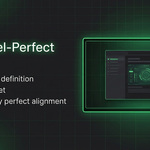
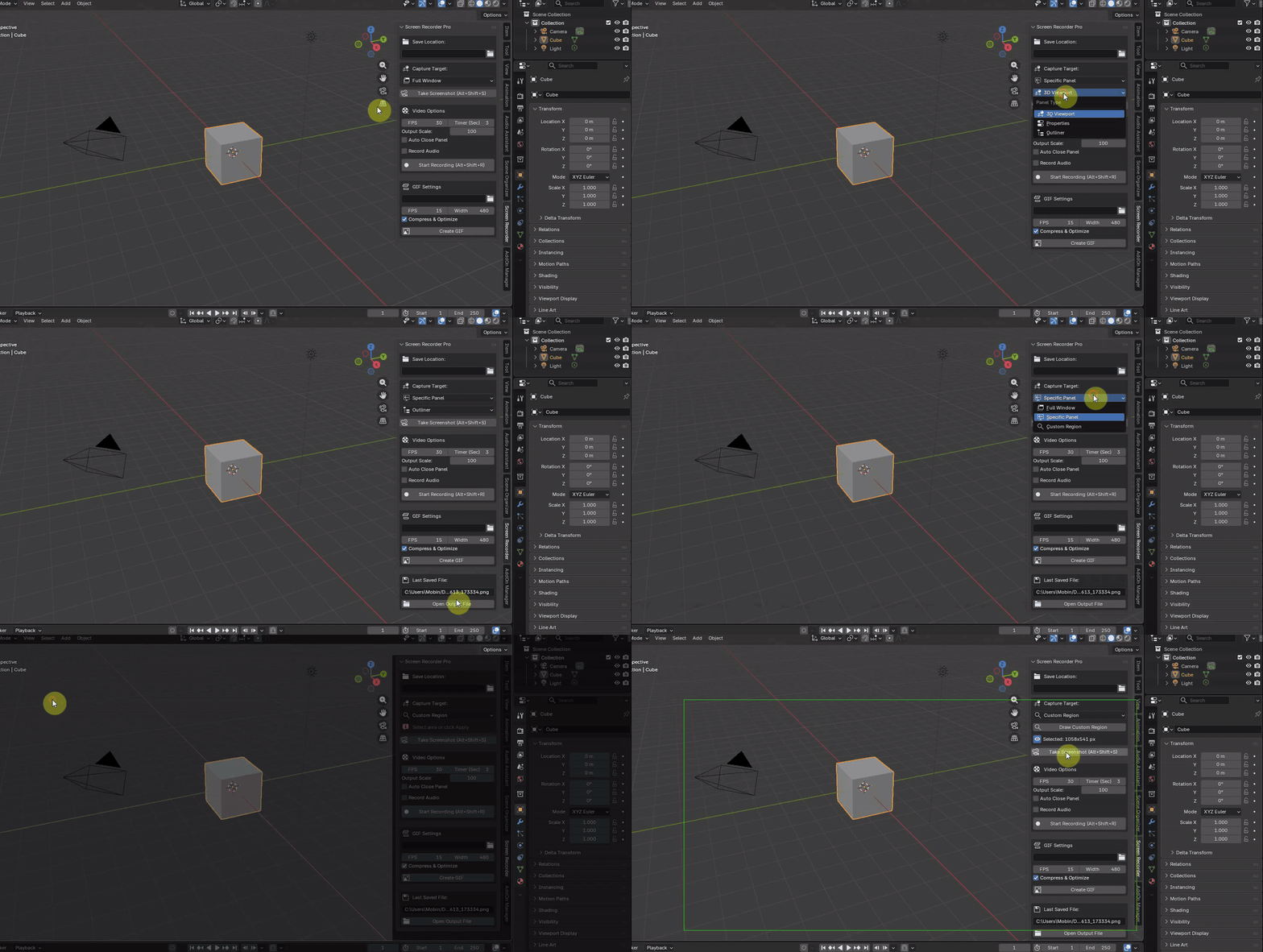
- 📏 100% Pixel-Perfect Capture: Mathematically precise region cropping with zero offset. What you box is exactly what you get.
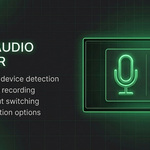
- 🎙️ Smart Audio Scanner: Asynchronous, zero-lag audio device scanner using robust Hardware IDs (DirectShow).
- 📦 Fully Offline Installation: Bundled with standard Python
.whlfiles to comply with secure marketplace standards. - 👁️ Panel-Aware UI: The visual bounding box dynamically hides itself when you close the N-Panel, keeping your workspace distraction-free.
- ⚙️ Auto-Close Panel: Automatically collapses the UI panel the moment recording starts for a clean video output.
📦 Installation Guide
Due to marketplace regulations, this add-on requires no active internet connection. All dependencies are included inside the wheels folder.
- Download the Add-on
.zipfile. - Open Blender and navigate to Edit > Preferences > Add-ons.
- Click Install..., locate your downloaded
.zipfile, and click Install. - Enable the checkbox next to System: Screen Recorder Pro.
- Open the 3D Viewport Sidebar (Press
N) and locate the Screen Recorder tab. - Click the "Install Engine (Offline)" button. Wait a few seconds for the success message, then Restart Blender.
⌨️ Global Keyboard Shortcuts
| Shortcut | Action |
|---|---|
Alt + Shift + R | Toggle Recording (Start / Stop / Cancel Timer) |
Alt + Shift + S | Take a Quick Screenshot |
Note: Shortcuts work globally as long as your mouse cursor is anywhere inside the Blender application window.
