 Shift4cube



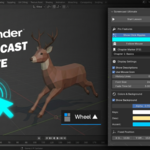
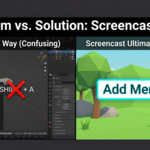
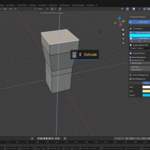
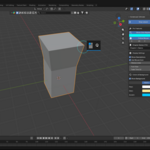
Stop confusing your viewers with raw keystrokes.
Screencast Ultimate is the professional standard for Blender educators, tutorial creators, and streamers. Unlike standard add-ons that just show "Shift + A", this tool acts as a translator, instantly displaying the Context and Name of the tool you are using (e.g., "Add Menu").
Whether you are teaching Modeling, Sculpting, or Rigging, Screencast Ultimate ensures your audience follows every step without guessing.
✨ Key Features
🔵 Visual Click Ripples: Spawns a cyan ring at your exact mouse cursor location when you click. Essential for showing where an action happened in 3D space.
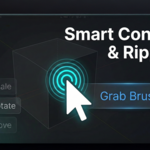
🧠 Smart Context Detection: The add-on knows which mode you are in. Pressing
Gin Object Mode shows "Move", but in Sculpt Mode it shows "Grab Brush".👻 Follow Mouse Mode: Keeps the text display dynamic and floating near your cursor, so viewers don't have to look away from the model.
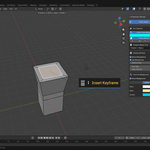
📜 History Stack: Display a vertical stack of your last 5-10 commands so slower students never miss a beat.
🔖 Chapter Markers: Press F5 to flash a large "Chapter Title" on screen to organize your tutorials live.
📦 What's Included?
Screencast Ultimate Add-on (.zip) (Version 1.0)
PDF Documentation & Shortcut Guide
-
Free Updates for V1.x
The Standard Changelog (Clean & Clear)
Ver 1.8 Update:
✅ Full Dictionary Restored: Added over 50+ missing shortcuts (Transforms, Views, Edit Mode).
✅ Smart Edit Mode: Pressing 1, 2, or 3 now correctly shows "Vertex/Edge/Face Select".
✅ New Display Format: Now shows Key - Name together (e.g., "Shift+A - Add Menu").
✅ Bug Fix: Fixed installation/registration errors.