Sculpt History Pro: Automatic Sculpt History Slider for Blender
 Salman Animator
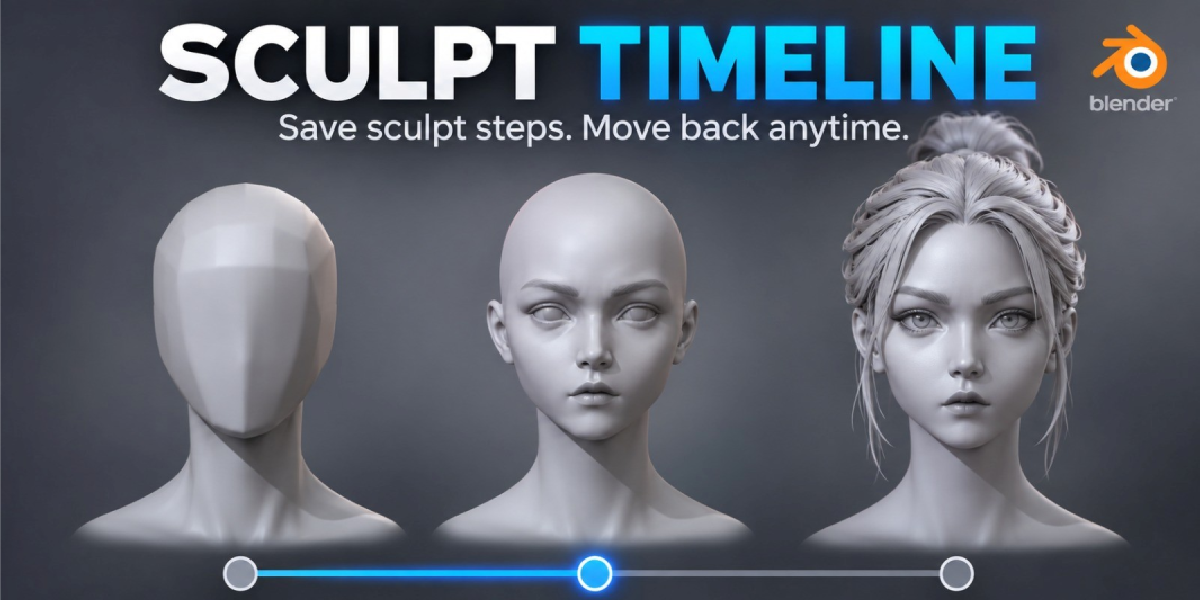
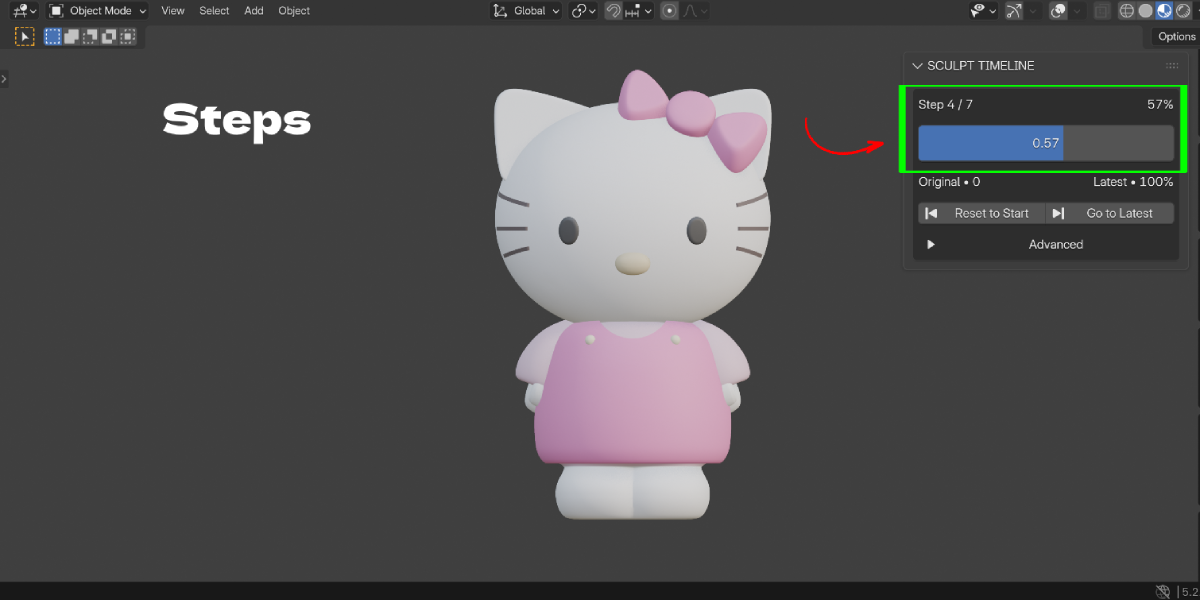
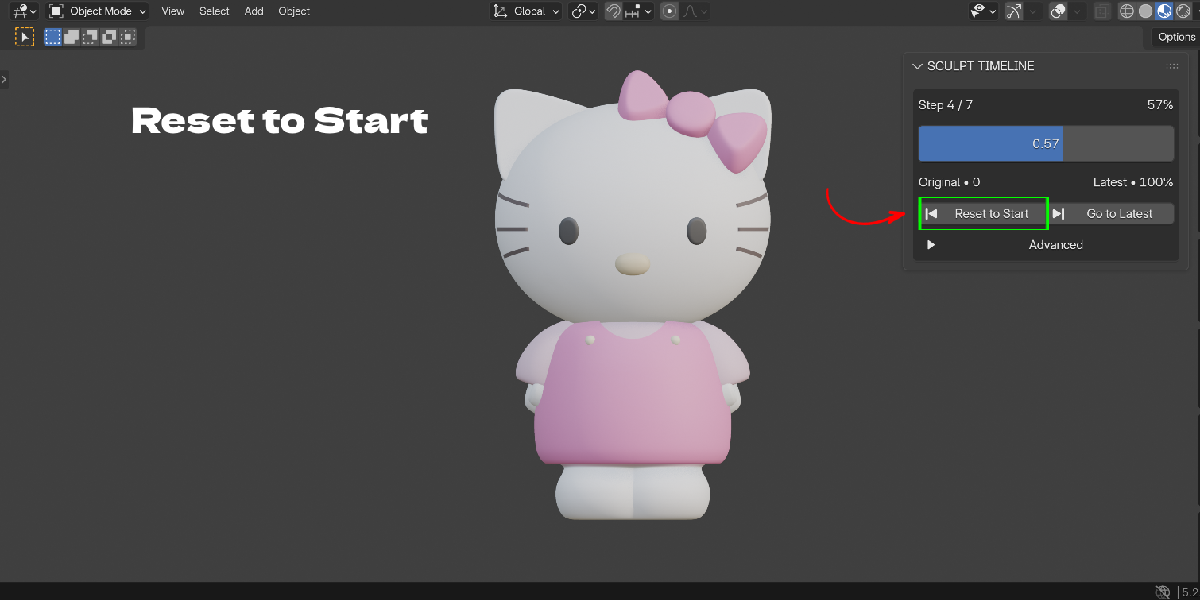
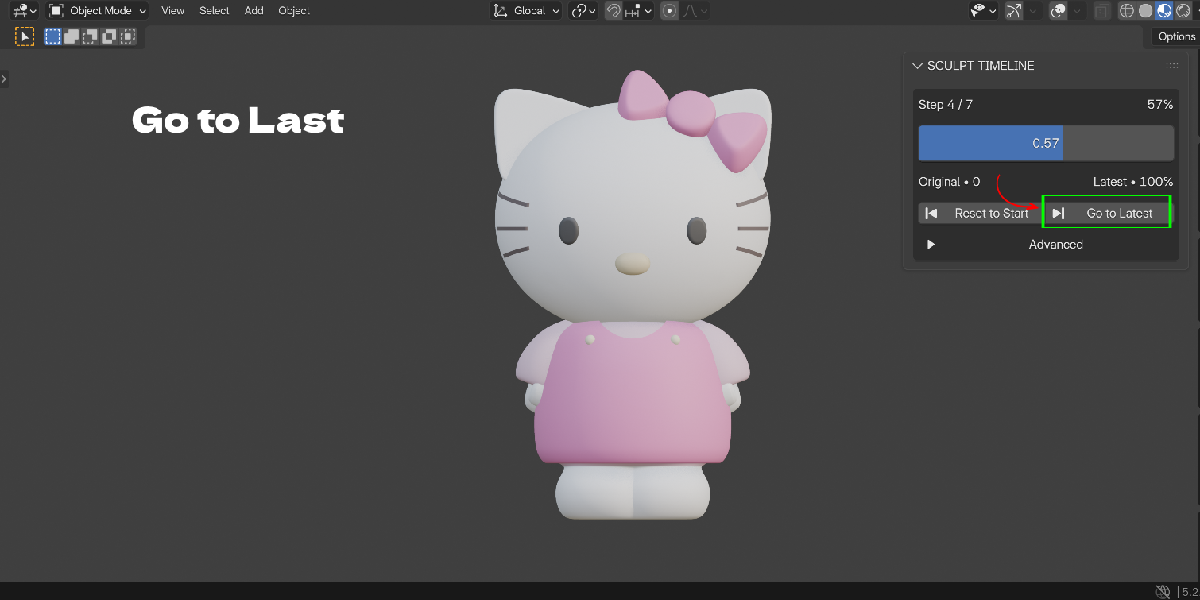
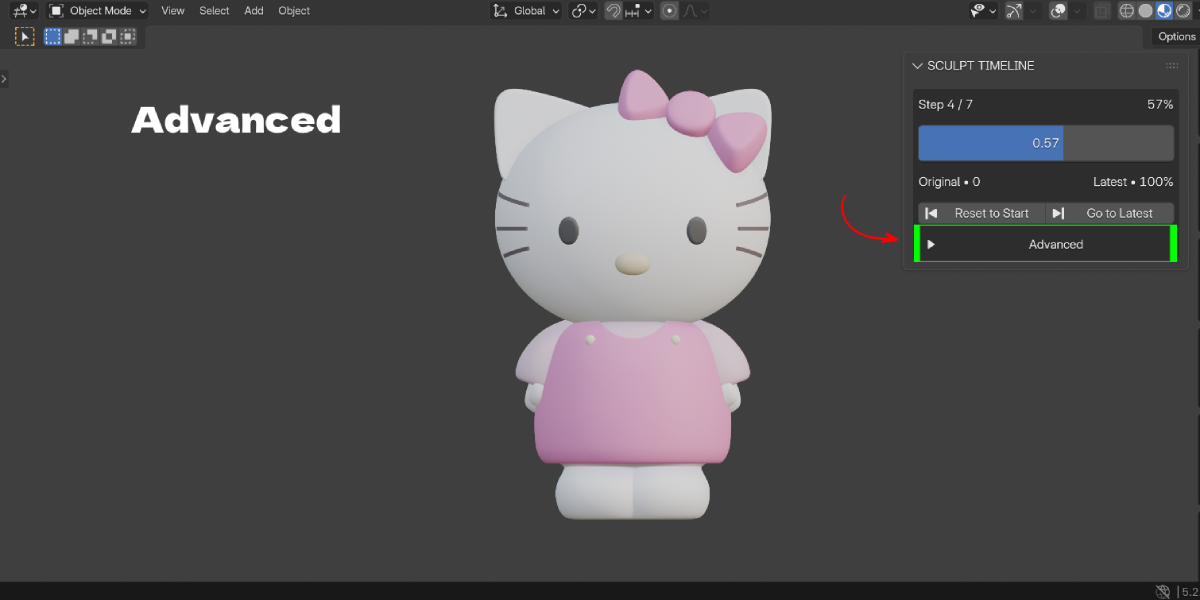
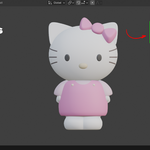
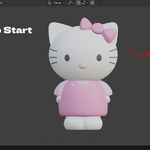

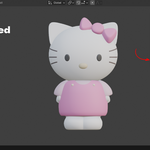
Open the Sculpt History tab in the 3D View sidebar and drag the History slider back. Your newer steps stay available until you sculpt from the older step.
No. Blender undo keeps working. Sculpt History Pro is a separate history you can move through without losing newer strokes.
Yes. History is stored inside the .blend file with the mesh object.
No. Recording starts automatically when you enter Sculpt Mode. Each finished stroke becomes one step.
Yes. Dyntopo changes are stored as full safety checkpoints, and existing Multires data is not removed.
It stores only changed vertices plus regular checkpoints, so the size grows with your sculpt work. Use Clear History on finished models to remove it.
Blender 4.2 and newer.
Yes. Enter Sculpt Mode again and sculpt. The later steps are replaced, like a normal undo branch.
Yes. It changes the mesh itself, so any render engine shows the restored state.
Contact [email protected] with your Blender version and steps to reproduce. Refunds follow Superhive's refund policy.
Have questions about this product?
Login to message
| Blender Extension Compatible | Yes |
| Published | about 1 hour ago |
| Blender Version | 4.2 - 5.2 |
| Extension Type | Add-on |
| License | GPL |

Discover more products like this
dyntopo sculpt timeline Workflow undo history Multires history sculpt undo undo sculpt history timeline Sculpt sculpting