 za studio
SCULPT MASKING PRO
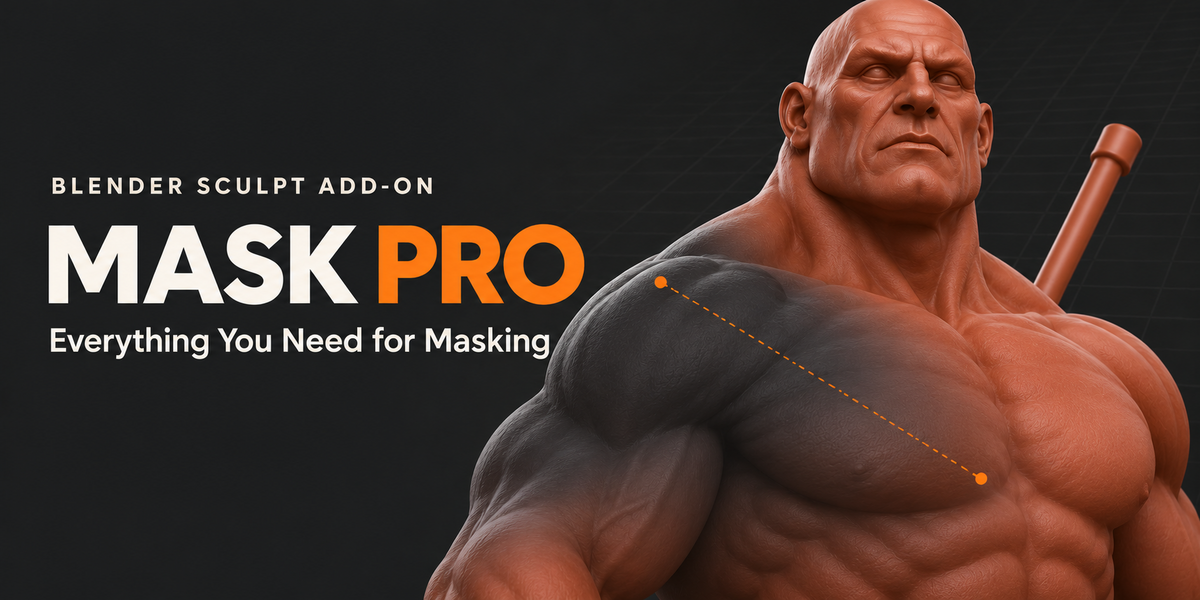
A fast, surface-aware masking toolkit for sculpting. Draw, transform, duplicate and refine masks without breaking your sculpting flow.
Pie Menu Workflow • Surface-Aware Brushes • Live Mask Editing • Mask Layers
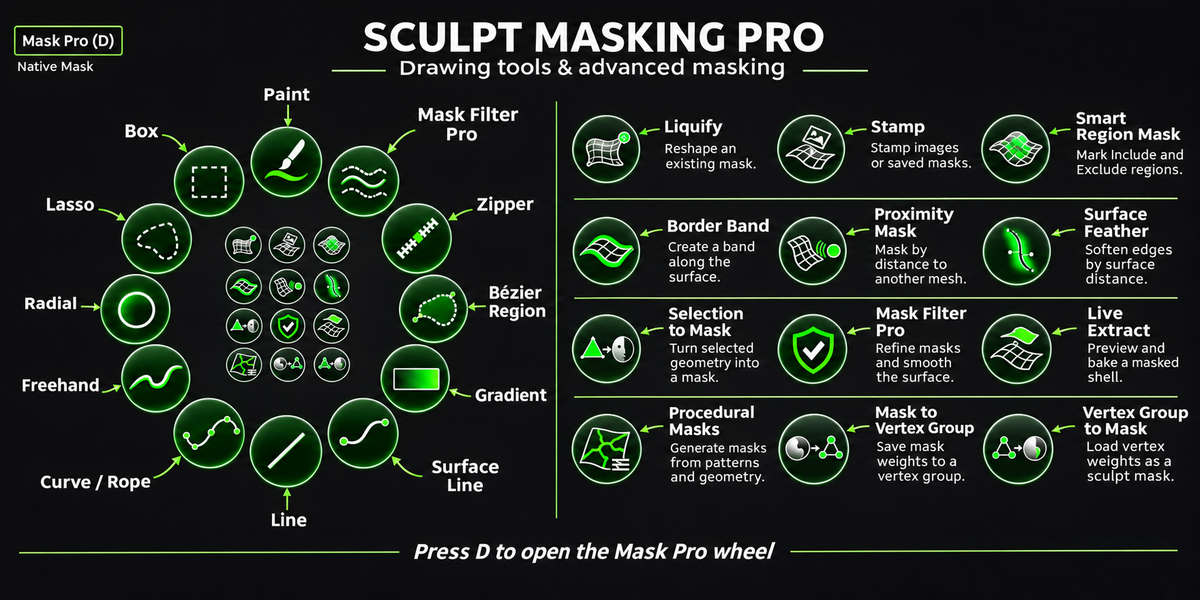
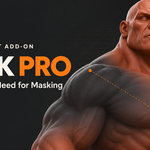
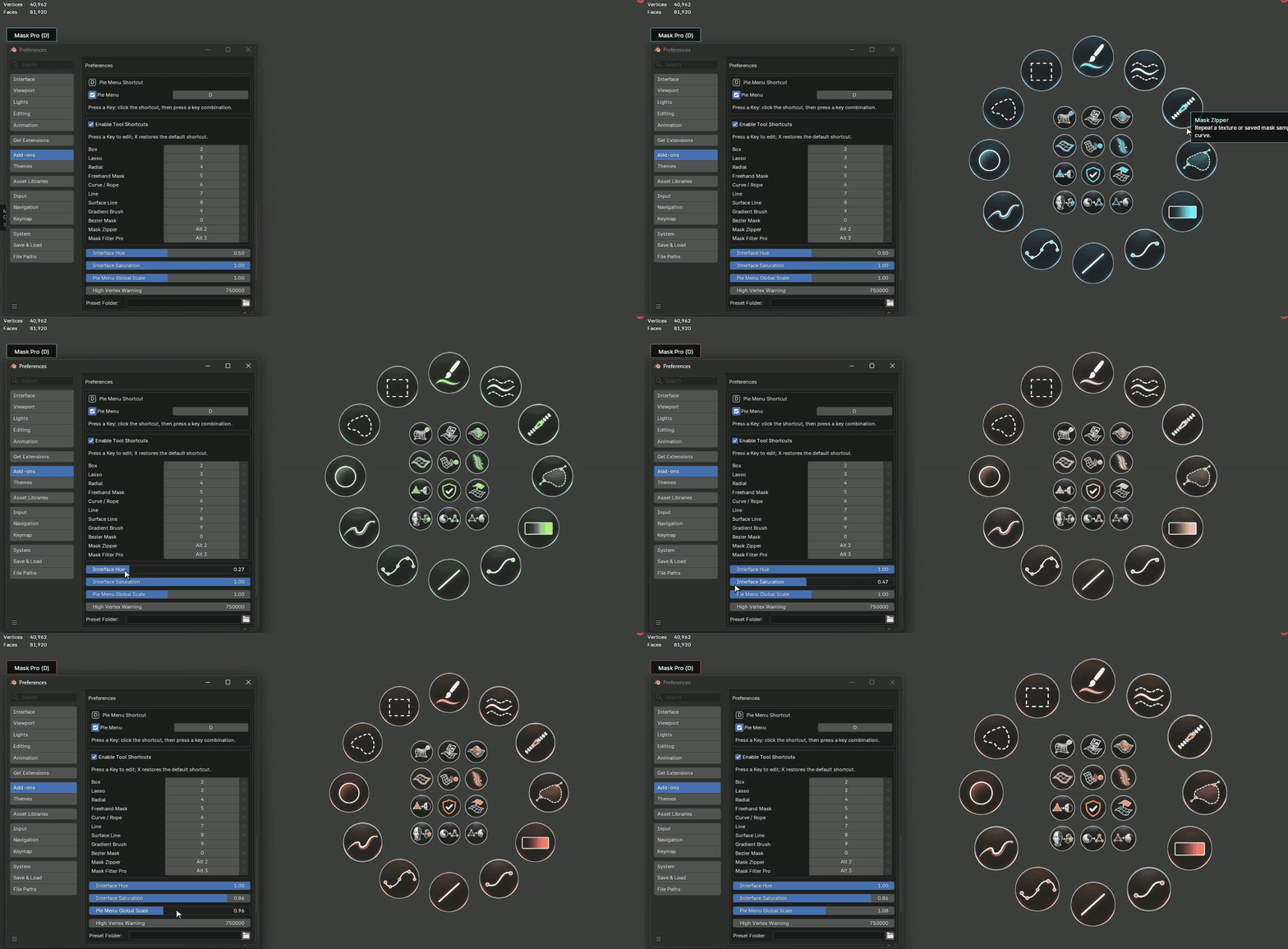
One wheel. Every masking workflow.
Open the neon Pie Menu with D, choose a tool, and keep sculpting. The wheel gives direct access to selection masks, curves, gradients, stamps and advanced procedural tools.
Essential mask brushes
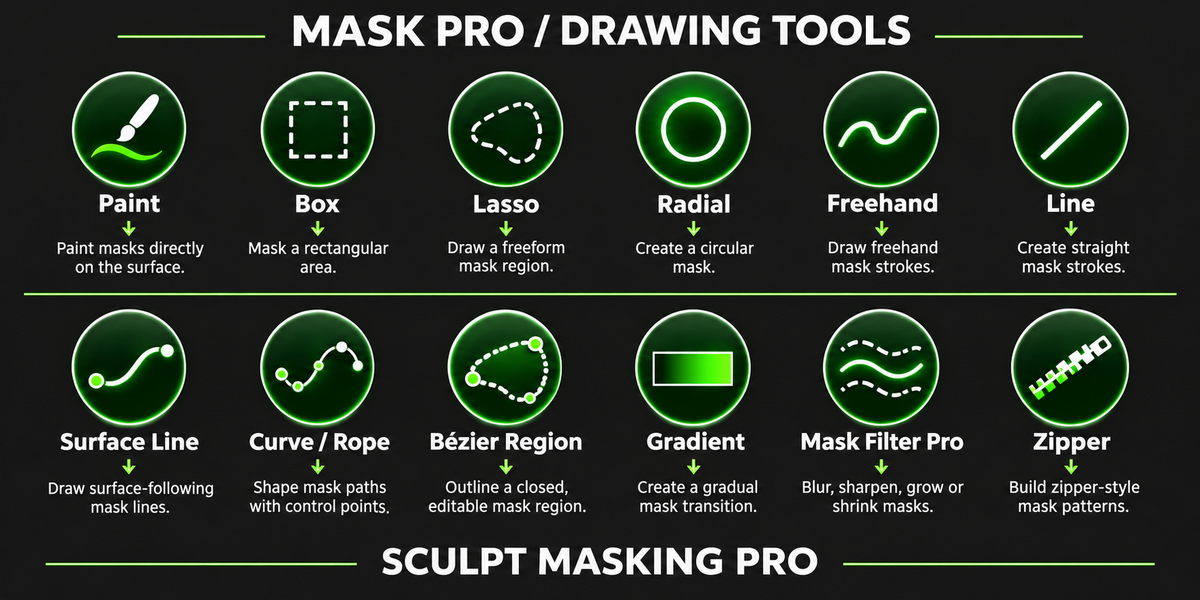
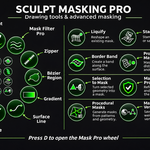
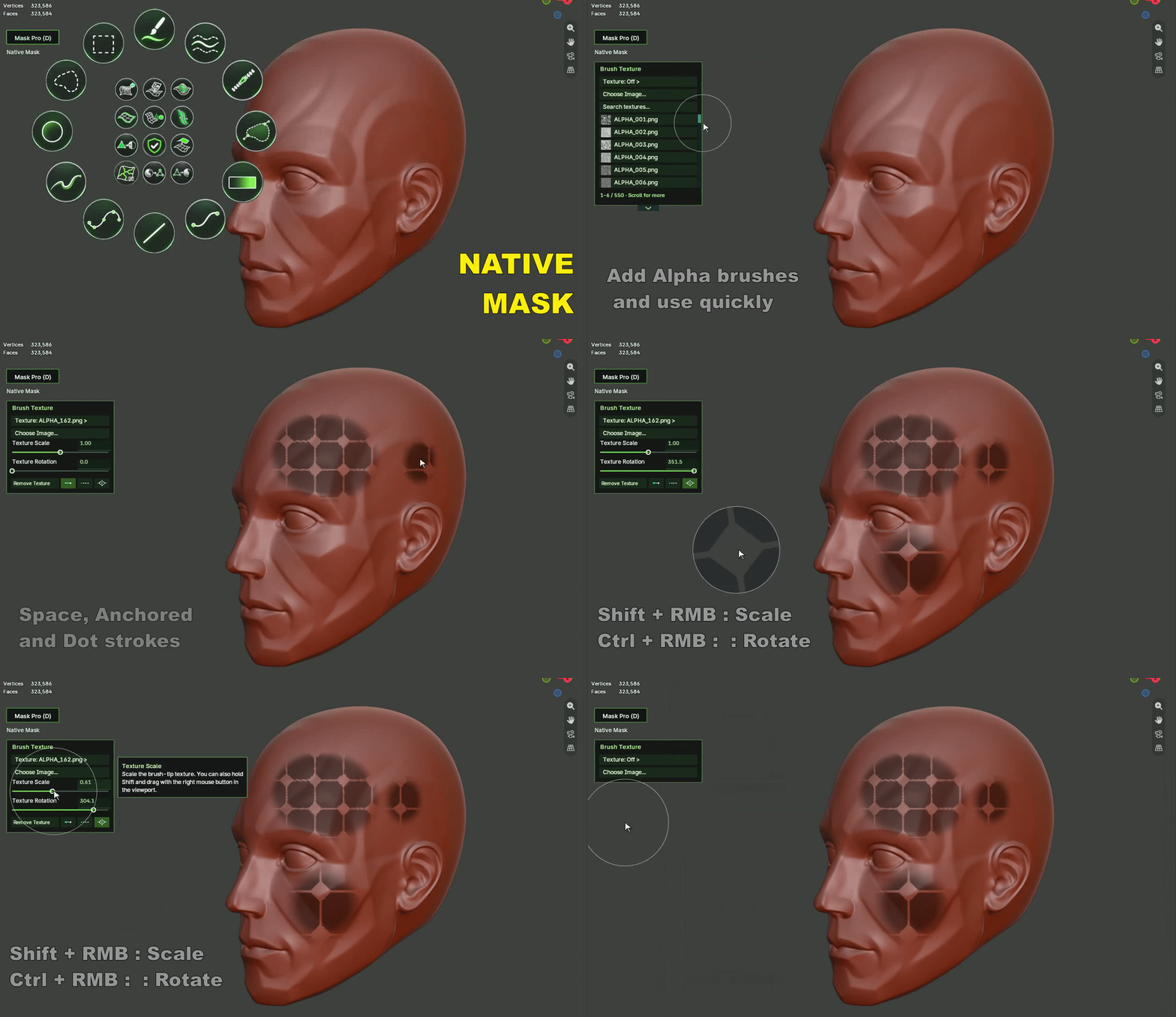
Use the tool that fits the shape. Every brush supports live adjustment, transform controls and mask-layer workflow.
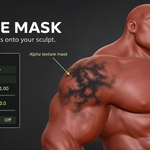
Works just like Blender's standard M mask brush, enhanced with texture support for richer surface strokes.
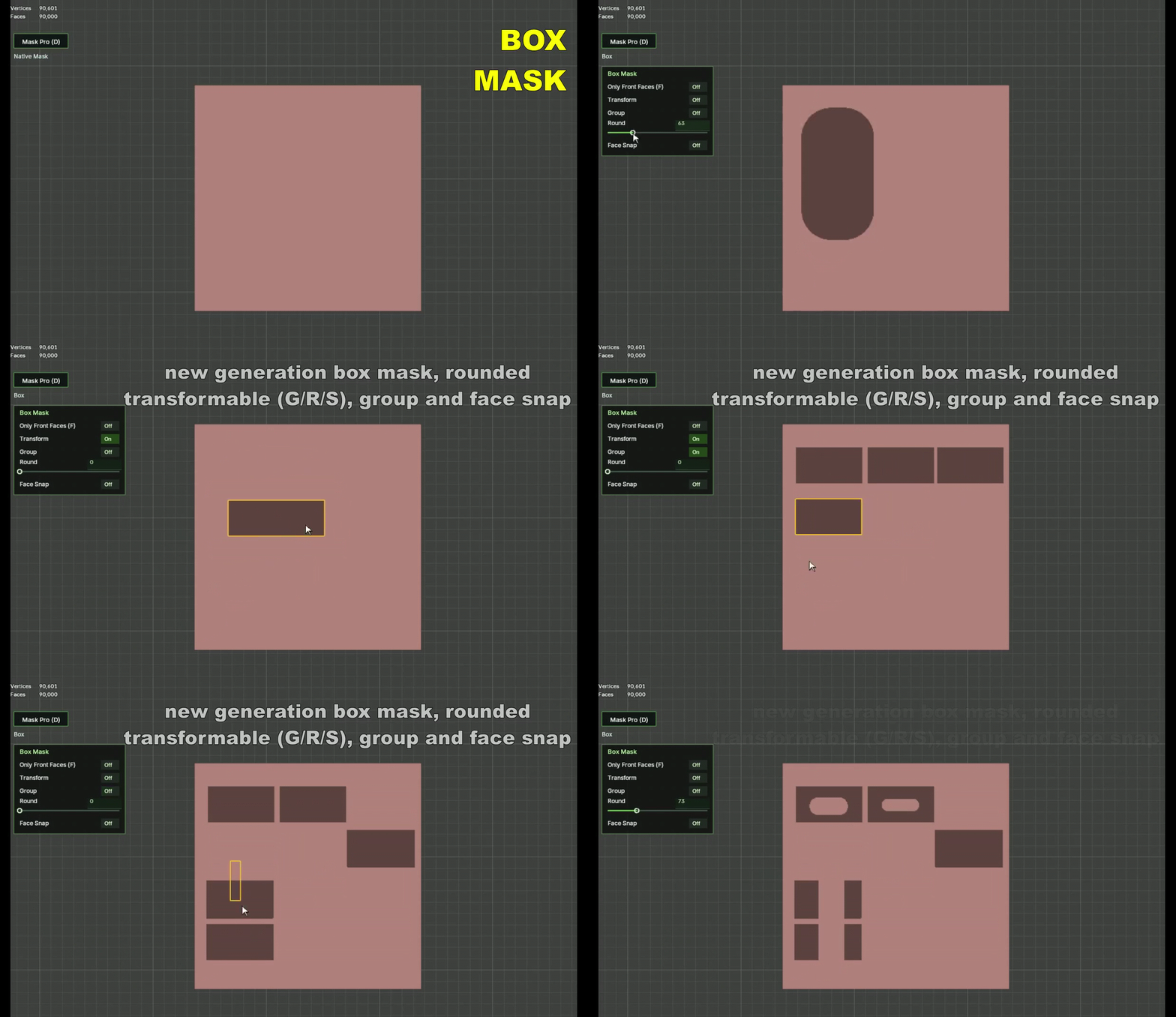
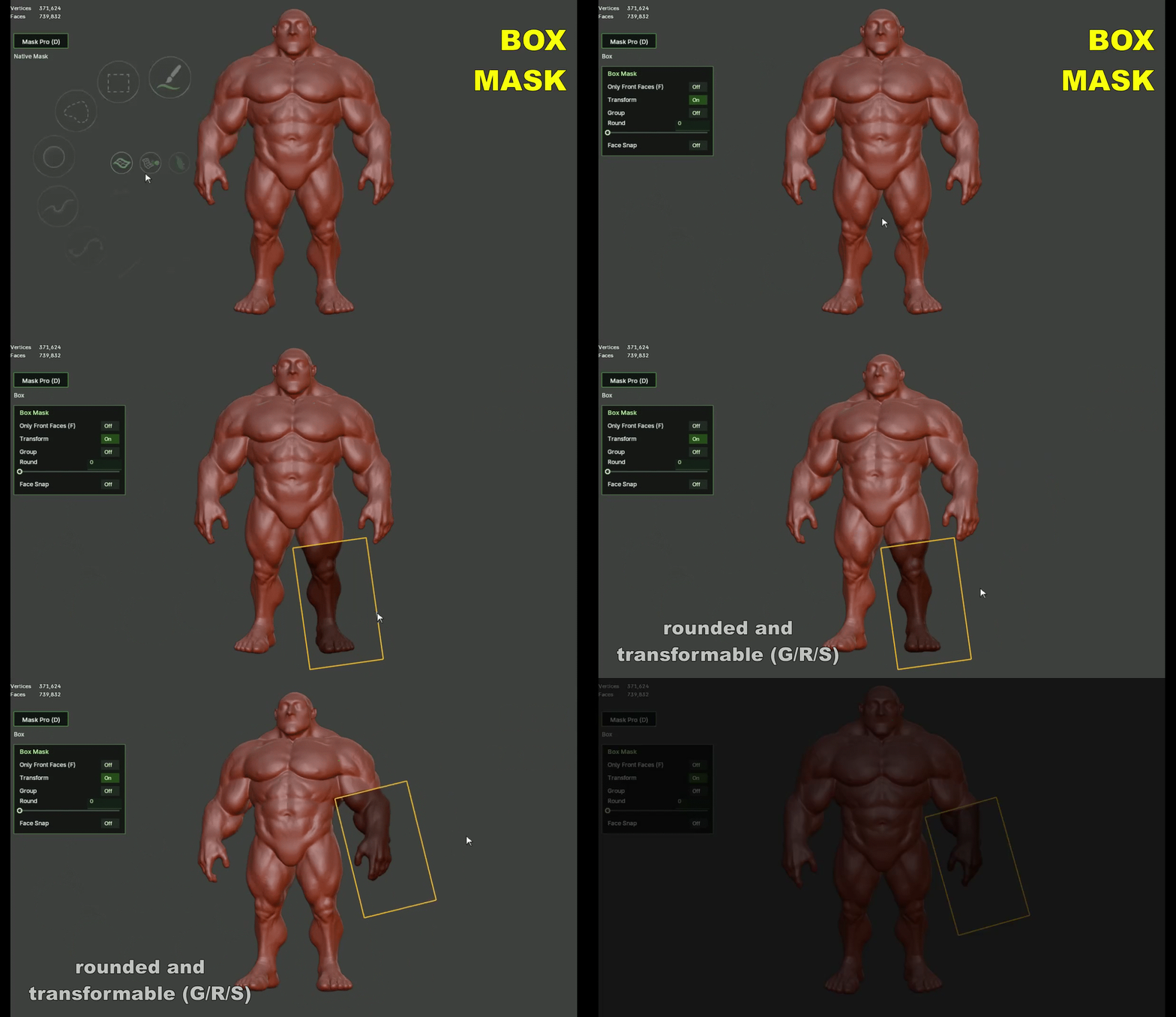
Fast rectangular selections with round corners, transform and face snap.
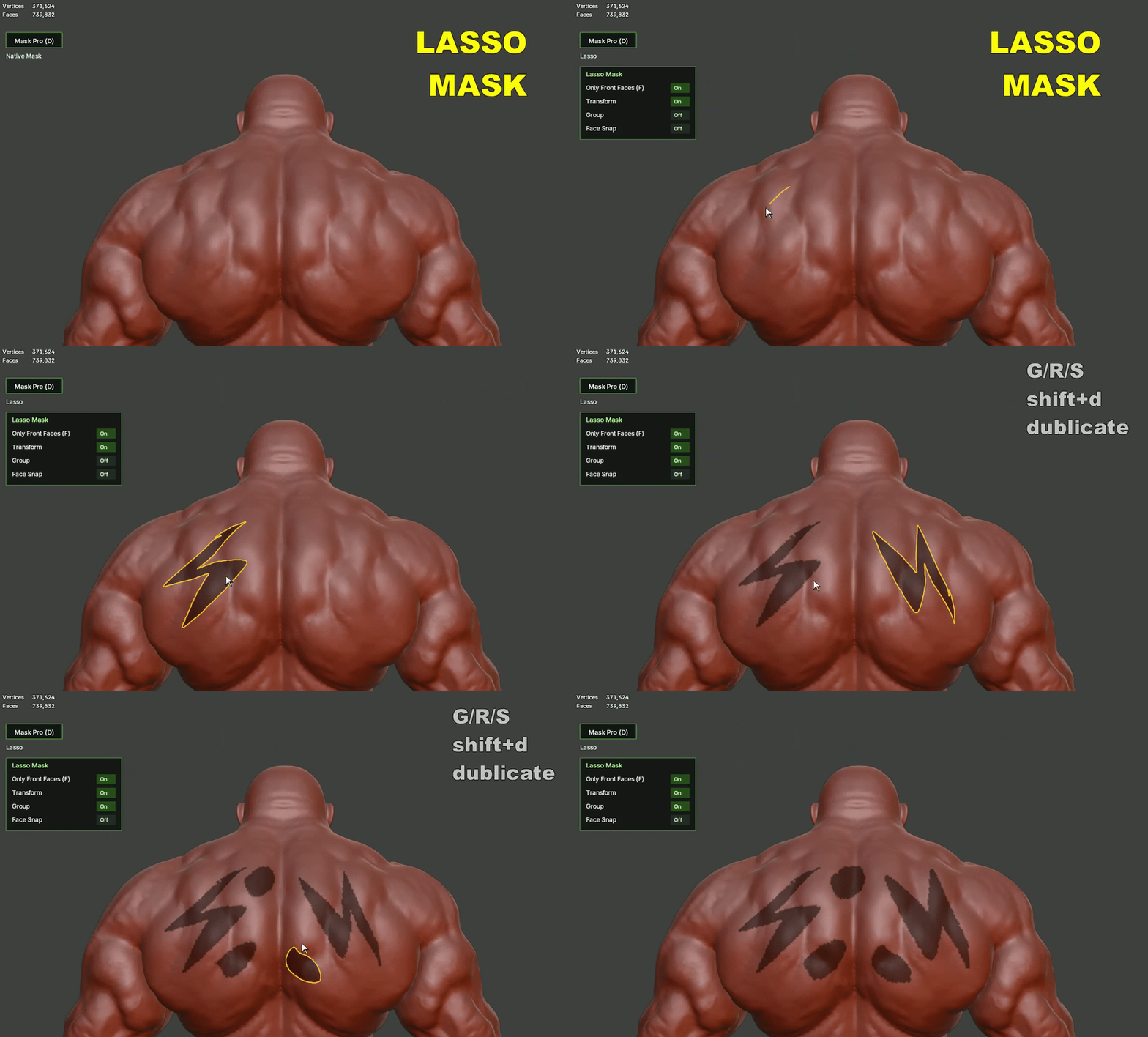
Freeform selections with subtract, transform and surface alignment.
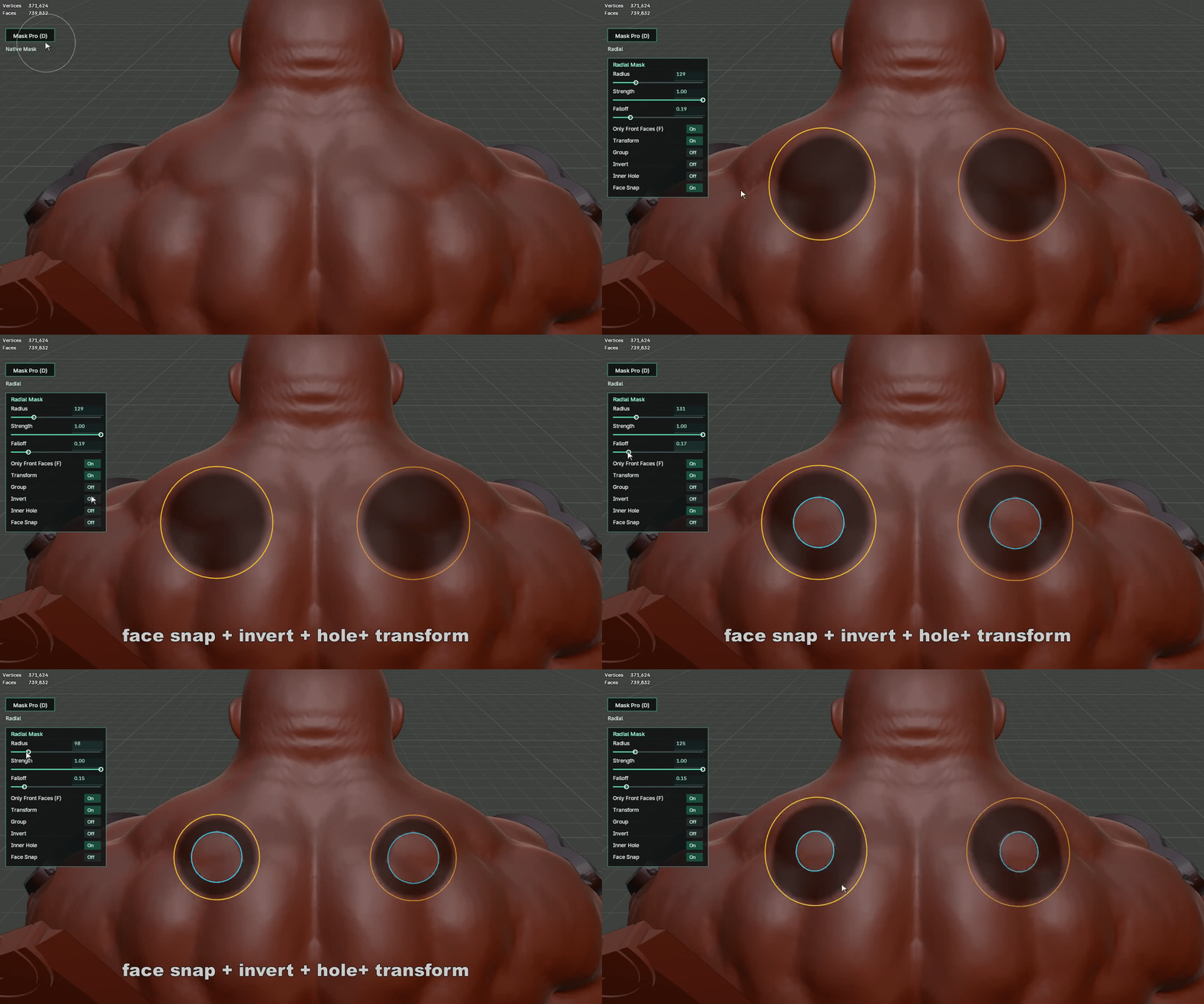
Create circles, rings and inverted radial gradients directly on the sculpt.
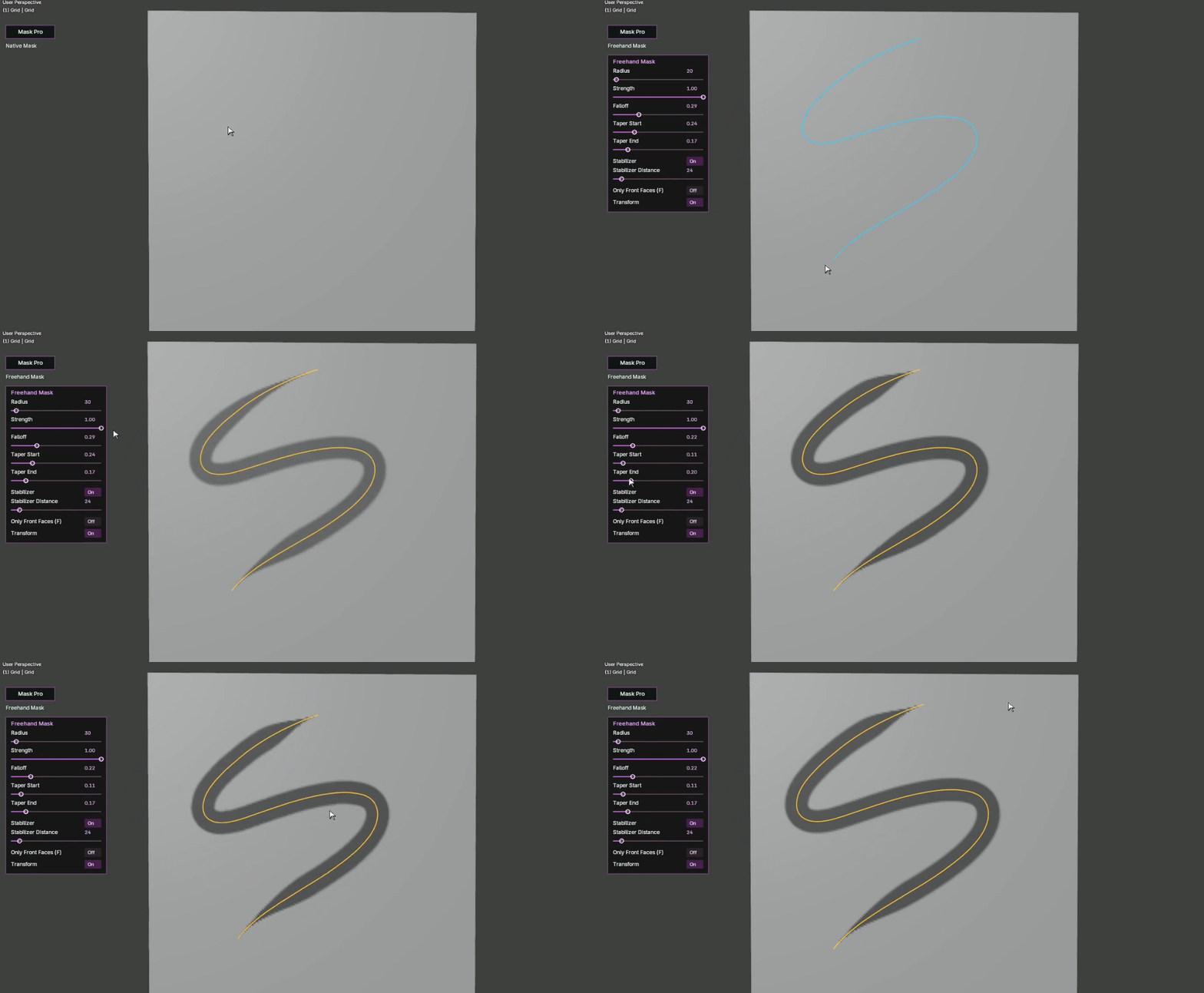
Pressure controls, stabilizer support and taper for organic strokes.
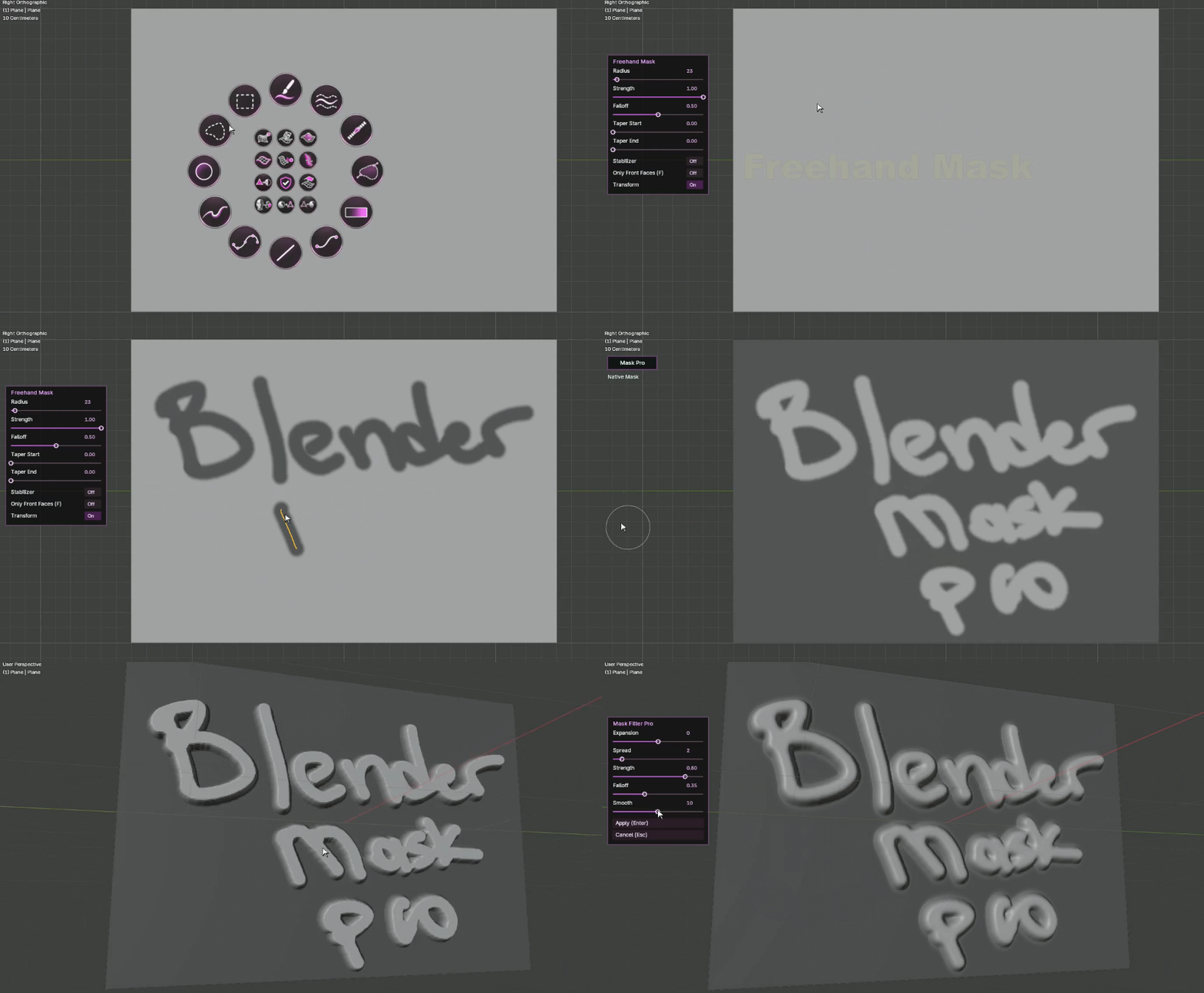
Build direct mask strokes over sculpted forms with responsive controls.
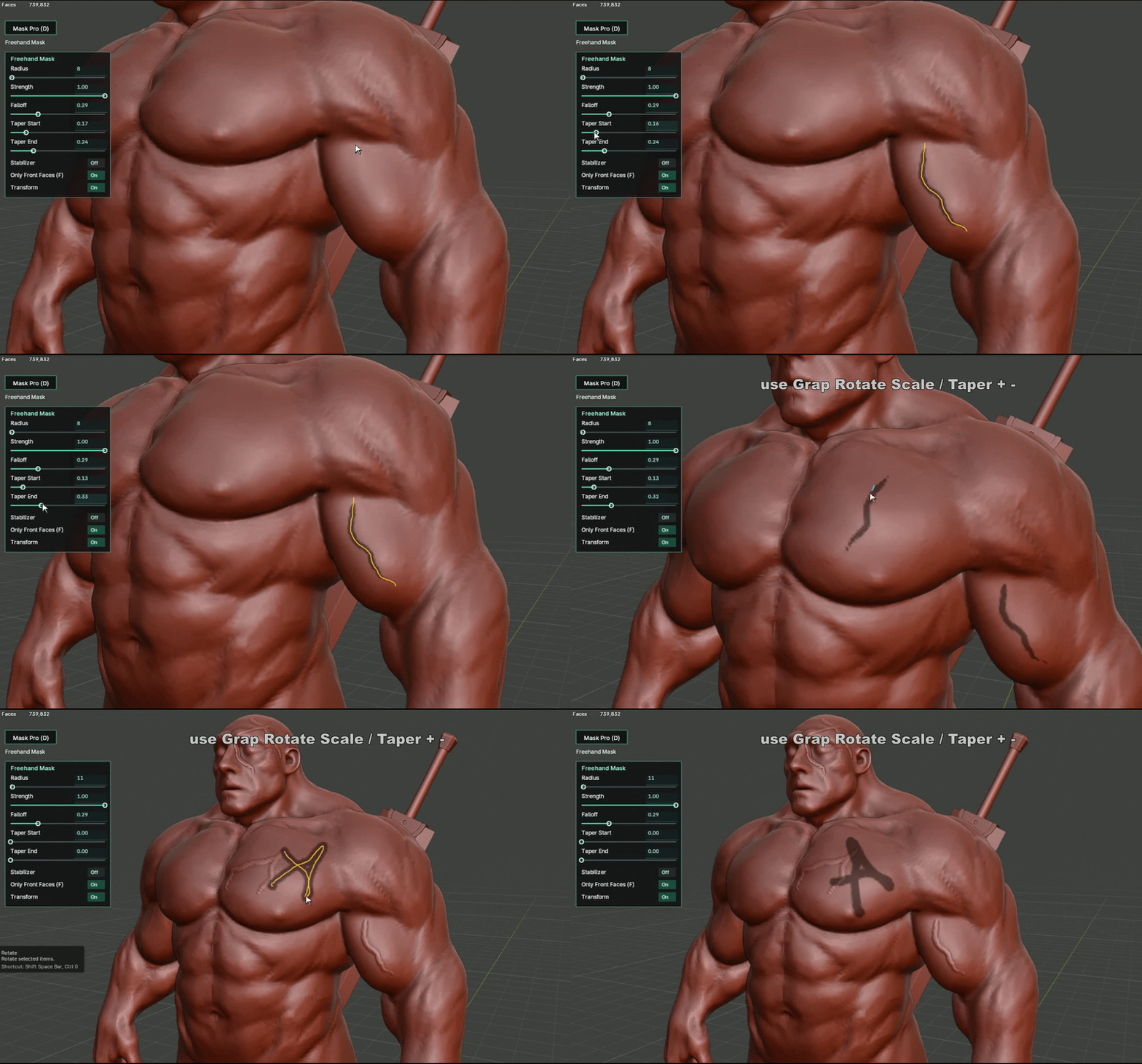
Control the stroke exactly where you need it with pressure-sensitive masking.
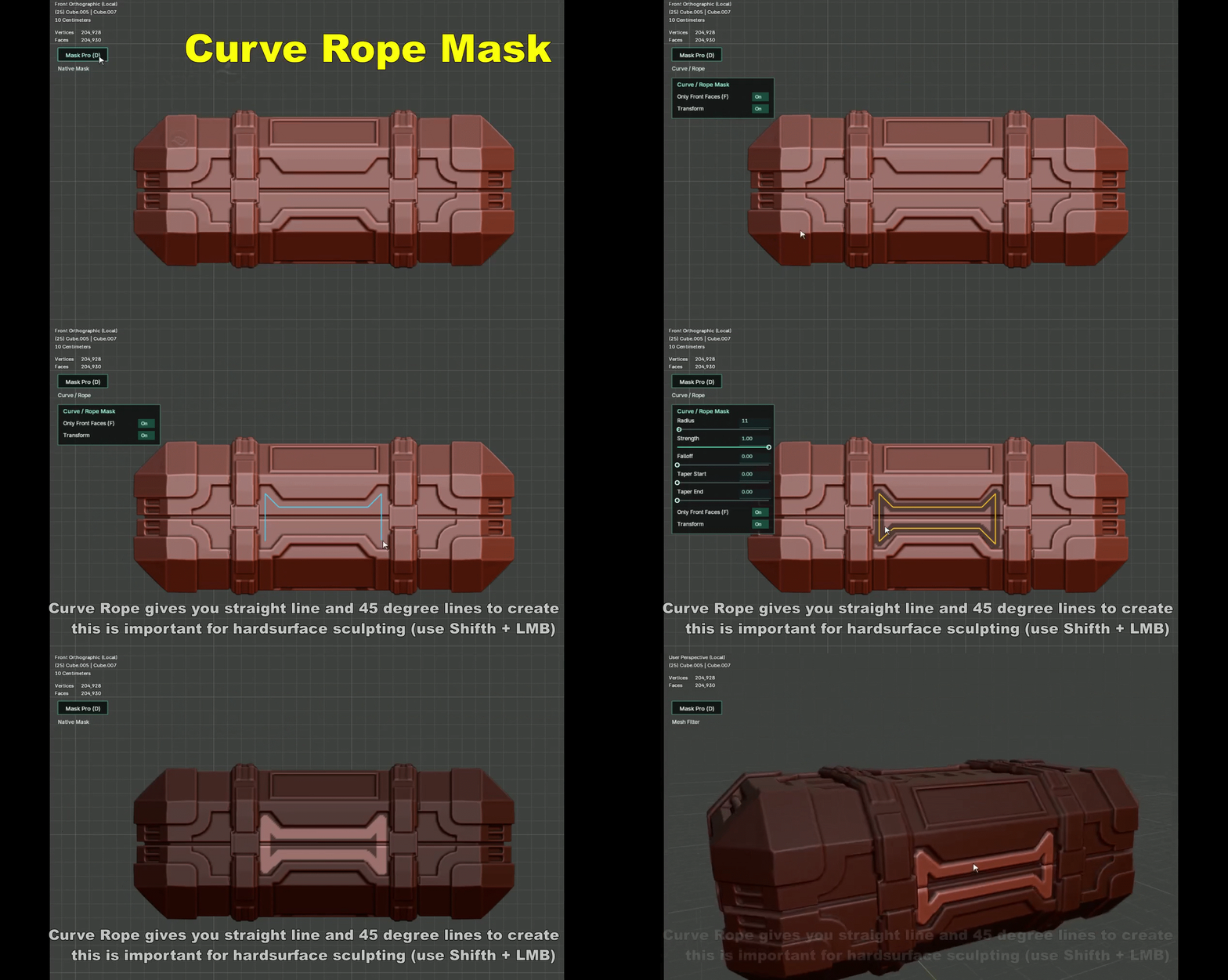
Place a path, refine handles and create consistent bands along the surface.
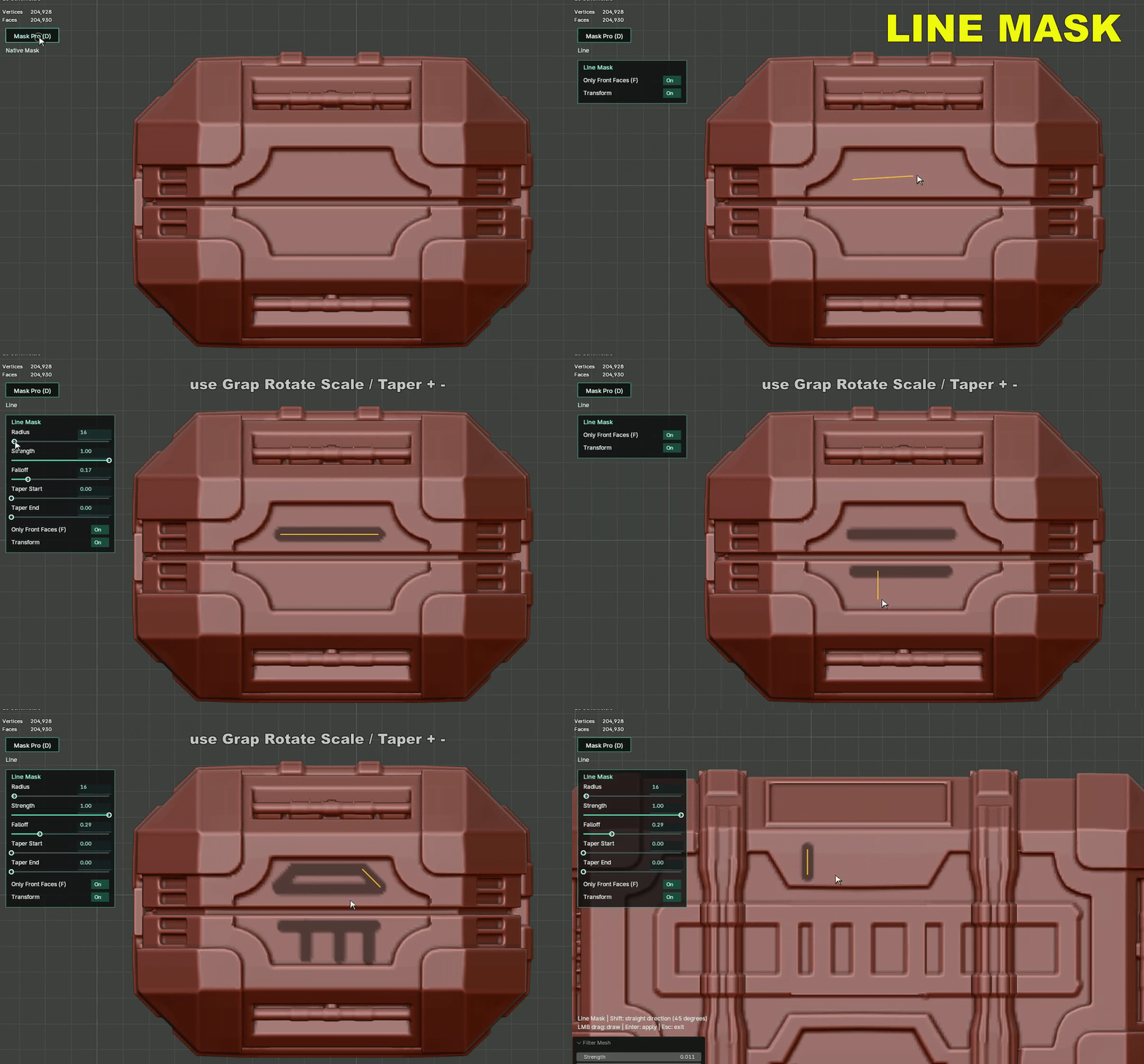
Hard or soft linear masks with taper and editable transform controls.
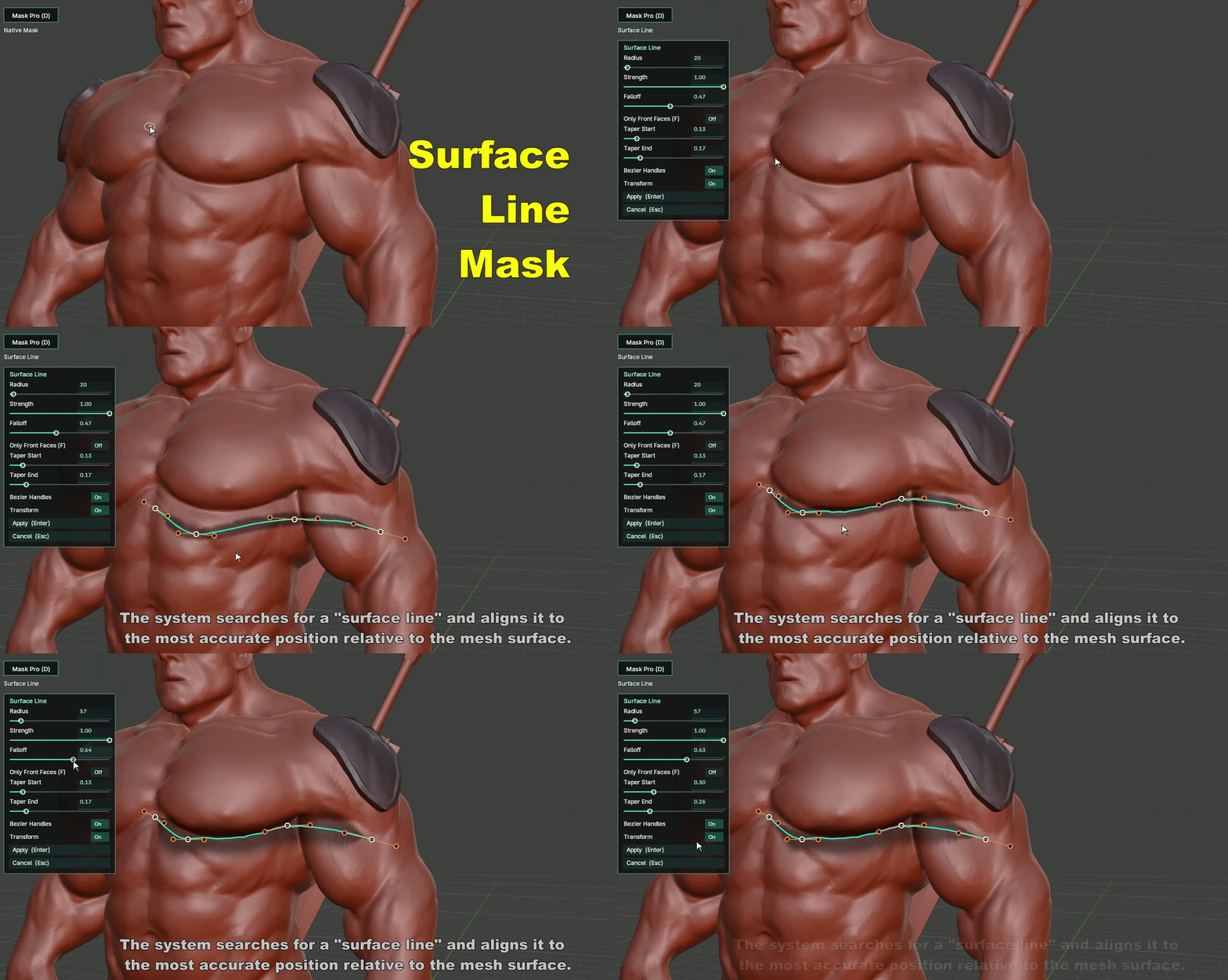
Draw editable surface-following paths, including closed-region fills.
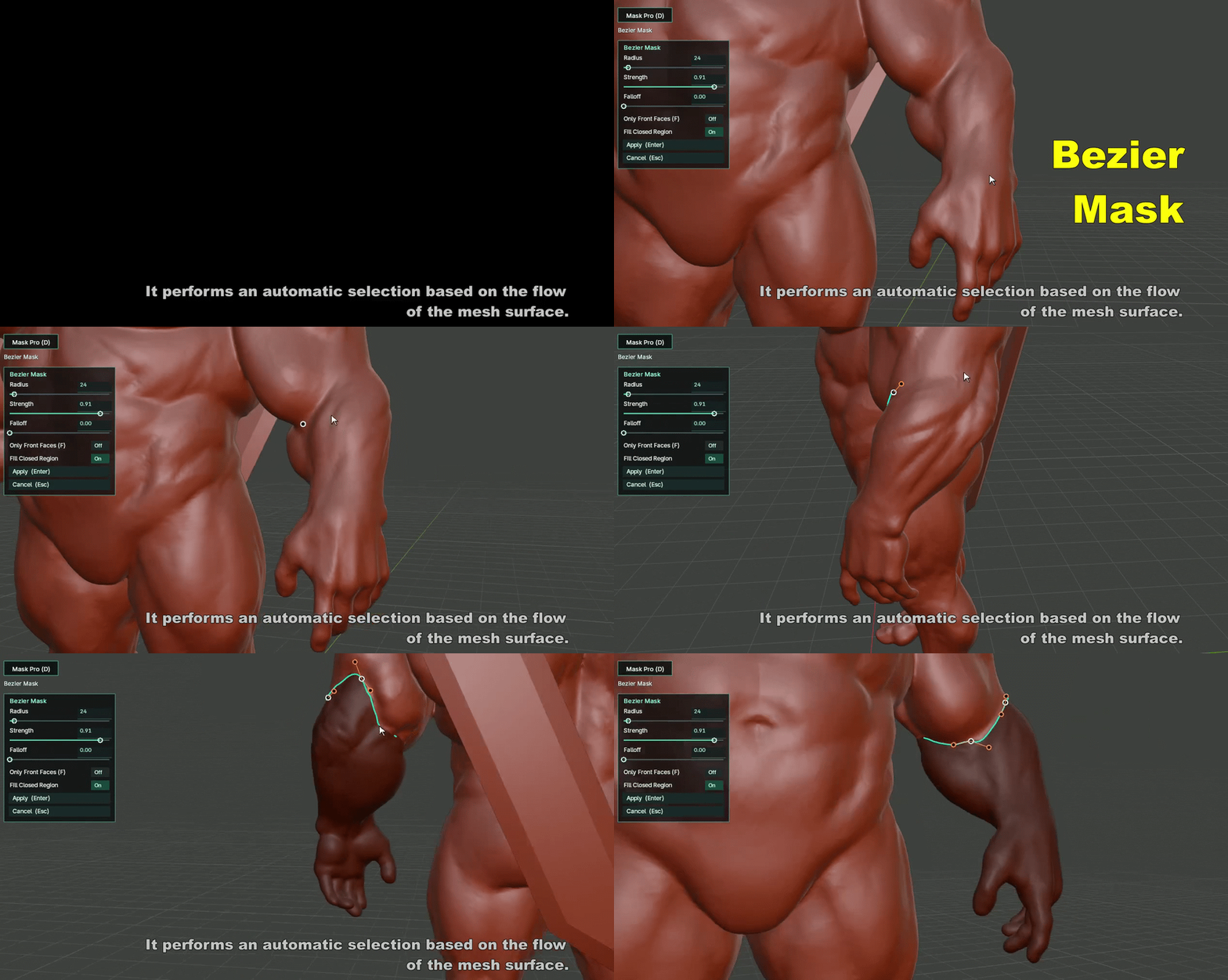
Build accurate bezier selections with editable points, handles and region fill.
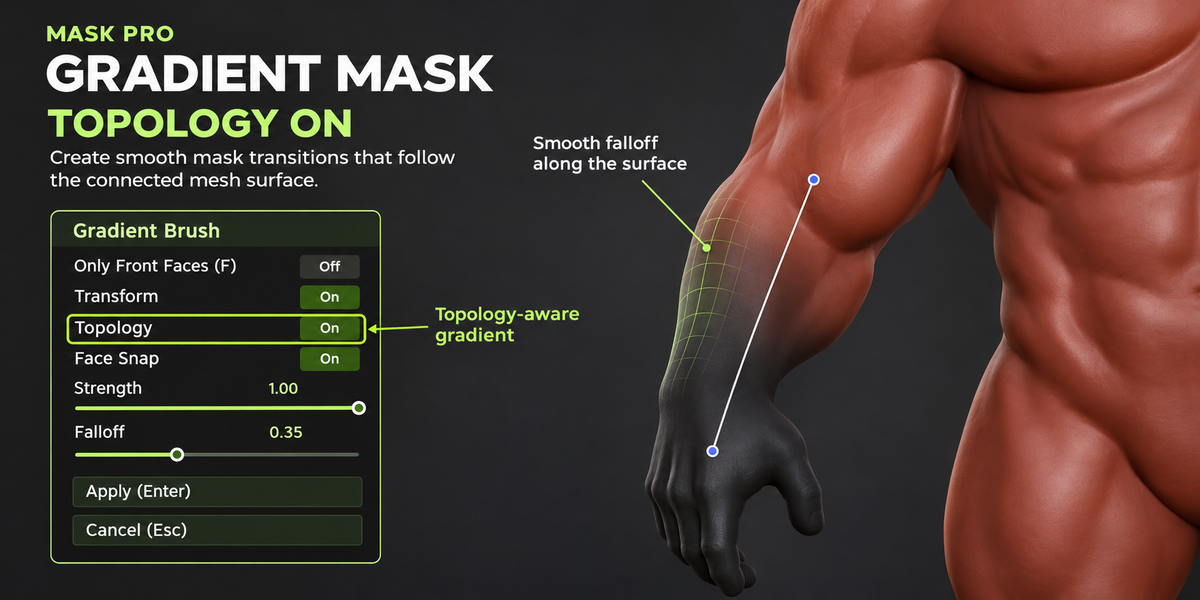
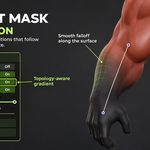
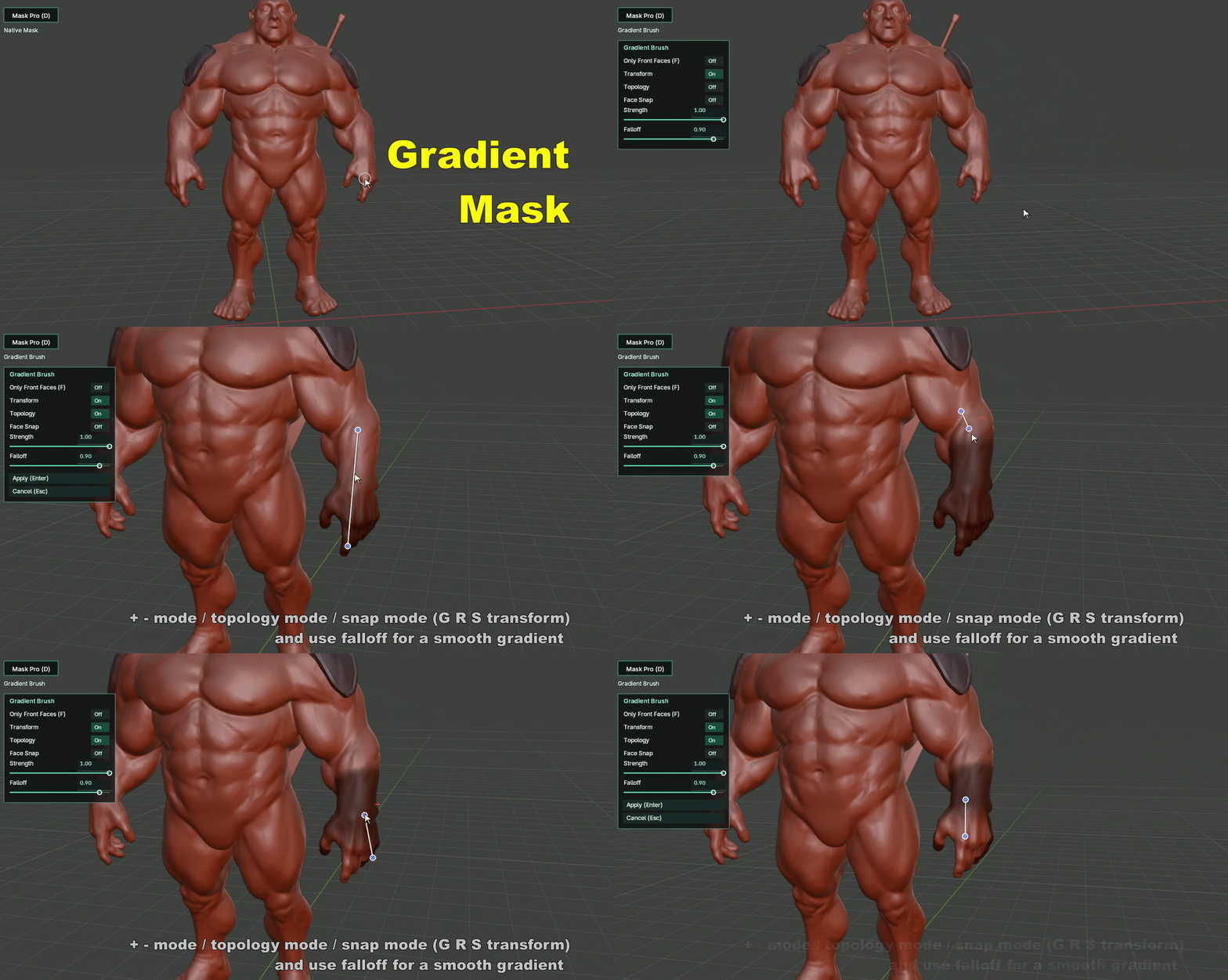
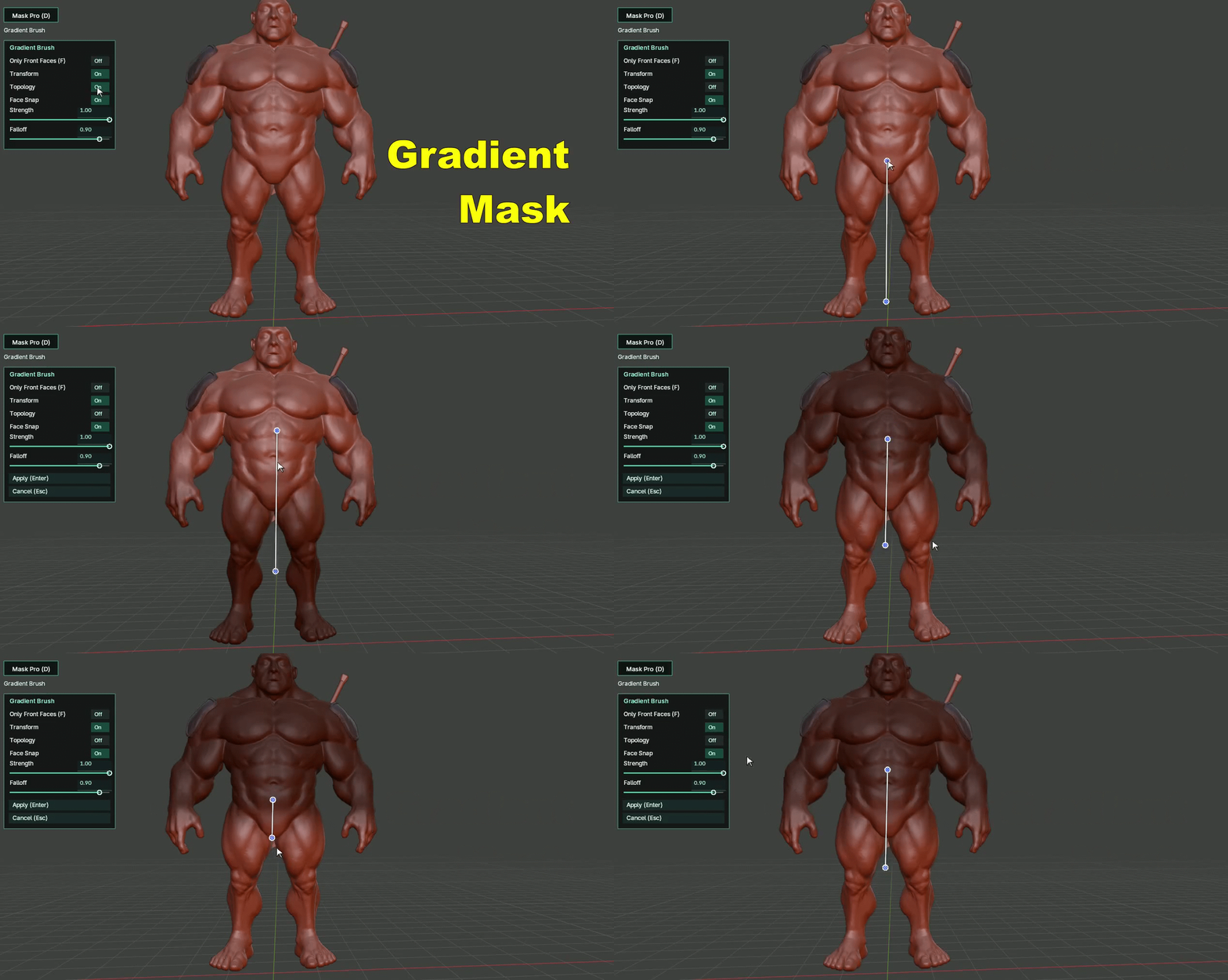
Gradient masks that follow the sculpt
Gradient Mask supports topology-aware behavior, face snap, transform controls and live falloff changes—ideal for controlled transitions across complex forms.
Advanced masking tools
Go beyond a painted selection. Build intelligent regions, repeat patterns, edit mask shapes and convert masks into reusable design elements.
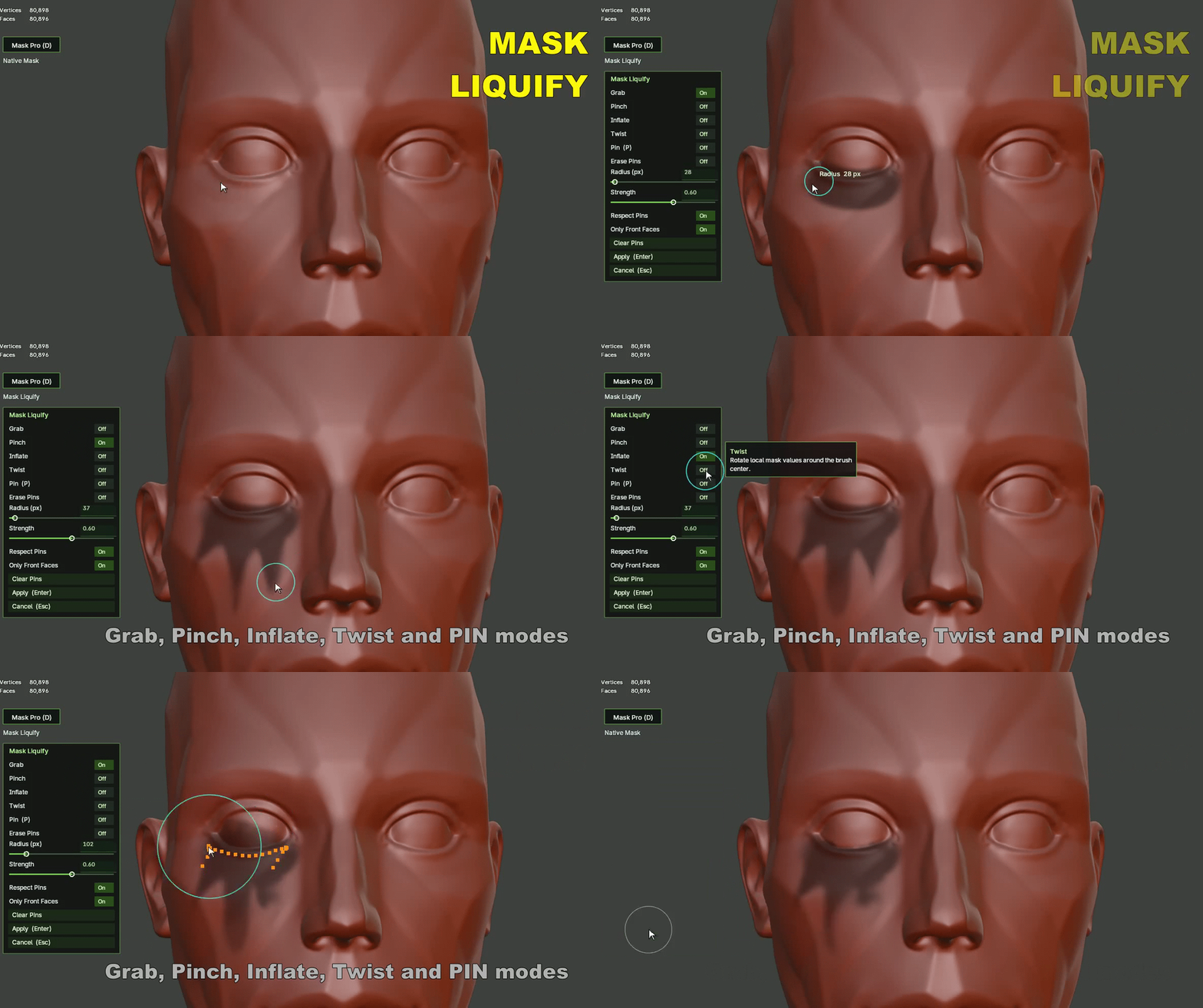
Grab, pinch, inflate and twist an existing mask while preserving pinned areas.
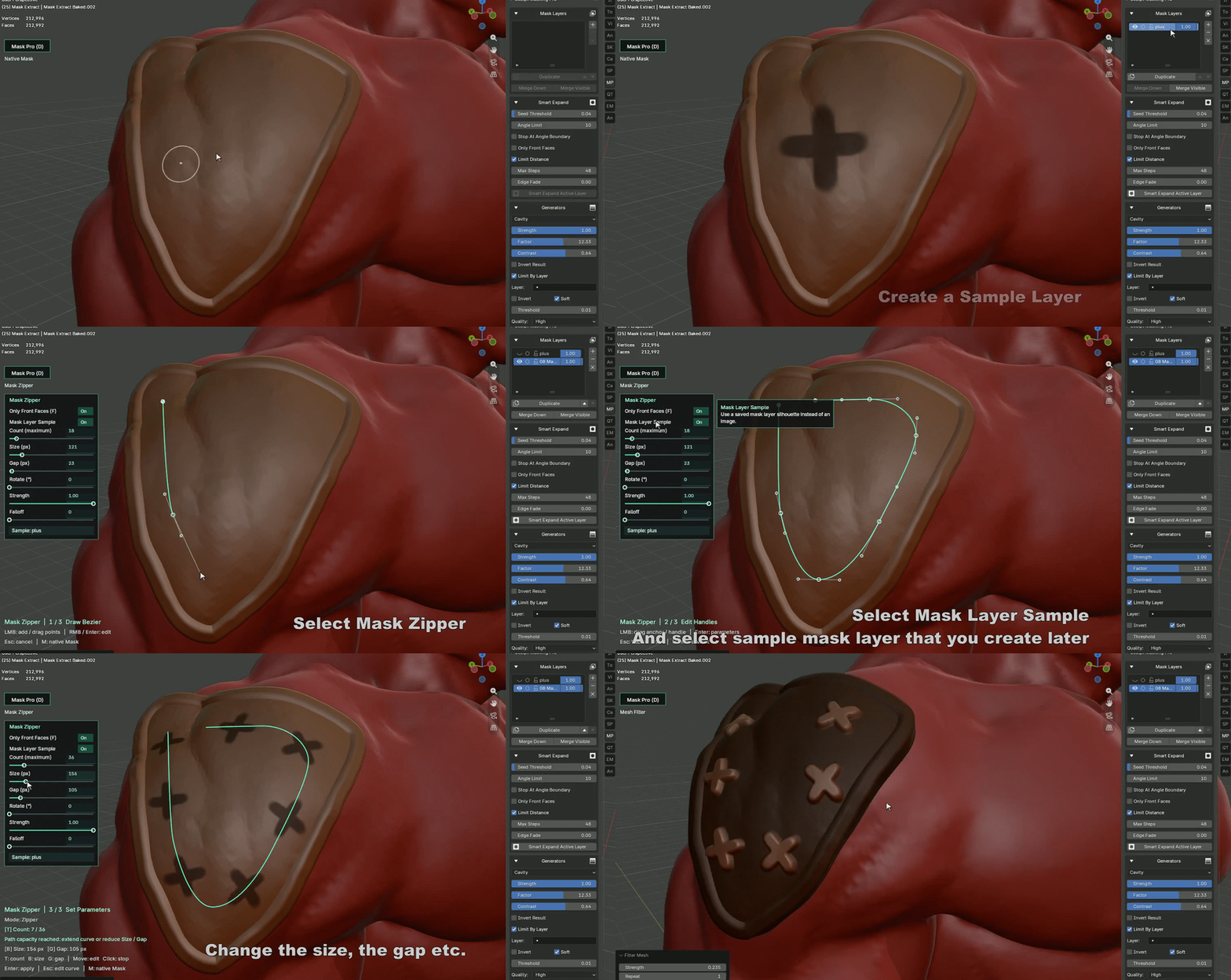
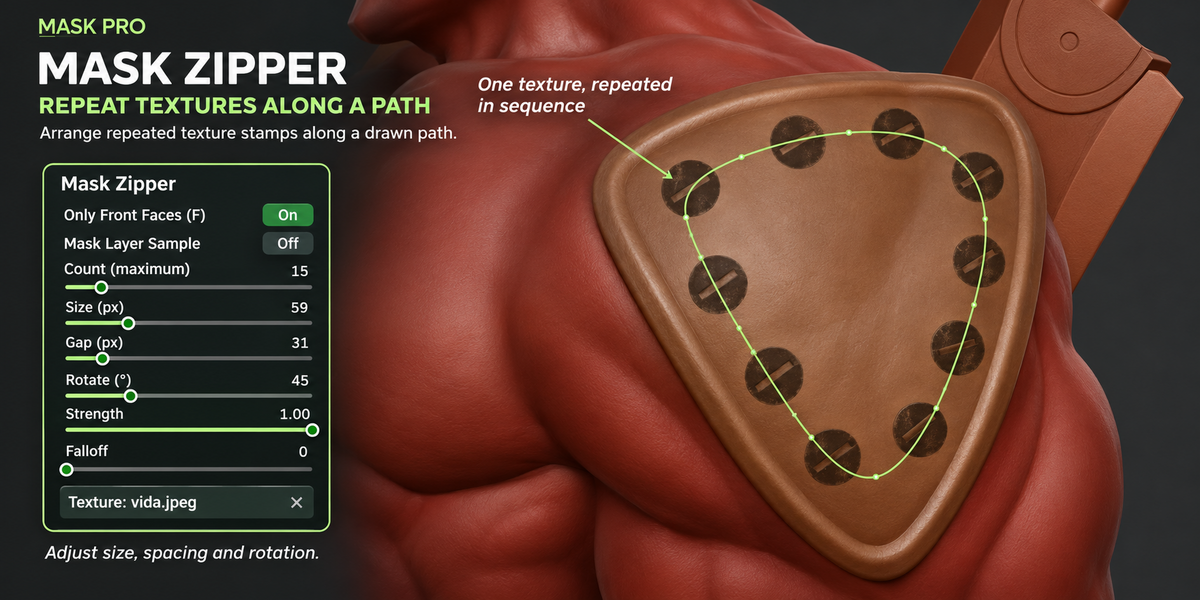
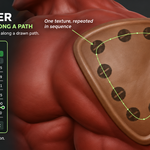
Repeat a mask layer along an editable path for seams, scales, stitches and patterns.
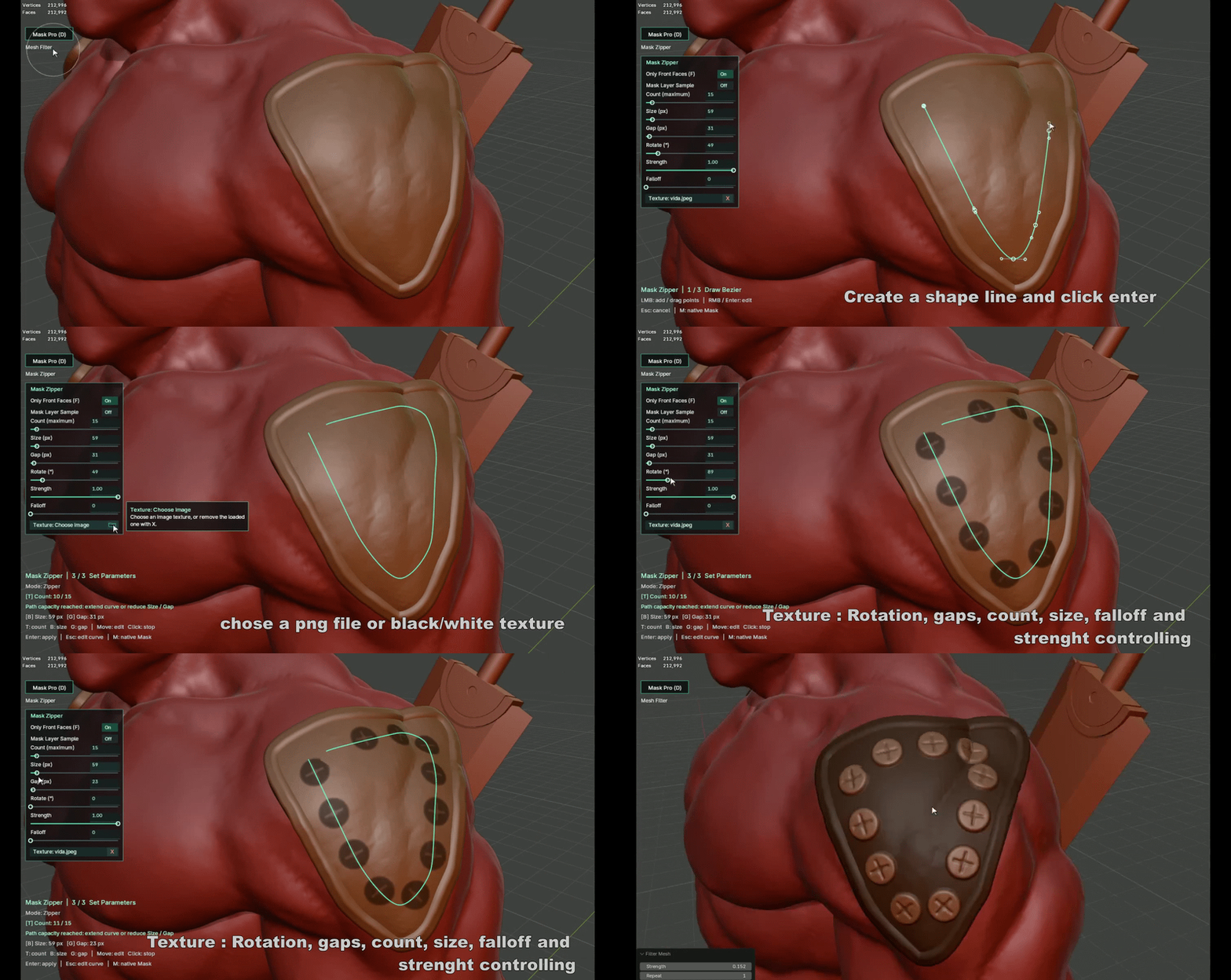
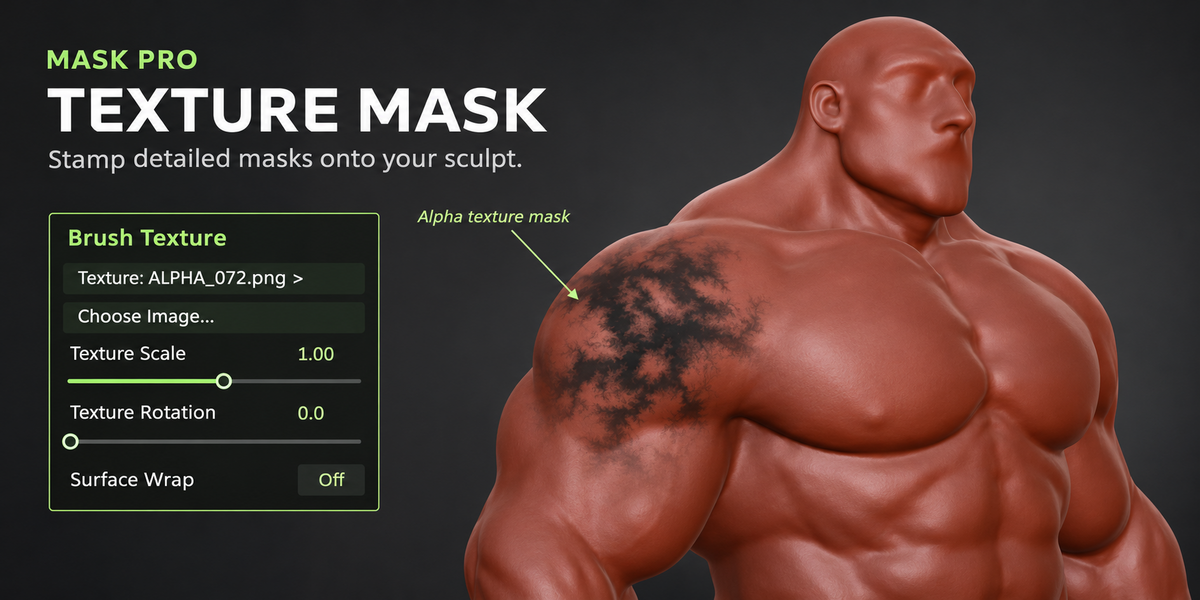
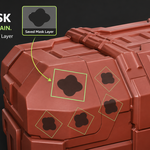
Load a texture or use a saved mask layer as a repeatable surface stamp.
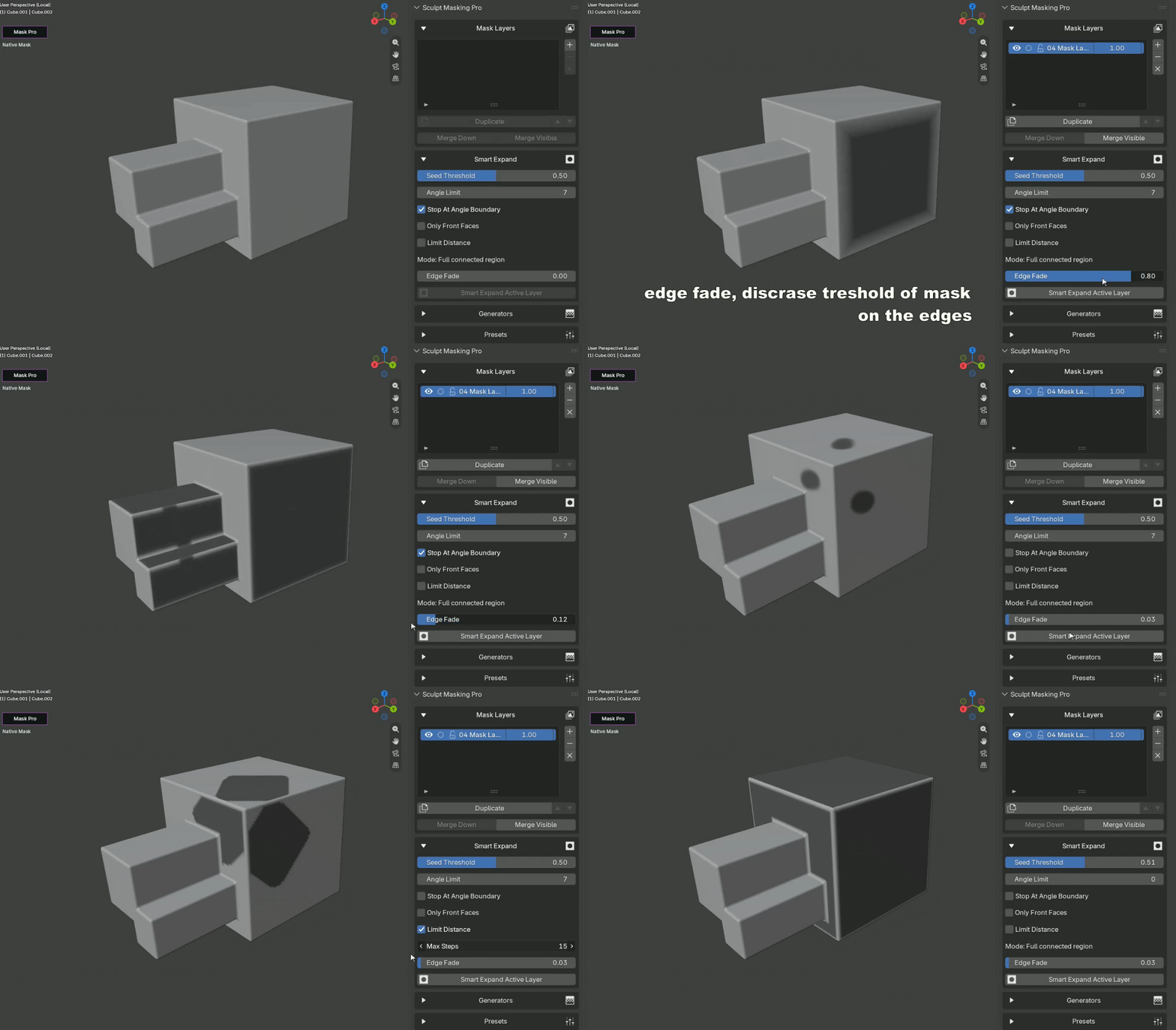
Expand an existing mask across connected topology with angle-aware controls.
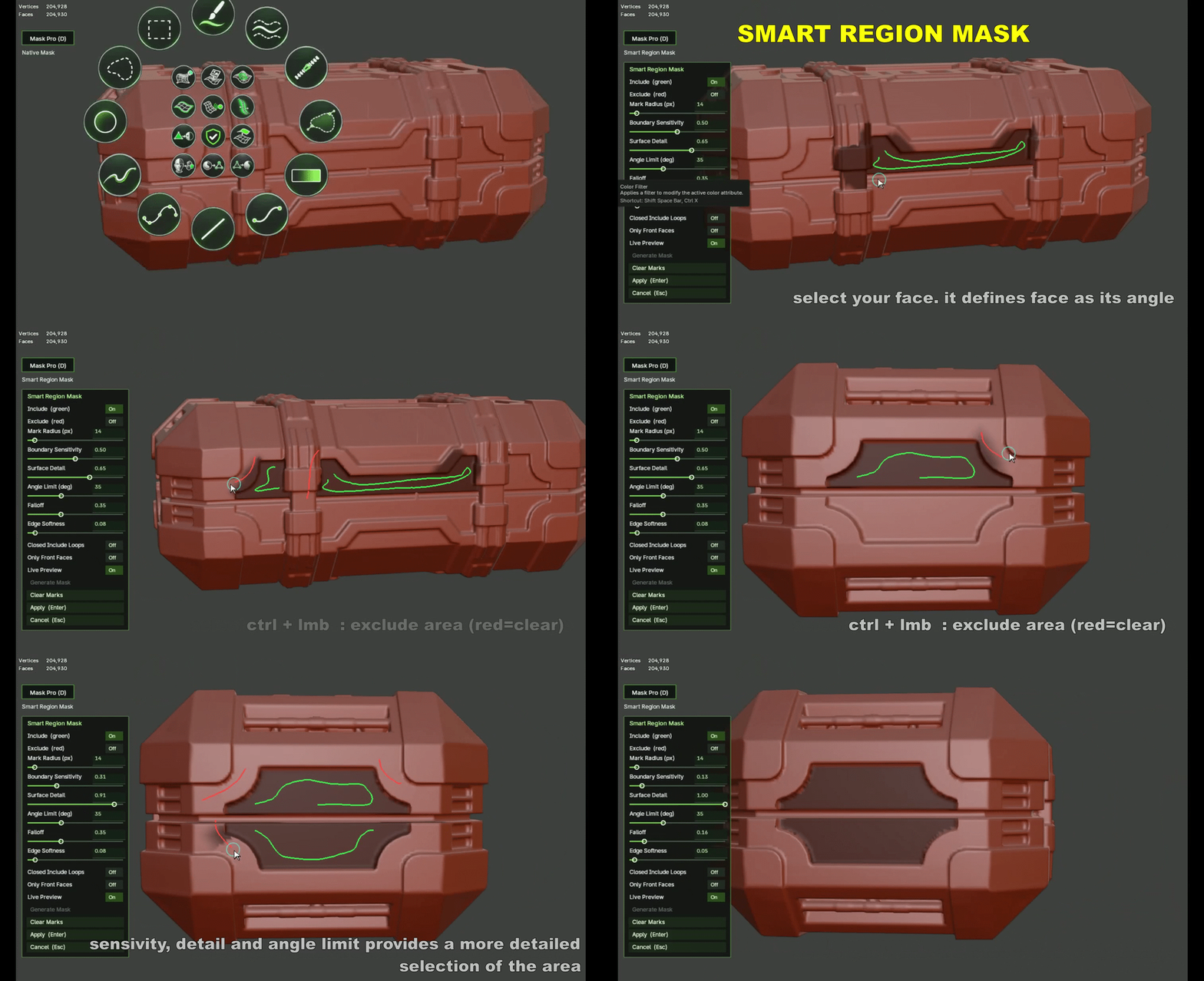
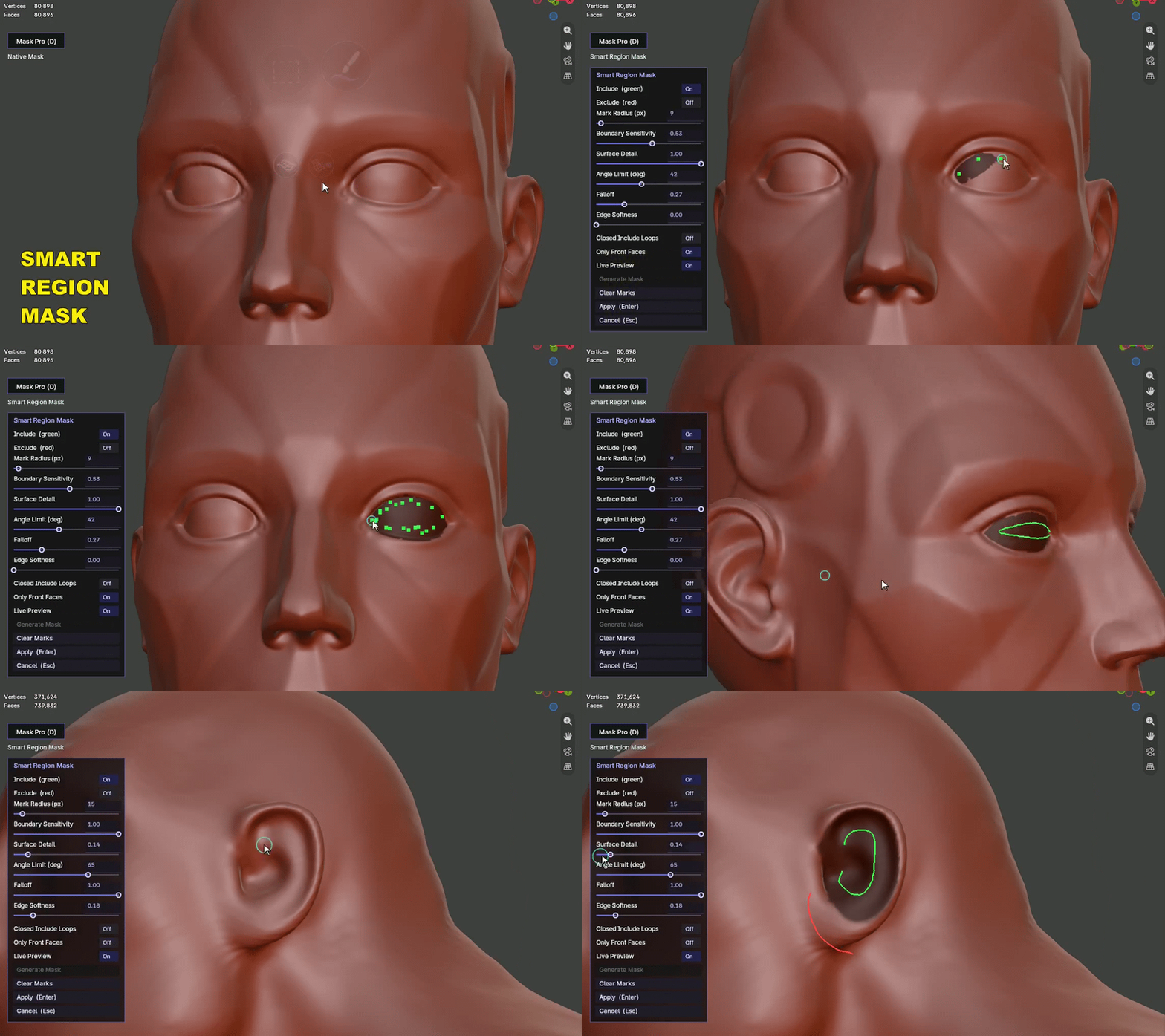
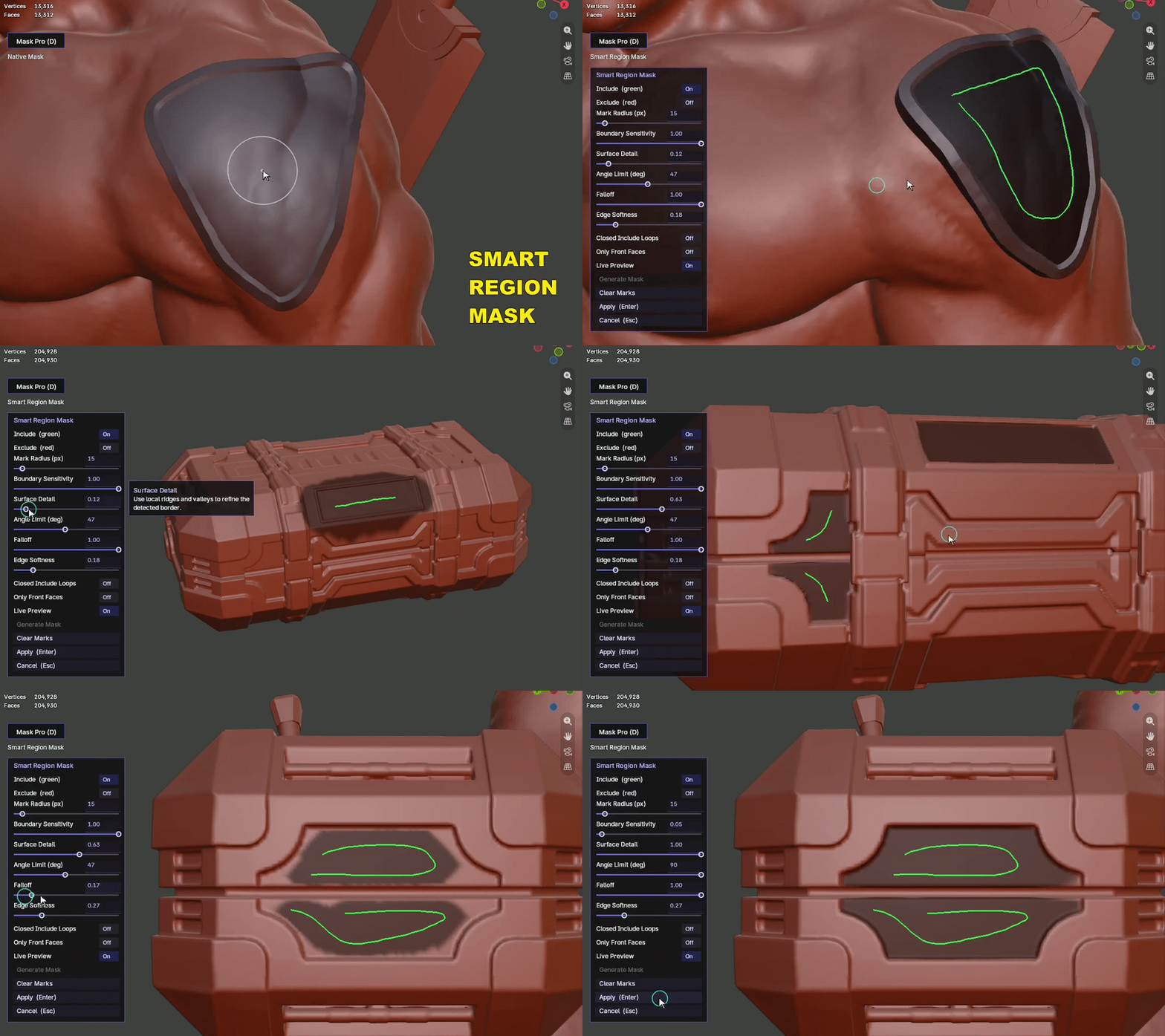
Mark include and exclude areas, then generate a controlled surface-aware mask.
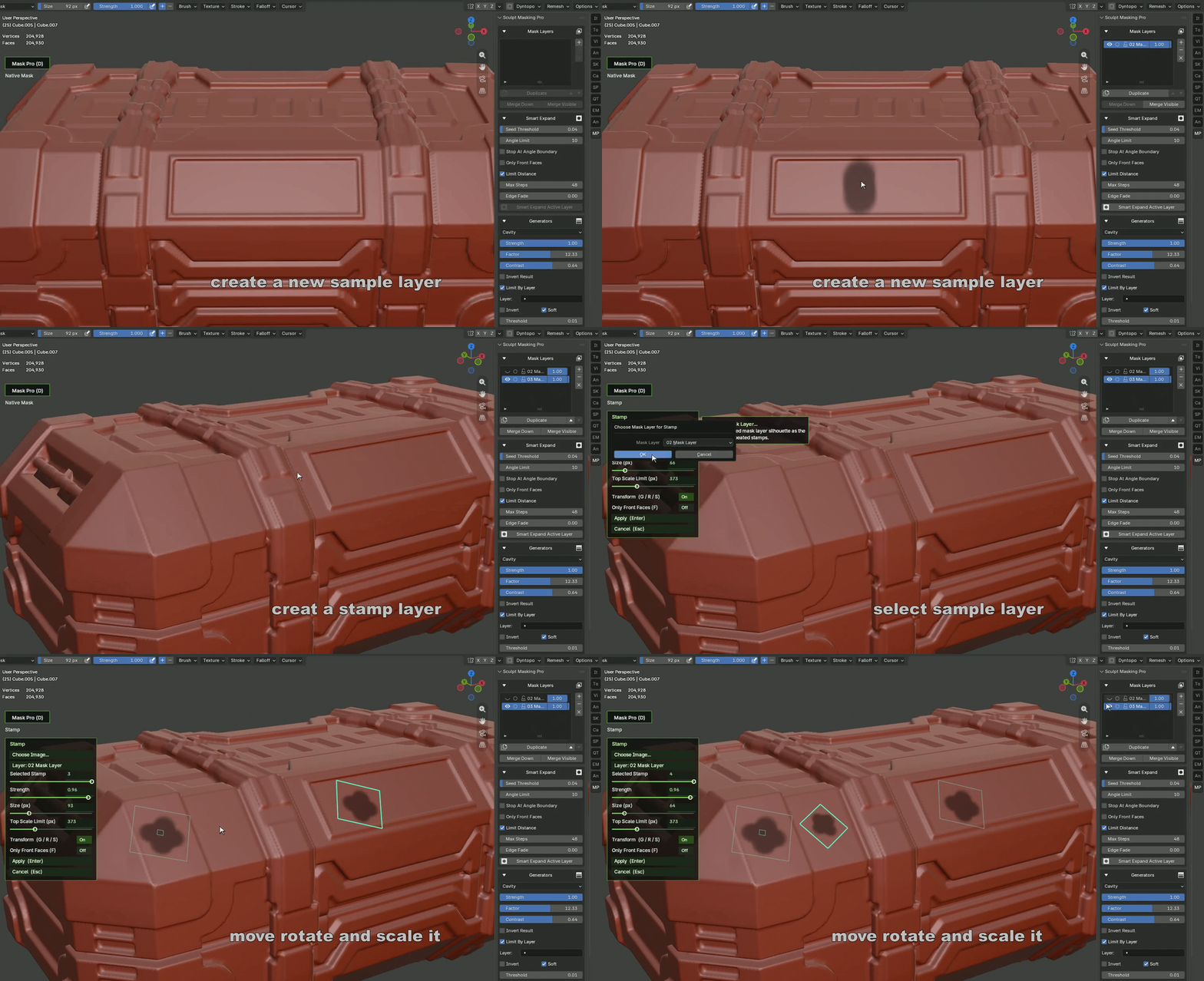
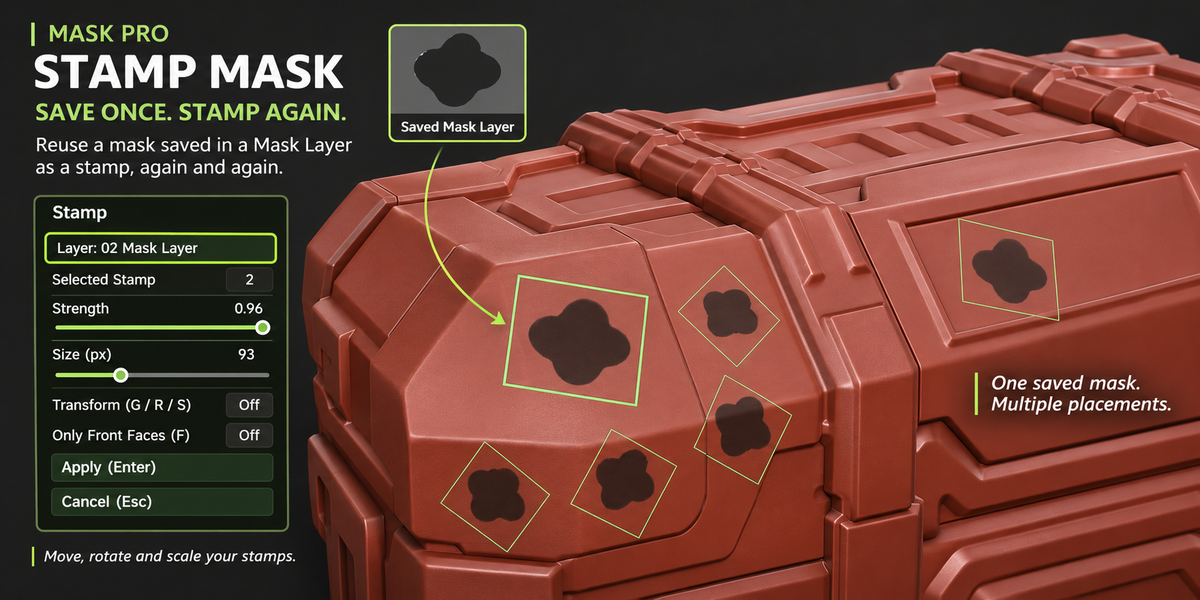
Place image or layer-based masks repeatedly, then move, rotate and scale each stamp.
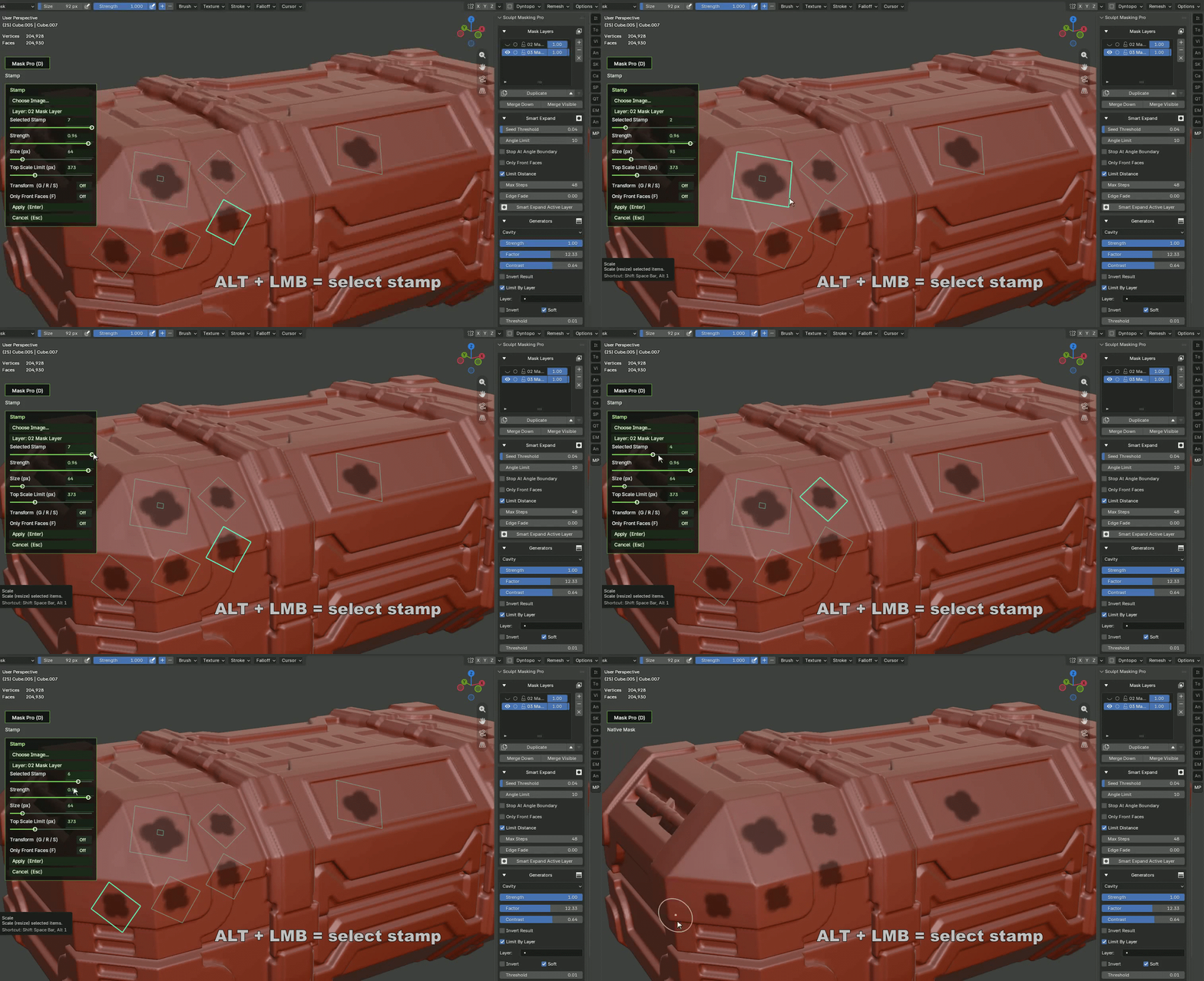
Use an image or an existing mask layer as a fast sculpt-mask stamp.
Procedural, filter & mesh tools
Generate procedural masks, refine edges with non-destructive filters, and convert masks directly into clean geometry or vertex groups.
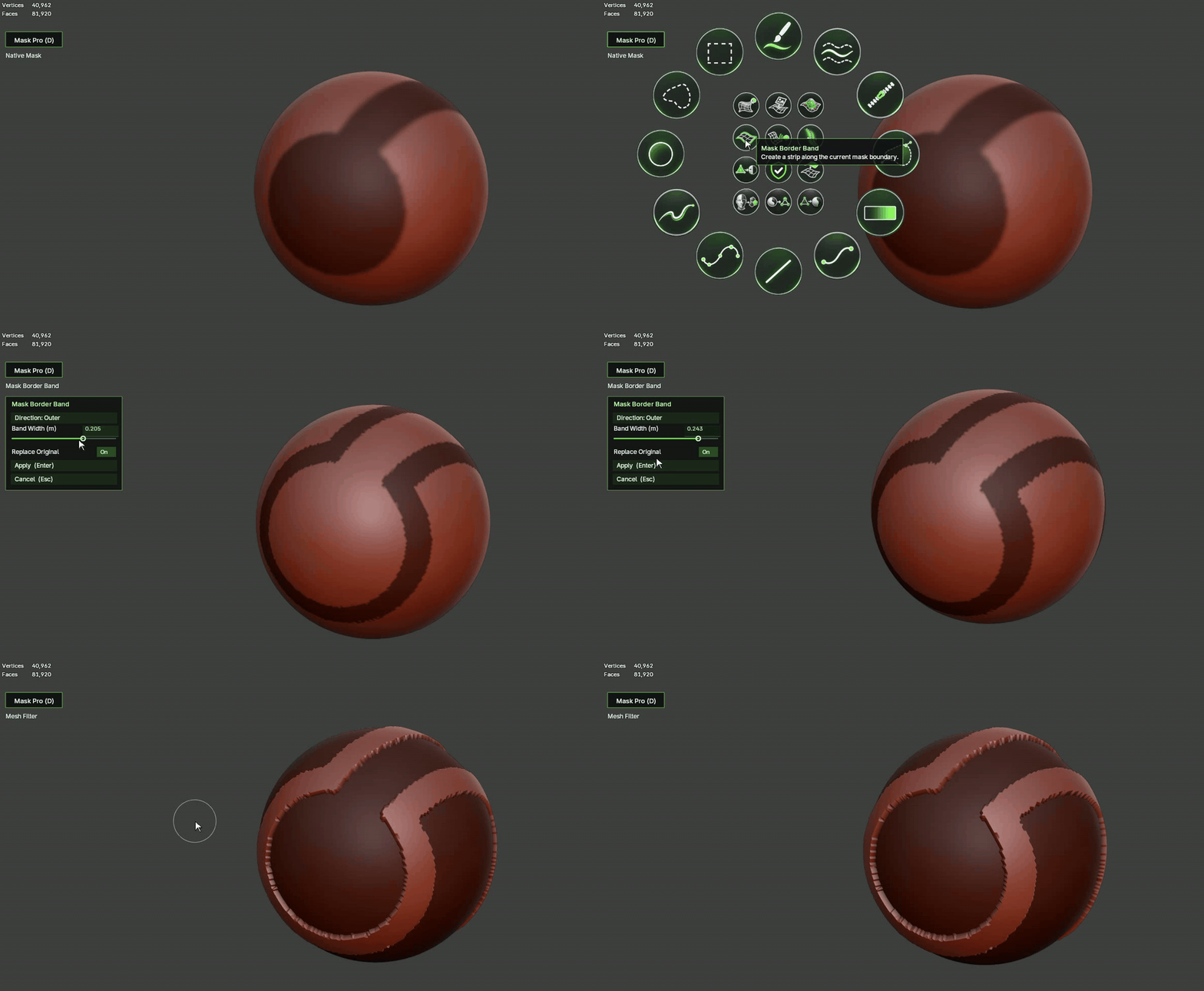
Convert any mask outline into an adjustable border band with inner, outer, or centered offsets.
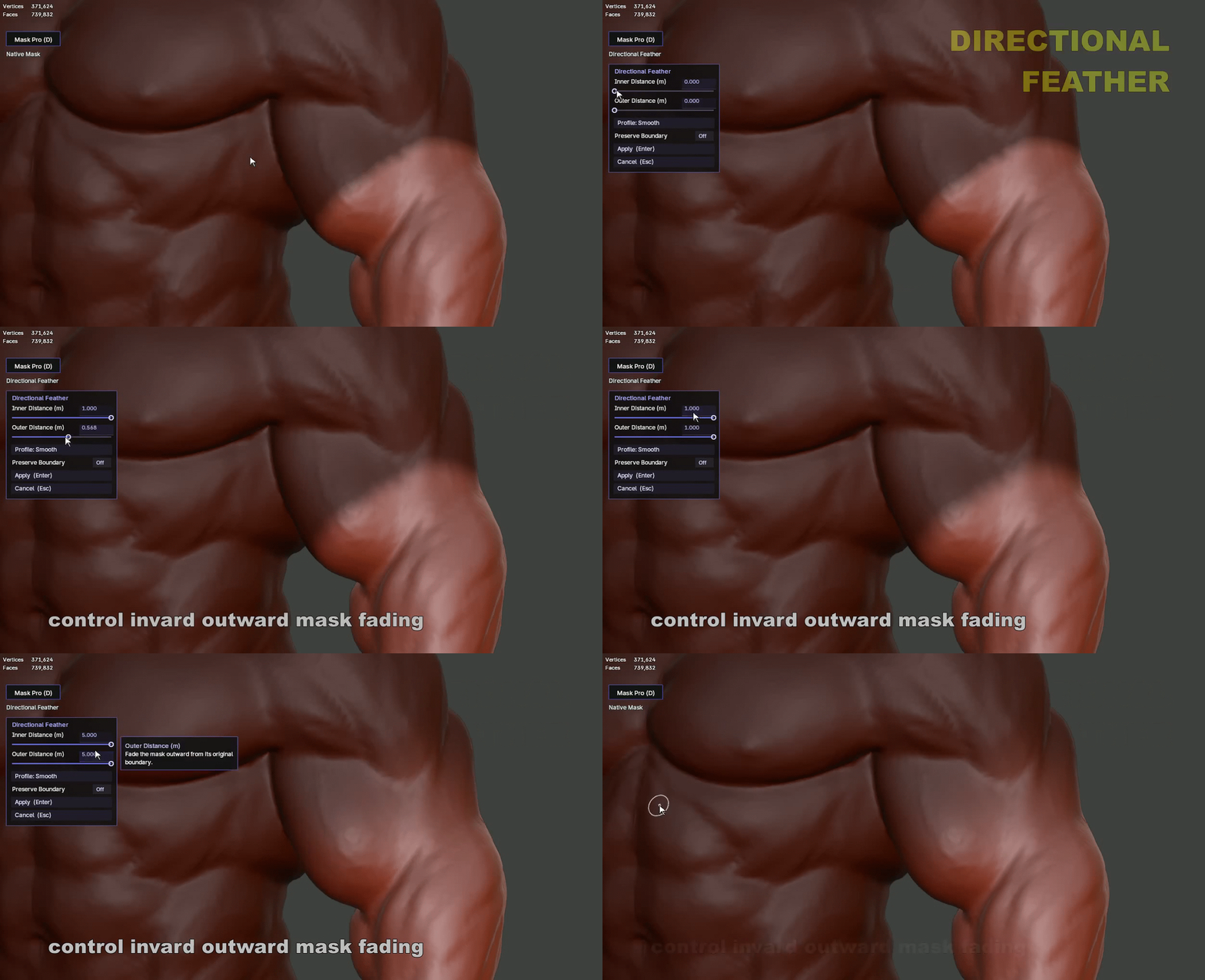
Soften and fade mask transitions selectively along a chosen surface direction.
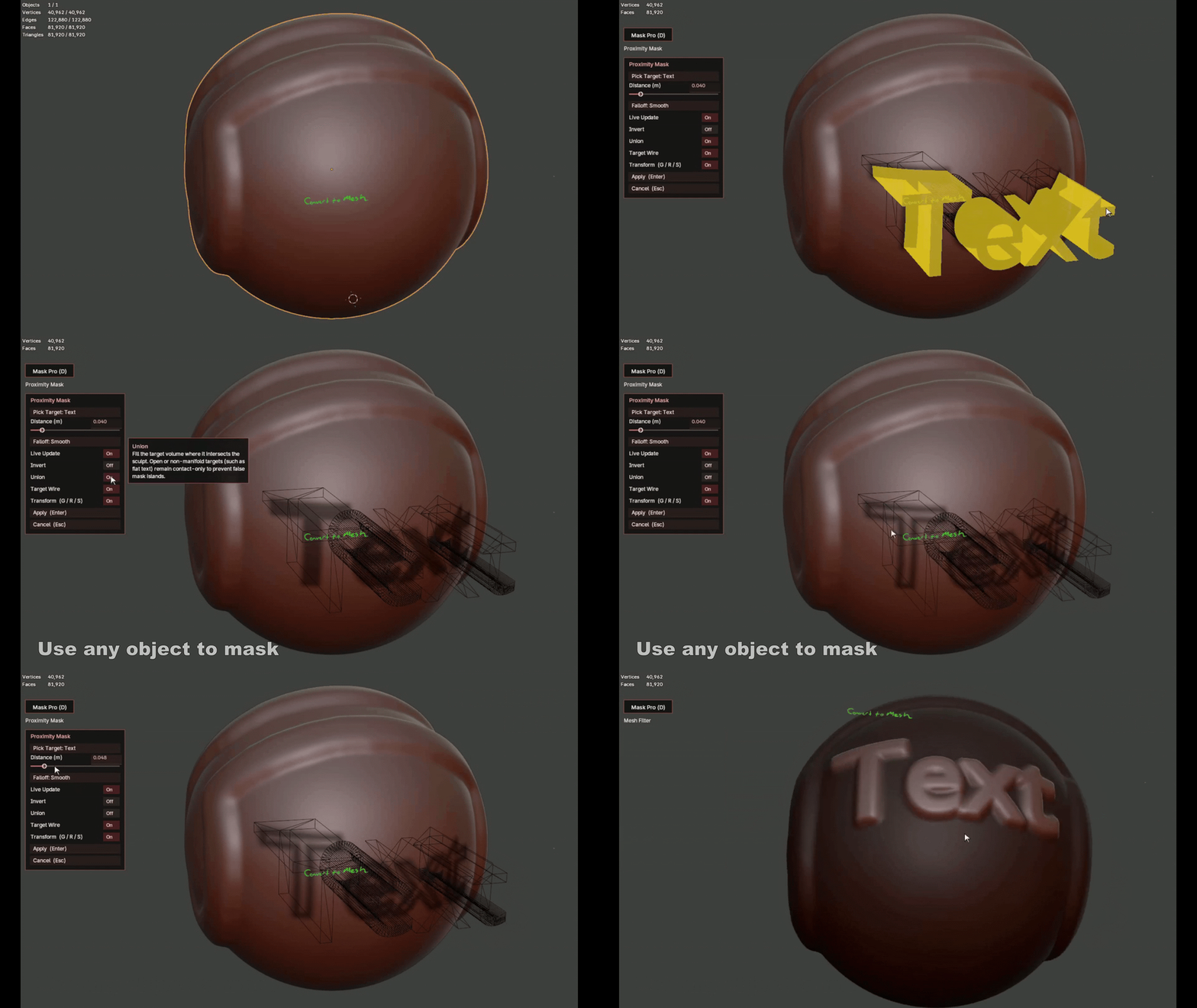
Generate dynamic distance-based masks from nearby objects, surfaces, or intersections.
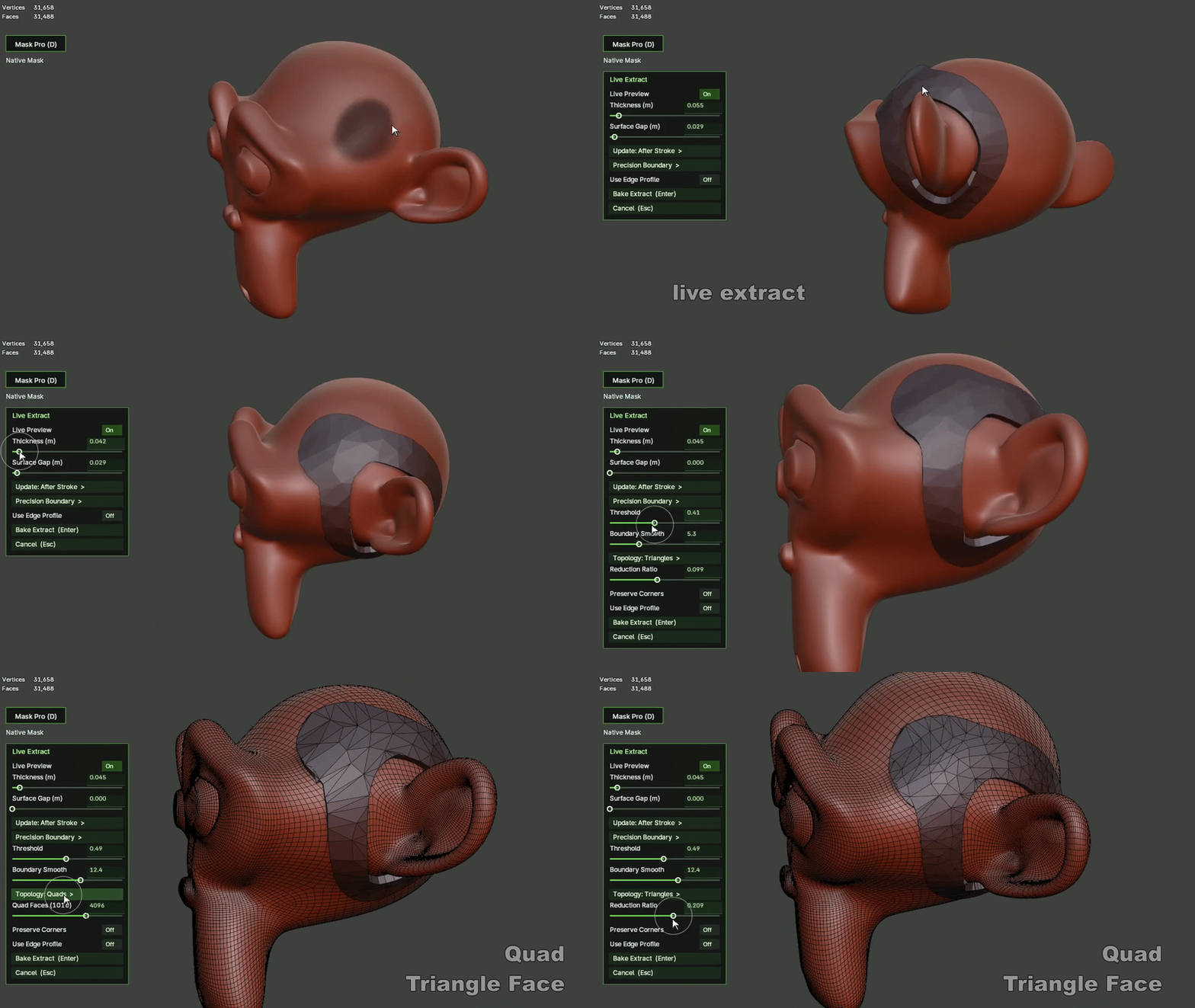
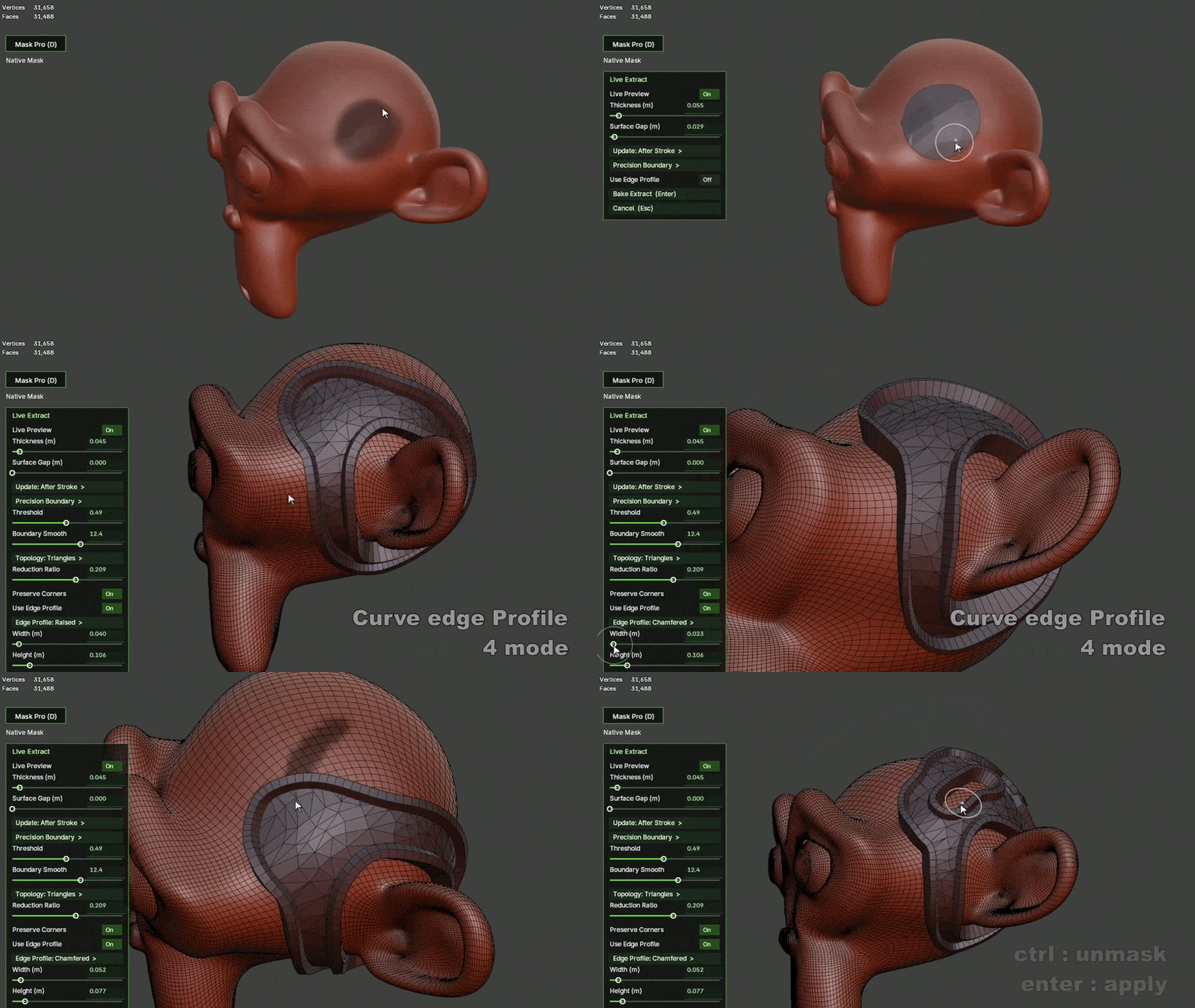
Turn masks into clean, solidified armor panels and shells with live thickness and custom edge bevel profiles.
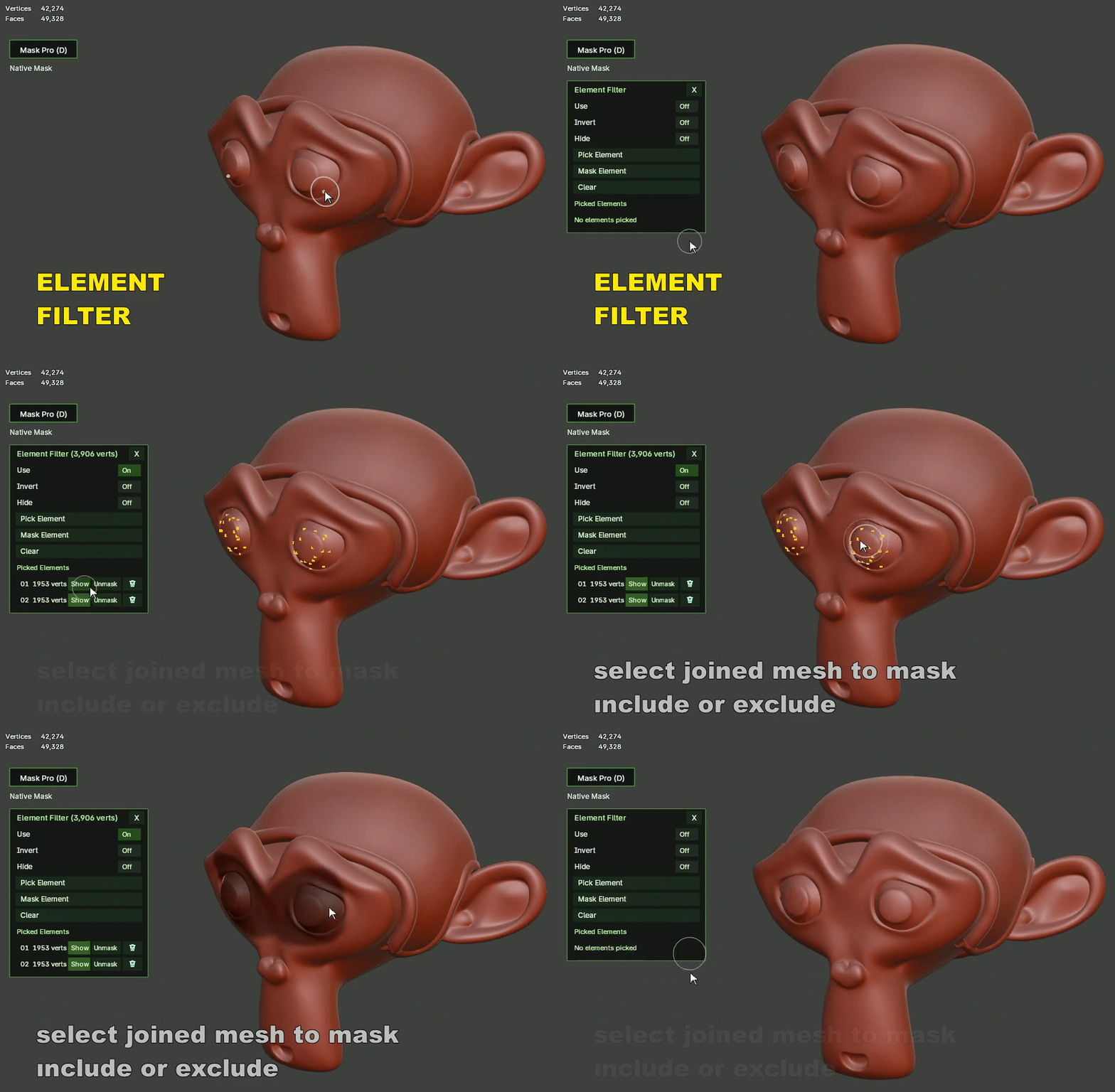
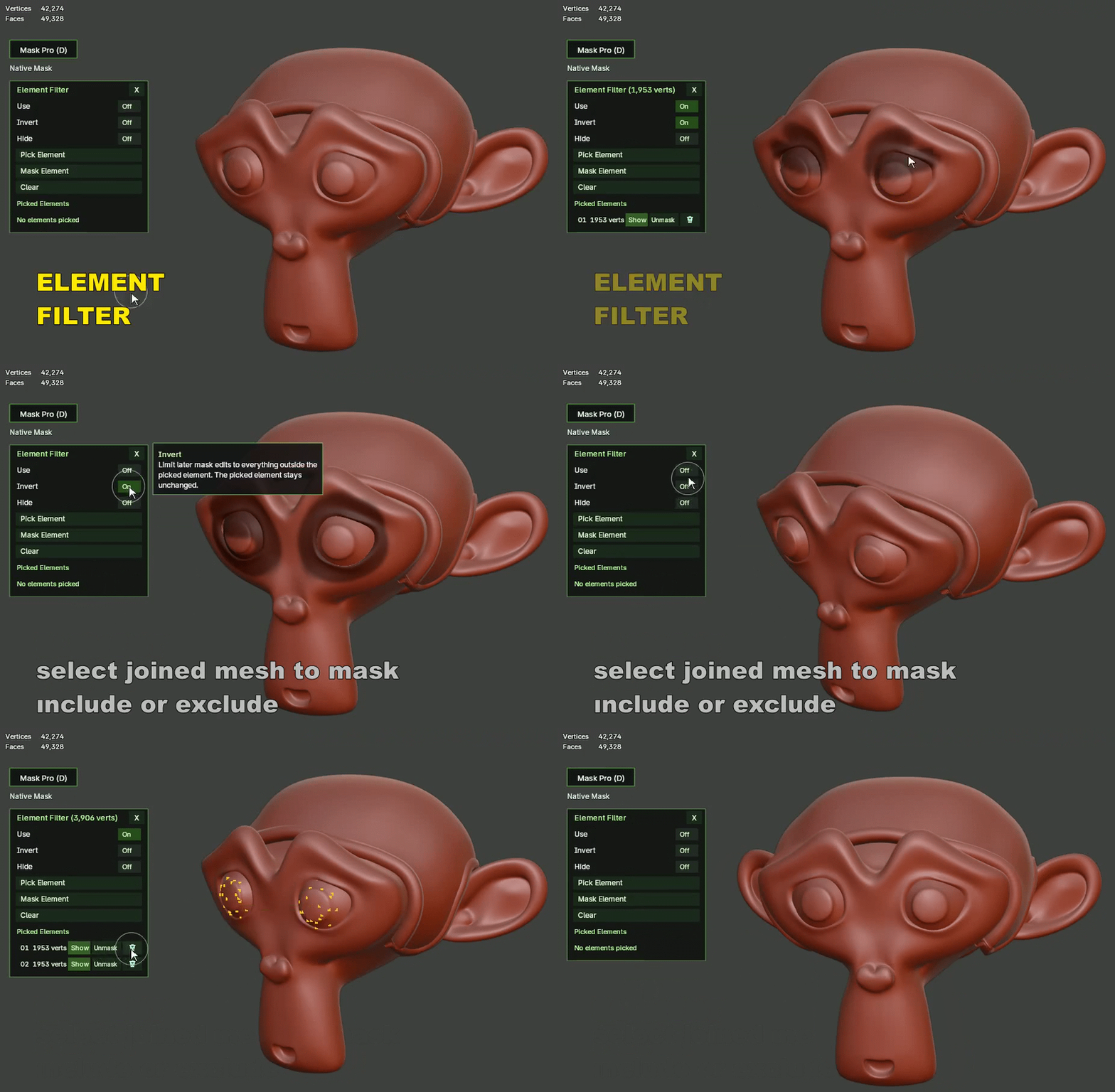
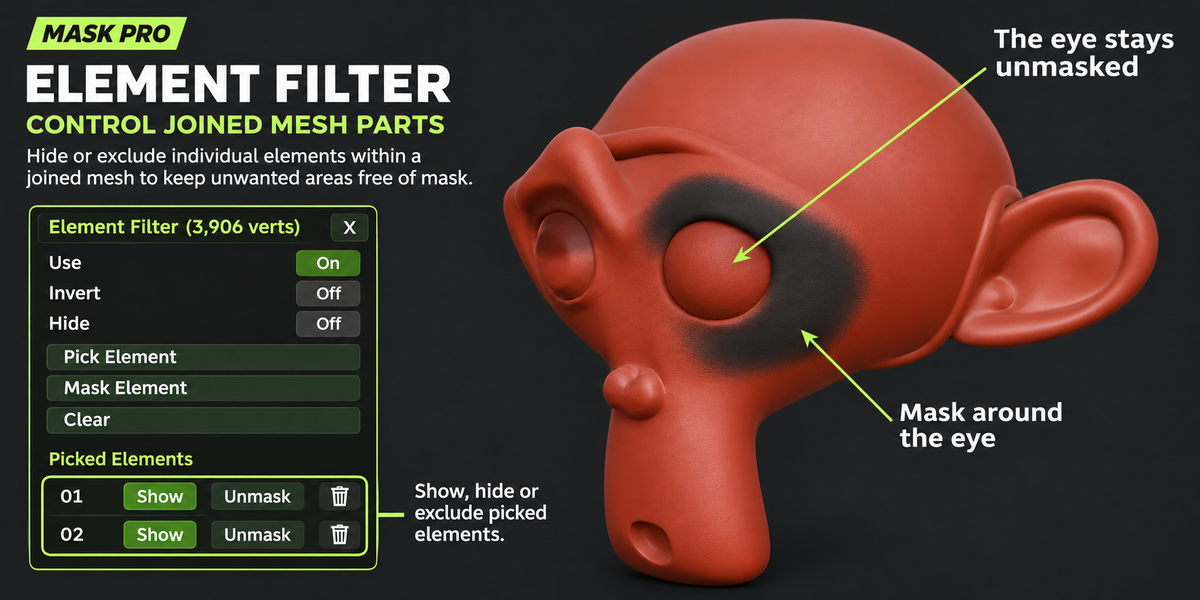
Isolate, keep, or clean up disconnected mask islands by size or selection with one click.
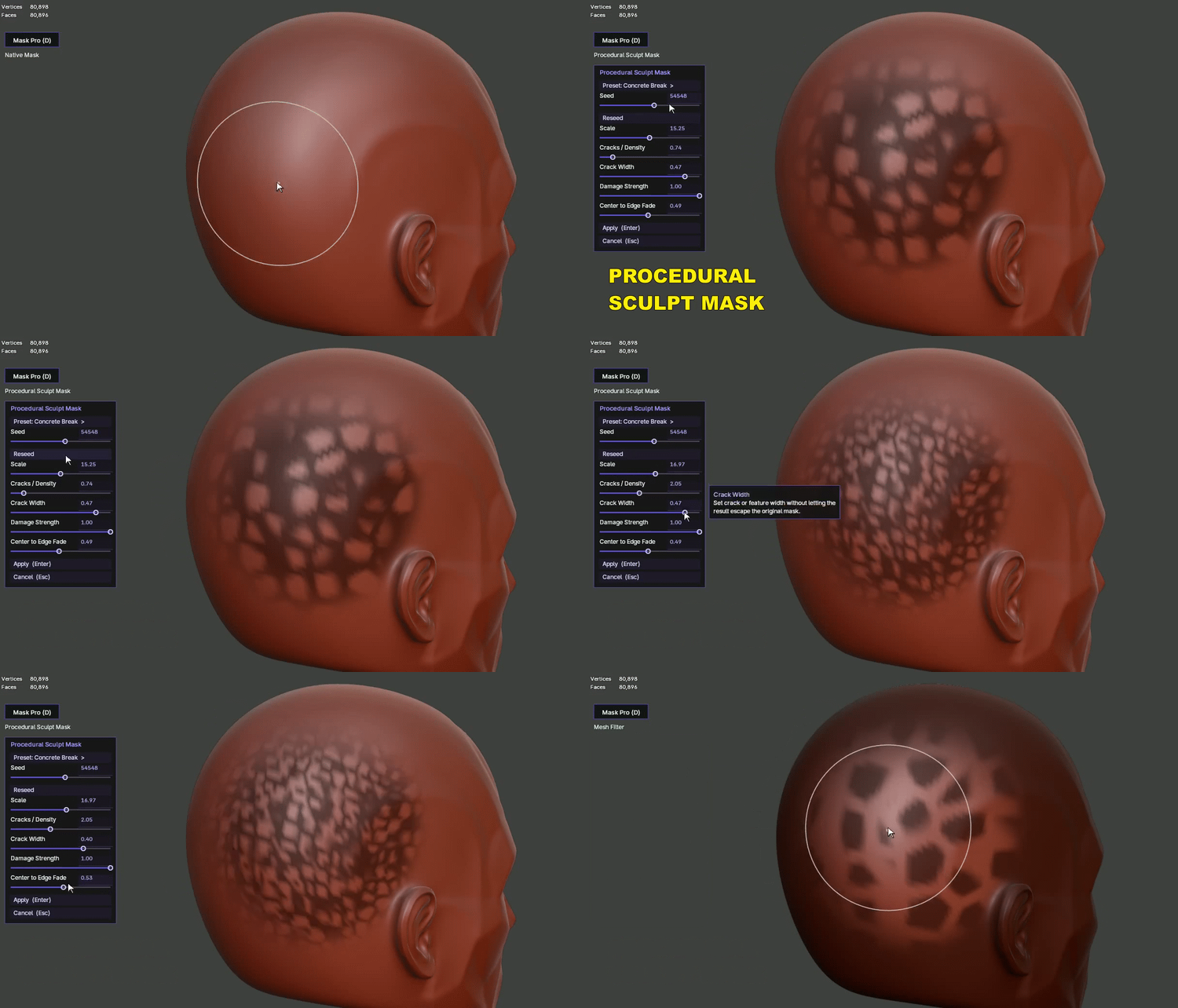
Drive masks with curvature, cavity, ambient occlusion, and procedural noise patterns.
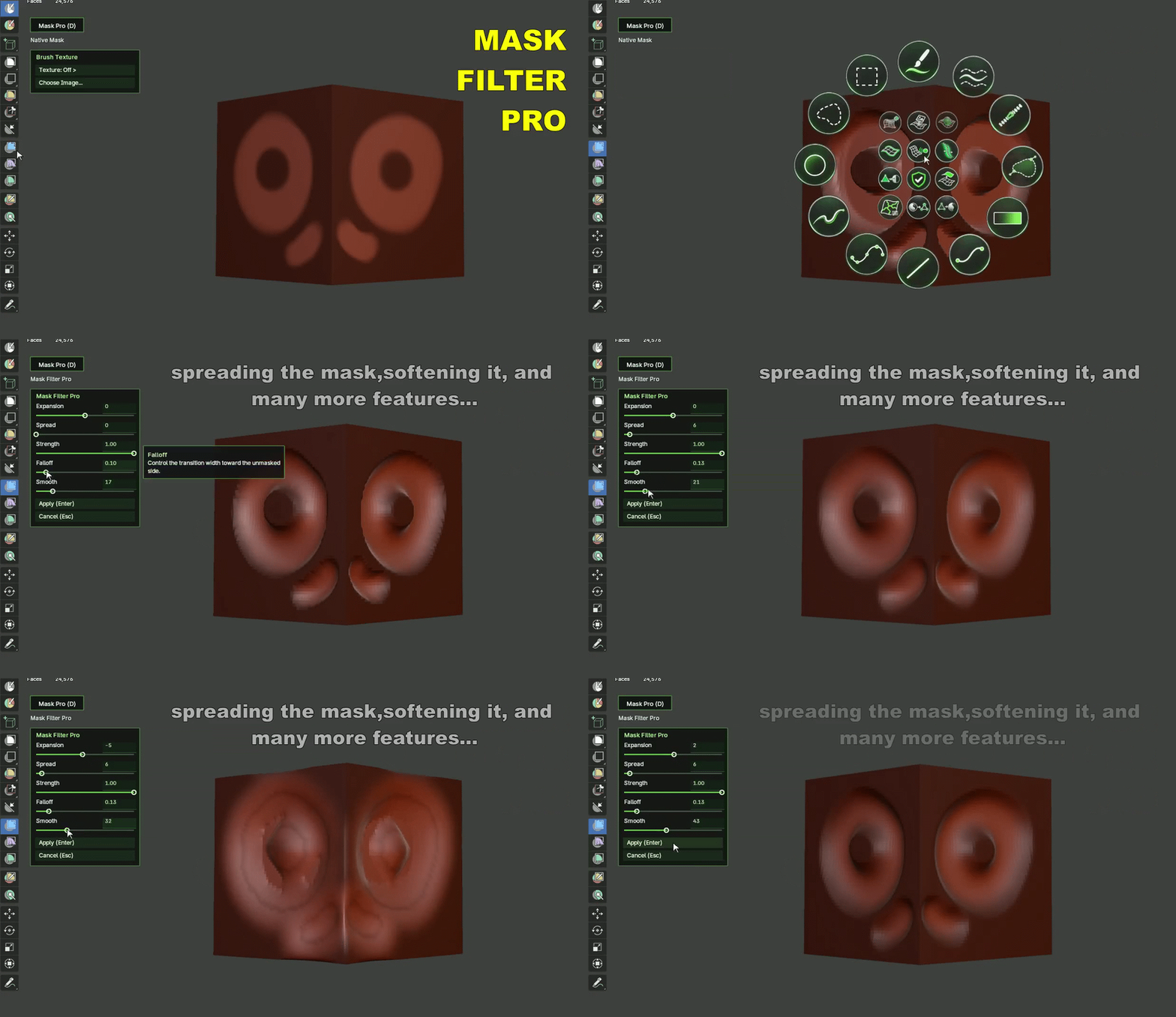
Smooth, sharpen, grow, shrink, and adjust mask contrast interactively in real time.
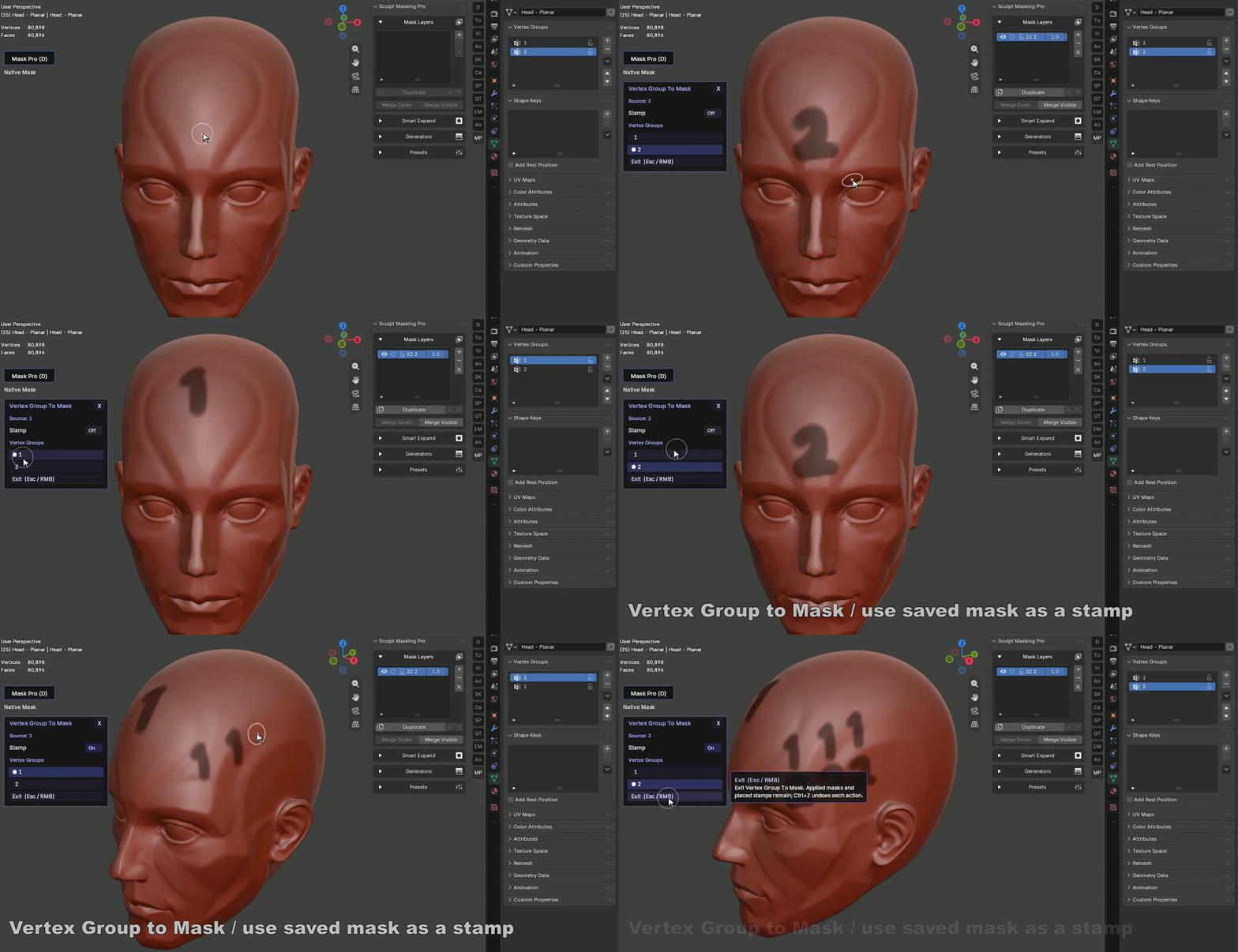
Load any existing vertex group weights directly into your active sculpt mask.
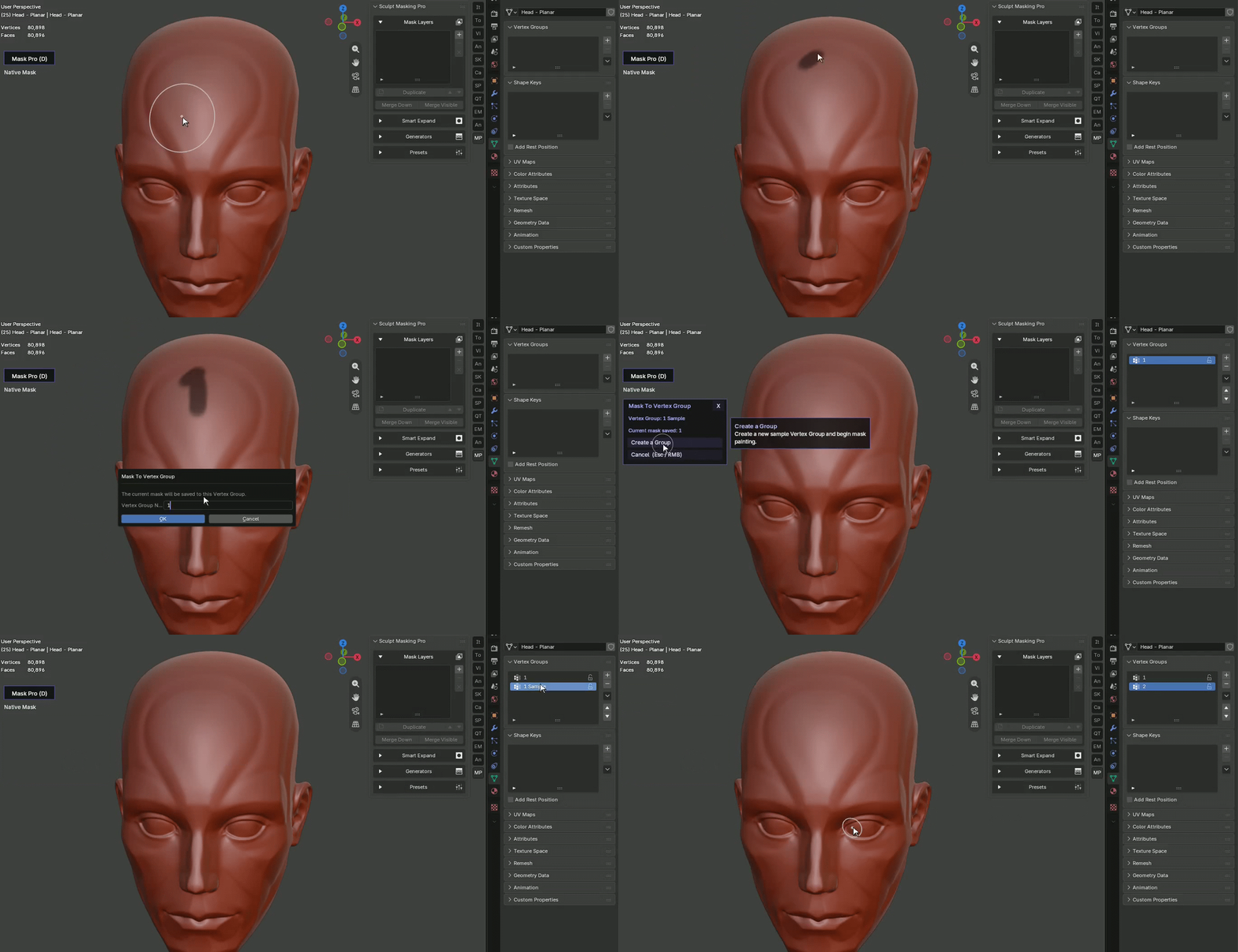
Save and export your current sculpt mask into a vertex group for modifiers, rigging, or shading.
N-Panel Generators
Explore the procedural mask sources in the Generators section of the Mask Pro N-panel. Choose a source, adjust its parameters, and generate the result into the active mask layer. These clips follow the generator workflow; shared layer limiting is demonstrated last.
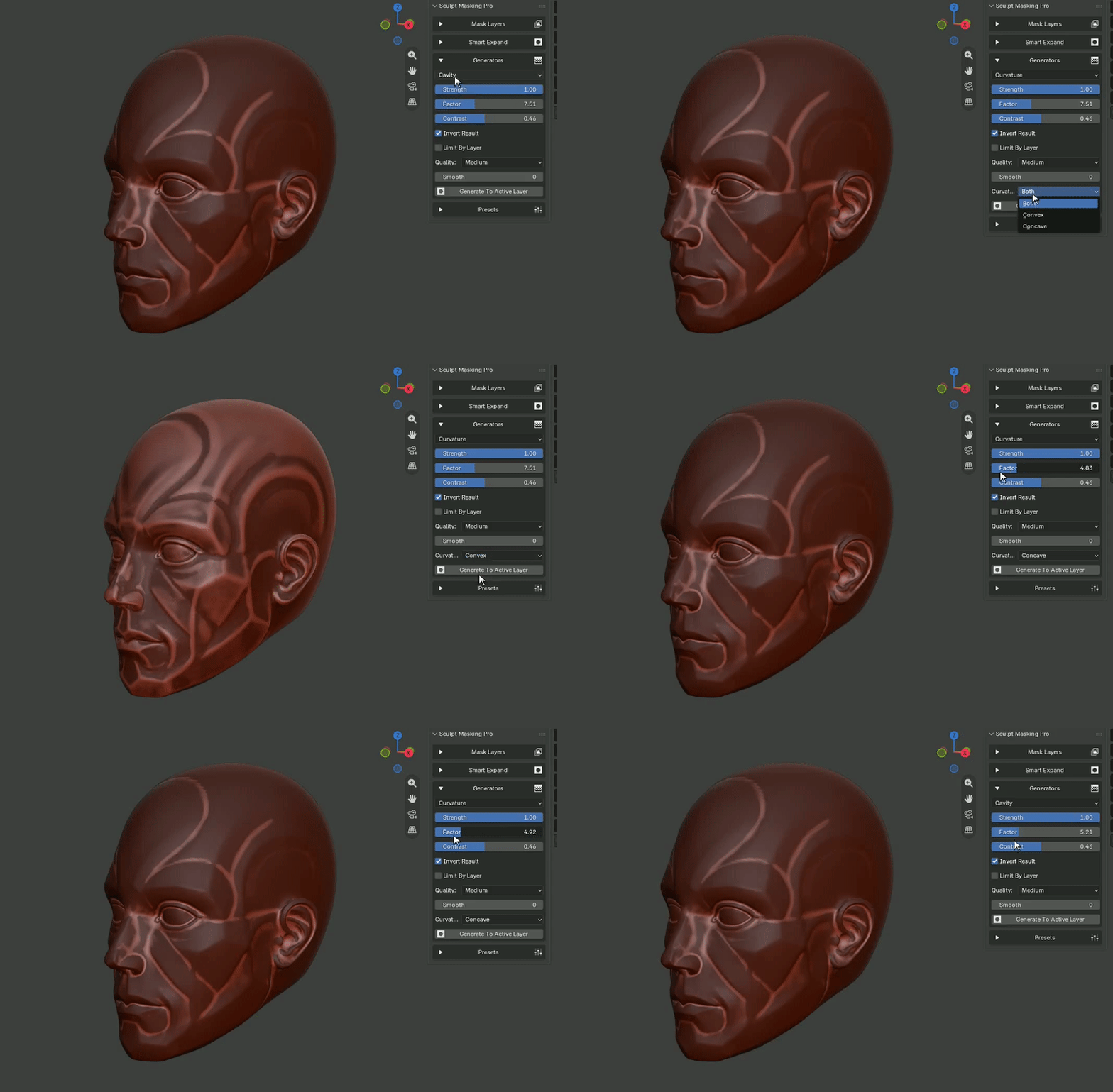
Generate a mask from convex and concave surface curvature. Choose the curvature response and tune quality, smoothing, strength, and contrast to emphasize forms or details.
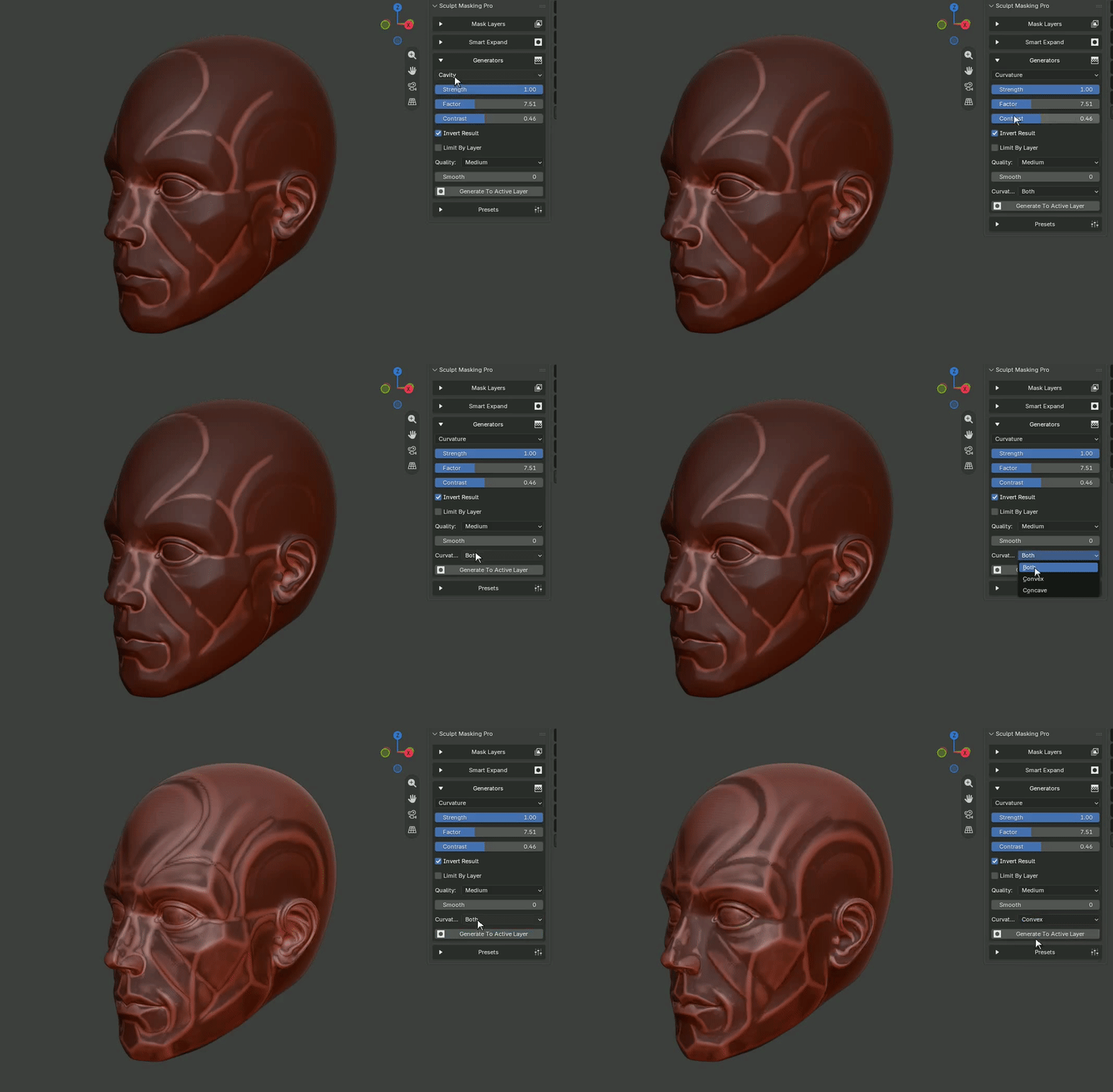
Find concave creases and recessed surface detail with a cavity mask. Adjust quality, smoothing, and contrast to control the transition and detail level.
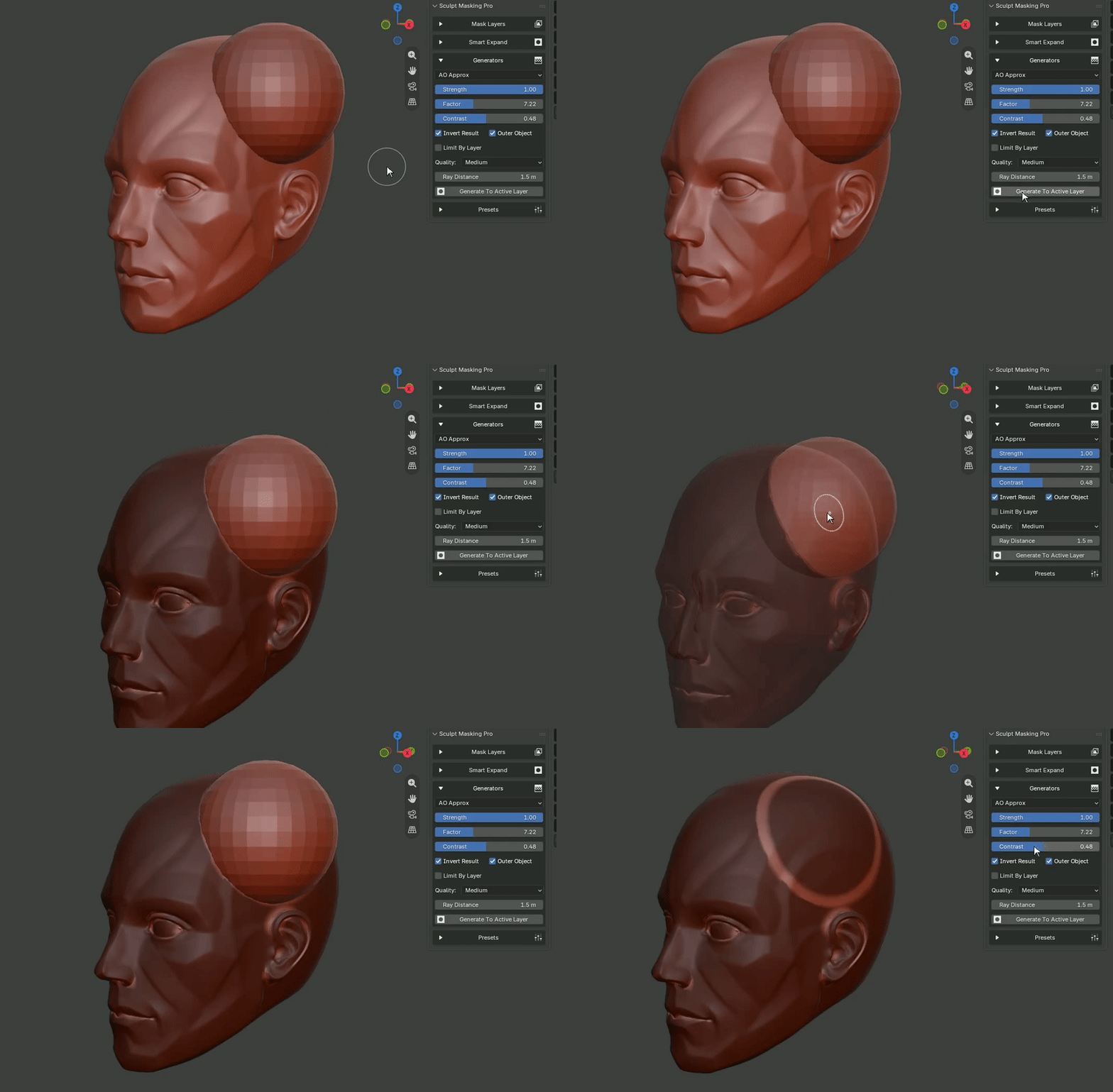
Build a fast approximate ambient-occlusion mask from surface contact and nearby forms. Adjust ray distance, quality, and contrast; optionally include other visible objects as occluders.
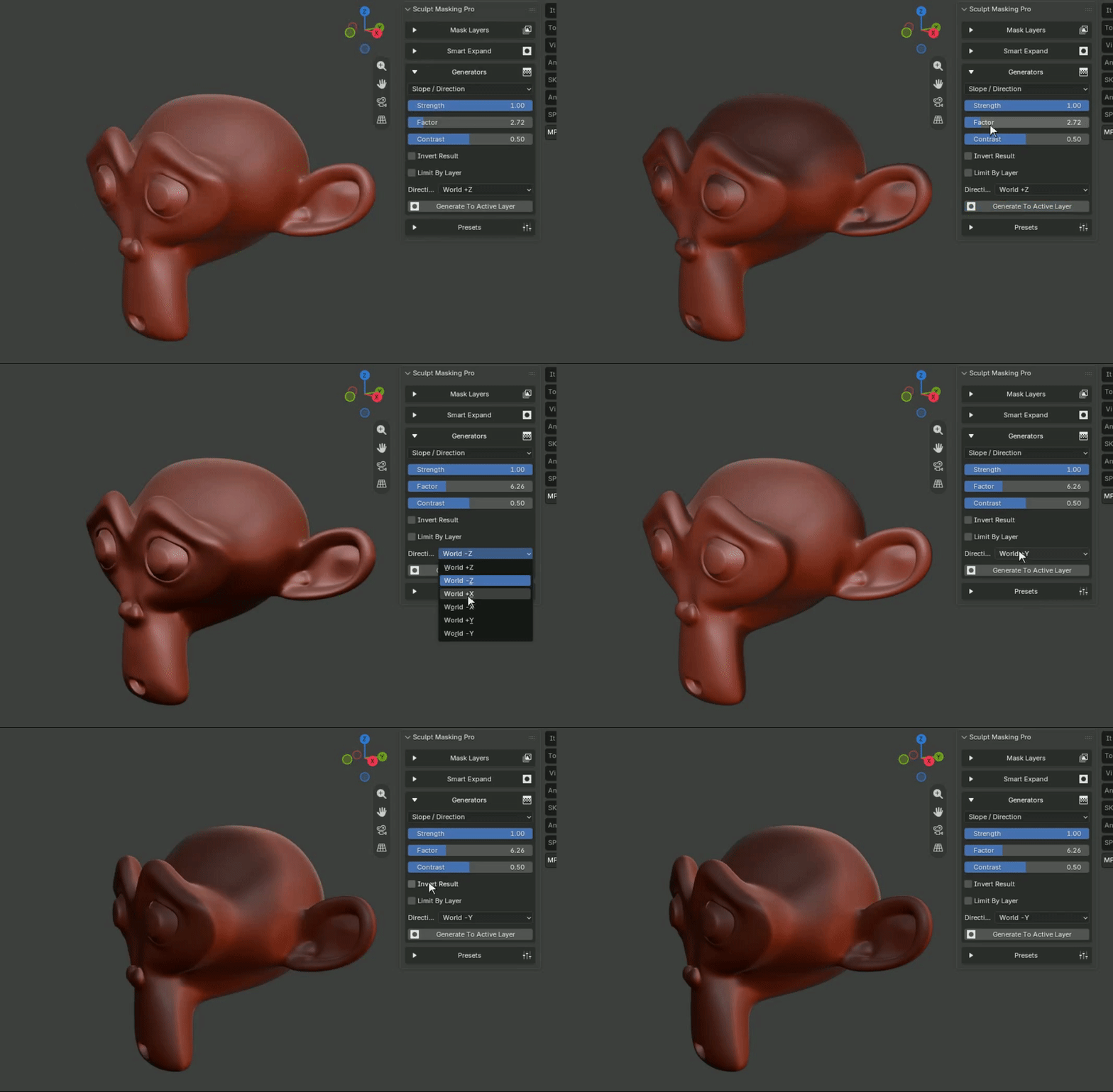
Mask surface areas according to their normal direction relative to a chosen world direction. Useful for isolating upward-facing or directionally oriented regions.
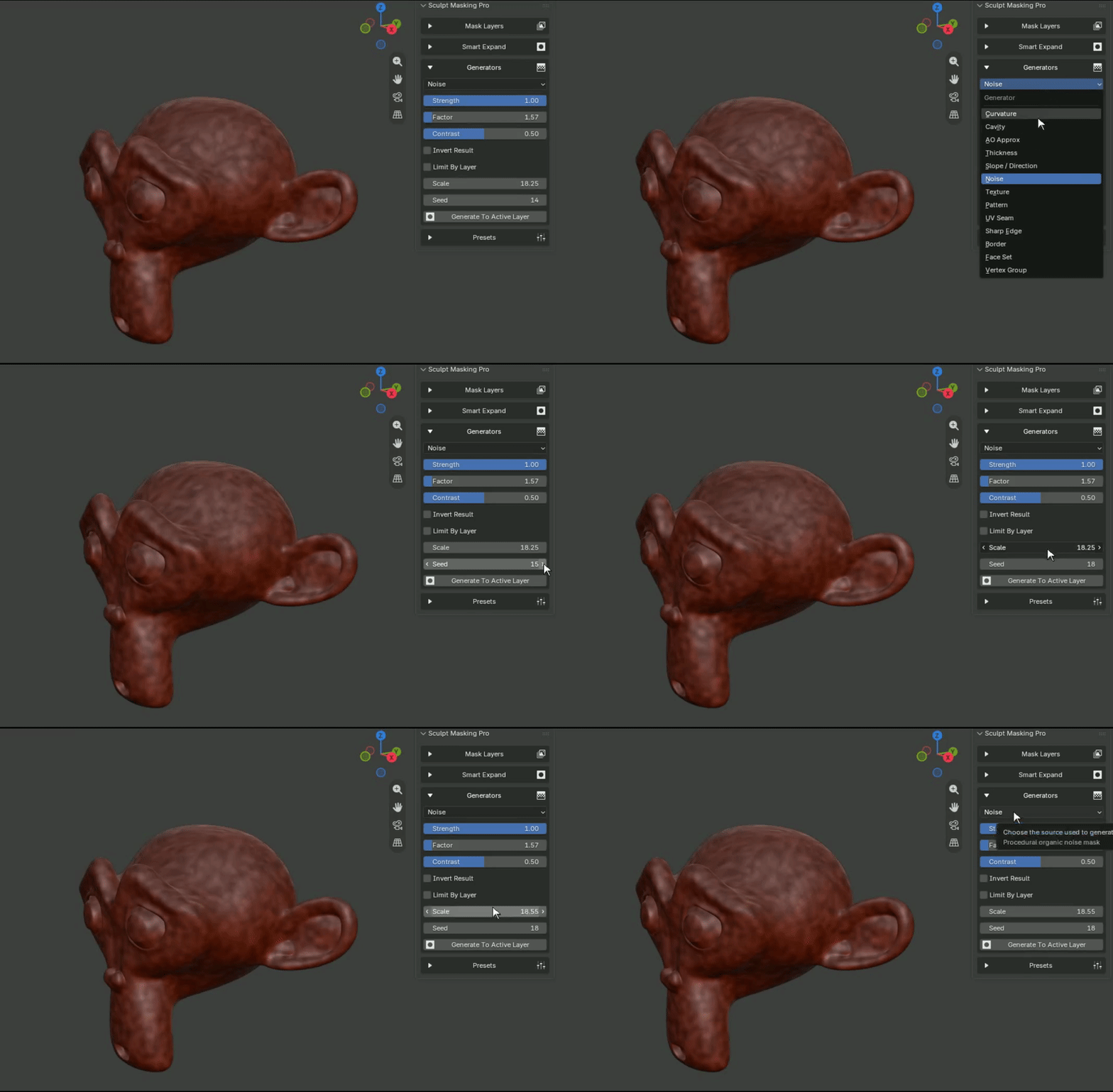
Add seeded organic variation to a mask. Change scale and seed to create repeatable patterns at different detail sizes.
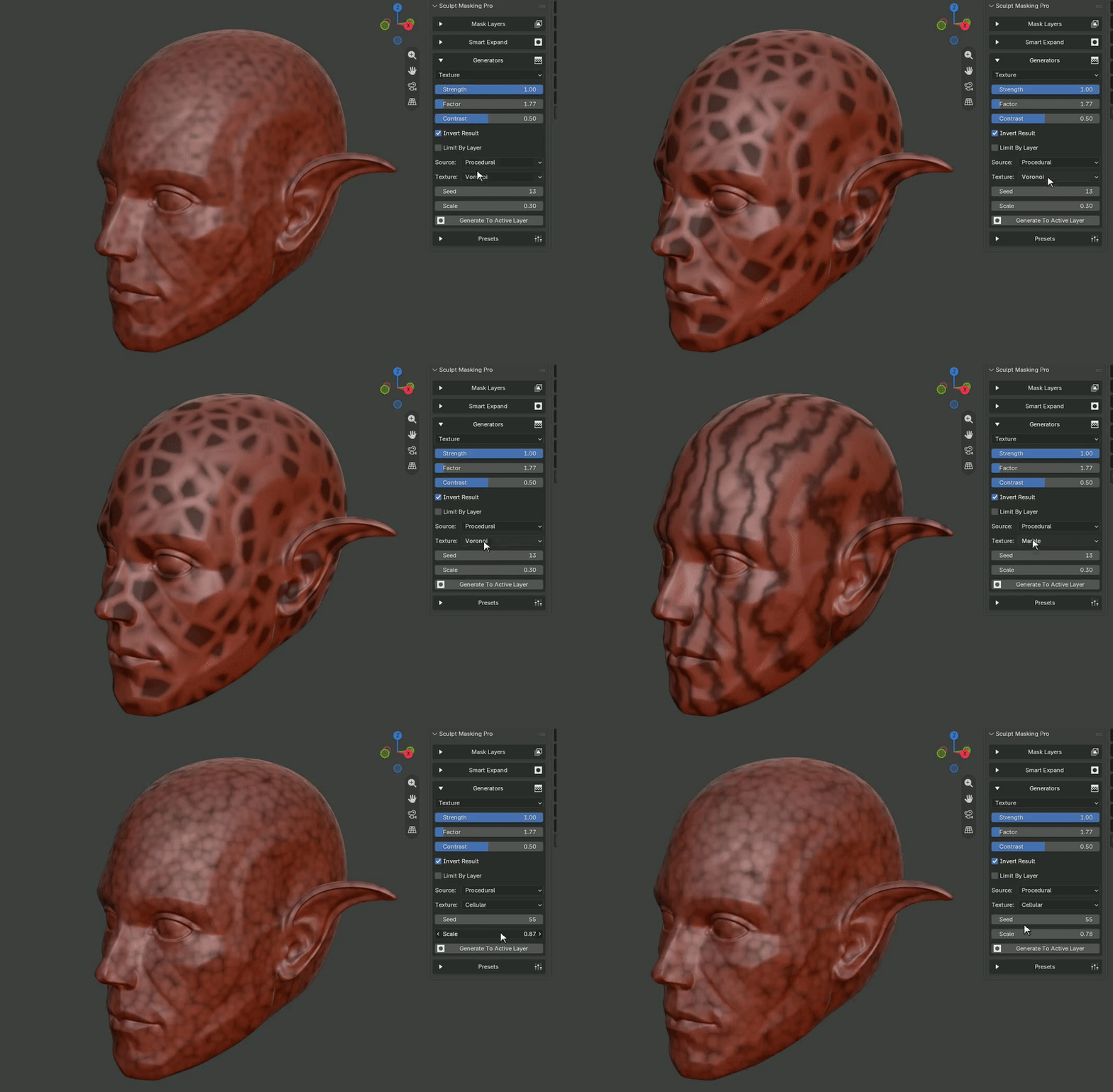
Generate a mask from a procedural surface texture or a loaded image. Adjust texture type, source, scale, and projection to control how the pattern sits on the sculpt.
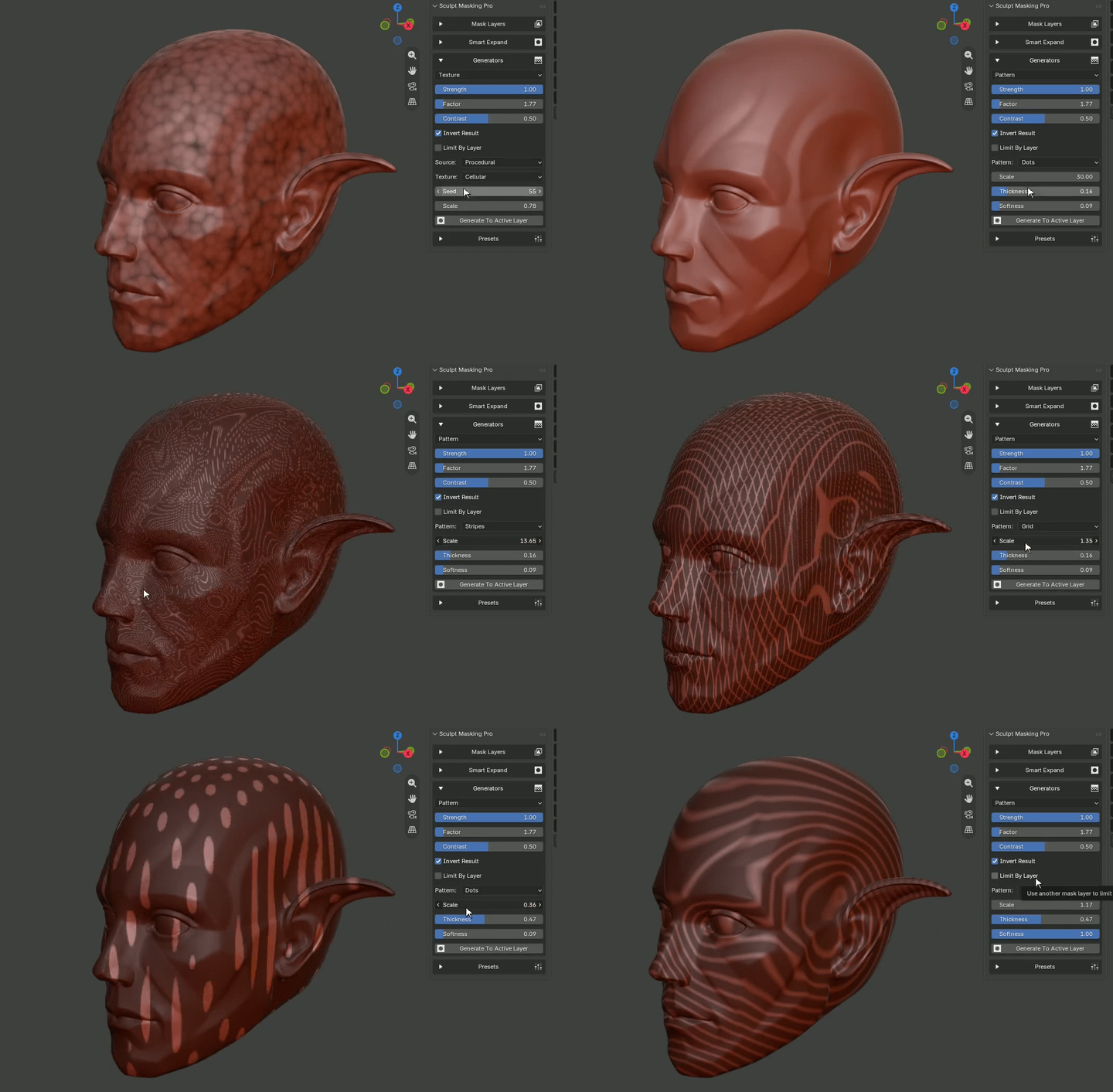
Create repeated stripes, grids, dots, or rings as a mask. Set pattern scale, thickness, and softness to fit the design.
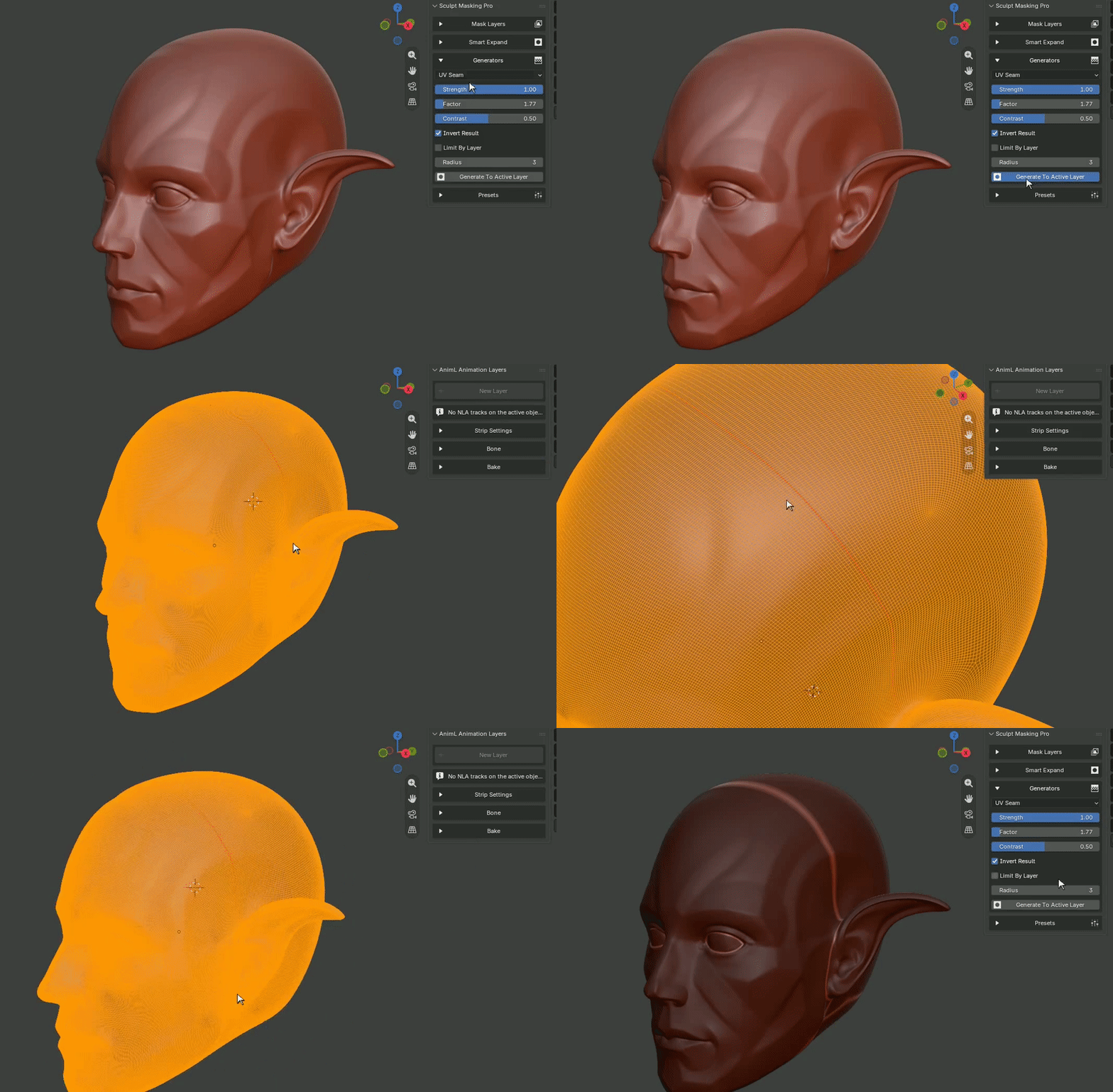
Create a mask along marked UV seam edges. Adjust edge radius to broaden or soften the seam region on the sculpt.
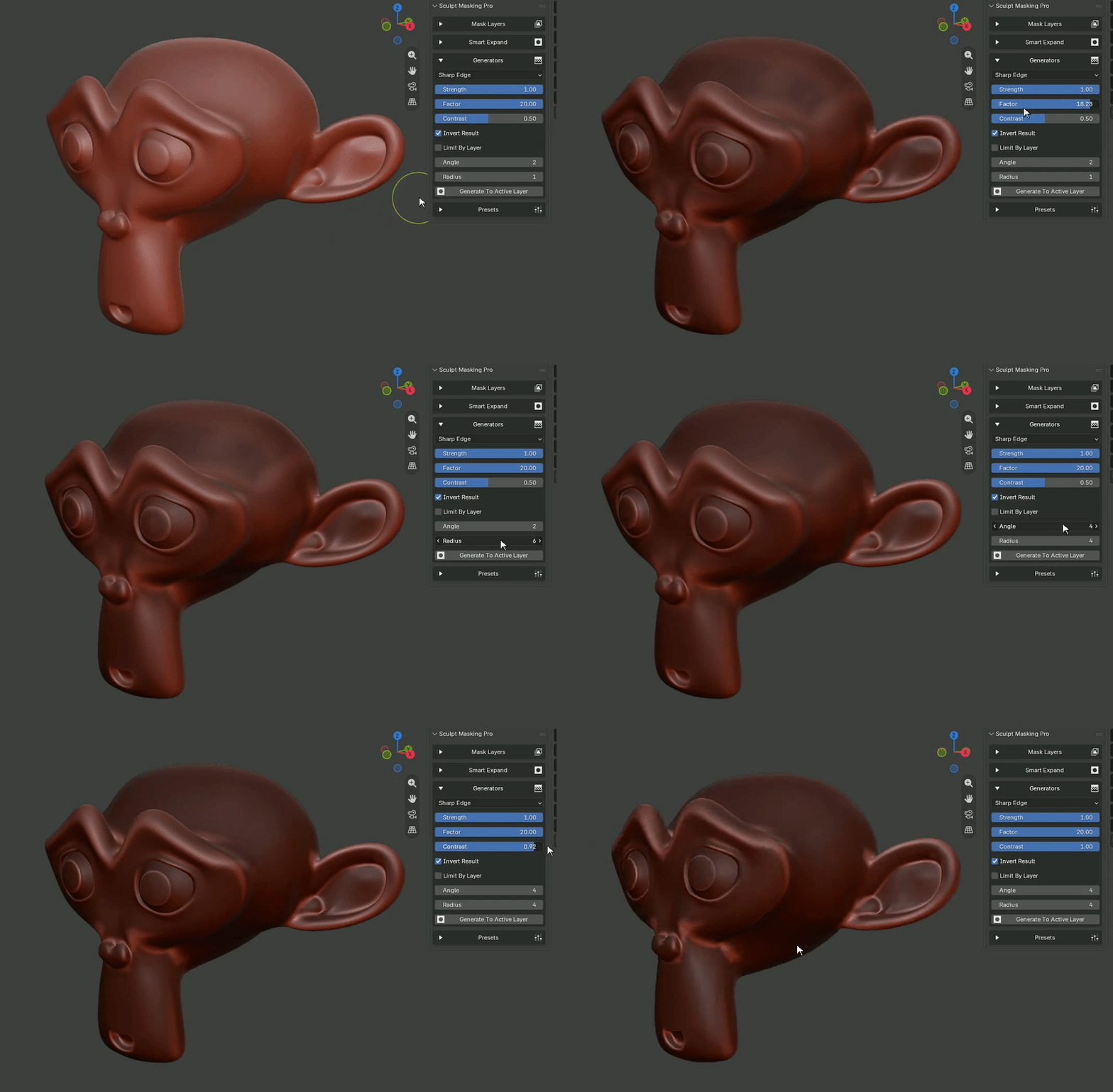
Detect hard-surface edges from the angle between neighboring faces. Set the angle threshold and edge radius to control the masked band.
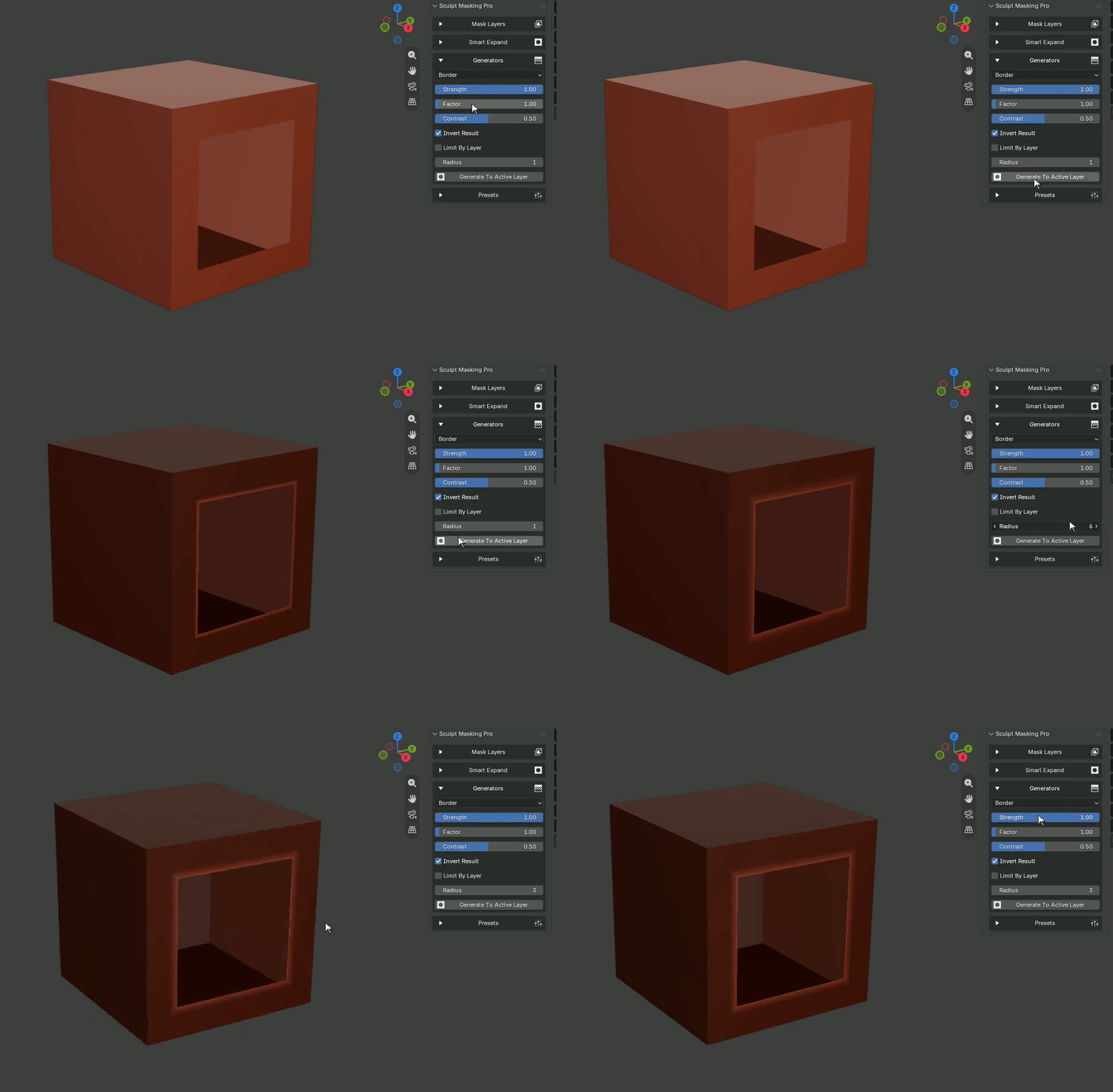
Create a mask around open mesh boundaries. Adjust edge radius to control how far the mask spreads from the border.
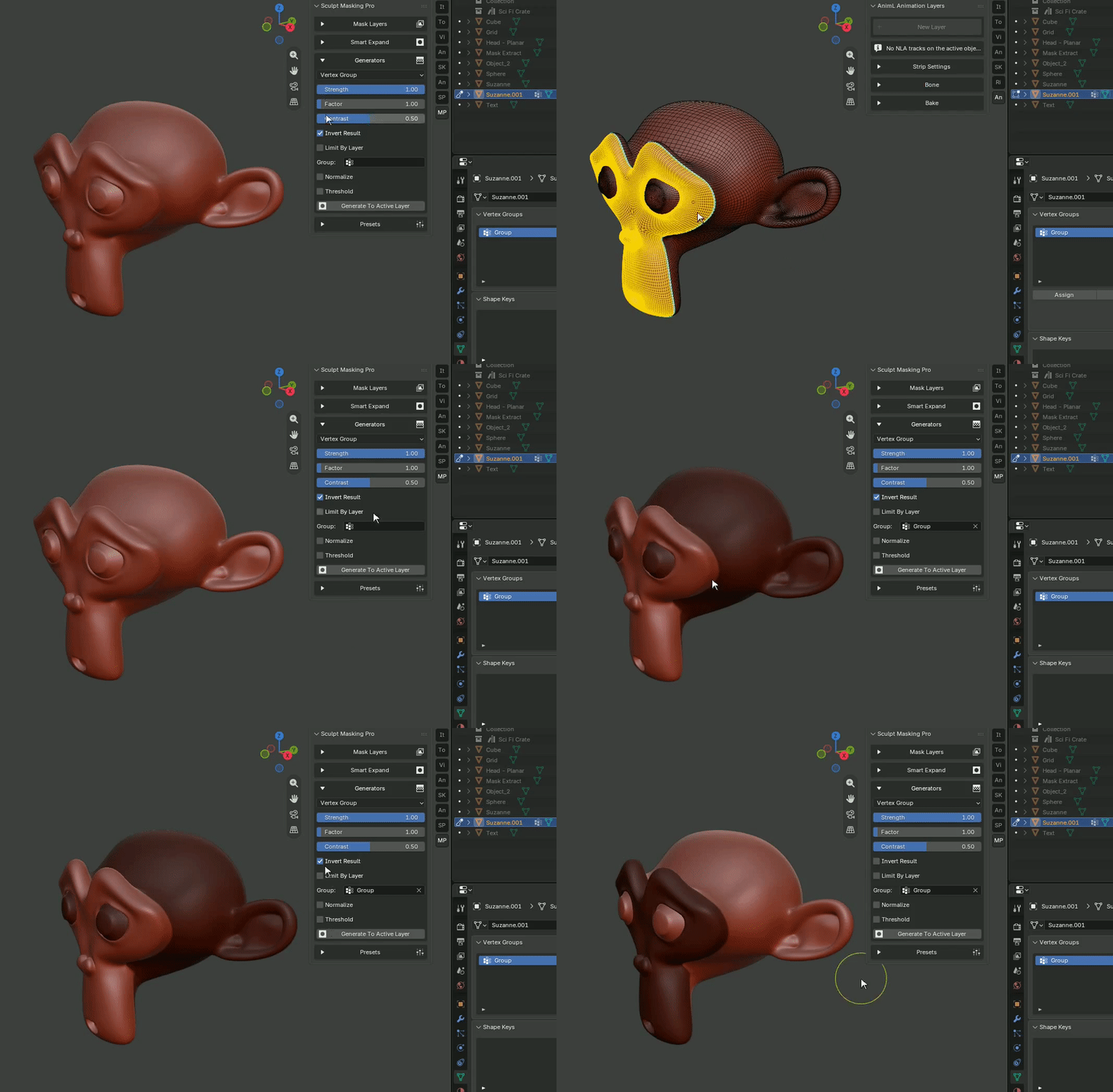
Generate mask values from a named vertex group. Choose a group and optionally normalize its weights or apply a threshold.
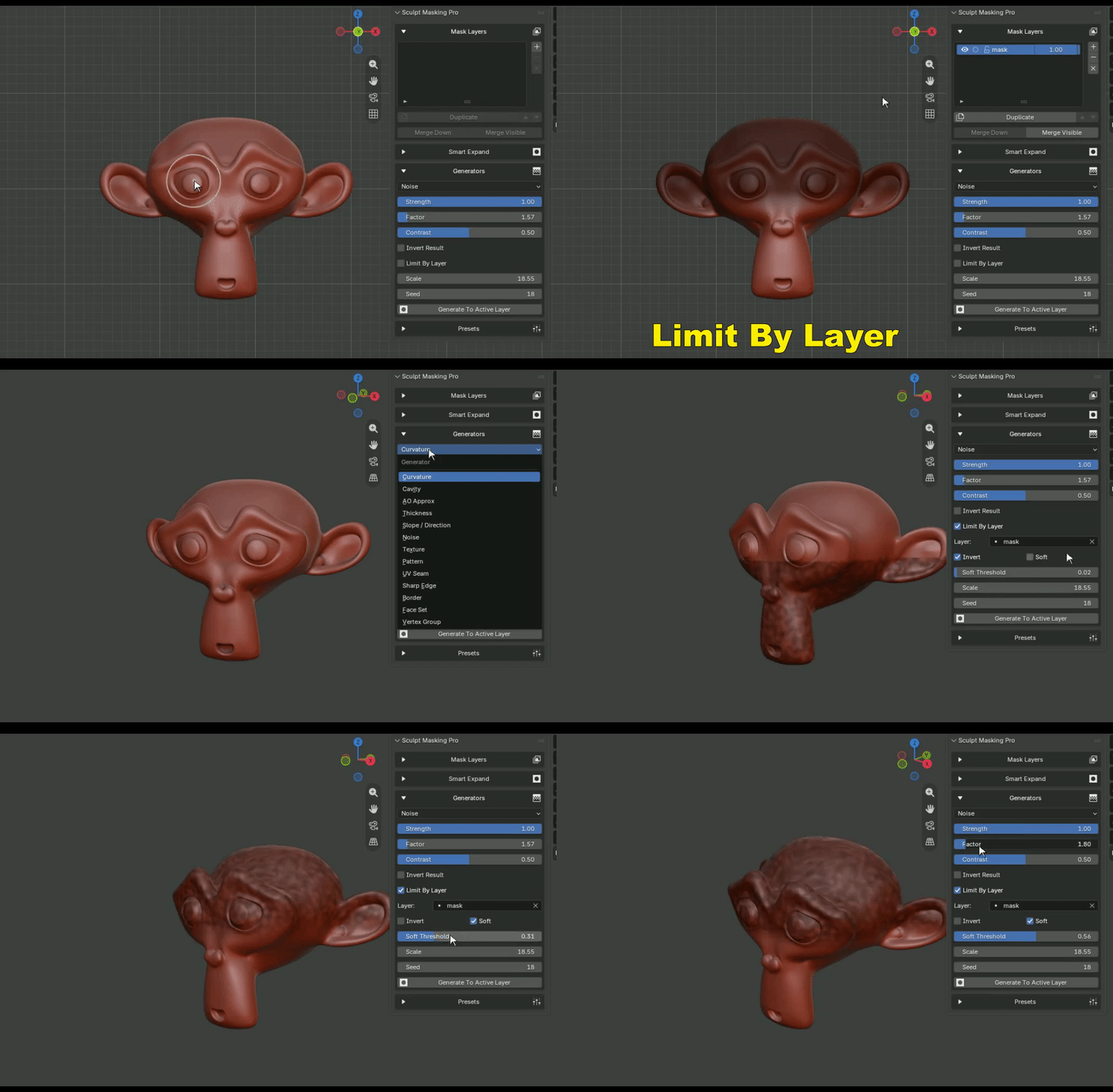
Constrain a generated mask to another mask layer. Choose the limiting layer and use Invert, Soft, and Threshold controls to shape how the two masks interact. This shared option is shown at the end of the Generator demos.
Presets
Presets are a separate N-panel section for saving and reusing mask setups. Load a preset to quickly restore a saved generator configuration and continue from the same starting point.
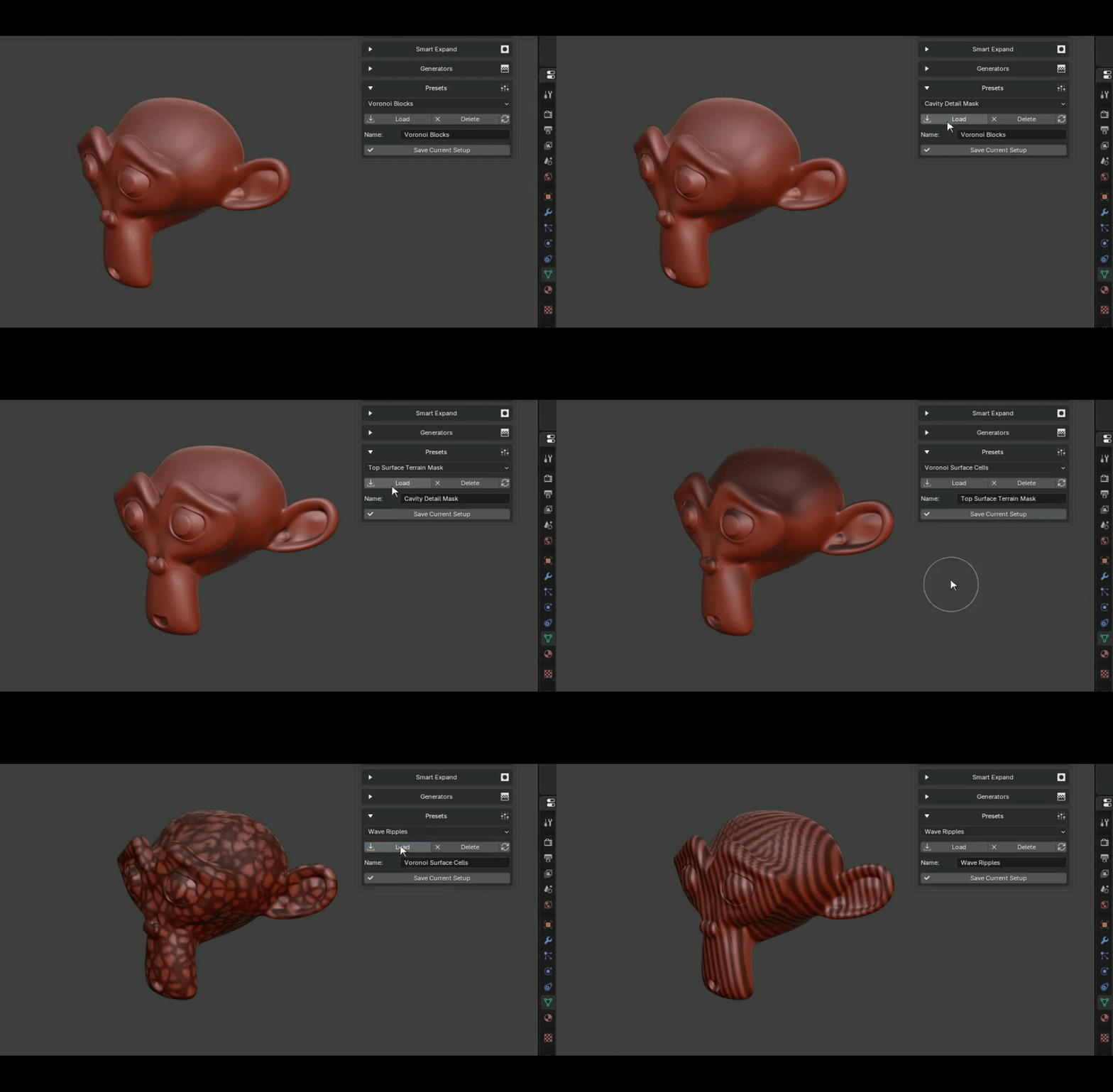
Browse and load saved mask setups, or save the current generator configuration as a custom preset for later use.
Mask with intent.
Sculpt Masking Pro gives you a unified toolset for quickly creating, refining and reusing sculpt masks.