 za studio
How is Mask Pro different from Blender's native sculpt mask, and what does it add?
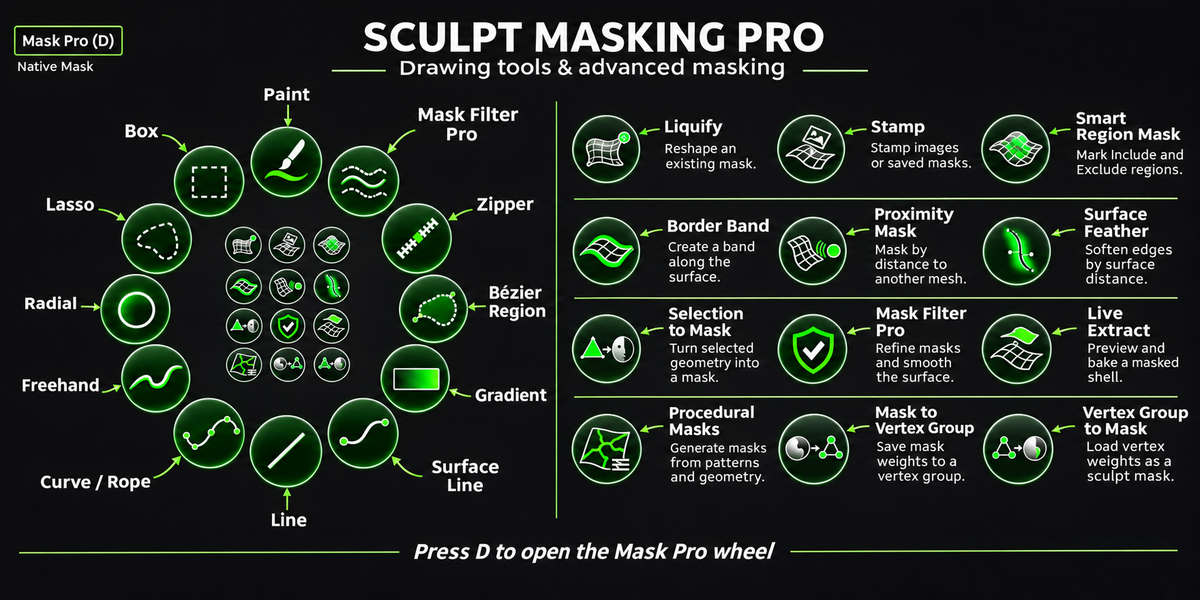
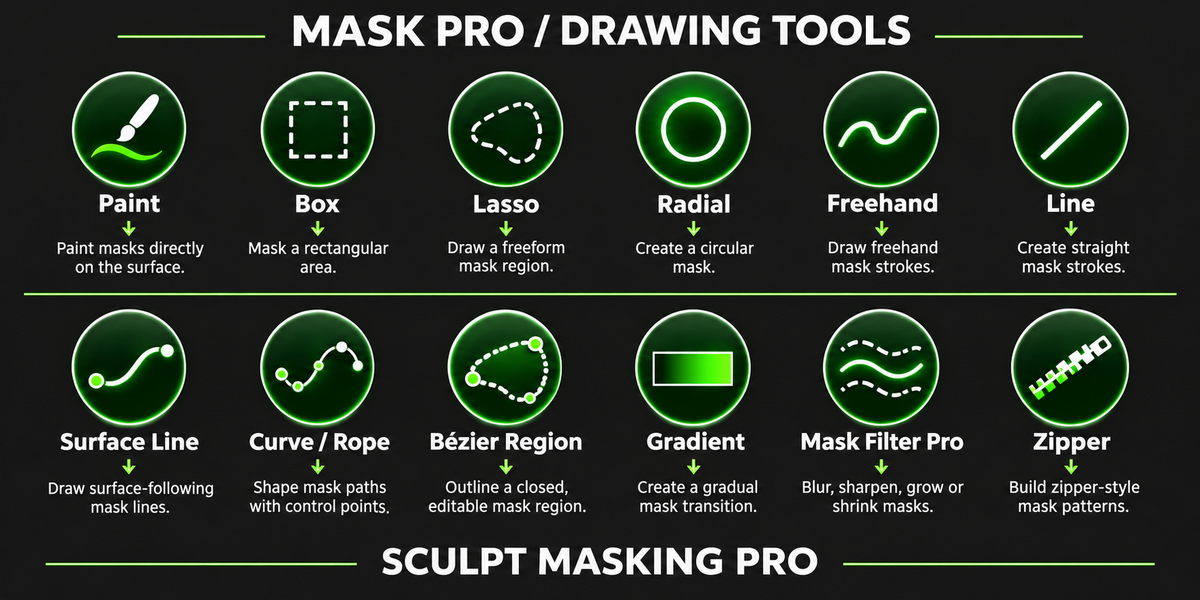
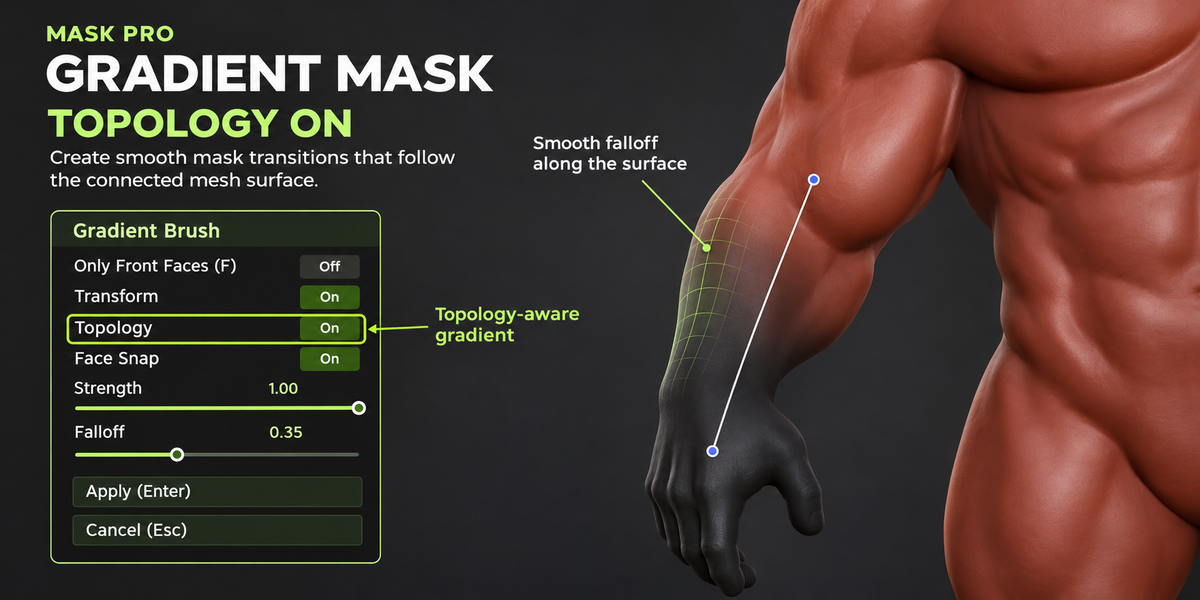
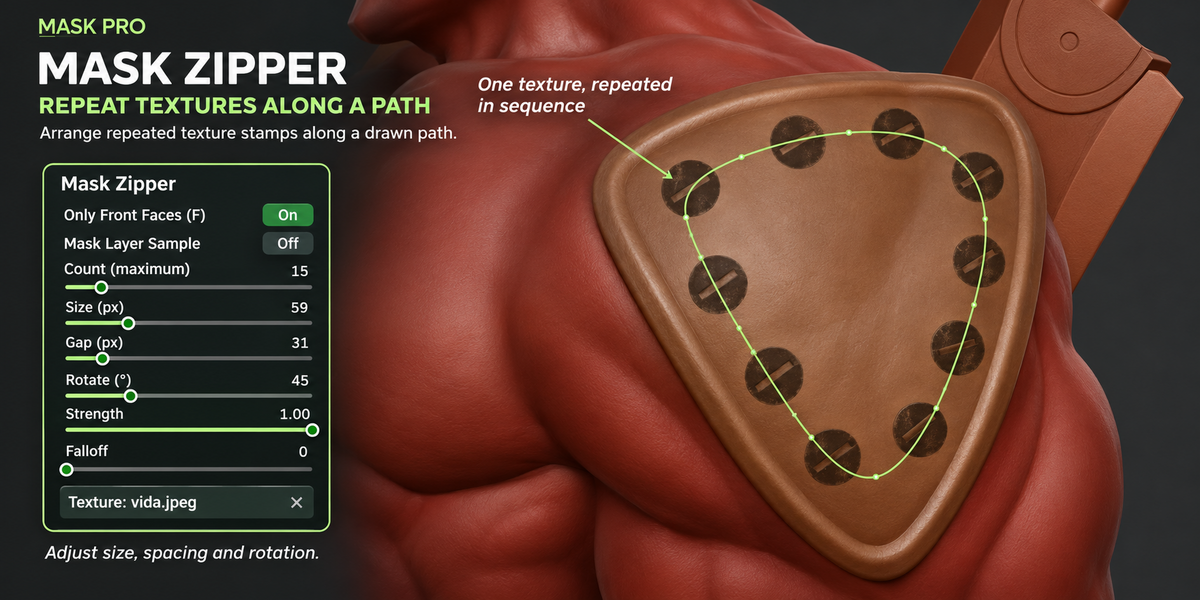
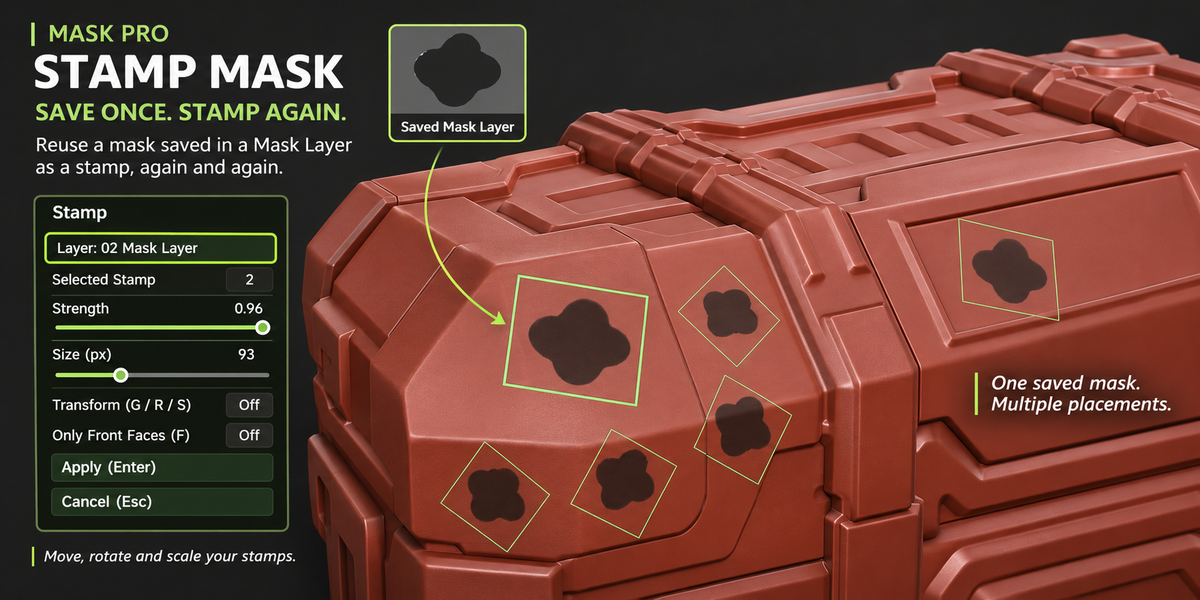
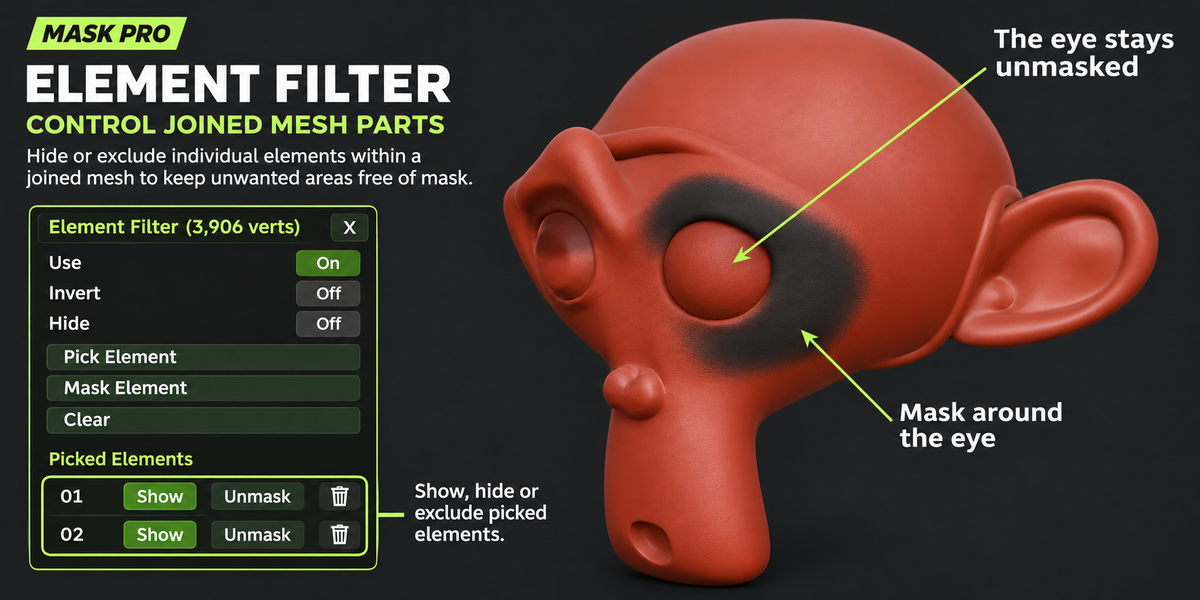
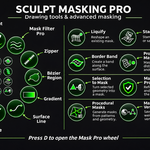
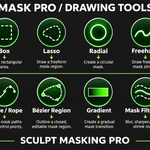
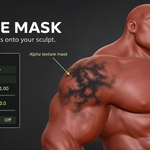
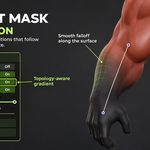
Blender's native mask is a direct sculpting tool for painting and editing the current sculpt mask. Mask Pro adds a layer-based workflow, procedural generators, additional viewport drawing and editing tools, mask transfer operations, presets, and Live Extract. You can still use Blender's native Mask brush, and apply the combined Mask Pro layers to Blender's native sculpt mask when needed.
Do these masking workflows bring Blender closer to a ZBrush-style masking workflow?
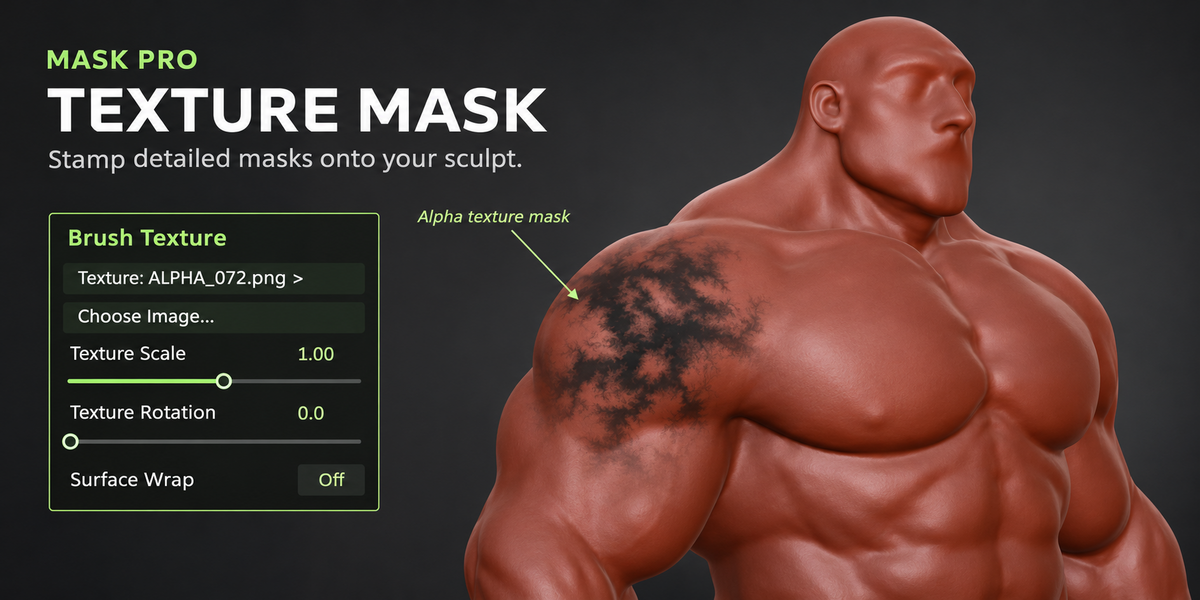
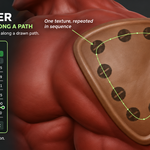
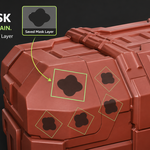
They bring several familiar ideas into Blender, including editable mask layers, procedural mask creation, dedicated mask drawing tools, reusable stamps, and mask-based mesh extraction. This offers a more flexible sculpt-masking workflow, while remaining integrated with Blender's tools and project data rather than reproducing ZBrush feature for feature.
Are mask layers preserved when I save my project?
Yes. Layer values are stored as mesh attributes in the Blender project. Save the project with the sculpt mesh to preserve them. Presets and Blender user preferences are stored separately.
Where can I find the tools after installation?
Open the 3D Viewport Sidebar and select the Mask Pro tab. You can also use the Mask Pro viewport launcher or press D to open the pie wheel. The pie shortcut can be changed in Add-on Preferences.
Which Blender version do I need?
Sculpt Masking Pro requires Blender 5.0 or newer. Use a mesh object in Sculpt Mode to access its sculpting workflow.
Have questions about this product?
Login to message
| Blender Extension Compatible | Yes |
| Published | 1 day ago |
| Blender Version | 5.2 - 5.3 |
| Extension Type | Add-on |
| Render Engine Used | Blender-Internal |
| License | GPL |
Discover more products like this
texture 3d character sculpt Brush masking Procedural edge mask gradient layer-mask live mask