Sculpt To Curve
 cardonadigital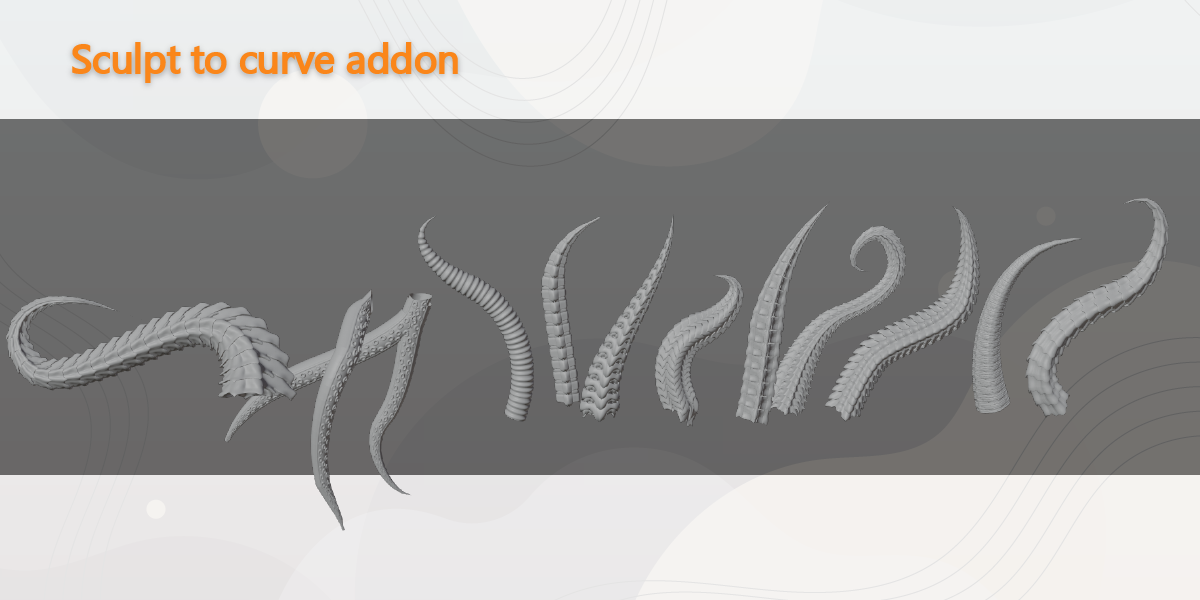
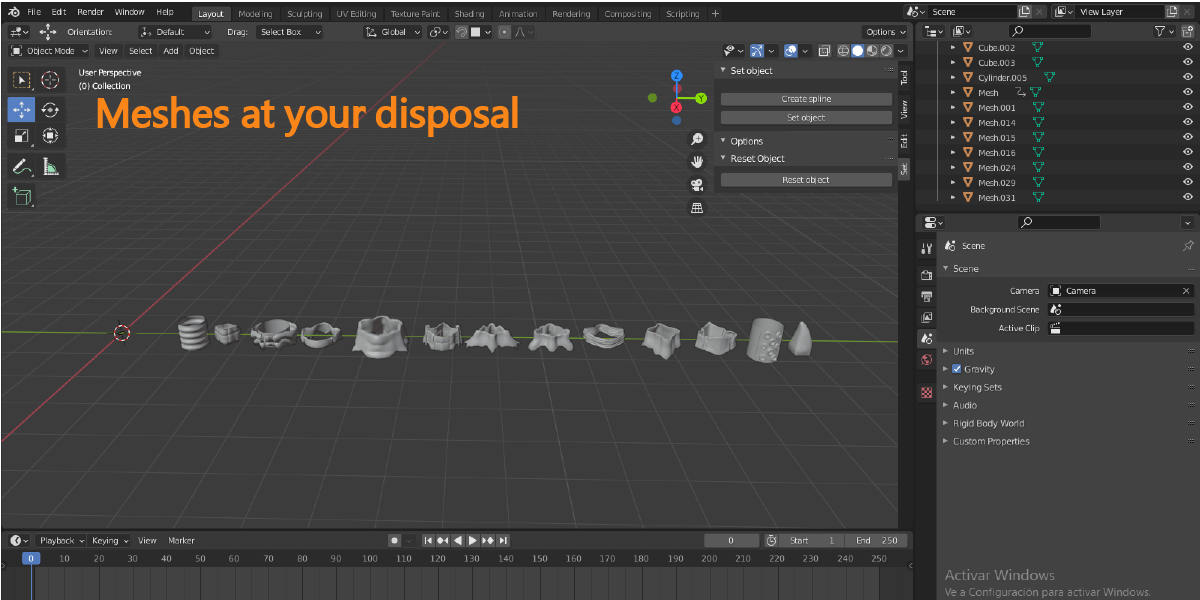
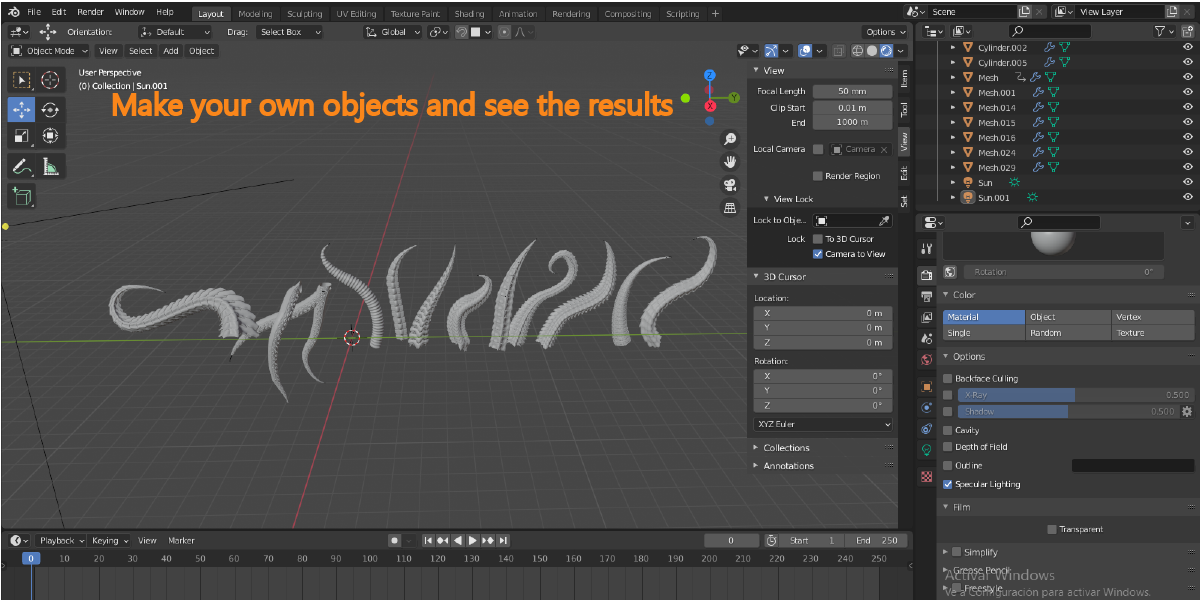
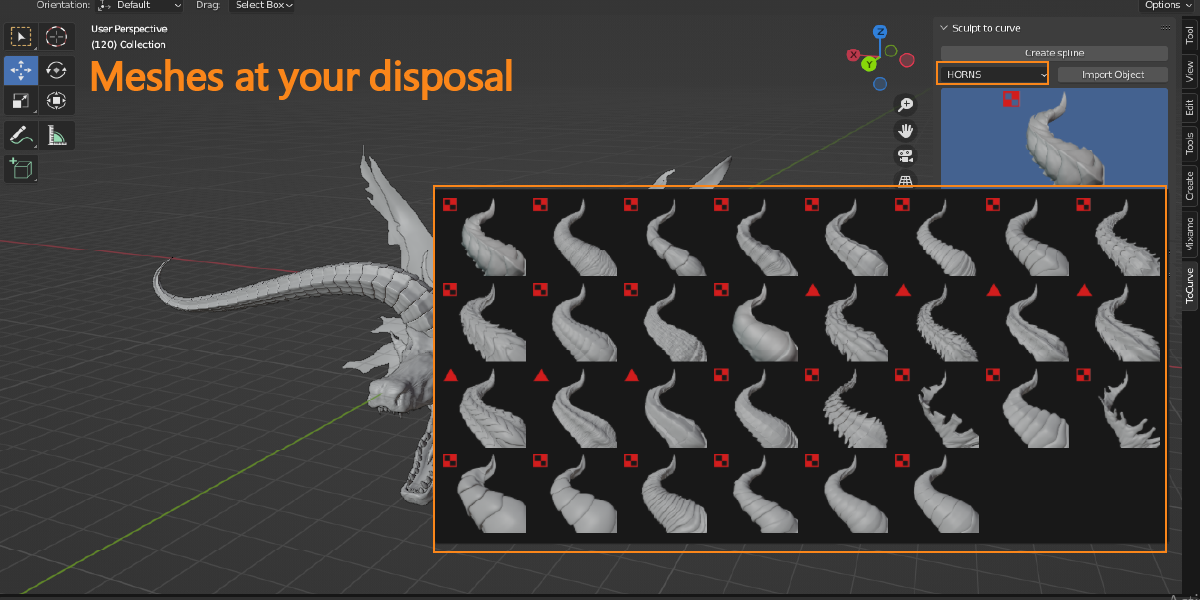
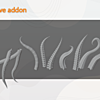
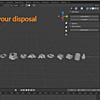
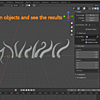
Importing is now smarter — every element drops into your scene already configured and positioned correctly, ready to use straight away with no manual adjustments needed.
Includes 10 chains — a brand new category added in this version, each one ready to use right out of the box.
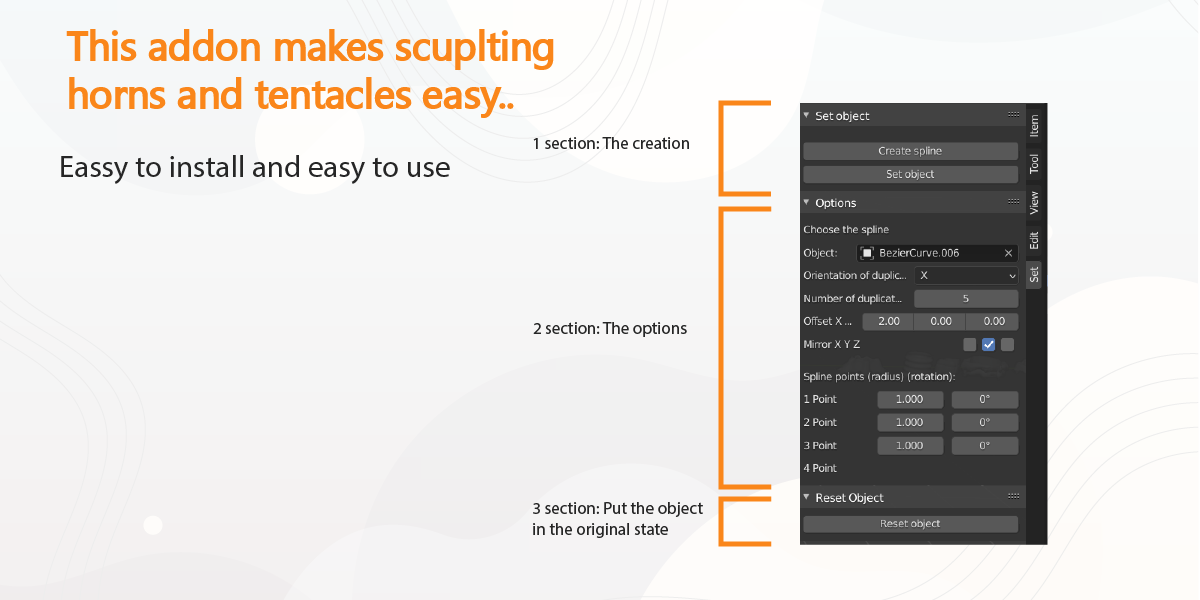
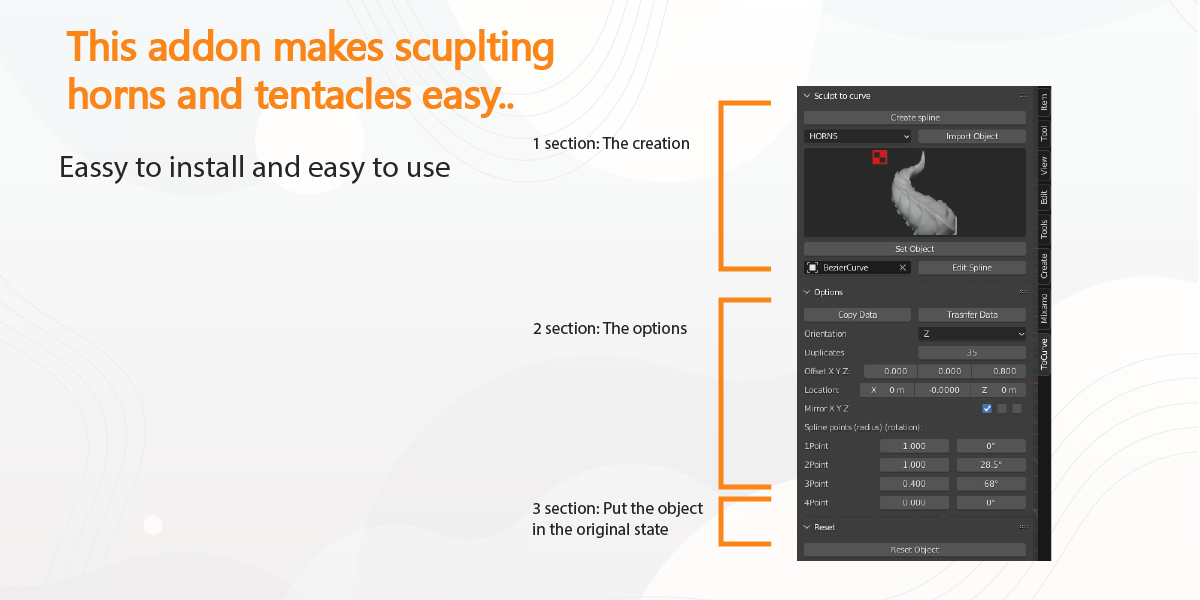
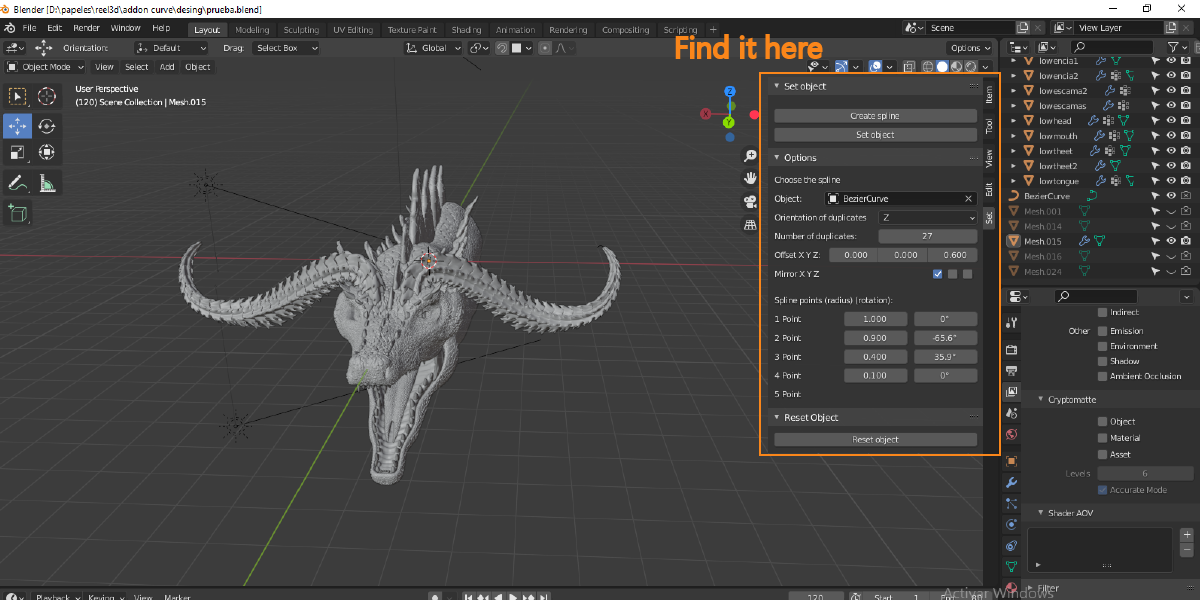
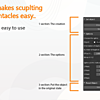
Cleaner panels — the interface was reorganized into dedicated sections. Transform controls (moving and offsetting your object) now live in their own panel, and presets have their own space too, so things are easier to find.
Safety check before resetting — if you click Reset Object by accident, a confirmation popup now asks you to confirm before anything is removed. No more losing your work by misclicking.
Save and reuse your setups — if you dial in a configuration you like, you can now save it as a named preset and reapply it to any other object later. Presets are organized by element type and stay saved between sessions.
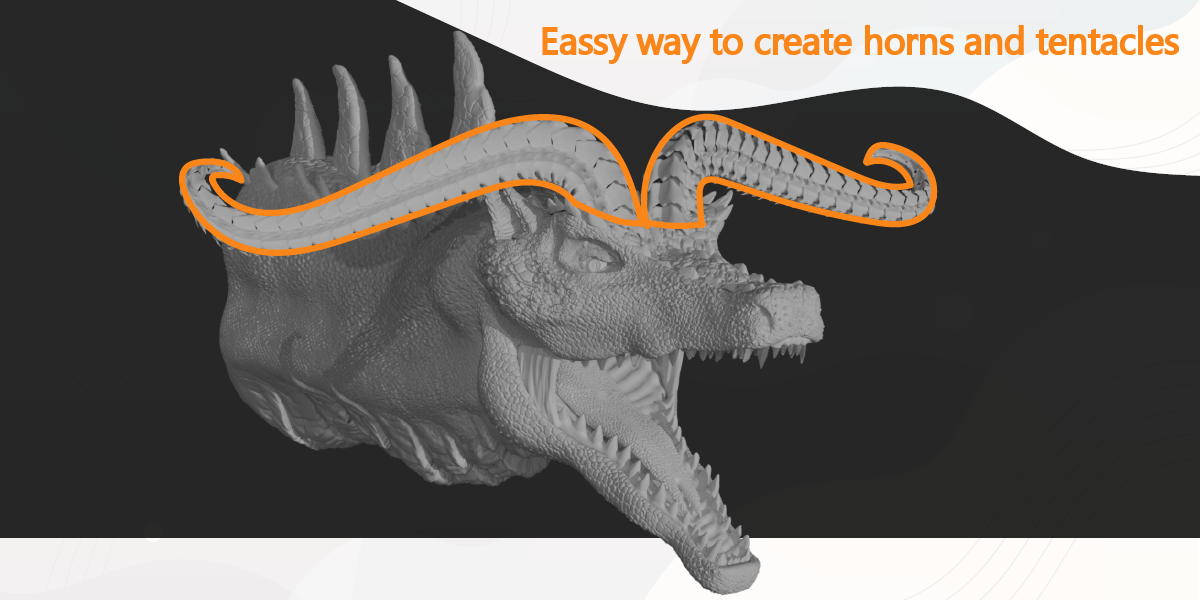
Autofix button — one click and the addon figures out how many repeated pieces are needed to fill your spline from start to finish, adds a few extra for good measure, and automatically tapers the shape down to a point at the tip.
