Sculptpie
 Yoan Agostini


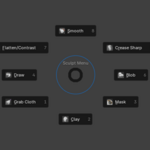
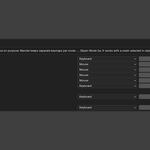
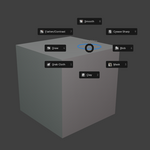
To use this addon go into the sculpting tab and press "\" or whatever shortcut you set. This will open the pie menu. To select a brush simply move your mouse in the direction you want and release the pie menu shortcut.
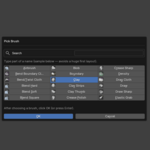
To switch a brush from the pie menu open the pie menu, move your mouse to the direction of the brush you want to switch and press Alt. Once you did all of that just release the pie menu shortcut without releasing the Alt key and the direction. A menu will pop and you can simply choose the brush you want and press OK. If the brush you want does not show you can type the name of it in the search menu.
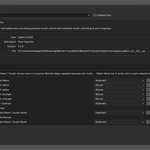
To increase/decrease the brush size press Shift+Mouse Wheel (or the shortcut you set).
To increase/decrease the brush strength press Alt+Mouse Wheel (or the shortcut you set).
To toggle between Add/Subtract mode press "1" (or the shortcut you set).
To toggle between Sculpt mode and Object mode press "X" (or the shortcut you set).
Have questions about this product?
Login to message
| Blender Extension Compatible | Yes |
| Published | 6 months ago |
| Blender Version | 5.0 |
| Extension Type | Add-on |
| License | GPL |
