SDF Boolean Mixer
 Bukoros Design


SDF Mixer Video Tutorial
Installation
Addon Installation
Simply drag and drop SDF_Mixer.1.0.0_Addon.zip into Blender viewport
Otherwise, go to preferences and install it in Addons Panel: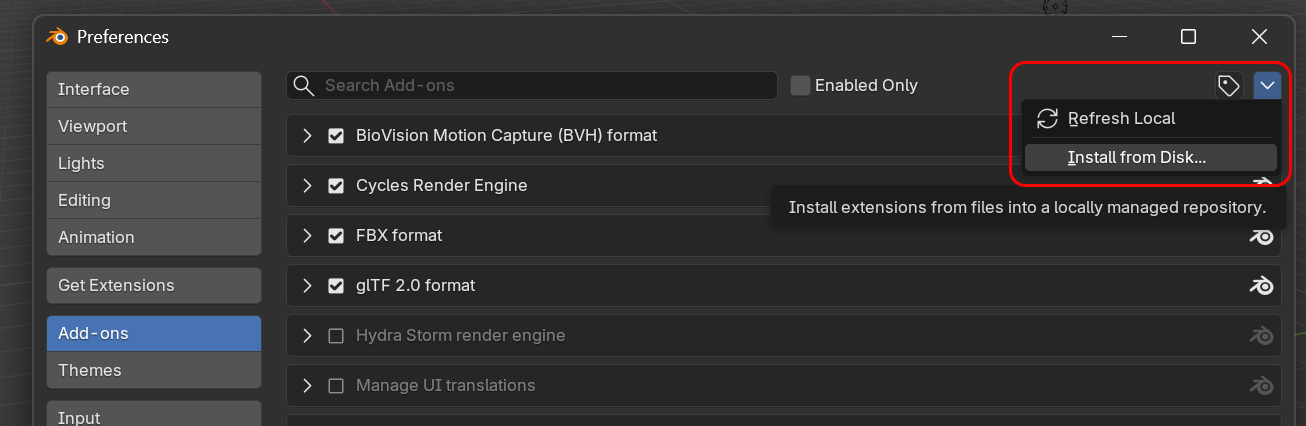
After Addon is installed, don't forget to add additional Library assets, you can do it from Addon preferences
After that, Nodes will be available in Asset Library in SDF Mixer catalog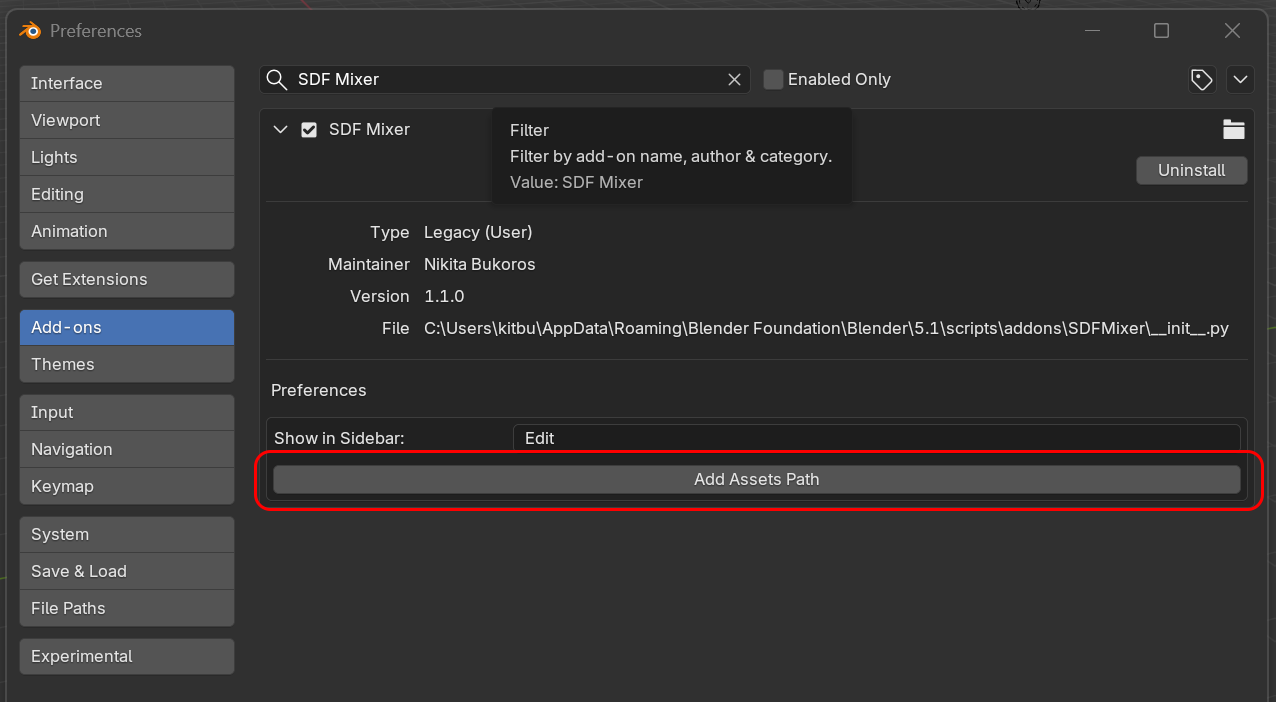
Nodes Installation
If you are using Nodes only, just extract SDF_Mixer.1.0.0_Nodes.zip in any folder on your PC and set the path to this folder in preferences, in File Paths section
Using Addon
To start using Addon, Pick two objects and press any of operations from the list.
This will create SDF Boolean setup which consist of Root, Boolean, and Mesher modifiers. Additional Boolean modifiers will be automatically added after the Root and before Mesher modifiers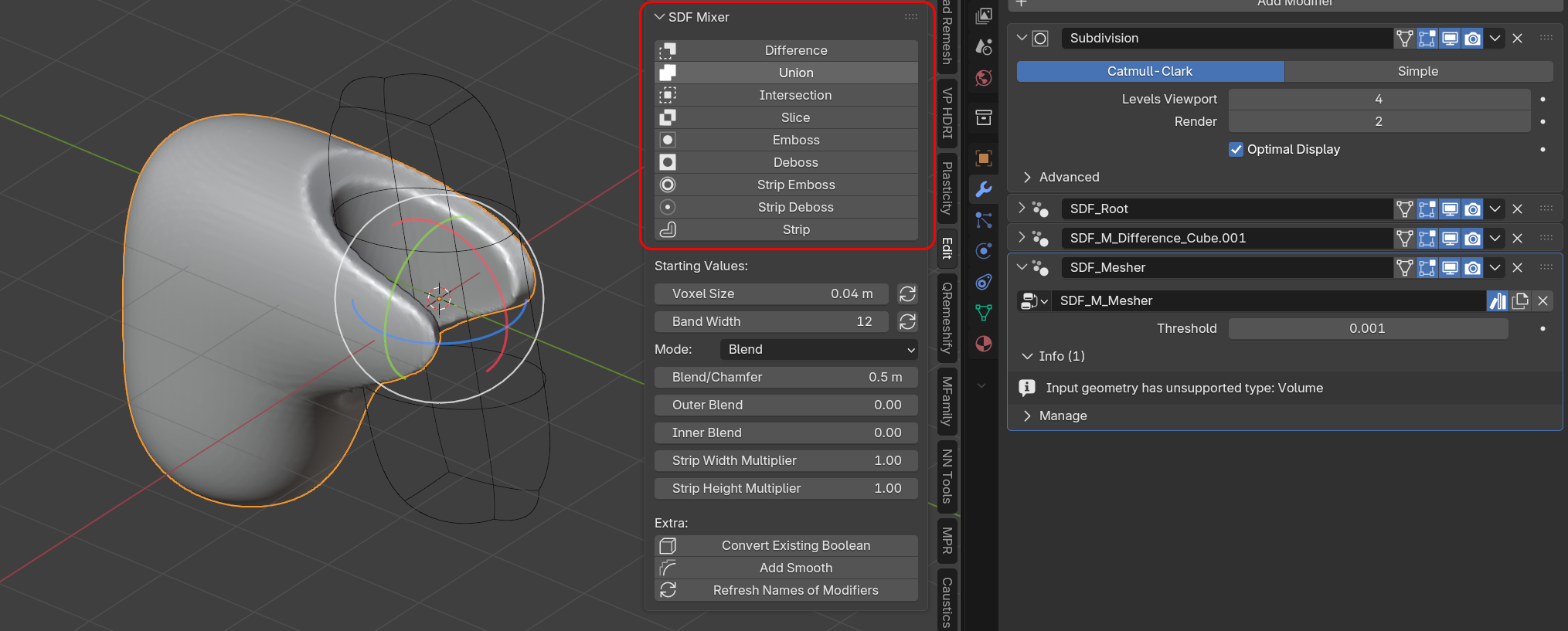
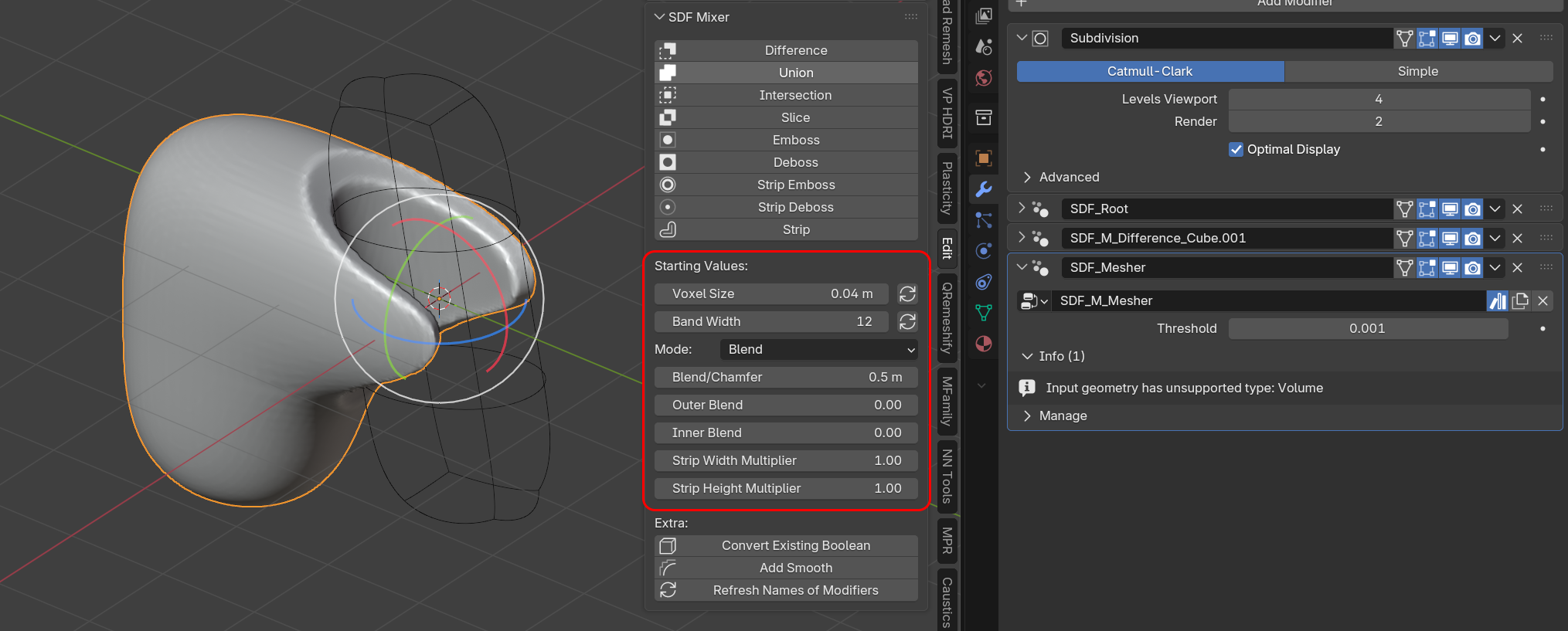
You can set starting values from the addon panel. After SDF Boolean modifier is created, you can further adjust it in the corresponding modifier. For Voxel Size and Band Width there are refresh buttons which allow to change those parameters on all selected objects.
Extra
Convert Existing Boolean - convert native Blender Boolean modifiers
Add Smooth - add additional node setup for sdf-based volume smoothing. works with any objects. Alternative to native remesh modifier, helps to smooth jagged edges after processing booleans with sharp features
Refresh Names of Modifiers - when modifiers are applied through the addon panel, automatic naming is assigned for better navigation. Click this button if parameters were changed to update actual info.
Nodes
SDF Boolean Nodes
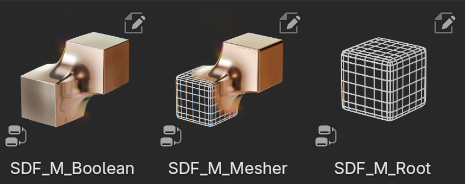
To create SDF Boolean Node setup you need to assign those nodes in next order:
SDF_M_Root > any quantity of SDF_M_Boolean nodes > SDF_M_Root
SDF_M_Root - starting Node, here Voxel Size and Band width are set
SDF_M_Boolean - Boolean Node, here Boolean parameters for each operation are set - such as operation type, Blend type, Blend parameters
SDF_M_Root - Final ending step where meshing is processed.
SDF_M_Single_Step_Boolean
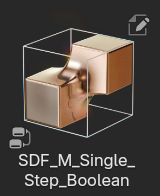
Similar setup, but simpler implementation - all steps packed in one node, not recommended for multiple-step usage
SDF_M_Smooth
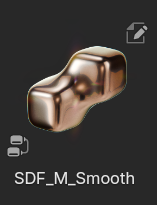
Node setup for sdf-based volume
smoothing. Works with any objects. Alternative to native remesh
modifier, helps to smooth jagged edges after processing booleans with
sharp features
SDF_M_Self_Blend
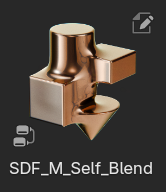
Special case of single-step SDF union with blends for multiple objects at once.
Material Nodes
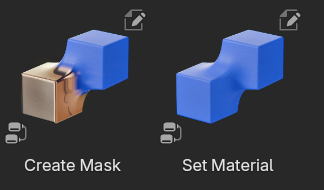
Additional Nodes to assign materials
Set Material - set material to the object
Create Mask - create attribute based on picked object distance, which can be used as a mask in shader through attribute node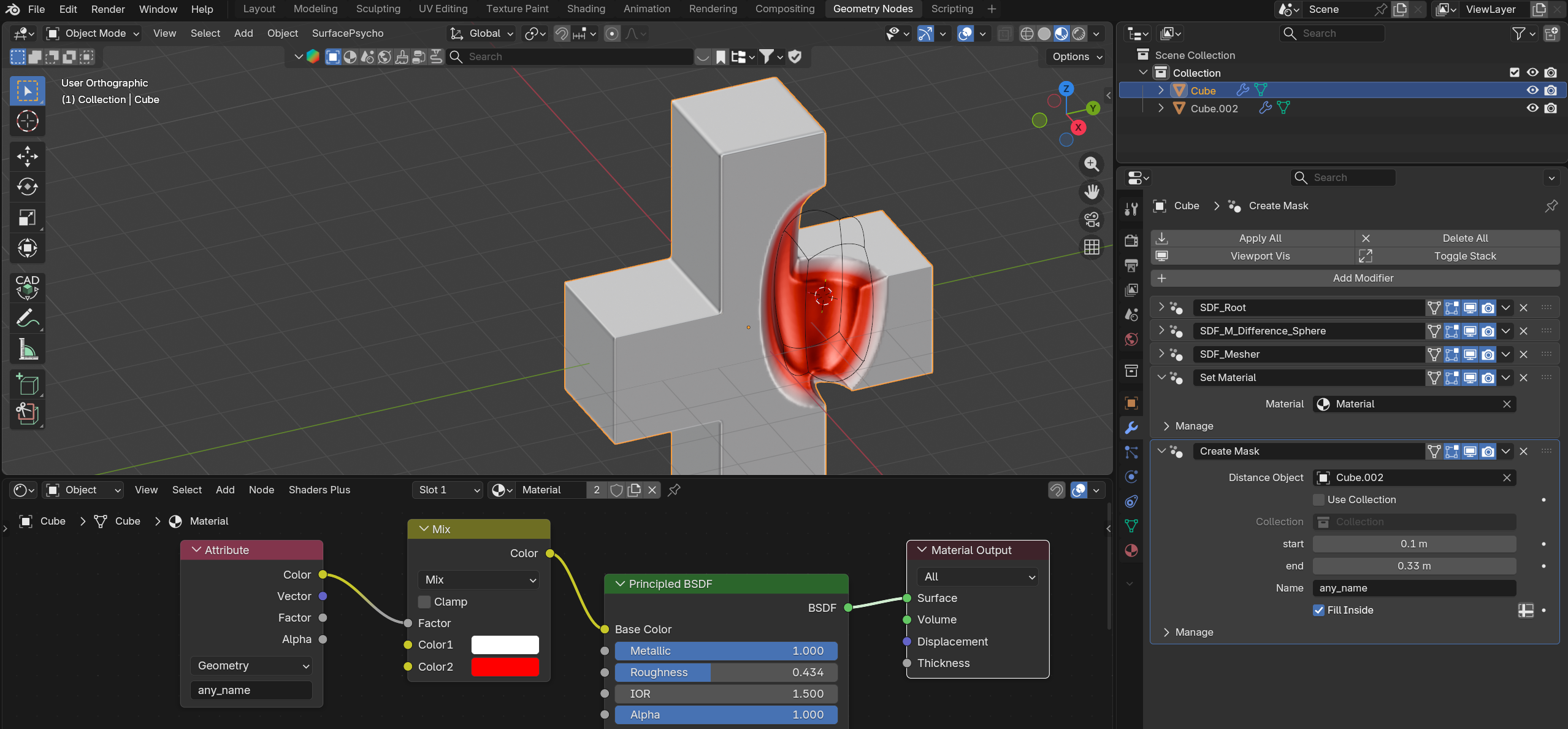
SDF_M_Freeze
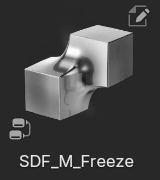
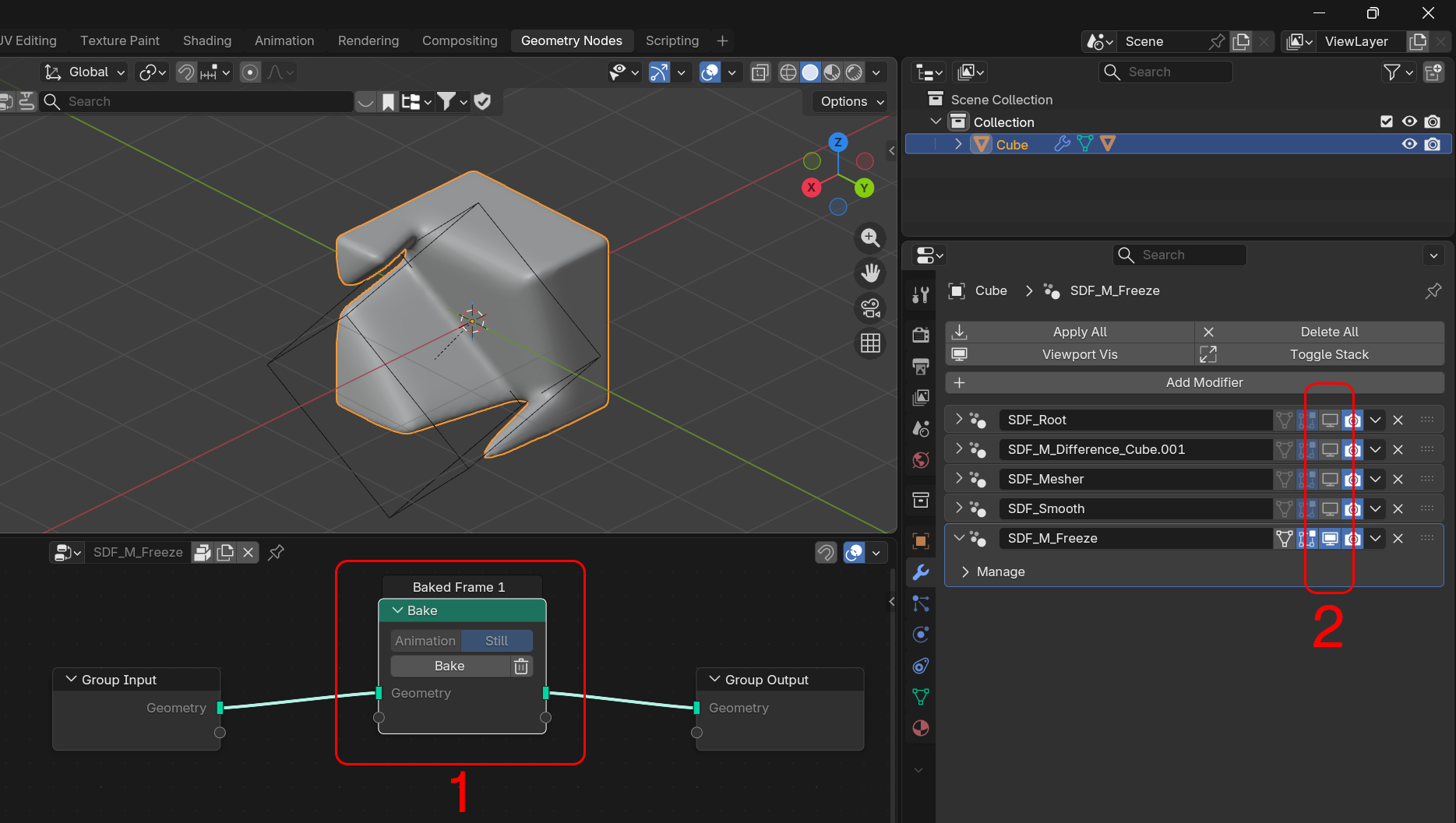
Freeze Node Allows to temporary bake result, can be helpful to quickly move boolean objects through the scene
To freeze objects add SDF_M_Freeze node at the end of the modifier stack, and press bake inside the node group. When frame is baked, turn off all previous modifiers
To unfreeze delete bake or simply delete bake freeze modifier