 CoffiZ-Addons
Seam Welder
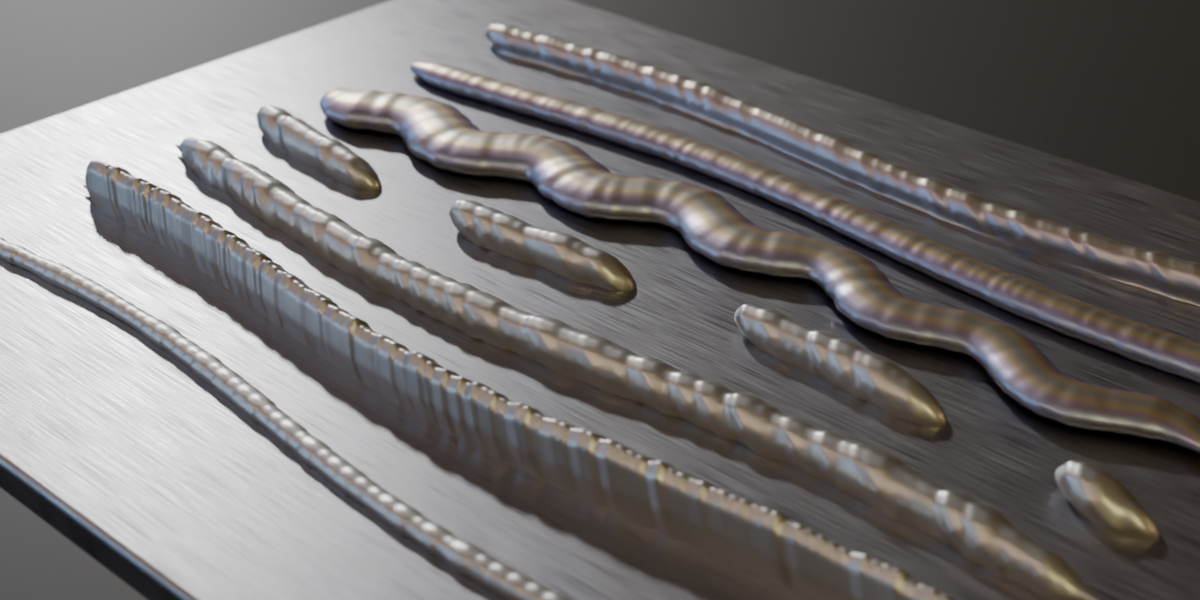
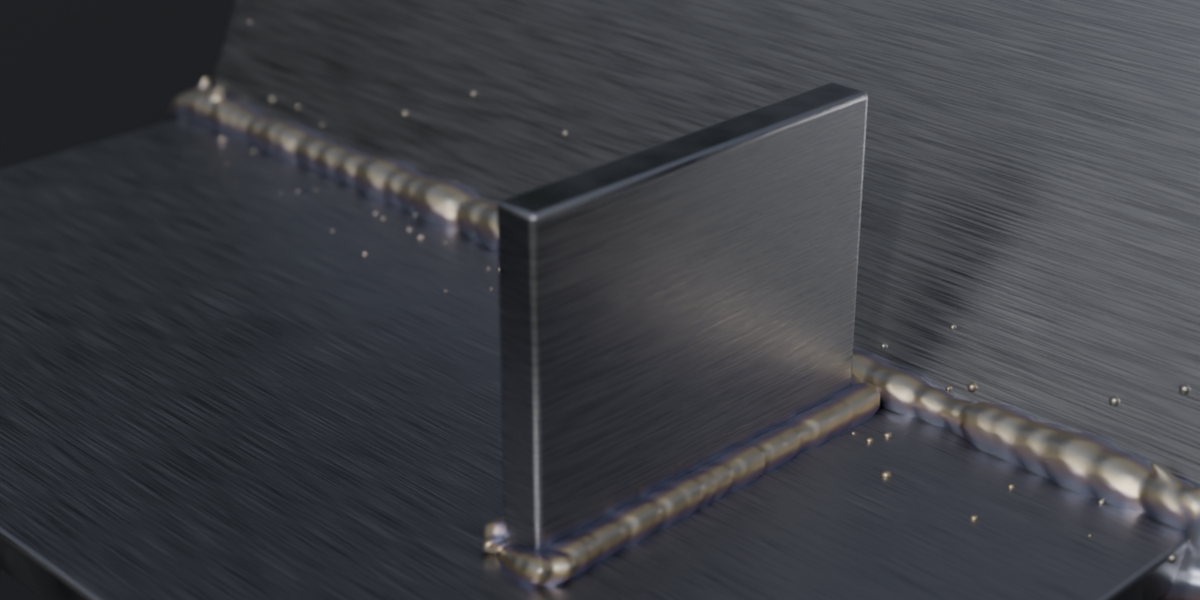
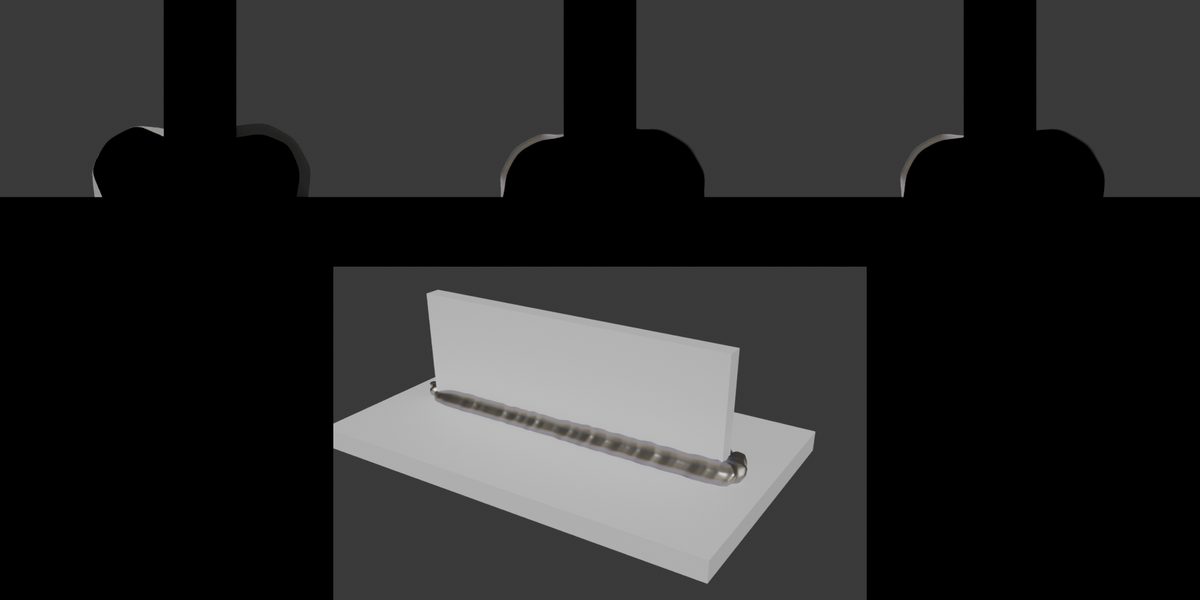
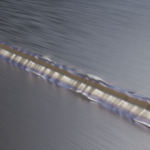
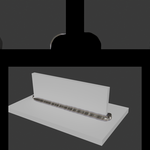
My first ever addon on Procedural weld seams for Blender, built on Geometry Nodes. Paint a weld with a brush, weld two parts along their intersection, or run a seam along edges or a curve. The weld stays live: move the parts and it rebuilds. When you're done, bake it down to a game-ready low-poly mesh -> This feature is still work in progress
Compatibility
- Tested on Blender 5.2 and 5.3.
- Should work on Blender 5.0+ (Fused mode uses SDF grid nodes, which were added in 5.0).
- Blender 4.x was not tested.
Features
Ways to make a weld
- Weld Brush: hold LMB and paint a seam on any surface. If the stroke crosses from one part to another, the weld settles into the corner between them.
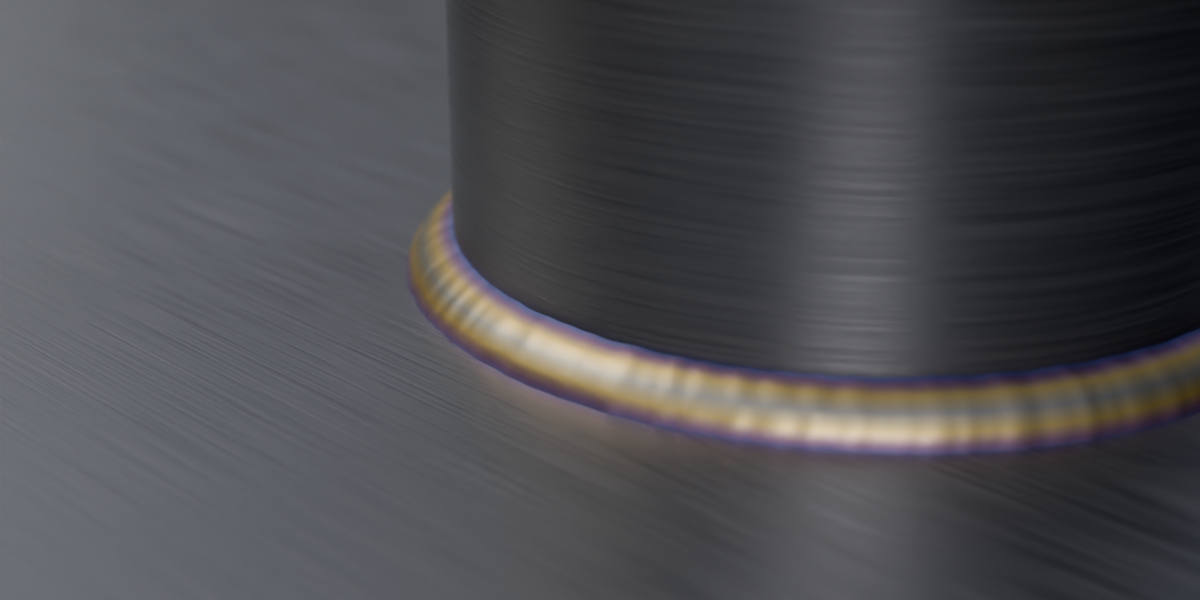
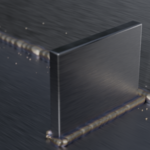
- Weld Selected Objects: one click, and a weld follows the intersection of the parts.
- Weld Selected Edges: in Edit Mode, a weld along the selected edges.
- Weld Along Curve: a weld along any curve, sticking to the chosen surface.
Look
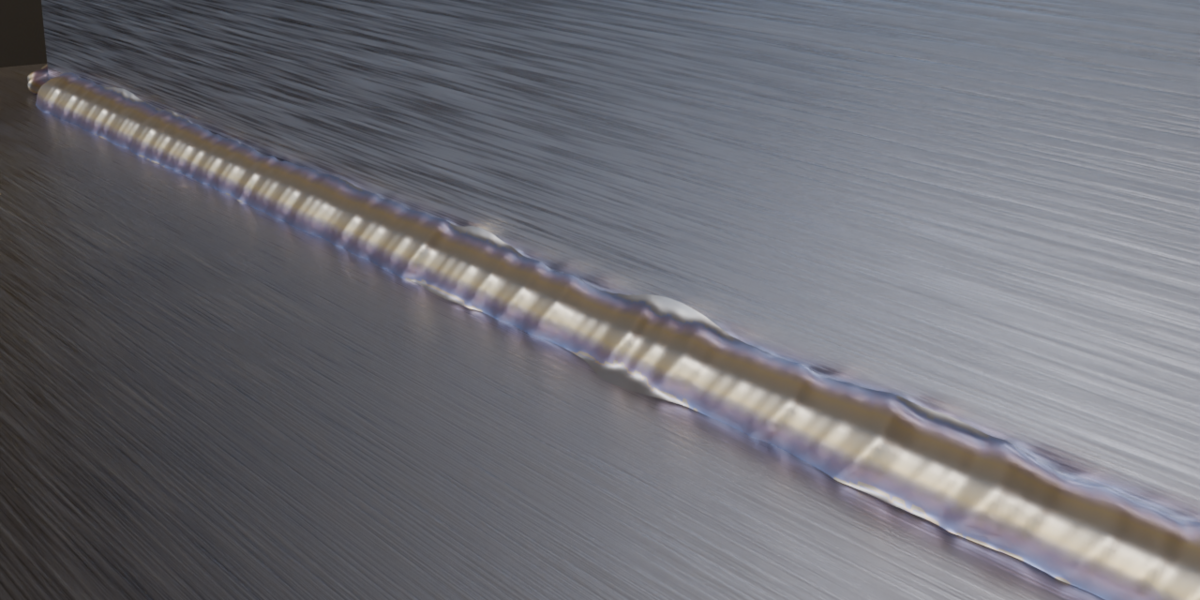
- Fused metal: the beads are melted together through an SDF volume, so the seam is one solid mass instead of separate blobs.
- Capillary wetting: the liquid metal wicks into the corner and spreads thin onto both walls as a concave meniscus, with a ragged, distorted edge.
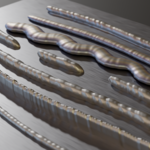
- Ripples, plus taper at the ends, stitch (intermittent) welds, weave (side-to-side torch motion), width variation, spatter and heat tint.
- 12 presets: MIG, TIG, Stick, Stitch, Spot, Stacked dimes (TIG), Wide weave, Chain, Rope, Wetted (capillary), Smooth bead, Low poly. You can also save your own presets.
